
Parties: RPG Party System & Team UI
- By

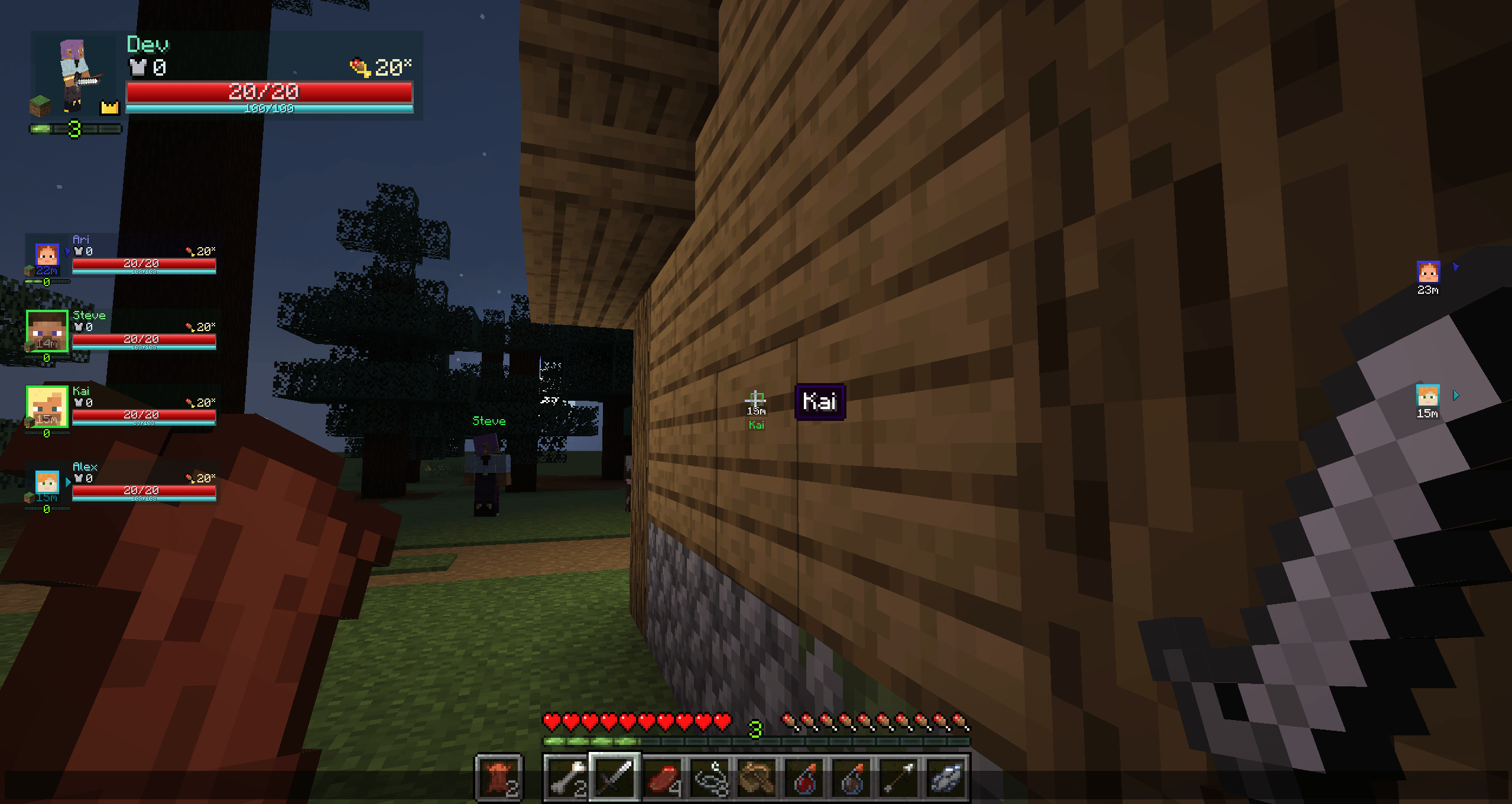
Kai renders through walls with a head and distance tag, and hovering the head reveals a name tooltip. Fully visible, Steve shows only a nameplate. Off-screen allies show head pointers. Party UI also supports radar mode by default. (Mock teammates shown.)
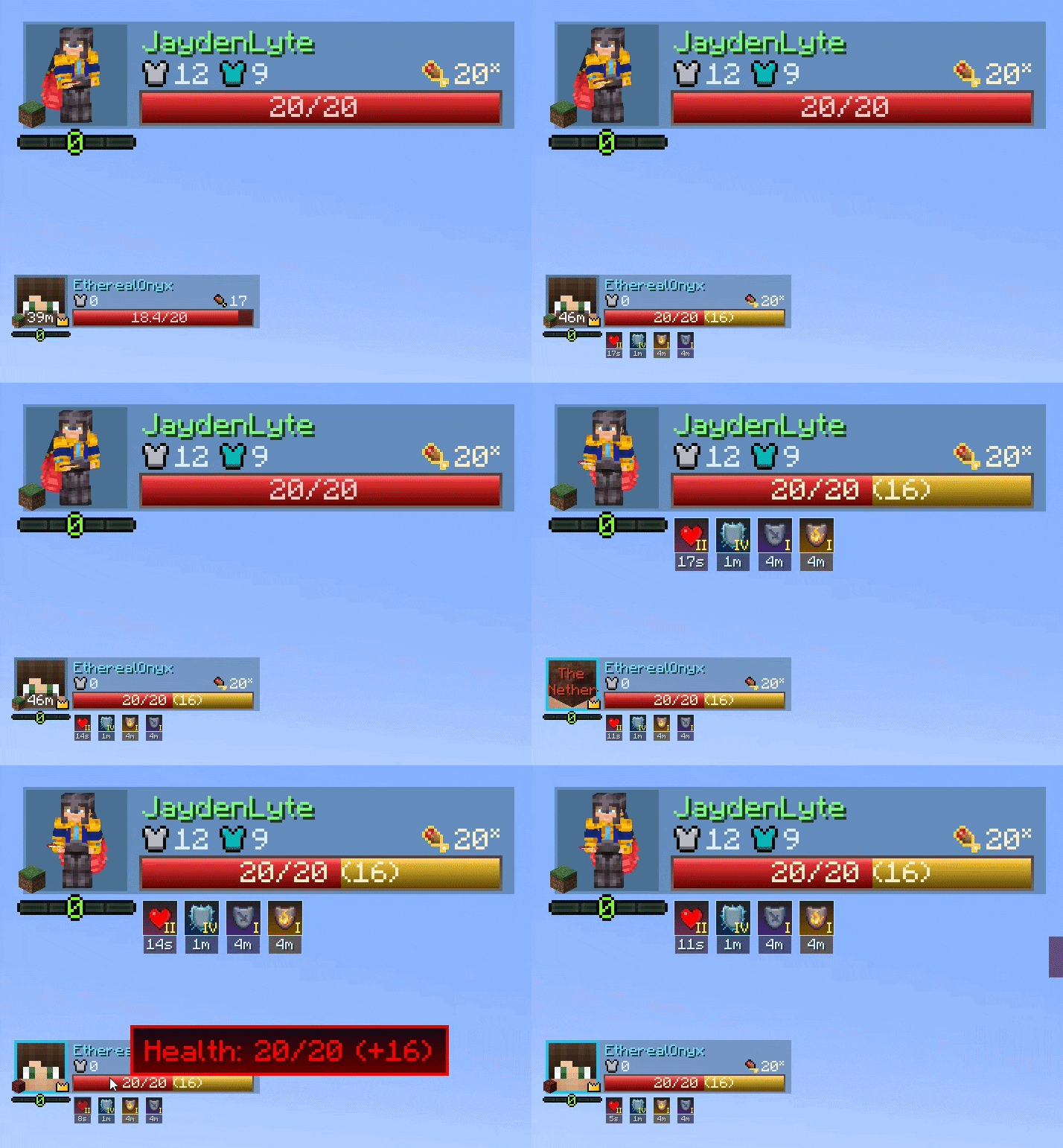
Representation of the default UI layout, cropped and anchored to the top left part of the screen
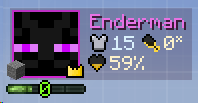
An example of a minimal layout done within a minute in the Layout Editor.
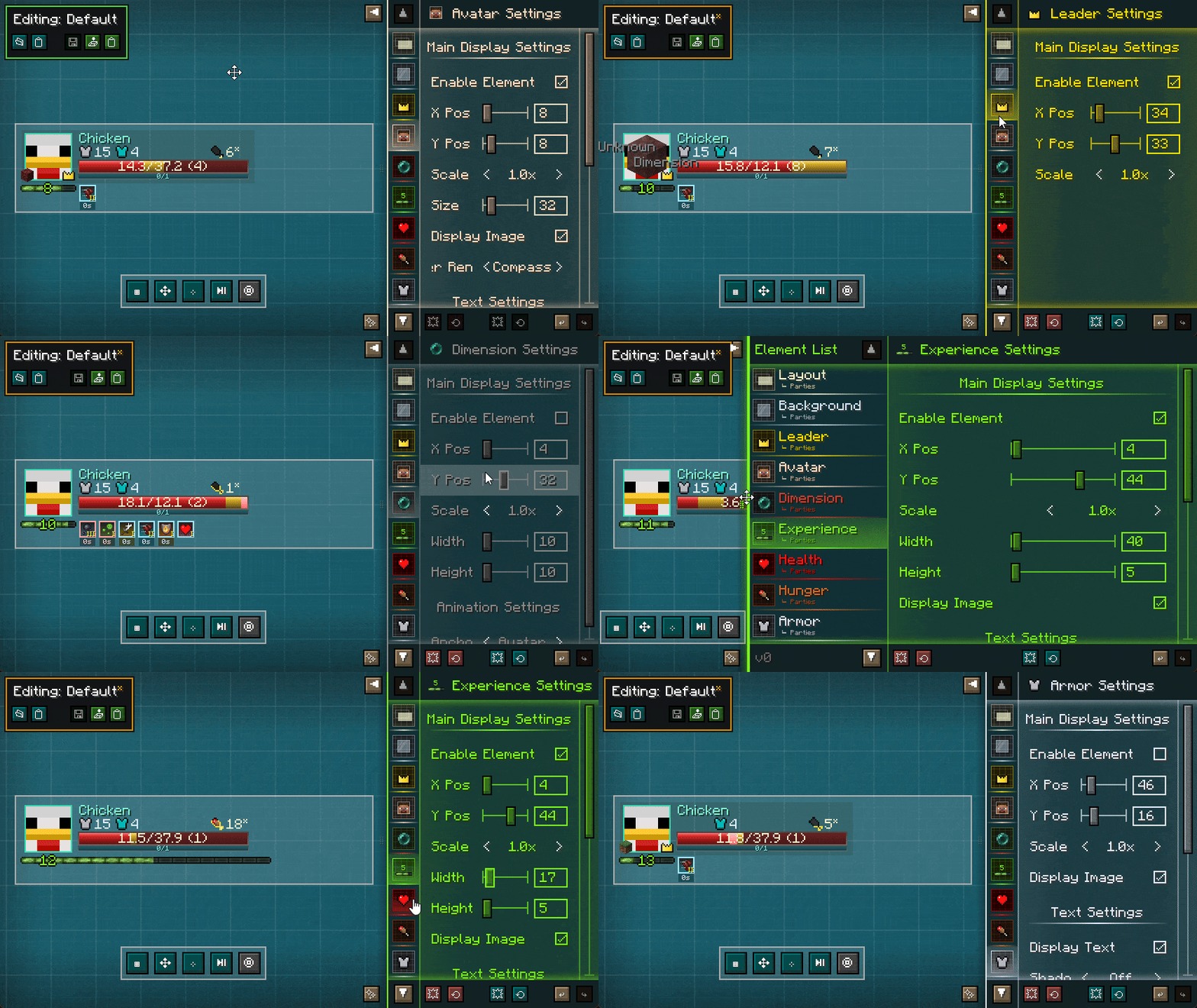
The Layout Editor being utilized. The UI is transparent by default, allowing you to see the world behind the editor - Steve was just staring at Cyan Concrete to save bandwidth.
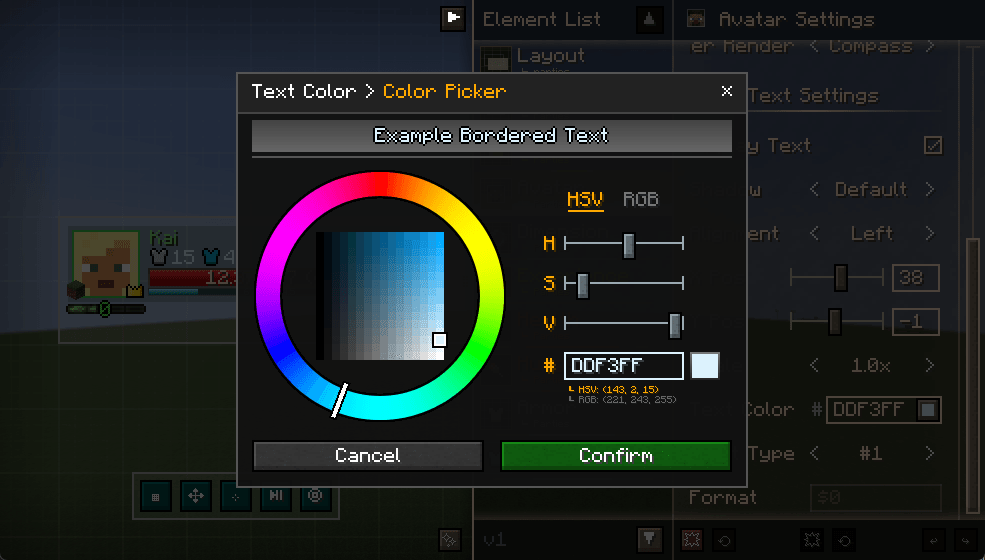
An example of how the Color Picker in the Layout Editor looks like. Primarily used to choose text colors of elements.
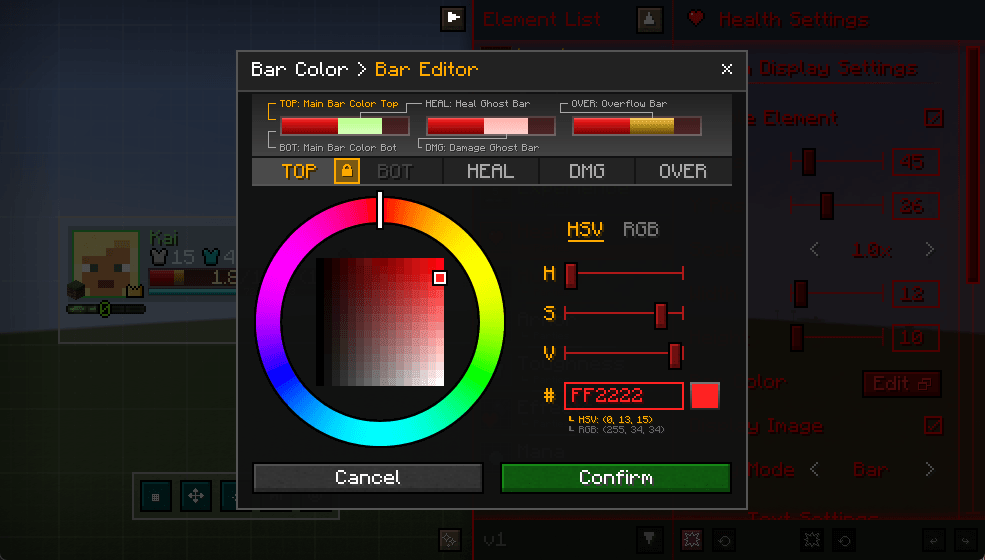
Example of how the bar editor looks like. Allows you to customize bar gradient colorings (allowing dual-color main bars if wanted), as well as the heal bar and damage bar animation colors. The overflow bar is Absorption for health, Saturation for hunger.
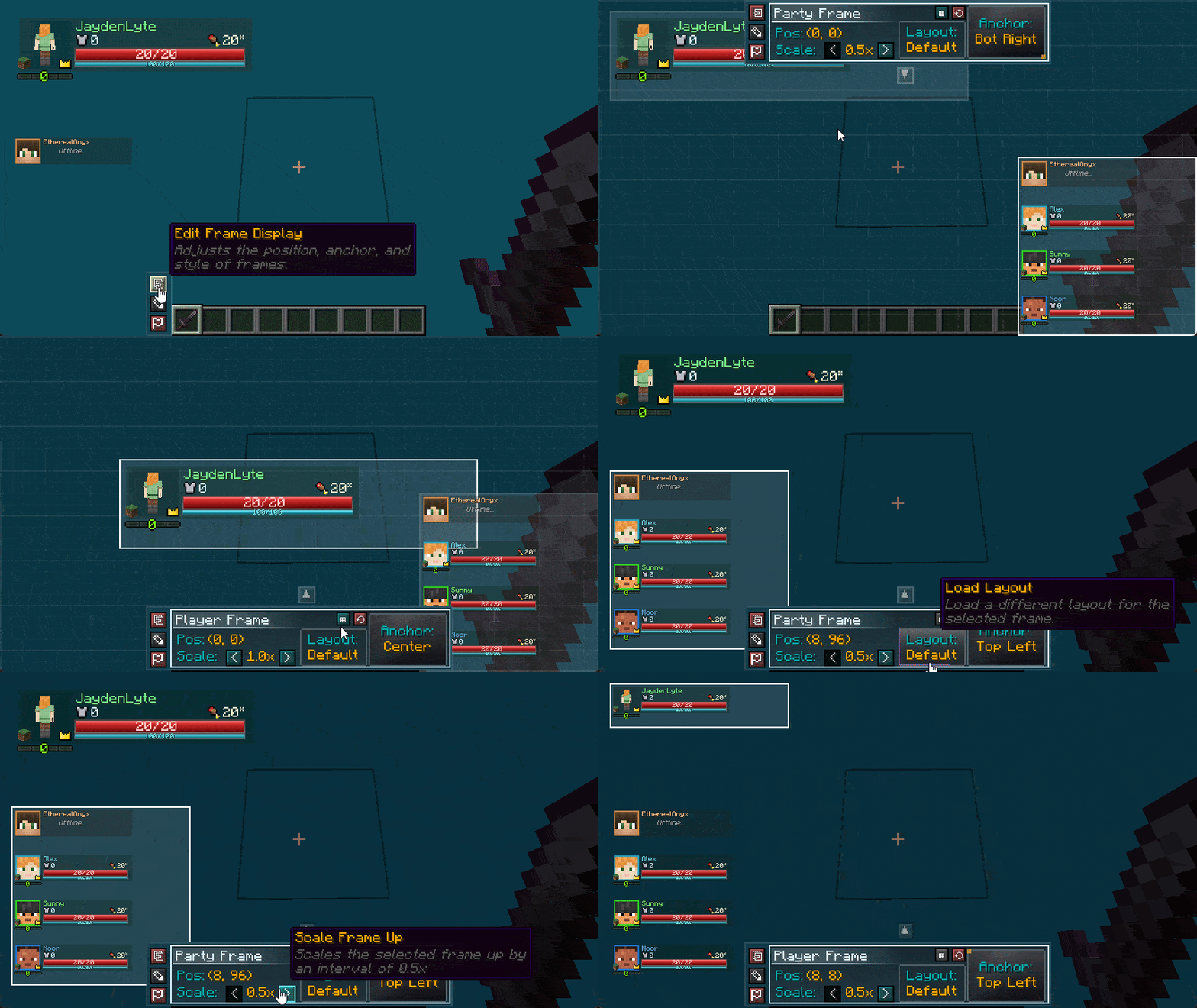
The Layout Editor in action. Allows you to reposition frames with the ability to scale and anchor as well. Steve was still staring at cyan concrete.