


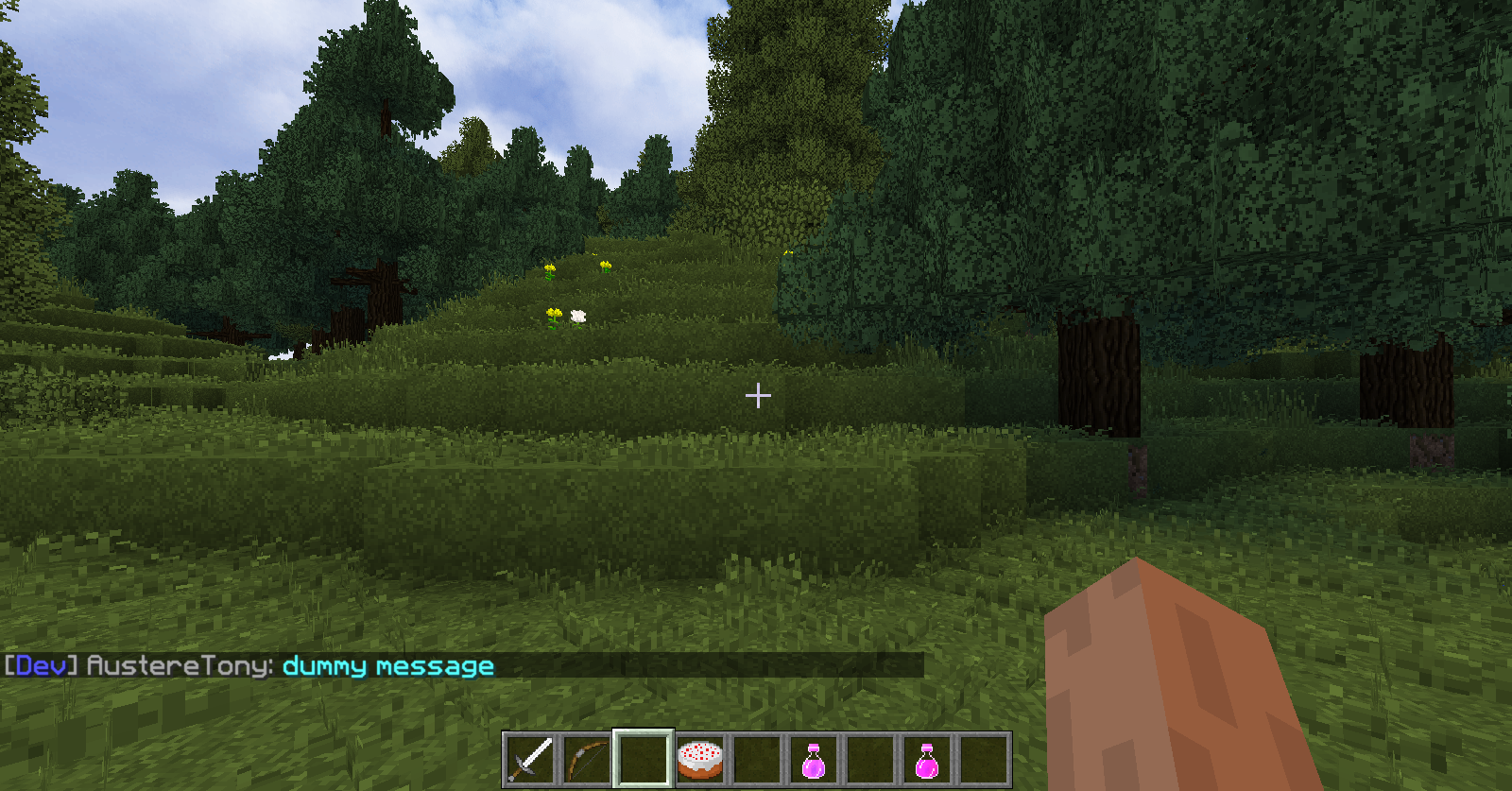
This is example of custom formatted chat. Chat formatting depends on player role. Oxygen chat formatting is disabled by default.
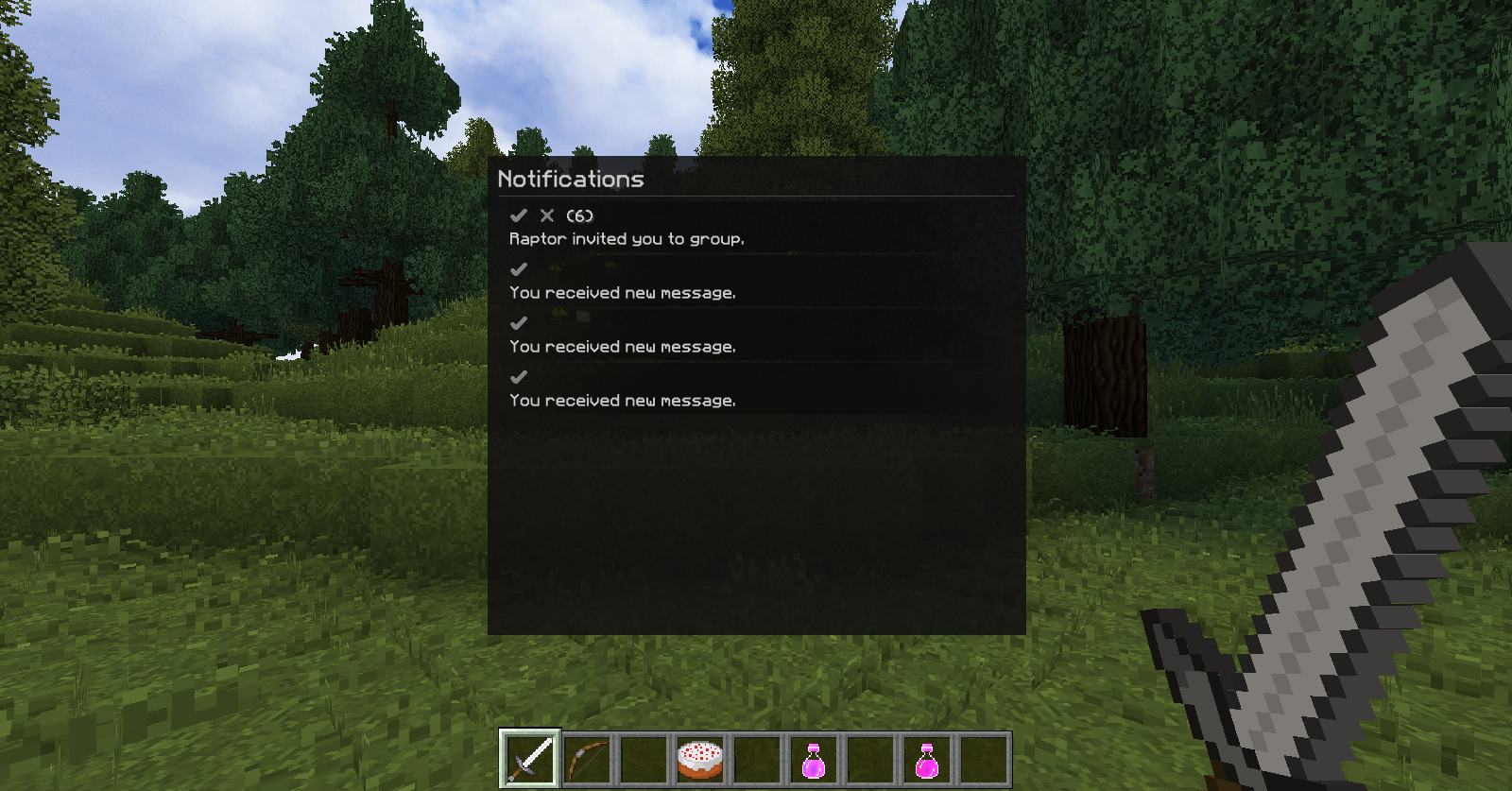
The notification menu is designed to store incoming requests and important messages. Can be opened with "N" key press or client chat command "/oxygenc core -notifications".
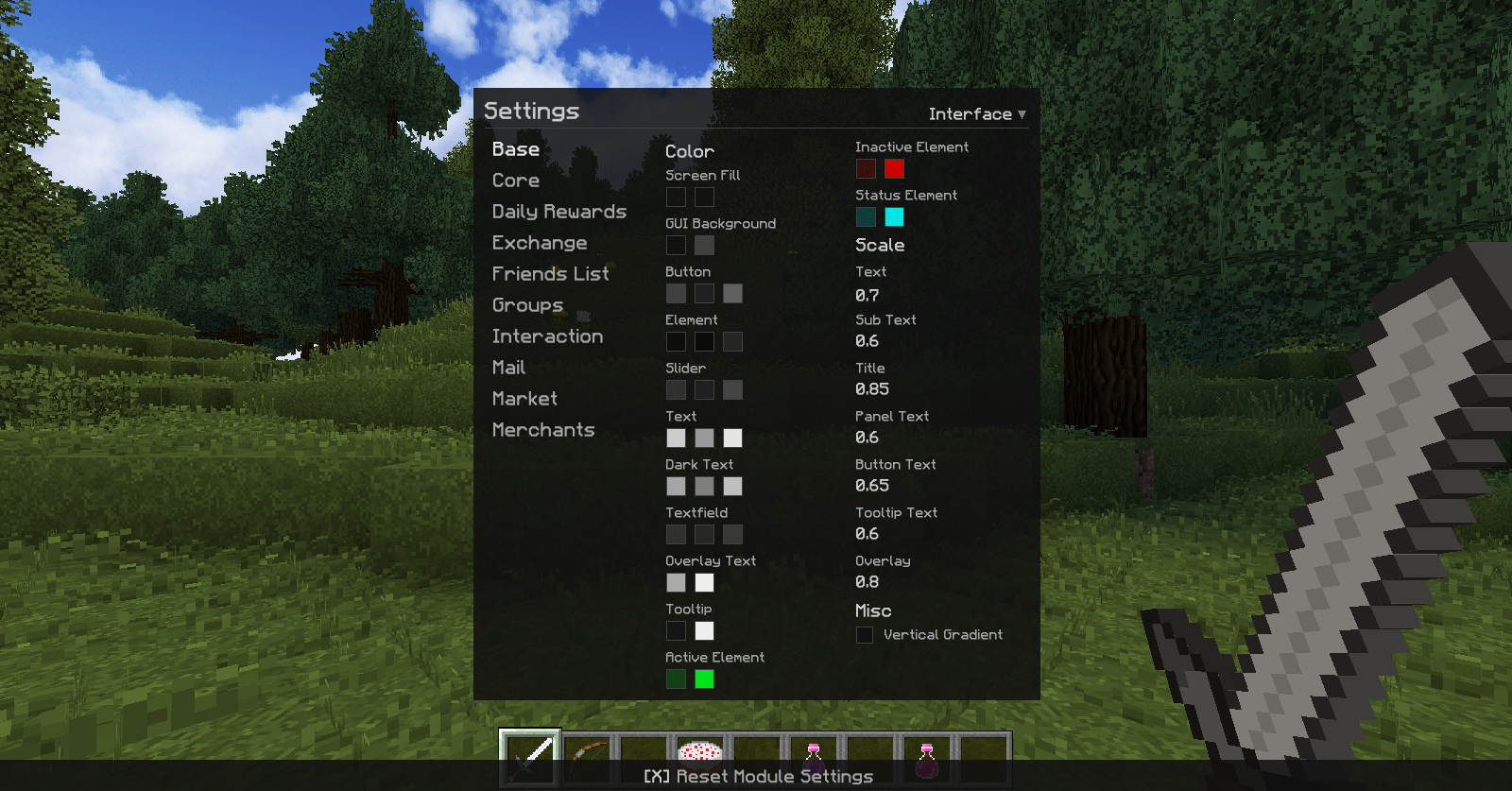
The settings menu is used to configure the client and graphical interfaces. You can open the menu with the command "/oxygenc core -settings" or via Oxygen Menu.
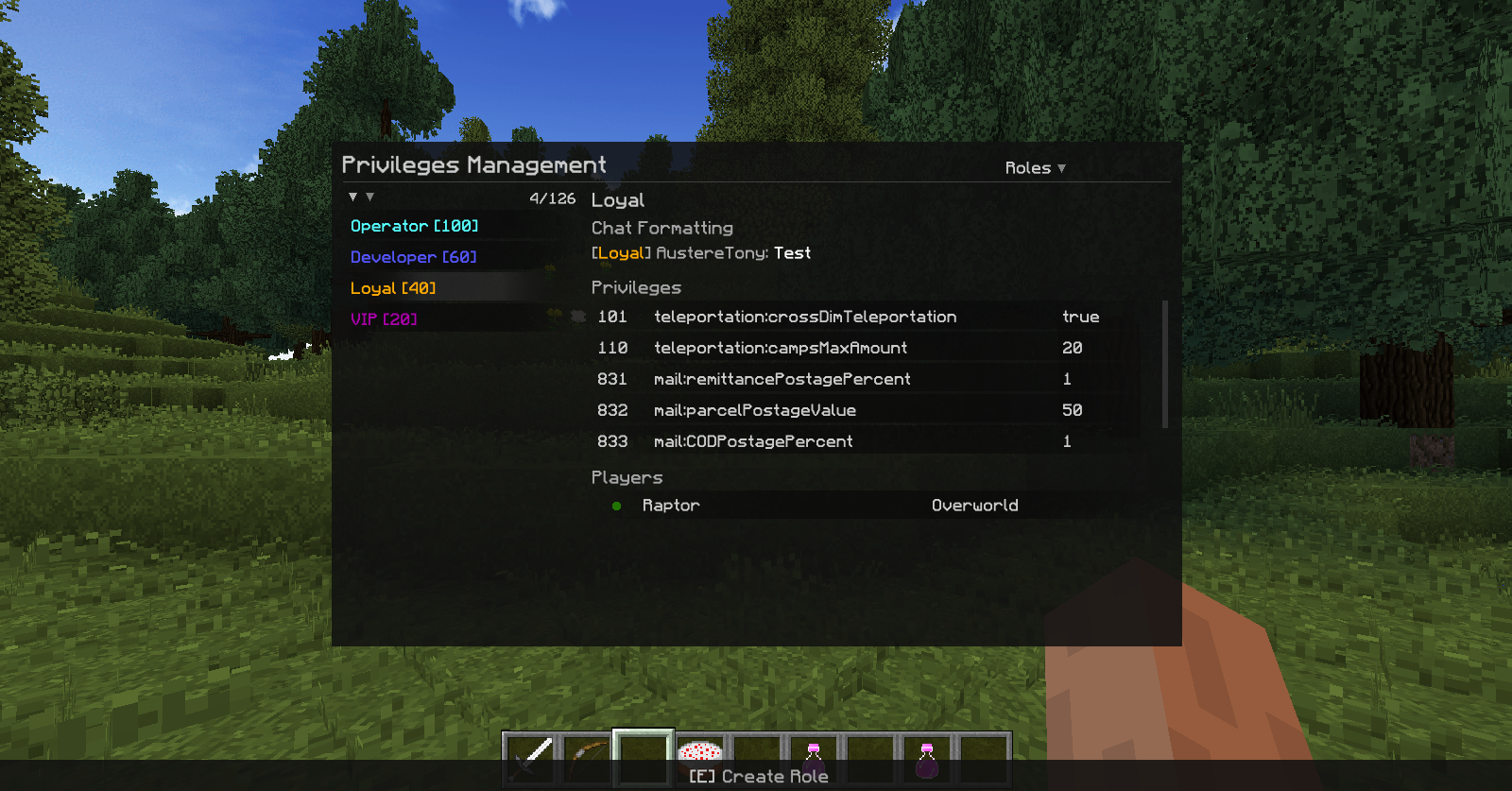
Operators can manage roles and default privileges, as well as promote players. This menu can be opened with command "/oxygenc core -privileges -management".
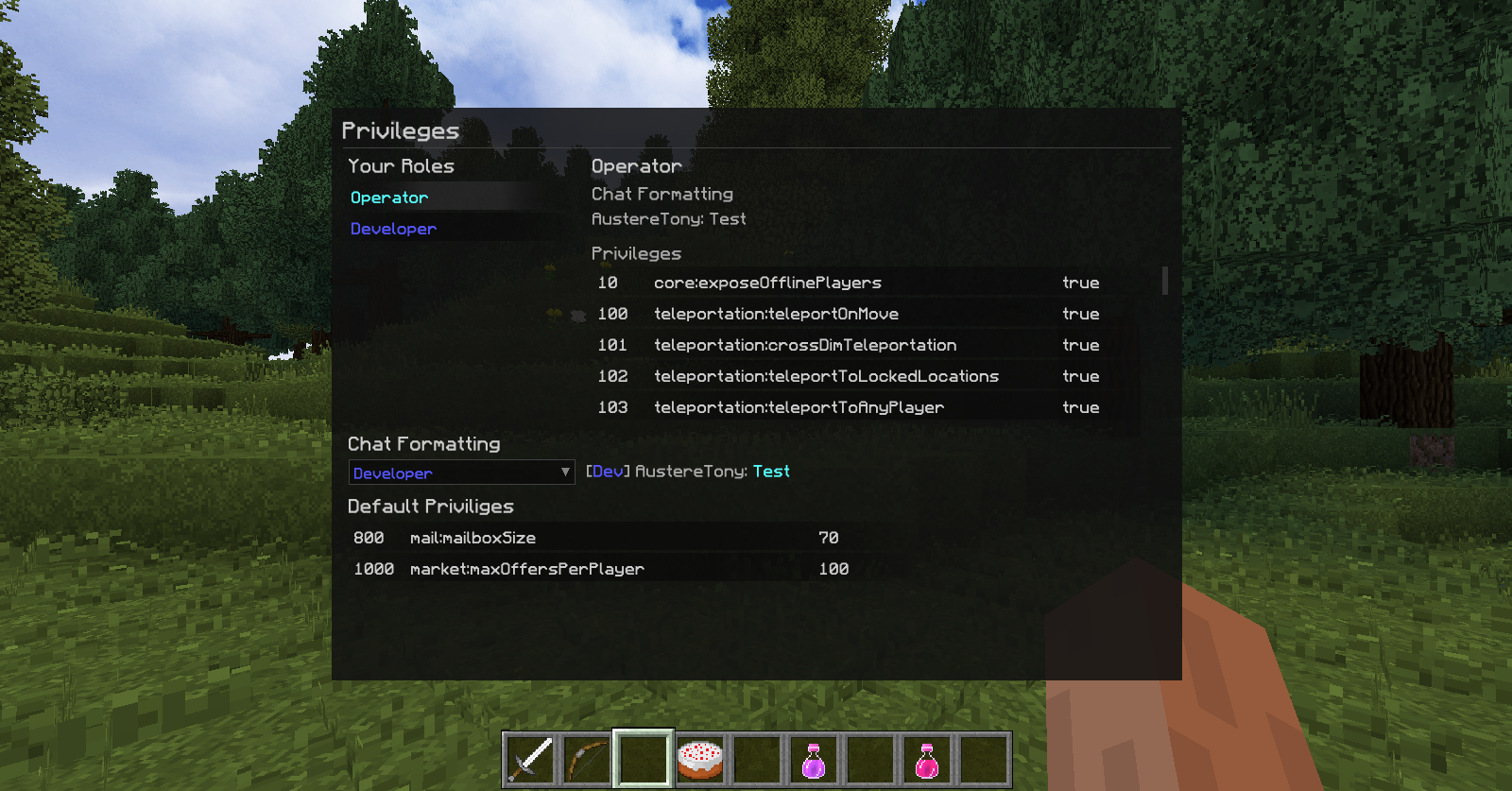
Here can see your roles and privileges and change active chat formatting. Menu can be opened via Oxygen Menu or with chat command "/oxygenc core -privileges".

