OvercastUI
- By
A full web browser overlay inside Minecraft, Steam-overlay style. Browse, read the wiki, or watch video in picture-in-picture without alt-tabbing or pausing draggable tabbed windows, split view, custom themes. Client-side.
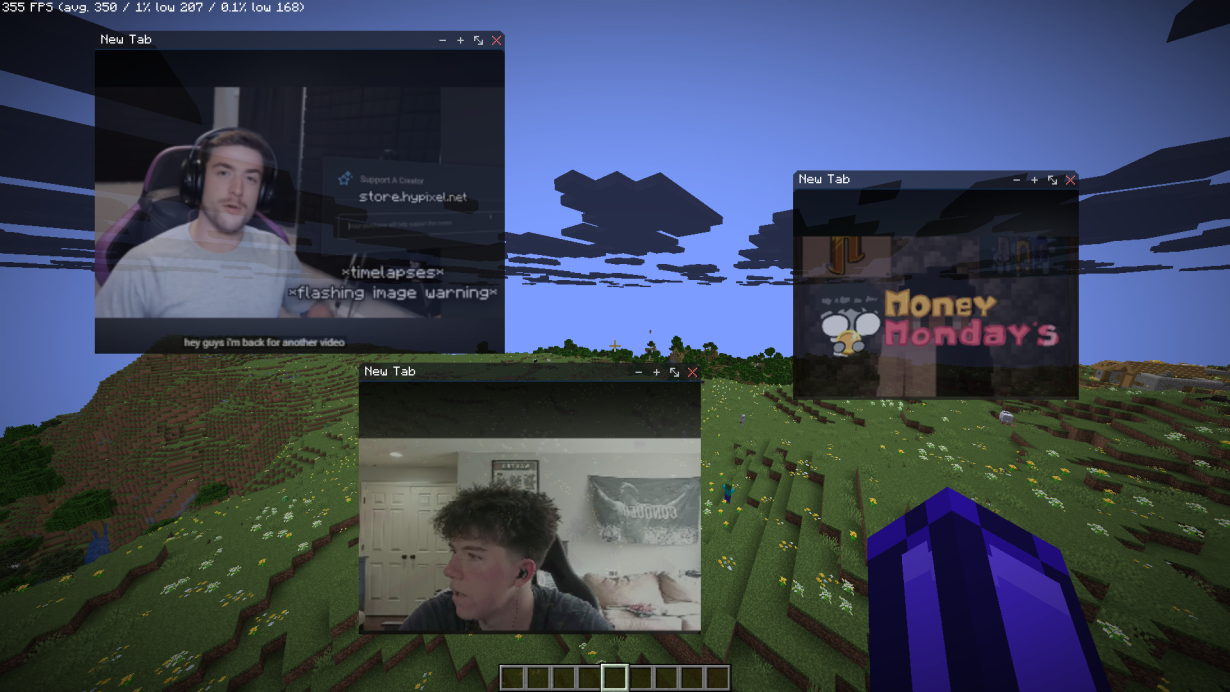
Picture-In-Picture-Browser-Example-Youtube.webp
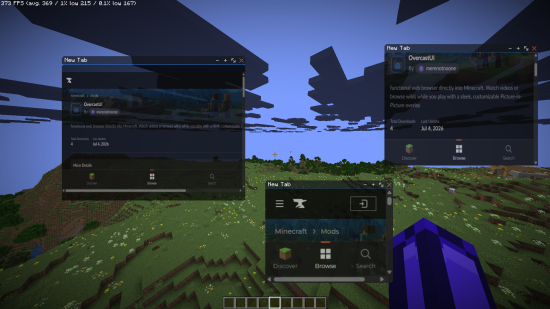
Picture-In-Picture-Browser-Example-OverCastUI.webp
Description
OvercastUI
A Steam Overlay-style Chromium browser, built into Minecraft. Browse the web without alt-tabbing or pausing your game. Client-side only, Fabric.
Features
* 🪟 Multiple windows — draggable, resizable, with tab support * 🌐 Full browser — back/forward/reload/home, address bar, find-in-page, per-tab zoom * 📺 Picture-in-Picture — videos keep playing after you close the overlay * 🔲 Split view — two pages side by side * 🎨 Theming — adjustable opacity and backdrop * ⌨️ Rebindable hotkey — default Shift+Tab, in-game settings menu * 💤 Tab suspension — sleeps idle tabs to save resources * ⏸️ Never pauses your game
How to use
1. Install Fabric Loader + Fabric API, then drop OvercastUI in your mods folder.
2. Press Shift+Tab in-game to open the overlay (rebindable in settings).
3. Wait 10–15 seconds for Chromium to download (first install only).
4. Enjoy!
Compatibility
* Loader: Fabric * Minecraft: 1.21.1, 1.21.11, 26.1, 26.1.1, 26.1.2 * Side: Client only * Requires: Fabric API
Whether you want an in-game browser to keep a wiki open, a Steam-style web overlay to watch videos while you play, or picture-in-picture for a stream OvercastUI keeps it all inside Minecraft, no alt-tabbing.
🔗 Website & full docs: https://merenotnoonereal.github.io/overcastui/
OvercastUI Team