NoForcedPacks
- By
Disable server-forced resource packs, or toggle individual textures on/off. Turns any forced texture pack into per-texture controls in the vanilla menu client-side, saved across restarts, tested on Hypixel.
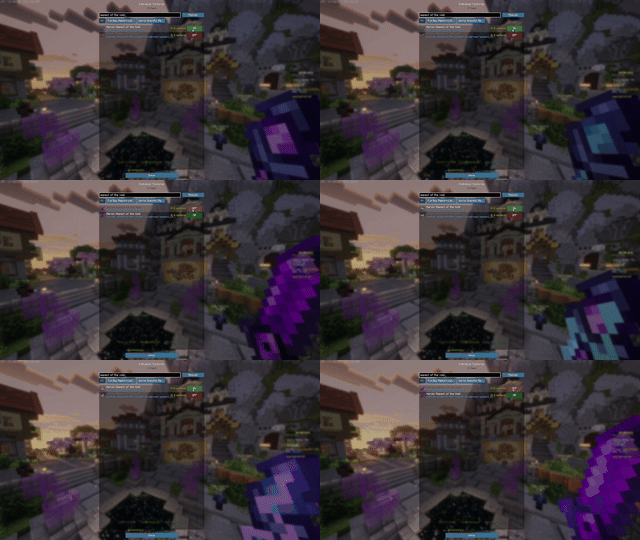
Toggle Individual Textures!.gif
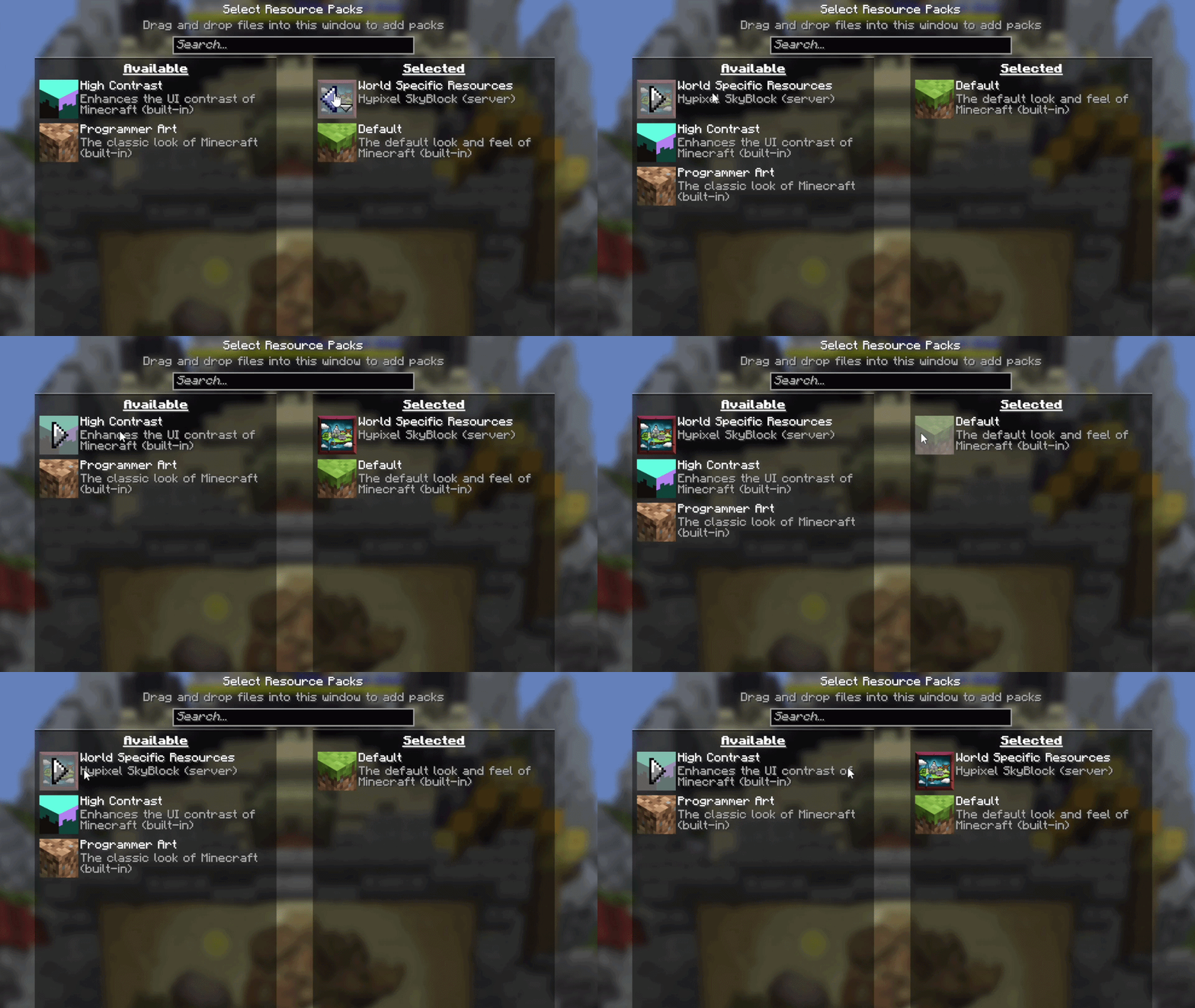
enable-disable-forced-packs-gif.gif
Description
NoForcedPacks
NoForcedPacks lets you disable server-forced resource packs or toggle individual textures on and off — turning any forced texture pack into optional, per-texture controls in Minecraft's vanilla Resource Packs menu. Your choices persist across reconnects and restarts, your own installed packs are left untouched, and it's 100% client-side (nothing to install on the server). Tested on Hypixel and Hypixel Skyblock.
Tired of a server forcing its resource pack on you? NoForcedPacks puts you back in control — the whole pack, or just the textures you don't want.
✨ Features
- Disable server-forced resource packs — no more being stuck with a texture pack you never chose.
- Per-texture control — keep the parts you like and switch off only the individual textures you don't. It's not all-or-nothing.
- Your settings persist across reconnects and game restarts.
- Leaves your own packs alone — user-installed and built-in packs are untouched.
- 100% client-side — no server-side install; works on servers you don't own.
- Tested on Hypixel and Hypixel Skyblock.
🔧 How to use
- Install Fabric Loader + Fabric API, then drop NoForcedPacks into your
modsfolder. - Join a server that forces a resource pack.
- Open Options → Resource Packs — the forced pack (and its individual textures) now appear as toggles you control.
- Turn off whatever you don't want. Your choice is remembered next time.
❓ FAQ
Does it work on Hypixel / Hypixel Skyblock? Yes — it's tested on both. Do I need it on the server? No. It's fully client-side; only you need it installed.
Do my settings stick after I reconnect or restart? Yes, they persist.
Is NoForcedPacks a good My Resource Pack My Choice alternative? Yes it covers the same core job (blocking a server's forced pack) and adds per-texture control and settings that persist across restarts.
Will it affect resource packs I installed myself? No. It only touches server-forced packs.
Is this bannable? It's a client-side visual toggle that doesn't give a gameplay advantage, but always check your server's rules you're responsible for how you use it.
🧩 Compatibility
- Loader: Fabric
- Minecraft:
[1.21.11 / 26.1.x / 26.2 — set to your current supported versions] - Requires: Fabric API
- Side: Client only
Website & full docs: https://merenotnoonereal.github.io/noforcedpacks/
The NoForcedPacks Team