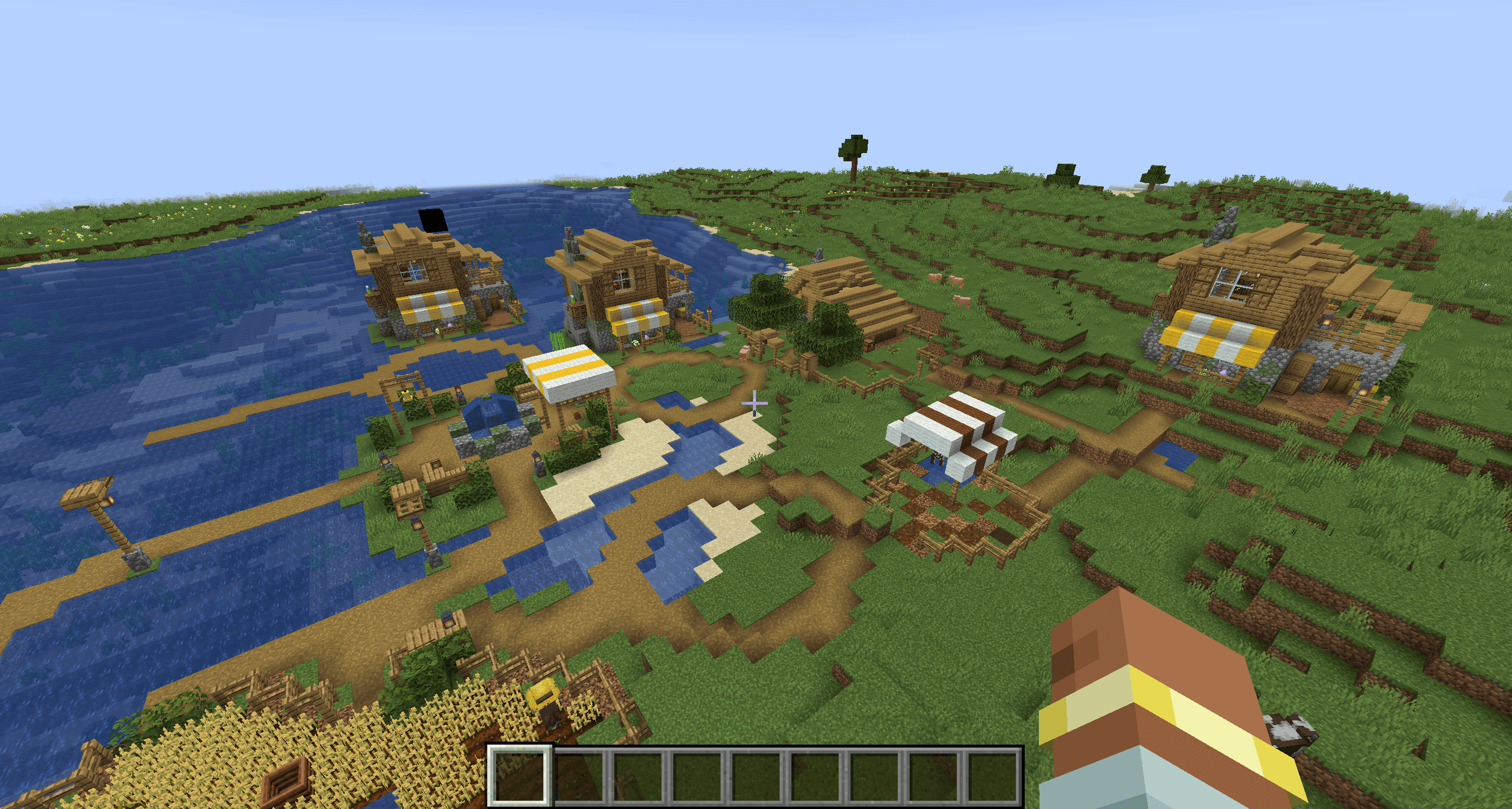
Basic village in the plain
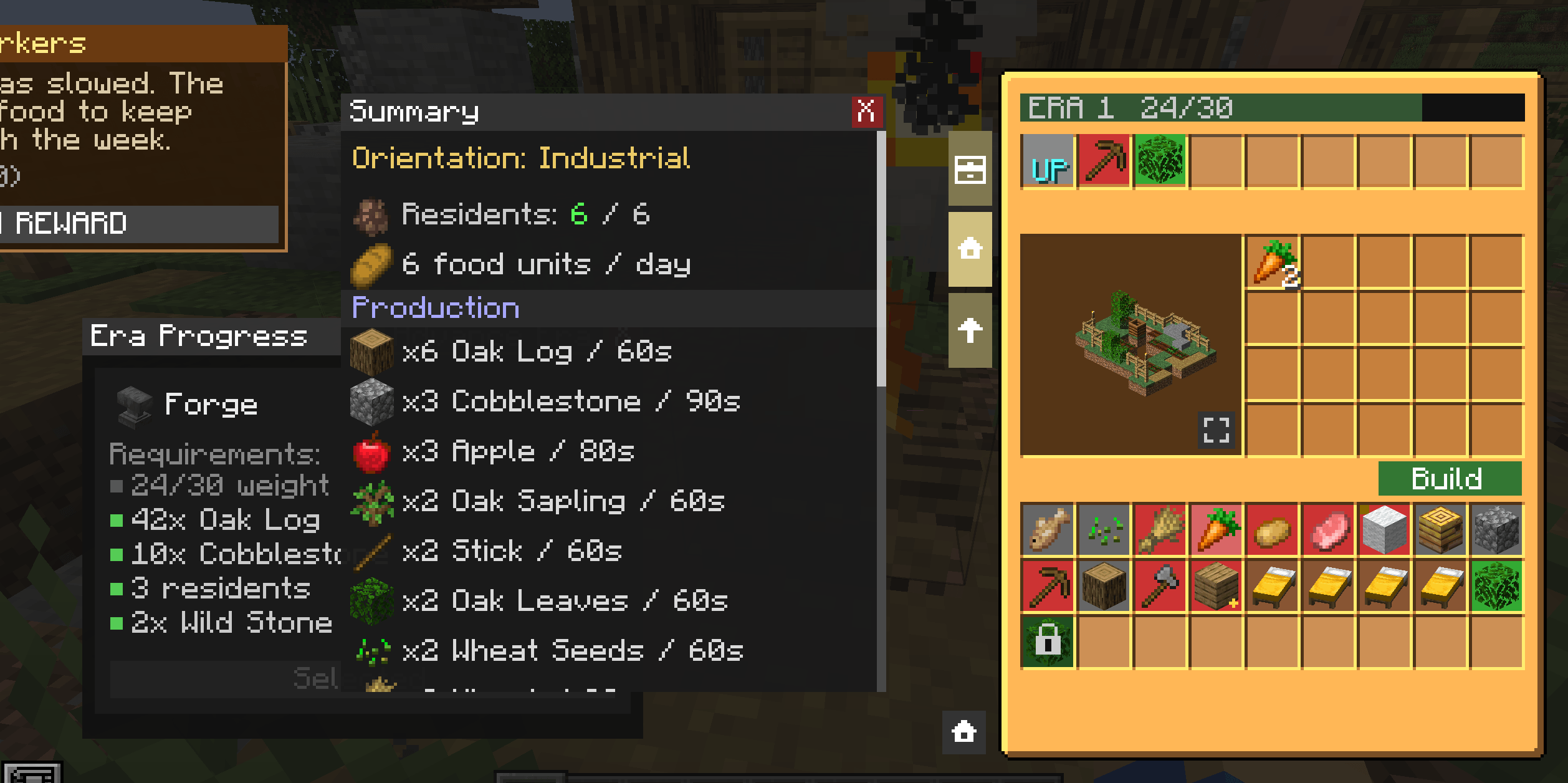
Village interface and building catalog
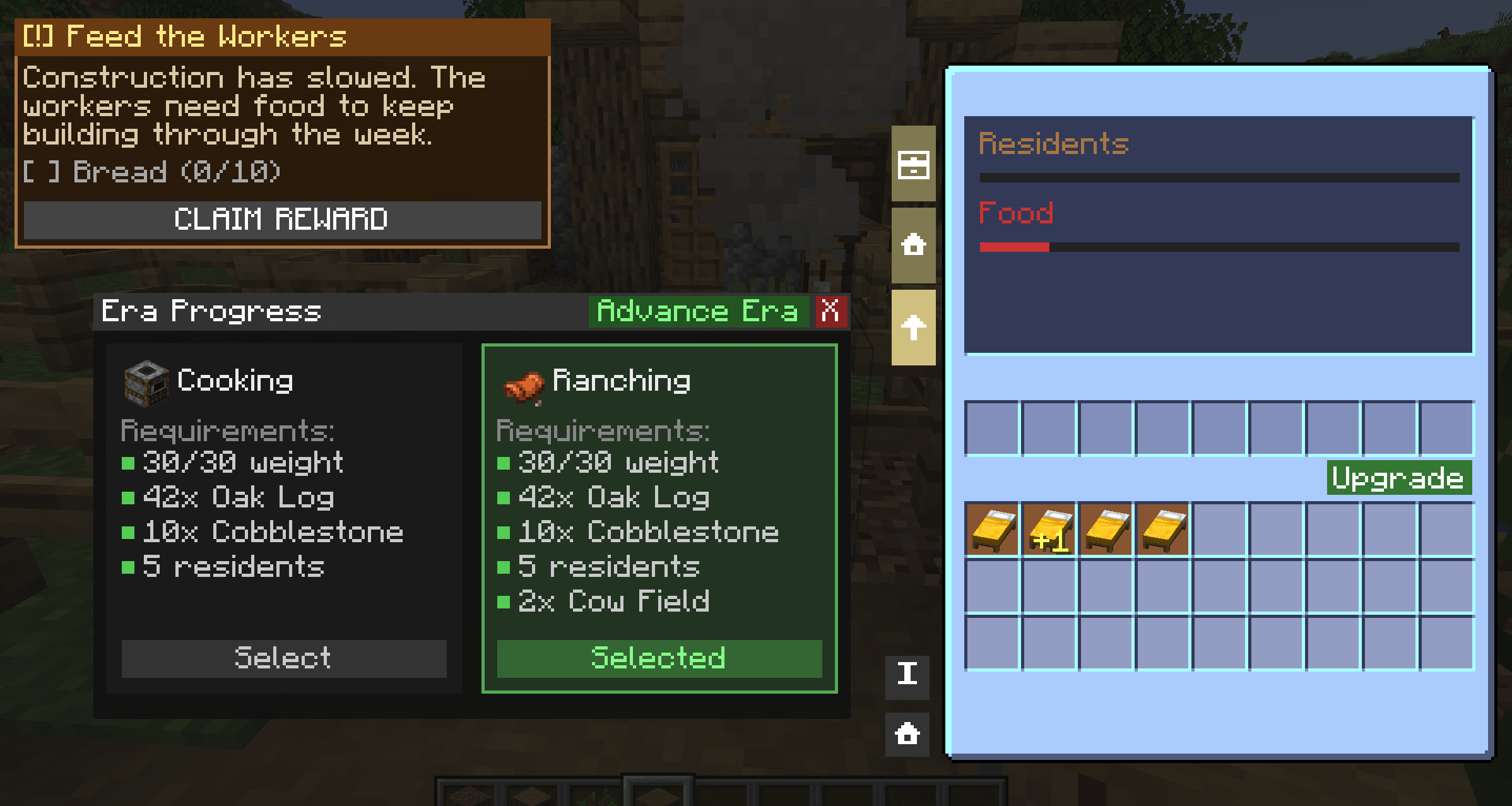
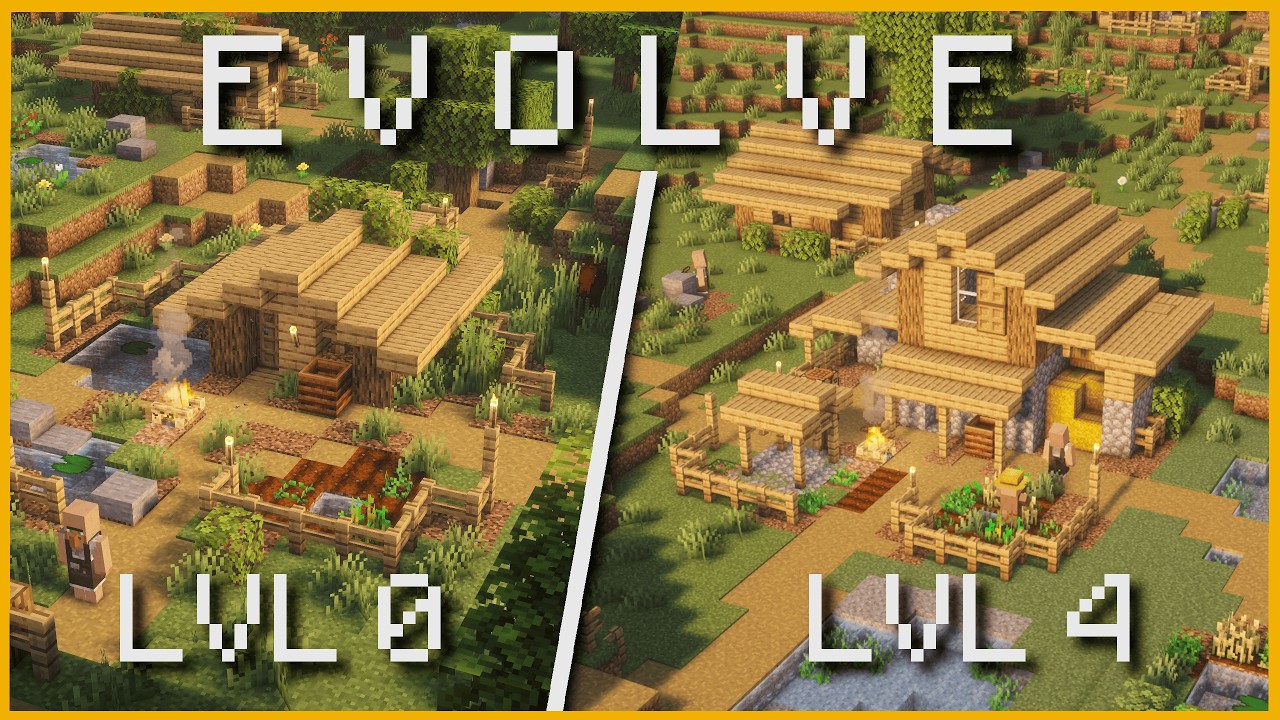
Upgrade system and era and orientation forking system
Description
Once Upon a Town [BETA]
Village management mod that completely reworks the way plains villages feel and behave. Instead of static, empty settlements, every village you find becomes a living project you can grow, shape, and specialize over time.
The mod is using a 100% datapack architecture, making it highly customizable and modpackmaker friendly
Known incompatibility: https://www.curseforge.com/minecraft/mc-mods/journeymap
The mod is actively developed and currently in Beta. Expect weekly updates!
Join our social networks

Finding a Village
All enhanced villages are generated in the overworld plains biome. To locate one quickly, use the command:
/locate structure onceuponatown:plains_townIf you want to test in on a flatmap:
/place structure onceuponatown:plains_townWhen you arrive, you will recognize the village by its campfire anchor block at the center of the settlement. Click it to open the village management panel -- this is your main interface for everything.
How It Works
The Village Management Panel

The management panel is divided into several sections:
- Construction -- browse available buildings and add them to the construction queue
- Upgrades -- upgrade your existing buildings to unlock new tiers and recipes
- Stock -- see everything the village currently produces and stores
- Era progress -- track your progress toward the next era of development
The Builder
Each village starts with one builder NPC. He reads the construction queue and builds autonomously: he walks to the spot, gathers what he needs from the village stock, and places the structure block by block. You do not need to stay nearby -- he keeps working even when you leave the game. A second builder can be unlocked at Era 2 to speed up development.
Sending Resources to the Village
You cannot directly drop items into the village stock. Instead, use the trading zone (the green slots in the management panel). This zone accepts resources that the village needs -- oak logs, cobblestone, seeds, and more. The village then uses those resources to fund construction costs and produce goods.
Quick tip: oak logs are the most universally useful resource early on. Keep the trading zone stocked and your builder will rarely be idle.
The Era System
Your village progresses through eras, each unlocking new buildings and interactions. To advance to the next era you must fulfil specific conditions:
- Have enough active citizens (fed residents living in houses)
- Reach the required weight (total buildings built)
- Meet any building or resource requirements for that era
Advancing to a new era upgrades the Town Hall and expands how many structures you can build. The era progress widget in the management panel shows exactly what is still missing.
The Weight System
Each building you construct adds weight to the village. The weight cap grows as you advance through eras, which naturally paces your expansion:
| Category | Weight |
|---|---|
| Jobs | 3 |
| Gardens | 3 |
| Houses | 2 |
| Naturals | 1 |
Once the cap is reached, no new construction is possible until you advance to the next era. This prevents runaway growth and gives each era a clear feel.
Citizens and Food
Houses bring citizens to the village. Each citizen consumes one unit of food per day. Citizens that are fed are counted as active and contribute to era progress and building requirements.
Keeping your citizens fed is not optional -- many advanced buildings require a minimum number of active residents, and the Merchant Shop for example requires 5 active citizens before you can build it.
To produce food, build crop fields early and maintain a steady supply.
Building Categories
Naturals (gray)
Naturals are the foundation of the village. They cost little, cannot be upgraded, and passively boost your production through garden bonuses. Each natural structure adds a small production multiplier to all active output across the village.
Examples: Wild Spot, Wild Crops, Wild Bee, Grove, Lake, Lone Garden
Houses (brown)
Houses add citizens. More citizens means more food consumption but also unlocks higher-tier buildings.
Examples: House (4 variants with increasing capacity)
Jobs (red)
Jobs are your main production and crafting buildings. Each one produces specific resources over time and many can be upgraded through multiple levels to unlock new outputs.
Progression follows a chain -- you need wild crops before planting wheat, a bee field before building the beekeeper, two cow fields before opening the leather workshop. Plan your construction order.
Crop fields: Wheat Field, Carrot Field, Potato Field\ Animal fields: Cow Field, Sheep Field, Pig Field, Pig Farm\ Processing: Beekeeper, Leather Workshop, Granary, Workshop, Stone Breach, Lumberjack, Merchant Shop
Town Center (gold)
The settlement itself. It produces basic resources from the start (oak logs, cobblestone, apples) and upgrades as you advance through eras.
Upgrades
Many buildings can be upgraded through several levels. Each upgrade costs resources and may:
- Visually transform the building structure
- Unlock new crafting recipes (for example the Leather Workshop unlocks saddles and name tags at higher levels)
- Increase the stock capacity of the village (Granary upgrades expand total storage)
Upgrades are managed from the dedicated tab in the management panel.
The Building Catalog
Inside the construction panel, a catalog lets you preview every building that has ever been built in the village. If a building was constructed at least once, you can see its full rendered preview level by level. Buildings that have never been built appear locked.
The catalog is tied to a single village and is a good way to plan your next expansion.
Orientations
When a village first generates, it spawns with one of three starting orientations that define its early identity:
| Orientation | Starter buildings | Bonus |
|---|---|---|
| Stone | Tree Field + Stone Deposit | +15% production on those buildings |
| Food | Pig Field + Cow Field | +15% production on those buildings |
| Wood | Tree Field + Farm Field | +15% production on those buildings |
The starting buildings are built at zero cost and immediately benefit from a permanent 15% production bonus. Your orientation influences which path through the era tree is most natural for your village.
Commands (for admins and testing)
/ouat town status         -- summary of the village state
/ouat town stock          -- list all items in the village stock
/ouat town addstock       -- manually add items to the stock
Compatibility
- Minecraft 1.20.1
- Supports Forge (47.x) and Fabric (0.92.x)
- No external dependencies required
I create this mod with the assistance of Claude Code
Once Upon a Town Team