Omni Signs
- By
Turns ordinary signs into hidden-command triggers, clickable menus, animated colored text, and Discord webhook notifiers — all independently stackable on the same sign, entirely server-side (no client mod needed).
2026-09-14_19.11.45.png
2026-09-14_19.05.21.png
Description
OmniSign — Anything you can imagine a sign should do.
Features: hidden commands (console or player permission) • redstone, proximity, and scheduled auto-triggers • sign chains (one sign can trigger another) • paginated clickable chest-style menus • animated &-color-coded text • Discord webhook notifications • reusable templates • undo (up to 20 steps) • world export/import backups • NeoForge PermissionAPI integration.
Quick examples
Shop sign — look at a sign, run:
/sign command add console give {player} diamond 1Right-clicking the sign now gives a diamond, with no visible command and no character-limit problem.
Reboot sign with Discord alert:
/sign command add console stop
/sign discord add reboot https://discord.com/api/webhooks/...
Redstone-triggered sign (fires when powered, no click needed):
/sign command add console say The vault is open!
/sign command redstone on
Proximity sign (fires once per player who walks within range):
/sign command proximity 5Scheduled sign (fires on its own timer, every 5 minutes):
/sign command schedule 6000Sign chains — link one sign to trigger another:
/sign wandthen right-click the source sign, then the target sign. Or manually:
/sign command id
/sign command chain <id>
Animated multicolored sign — "The Pentagon" in cycling colors:
/sign animate addframe &c&lThe &6&lPentagon
/sign animate addframe &e&lThe &a&lPentagon
/sign animate addframe &b&lThe &d&lPentagon
/sign animate interval 10
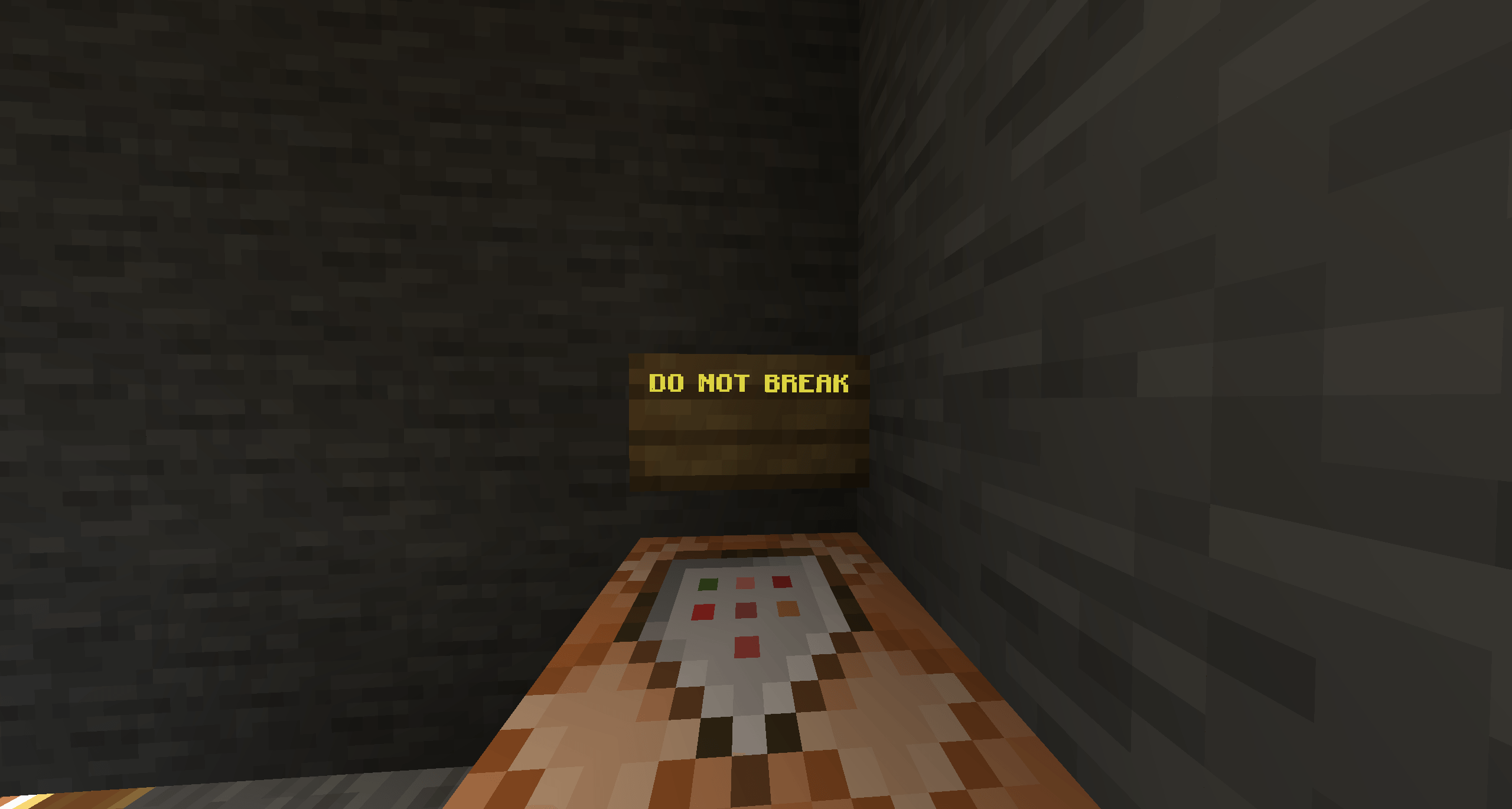
Animated warning sign:
/sign animate addframe &4&l DO NOT BREAK
/sign animate addframe &c&l DO NOT BREAK
/sign animate interval 10
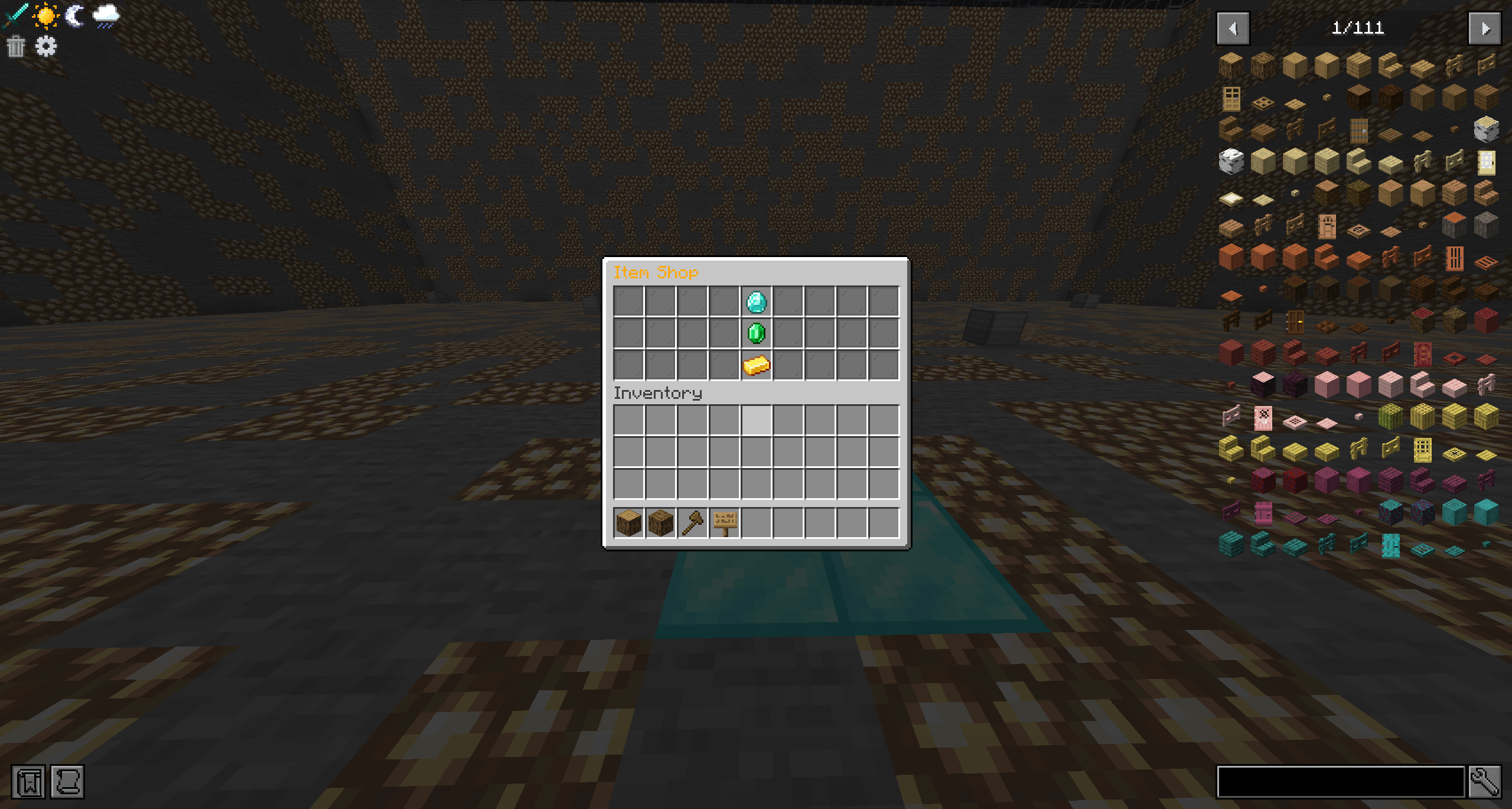
Clickable paginated menu:
/sign menu create Item Shop
/sign menu button add diamond
/sign menu button command add console give {player} diamond 1
Templates — save a fully-configured sign and stamp it out elsewhere:
/sign template save shop-diamond
/sign template apply shop-diamond
Undo any mistake, up to 20 steps back:
/sign undoBackups — export and restore every OmniSign sign in the world:
/sign export my-backup
/sign import my-backup
Inline shorthand also works with no setup at all — no commands needed. Just write a sign with:
[cmd]
say hello
(or [pcmd] to run as the clicking player instead of console) — line 1 is the marker, lines 2-4 are the command(s).
The Omni Signs Team