Nuky's Entity Lens
- By
An RPG-style entity HUD with live 3D portraits, health bars, equipment stats, and floating markers for mobs and players.
🔮 Nuky's Entity Lens — NEL
A closer look. A clearer fight.
Turn a glance into a compact RPG encounter card. Look at a living entity to reveal its name, health and a live 3D portrait — from a tiny chicken to a towering Warden.
🟩 Peaceful · 🟧 Neutral · 🟥 Hostile · 🟪 Player
Floating, three-dimensional markers help you read the crowd at a glance. The detailed card appears when you aim at someone, keeping the rest of your screen clear.
📽️ 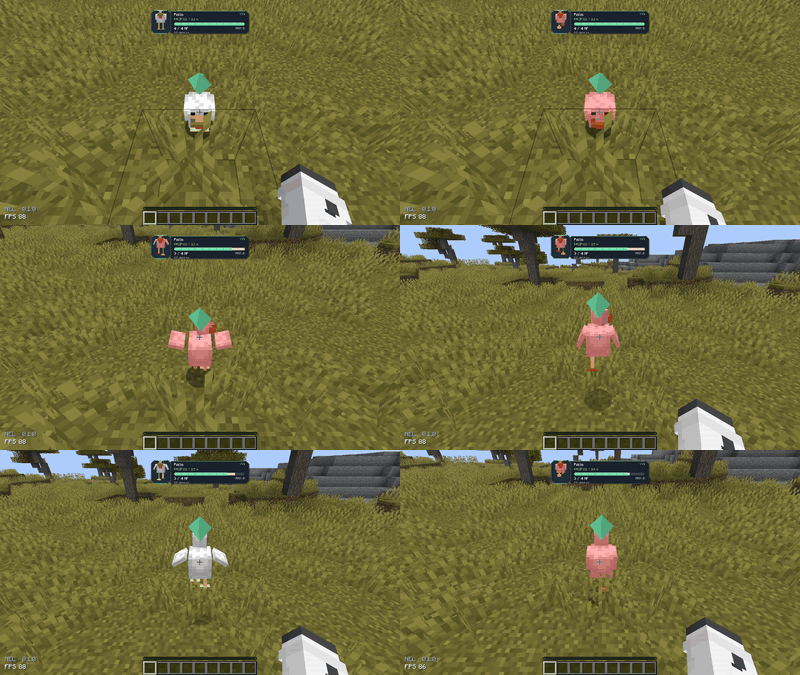
⚔️ Small encounter. Big encounter. Same clear view.
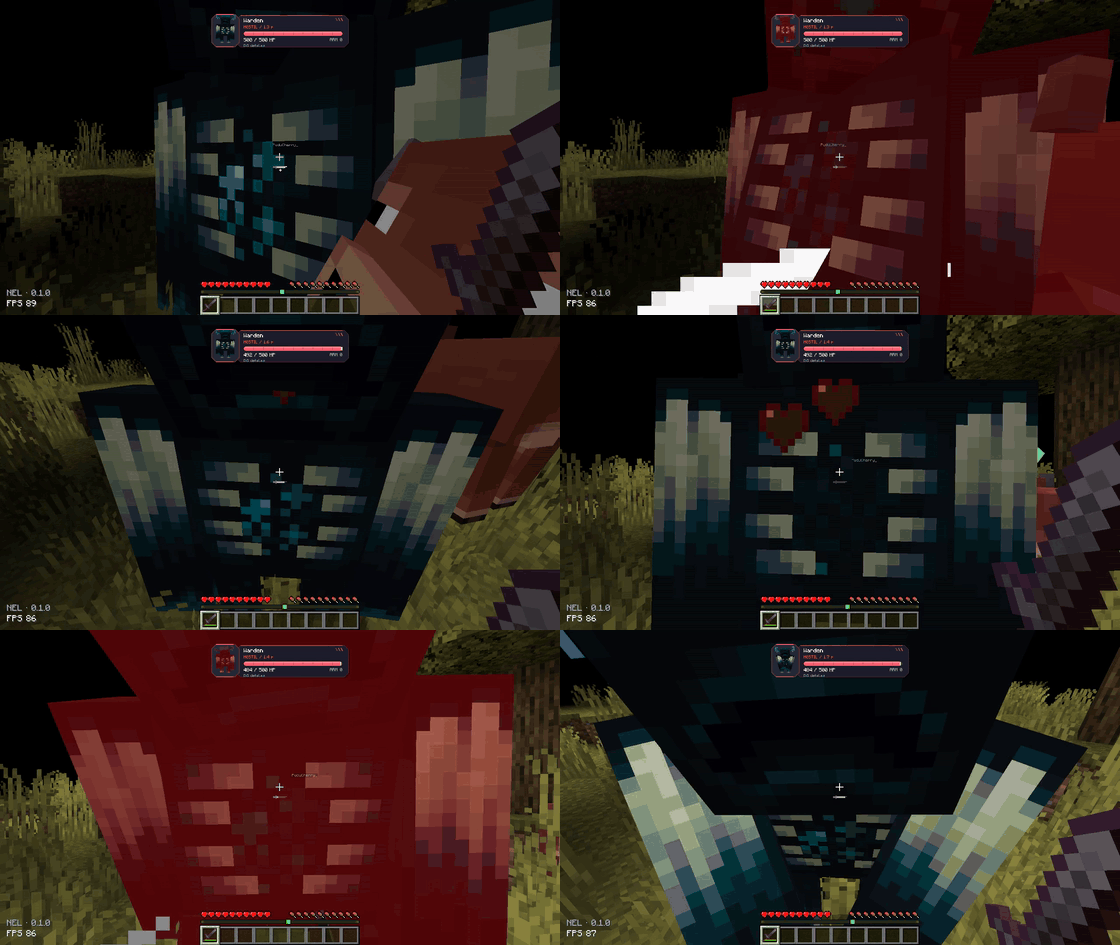
Watch health change as hits land, with a segmented bar, smooth transitions and a brief damage trail. See armor, absorption and distance without opening a menu.
Hold Left Alt to expand the card with equipment, active effects and key attributes. Need a closer look? Press V for the detailed inspection pages.
📽️ 
💜 Players have a story, too
Players keep their purple marker. When a player is credited with killing another player, their name can turn red. The record persists in that world's data.
There is no aggressor-versus-defender judgment: a credited player kill counts either way. Red names can be disabled in the settings.
📽️ 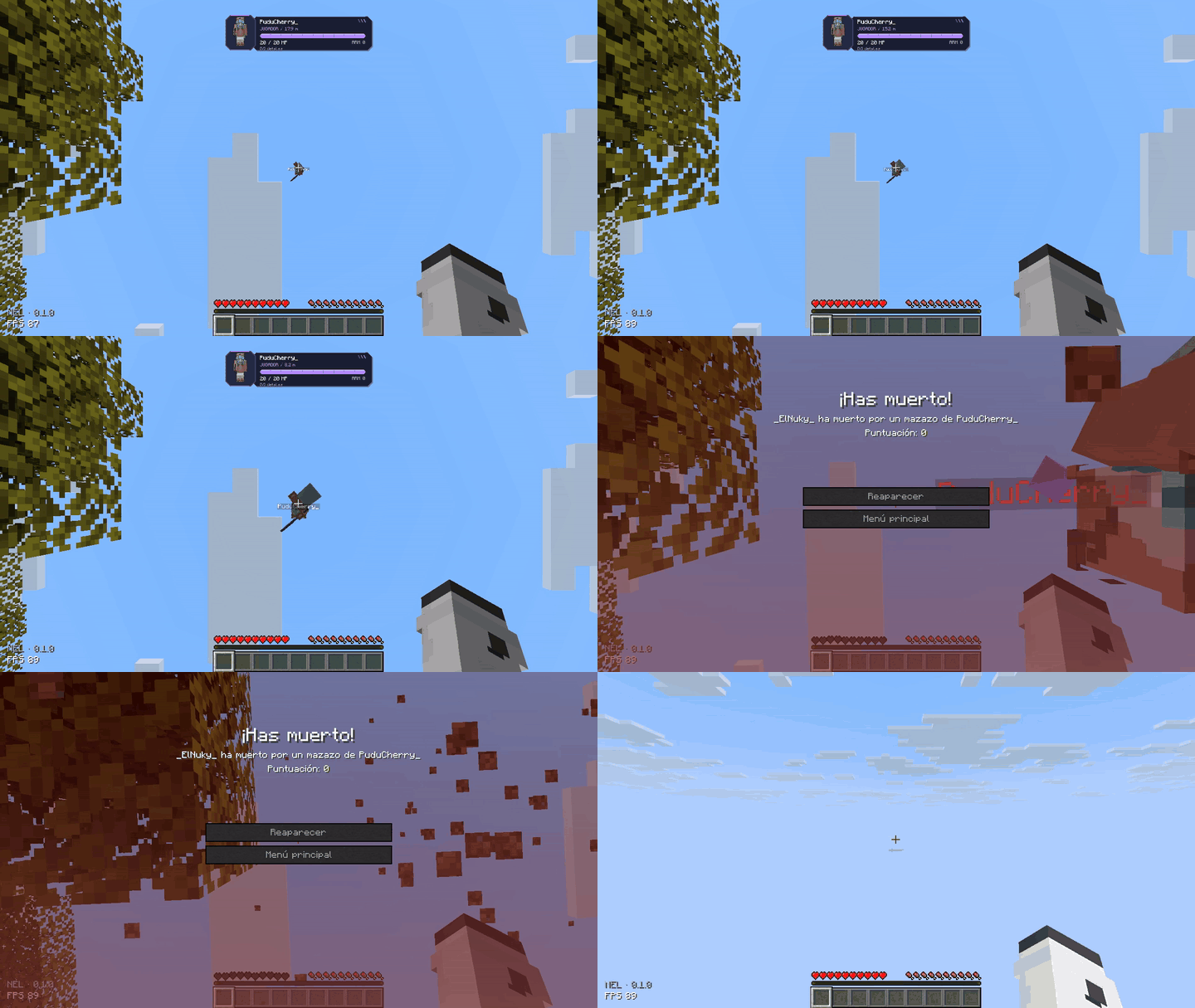
Featuring PuduCherry_ and _ElNuky_: one mace, one fall, one very unfortunate landing.
🎨 Your lens. Your layout.
Press N to make the interface your own:
- 📏 Resize and reposition the encounter card.
- 🧍 Adjust the 3D portrait independently.
- 🔶 Change marker size, height and animation.
- 🌈 Pick colors with hue, saturation and brightness controls.
- 🪟 Adjust opacity and choose which information stays visible.
- ✨ Toggle HUD transitions or keep the expanded card open.
📽️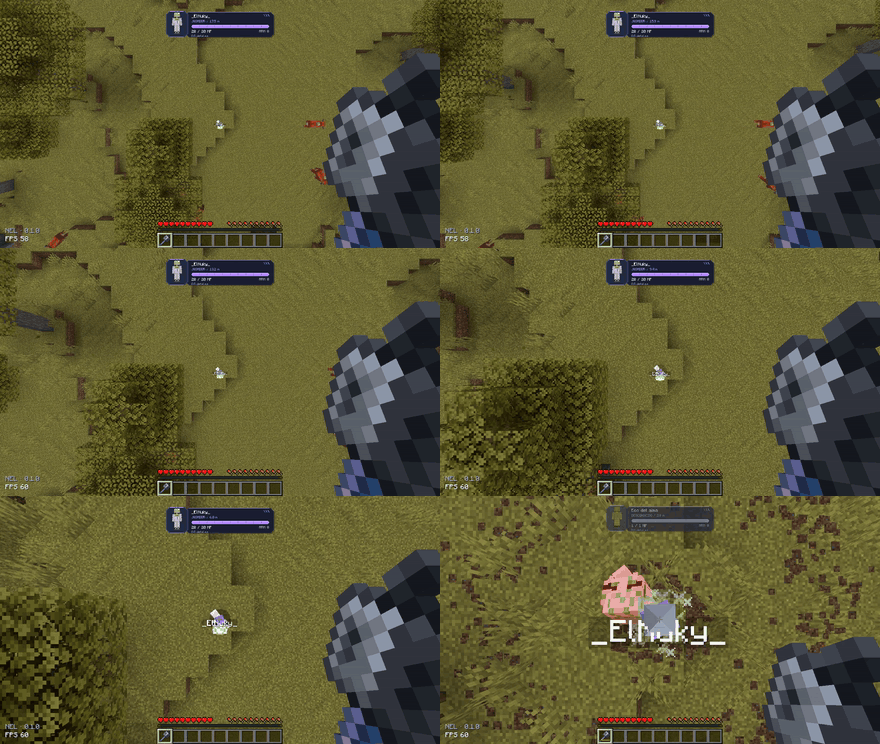
The default layout stays compact, with angular panels and colors that make each encounter easy to read.
🧩 Vanilla creatures — and beyond
NEL renders the entity's actual model rather than relying on a fixed portrait collection. Modded entities can therefore use their own appearance. Unknown behavior classifications use a neutral gray marker instead of guessing whether a creature is safe.
Compatibility depends on the entity's implementation. Nuky's Soul Echo was included in our Fabric compatibility checks.
⌨️ Quick controls
| Control | Action |
| Look at an entity | Show its encounter card |
| N | Open customization |
| Hold Left Alt | Expand the card |
| V | Open detailed inspection |
Key bindings can be changed in Minecraft's Controls menu.
📦 Installation & multiplayer
Minecraft 26.2 · Java 25 · Fabric, Forge or NeoForge
Install one matching NEL file for your loader. The Fabric version also requires Fabric API. Forge and NeoForge builds do not require Fabric API.
For complete server-provided attributes, reliable remote-player health and persistent player-kill records, install NEL on both the client and the server, using the server's loader. Single-player includes the server-side features automatically.
Client-only use is limited to information Minecraft makes available locally. Missing values are shown as unavailable; NEL does not invent them. Attribute values describe the current entity data — attack is not a guaranteed final-damage prediction, and movement speed is not displayed as blocks per second.
🔮 Less guessing. More adventuring.
Nuky's Entity Lens — see who you're facing.
Nuky's Entity Lens Team