


NSEW Compass HUD
- By
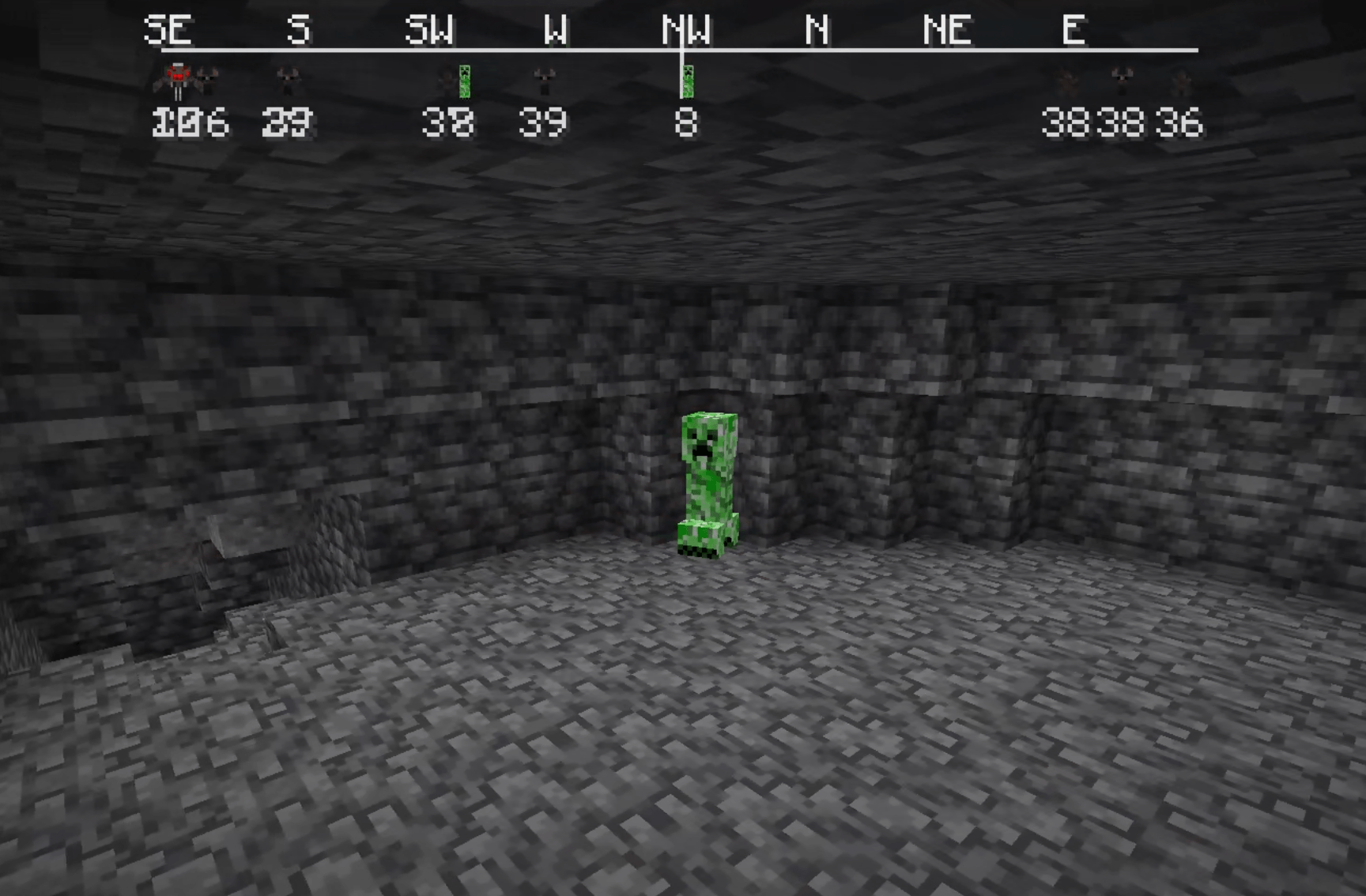
creeper
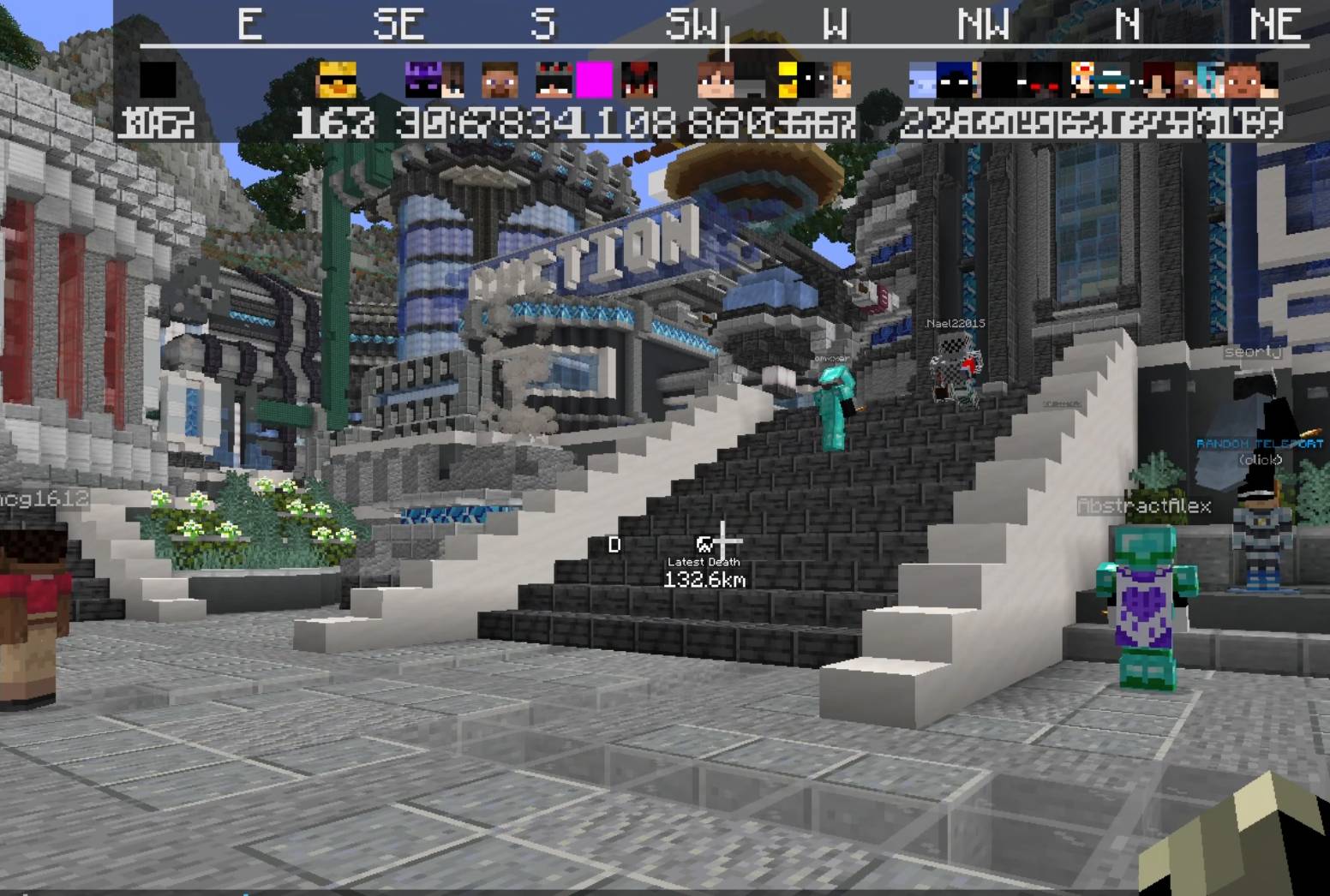
RIP old donut smp
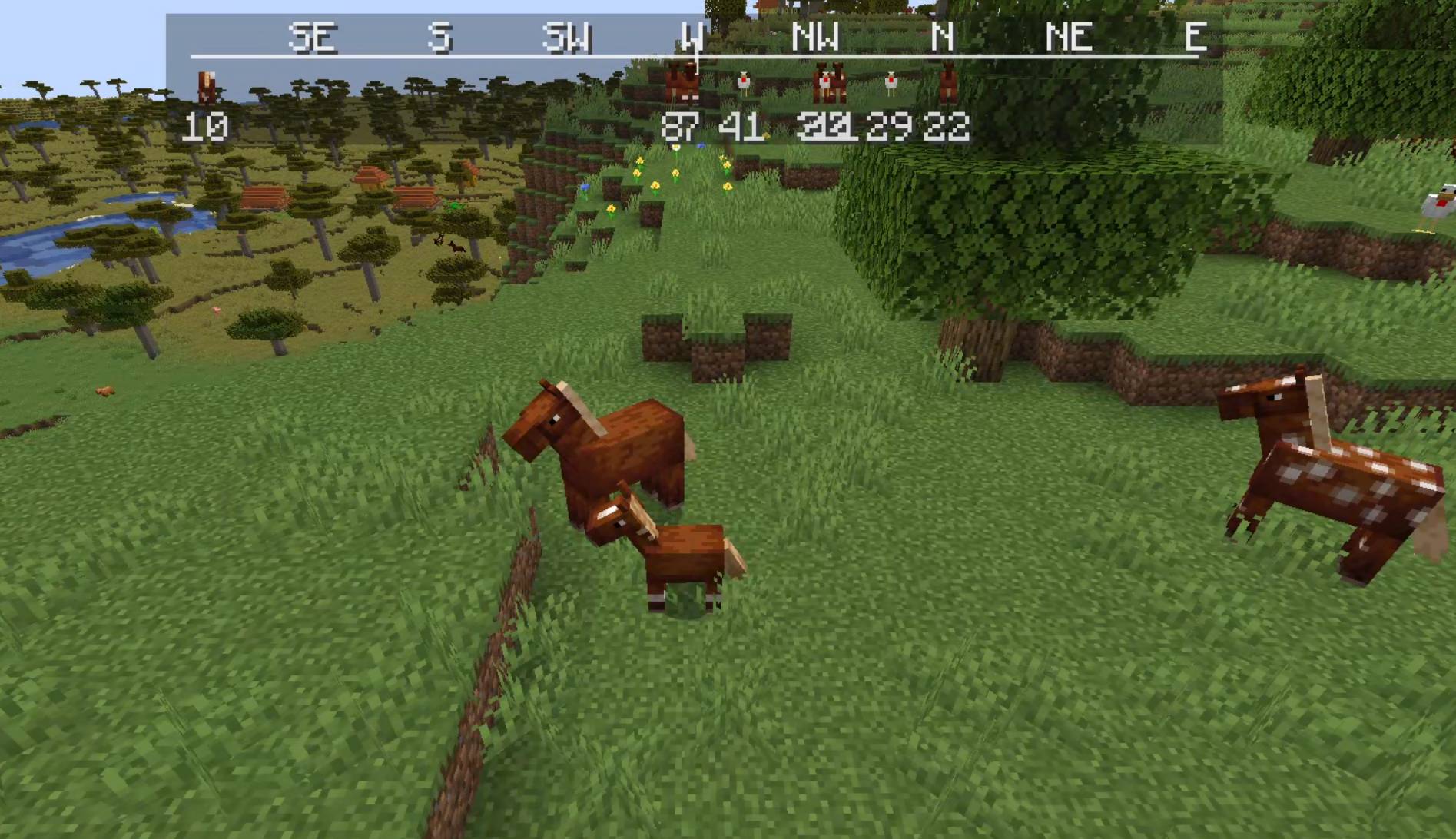
HORSIES!!!
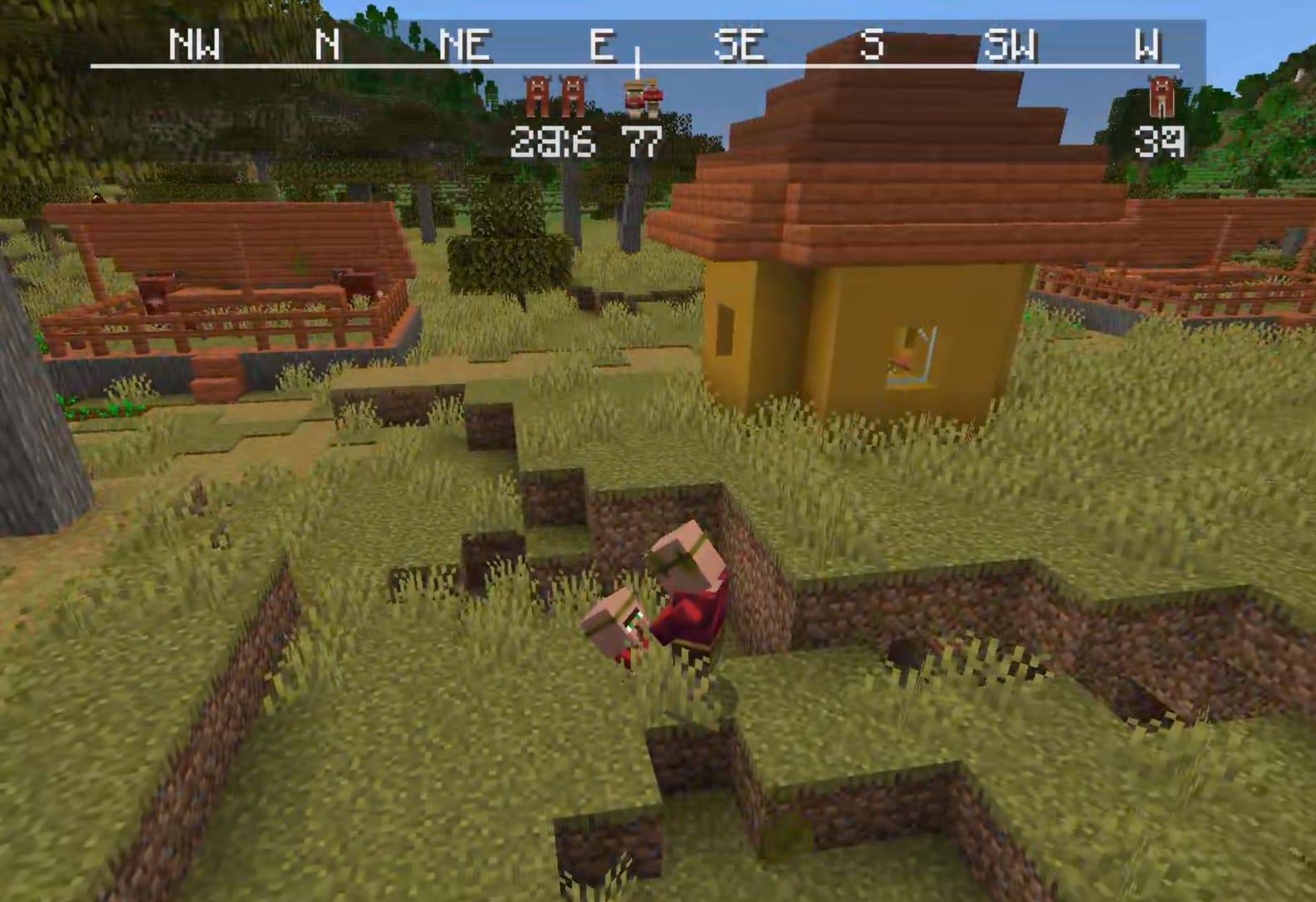
Just a villager and its child having a staring contest
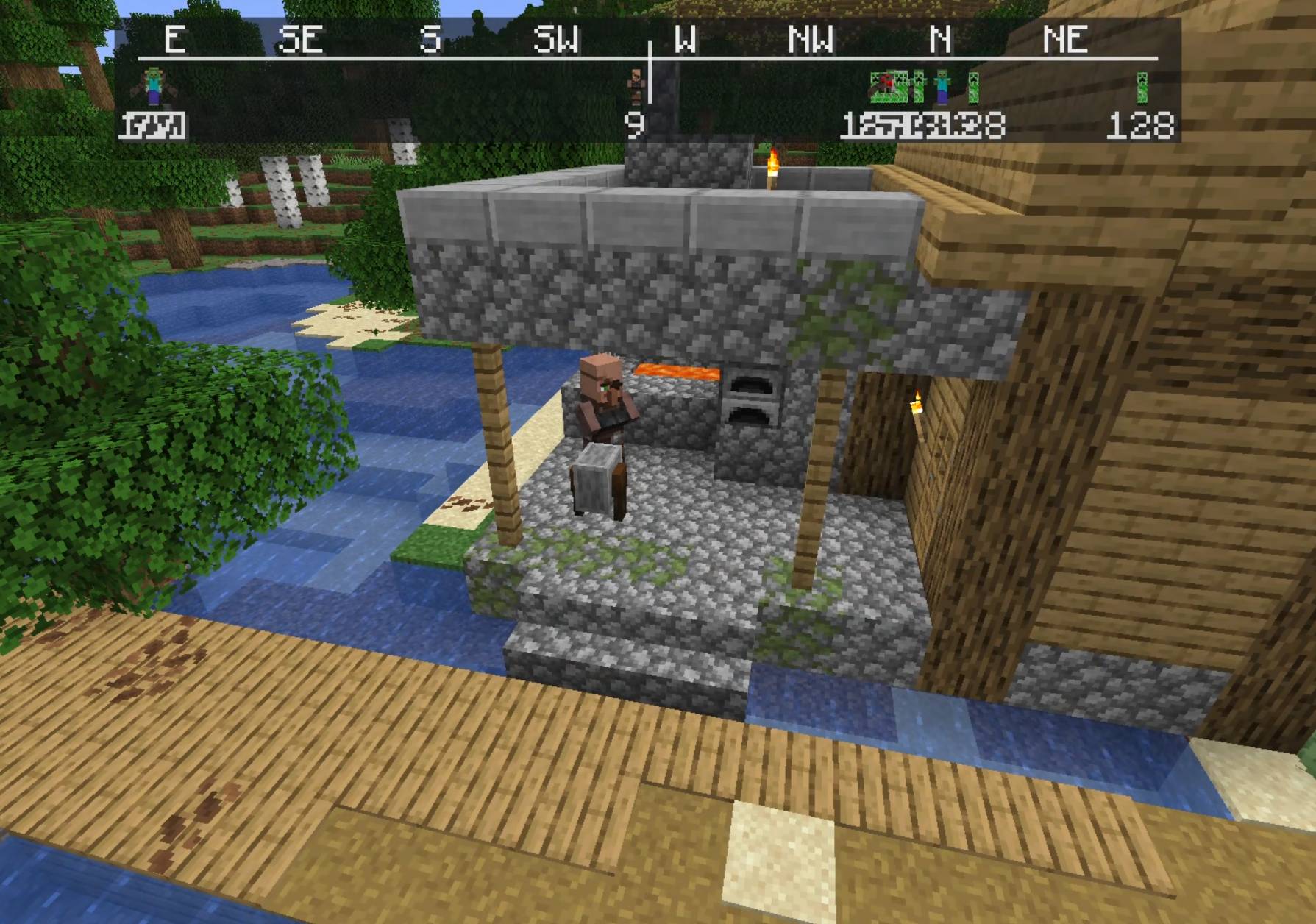
Just a villager
nsew logo
Description
**NSEW** (North, South, East, West) Compass HUD adds a customizable QoL compass overlay that shows the direction of nearby players, passive mobs, and hostile mobs. It includes profile-style icons, per-mob filters, separate distance controls, and an in-game settings menu!
To get to settings, click Esc, Options, and lastly **NSEW**!
Settings:
HUD Enabled = Turns the compass HUD on or off.
Players = Shows nearby players on the compass.
Player Faces = Replaces the normal player marker with that player’s face icon.
Passive Mobs = Shows passive mobs on the compass.
Hostile Mobs = Shows hostile mobs on the compass.
Show Distances = Shows the number of blocks away under each marker.
Fade Far Targets = Makes markers fade more as they get closer to the edge of your tracking distance.
Edge Clamping = Keeps markers pinned inside the compass instead of letting them disappear off the sides.
Player Distance = Sets how far away players can be and still show on the compass.
Passive Distance = Sets how far away passive mobs can be and still show on the compass.
Hostile Distance = Sets how far away hostile mobs can be and still show on the compass.
Update Speed = Controls how often the mod refreshes nearby entities.
1 = updates very often
25 = recommended
200 = updates less often, but uses fewer refresh checks
Mob Filters = Opens the mob list where you can choose exactly which mobs are allowed to appear on the compass.
Search Mobs = Lets you search the mob filter list by mob name or ID.
[x] / [ ] in Mob Filters = Enables or disables that specific mob from showing on the compass.
Green Mob Names = Passive mob entries.
Red Mob Names = Hostile mob entries.
Done = Saves settings and closes the menu.
Problems?? Post it on the official NSEW discord
Fabric Api is required!
NSEW Compass HUD Team
