Nightfall Clock
- By
A day counter and clock above your hotbar that follows where the sun really is, so it stays right on longer days, plus a heads-up when the sun starts to set.
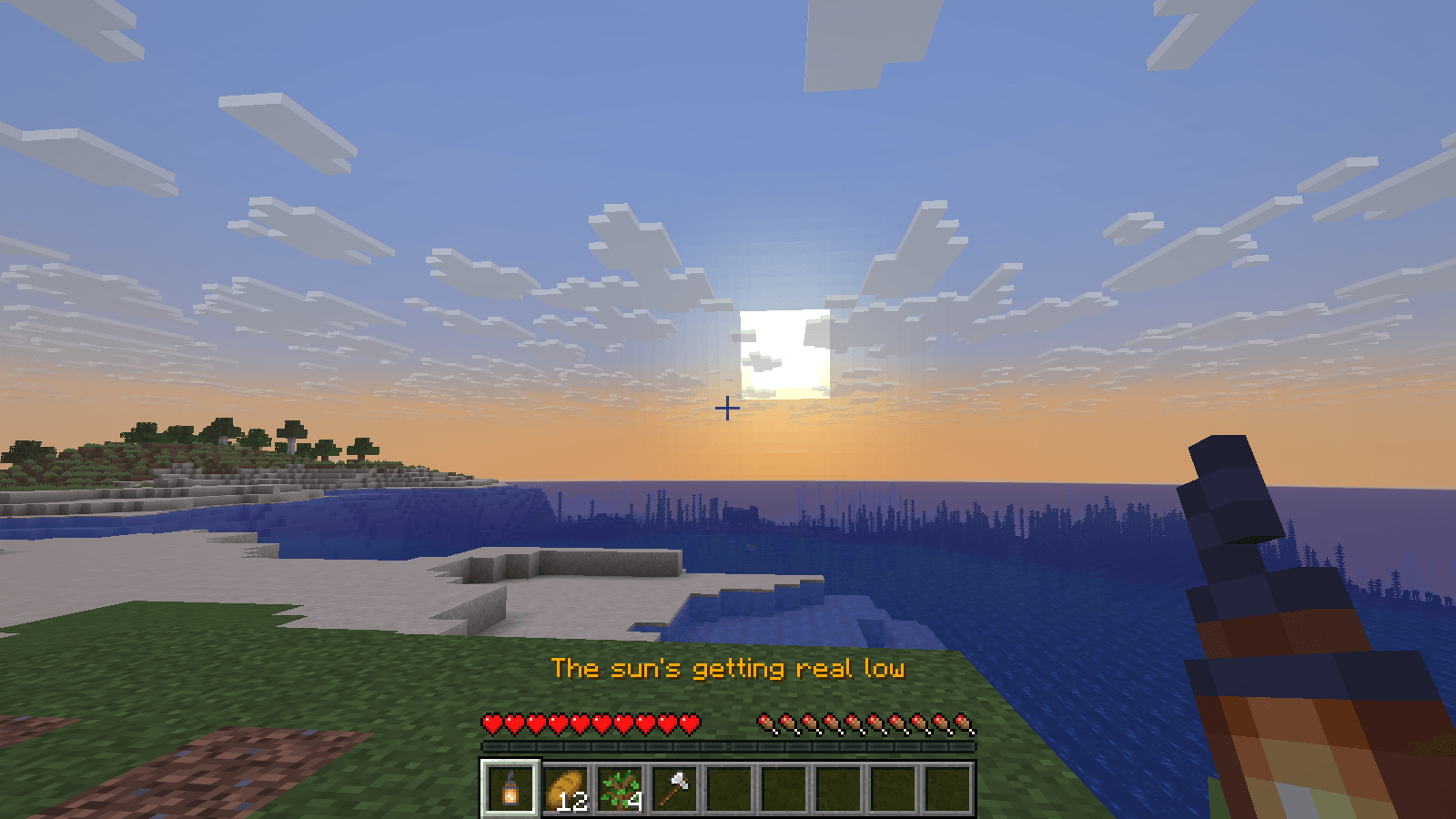
1 the sun's getting real low.png
2 gold clock at sunset.png
3 clock above the hotbar.png
Description
A clock above your hotbar that follows where the sun really is, so it stays right even on packs with longer days, and warns you before dark: "The sun's getting real low".
I kept getting caught out by the dark, halfway through a build or a long way from home. Nightfall Clock shows the day and time where you'd glance anyway, and an hour before night it tells you: "The sun's getting real low".
What you see
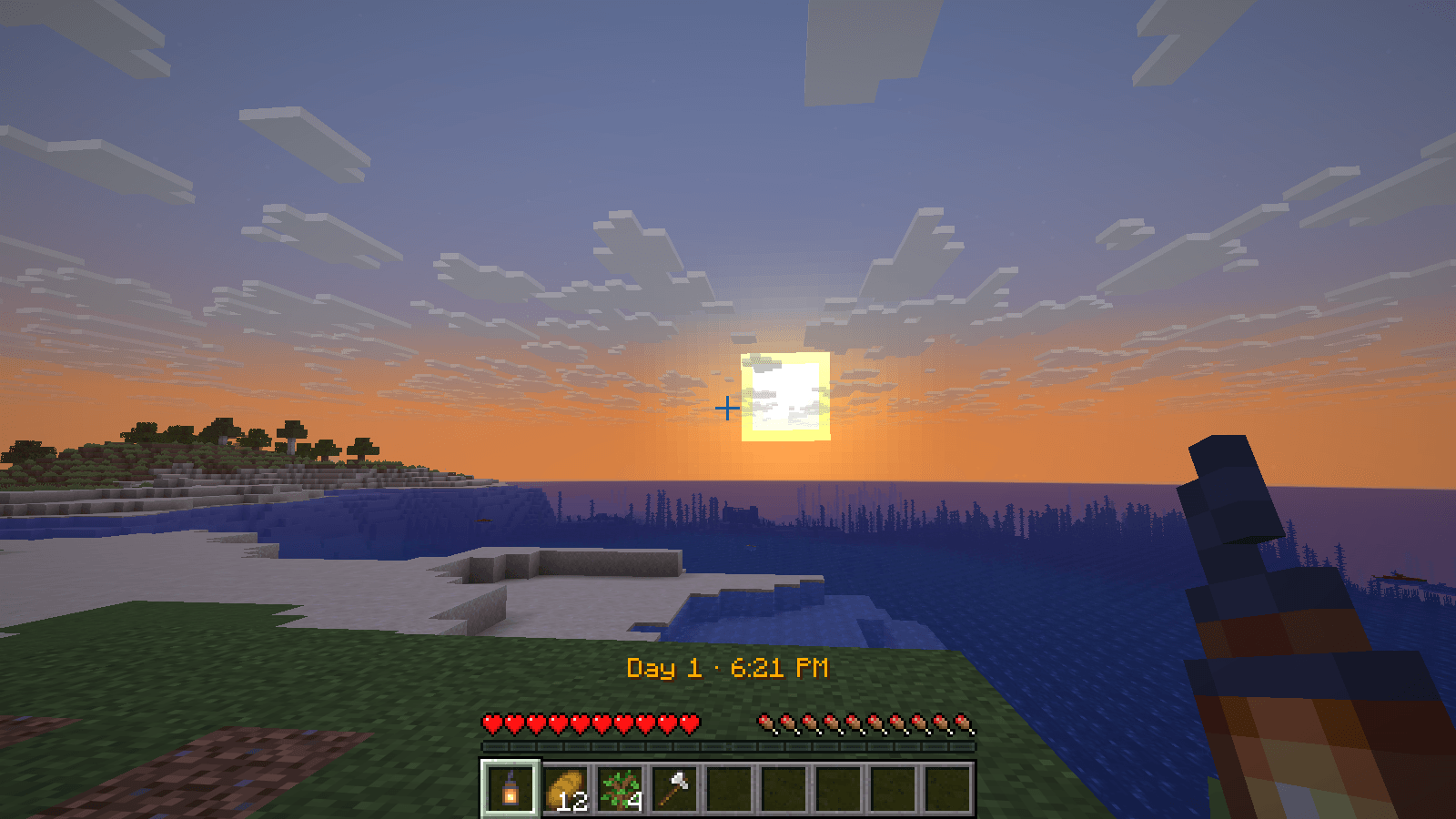
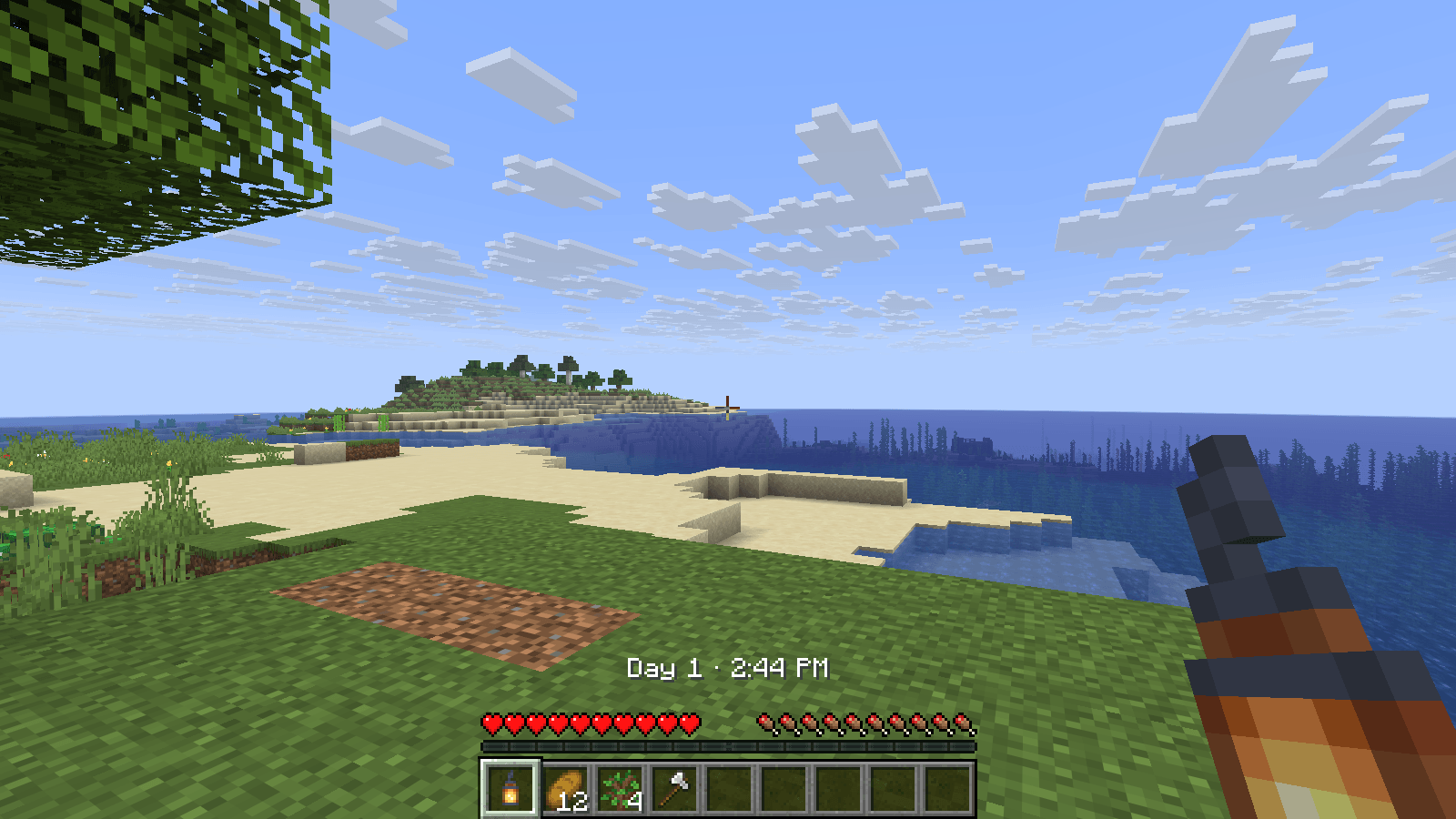
A line of text just above your hearts and hunger: "Day 4 · 2:35 PM". It turns gold at 6:00 PM and stays gold until 7:00 PM, when night falls.
At 6:00 PM that line reads "The sun's getting real low" for a few seconds, then goes back to the time. It only happens when dusk arrives as you play, not when you sleep or jump ahead with /time set (a jump of just a few minutes still counts as playing through it).
The clock shares its spot politely. When something else needs that space (the name of the item you just switched to, a message in the action bar, or recent chat), the clock steps aside and fades back in once it's gone. If a server keeps its own text in the action bar all the time, the clock shows alongside it instead of staying hidden.
It hides with the rest of the HUD when you press F1, and in the Nether and the End, which have no day.
Right on longer days
Most clocks divide the day's ticks into 24 equal hours. That works for vanilla, but packs and datapacks that make days longer, or stretch the daylight more than the night, throw them off: "6:00 PM" can arrive while it's still bright, or after dark.
Nightfall Clock reads the time from where the sun actually is, the same way Minecraft's own clock item does. However long the day is, 6:00 PM is when the sun is where it sits at 6:00 PM in vanilla.
Settings
On Fabric, with Mod Menu installed, open Mods, pick Nightfall Clock and click the settings button. On NeoForge and Forge, open Mods, pick Nightfall Clock and click Config. Changes show straight away.
- Clock: on or off.
- Dusk Warning: on or off.
- Position: above the hotbar, or in any corner of the screen. (Minimaps and some HUD mods use the top corners; pick one they don't.)
- Time Format: 12-hour (6:00 PM), 24-hour (18:00), or Auto, which follows your computer's region settings.
The same settings are also in config/nightfallclock.properties.
If you play with Text Background set to Everywhere (Options, Accessibility), the clock gets the same dark box behind it as the rest of the game's text.
Good to know
- It's client-side only. It works on any server, and the server doesn't need it.
- The day number changes at 6:00 AM, the way Minecraft counts days, so 2:00 AM still belongs to the day before.
Requirements
| Minecraft | Loader | Also needs |
|---|---|---|
| 26.2 and 26.3 | Fabric | Fabric API |
| 26.2 and 26.3 | NeoForge | nothing else |
| 1.21.1 | Fabric | Fabric API |
| 1.21.1 | NeoForge | nothing else |
| 1.20.1 | Fabric | Fabric API |
| 1.20.1 | Forge | nothing else |
Pick the file for your version and loader in the Files tab. Optional on Fabric: Mod Menu, for the settings screen; on NeoForge and Forge, the settings are on the Mods screen's Config button.
About this mod
I made this for my own modded playthroughs and am sharing it in case it helps others. I built it with help from Claude, an AI assistant. The source is on GitHub under the MIT License, so you're welcome to read it, fork it or include it in a modpack.
Found a bug or have an idea? Tell me on GitHub.
Nightfall Clock Team