Niebla - Your AI Pet Companion
- By
A living AI pet companion that talks by text or voice, remembers your adventures, reacts to danger, follows natural commands, and joins you as a dog or cat—with a loyal, curious and occasionally strange personality. Fabric and Forge 1.20.1.
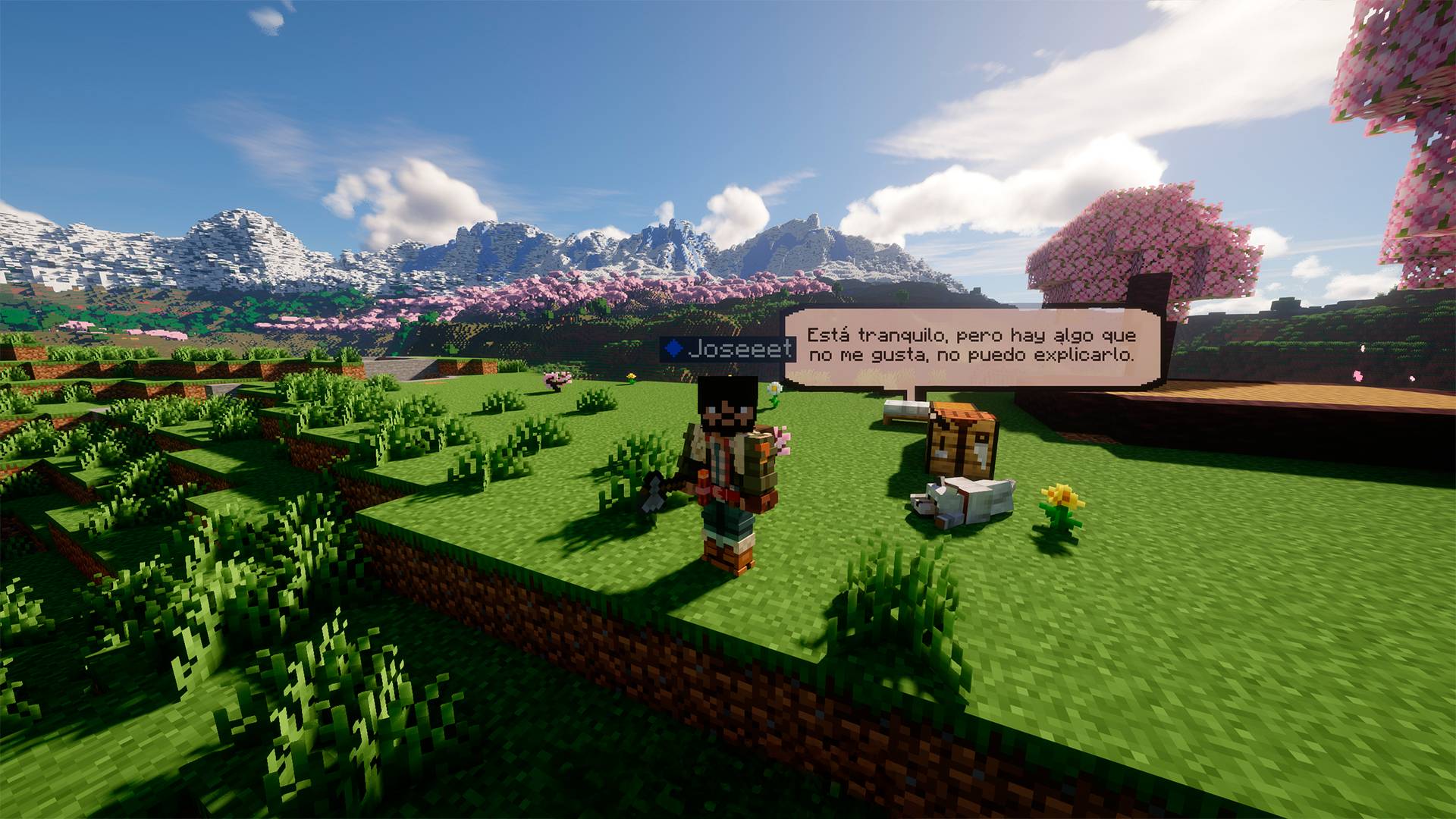
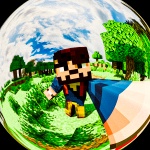
Niabla AI - 01.jpg
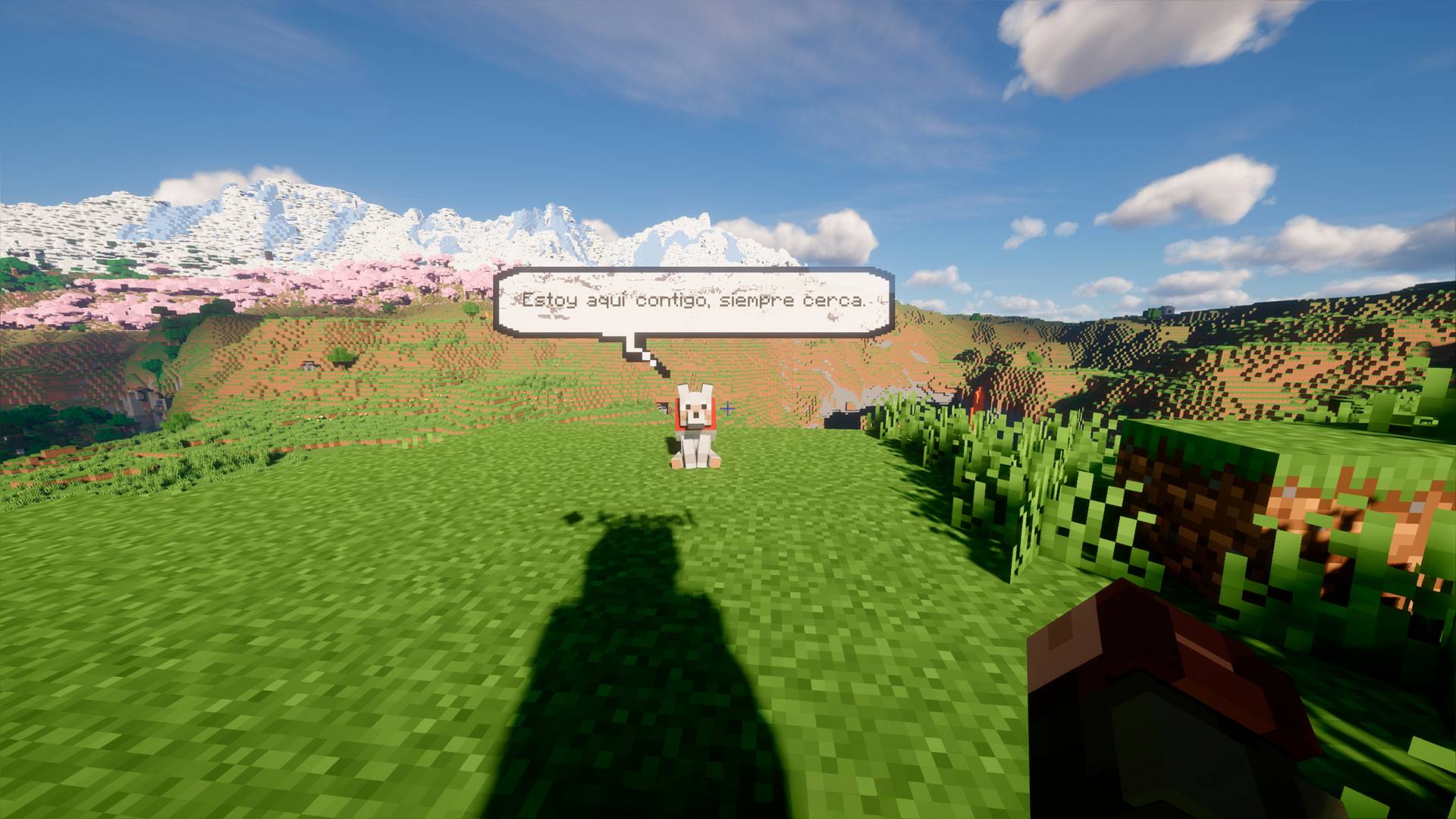
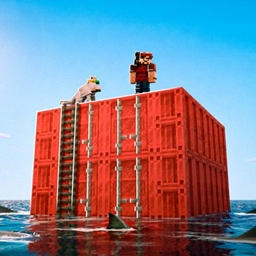
Niabla AI - 02.jpg
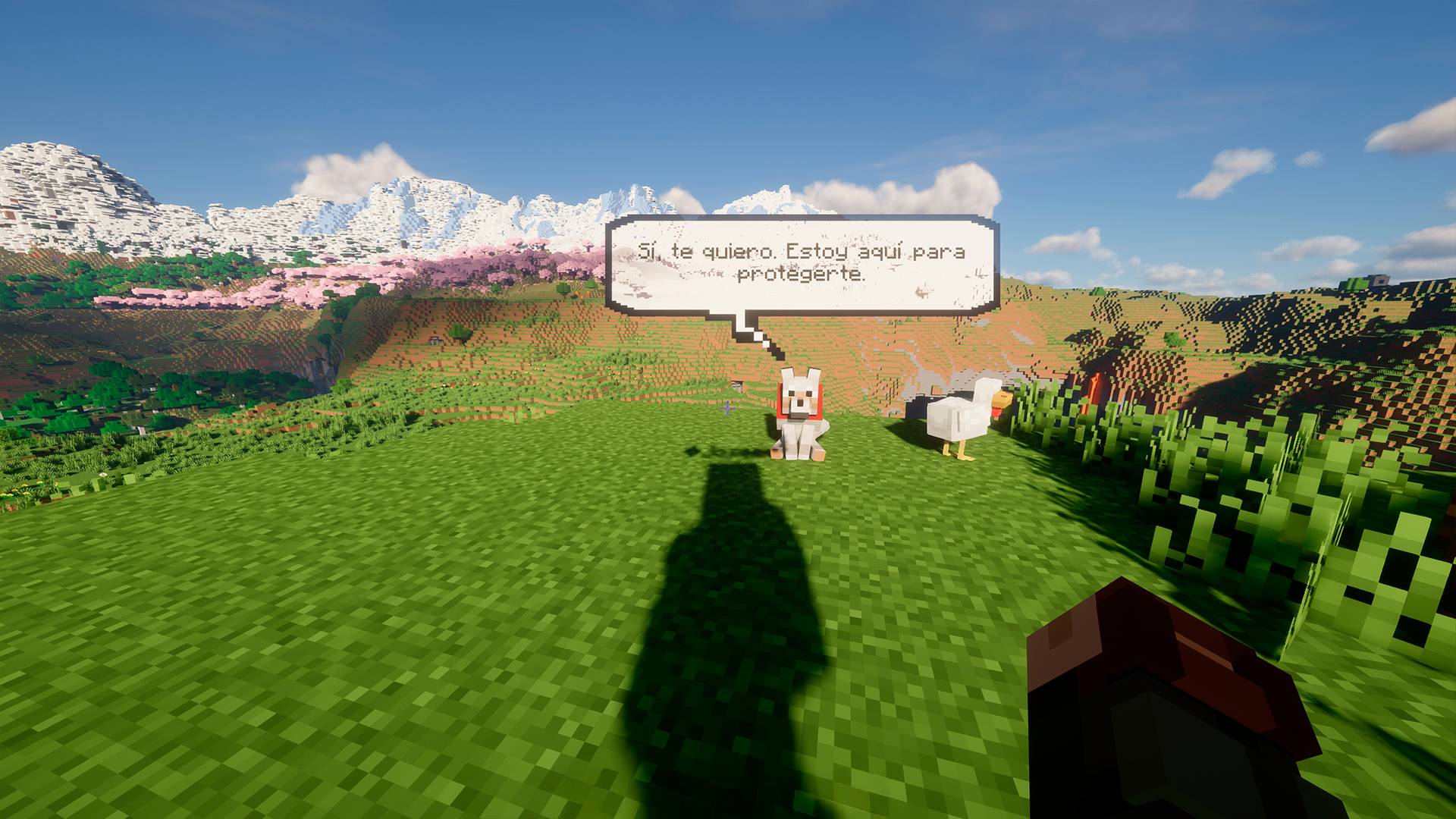
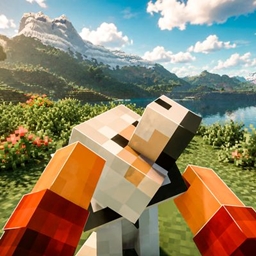
Niabla AI - 03.jpg
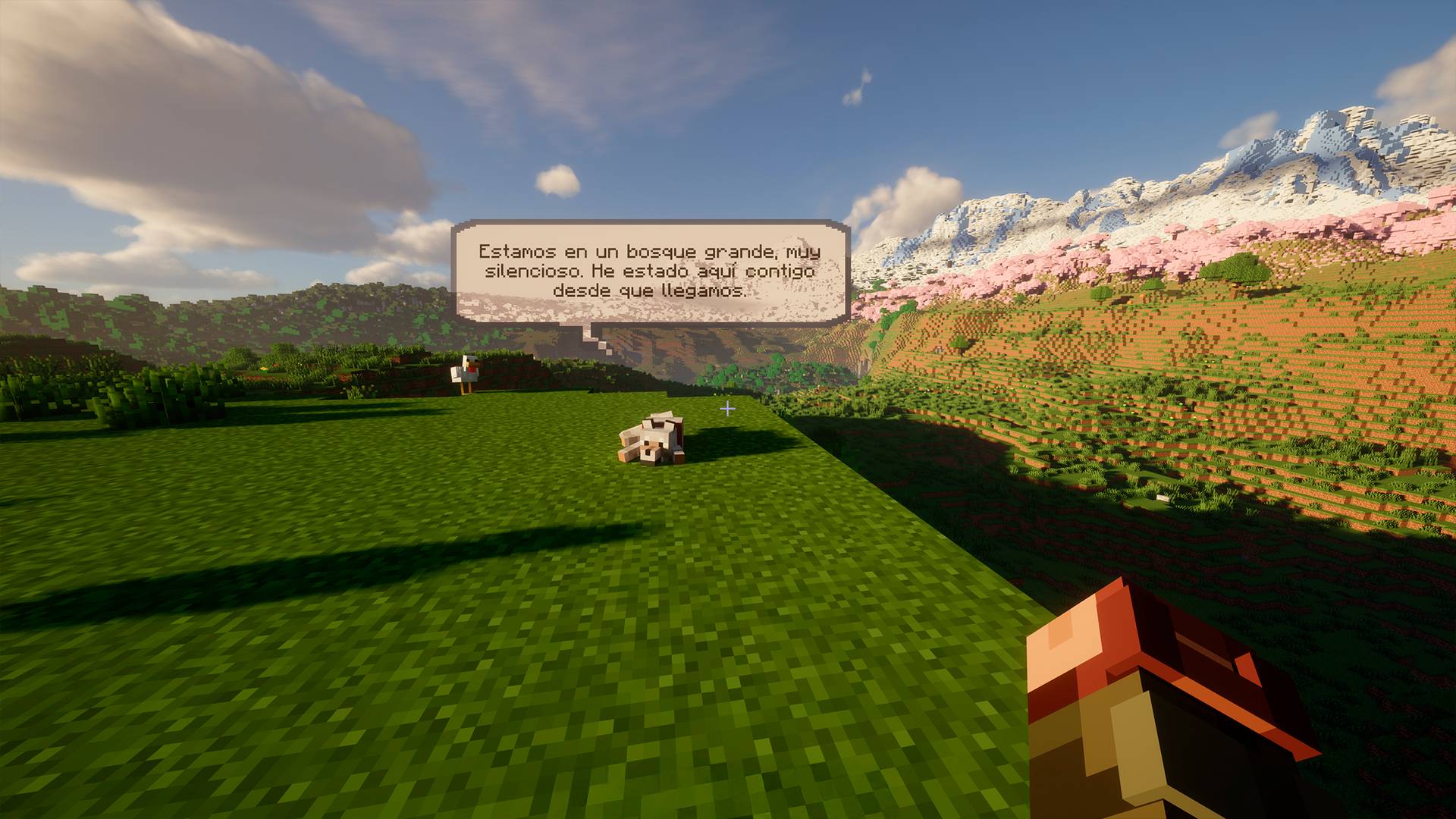
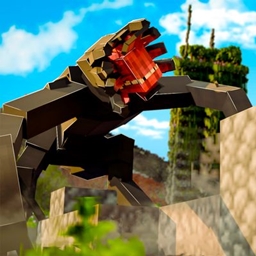
Niabla AI - 04.jpg
Niabla AI - 05.jpg
Joseeet | Niebla - Your AI Wolf Co...
Create your game server with 

Description
Niebla: Your AI Pet Companion
A living companion for your Minecraft world. Niebla can talk with you, remember your adventures, react to danger, follow natural commands and accompany you as either a dog or a cat.
Minecraft 1.20.1 • Fabric & Forge • Text & Voice • Optional Doggy Talents Next support

-
Meet Niebla
Niebla is more than a talking pet. She pays attention to what is happening around you, remembers meaningful moments and develops a closer bond with you over time.
Choose a dog or cat, give your companion any name and speak naturally through Minecraft chat or push-to-talk voice. Niebla answers with short, contextual lines and keeps her loyal, curious and occasionally mysterious personality.
What Niebla Can Do
- Talk through Minecraft chat or your microphone.
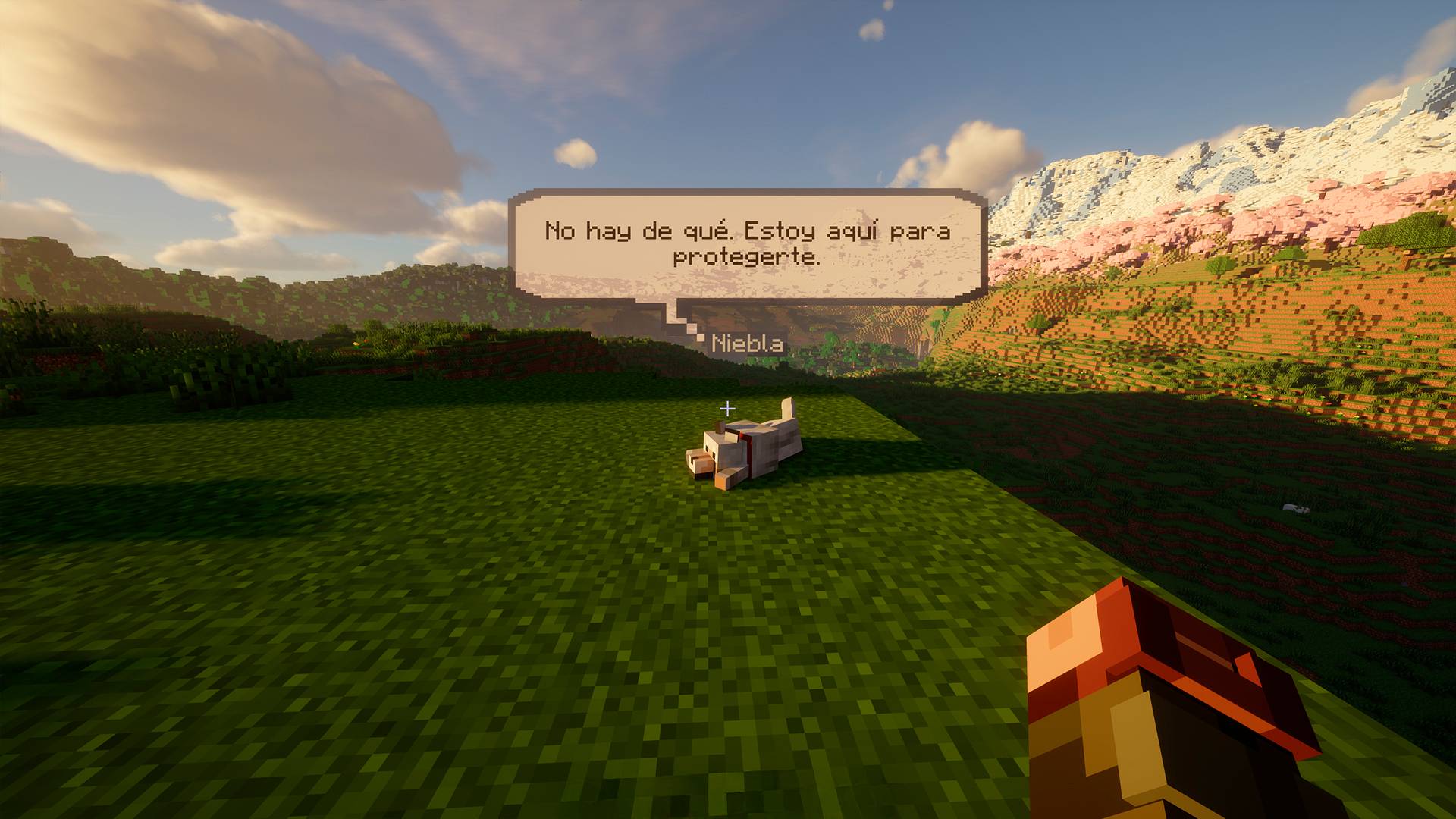
- Respond with an animated speech bubble and a local system voice.
- Remember recent conversations and important moments from your adventures.
- Build a relationship bond from 0 to 100.
- Come, follow, stay, sit, sleep, fetch dropped items and guard an area.
- Understand safe natural commands in English, Spanish and Portuguese.
- React once when a hostile creature truly appears, including compatible modded enemies.
- Use a solid, non-emissive speech bubble designed to remain readable with shaders.
- Work as a dog or cat with a custom name.
- Integrate optionally with Doggy Talents Next.
New in 1.2.0-beta.5
- Conversation memory: recent exchanges give follow-up conversations continuity.
- Important memories: personal details, explicit requests and shared milestones are stored locally per player and world.
- Relationship progression: conversations, interactions and adventures gradually strengthen your bond.
- Real actions: Niebla can now perform a safe, server-authoritative set of commands.
- Improved fetching: point at a dropped item and ask Niebla to bring it back. The original item is carried without being duplicated.
- Better movement: fetch navigation and short-distance walking animations have been polished.
- Ordered dialogue: speech and bubbles wait in a queue instead of overwriting or speaking over each other.
- Smarter warnings: each hostile entity triggers only one warning until it despawns, unloads or becomes invisible.
- Shader-friendly bubble: the bubble is opaque, non-emissive and no longer causes bright flashes or bloom.
- Full Forge port: the Fabric and Forge editions now share the same feature set.
- Updated Groq model: installations using the retired default model are migrated automatically while custom model choices remain untouched.
Talk Naturally
Address Niebla by her current name or use Niebla as a permanent alias. The same phrases work through chat and voice.
Niebla, come here
Niebla, follow me
Niebla, stay here
Niebla, sit down
Niebla, go to sleep
Niebla, bring that
Niebla, guard this place
Natural action detection is deliberately conservative. Groq cannot run arbitrary Minecraft or operating-system commands; Niebla can only request a fixed allow-list of safe actions that the server validates.
Controls
V— press once to begin recording and press again to transcribe and send.F8— send Niebla a quick contextual conversation prompt.- Type Niebla's name at the beginning of a normal chat message to talk to her.
Companion Commands
/niebla summon
/niebla name <name>
/niebla pet
/niebla pet dog
/niebla pet cat
/niebla come
/niebla follow
/niebla stay
/niebla sit
/niebla sleep
/niebla fetch
/niebla guard
Memory and Configuration Commands
/nieblaconfig
/nieblareload
/nieblamemories
/nieblaremember <memory>
/nieblabond
/nieblaforget confirm
Installation
- Install Minecraft 1.20.1 with either Fabric or Forge 47.x.
- For Fabric, also install Fabric API.
- Download the Niebla file made for your loader. Do not install both editions together.
- Place the JAR in your
modsfolder and launch the game once. - Open
config/niebla_ai_pet.propertiesand add your Groq API key.
For multiplayer, install Niebla on both the client and server. Each player keeps their own client-side Groq key and local memory files.
Configuration
Niebla creates the following file automatically:
config/niebla_ai_pet.properties
Essential options:
groq_api_key=YOUR_API_KEY
language=en
Get a Groq API key from console.groq.com/keys.
The single language option controls microphone transcription, AI response language and spoken voice accent. Common values include:
language=en
language=es
language=pt
Memory and Privacy
Important memories and relationship progress are stored locally under:
config/niebla_ai_pet/memories/
When Niebla answers, the mod sends Groq your message, a compact description of the current Minecraft situation and any enabled conversation memories. Push-to-talk audio is sent to Groq for transcription. Memory files remain on your computer and can be disabled or cleared at any time.
Doggy Talents Next
Doggy Talents Next is completely optional. When a compatible version for the same loader is installed, Niebla's dog form can use DTN's own dog conversion and react to petting, hugs, behavior modes and supported animations.
Niebla does not bundle DTN code or assets and still loads normally without it. Switching a trained DTN dog to cat form does not transfer DTN talents, accessories or progression.
Compatibility
- Minecraft: 1.20.1
- Loaders: Fabric and Forge 47.x
- Environment: Client and server
- Fabric dependency: Fabric API
- Optional integration: Doggy Talents Next
- Built-in reaction languages: English, Spanish and Portuguese
Watch Niebla in Action
Created by Joseeet.
Niebla - Your AI Pet Companion Team