Nether Weathers
- By
Bring the Nether to life with biome-specific weather, swirling particles, colored fog, immersive sounds, and customizable effects.
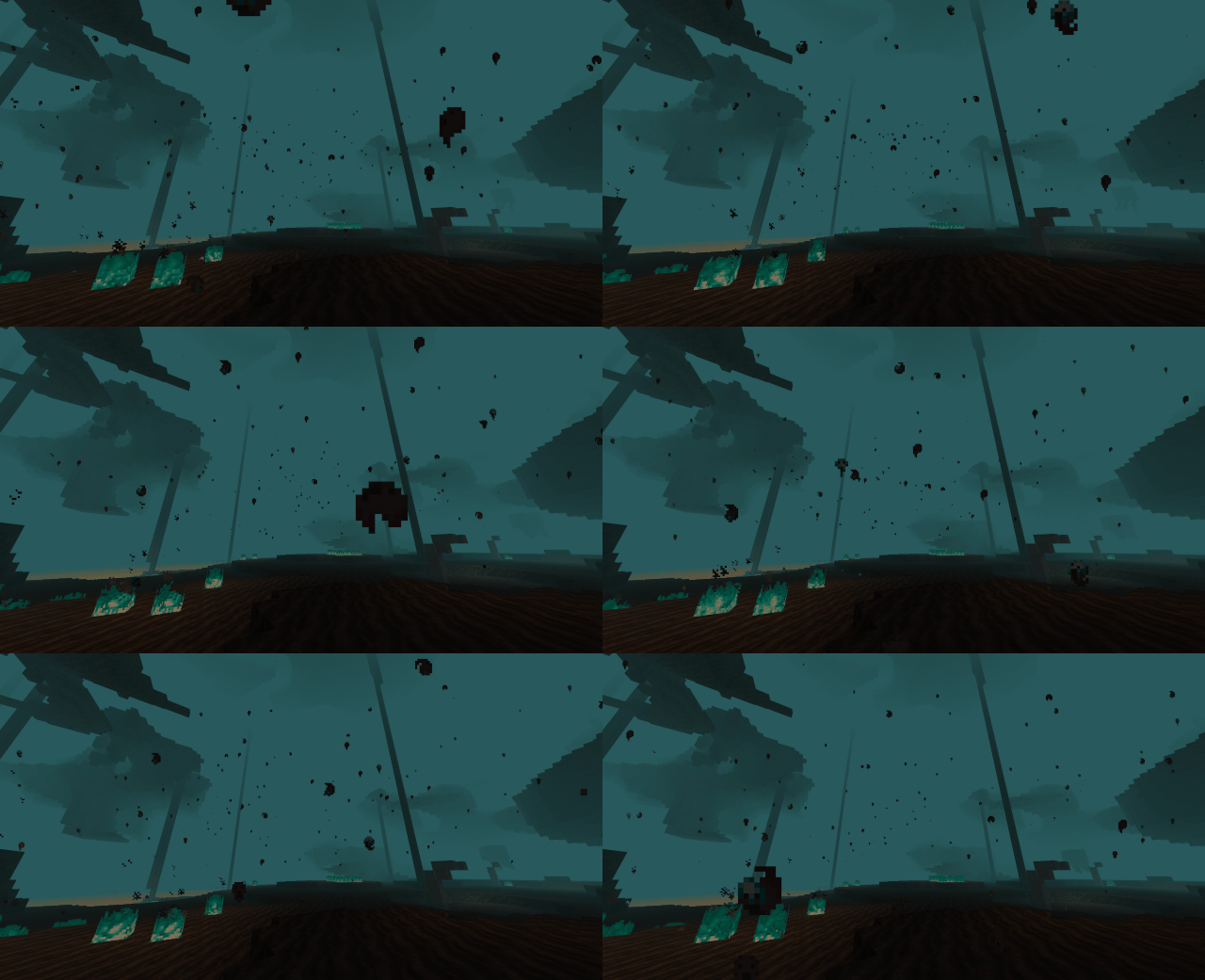
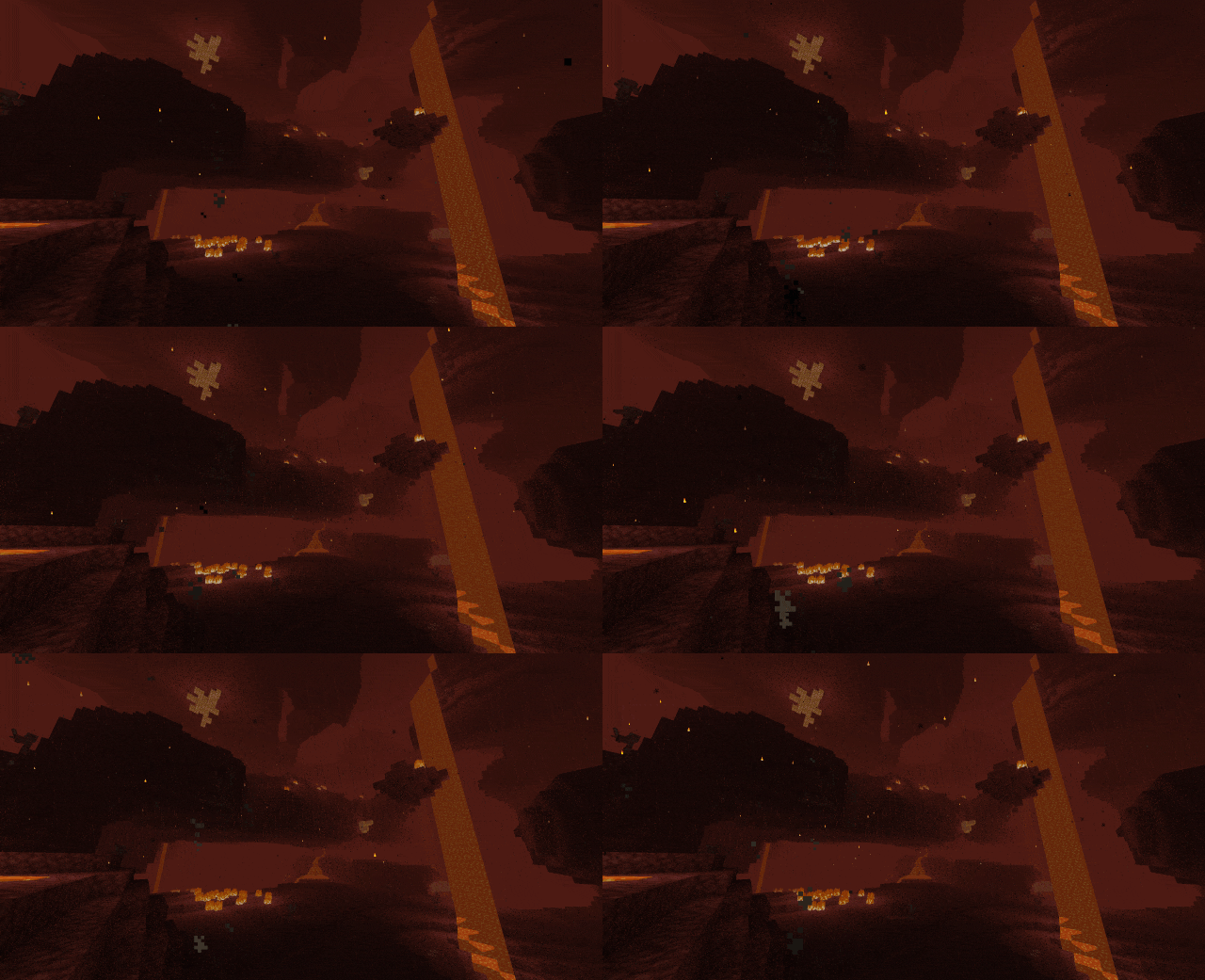
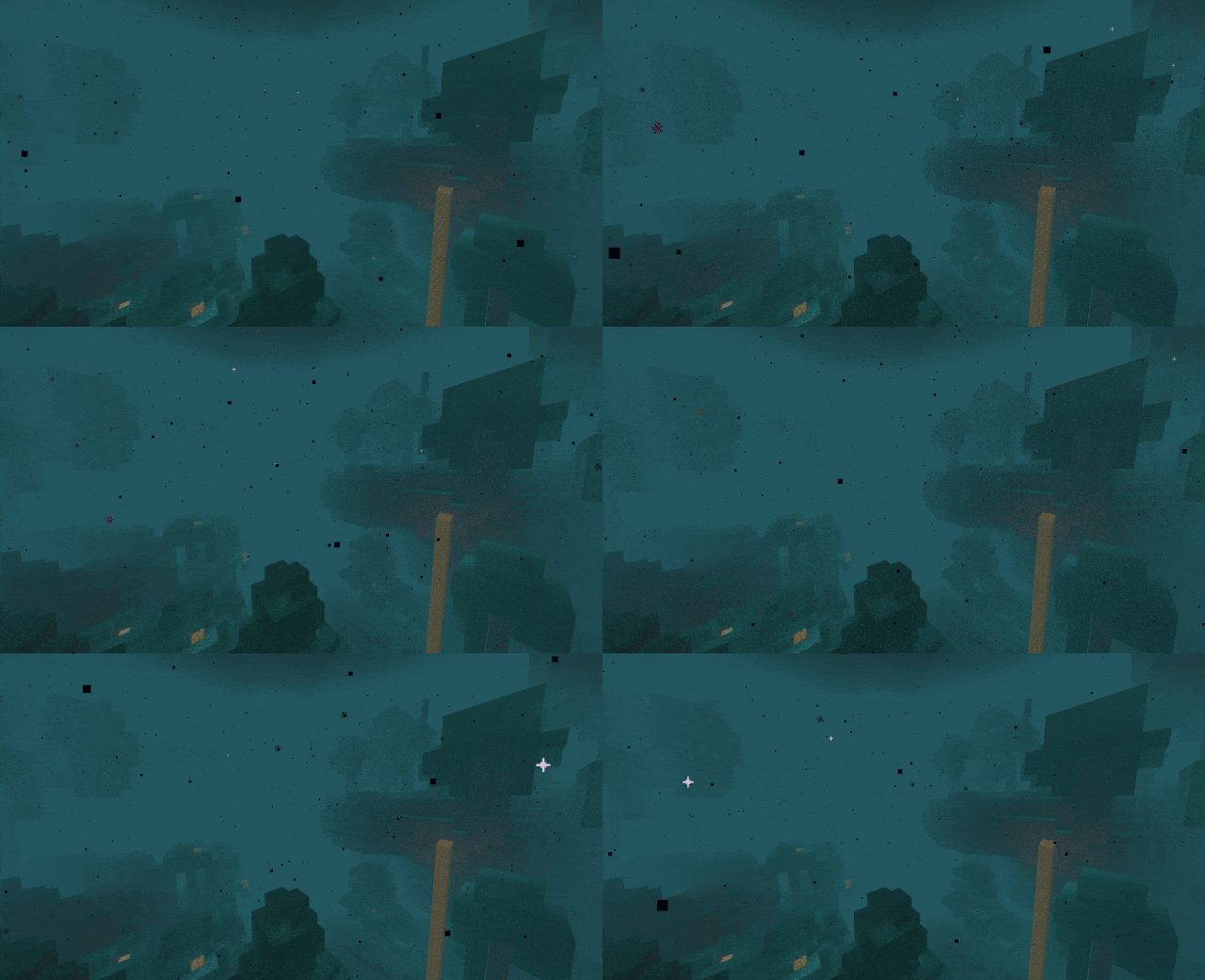
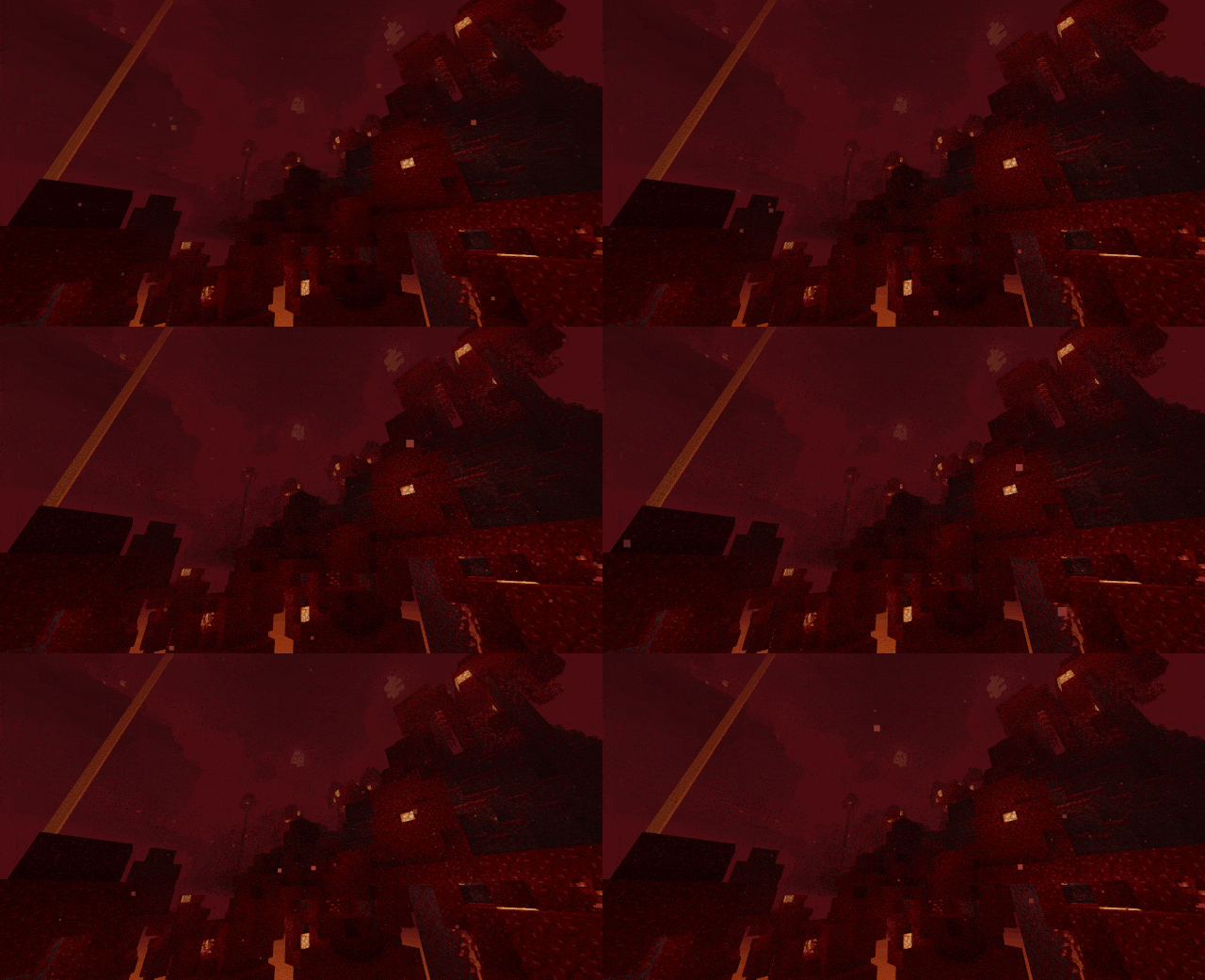

Description
AI Disclosure: AI was the primary tool used in the development of this mod, including much of the coding, troubleshooting, and implementation. The final mod was reviewed, tested, and assembled by the author.
Nether Weathers
The Nether has an atmosphere of its own. Nether Weathers brings changing weather to all five Nether biomes, with drifting ash, falling spores, rising souls, colored fog, and immersive soundscapes.
From quiet sporefall in a Crimson Forest to a dense soulstorm sweeping through a Soul Sand Valley, each biome has its own weather identity. Clear periods give way to light weather or heavier storms, with effects that gradually build and fade.
Weather shaped by the biome
| Biome | Light weather | Heavy weather |
|---|---|---|
| Nether Wastes | Drifting ash, embers, and smoke | Windblown emberstorms with flames and volcanic particles |
| Crimson Forest | Gentle crimson sporefall | Dense crimson sporestorms |
| Warped Forest | Floating warped spores | Warped storms with sparks and dimensional particles |
| Soul Sand Valley | Rising soul flurries | Thick soulstorms filled with souls and soul fire |
| Basalt Deltas | Volcanic ashfall | Heavy ashstorms |
Weather fills the Nether’s open caverns without needing access to the sky. Effects become sparse in tunnels and low-ceiling areas, while soul particles can rise from the depths below you.
More than particles
Biome-colored fog makes each storm feel distinct, with heavier weather reducing visibility. Occasional colored flashes illuminate the atmosphere during storms, without spawning destructive lightning.
Continuous Nether ambience blends across biome boundaries, accompanied by particle-inspired sounds: ember crackles, fungal noises, escaping souls, and volcanic pops. The soundscape uses Nether ambience rather than Overworld rain audio.
Weather transitions smoothly, allowing particles, fog, and sound to build up and fade away naturally.
Make it your own
Open the settings through Mod Menu, or use /netherweatherconfig.
Set your preferences globally, then give individual biomes their own overrides. Customize:
- Light and heavy weather particle density.
- Fog strength and colored storm flashes.
- Ambient weather, particle accent, and thunder volume.
- Wind strength.
- Automatic wind or a fixed direction.
Settings apply without restarting. Keep the default atmosphere, turn storms into a subtle background effect, or adjust each biome to suit your style.
Natural cycles and command support
Nether weather runs independently of Overworld weather. Clear periods naturally alternate with lighter weather and less frequent heavy storms, and the current weather and remaining duration are saved with the world.
The familiar vanilla commands work when executed in the Nether:
/weather clear
/weather rain
/weather thunder
/weather thunder 60s
You can also use /netherweather clear, /netherweather rain, or /netherweather thunder to control Nether weather from another dimension, and /netherweather query to check its current state.
Weather commands require operator permissions.
Multiplayer
The server controls the weather cycle and synchronizes it with players. Each player can customize their own particles, fog, wind, and audio without changing the shared weather state.
Install the matching version of Nether Weathers and its required dependencies on both the server and participating clients.
Installation
Available for Minecraft Java Edition 1.20.1, 1.21.1, 1.21.11, and 26.3 using Fabric.
Required:
- Fabric Loader
- Fabric API
- Cloth Config API
Optional:
- Mod Menu, for a configuration button in the mods list
Download the mod and dependency versions that match your Minecraft version. Each Minecraft version has its own JAR.
Nether Weathers Team