Better Herds
- By
Better Herds gives Minecraft animals natural group movement, species-specific habits, and coordinated reactions to danger, with customizable settings for each species.
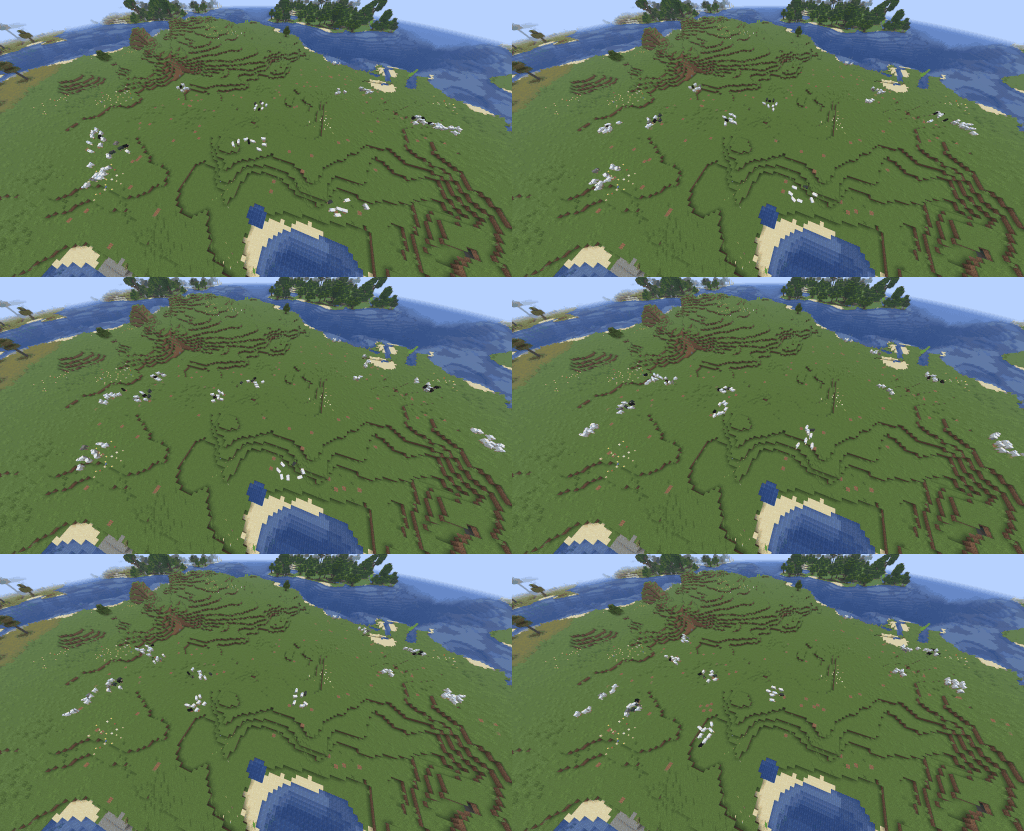
Sheep will move to grassier areas to graze
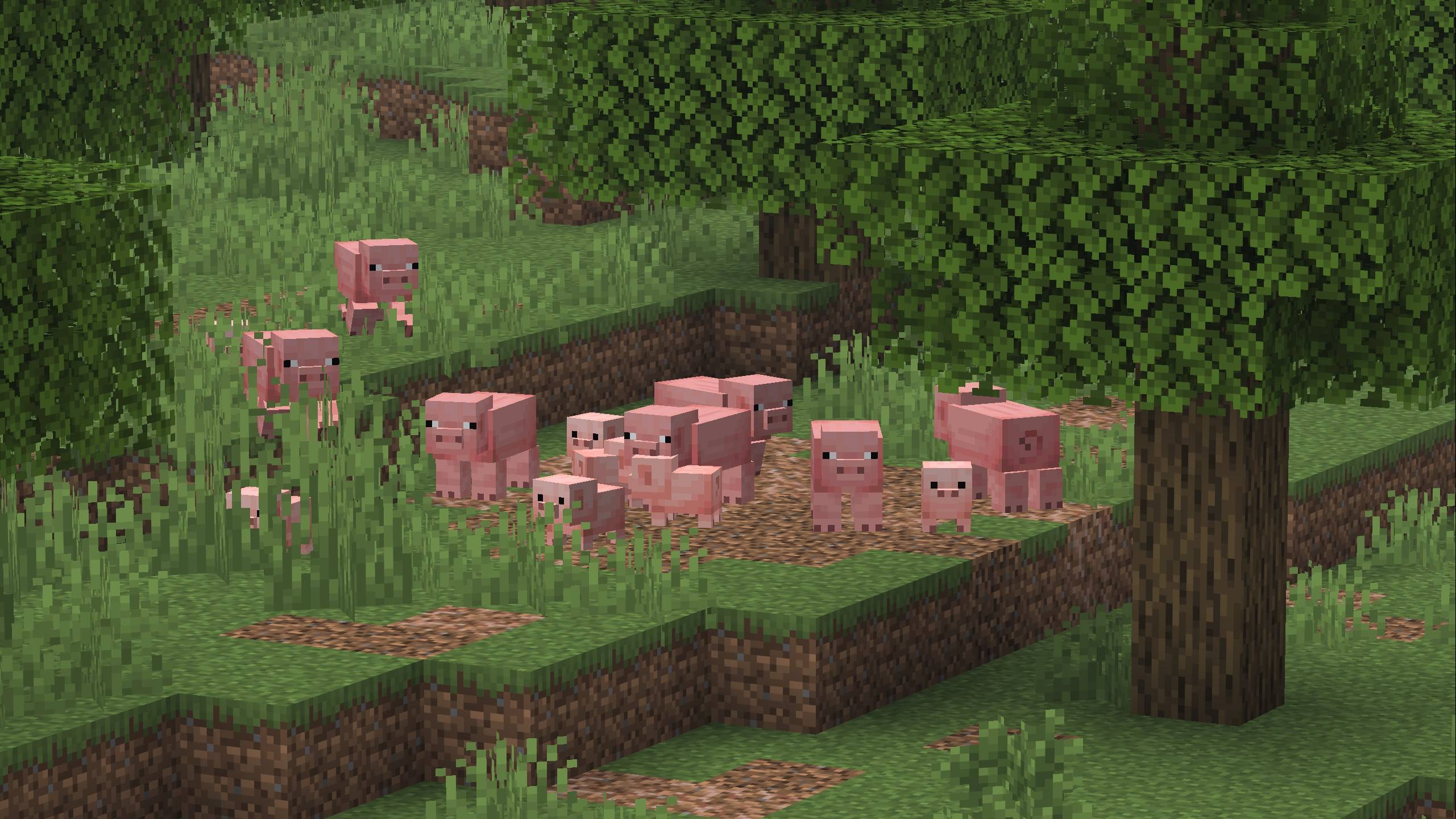
Pigs will gravitate towards different types of dirt
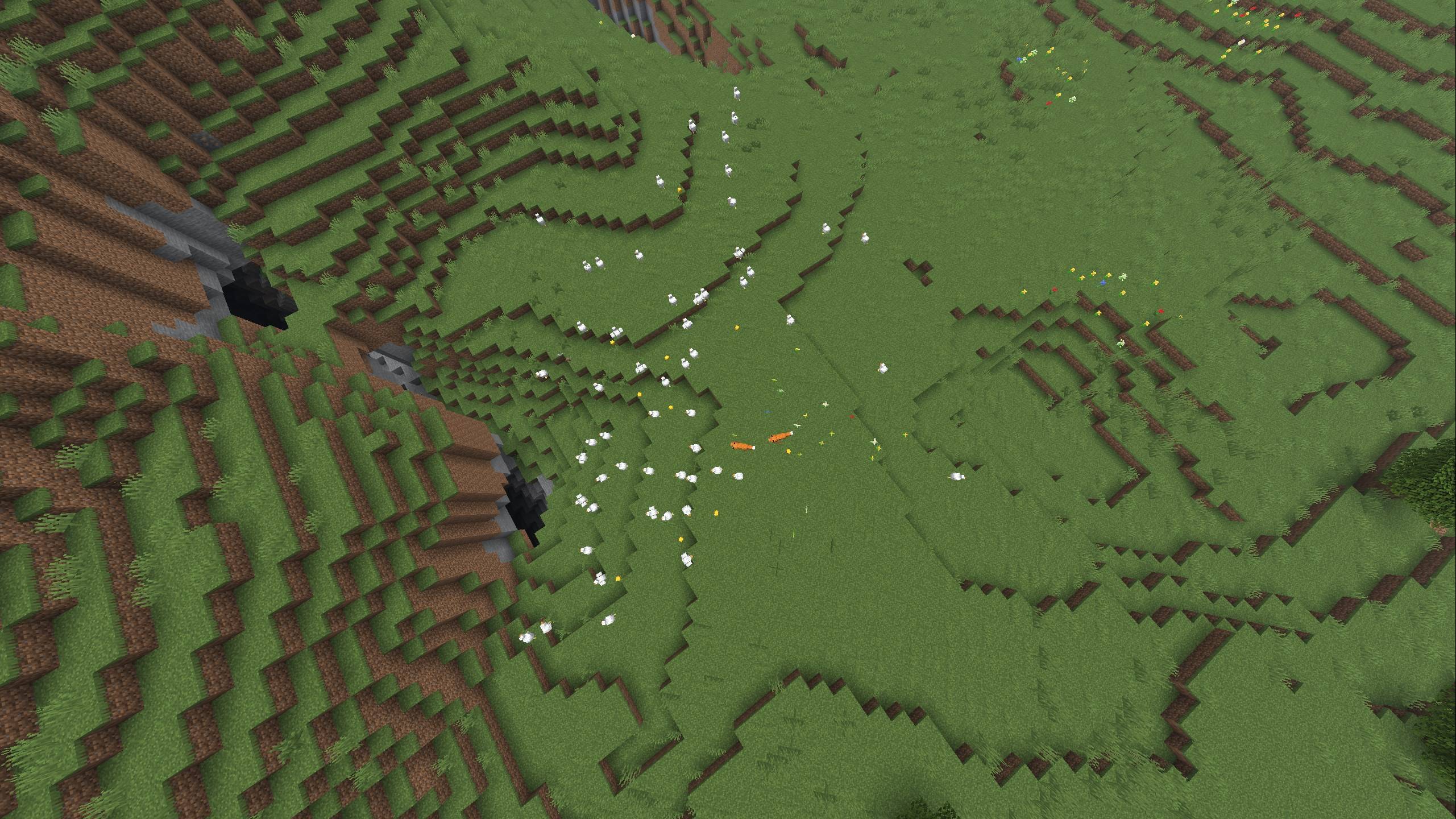
Chickens will flee when being hunted by foxes
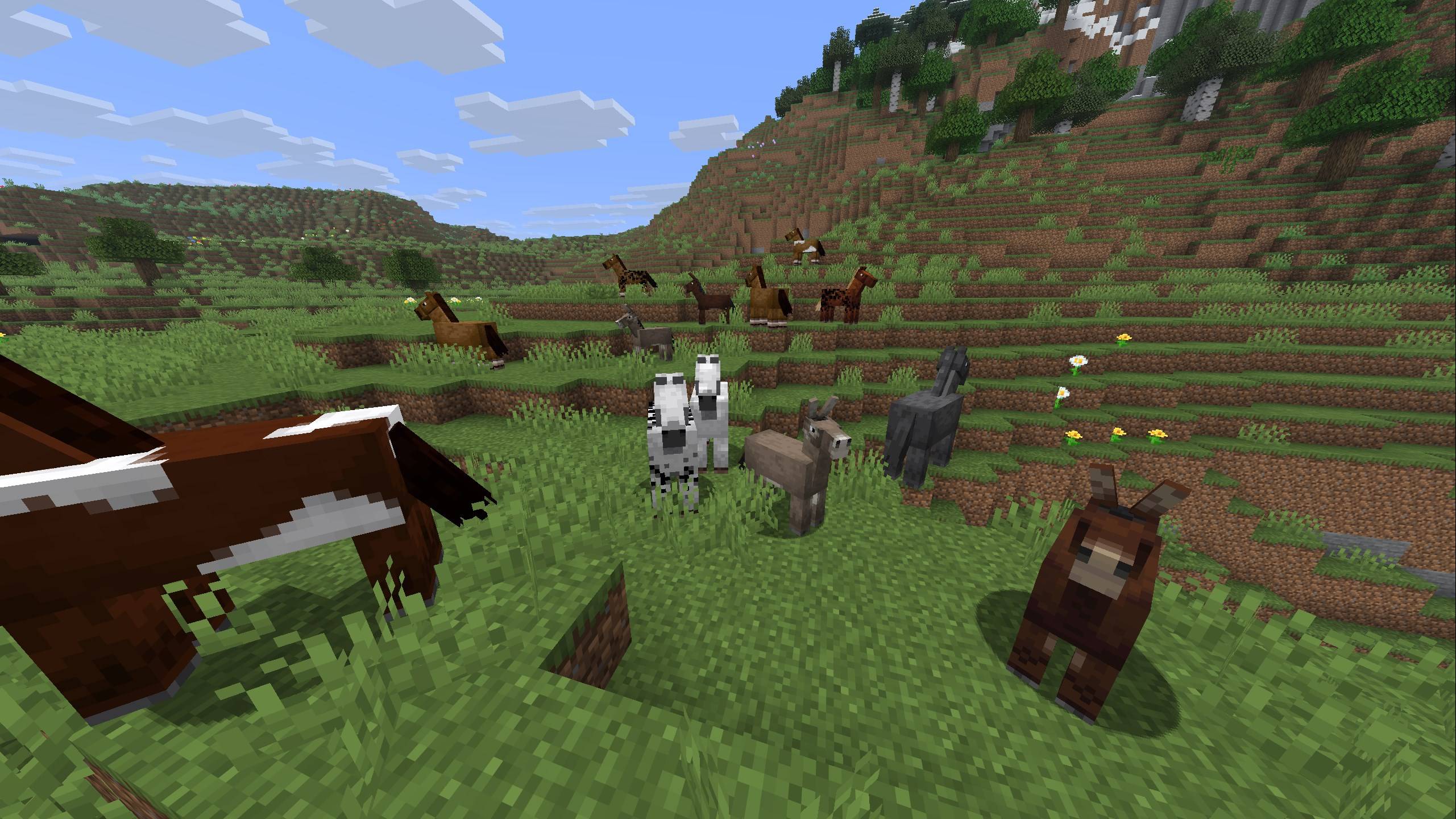
Horses, donkeys, and mules form herds with each other
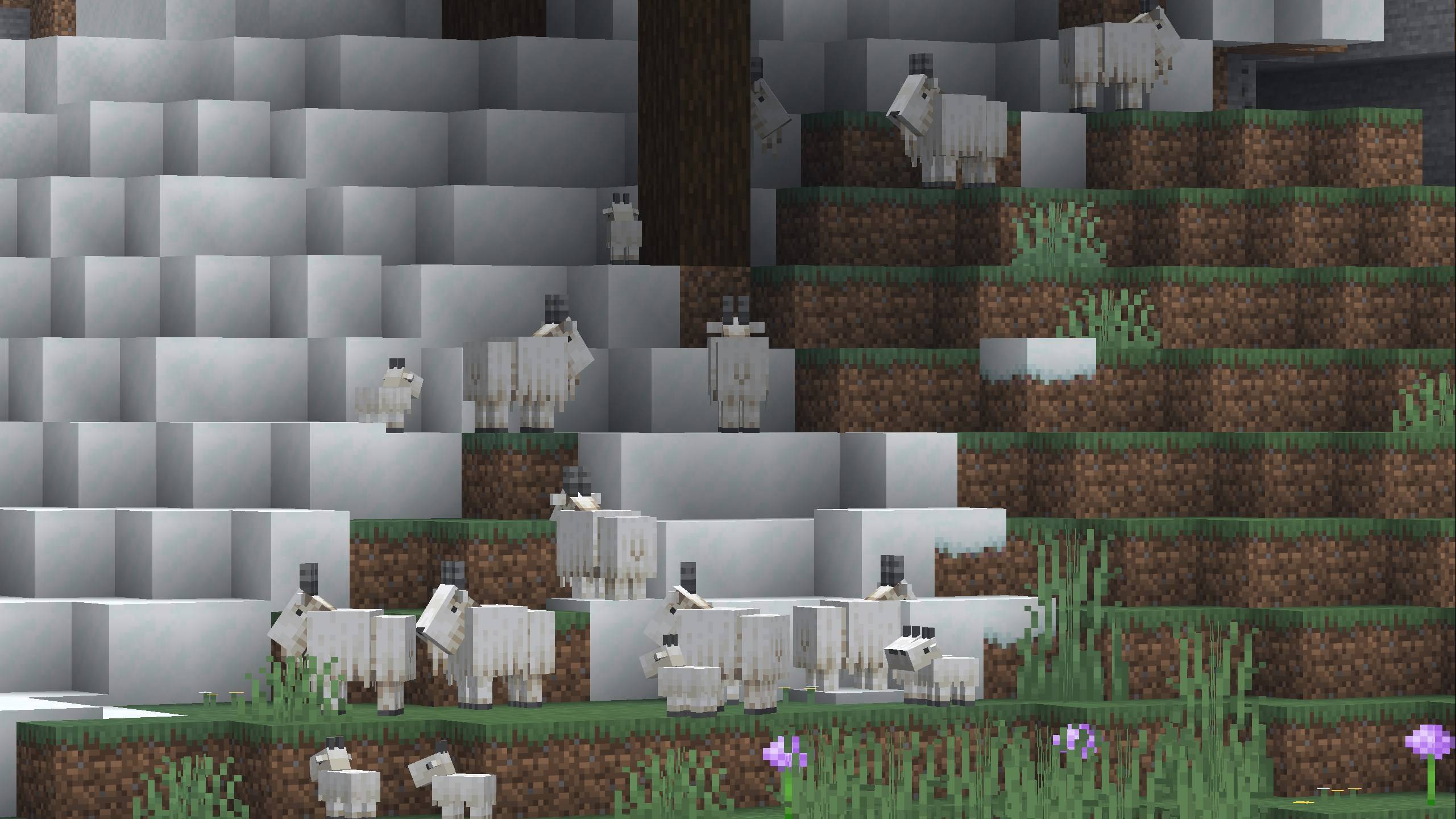
Goats will tend to search for higher ground
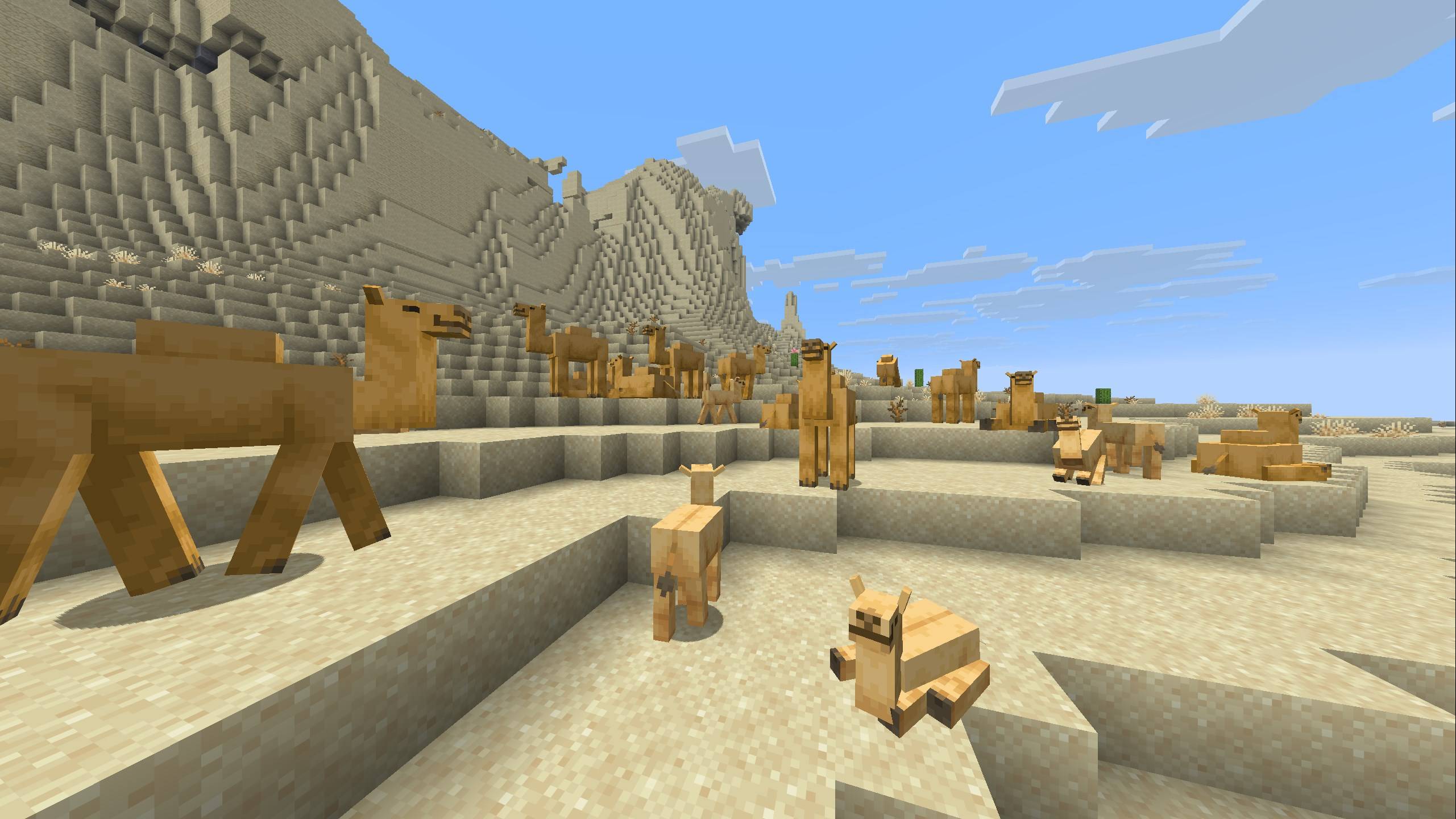
Camels don't require much more than open space to sit
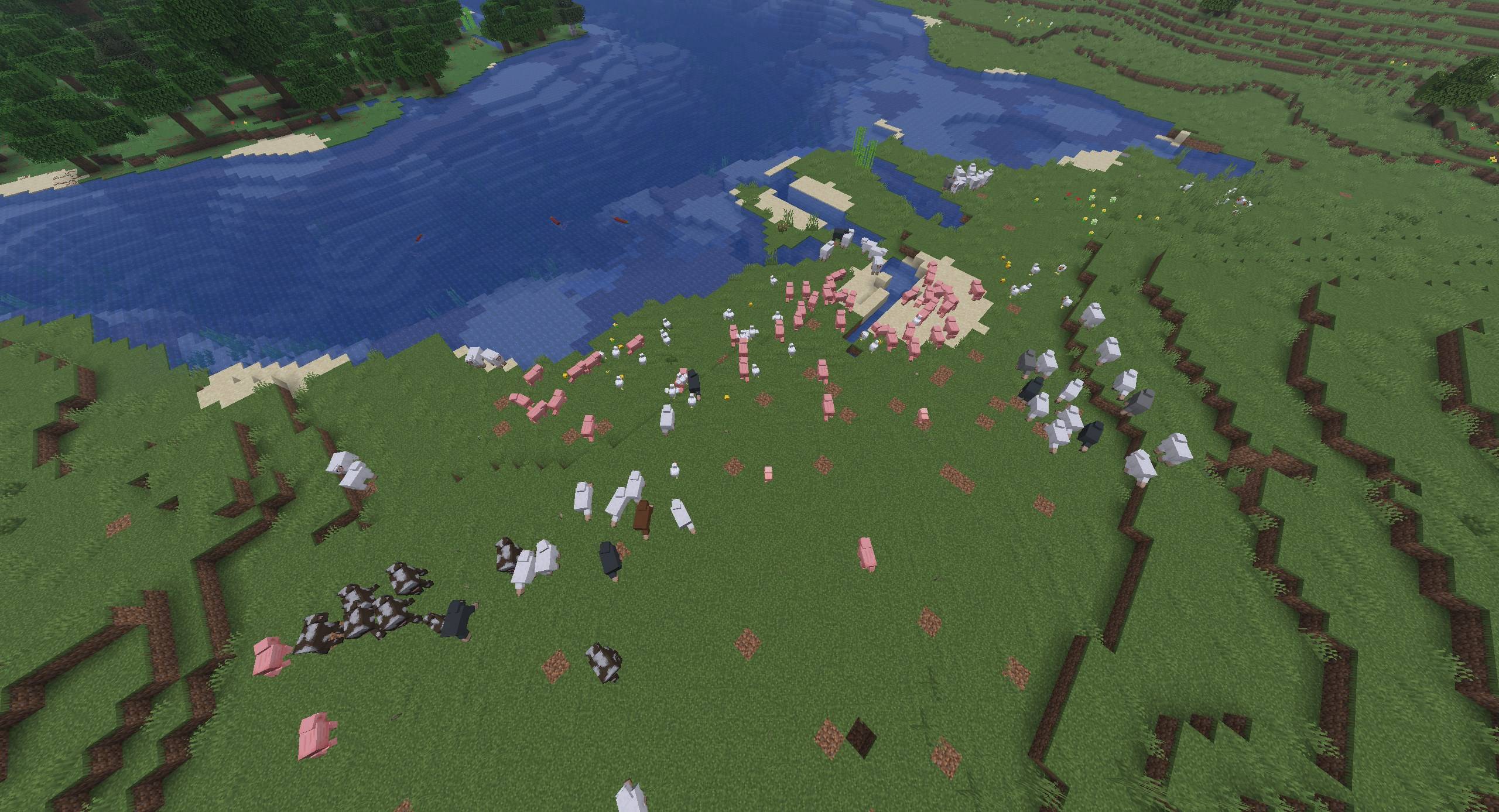
Fleeing herds will alert nearby herds which will, in turn, alert even more nearby herds
Description
AI Disclosure: AI was the primary tool used in the development of this mod, including much of the coding, troubleshooting, and implementation. The final mod was reviewed, tested, and assembled by the author.
Better Herds
Minecraft’s animals have somewhere to go—and companions to go with. Based on Boids by Tomate0613, Better Herds brings natural group movement, species-specific habits, and coordinated reactions to danger to twelve vanilla animals.
Watch sheep travel toward grassy pasture, horses move together across open ground, and wolves patrol and hunt with nearby packmates. Animals spend time resting with their group, keep space between one another, and react when trouble reaches the herd.
From a small farm flock to a large herd roaming the plains, Better Herds makes animals feel more connected to each other and their surroundings.
Different animals, different habits
| Animal | Group behavior |
|---|---|
| Cows | Roam through pasture and pause with their herd. |
| Sheep | Travel toward grassy areas and graze using their normal vanilla behavior. |
| Pigs | Prefer exploring dirt, mud, and other soft ground, with short stops along the way. |
| Horses, donkeys, and mules | Form shared equine herds, favor open ground, and adjust their travel pace to nearby companions. |
| Llamas | Favor higher terrain while preserving normal caravan behavior. |
| Chickens | Move in flocks with shorter trips and frequent foraging pauses. |
| Goats | Prefer higher ground and herd between their normal jumps, rams, and other activities. |
| Wolves | Patrol in packs, with wild wolves able to join nearby packmates’ hunts. |
| Camels | Travel together across open ground, rest naturally, and get up to flee when alarmed. |
| Mooshrooms | Form their own herds and prefer mycelium-covered ground. |
These habits shape movement and destination choices. Animals keep their familiar vanilla interactions, drops, and activities.
Herds that move and rest naturally
Animals share travel directions and destinations with nearby compatible companions, helping groups make progress across the landscape.
Individual movement variation gives animals different speeds, pauses, and activity timing. A herd can stand together, begin moving gradually, and settle again without every animal starting and stopping at exactly the same moment.
Larger herds organize into smaller social groups, with their own destinations and extra space between groups. Personal space helps reduce crowding, while animals separated from their companions can search for nearby groups in already-loaded areas.
Animals can also seek nearby cover during rain, choosing separate shelter spots to reduce crowding beneath a single tree or roof.
Danger spreads through the herd
When an animal is attacked, nearby companions react and flee together. Animals can also respond to nearby predators before an attack happens.
Panic fades individually, so a fleeing herd settles in stages instead of stopping all at once.
A panicking herd can startle another species close beside it, creating a local chain reaction. The default range is just four blocks, keeping the effect close to the stampede. Solid walls block this response.
Startled groups take slightly different escape directions while continuing away from danger, helping neighboring herds separate as they run.
Wild wolves have their own pack response: resting wolves can join a visible nearby packmate’s hunt, even across smaller social groups. Pursuit and attacks still use vanilla combat behavior.
Built around vanilla behavior
Better Herds uses Minecraft’s normal ground navigation to move animals through the world.
Riding, leashes, temptation, breeding, owner commands, and other important animal activities retain control. Goats keep their ramming and long jumps, llamas keep their caravans, and tamed wolves keep their owner interactions.
Sheep stop grazing when herd movement or fleeing takes over, while calm animals still have time to rest and perform their normal activities.
Make it your own
Open the settings through Mod Menu with Cloth Config API installed.
Adjust general herd behavior, then customize individual species. Options include:
- Personal space and separation strength.
- Movement speed and individual speed variation.
- Shared travel and attraction to companions.
- Movement and rest timing.
- Subherd size and spacing.
- Searching for nearby herds.
- Species habits and grass seeking where applicable.
- Panic reactions and nearby cross-species startle distance.
Each species has settings suited to its behavior. Wolves have pack-hunting options, while grass-seeking controls appear for animals that support them.
Settings saved through the menu apply to your open singleplayer world. Server administrators can edit config/betterherds.json and reload it without restarting.
Commands and herd inspection
Use these commands to check settings or take a closer look at animal behavior:
/betterherds status
/betterherds reload
/betterherds debug true
/betterherds debug false
/betterherds inspect
Debug mode shows clear dotted route lines. Look at an animal to focus on its path and see its current activity, social group, and nearby companions.
Administrative and debug commands require operator permissions.
Multiplayer
Herd behavior runs on the server, and the server’s configuration controls the shared animal behavior.
Install Better Herds and Fabric API on the server. Clients can join without Better Herds, though installing it on clients as well provides complete sheep grazing-animation cancellation.
Cloth Config API and Mod Menu are optional client additions for the configuration screen. Client settings do not override a multiplayer server’s herd settings.
Installation
Available for Minecraft Java Edition 1.20.1, 1.21.1, 1.21.11, and 26.3 using Fabric.
All four versions include the same Better Herds features and configuration options.
Required:
- Fabric Loader
- Fabric API
- Cloth Config API, for the configuration screen
Optional:
- Mod Menu, for a configuration button in the mods list
Download the mod and dependency versions that match your Minecraft version. Each Minecraft version has its own JAR.
Better Herds Team