


Must Have Carved Blocks
- By

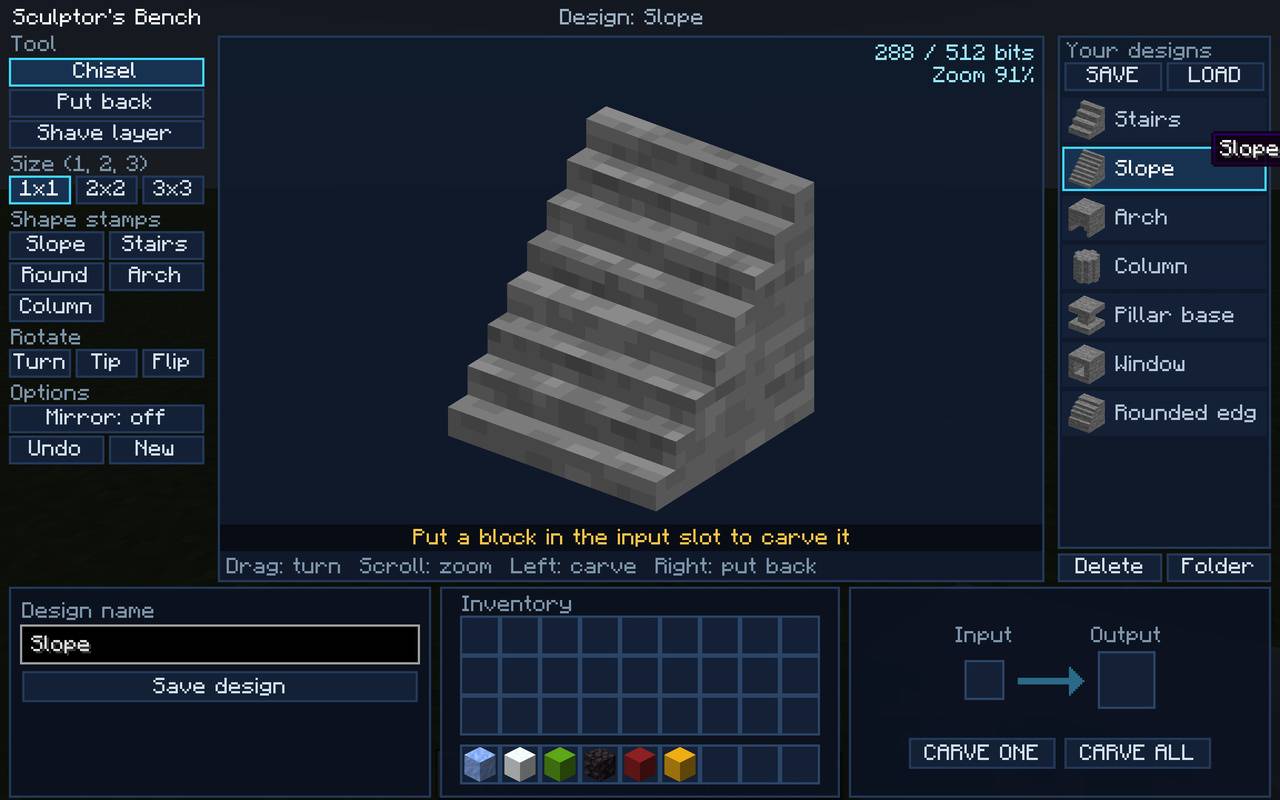
Right click on the Sculpture's Table and you are presented with the interface.
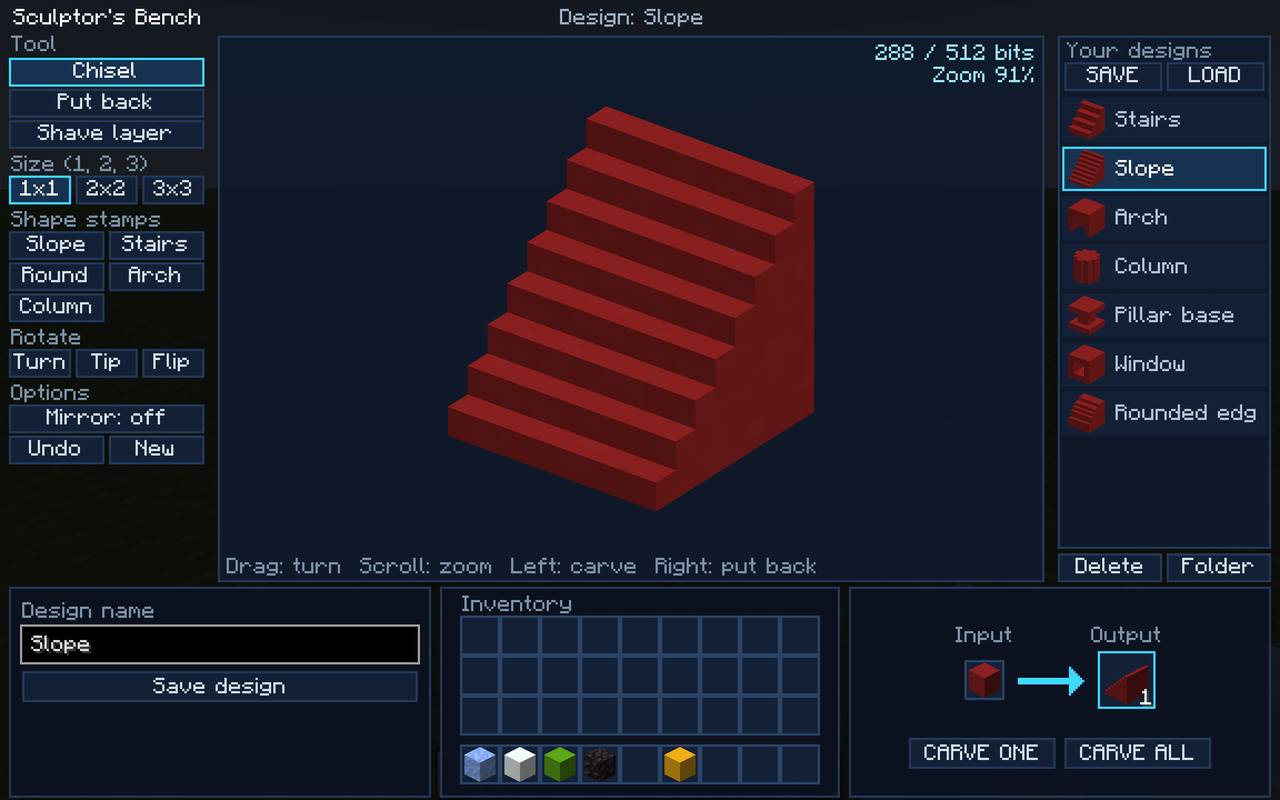
From here you can design the block you want, save it, select a design, place a block in the INPUT and then choose 'One' or 'All'
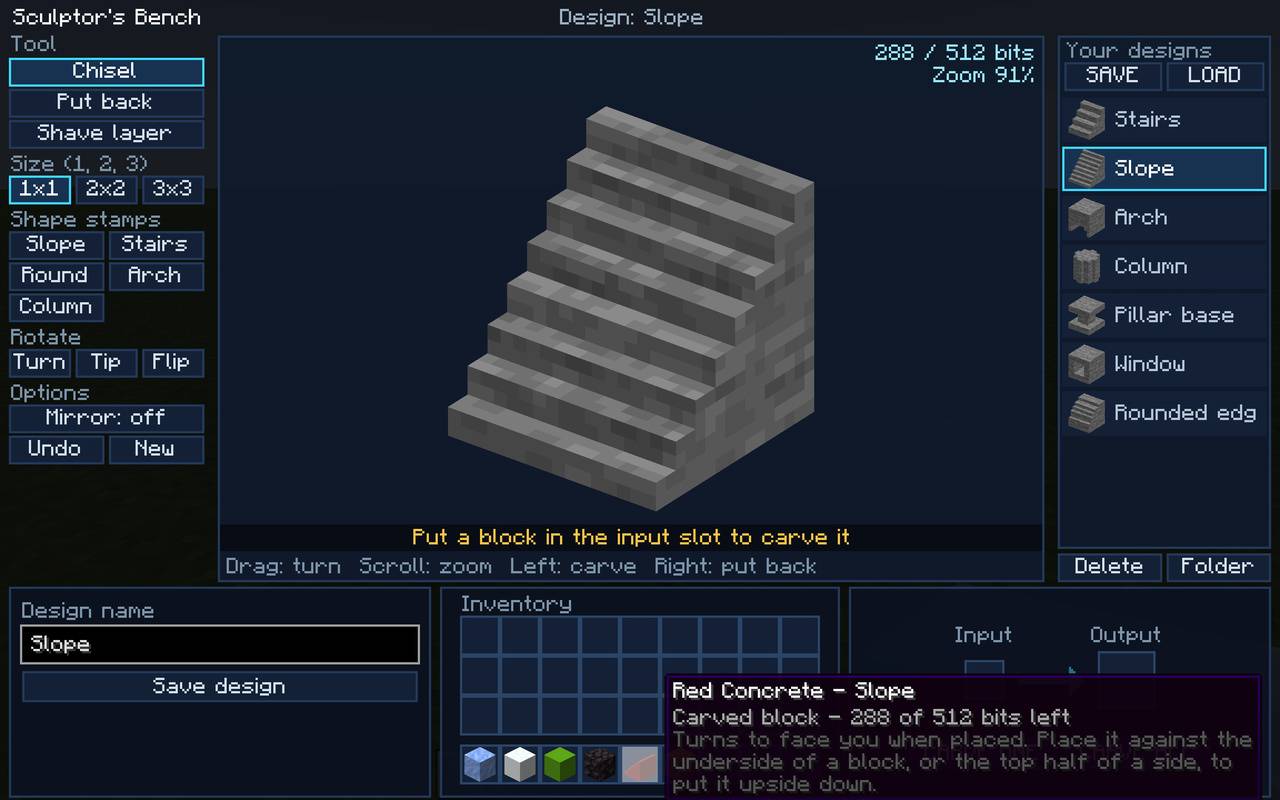
Hover on a block to see the detailed info on it.
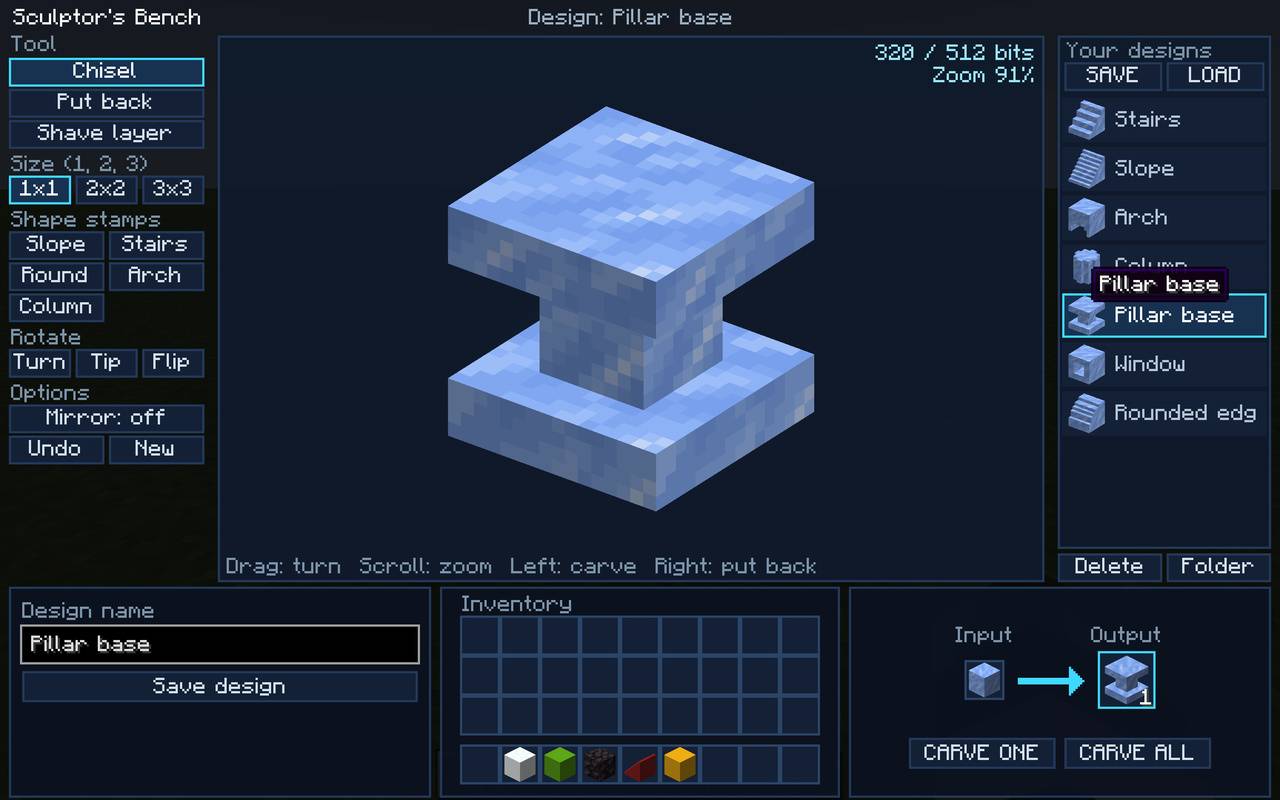
You can use all sorts of blocks, from stone to ice, concrete to wool!
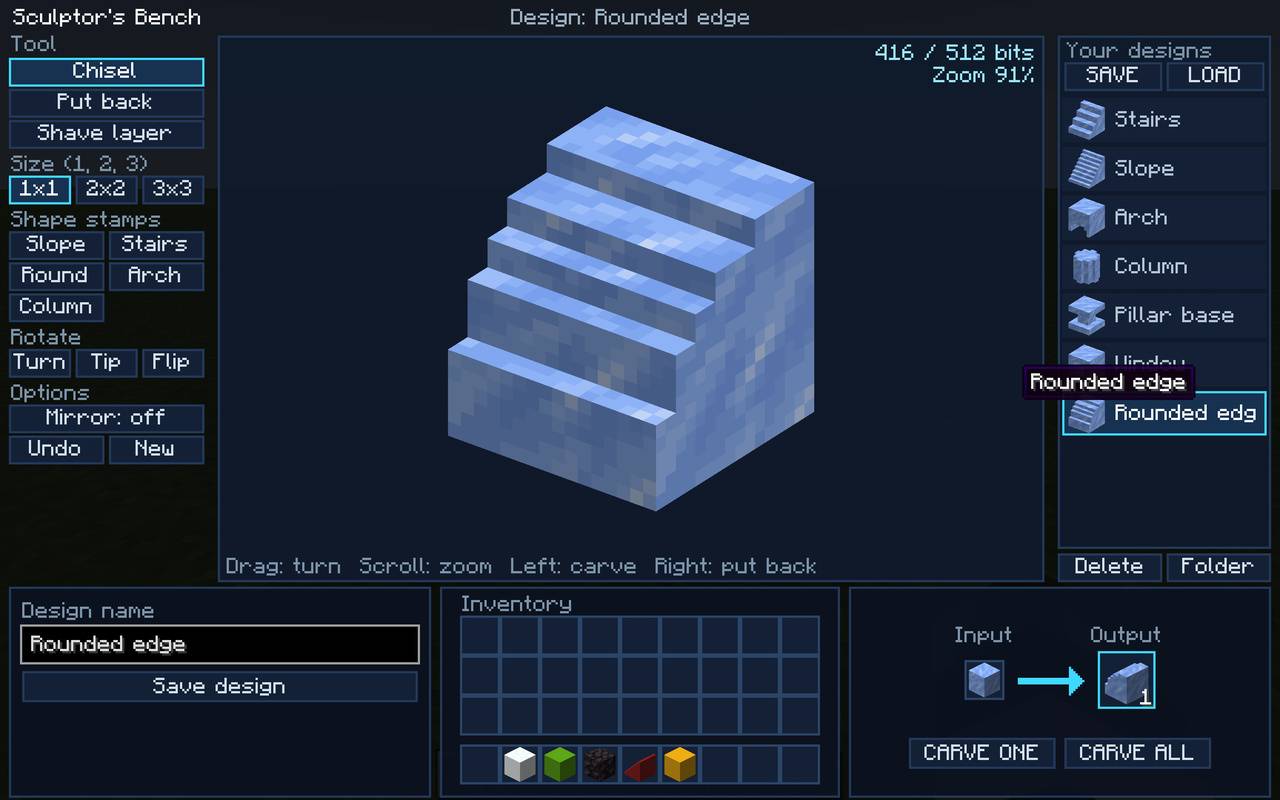
A few designs are pre-loaded to start you off, but you can do what you want!
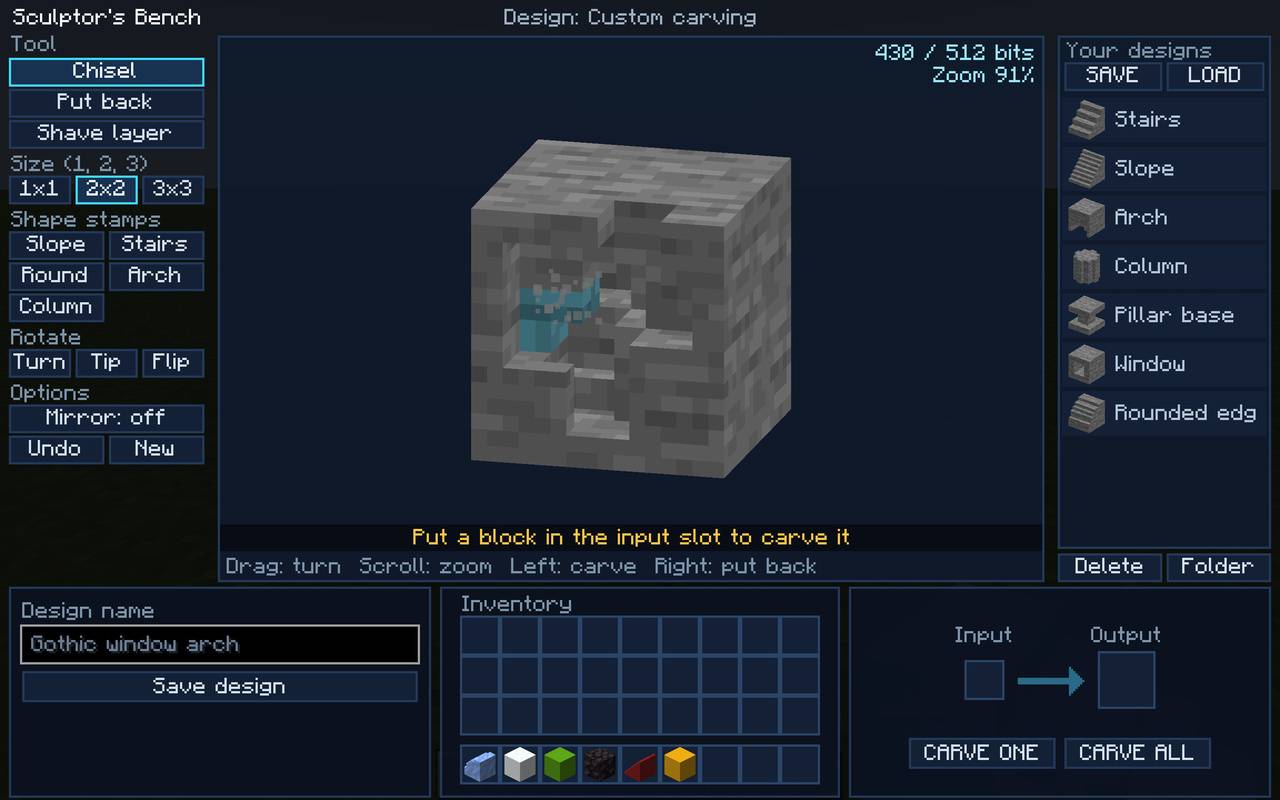
Chip away at the demo block in the centre of the screen. Want bigger chips? Choose 2x2 or maybe even 3x3!
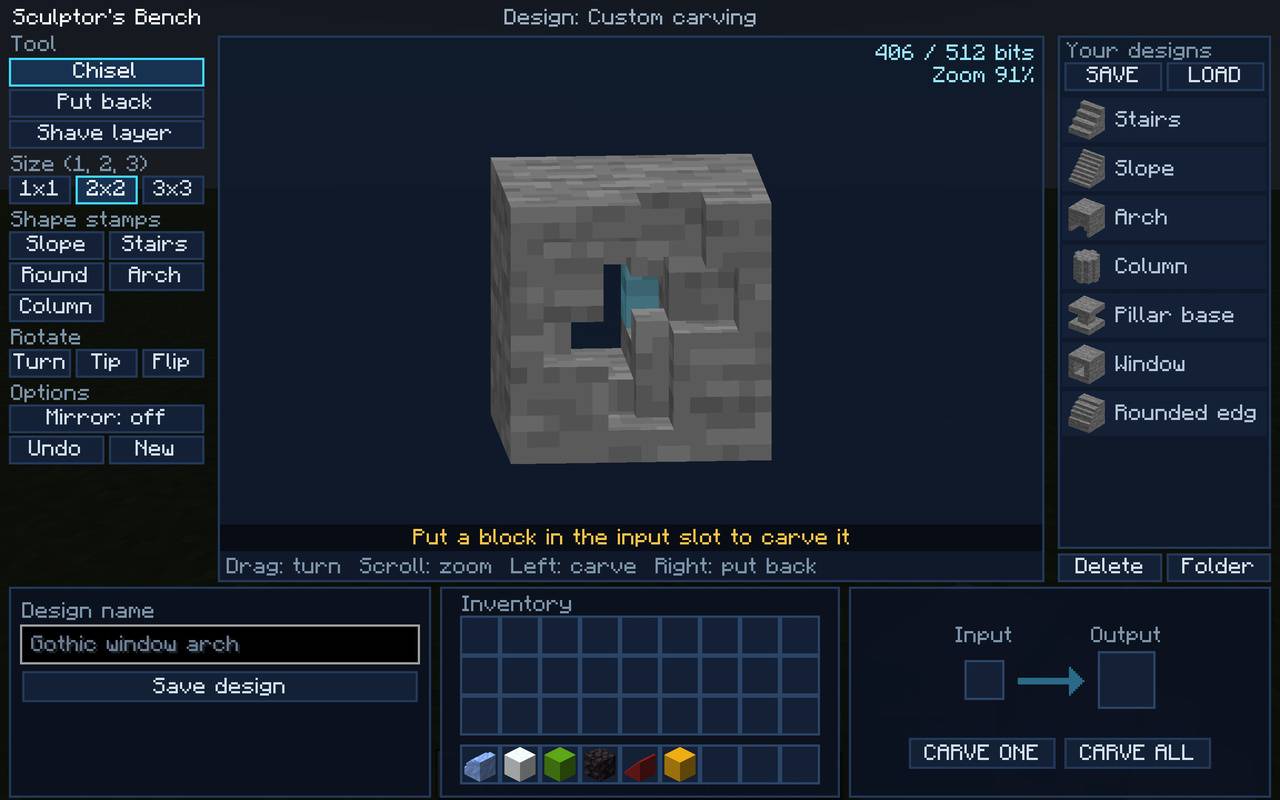
Rotate in different directions and zoom in and out to get really detailed!
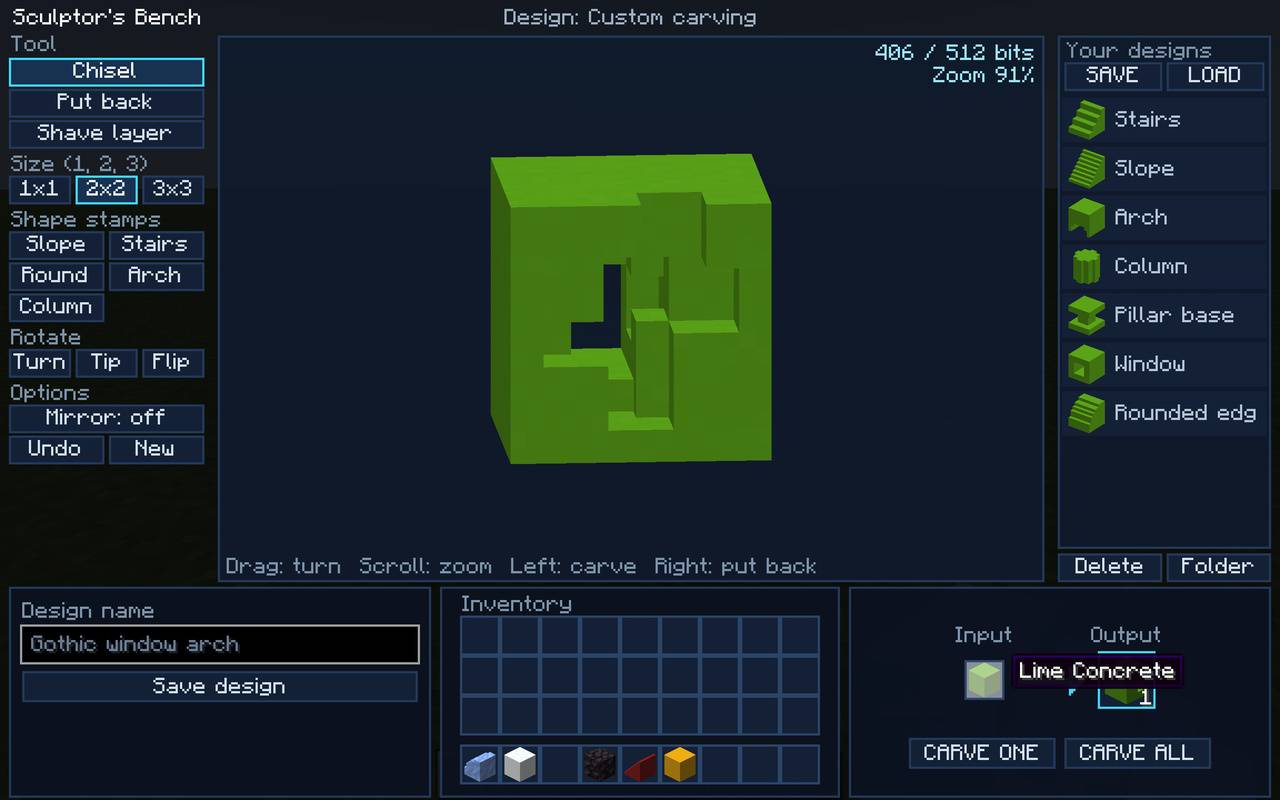
When you are ready, place your chosen block in the INPUT and your result will be ready for you in the OUTPUT!
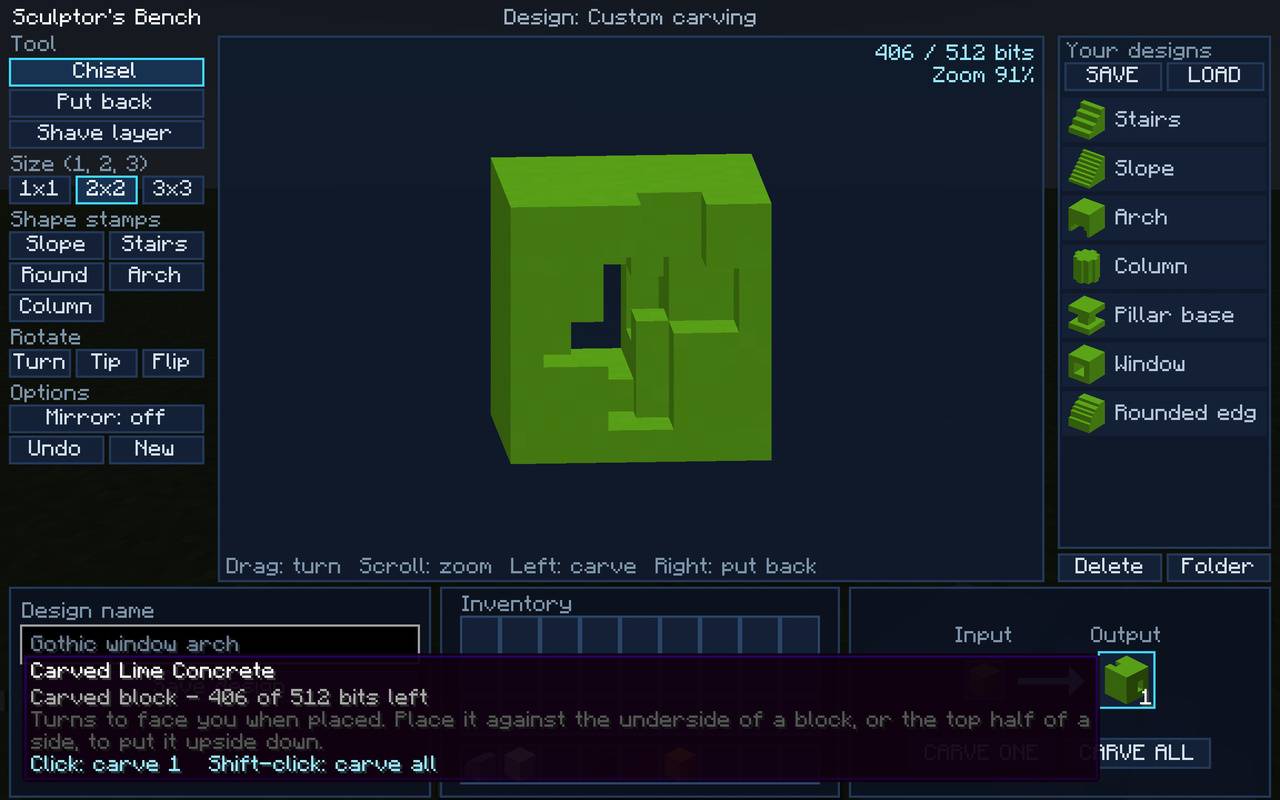
Design as many blocks as you want. Don't forget to SAVE your collection for future worlds or to share with your friends!
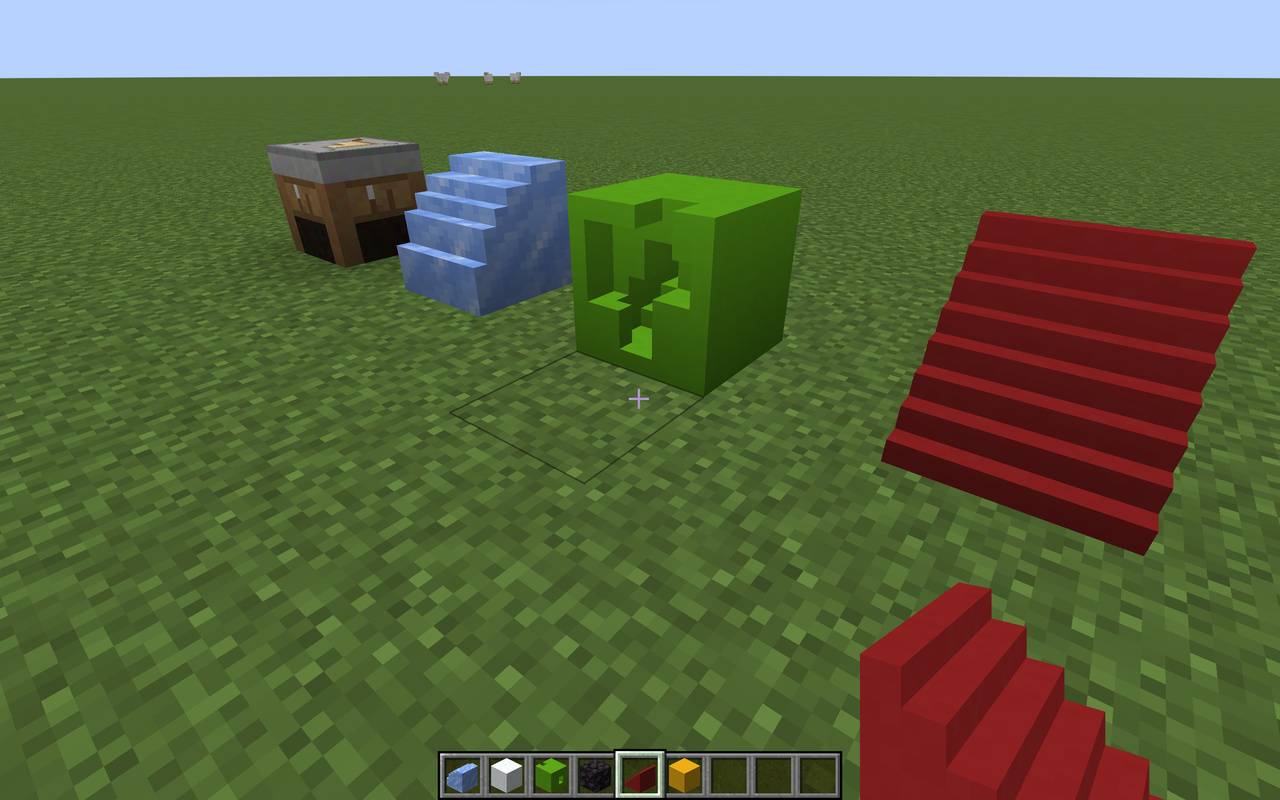
Let your imagination run wild!