Music Disc Maker
- By
Craft playable music discs from YouTube, Spotify, SoundCloud, Bandcamp, and other audio links for jukeboxes, Boomboxes, and Speakers.
Turn your favorite tracks into music discs and give your Minecraft world its own soundtrack.



Paid commissions for videos, streams and servers. Send me your idea: kuronami.mods@gmail.com

Paste a link into the Music Disc Maker or choose an audio or video file from your computer, add a Blank Disc, and take your finished disc to a jukebox. Use links from YouTube, Spotify, SoundCloud, Bandcamp, or a direct audio source. Twitch links are not supported. On a server, an imported file is shared so other players hear it too.
Make it your collection
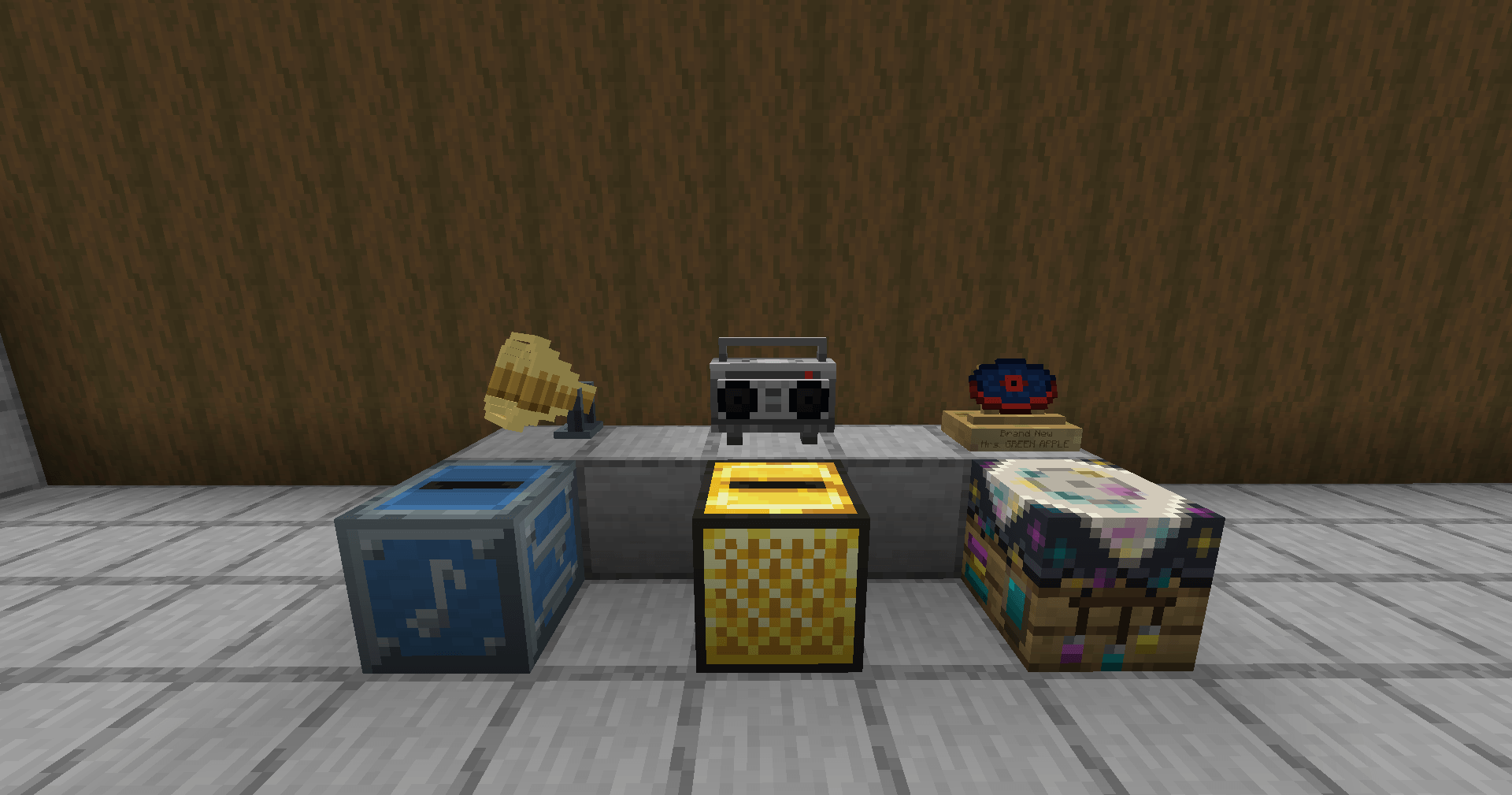
Keep up to 18 discs in an Album, or 54 in a Golden Album, give them custom names, and choose their colors with the Disc Dyeing Table. Put a favorite on a Disc Pedestal to display its title and artist.
Music for your base and your travels
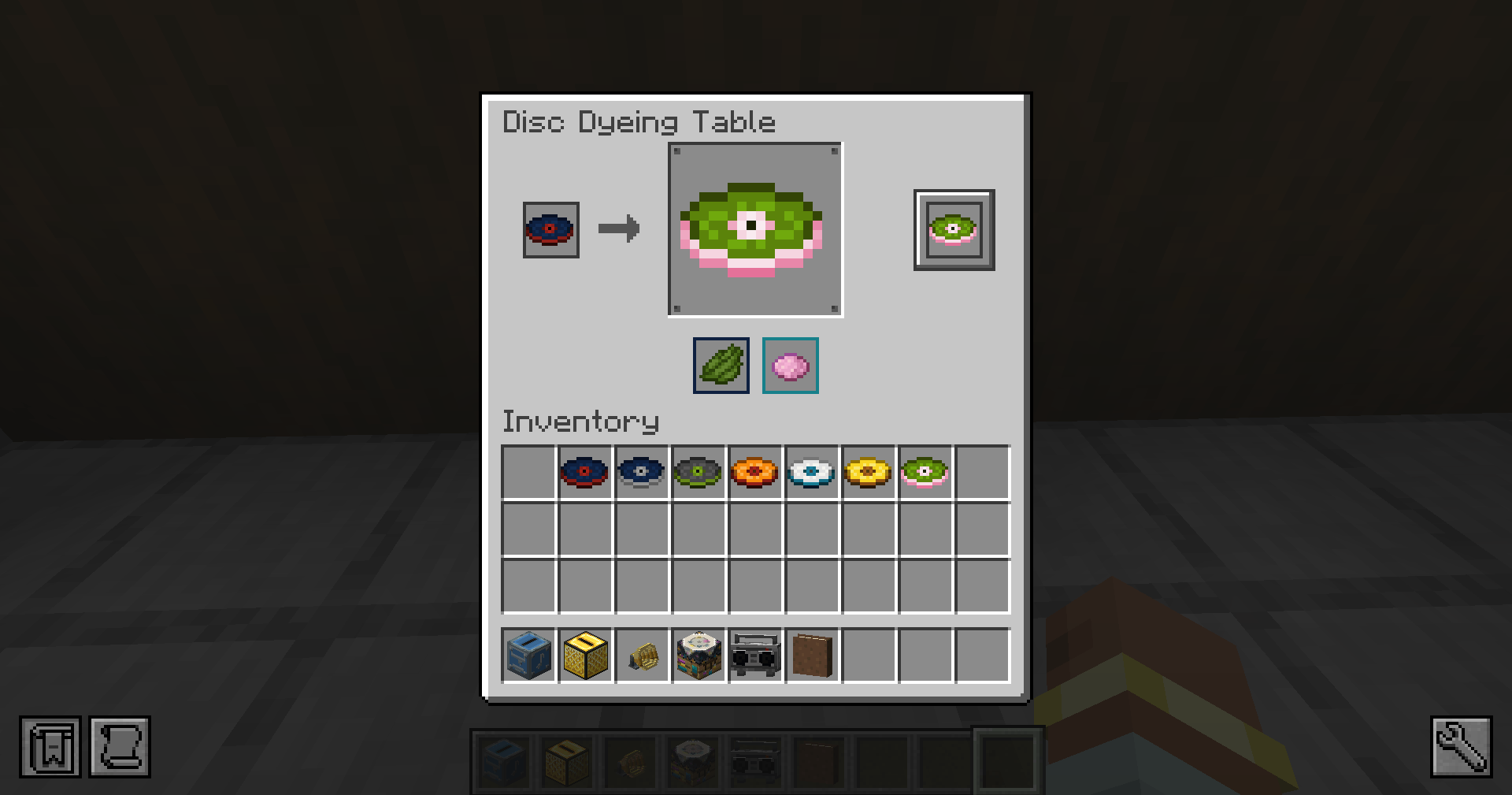
- Boombox: carry your music with you or set it down. Play any disc that works in a jukebox, including vanilla discs and discs from other mods, or an Album, with pause, skipping, shuffle, repeat, seek, and volume controls.
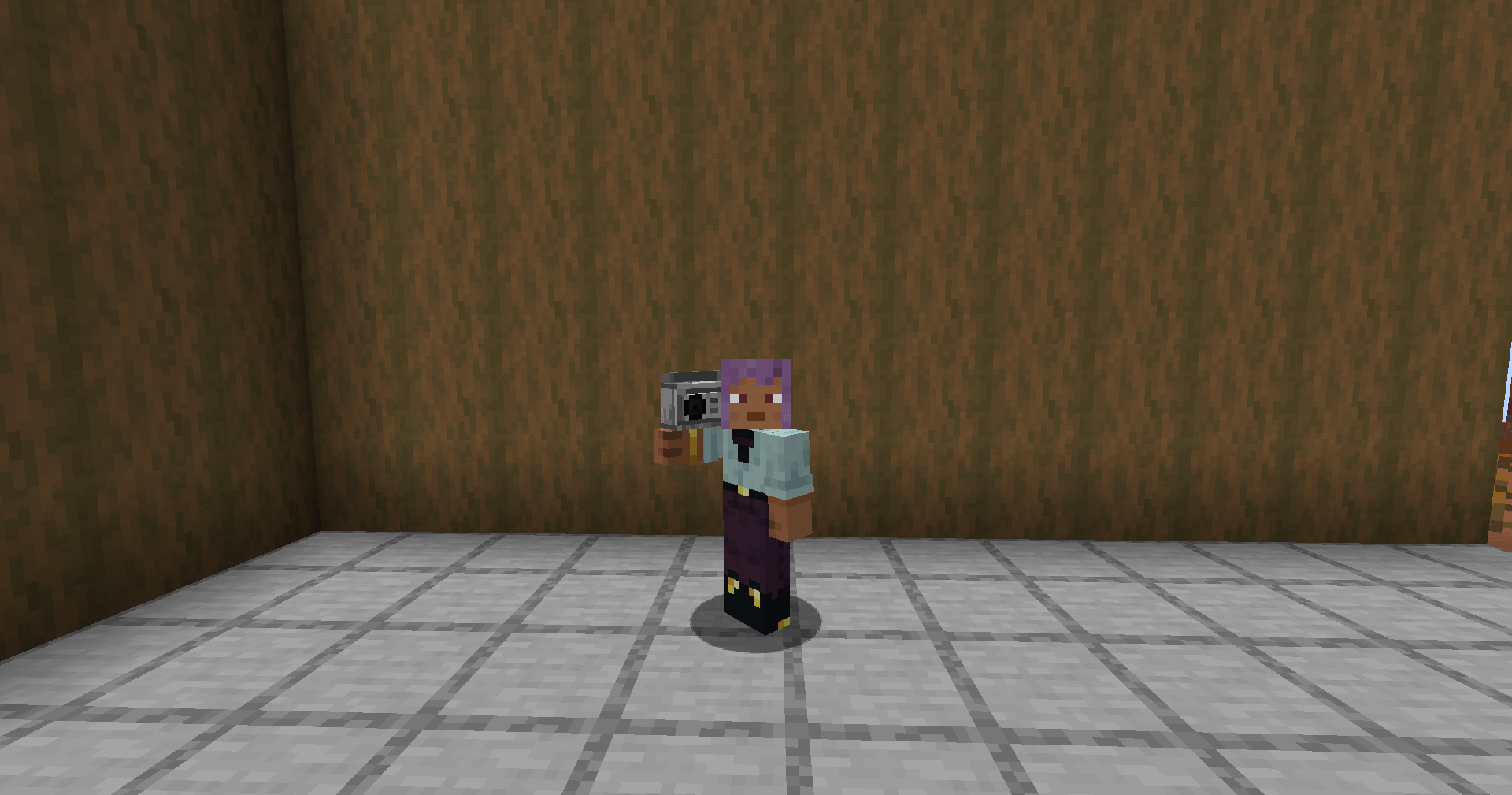
- Golden Jukebox: adjust the listening range and volume, start or pause it with redstone, then link Speakers to bring the same music into other rooms.
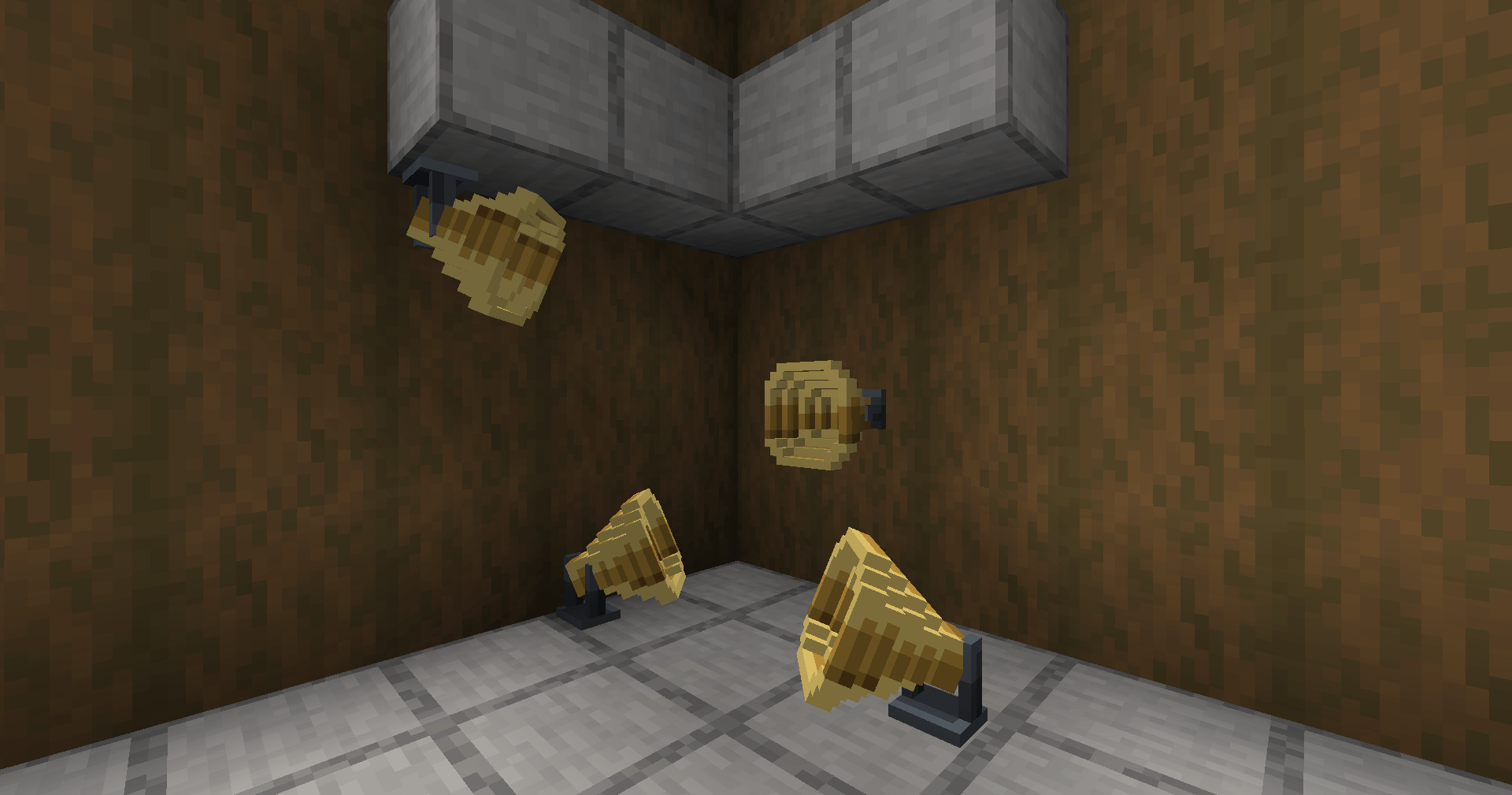
- Speakers: place them around your build, set their volume individually, and mute them with redstone.
- Minecart with Golden Jukebox: take the music along your rails, with the same controls while it moves.
- Live radio: tune into supported live streams as well as individual tracks.
Multiplayer playback lets other players hear the same track. Integrations include Additional Additions Albums, Pocket Jukeboxes, Sophisticated Backpacks, Traveler's Backpack, BiblioCraft Legacy disc racks, the [Let's Do] Furniture Gramophone, the Create: Steam 'n' Rails Minecart with Jukebox, and an optional Curios slot for the Boombox on NeoForge and Forge. Moving-audio support depends on the combination: Create on NeoForge 1.21.1 or Forge 1.20.1, Create Aeronautics on NeoForge 1.21.1, and Valkyrien Skies 2, Eureka!, or Clockwork on 1.20.1.
Before you play
Link discs need an internet connection and an available audio source. A link disc points to the music rather than storing a copy. Imported files are stored by the server. Use the same Music Disc Maker version on the server and clients.
All Rights Reserved. Free to include in any modpack, on any platform, monetized or not, without permission or credit.
Source: https://github.com/KURONAMI333/music-disc-maker
Bugs and questions: comment on the CurseForge page or DM @kuronami333 on X.
Music Disc Maker Team

Owner