Multi-Function Trash Cannon
- By
Turn your junk into ammo! A multi-function cannon that fires whatever you load into it - from combat and block work to pulling targets and vacuuming items. Fully configurable.
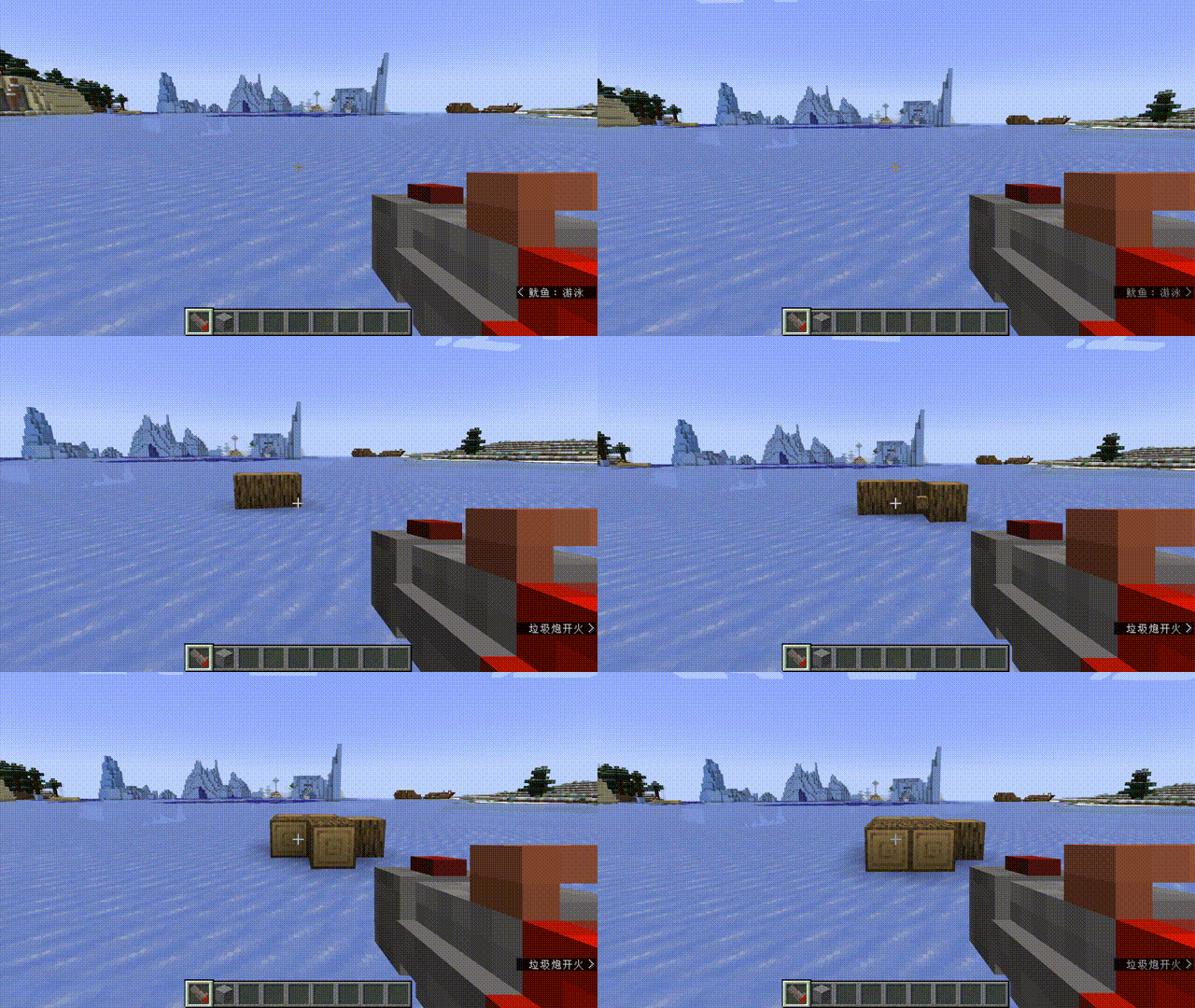
Minecraft_ Forge 1.20.1 - å人游æ 2026-08-07 18-00-20 00_00_00-00_00_30.gif
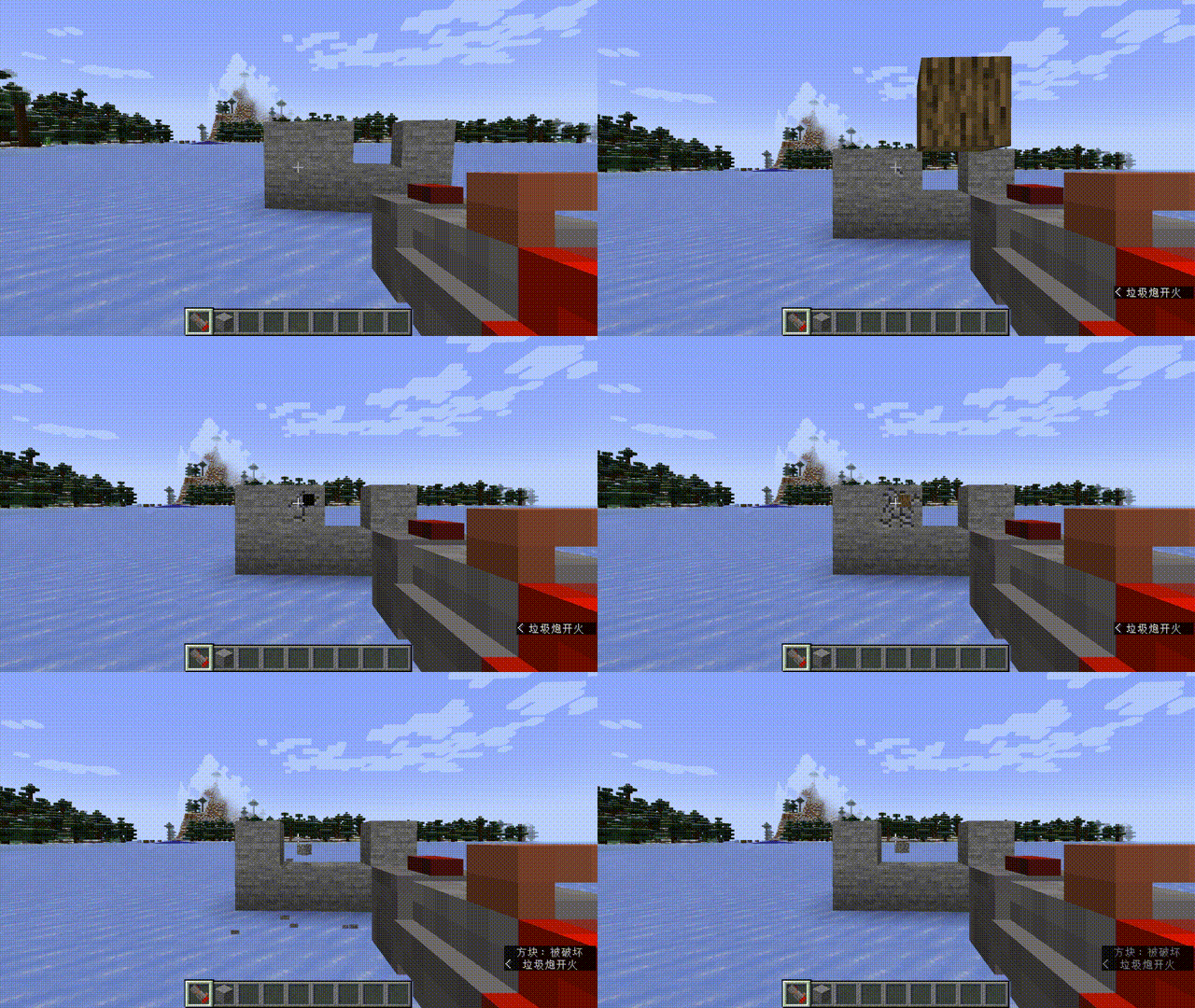
Minecraft_ Forge 1.20.1 - å人游æ 2026-08-07 17-59-52 00_00_00-00_00_30.gif
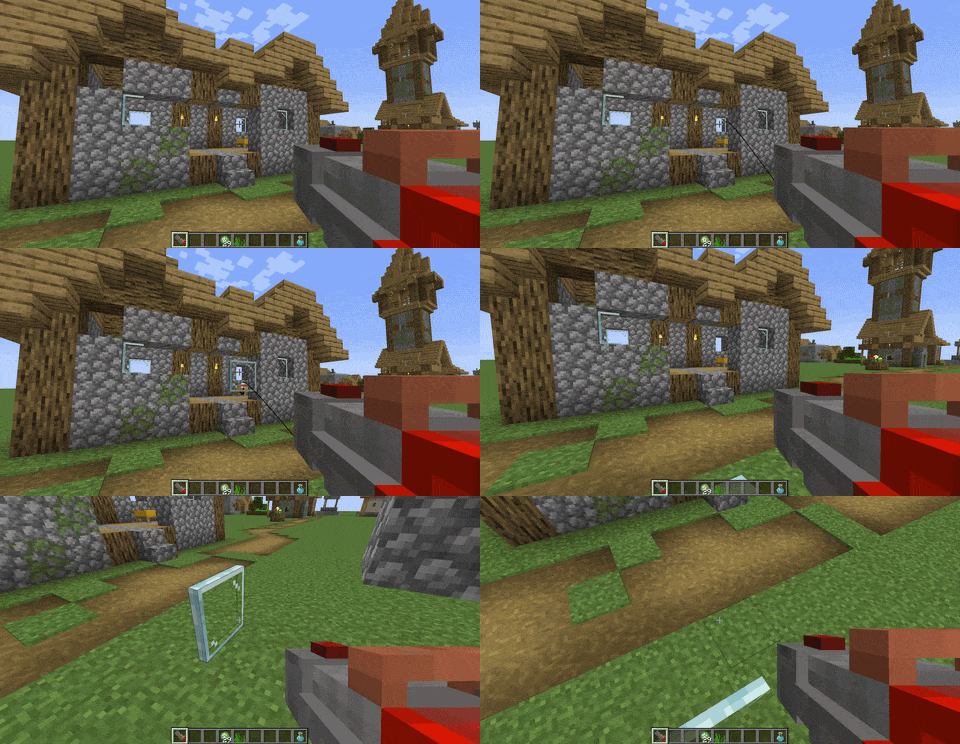
Minecraft_Forge1.20.1-2026-08-0721-44-58-ezgif.com-optimize.gif

Minecraft_Forge1.20.1-2026-08-0721-45-41-ezgif.com-optimize.gif
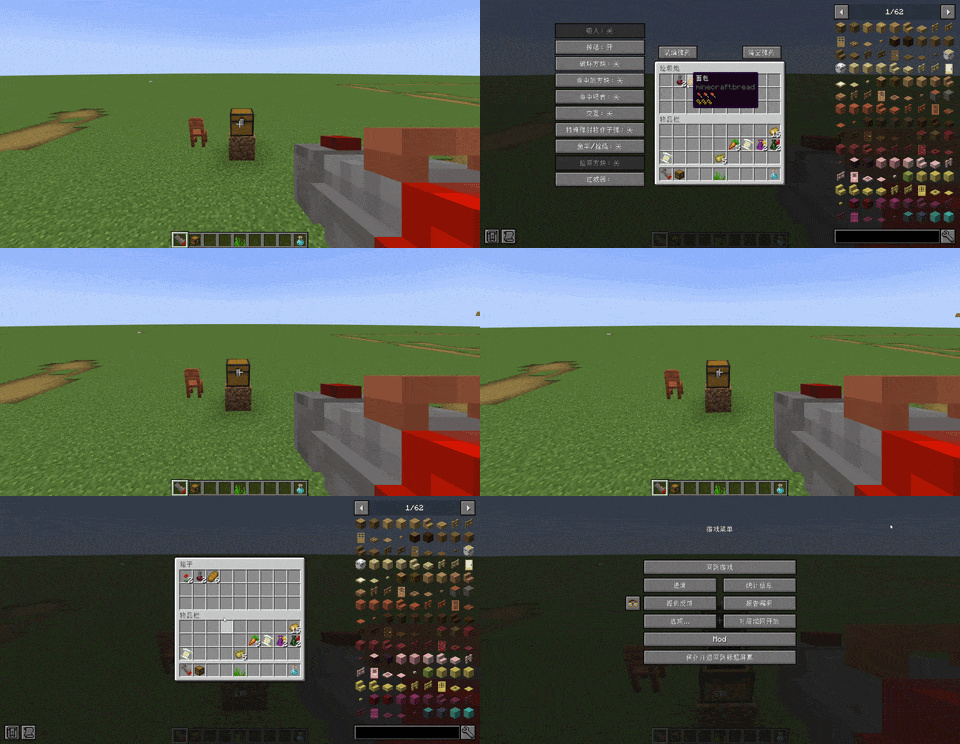
ezgif.com-optimize (3) (1).gif
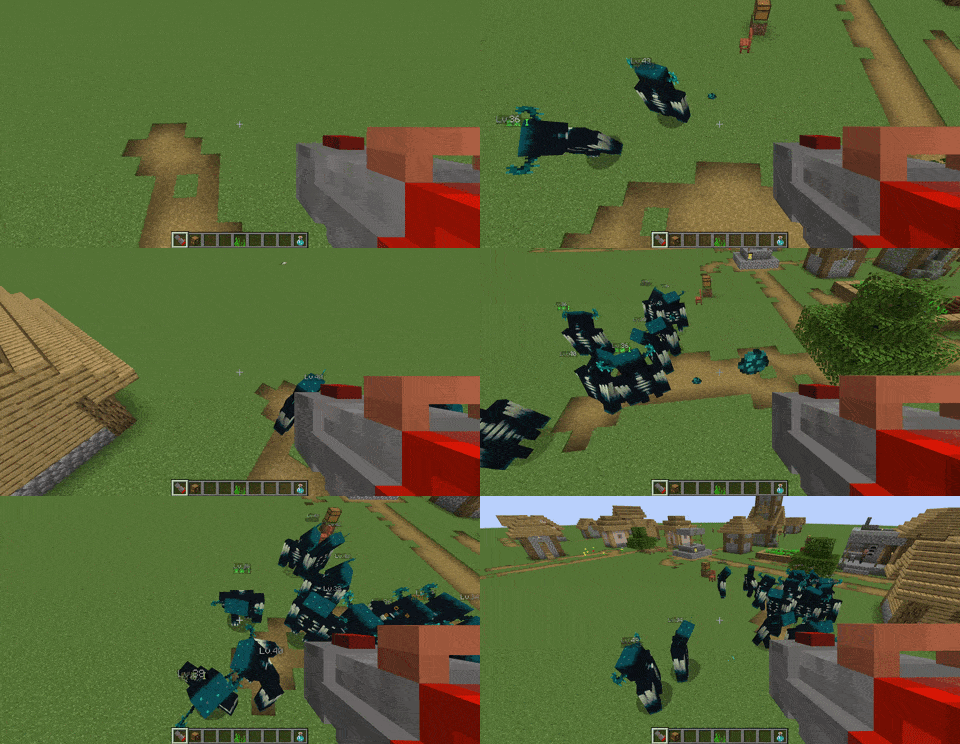
ezgif.com-optimize (3) (2).gif
Description
Multi-Function Trash Cannon
Turn your junk into ammo. The Trash Cannon is a fully configurable multi-purpose gun that fires whatever you load into it: fight mobs, break and place blocks, pull targets back with a fishing hook, or vacuum up items like a portable hopper. Every behaviour can be tuned per gun or globally.
Overview
- Ammo is whatever you put inside: any item can be loaded into the cannon's 27-slot container and fired as a projectile.
- Open the container with the G key (rebindable) while holding the cannon, or use the "Load ammo" / "Clear ammo" buttons above the container.
- Right-click to fire, hold right-click to keep firing at a configurable rate (default: 5 ticks between shots, about 4 shots per second).
- Works only in the main hand; the offhand does nothing.
- Sneak + right-click places the cannon as a block; mining it returns the gun with all enchantments, per-gun settings and pickup filters intact.
Configurable ballistics
Gravity, projectile speed, spawn offset, damage (unstackable items vs. stackable items with separate min/max) and fire rate are all configurable. The minimum damage is never allowed to exceed the maximum - the config corrects it automatically. Each value can be set per gun or as a global default:
/trashcannon config- opens the config GUI for the gun you are holding (OP required, must hold the cannon)./trashcannon globalconfig- opens the global default config (OP required)./trashcannon help- opens a scrollable in-game guide for every player.
On-hit behaviours (per-gun or global toggles)
- Special projectiles as bullets: when disabled (default), arrows, snowballs, eggs, ender pearls, potions, fire charges and tridents keep their vanilla behaviour. When enabled, they fly as plain cannon bullets using the cannon's damage, gravity and speed.
- Place blocks: block ammo is placed on the block face it hits instead of just dealing damage. Hitting an entity still deals damage normally.
- Throwable drop: ammo lands as a normal dropped item instead of dealing damage or disappearing. If the hit player has free inventory space it goes straight into their inventory, otherwise it drops on the ground. Overrides damage, block placement and feeding.
- Break blocks: bullets damage blocks. The hits needed depend on hardness: ceil(5 + hardness + 5 * ln(1 + hardness)) - soft blocks need at least 5 hits and hard blocks scale with a log-like curve. Progress resets if the same block is not hit for 5 seconds. Only blocks that can normally be broken and dropped are affected. Efficiency reduces the hits needed; Silk Touch and Fortune affect the drops. Takes priority over block placement.
- Feed: food and drinkable ammo is used on the creature it hits - breed animals and grow up babies, heal or tame wolves and cats, apply potion effects, or drink milk to clear effects. Non-edible ammo still deals damage normally.
- Interact: ammo right-clicks whatever it hits as if the player used it: shear sheep, leash mobs, tame animals, milk cows, fill/empty buckets and more. Lowest priority after feed-on-hit.
- TNT ammo: TNT bullets are always launched as primed TNT that explodes - never affected by the toggles above.
Tool ammo: fishing rod & lead
- Fishing rod: the rod casts a hook (with line). Another right-click pulls the hit target back to you. Only the rod's durability is spent, respecting its own Unbreaking enchant. With "pulled blocks" enabled, a hooked block is dragged back and placed; if it gets stuck it is placed where it stops.
- Lead: the lead launches a knot; another right-click pulls you to the target (entity or block). One lead is consumed when you arrive. If the pull gets stuck it cancels after a short while.
Pickup filter
- Choose any item IDs you want: matching ground items are picked into a carried cannon first (if it has room), and the rest goes to your inventory as usual.
- Can be turned off entirely ("use filter on pickup"), so everything is picked up normally.
- Each gun can have its own filter; otherwise the global filter is used. Both filter editors have a search box (name or ID), per-item checkboxes, "only show added" mode and a scrollable list.
- "Reset to global" clears the gun's own filter so it inherits the global list.
Suck (requires Silk Touch)
- While enabled, right-click vacuums nearby items into the cannon. Radius (default 8 blocks), duration (default 60 s) and cooldown (default 30 s) are configurable.
- You can move while sucking; the suction centre follows you and never resets.
- With "apply pickup filter to suck" you choose between items only, blocks only, or both - otherwise every ground item in range is sucked.
- "Invert filter (blacklist)" flips the filter everywhere it is used: normal pickup, Load ammo and Suck all act on everything EXCEPT the items/blocks on the list.
- Blocks are sucked in as their block form. Containers keep their contents; containers carrying other containers are skipped to prevent data bloat.
- Suction ends when the duration runs out, the gun is full, or you right-click again, then it goes on cooldown - with sound, subtitles and chat feedback.
- Suck has the highest priority: while it is on, the cannon never fires bullets.
Enchantments
- Silk Touch: enables the Suck feature (the suck button is greyed out otherwise).
- Efficiency: faster suction and fewer hits needed to break blocks.
- Fortune / Silk Touch: improve block drops when breaking blocks.
- Power / Flame / Punch / Piercing / Looting: boost combat ammo.
- Unbreaking: chance to not consume ammo. As an anti-duplication measure, it only applies to ammo that is purely consumed - features that can return or drop items (throwable drop, place blocks, feed, interact, recoverable special projectiles) always consume the ammo.
Placed cannon & safety
- The cannon can be placed as a block (sneak + right-click). Pistons can push it and it drops as an item.
- Putting a cannon inside a cannon triggers a warning and an explosion countdown - remove it before the timer ends to cancel. The more cannons inside, the bigger the boom.
- Boats and minecarts destroyed by the cannon drop themselves as items.
Configuration & multiplayer
- Per-gun values override global defaults. With "force global config" enabled, every cannon uses the global values and per-gun switches become inactive.
- "Allow per-gun toggles" controls whether the container screen switches can be changed (they are still shown but greyed out otherwise).
- Global settings are synced from the server, so other players see the same switch states.
- The in-game guide (
/trashcannon help) is bilingual (English & Simplified Chinese) and follows the player's game language.
The Multi-Function Trash Cannon Team


![[VSE]Visual Set Edit project image](https://media.forgecdn.net/avatars/thumbnails/1801/154/256/256/639140205969226065.jpg)
![[VIME]Visual Iron's Mobs Edit project image](https://media.forgecdn.net/avatars/thumbnails/2014/763/256/256/639236173761225818.png)