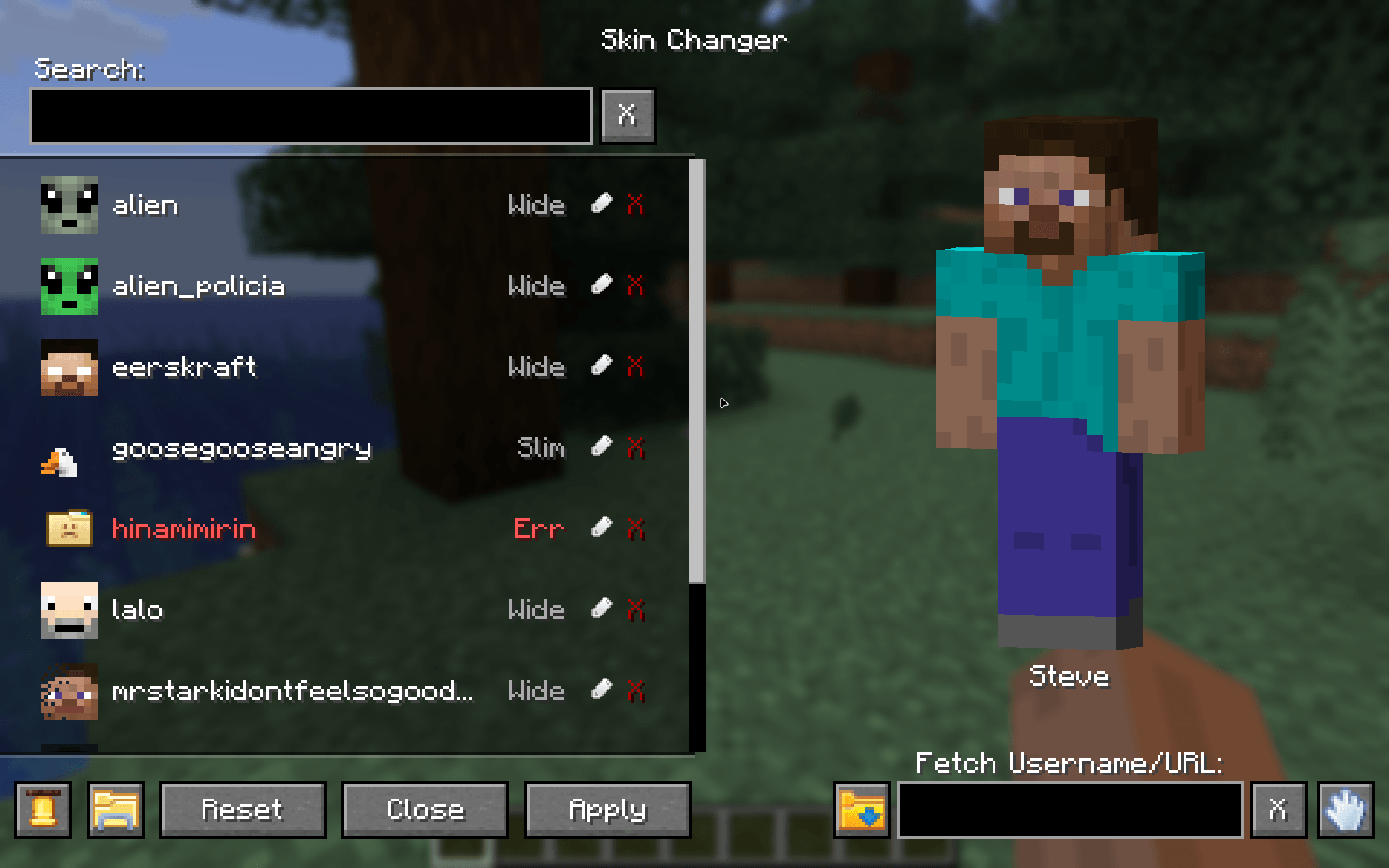
Main menu of the mod
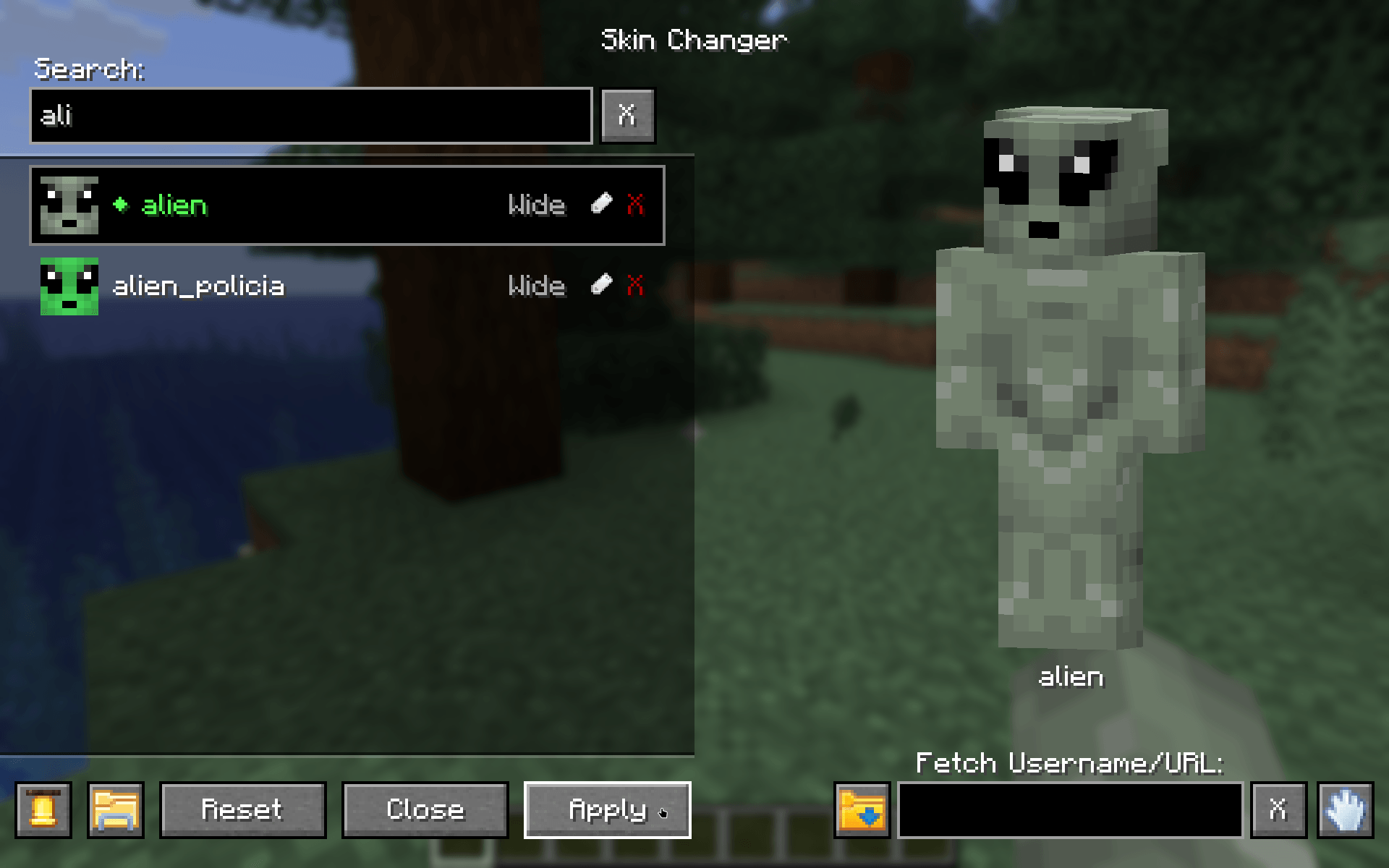
Find your skins in the skin list, select and apply them!
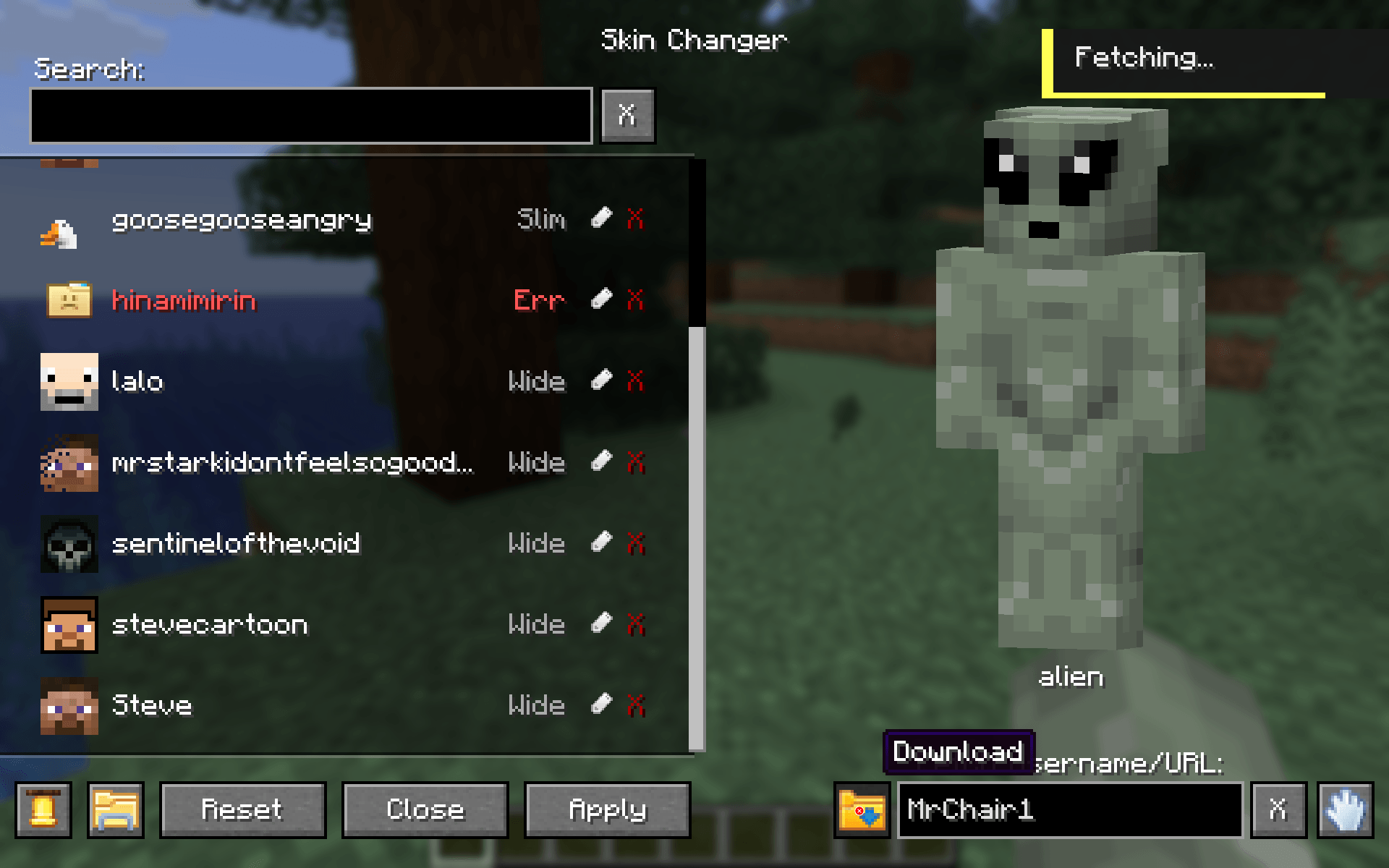
Fetch any players skin or download them from a URL right into your skin directory
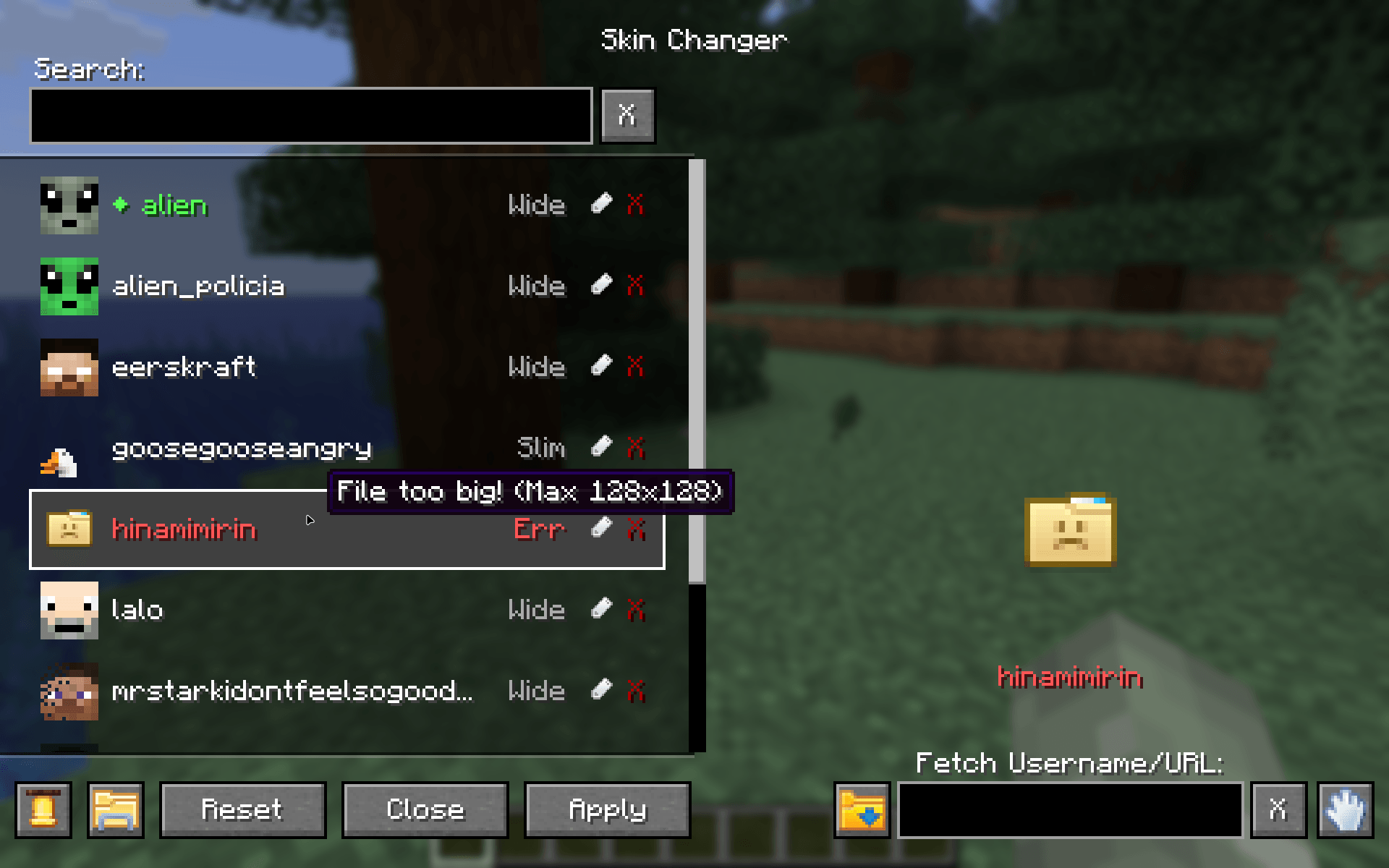
Shows you bad files in your skin directory
Description
🎨 MrChair1's Skin Changer



⚠ For players updating from older versions (before 1.7.0):
You no longer need a separate slim/ folder. The mod now automatically detects whether a skin is Wide (Steve) or Slim (Alex).

- Instant Updates: Change your skin in real-time without restarting the game.
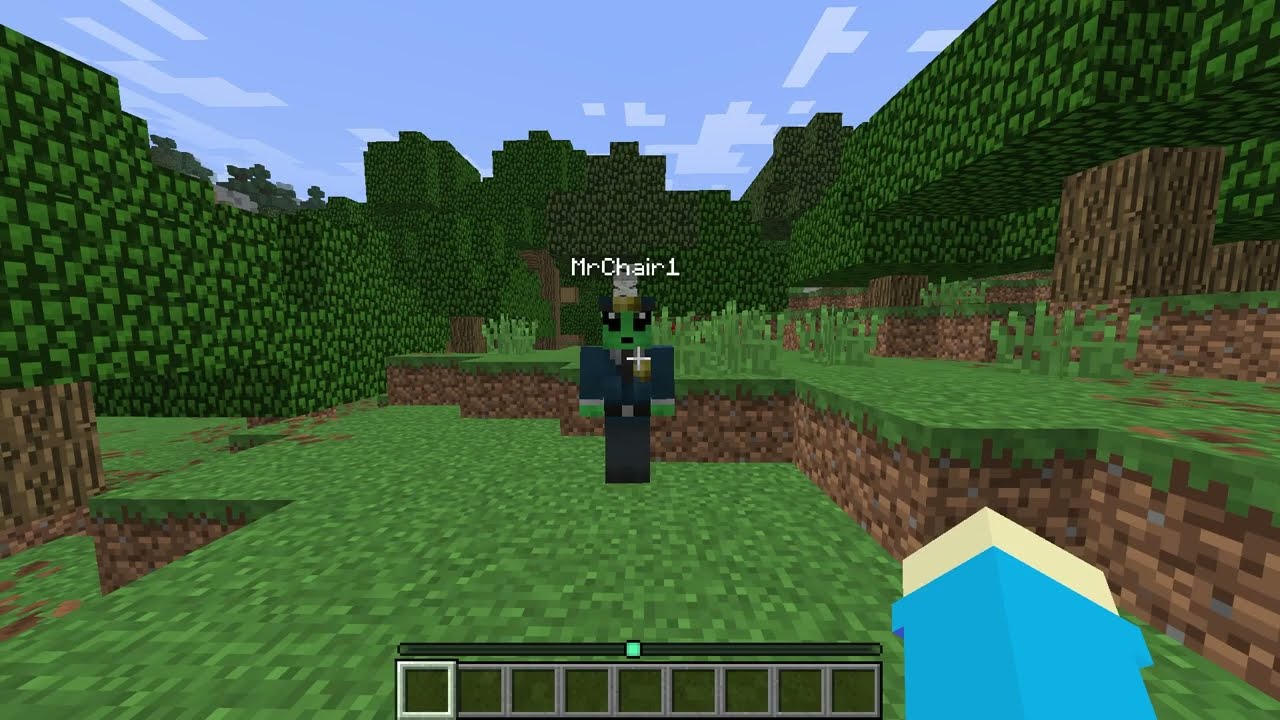
- Multiplayer Sync: If your friends have the mod, they will see your custom skin, and you will see theirs.
- In-Game Skin Downloader: Fetch and download skins directly inside the menu by typing a Minecraft Username or pasting an skin texture URL. Now with drag and drop support.
- Legacy Skin Auto-Converter: Automatically upgrades older 64x32 skins to the modern 64x64 format upon detection.
- Delete Skins: Safely delete skins right from the menu with a 2-step confirmation (moves files to your OS Trash when supported).
- Rename Skins: Rename skins from the menu.
- Customizable UI Sounds: Cycle through custom click sound effects, which automatically save to your config.
- Dual Model Support: Full support for both Wide (Steve) and Slim (Alex) models. Fully auto-detected.
- HD Skin Support: Supports standard 64x64 skins and high-definition 128x128 skins.
- Error Handling: Includes checks to prevent loading massive files that could crash the game. With error tooltips displayed right in the menu.

- 🔍 Search Bar: Quickly find skins by name.
- 🔍 Fetch Bar: Grab new skins from usernames or texture urls.
- 🟢 Active Indicator: See which skin is currently equipped with a green diamond (◆).
- 👕 Live Preview: See a preview of the skin before you apply it.
- 💬 Notifications: Get notifications when fetching, applying, or deleting skins.

- Open the Menu: Press
Kin-game to open the Skin Changer menu.
(Note: You can change this keybind in your Control settings, or access the menu via the Config button if you use the Mod Menu mod.) - Add Your Skins:
• From the Web: Type a player's username or paste a direct skin texture URL into the "Fetch" box and hit download.
• From your PC: Click the "Folder" icon button inside the menu. Drop your.pngskin files directly into this folder. Or drag and drop the .png files onto the Skin Changer menu. - Select, Apply & Enjoy: Click your desired skin from the list and apply it!
Multiplayer support ✔
For other players to see your skin, the server must have the mod installed to relay the data, and other players need the mod installed to receive it.
☕ Support me on Ko-fi 💖: https://ko-fi.com/mrchair1
🎥 Support me on YouTube 💌: https://www.youtube.com/@MrChair1
🔴🧾Feel free to leave feedback in the comments!
MrChair1's Skin Changer Team