


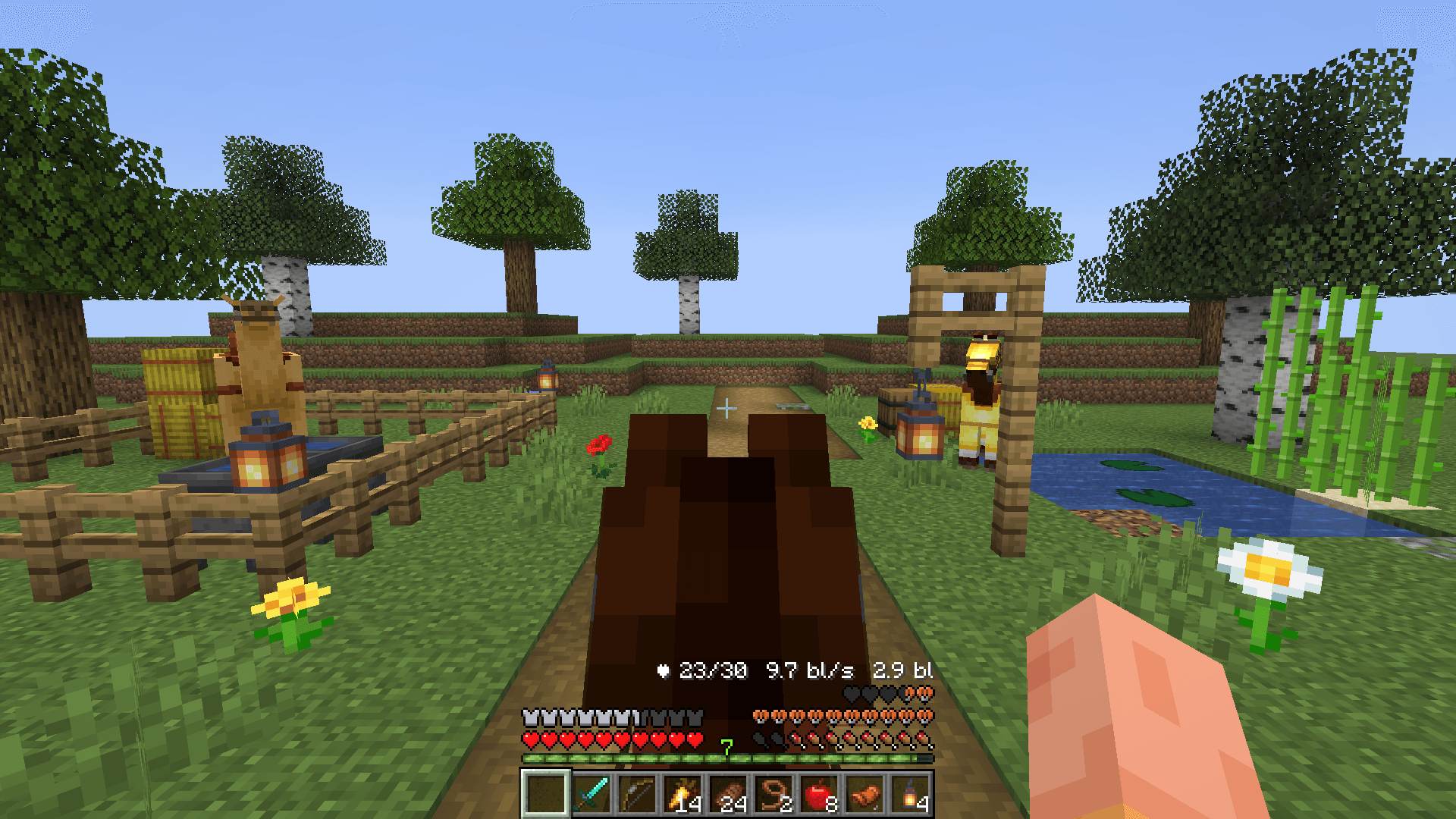
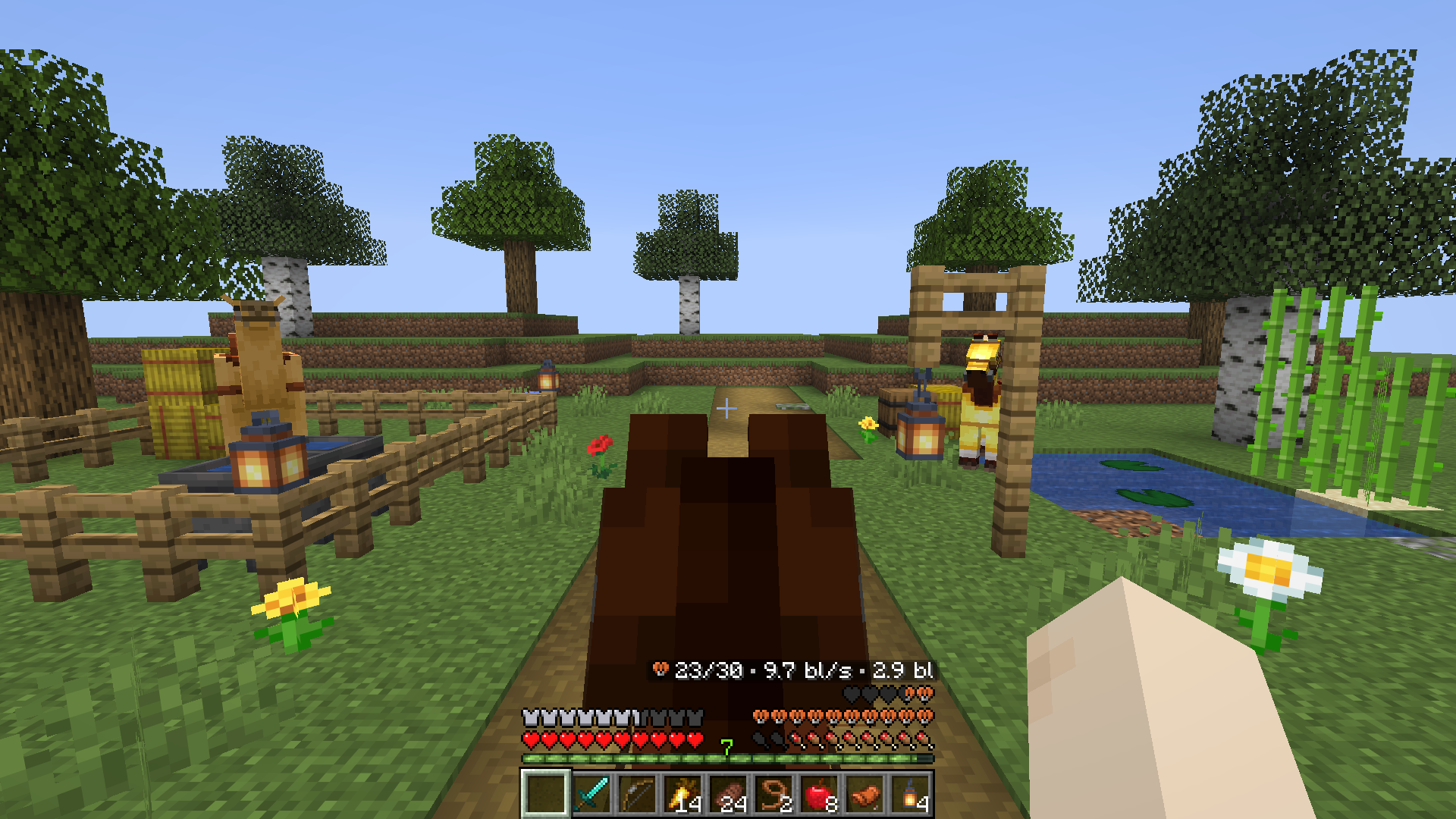

Player Statuses: Typing, AFK, Inventory & Voice Chat Indicators
See what players are up to: chat typing, open inventory or chest, crafting, AFK timer & Simple Voice Chat icons above heads and in Tab — works with modded and vanilla clients! Server plugin for Paper, Purpur, Folia and Spigot.
- 12
- November 14, 2026
Mob Senses: Mobs Hear Sound, Guns, Light & Voice Chat
Mobs hear steps, blocks, doors & Simple Voice Chat through walls, see torchlight and smell blood trails. Zombie awareness, stealth & horror survival plugin for Paper, Purpur, Folia and Spigot.
- 113
- November 14, 2026


Player Statuses: Typing, AFK, Inventory & Voice Chat Indicators
See what players are up to: chat typing, open inventory or chest, crafting, AFK timer & Simple Voice Chat icons above heads and in Tab — works with modded and vanilla clients! Server plugin for Paper, Purpur, Folia and Spigot.
- 12
- November 14, 2026
Mob Senses: Mobs Hear Sound, Guns, Light & Voice Chat
Mobs hear steps, blocks, doors & Simple Voice Chat through walls, see torchlight and smell blood trails. Zombie awareness, stealth & horror survival plugin for Paper, Purpur, Folia and Spigot.
- 113
- November 14, 2026