MotionUI
- By
Smooth, configurable interface and hotbar animations for legacy Minecraft Forge.

Hotbar animation
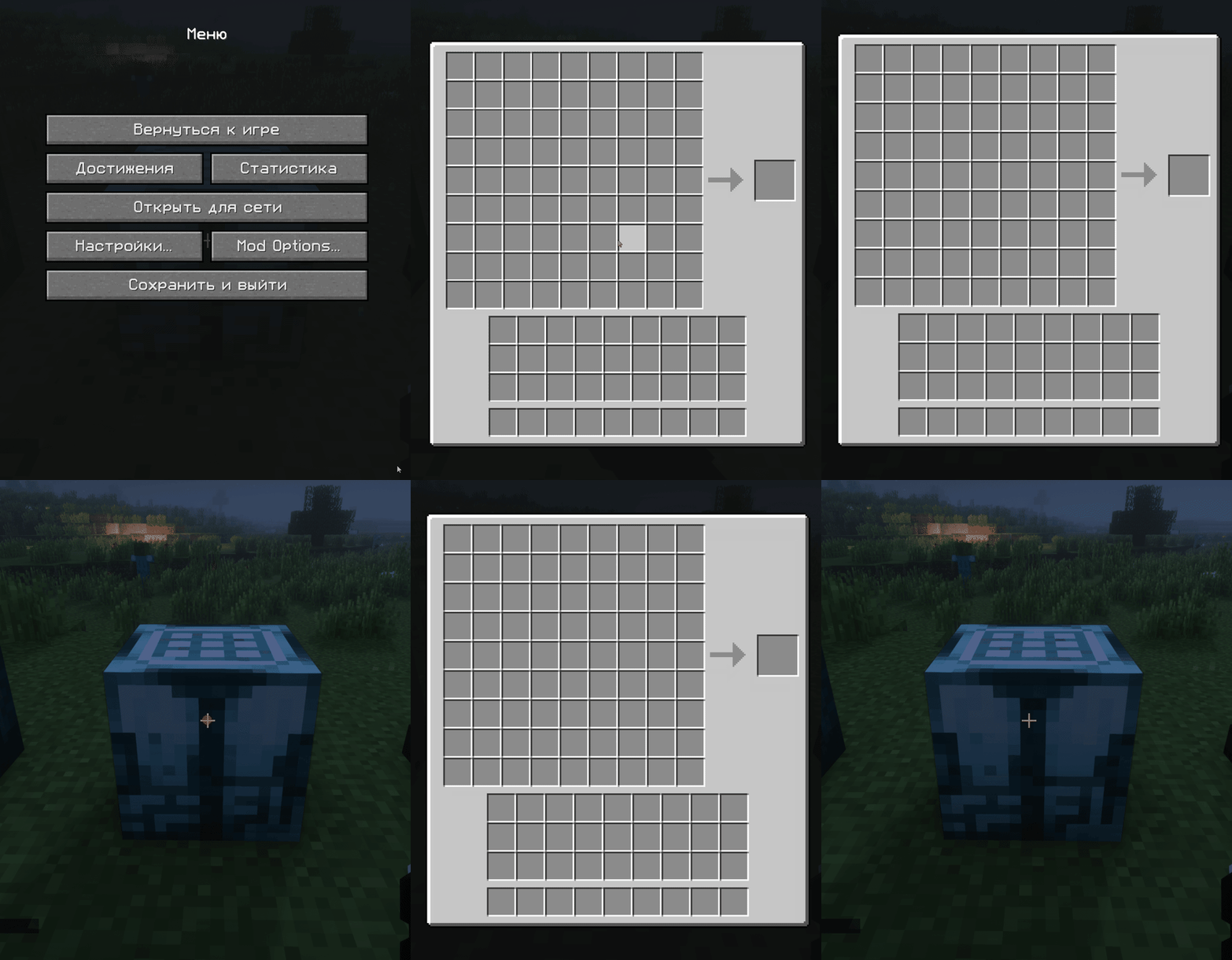
Avaritia animation
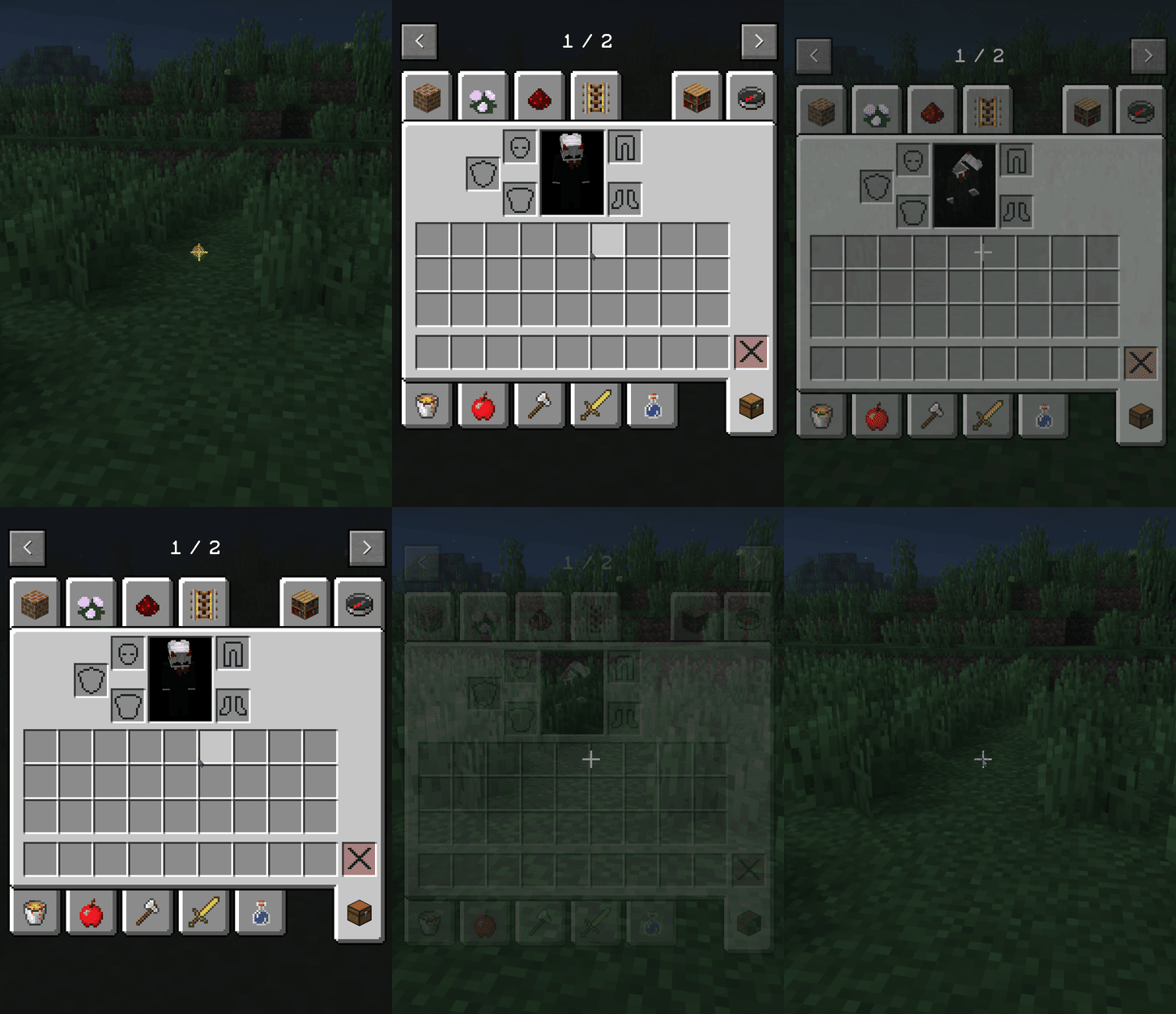
Inventory animation
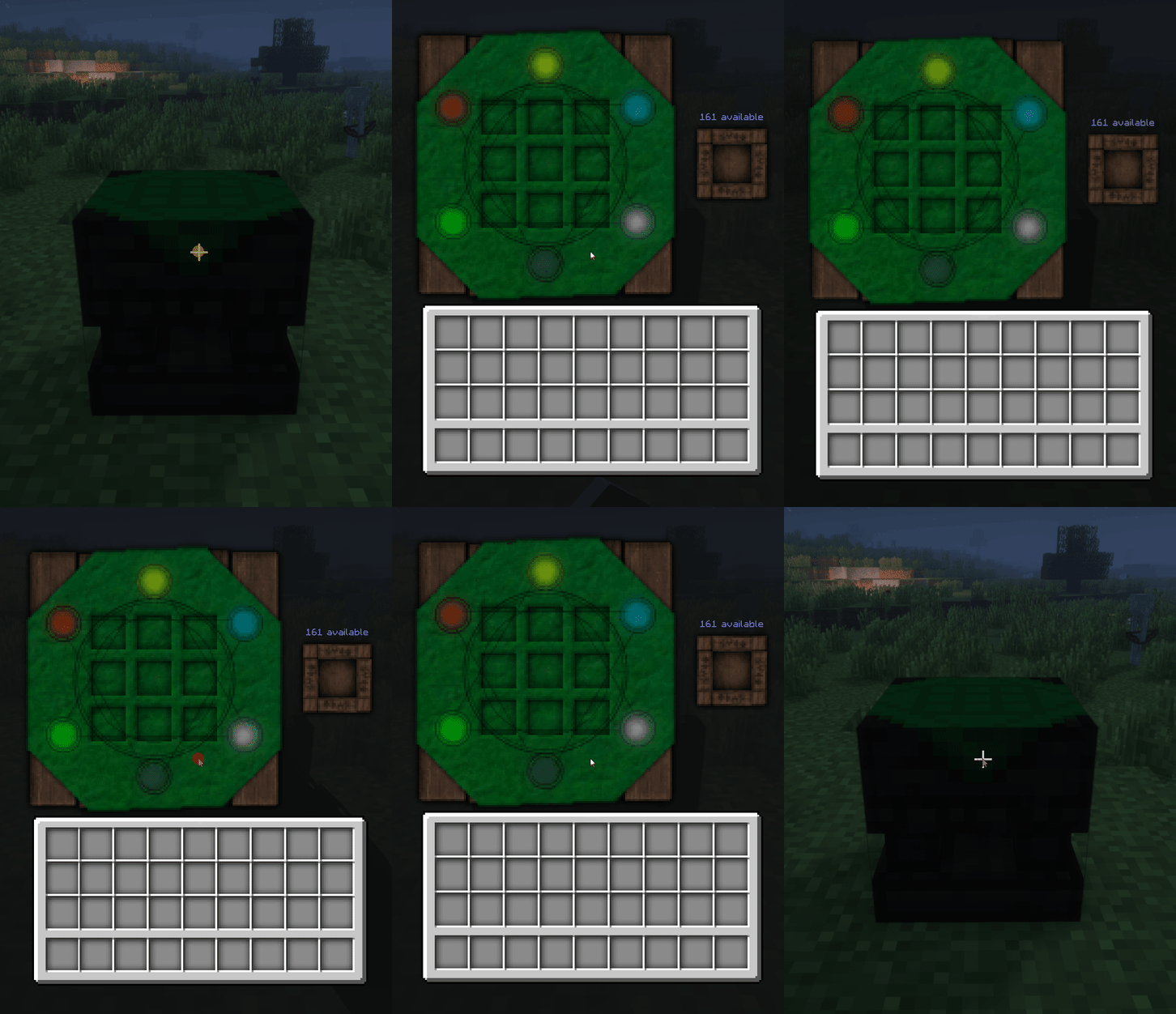
Thaumcraft animation
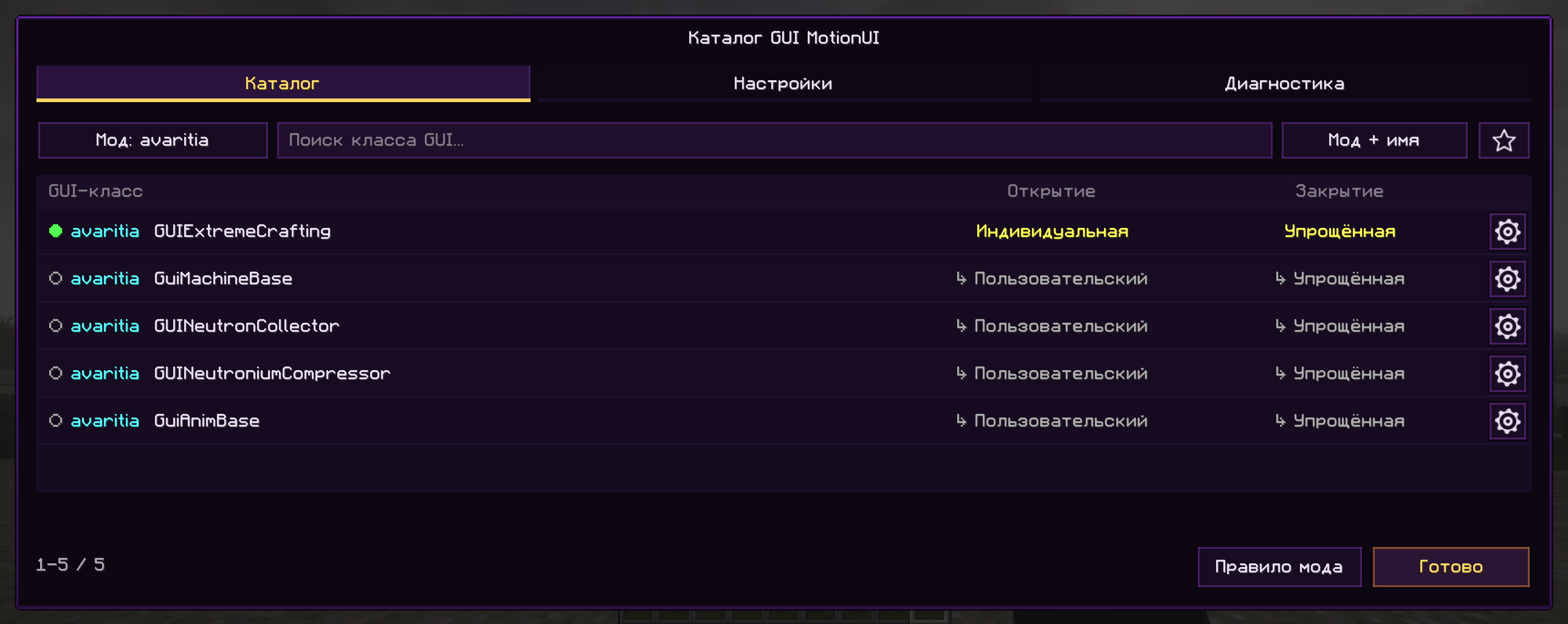
Main page
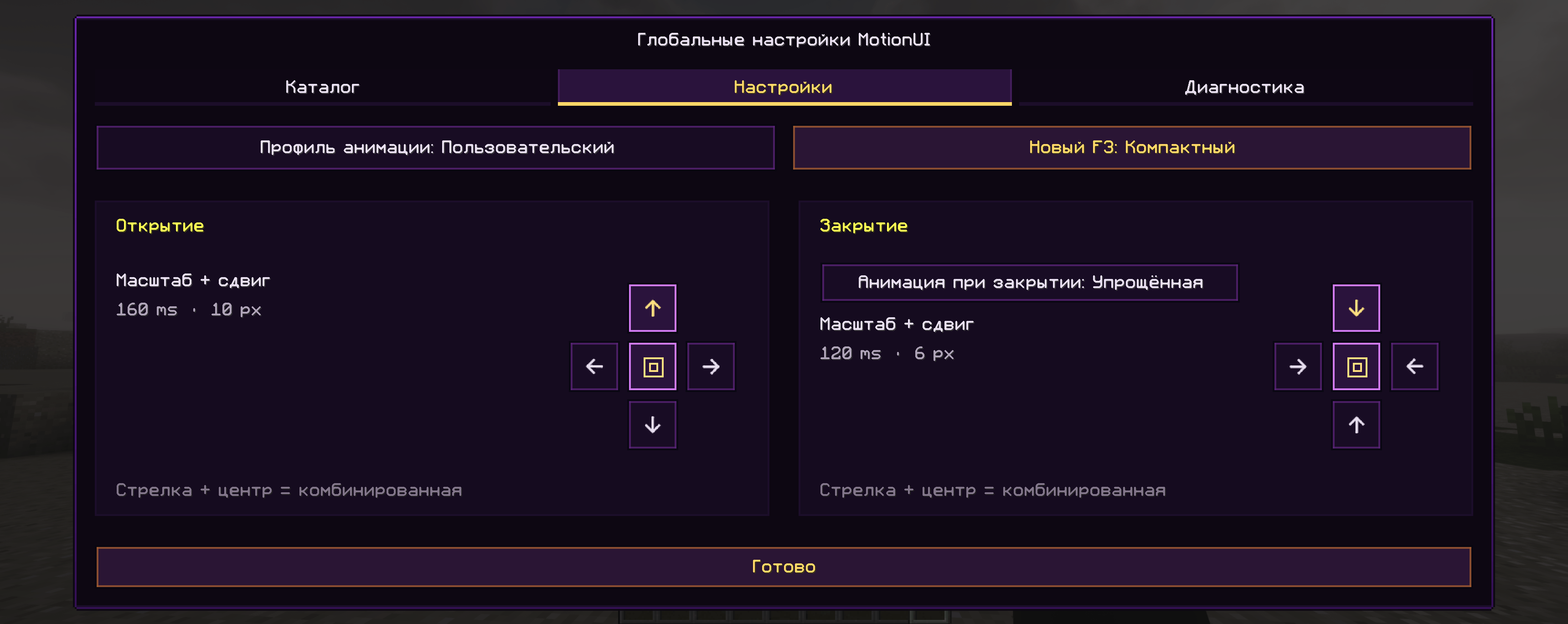
Setting page
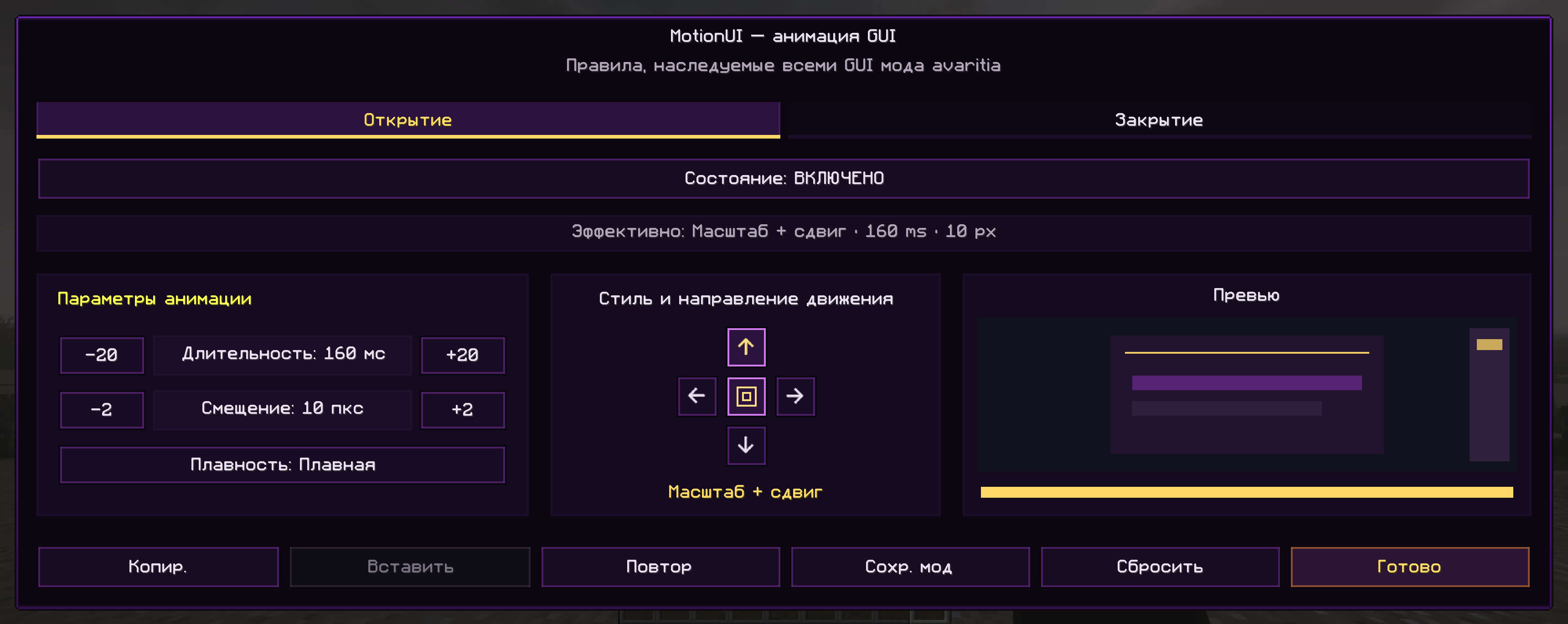
Setting rule page (Open)
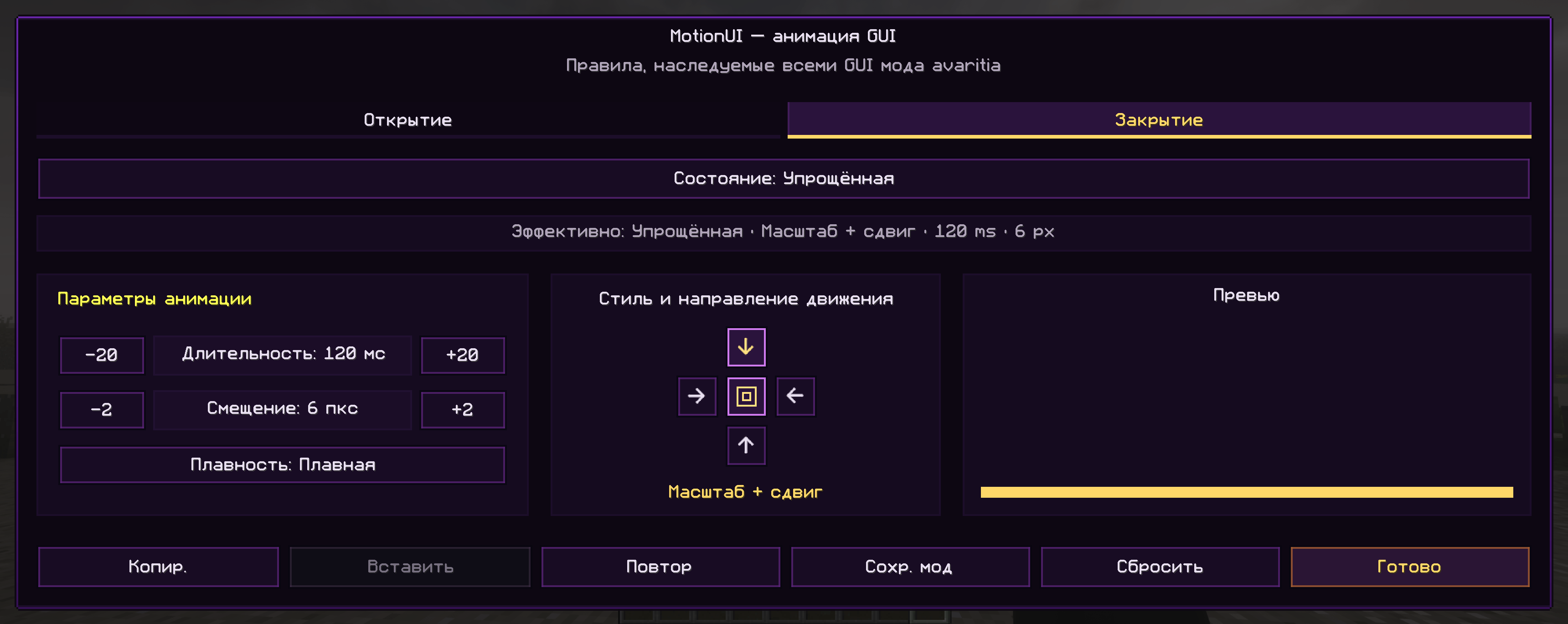
Setting rule page (Close)
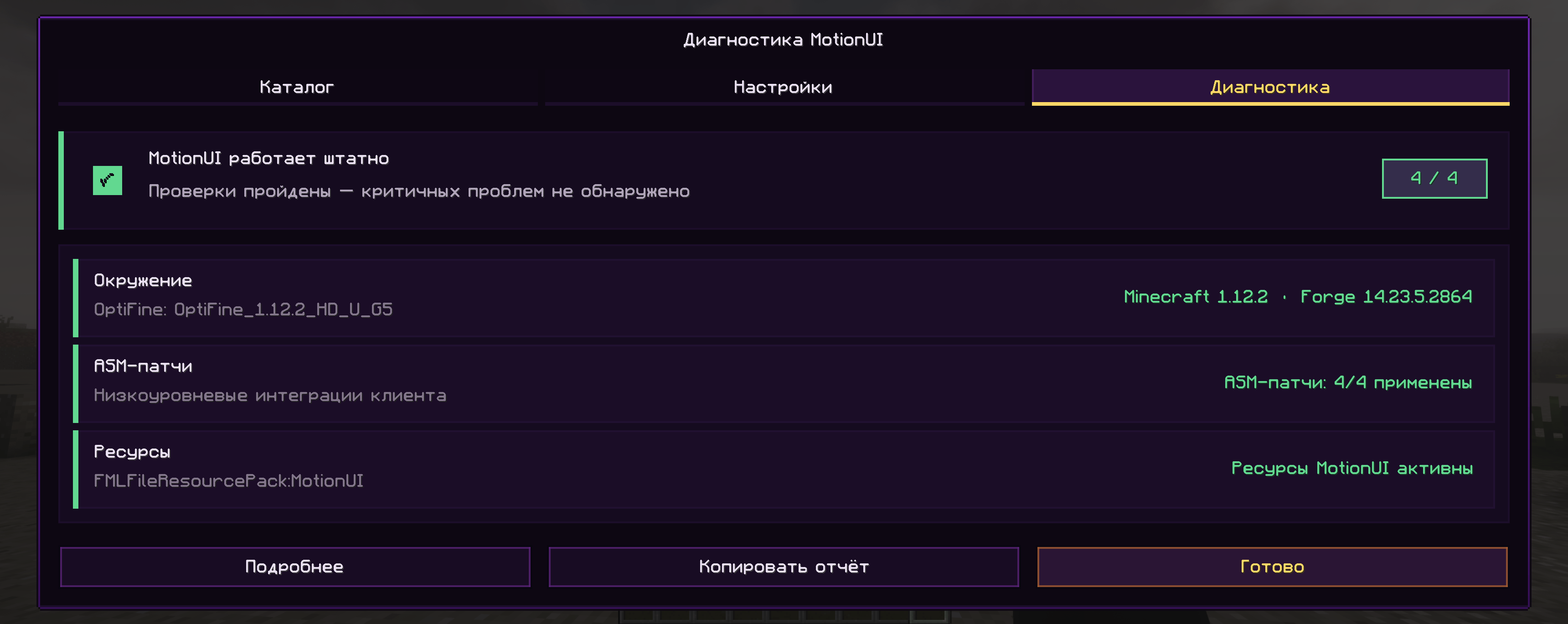
Diagnostic page
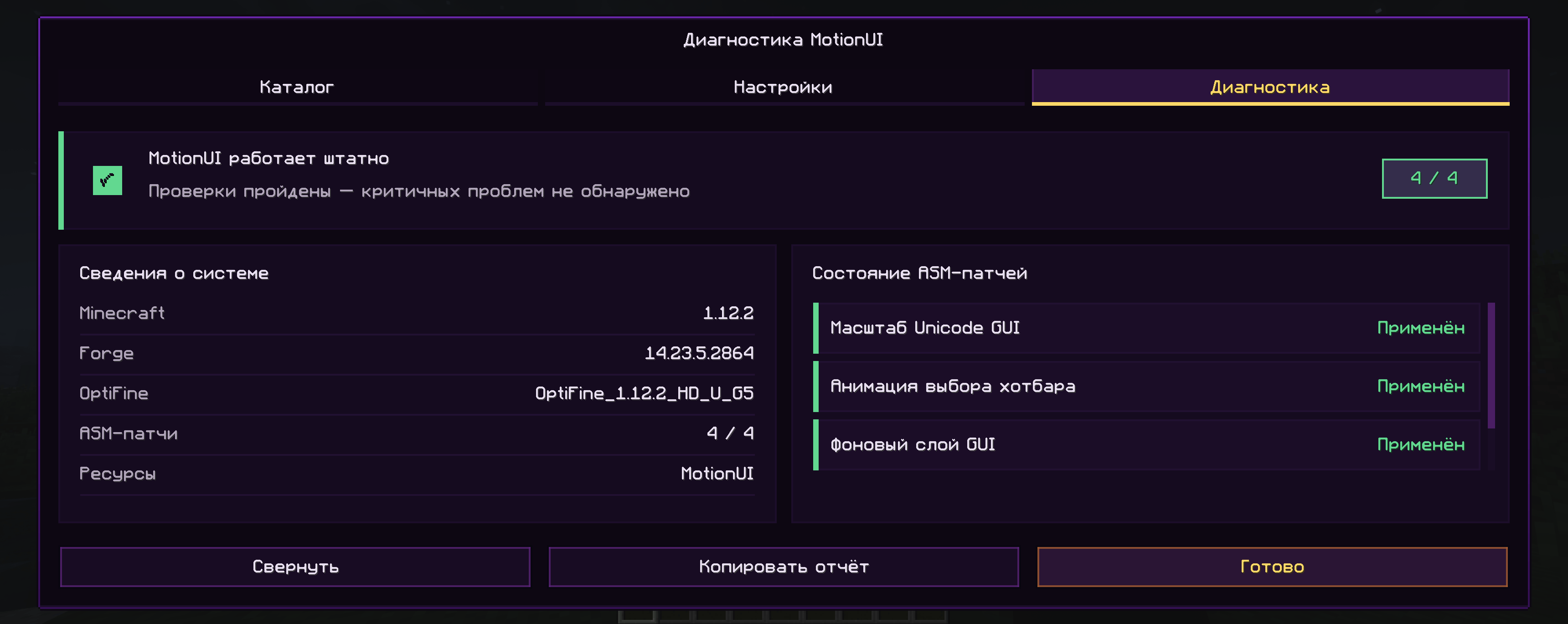
Diagnostic page (+)
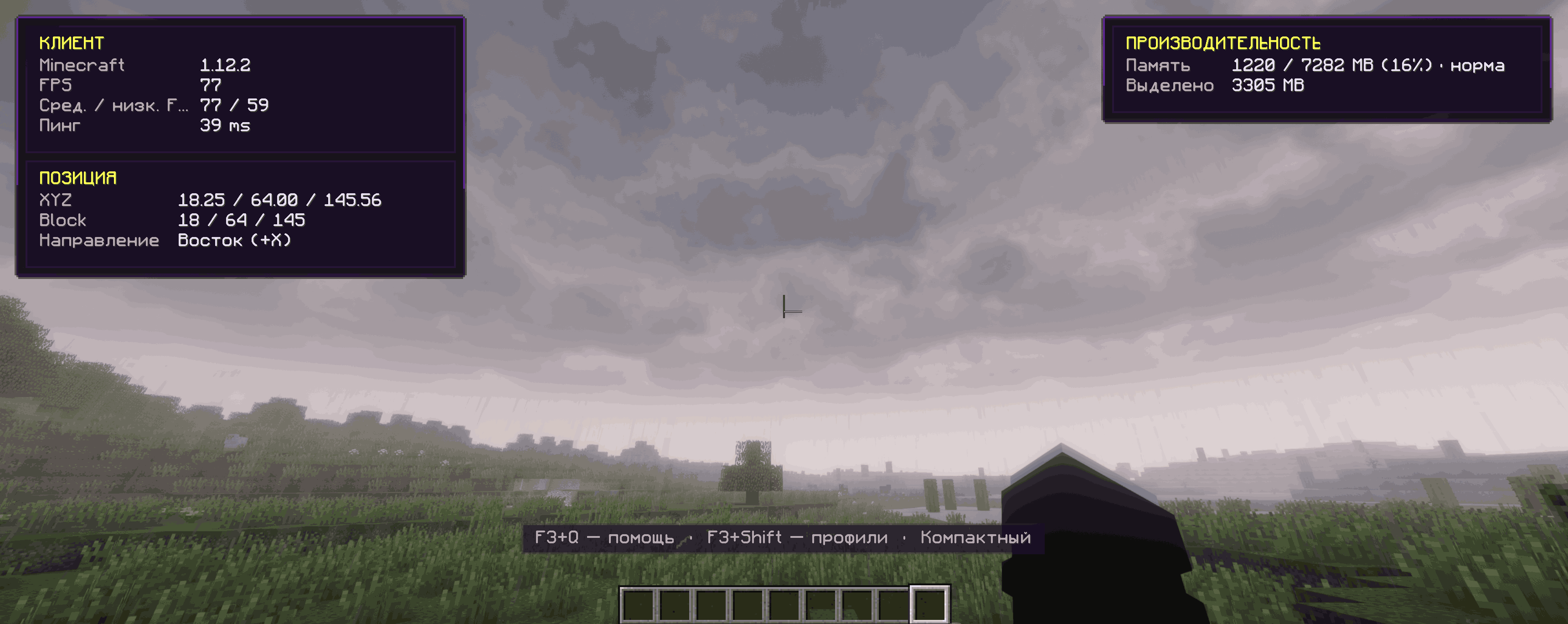
F3 Compact
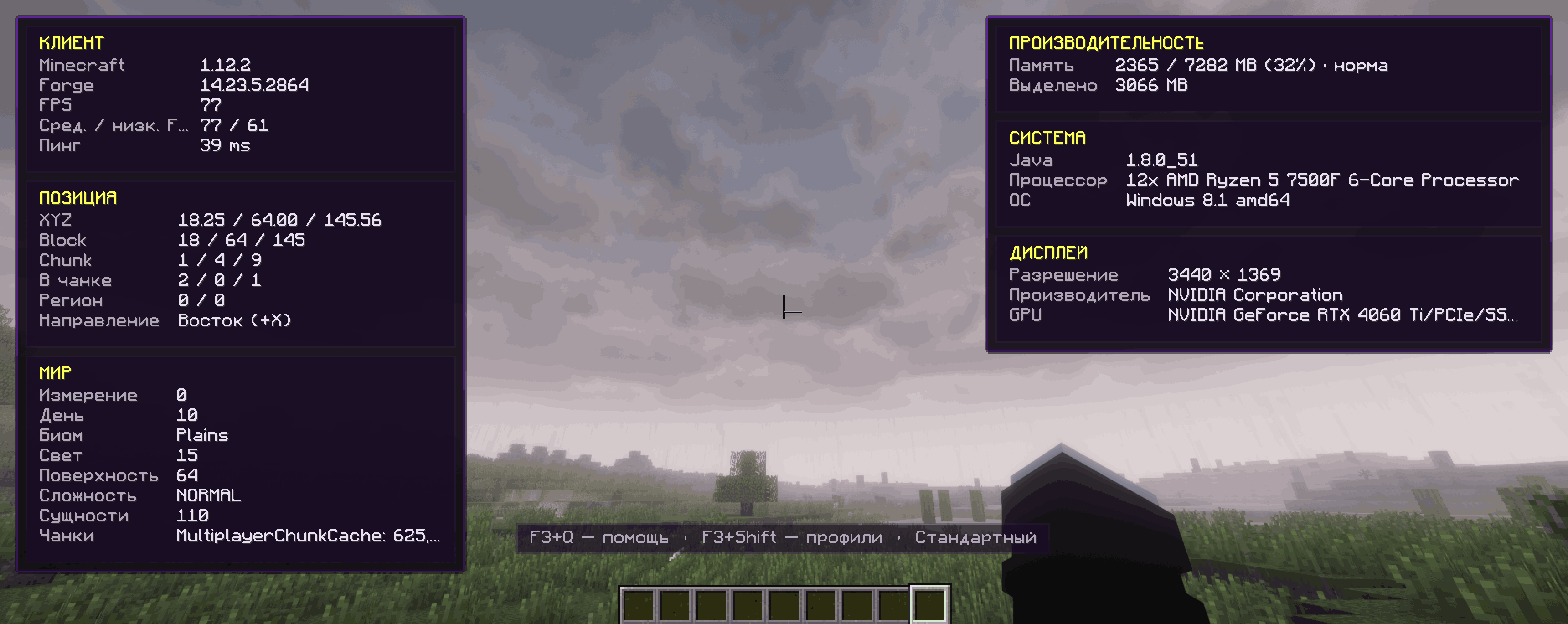
F3 Standard
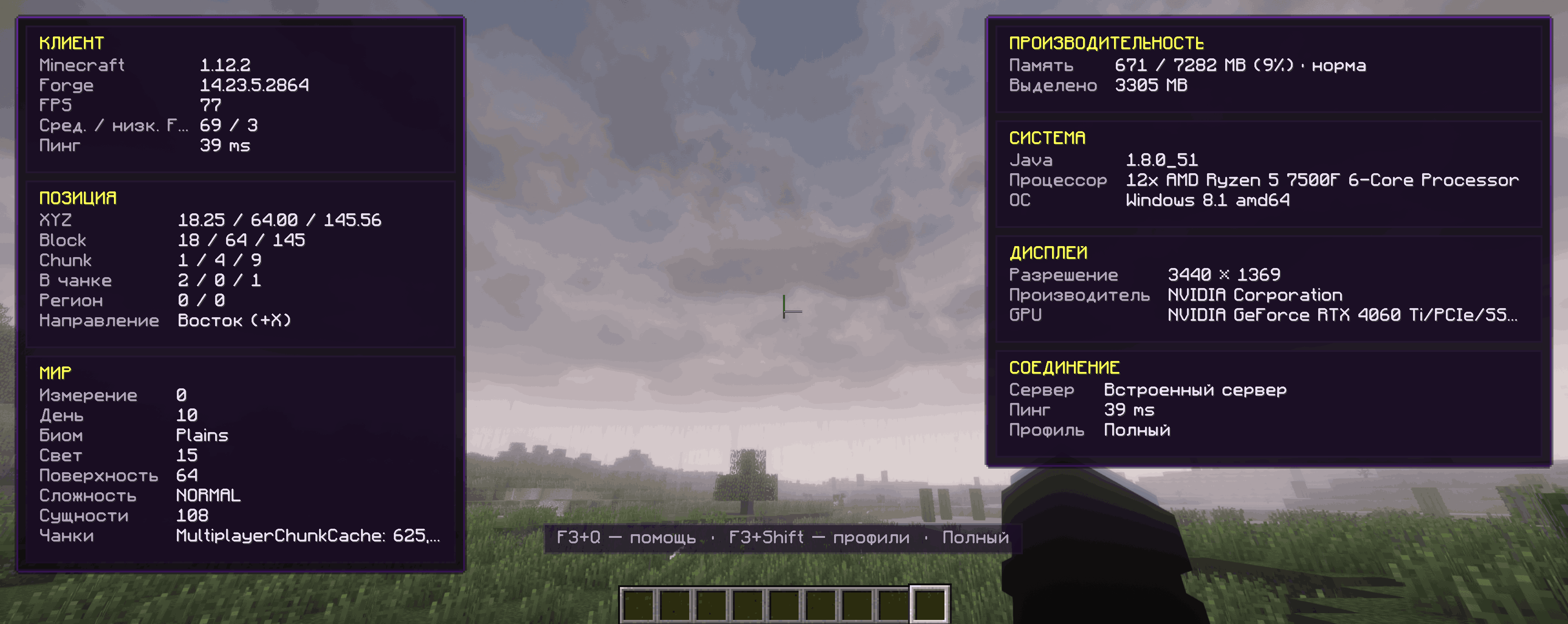
F3 Full
Description
Modern F3 overlay
MotionUI 0.3.0 includes an optional redesigned F3 overlay using the same panels, cards, spacing, transparency, and color palette as the F8 catalog.
The vanilla debug screen remains the default. Enable the new overlay in MotionUI settings when you want to use it.
Available profiles:
- Compact — essential performance and position information with minimal screen coverage.
- Standard — additional world, system, and display information.
- Full — detailed chunk, region, lighting, connection, and targeted-block data.
Hold F3 and press Shift to switch profiles. The overlay includes average and low FPS sampling, memory-pressure status, ping, coordinates, biome information, hardware details, and adaptive columns for different resolutions.
The vanilla profiler chart remains available through the standard debug screen.
F8 GUI catalog
The F8 catalog discovers GUI classes from Minecraft, Forge, OptiFine, and installed mods before they are opened.
Use the mod filter, search field, sorting button, and configured-only filter to find a screen. A hollow marker means the GUI was discovered during scanning; a green marker means it has also been observed during gameplay.
The catalog displays the effective opening and closing behavior for every GUI. Inherited values follow the GUI → mod → global rule hierarchy. Use the gear button to open the dedicated editor.
Additional catalog features:
- Persistent search, sorting, filtering, and scroll position.
- Left-click to cycle settings forward and right-click to cycle backward.
- Copy and paste complete animation rules.
- Apply a rule to all discovered GUIs belonging to a selected mod.
- Preview animations directly from the editor.
Rendering improvements
- Reworked closing snapshots so only the relevant GUI region is composed.
- Preserved vanilla world dimming independently from the animated interface.
- Improved OpenGL state restoration around animated frames.
- Reduced scaling shimmer, edge artifacts, and residual low-alpha colors.
- Prevented OptiFine foliage flicker when shaders are disabled.
- Preserved the correct fog state after an animation finishes.
- Resource-pack selector textures and compatible custom HUD renderers remain supported.
- The smooth hotbar selector retains short-path movement and long-jump crossfade.
JEI compatibility
MotionUI includes optional compatibility with Just Enough Items for Minecraft 1.12.2:
- The ingredient list remains stationary while a container opens.
- During closing, the JEI region fades quickly while the main GUI keeps its configured animation.
- JEI recipe screens are animated normally.
- JEI is entirely optional and is not required to use MotionUI.
Fonts and localization
- Unicode GUI-scale correction and expanded font resources.
- Fixed dark rectangles around affected Cyrillic glyphs.
- English and Russian localization.
Diagnostics and stability
- Fail-open ASM diagnostics: incompatible visual patches are skipped instead of crashing the client.
- A built-in diagnostics screen showing:
- ASM patch status.
- Forge and OptiFine versions.
- Active font resource providers.
- A copyable compatibility report.
- Cached system information and throttled memory sampling reduce the overhead of the modern F3 overlay.
Requirements
- Minecraft 1.12.2
- Forge 14.23.5.2847 or newer
- Java 8
MotionUI is client-side only and does not need to be installed on a server.
Installation
- Install Forge for Minecraft 1.12.2.
- Download the file ending in
-release.jar. - Place it in your Minecraft instance's
modsdirectory. - Start the game and press F8 to open the MotionUI GUI catalog.
- To use the redesigned F3 overlay, enable New F3 in MotionUI settings.
Compatibility
MotionUI has been tested with:
- Forge 14.23.5.2847 and 14.23.5.2864
- OptiFine 1.12.2 HD U G5
- Just Enough Items for Minecraft 1.12.2
Legacy coremods and custom HUD renderers may transform the same Minecraft classes. If you encounter an issue, please include your latest.log, Forge version, OptiFine version, and complete mod list.
Links
MotionUI Team