Motion Menu Video Loader
- By
Bring your own video into Motion Menu. This add-on imports any clip - MP4, MKV, WEBM, MOV or GIF - and turns it into your animated title screen background. One button fetches the decoder for you; nothing is installed on your computer.
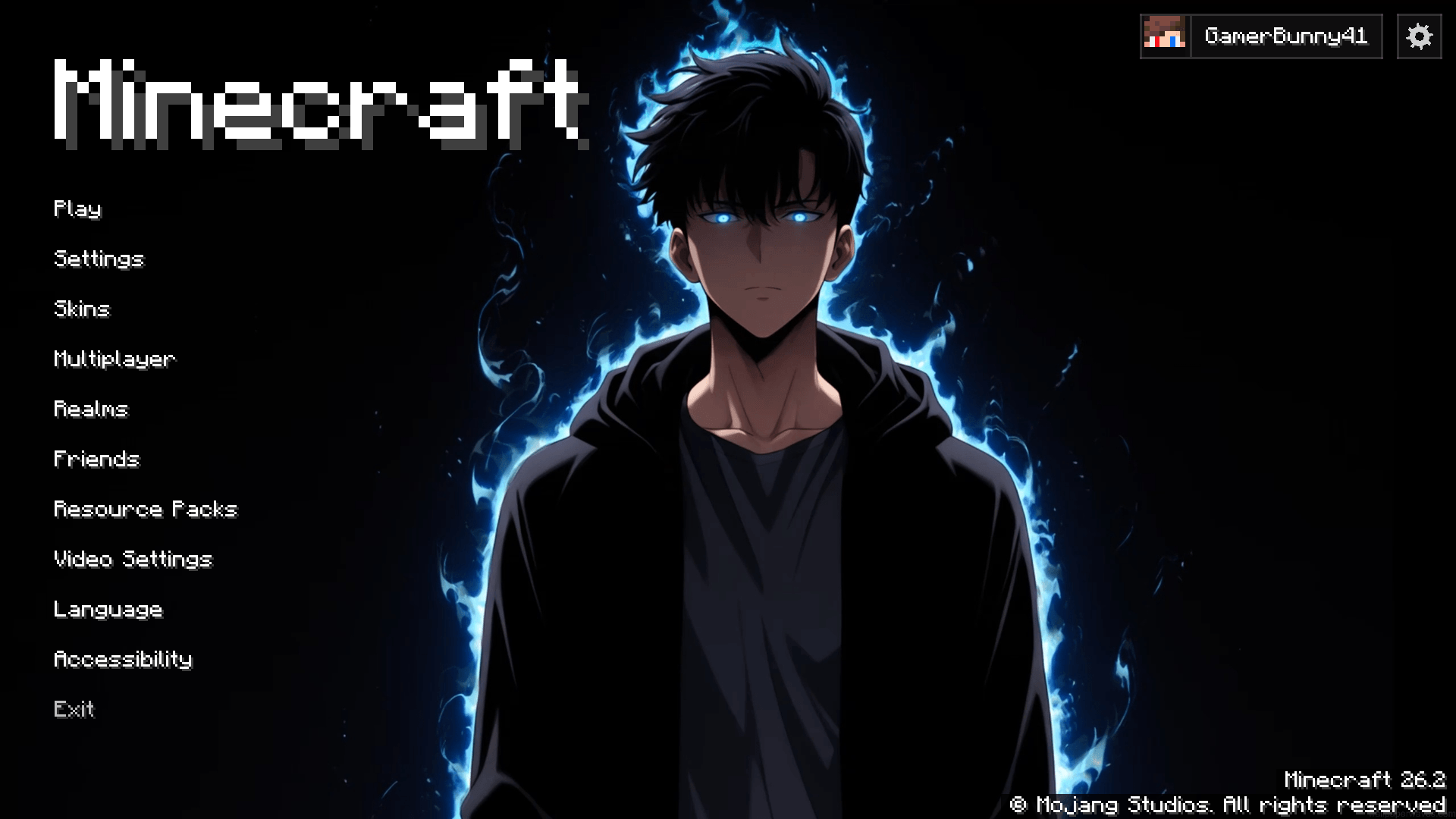
image.png
GamerBunny41 | Motion Menu Video L...
Create your game server with 

Description
Motion Menu: Video Loader
An add-on for Motion Menu. It turns a video of your own into a menu background — pick a clip, and it becomes the thing playing behind your title screen.
Motion Menu on its own plays the backgrounds you already have: the one it ships with, and any background pack you install. This add-on is what lets you bring your own footage in. It is a separate download on purpose — a player who only ever picks a ready-made background should never have to carry a video decoder around for a feature they do not use.
What it does
- Imports any clip. MP4, MKV, WEBM, MOV, AVI — or a GIF.
- Asks once, then gets out of the way. Name it, choose the frame rate and the width, and press Continue.
- Decodes in the background. Close the progress card and carry on using the menu; the import keeps going, and a chip at the top takes you back to it. It selects itself the moment it is finished.
- Tells you when something goes wrong. A failed import gets a card that says what happened, and a button that tells you exactly how to fix it.
The decoder, handled for you
Minecraft has no video decoder, so importing needs one. This add-on gets it for you: one button downloads the official FFmpeg build for your system — Windows, macOS or Linux — straight into the mod's own folder.
Nothing is installed on your computer. Your PATH is never touched. Deleting config/motionmenu-ffmpeg/ undoes all of it, and if you already have FFmpeg installed, it is simply used and nothing is downloaded at all.
Would rather not download anything? The add-on carries a small pure-Java decoder that reads H.264 MP4 and GIF with no setup whatsoever. It is slower and it reads less, but it works offline and it asks for nothing.
Requirements
- Motion Menu — this add-on does nothing on its own
- Fabric Loader 0.19.0 or newer
- Minecraft 26.2
- Java 25
- Client-side only — no Fabric API needed
How to use it
- Drop this jar in your
modsfolder, next to Motion Menu. - On the title screen, open the gear, then Menu Background.
- Press Import video or GIF... and pick your clip.
- Name it, set the frame rate and width, and let it decode. That is all.
A good background is a short loop — 5 to 15 seconds — whose last frame looks like its first. Lower frame rates and smaller widths make a lighter background; 30 FPS at 1920 makes the sharpest one.
The Motion Menu Video Loader Team