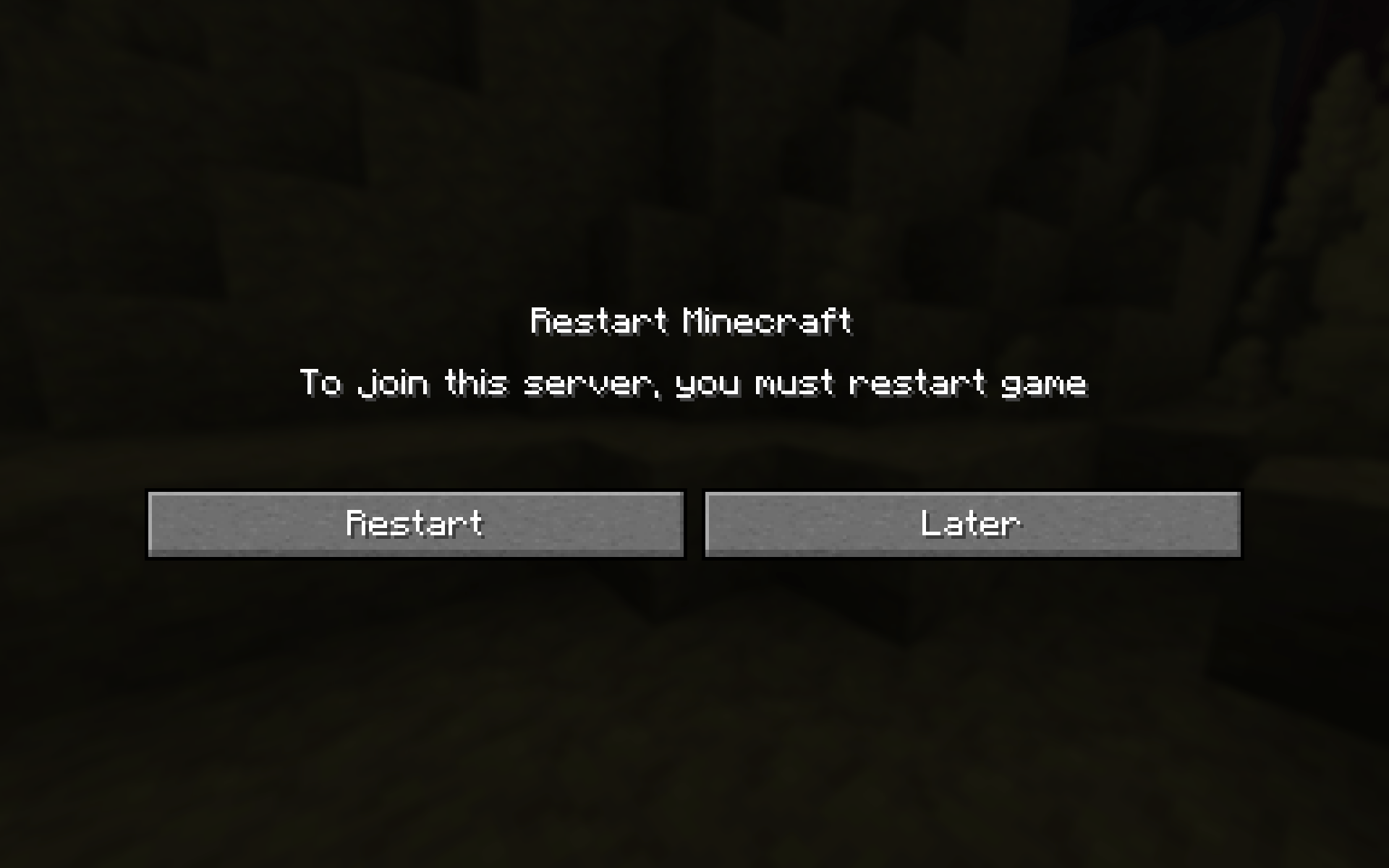
After installing mods to join the server you must restart Minecraft
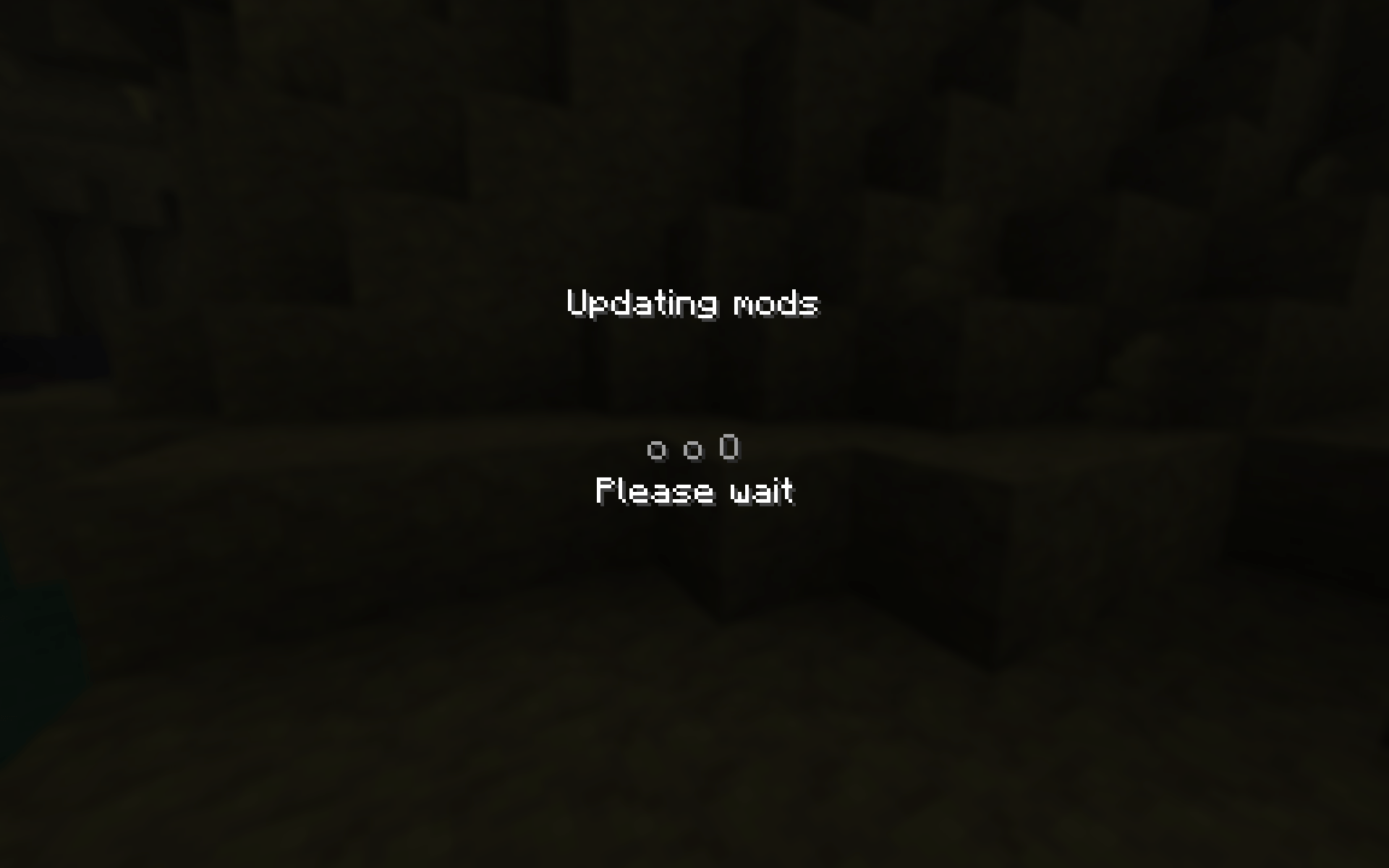
Just wait
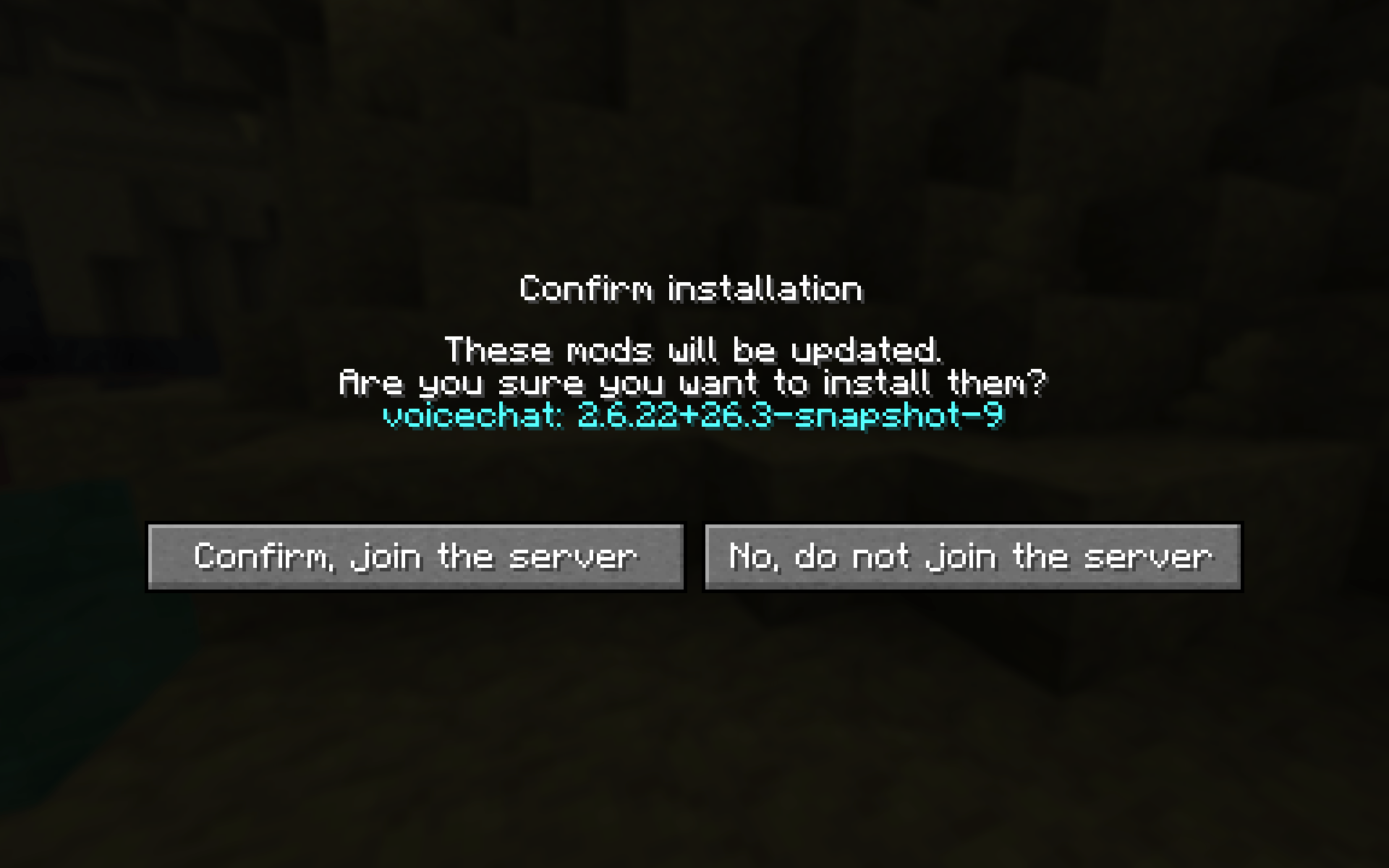
It asks if you want to install mods. If you don't, you won't be able to join the server.
Description
ModSync







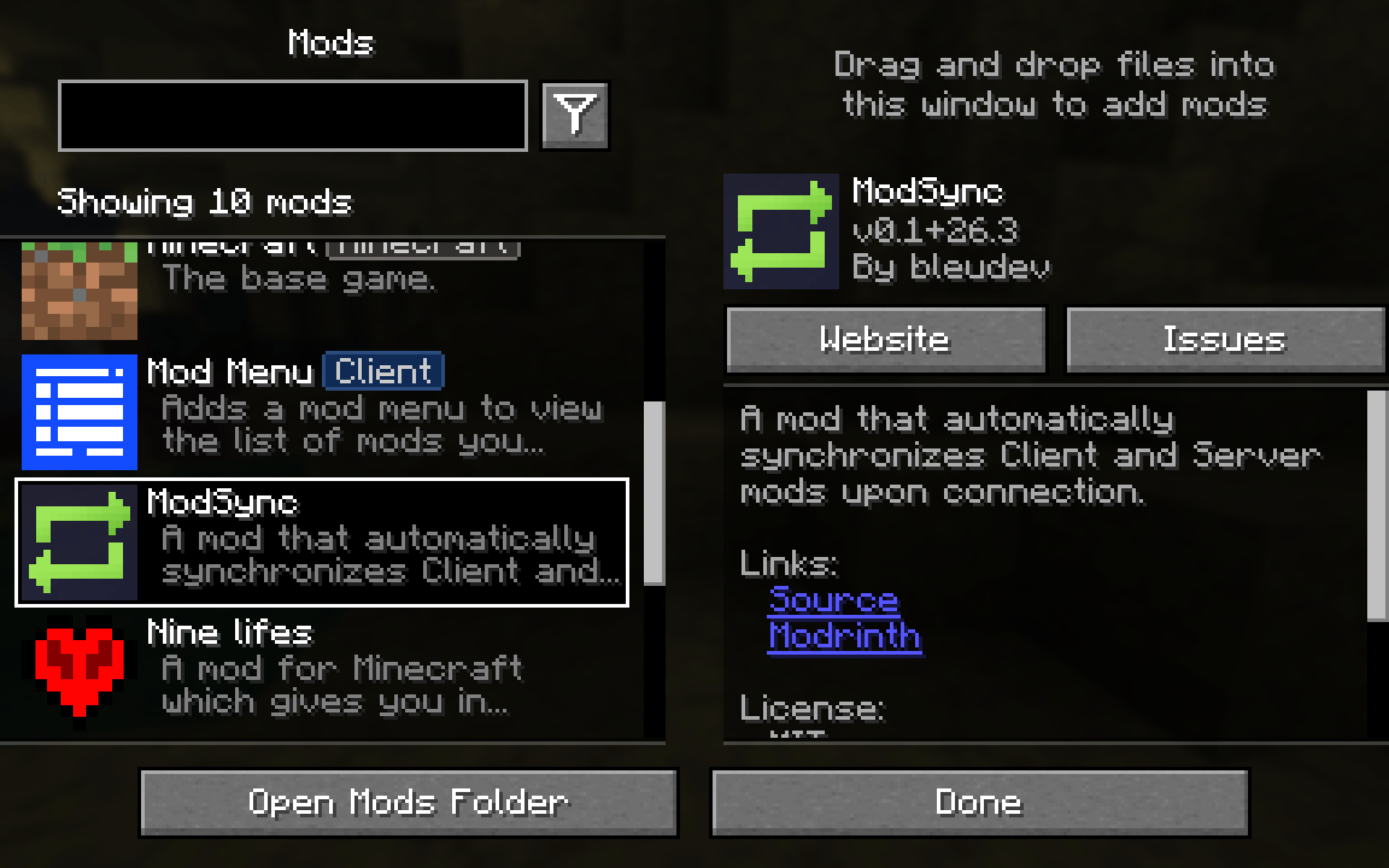
A mod that automatically synchronizes Client and Server mods upon connection.

Supported Minecraft versions and minimal requirements
| Minecraft version | Max Mod Sync version | Fabric Language Kotlin | Fabric API | YACL | Fabric Loader |
|---|---|---|---|---|---|
| 26.3 | ✅ 0.3.0 | >= 1.14.1+kotlin.2.4.20 | >= 0.161.0 | >= 3.9.7 | >= 0.19.5 |
| 26.2 | ❌️ 0.1 | >= 1.13.13+kotlin.2.4.10 | >= 0.158.0 | >= 3.9.6 | >= 0.19.3 |
Configuration
For the mod to work, it must be installed on both the server and the client.
- Open a different port than the one the server is running on.
- Start the server
- Specify this port in the resulting
config/modsync/server.json5(in theportfield) - Specify the IDs of the mods you want to sync (in the
mod_idsfield) - Configure additional settings (see below)
Example config
{
    // The port on which the file sharing server will run.
    // Must be free and open
    // Default: 8000
    "port": 1234,
    // IDs of mods that need to be synced
    // Jar files of all specified mods must be present on the server in the mods folder.
    // Default: []
    "mod_ids": [
      "nine_lifes",
      "modsync"
    ],
    // Require the client to have a mod when joining the server
    // Default: false
    "require_modsync_to_join": true
}
ModSyncer Team