Mint Economy
- By
Dollar-based economy mod: bank, checks, wheel, market, crates, dice, mayor elections and NPCs. A modular, SQLite-backed Fabric mod for servers.
2026-10-30_11.36.38.png
2026-10-30_11.36.51.png
2026-10-30_11.37.04.png
2026-10-30_11.37.11.png
2026-10-30_11.39.18.png
Description
MintEco
A complete, dollar-based economy for Fabric servers.
Earn, spend, save, and trade with money. Open a bank account, write checks, run your own shop, spin the wheel, roll the dice, vote for a mayor, and interact with NPCs. Each feature is its own module, keeping everything organized and easy to manage.
Important: You must create NPCs before using any other features, including earning money.
Features
Economy: Check your balance, pay other players, and browse the richest-player leaderboard. Admins can give and take money.
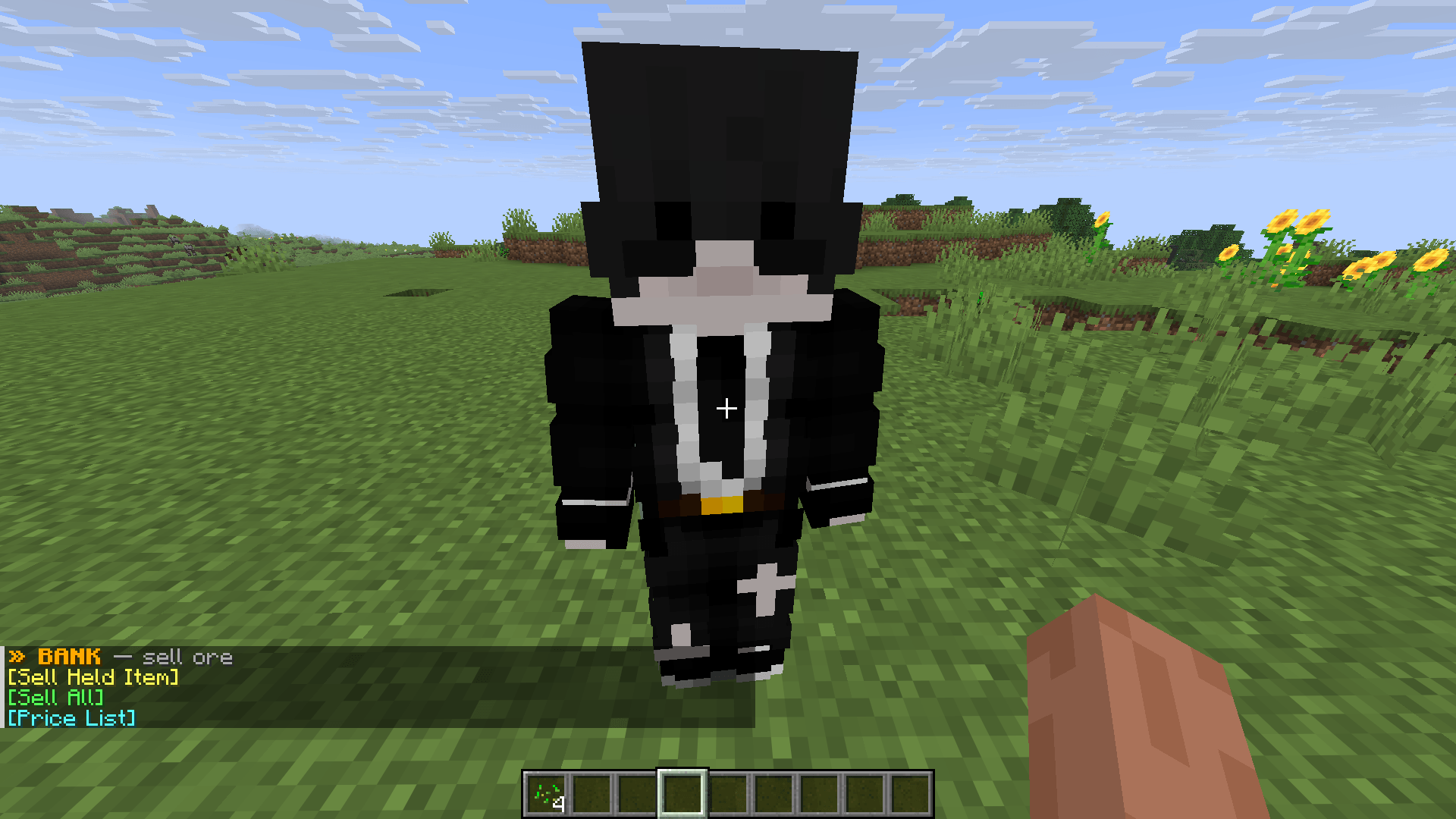
Bank: Sell ores, ingots, and gems to the banker NPC. Prices fluctuate and refresh every six hours.
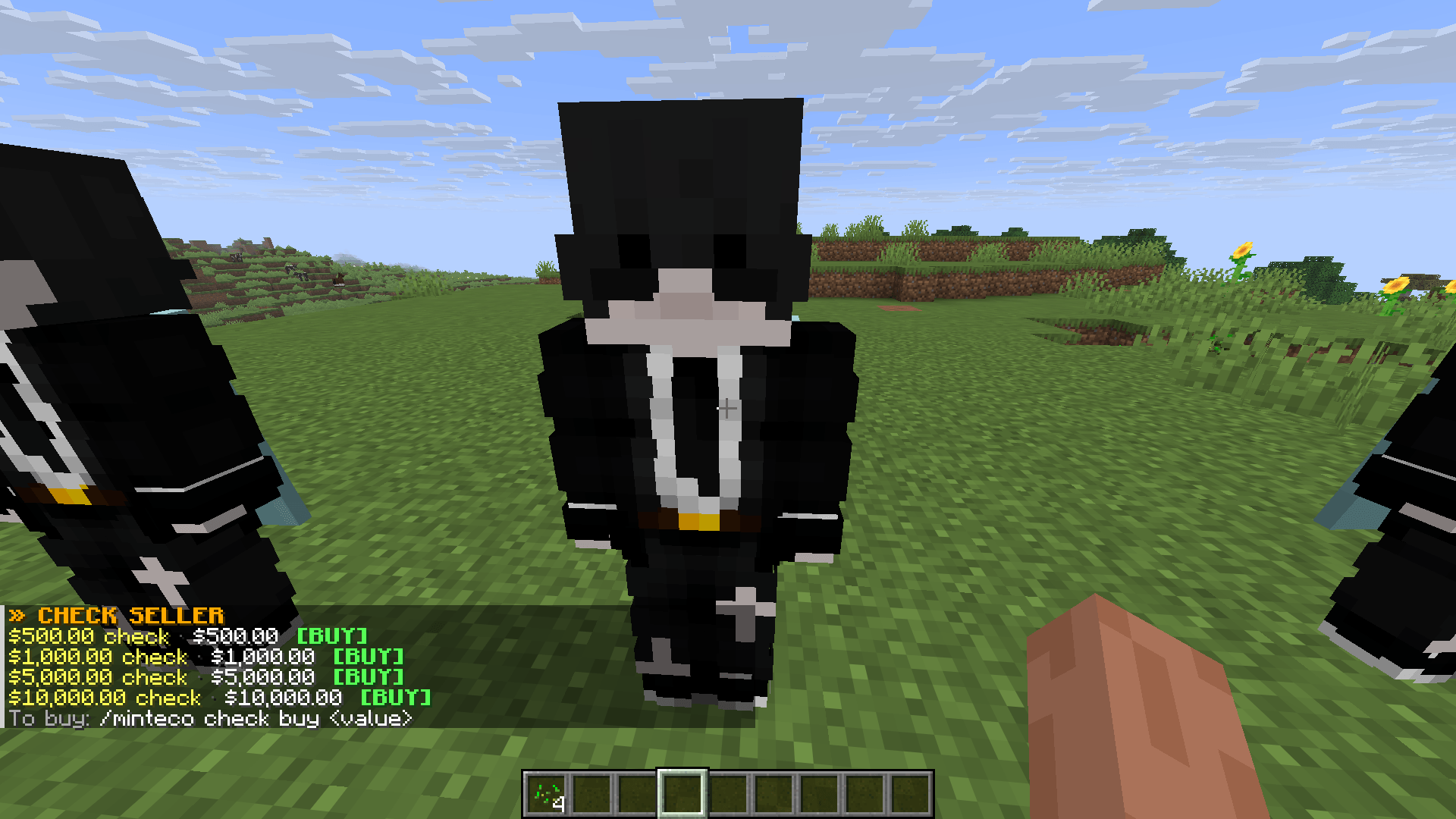
Checks: Turn your money into checks that can be traded between players.
Market: Player-run shops where players can set up stores and trade.
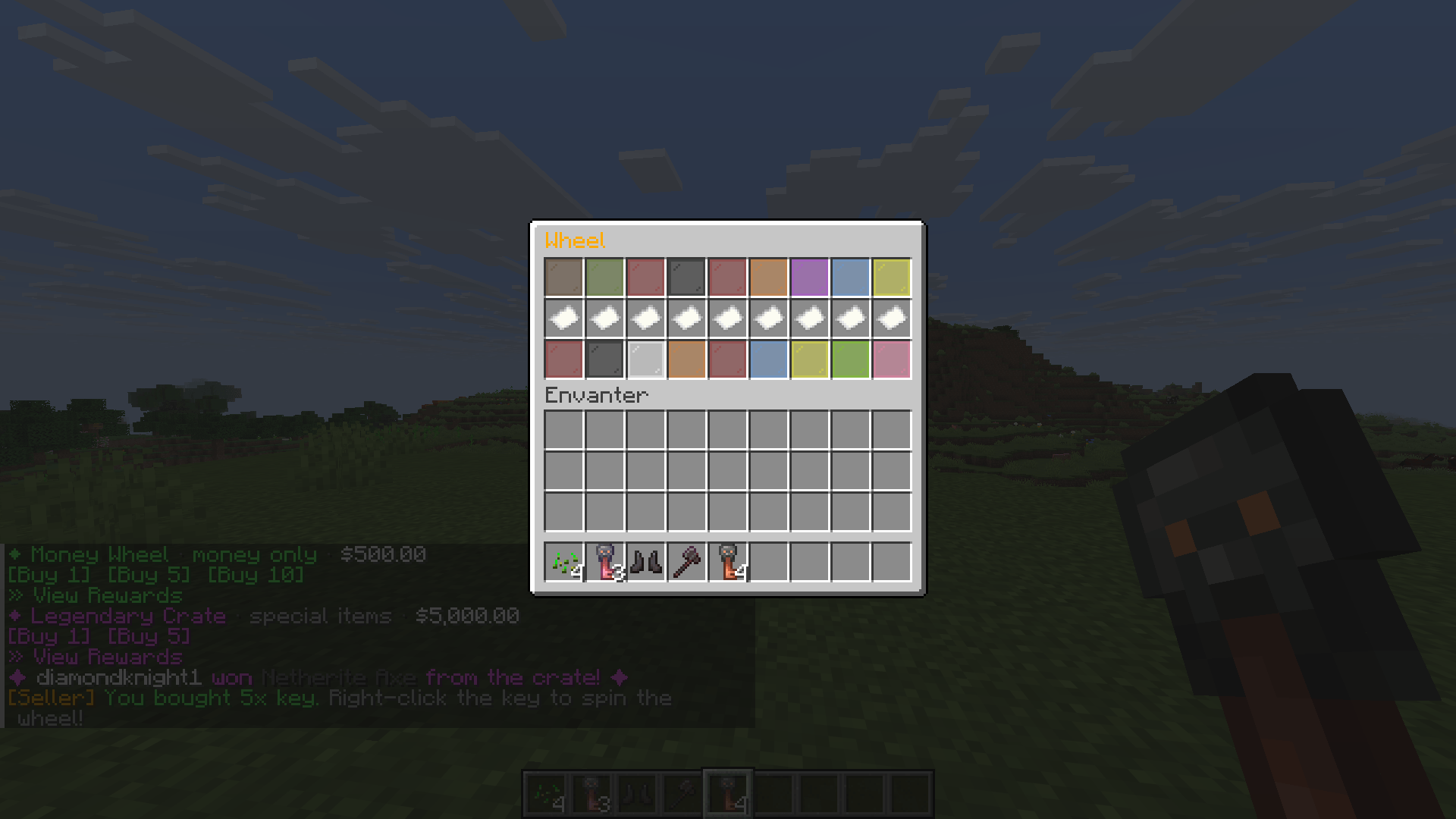
Wheel and dice: Luck-based minigames with risk and rewards.
Crates: A reward crate system with prizes.
Mayor: Elections with a voting menu and titles for the winners.
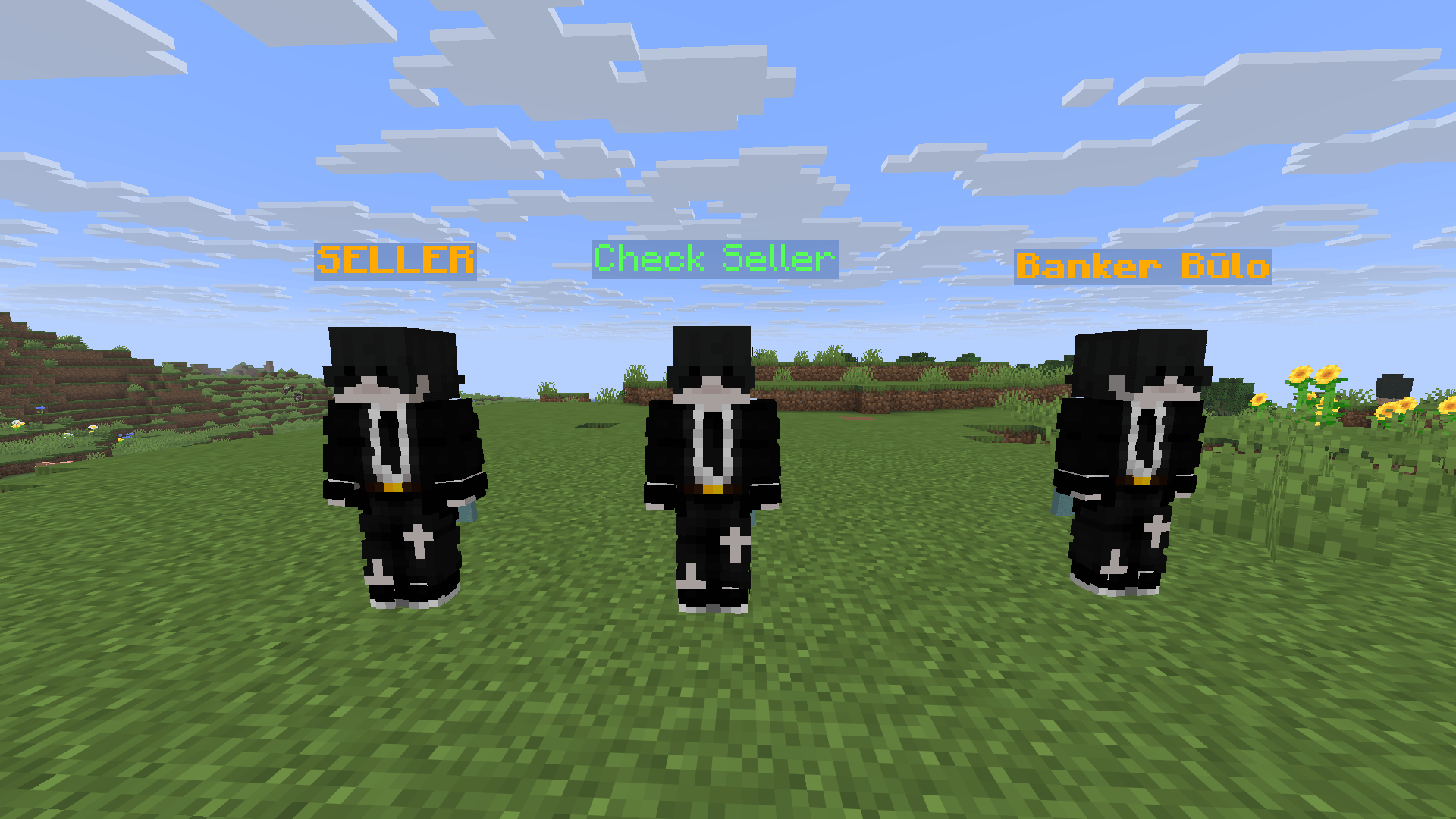
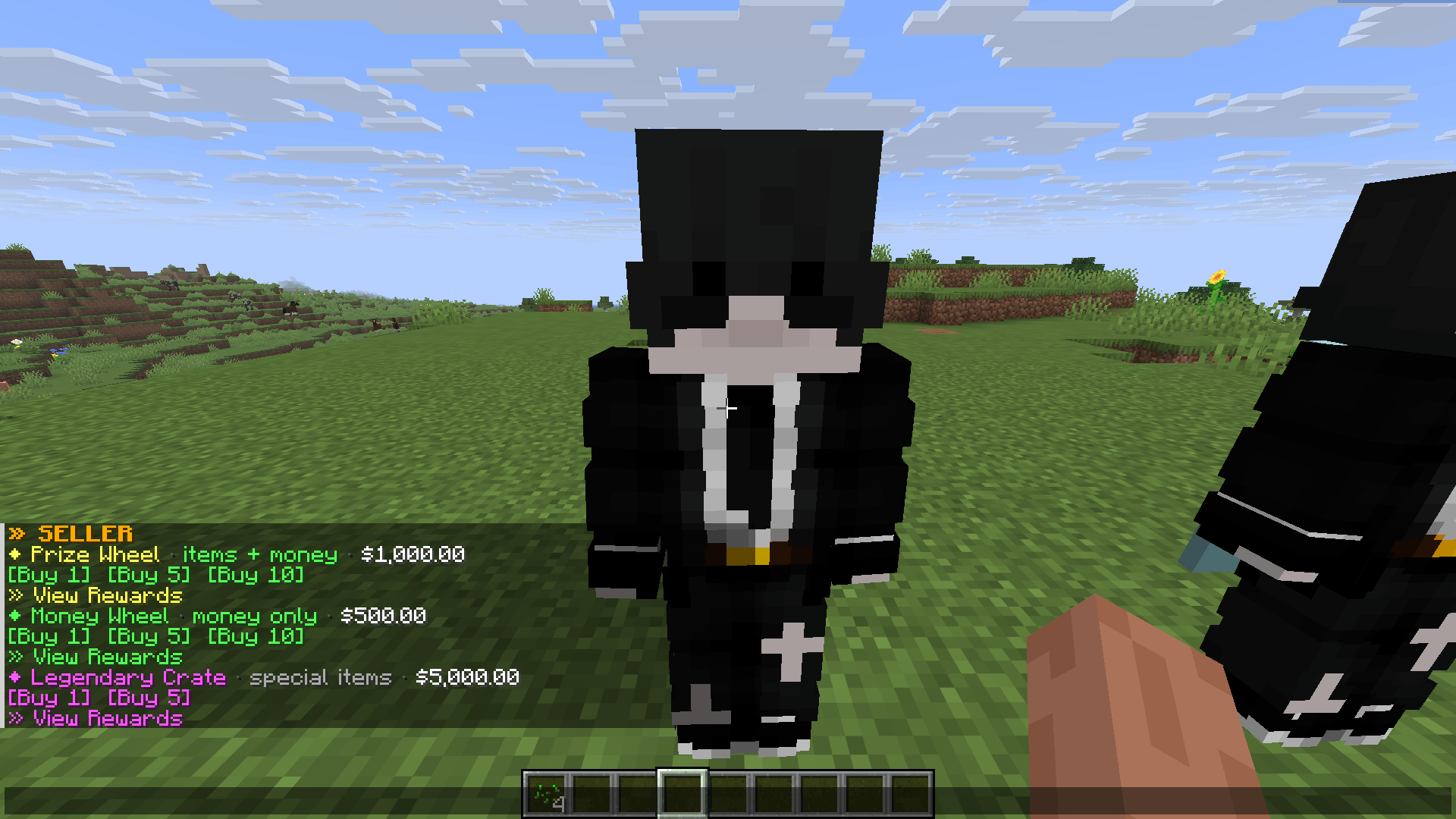
NPCs: Interactive Bank, Seller, and Check NPCs placed around the world.
Custom items: A Fridge, Ice Pickaxe, and Special Axe, all with custom models.
The Bank
The bank buys ores, ingots, and gems from players, and prices change over time.
Talk to the banker NPC to sell the item in your hand or everything sellable in your inventory.
Prices refresh automatically every six hours: 00:00, 06:00, 12:00, and 18:00 UTC.
The price list shows each item's current price and how much it went up or down since the last refresh.
All players are notified when prices update.
Admins can refresh prices manually and set or remove the price of any item.
Built for Servers
Modular design: each feature is a separate module.
SQLite database for accounts and transactions.
Configurable settings and language file support.
Built-in permission system for commands.
Requirements
Minecraft 26.2
Fabric Loader 0.19.3 or newer
Fabric API
Java 25
MintEco must be installed on the server. Install it on the client too to see the custom item models.
Commands
Economy
/balance [player]— Check your balance, or another player's./money send <player> <amount>— Send money to another player. (/money payalso works.)/baltop— Show the richest-players leaderboard./givemoney <player> <amount>— Admin: Give money to a player./takemoney <player> <amount>— Admin: Take money from a player.
Bank
/minteco bank sellhand— Sell the item in your hand./minteco bank sellall— Sell everything sellable in your inventory./minteco bank prices— View current prices. (/bank pricesalso works.)/minteco bank refresh— Admin: Refresh prices now. (/bank refreshalso works.)/minteco bank price <amount>— Admin: Set a price.
Checks
/minteco check buy <value>— Buy a check./minteco check give <player> <value> [count]— Admin: Give checks to a player.
Wheel
/minteco wheel buy [count]— Buy wheel tickets./minteco wheel info— Show wheel info./wheeland/spin— Shortcuts for the item wheel: info, buy, panel, toggle, and weight./moneywheeland/moneyspin— Shortcuts for the money wheel./minteco wheel panel— Admin: Open the reward panel./minteco wheel toggle <index>— Admin: Enable or disable a reward./minteco wheel weight <index> <value>— Admin: Set a reward's weight./minteco wheel price <amount>— Admin: Set the item wheel ticket price./minteco wheel moneyprice <amount>— Admin: Set the money wheel ticket price.
Item Wheel Shortcuts
/wheel info— Show item wheel info. (/spin infoalso works.)/wheel buy [count]— Buy item wheel tickets. (/spin buyalso works.)/wheel panel— Admin: Open the item wheel reward panel. (/spin panelalso works.)/wheel toggle <index>— Admin: Enable or disable an item wheel reward. (/spin togglealso works.)/wheel weight <index> <value>— Admin: Set an item wheel reward's weight. (/spin weightalso works.)
Money Wheel Shortcuts
/moneywheel info— Show money wheel info. (/moneyspin infoalso works.)/moneywheel buy [count]— Buy money wheel tickets. (/moneyspin buyalso works.)/moneywheel panel— Admin: Open the money wheel reward panel. (/moneyspin panelalso works.)/moneywheel toggle <index>— Admin: Enable or disable a money wheel reward. (/moneyspin togglealso works.)/moneywheel weight <index> <value>— Admin: Set a money wheel reward's weight. (/moneyspin weightalso works.)
Crates
/crate buy [count]— Buy crate keys./crate info— Show crate info./crate give <player> [count]— Admin: Give keys to a player./crate price <amount>— Admin: Set the key price./crate panel— Admin: Open the reward panel./crate toggle <index>— Admin: Enable or disable a reward./crate weight <index> <value>— Admin: Set a reward's weight.
Dice
/dice create <amount> [rounds]— Create a dice game./dice join— Join the game./dice start— Start the game./dice roll— Roll the dice./dice status— Show the game status./dice cancel— Cancel the game./dice test [rounds]— Open a test dice game to try the system.
Market
/market close <id>— Close a shop by its ID.
Mayor
/minteco mayor election start— Admin: Start an election./minteco mayor election end— Admin: End the election now./minteco mayor fine <player> <amount>— Fine a player./mayor candidate— Become a candidate./mayor vote [candidate]— Open the voting menu or vote for a candidate./mayor status— Show election status./mayor treasury— Show the treasury./mayor myfine— Check your fine./mayor pay— Pay your fine./mayor color— Choose your title color.
NPCs
/minteco npc create <bank|seller|check> [skin]— Admin: Spawn an NPC./minteco npc remove— Admin: Remove the nearest NPC.
Items
/fridge place— Place a fridge./fridge remove— Remove a fridge./icepickaxe [player]— Admin: Give the Ice Pickaxe./specialaxe [player]— Admin: Give the Special Axe.
Mint Economy Team