


Chest Item Finder
- By
2026-10-09_21.49.45.png
Description
Item Finder
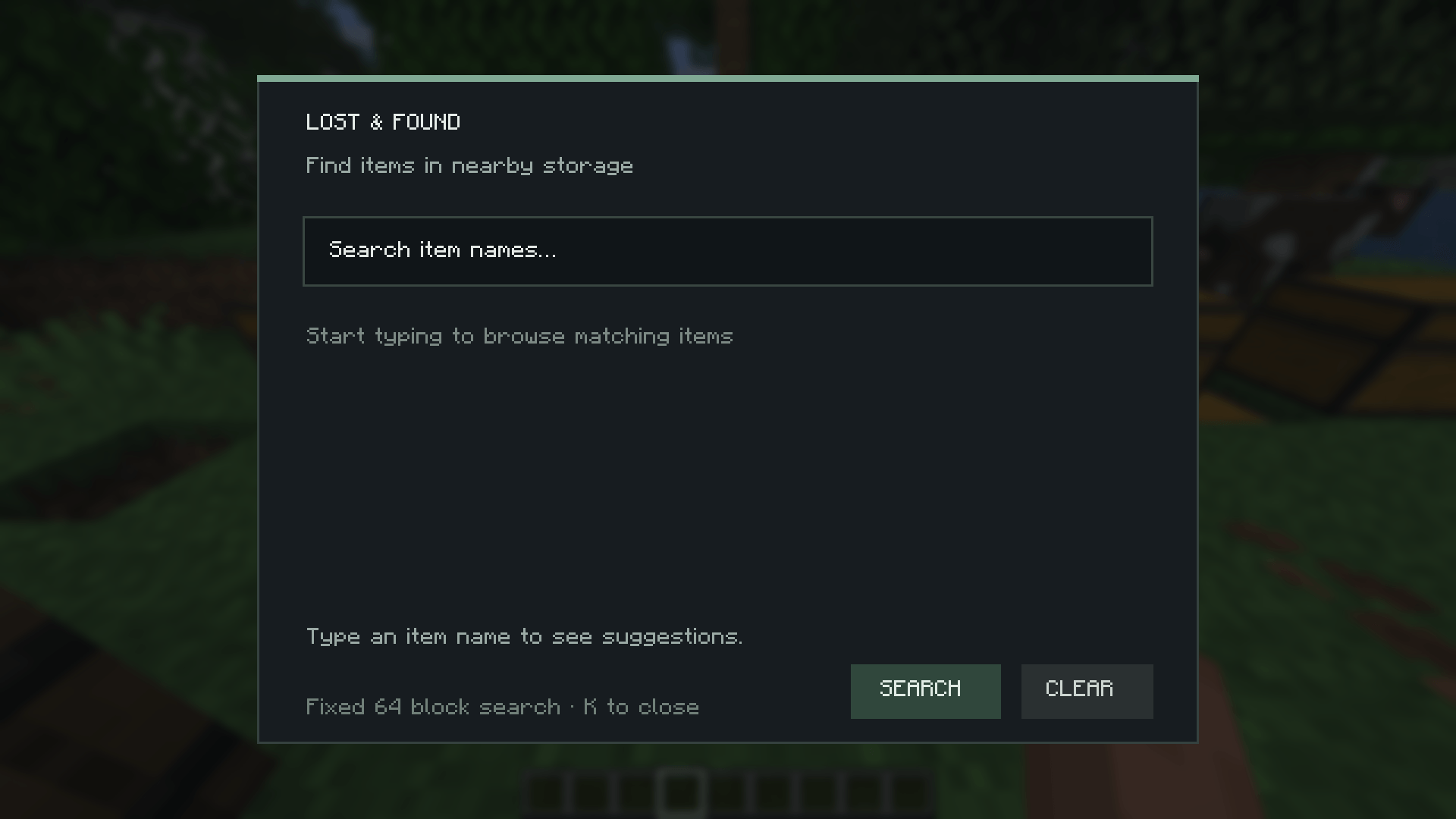
Quickly search nearby storage for the item you need.
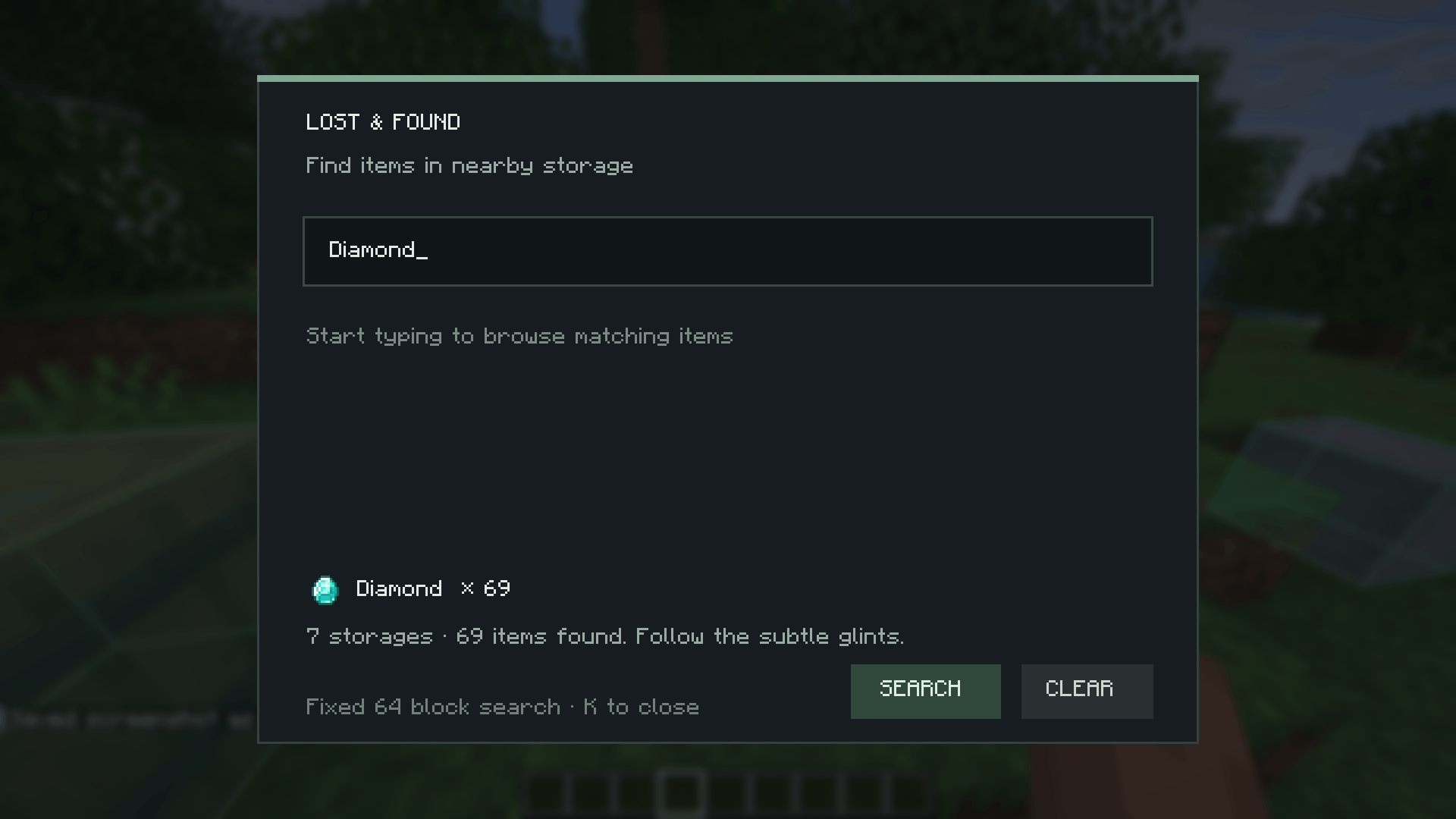
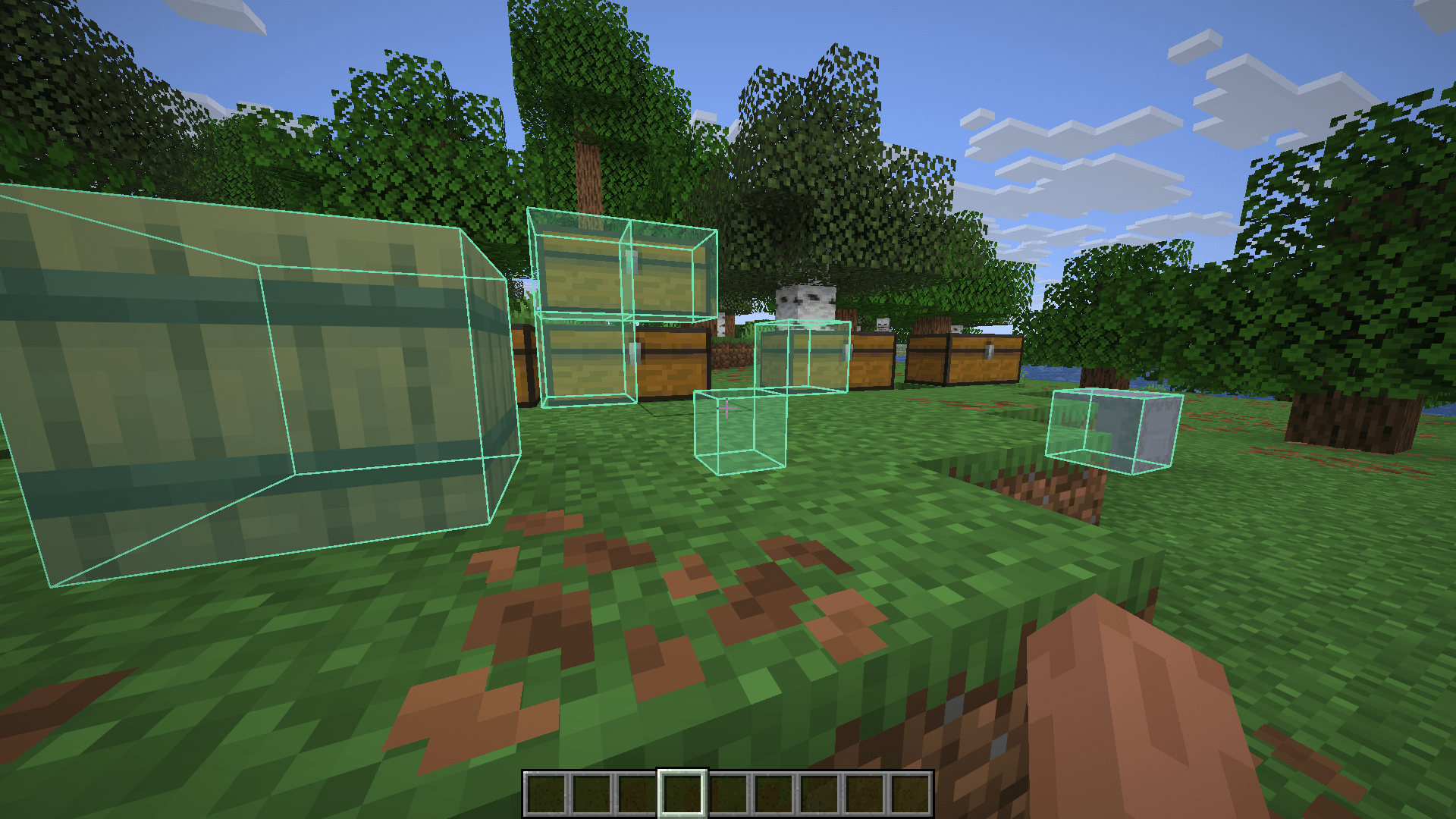
Press K to open the search panel, type an item name such as “quartz” or “observer,” and choose a matching item from the suggestions. Search results show the item icon, total quantity, and matching storage containers highlighted in-world with a soft mint outline—even through walls.
Features
- Search by typing part of an item’s name; suggestions narrow as you type.
- See the item icon and total amount found.
- Highlight nearby matching containers, including chests, barrels, and shulker boxes.
- Search within a fixed 64-block radius.
- Open a marked container or press Clear to remove highlights.
- Works with multiplayer when the server has the mod installed and enabled.
Privacy and server support
The search is handled by the server-side mod. The client does not scan containers or reveal their contents on its own. Servers without Item Finder installed do not provide search results.
Requirements
- Minecraft 26.3,26.2,26.1.2
- Fabric Loader
- Fabric API
- Item Finder installed on both client and server for multiplayer searches
Chest Item Finder Team
