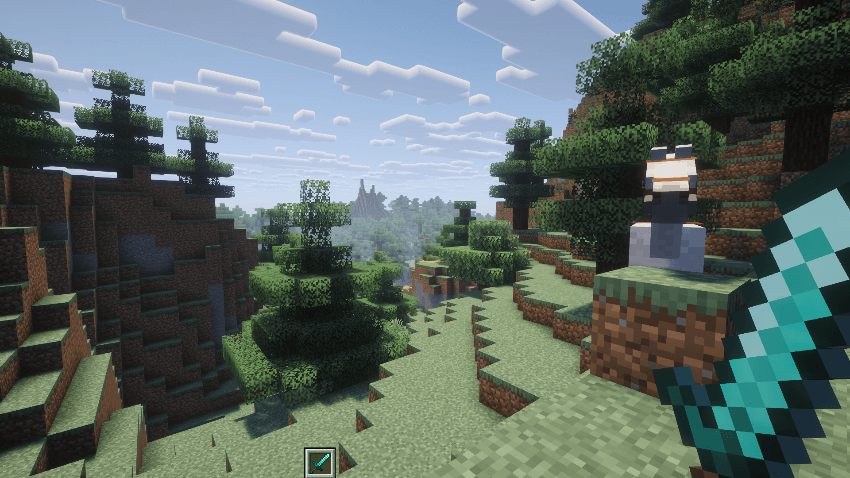
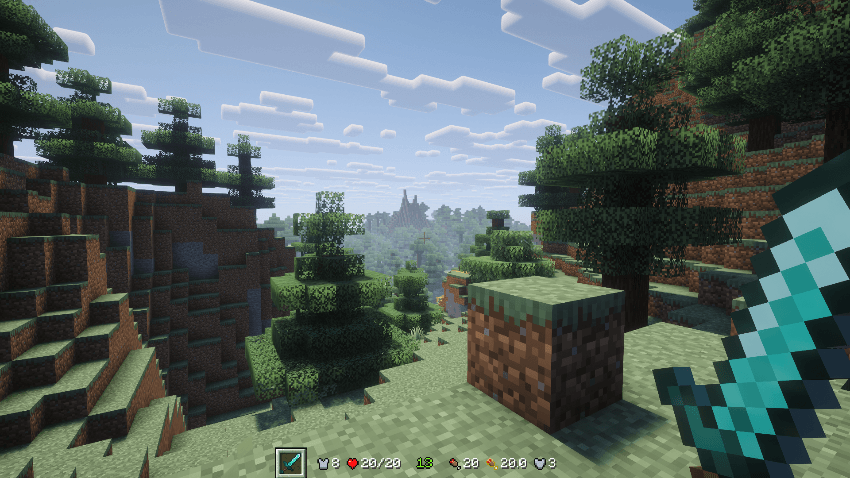
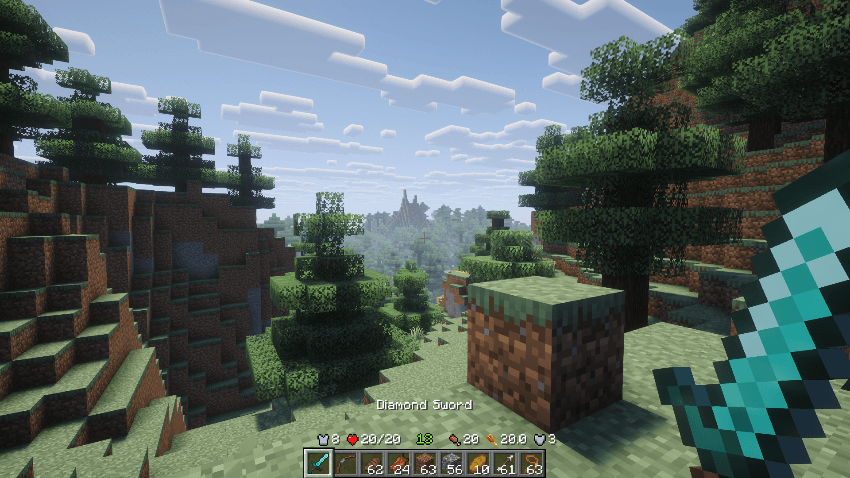
A vanilla-style minimalist HUD, compatible with Apple Skin and Overflowing Bars, made to de-clutter the view by hiding elements of the HUD based on gameplay context. Keywords: Dynamic, Compact, Customizable
A Vanilla-style HUD made to declutter the view by automatically hiding and showing elements of the HUD based on gameplay context.
Compatible with AppleSkin: Read instructions in the compatibility section
Update: Added compatibility with Overflowing Bars
Features
Dynamic and compact HUD modes
Smooth fade and movement animations
Collapsible hotbar
Compact Health, Hunger, Armor, Toughness, Air, and other HUD elements
Context-based visibility for damage, hunger, underwater activity, XP, and more
Lots of configuration options
Per-element settings with an Advanced configuration mode
Optional Follow Hotbar behavior
Horse Health and Jump Bar support
Optional AppleSkin saturation support
Optional Armor Toughness display
Several presets are included for quick setup, or you can customize individual HUD elements to create your own layout and behavior.
Screenshots
Compatibility
AppleSkin: When installed, Minimalist Dynamic HUD can display saturation information as part of the compact Hunger HUD. *Important: For it to work correctly, disable all the overlay and underlay options in the AppleSkin Configuration Menu.
Overflowing Bars: When Overflowing Bars is installed, it now handles the expanded Health, Armor, and Armor Toughness displays while Minimalist Dynamic HUD continues to handle the compact HUD states. Minimalist Dynamic HUD behaves normally when Overflowing Bars is not installed.
Side: Client
No additional mods are required.
Mods that heavily modify or replace Minecraft's HUD may conflict with Adaptive Vanilla HUD.
Adds the Bogling, an amphibious swamp creature that can eat unwanted items and turn them to XP as well as automatically consume rotten flesh from the player's inventory. Keywords: Trashcan, Item Management, Clean-up Mob.
Adds the Bogling, an amphibious swamp creature that can eat unwanted items and turn them to XP as well as automatically consume rotten flesh from the player's inventory. Keywords: Trashcan, Item Management, Clean-up Mob.