Minecart Trains Fork
- By
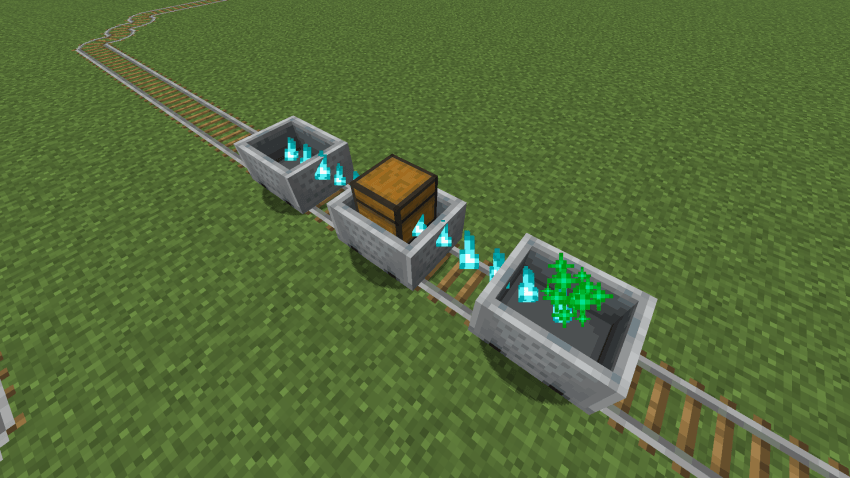
Inspired by the original Minecart Trains by LarsenR. Reworks and improves minecart transportation, making it more fun and useful as a train system!
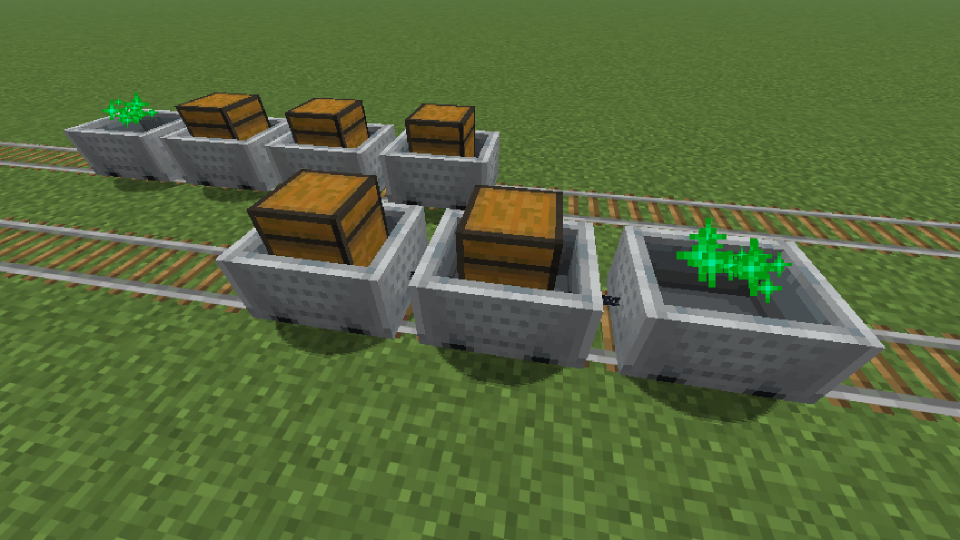
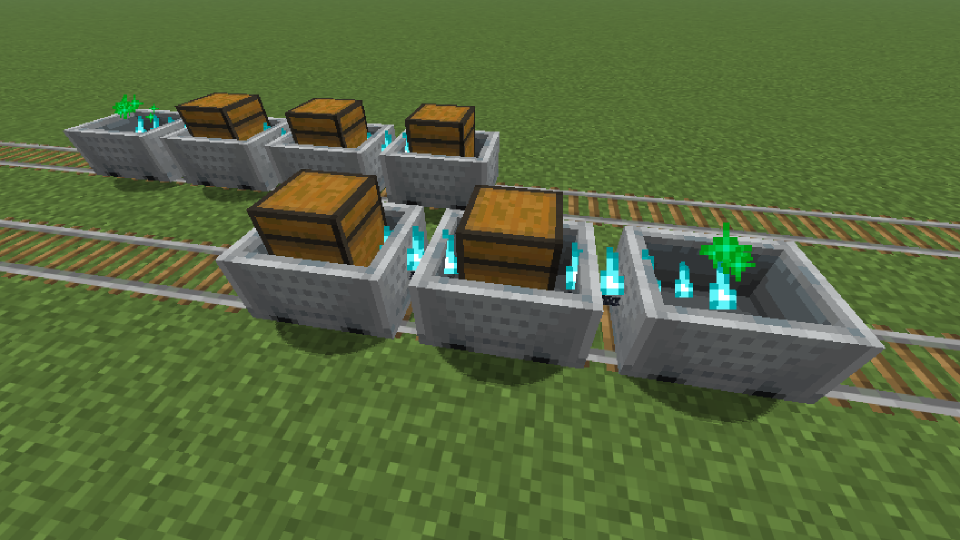
Big.png
Config.png
Config1.png
CustomConfig.png
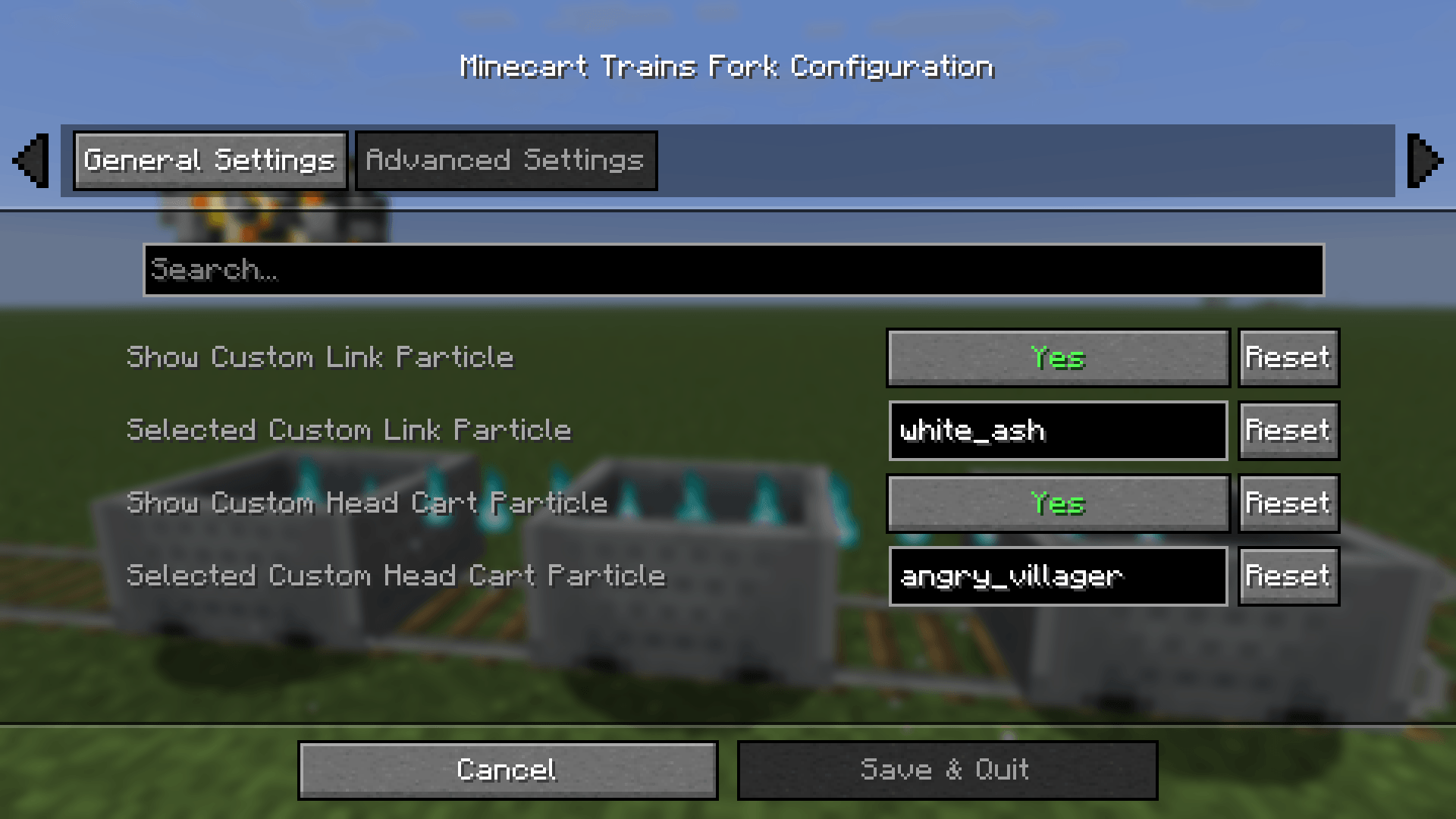
Config2.png
Description
Minecart Trains Fork
Inspired by the original Minecart Trains by LarsenR. Reworks and improves minecart transportation, making it more fun and useful as a train system!
- This mod allows you to build more realistic Minecart trains in Minecraft while trying to stay close to vanilla mechanics.
- The Server is responsible for connecting the carts, and the Client is responsible for rendering the connection effect.
Platforms



Environments

Compatibility
| Symbol | Relation |
|---|---|
| v | Required |
| o | Optional |
| x | Incompatible |
Fabric
| Server Side | Relation | Description |
|---|---|---|
| Fabric API | v | - |
| Cloth Config API | o | Train Behavior Configuration |
| Client Side | Relation | Description |
|---|---|---|
| Fabric API | v | - |
| Cloth Config API | o | Client Display Configuration |
| Mod Menu | o | Client Configuration Entry |
NeoForge / Forge
| Server Side | Relation | Description |
|---|---|---|
| Cloth Config API | o | Train Behavior Configuration |
| Client Side | Relation | Description |
|---|---|---|
| Cloth Config API | o | Client Display Configuration |
Progress
Check out the latest development progress here: Development Progress
Features
Train Behavior
- The child cart moves following the parent cart, Unaffected by certain additional forces.
- After installing
Cloth Config API, you can adjust certain features.
Train Formation
- Hold the Iron Chain in your Right Hand.
- Enter Sneaking mode, and Right-click on a Minecart.
- Enter Sneaking mode, and Right-click on another Minecart.
- Repeat the connection operation. (For example, if you need to connect from cart A to cart D, and A is the Leading cart. The order of clicking while stealthed is: A -> B; B -> C; C -> D. The subsequently selected vehicle will be towed by the previously selected vehicle.)
Train Decoupling
You can attempt to clear the train connection at Any Time, including in cases where the connection fails.
- Hold any Axe in your Right Hand.
- Enter Sneaking mode, and Right-click on a Minecart.
Configuration
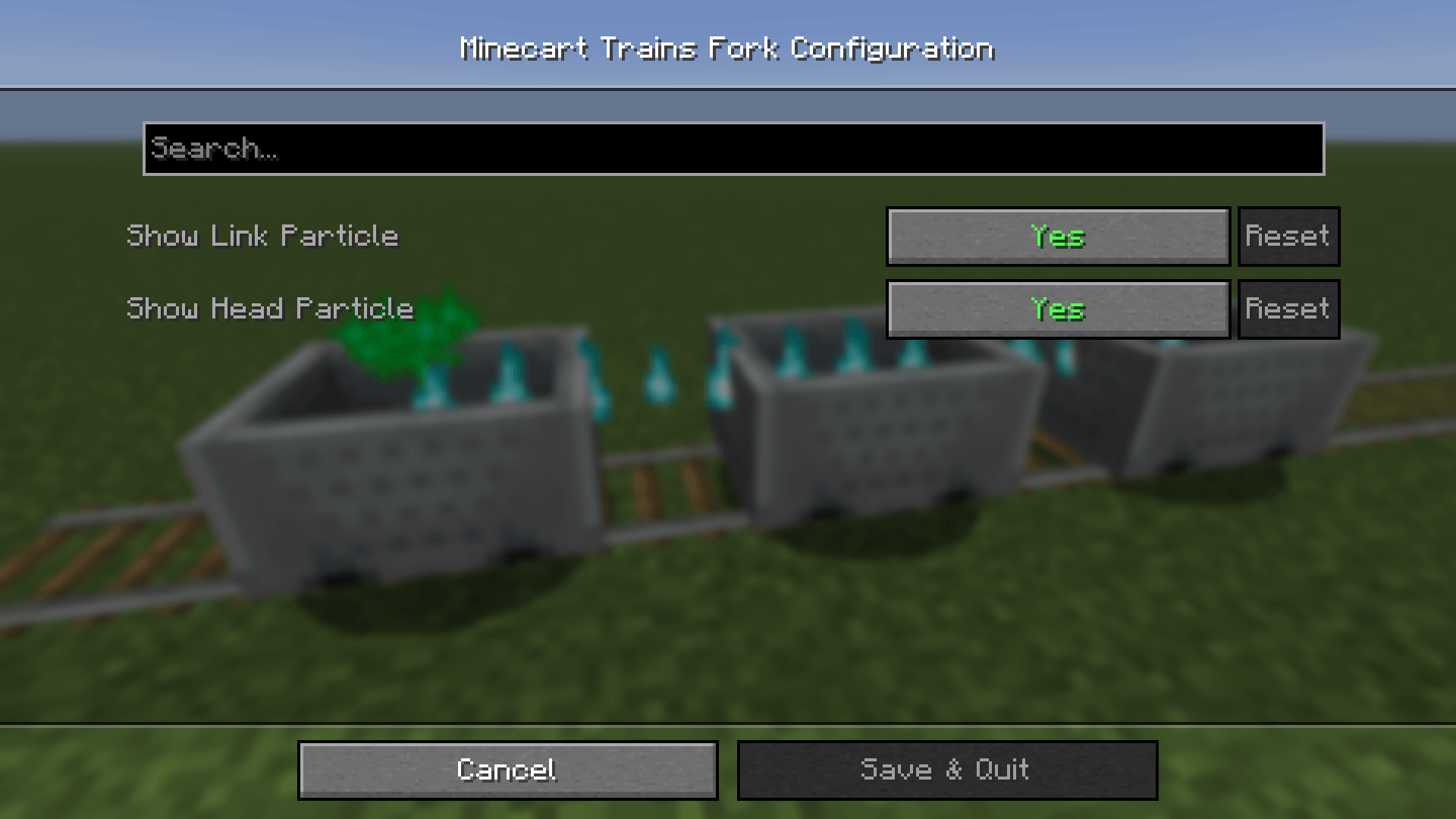
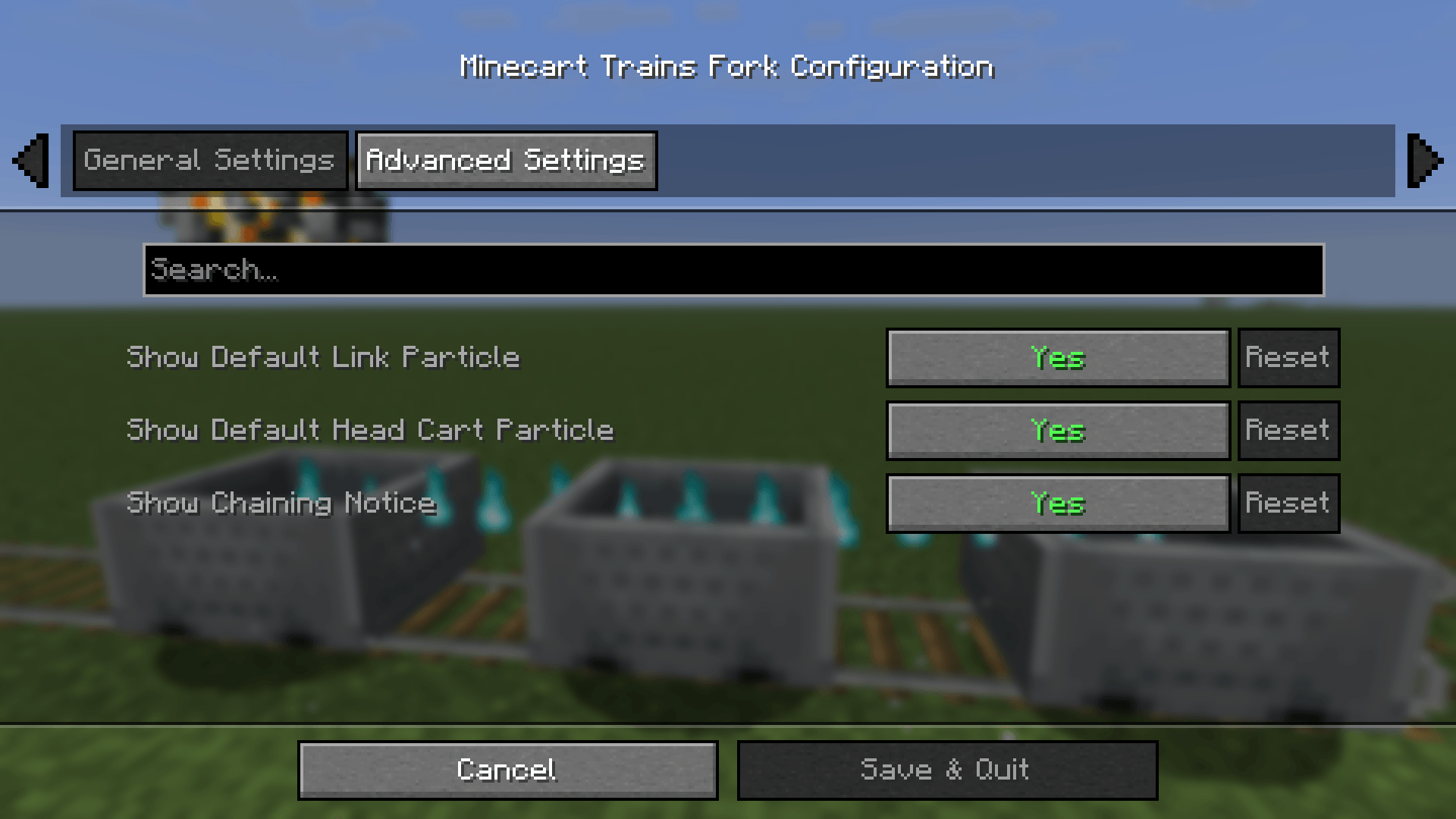
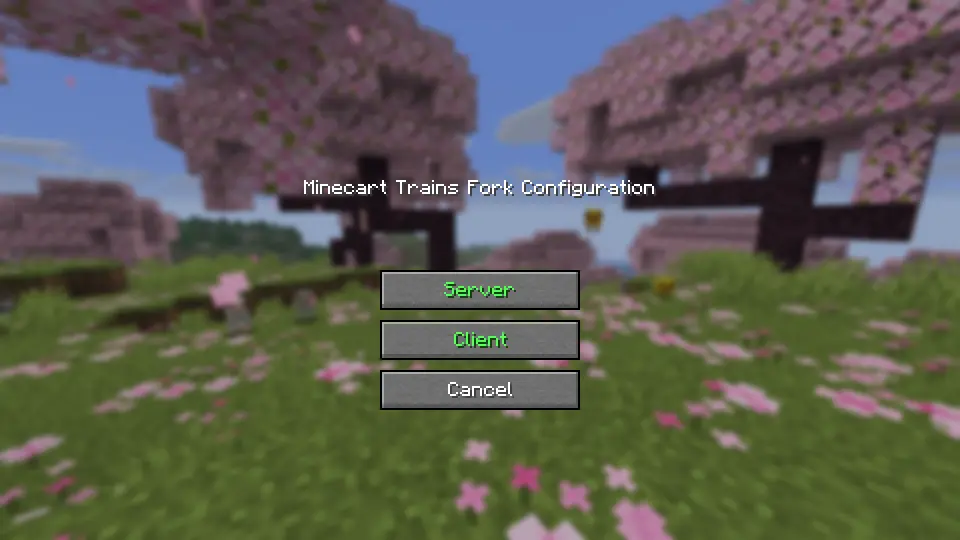
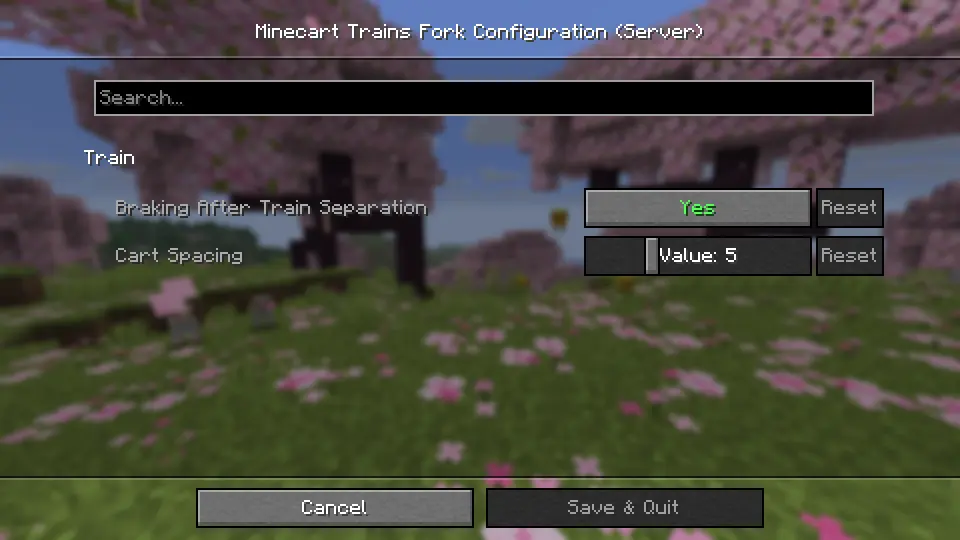
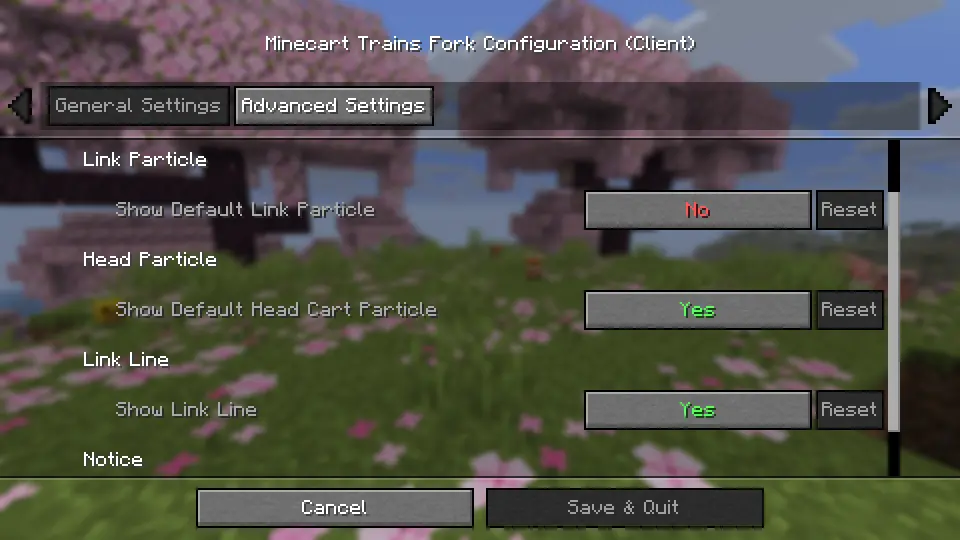
Configuration files that will be generated after installing Cloth Config API:
.../config/minecart-trains-fork-server.json.../config/minecart-trains-fork-client.json
minecart-trains-fork-server.json
    [brakingAfterSeparation] Value: true/false, Default: true
    [cartSpacing] Range: 3 - 10, Default: 5
History
Special thanks to Minecart Trains, which served as the inspiration for this project.
- 2025.10.12: The project was forked from Minecart Trains.
- 2025.12.08: Starting from version 2.0.0, the project uses a completely new architecture.
- 2026.06.30: The project became independent from the forked network.
Minecart Trains Fork Team