MiguelCrates
- By
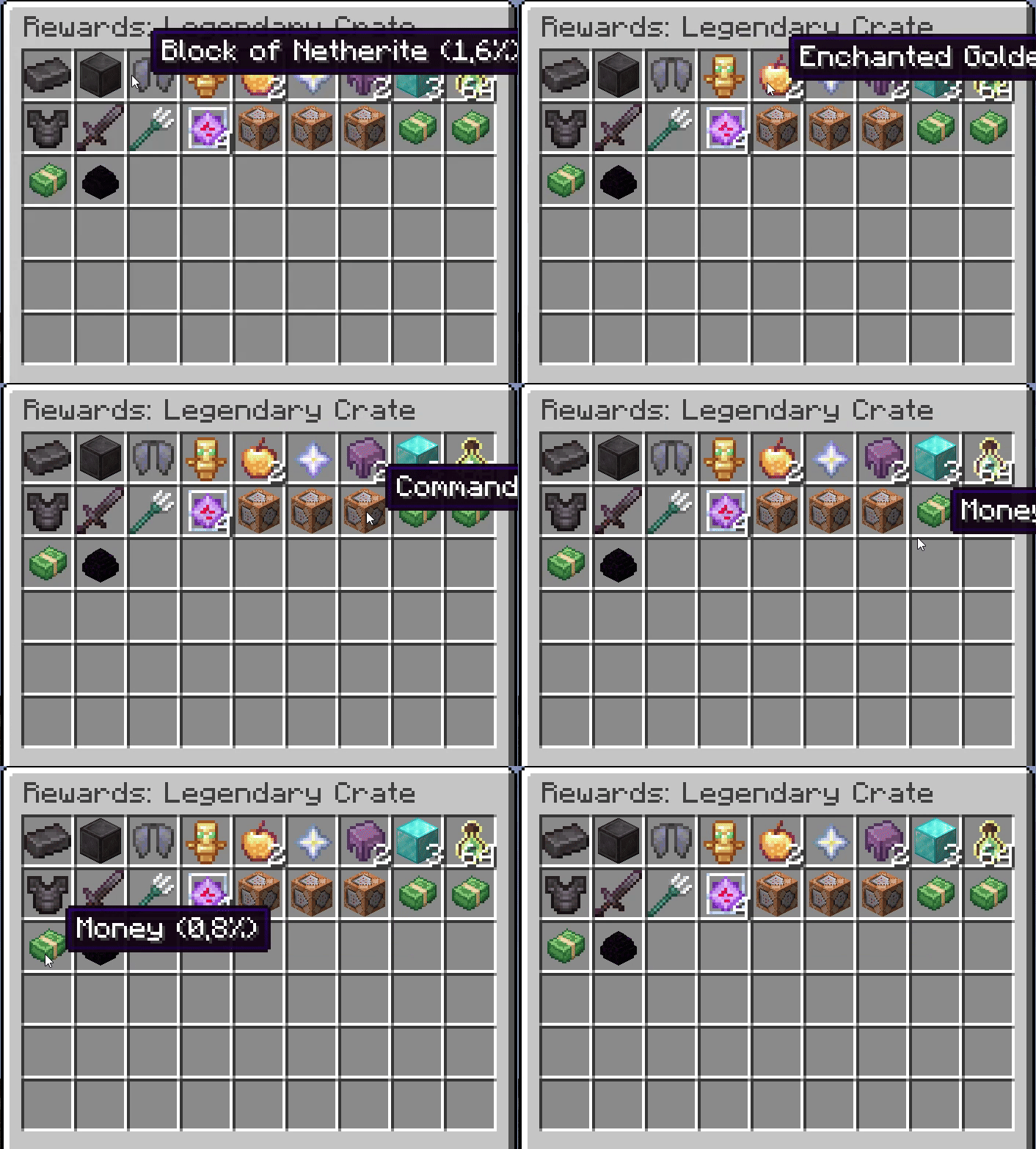
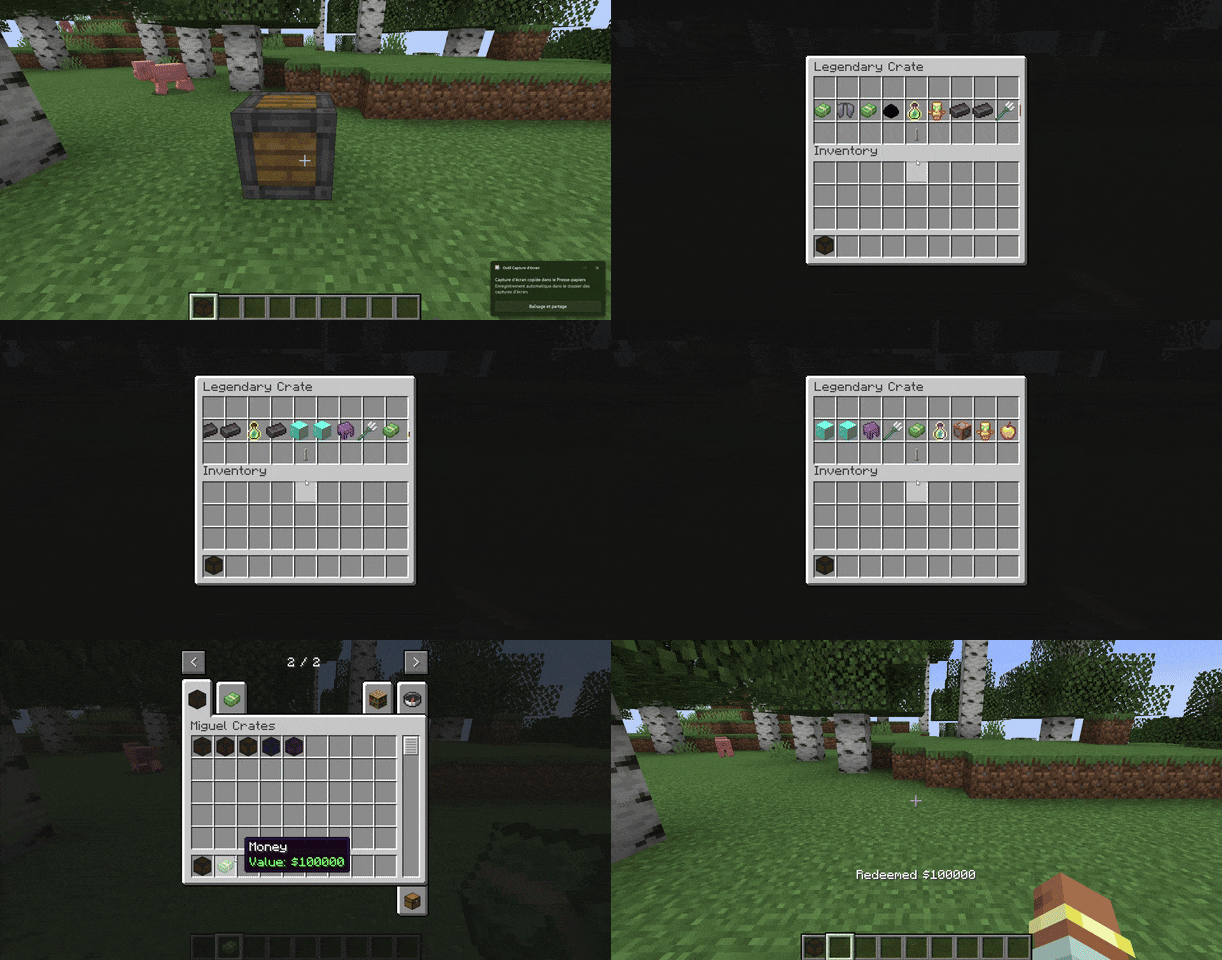
MiguelCrates turns simple item giving into an event. It adds fully animated, exciting lootboxes to your world that hook into your economy and keep players coming back for "just one more spin."
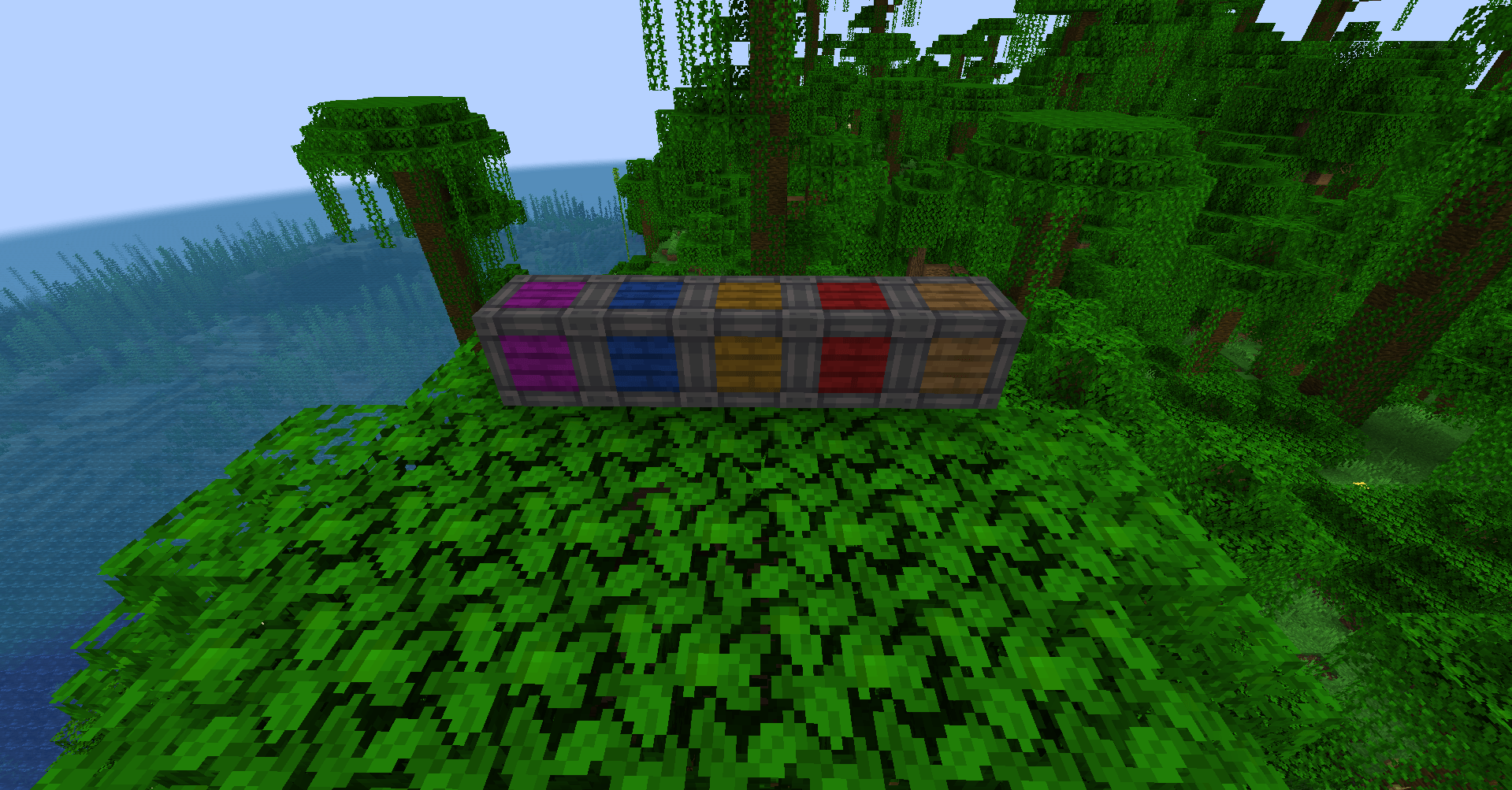
image.png
ezgif-10e0cecb66a4b4af.gif
ezgif-1b2ef282f99ca937.gif
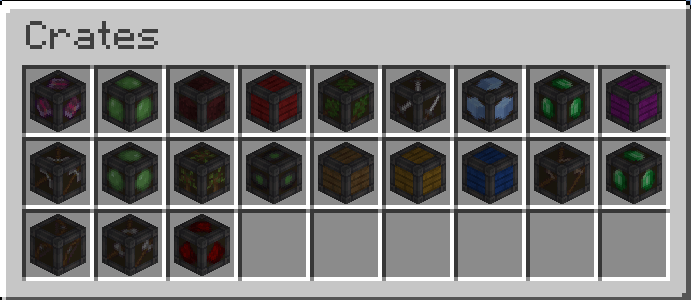
image_2025-12-14_054202026.png
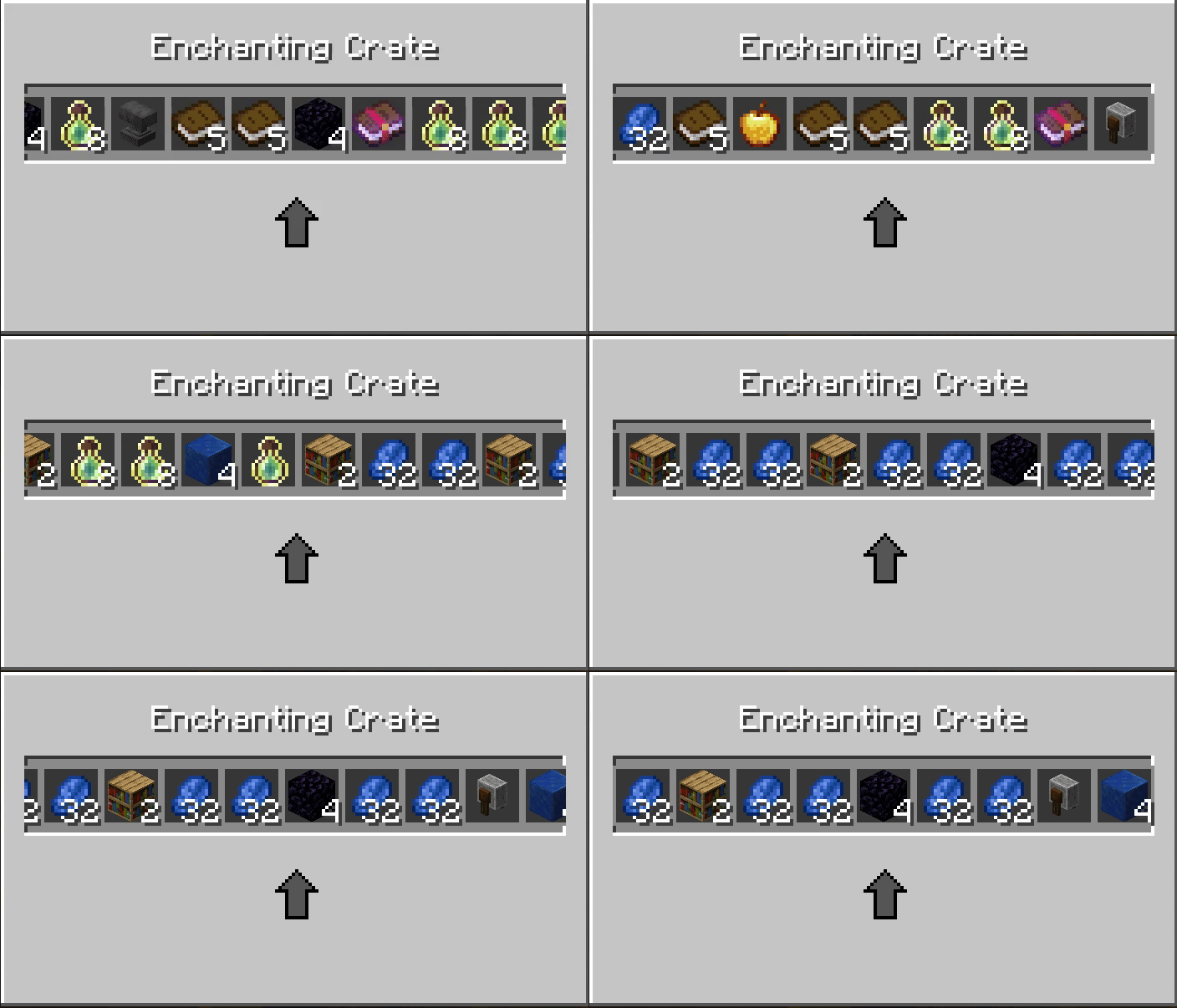
Only after 1.0.4
Description
MiguelCrates
MiguelCrates turns simple item giving into an event. It adds fully animated, exciting lootboxes to your world that hook into your economy and keep players coming back for "just one more spin."
How to Create Your Own Custom Crate
User the crate builder : https://miguel-economy-builder.vercel.app/crate-builder
OR
- Find the Folder: Go to your server’s config folder (
config/migueleconomy/crates). - Copy & Paste: Take an existing file (like
common.json) and copy it. Rename it to something likevip_crate.json. - Edit the Details: Open it with any text editor (like Notepad).
- Change the Name to "VIP Crate".
- Pick a Texture (color) for how it looks.
- List your Rewards: Simply type in the items you want (e.g.,
"minecraft:diamond"), how many to give, and how rare they should be. - Tip: You can even make it run commands or give money!
- Restart: Restart your server, and your new crate is ready to be placed!
# Creating and Editing Crates MiguelCrates uses JSON configuration files to define crates. This allows you to easily create new crates or modify existing ones without changing the mod code. ## Location Crate configuration files are located in the `config/migueleconomy/crates/` directory of your Minecraft instance. - **Server/Client**: `config/migueleconomy/crates/` Each crate is a separate `.json` file. The file name determines the unique ID of the crate (e.g., `common.json` -> `common`). ## Crate Structure The basic structure of a crate JSON file is as follows:
{
  "display_name": "My Custom Crate",
  "description": "A description of what's inside.",
  "icon": "minecraft:chest",
  "texture": "miguelcrates:block/common_crate",
  "rewards": [
    ...
  ],
  "obtain": {
    "sources": [
      ...
    ]
  }
}{
"item": "minecraft:enchanted_book",
"quantity": 1,
"enchantments": {
"minecraft:sharpness": 5,
"minecraft:unbreaking": 3
},
"weight": 10
}{
"item": "minecraft:diamond_sword",
"nbt": "{display:{Name:'{\"text\":\"Excalibur\"}'}}",
"weight": 5
}"rewards": [
{
"item": "minecraft:diamond",
"quantity": 2,
"weight": 10
},
{
"command": "give @p minecraft:stone 64",
"weight": 50
},
{
"item": "minecraft:experience_bottle",
"command": "xp add @p 5 levels",
"weight": 10
},
{
"item": "migueleconomy:money",
"nbt": "{MoneyValue:100L}",
"weight": 20
}
]{
"type": "craft",
"recipe": {
"type": "minecraft:crafting_shaped",
"category": "misc",
"pattern": [
"AAA",
"ABA",
"AAA"
],
"key": {
"A": { "item": "minecraft:planks" },
"B": { "item": "minecraft:chest" }
},
"result": {
"id": "miguelcrates:crate",
"count": 1,
"components": {
"minecraft:custom_data": { "CrateId": "your_crate_id" }
}
}
}
}{
"type": "kill",
"entity": "minecraft:zombie",
"chance": 0.05
}{
"type": "loot_table",
"id": "minecraft:chests/simple_dungeon",
"chance": 0.1
}{
"display_name": "Example Crate",
"description": "An example configuration.",
"icon": "minecraft:barrel",
"texture": "miguelcrates:block/common_crate",
"rewards": [
{
"item": "minecraft:apple",
"quantity": 5,
"weight": 50
},
{
"item": "minecraft:golden_apple",
"weight": 10
}
],
"obtain": {
"sources": [
{
"type": "kill",
"entity": "minecraft:skeleton",
"chance": 0.02
}
]
}
}In-Game Commands (Admin)
Use these commands to give crates to yourself or other players.
Give a Crate
/miguelcrate give <player> <crate_id> [amount]
- Example 1 (Give yourself a Rare Crate):
/miguelcrate give @p rare - Example 2 (Give a player 5 Common Crates):
/miguelcrate give PlayerName common 5
Reload Config
/miguelcrate reload
- Refreshes the mod if you edited the JSON files while the server was running.
Open Menu (Shortcuts)
/crates, /crate, or /box

MiguelCrates Team