


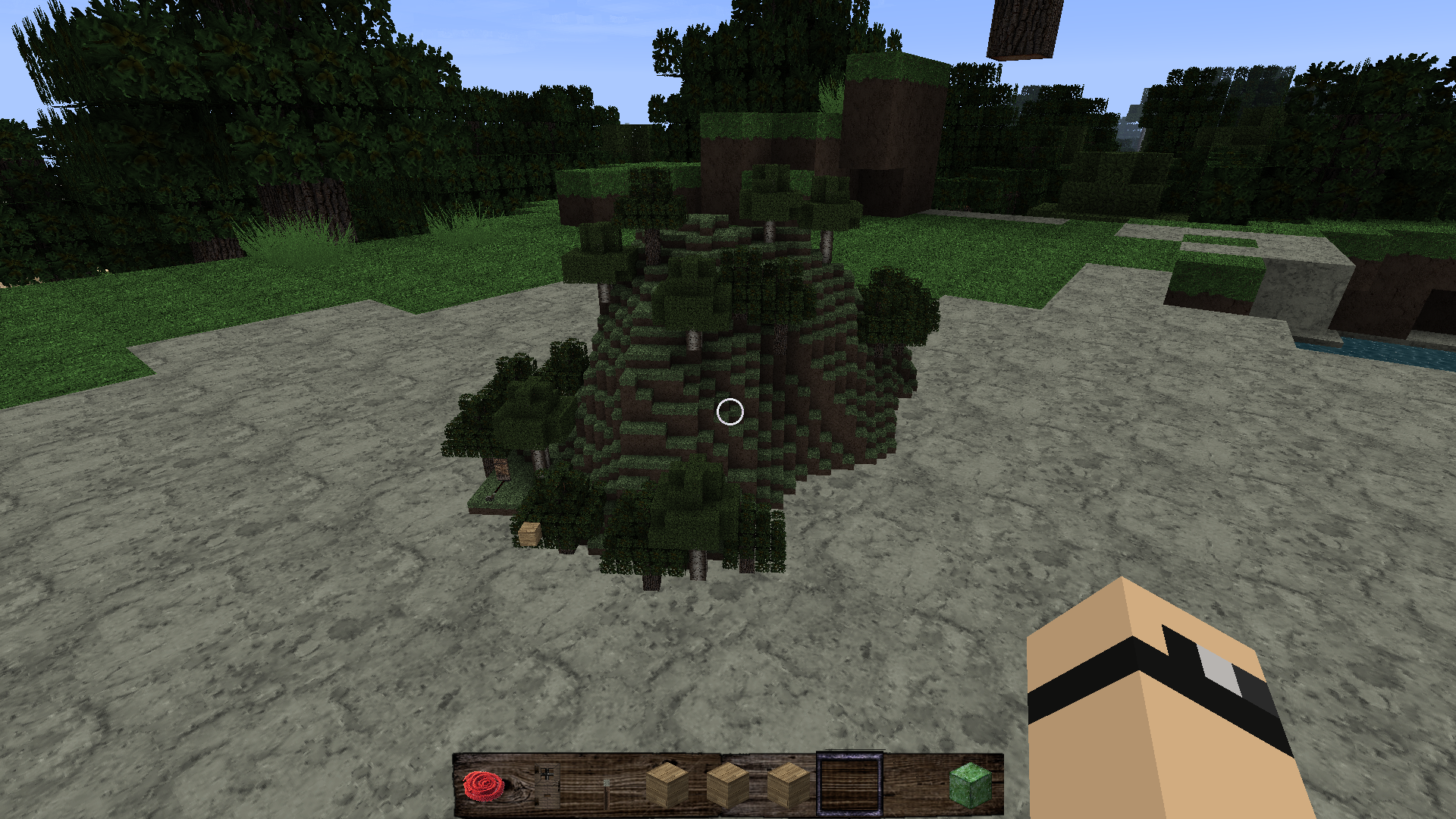
Miniaturization addon
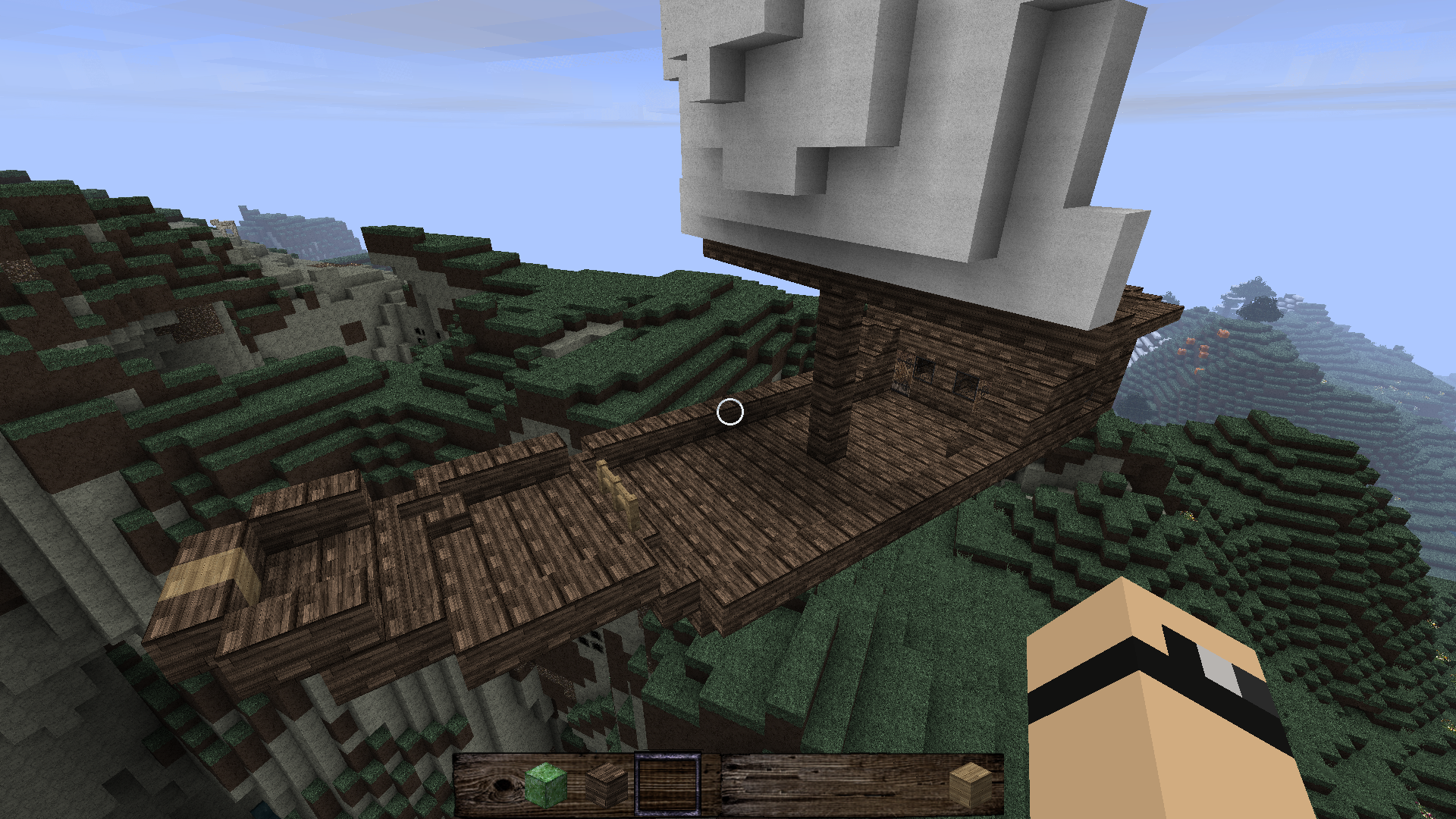
Metaworlds sample image
Description
The Metaworlds Mod essentially lets you create full minecraft worlds within the normal worlds which can have arbitrary relative positioning and rotation (yaw) and which can be moved in realtime. So this could be used to create zeppelines or flying islands or alike.
Essential features:
- The metaworlds can have arbitrary positions and orientations relative to the stationary world
- The metaworlds are fully editabel at all time just like the normal world
- Savefiles of the metaworlds are normal world saves in subfolders *1
- All the normal block mechanics should work in the metaworlds as well
[*1] so e.g. you could take the savefiles of the nether from another world and use it to replace a metaworld (and fly around with it)
Difference to existing zeppelin mods: - This mod allows any size of construct as it uses full world logics and loads as chunks - You can move on it while it is in motion - All the block logics still apply to blocks on the subworld at any time
How to install this mod:
- Install forge 9.11.1.953
- Extract the downloaded archive and copy the five jar files from the archive into your .minecraft/mods folder
Requires Forge 9.11.1.953. Also if you are using a mac and encounter crashes when starting minecraft, switch to Java 7.
Mod API: This mod also provides an API which can be used to make custom controls and manipulate the subworlds and their behaviour. You can download the API and the source code of the controller and creator blocks included in this mod from the forum entry at: TheOfficial forum thread
Usage-Instructions: After installing the mod place a SubWorldCreator block (which can be found in the same creative tab as cobblestone and should be the last block in the list) to create a new metaworld. This may take a few moments to load as it's a full-featured world being created. To move the metaworld add a SubWorldController block (which can be found in the same creative tab as wood and should be the second last block in the list). The block has a planks texture right now. The SubWorldController Block can be used by right-clicking it and you can release control by pressing [Shift].
Disclaimer: While this mod should not destroy worlds which were created without this mod, I take no responsibility for damage done to your minecraft world.
The Metaworlds Mod Team
