events.png
events_caths.png
fishing_messages.png

icon.png
Description
Client-side Qol mod for MCC Island, Minecraft 26.2 and 26.3.
Requirements
- Minecraft 26.2 / 26.3 (one file for each, download the one of your version)
- Fabric Loader 0.19.3 / 0.20.1 or newer
- Fabric API 0.157.0 / 0.166.2 or newer
- Noxesium 3.2.3 / 3.3.0 or newer
- Simple Voice Chat is optional.
Features
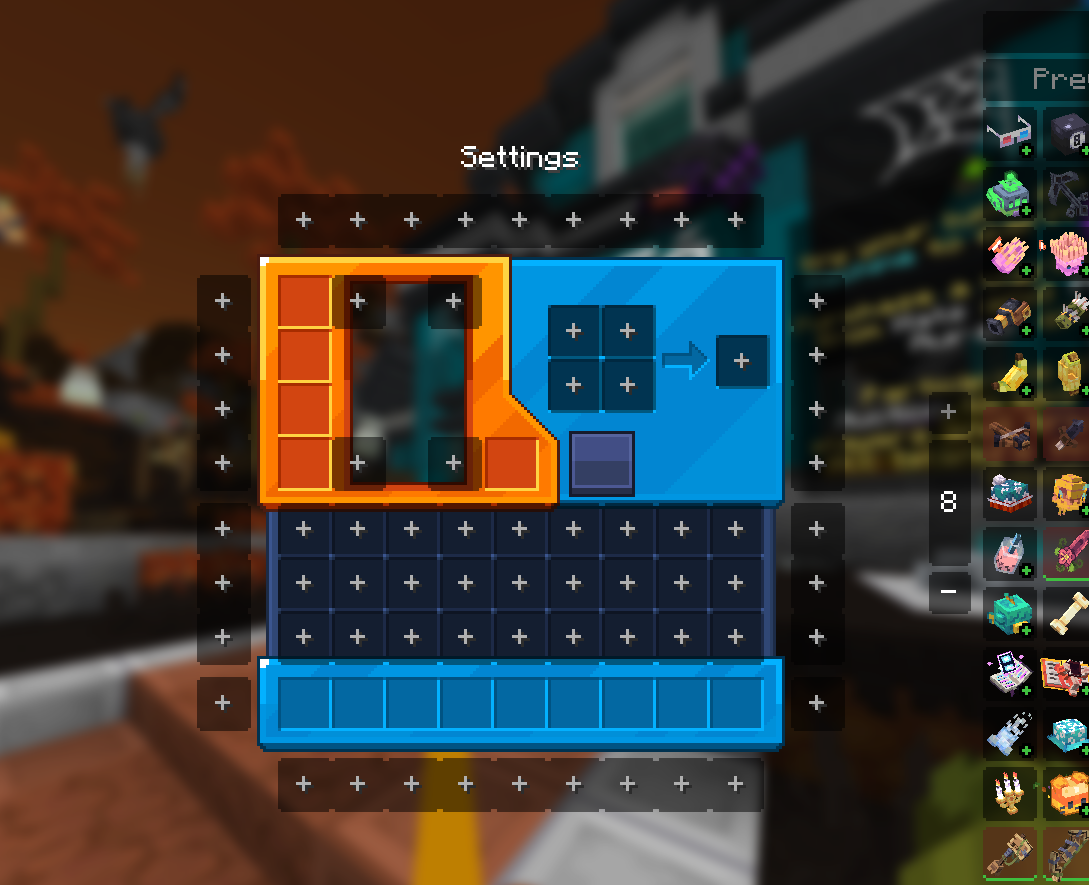
Open the MccInfo menu to turn each feature on or off.

Fishing
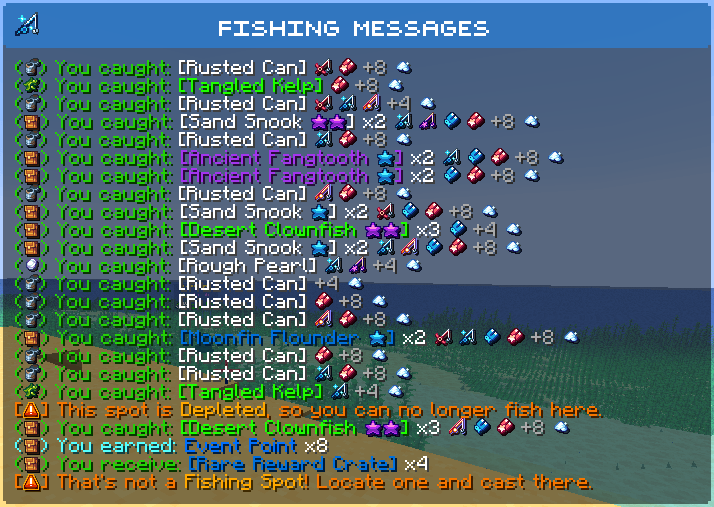
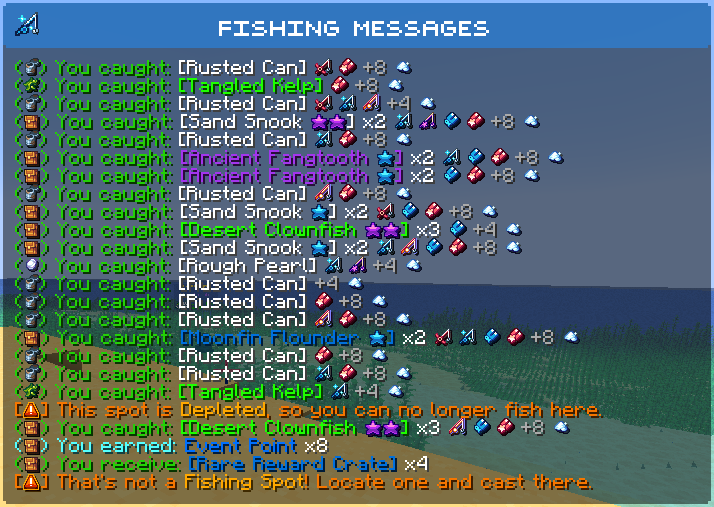
- Fishing Messages: moves fishing messages out of the chat into their own movable box, optionally only in fishing instances
- Compact Fishing Messages: merges each catch into one line with the item icon, triggered perks and earned XP
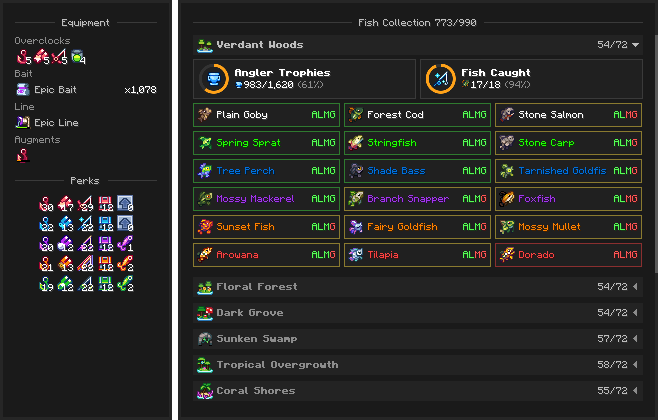
- Fish Collection: every fish you caught, your equipment and your perks
- Best Island: marks the island with the best chance of a new fish
- Perk Levels: the level of each perk on its item in the Fishing Perks and Fishing Supplies menus, alone or as a small level/max
Events
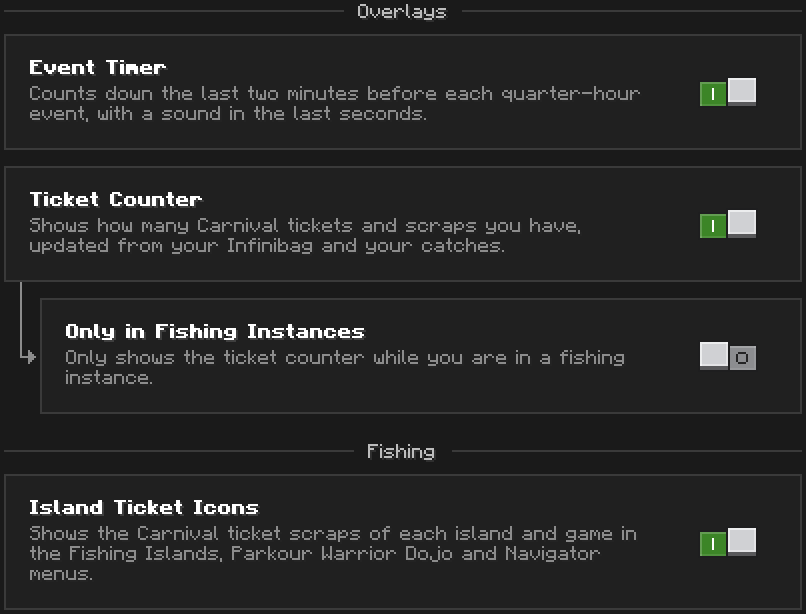
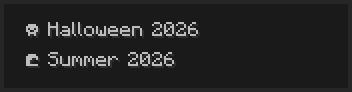
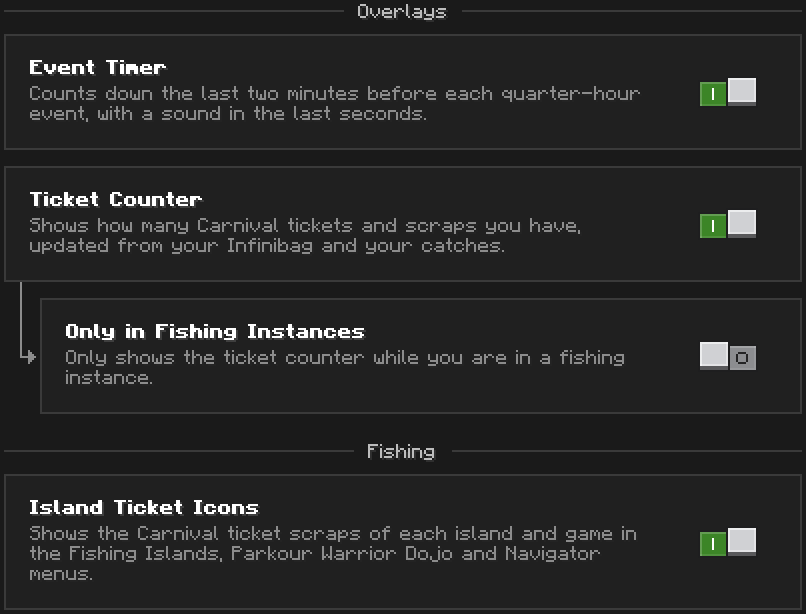
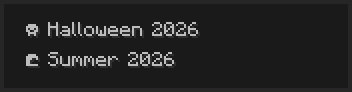
Each MCC Island event gets its own page of settings and features in the MccInfo menu.
Items
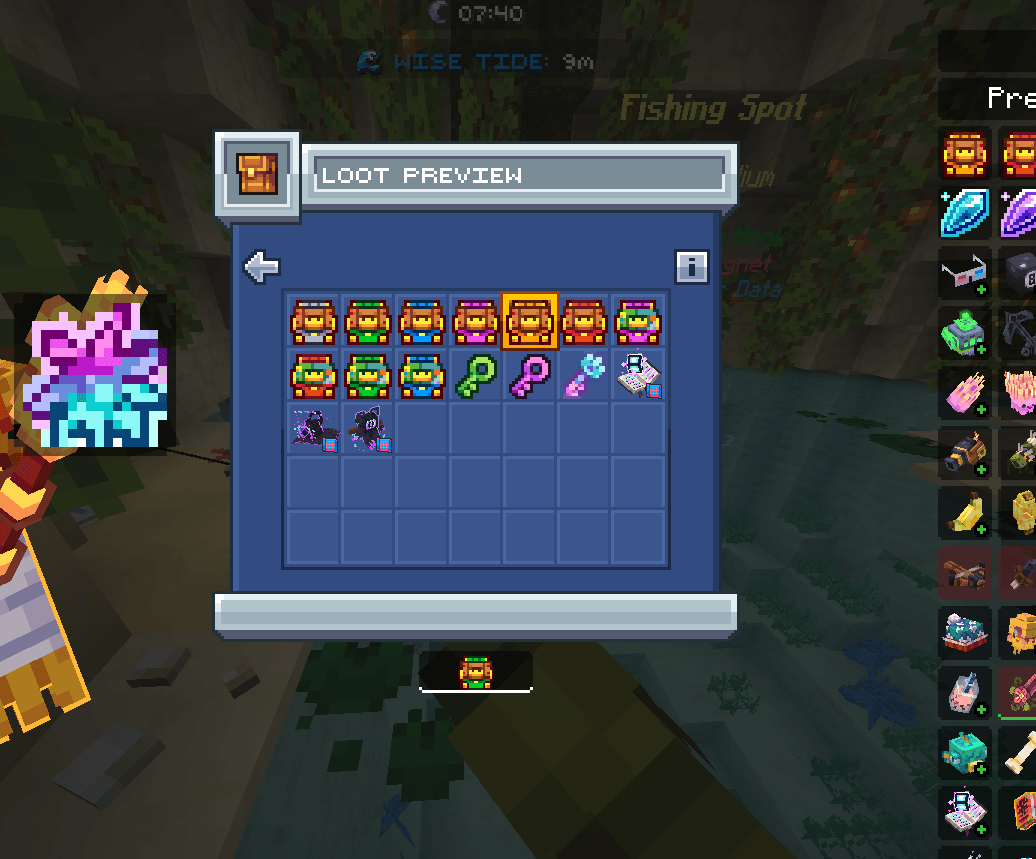
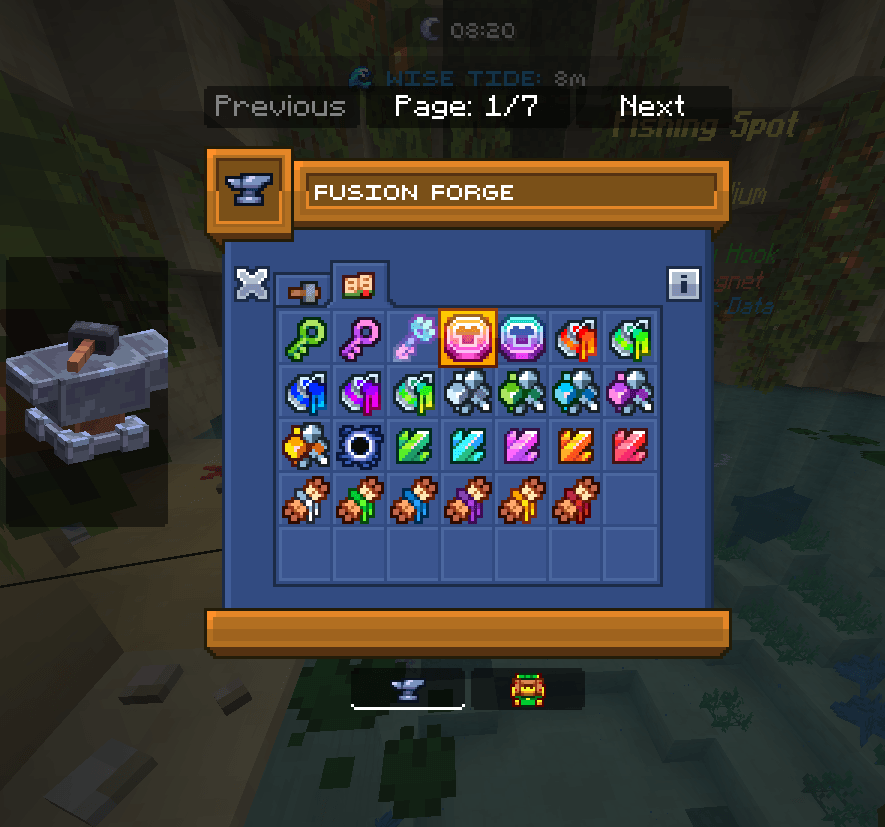
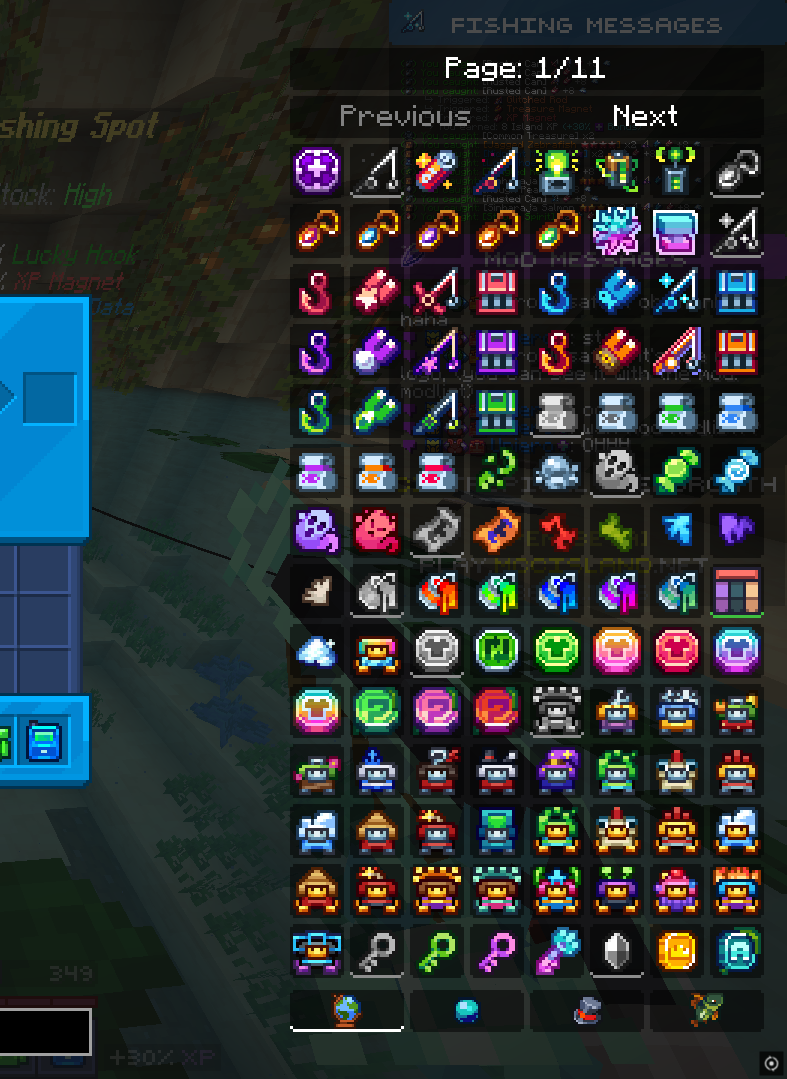
- Item list: searchable list of MCC Island items next to your inventory, with a calculator in the search bar
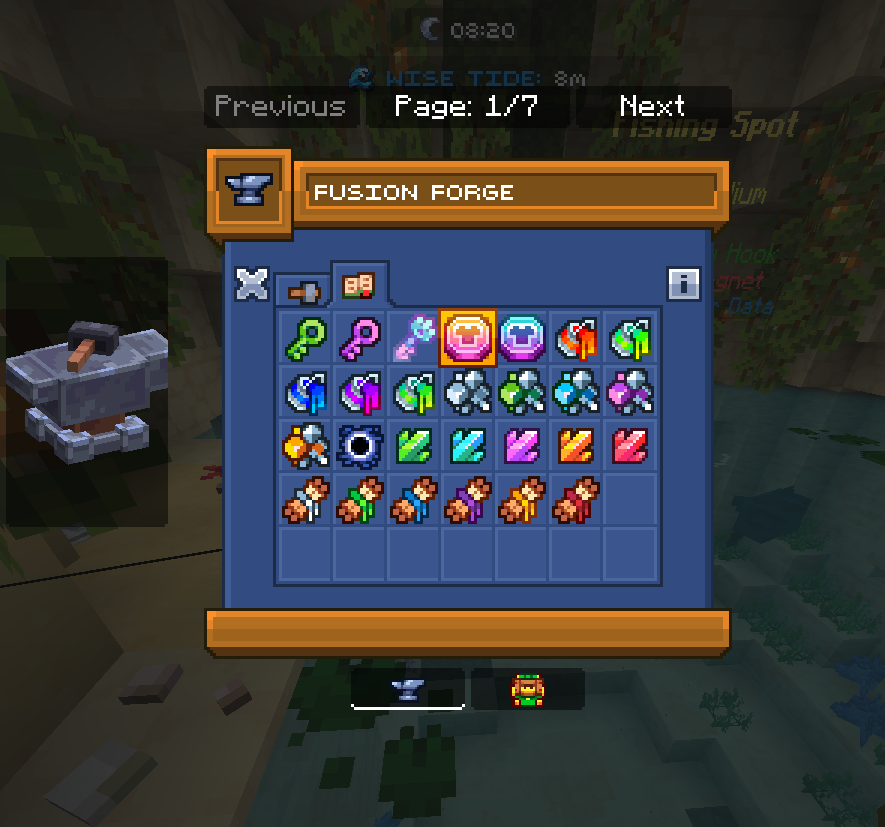
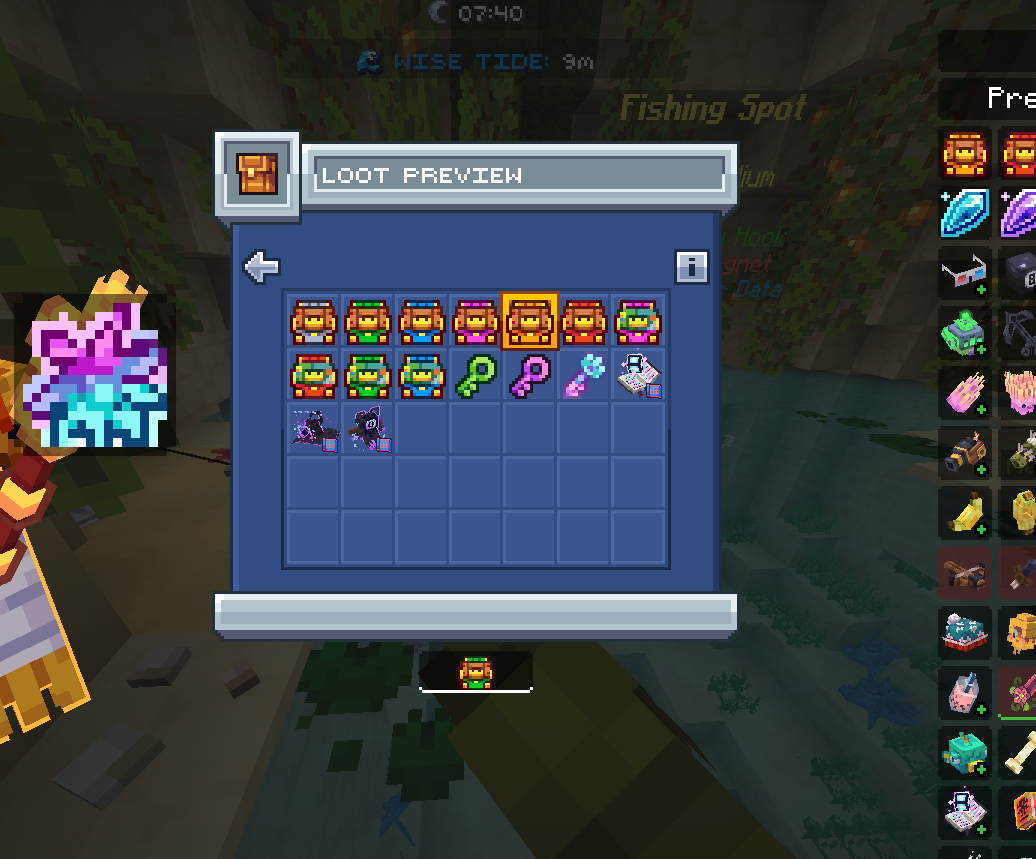
- Recipes: click an item to see its recipes and where it is used, from the list or any inventory (Hold Recipe Mode)
- NPC path: shows the way to the vendor of an item
- Inventory Buttons: command buttons next to your inventory
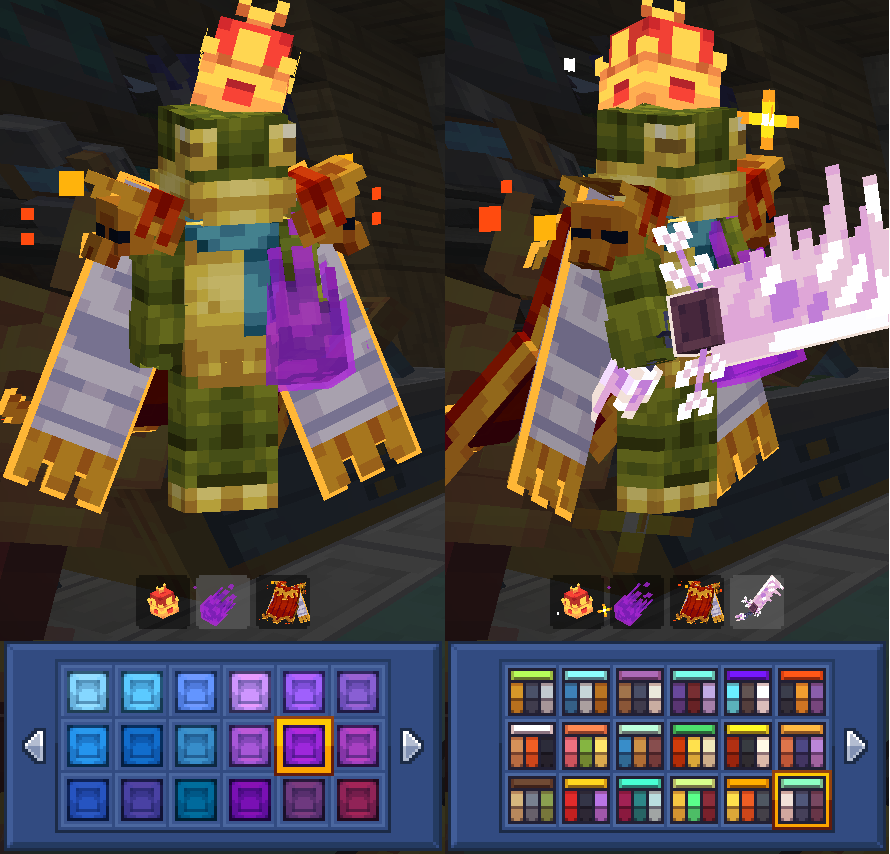
- Cosmetic Preview: see your player wearing the cosmetic you hover, Middle Click to lock several and try a full outfit, with tints and Chroma Sets
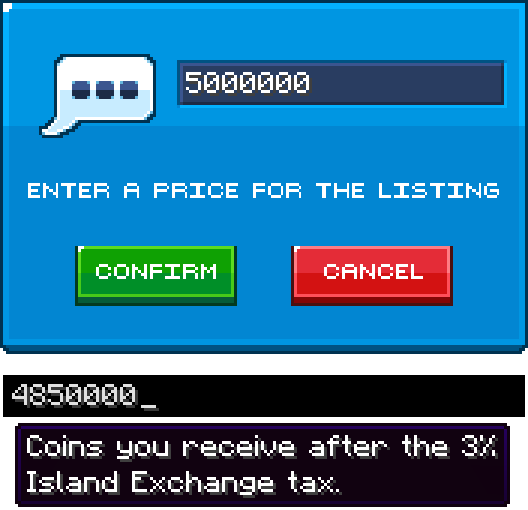
- Tax Calculator: when you list an item in the Island Exchange, see the coins you really receive after the 3% tax, or type the amount you want and the price is filled in
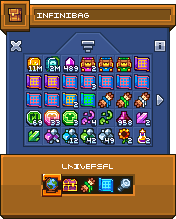
- Better Item Amounts: in MCC Island menus (Infinivault, Island Exchange, Fishing Supplies…), items show how many you really have instead of the vanilla stack count, shortened to 3 characters (1.5k, 12k, 0.1M…), with the bait you have left
Badges (with your MCC Island Api Key)
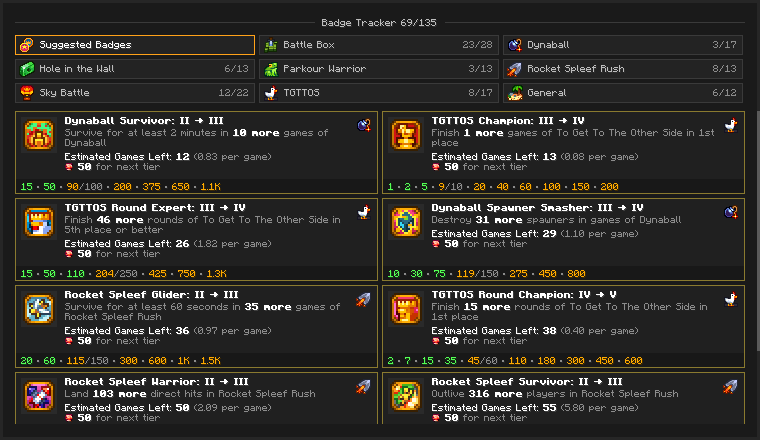
- Badge Tracker: every badge in one menu, with your progress on each tier and the estimated games left
- Suggested Badges: the badges you are closest to finishing
- Badge Notifications: a notification when a game you need for your badges gets busy
Chat
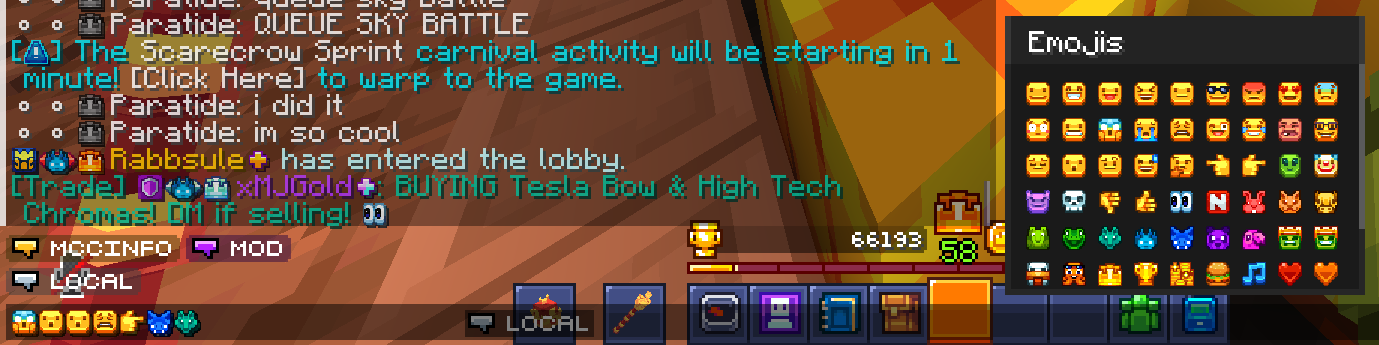
- MccInfo Chat: talk with every MccInfo player, in the chat or in its own movable box, with an optional message sound
- Chat Ping: your name becomes
@YourNameand the message is highlighted, with an optional sound and taskbar flash - Copy Chat Messages: Ctrl + Right Click a message to copy it
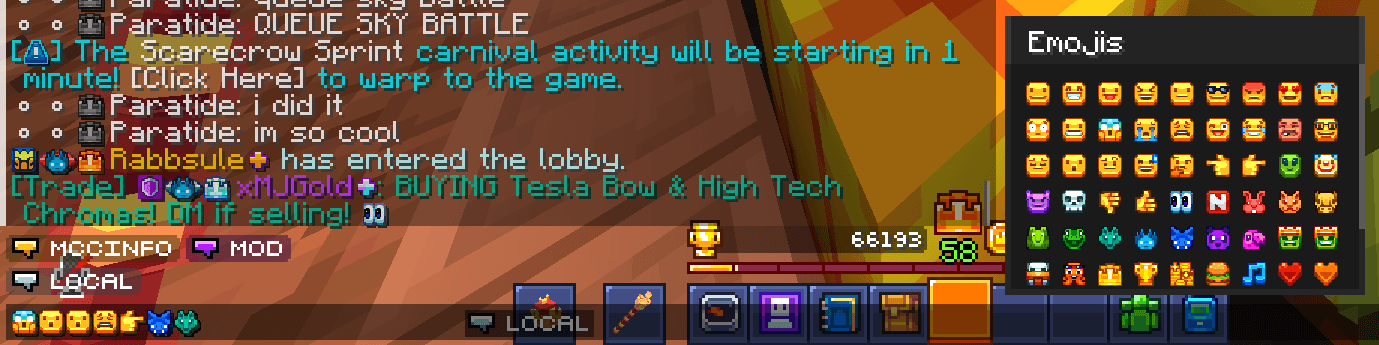
- Emojis Box and Auto Emojis (MCC+): pick your MCC Island emojis in a box, or type their names like
:smile: - Share items: press Copy Item on an item, then write
<item>in the MccInfo Chat to share it with its full tooltip
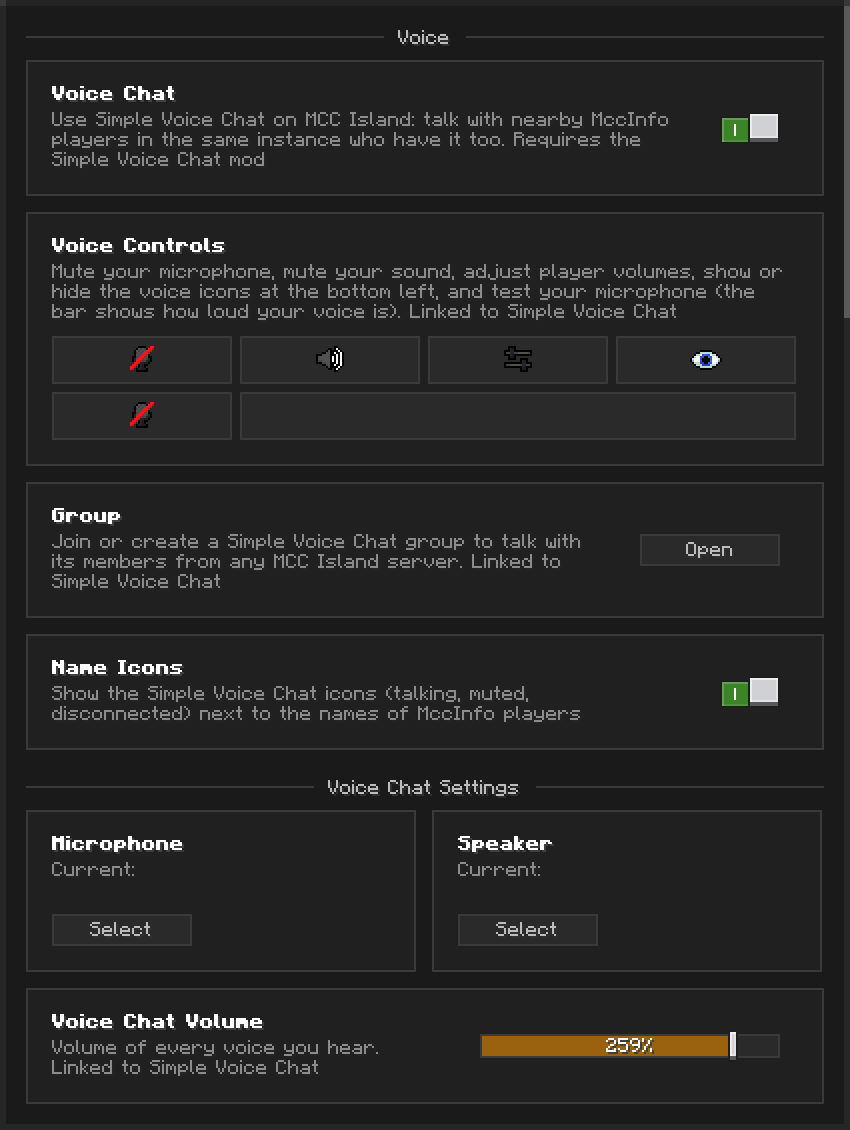
Voice Chat (with Simple Voice Chat, and only on MCC Island)
⚠ Warning: the voice chat is not endorsed, managed or moderated by The Noxcrew, and The Noxcrew is not responsible for anything said or done in it.
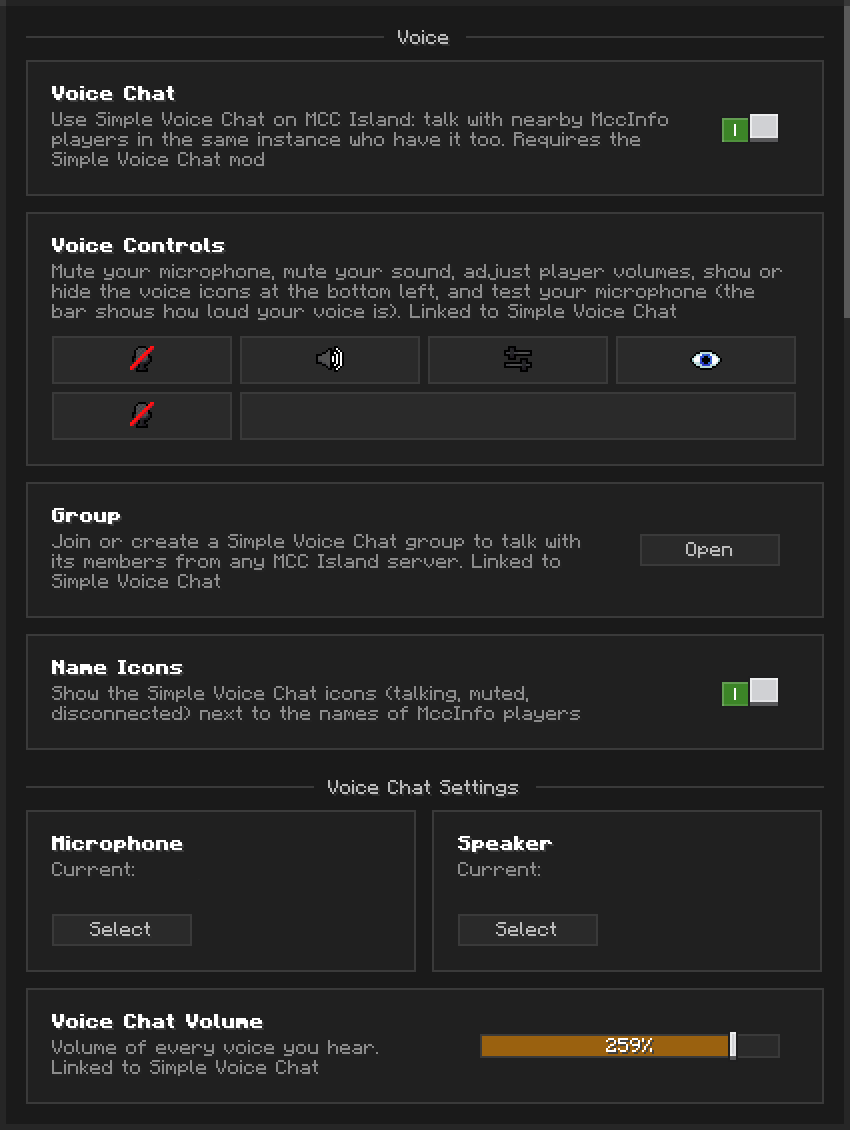
- Talk with nearby MccInfo players in the same instance
- Voice controls, volumes per player, groups you can join from any MCC Island server
- Microphone settings: gain, auto gain, noise suppression, push to talk or voice activation, microphone test
- Voice icons next to the names of MccInfo players
Parkour
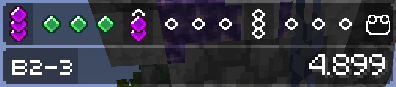
- Parkour Splits: in the Parkour Warrior Dojo, times each module of your run and saves your times for each course
- Timer: the module you are in and your time in it, at the top of the screen
- Improvements: how much faster or slower you are than your best or average time, in the chat, the medal title or the Fishing Messages box
Utils
- Wipe to Black: replaces the server's fade transition with a wipe
- Keybinds Layout: see your keybinds on a keyboard and assign them more easily
- /travel: go to a fishing island or a hub destination in one command
- Patch notes shown in game after each update
Updates
When the MccInfo relay asks for a newer version, a toast tells you which version you need and opens the download link (https only, after a confirmation). You replace the jar in your mods folder yourself. You can open the toast again with /mccupdate.
The mod published here has no automatic update: it never downloads, replaces or deletes anything on its own.
Automatic updates are a separate private part, only given to my closed beta testers. It is not in the version published here, nor in the source code. Even a beta tester only gets updates from the relay if they have the autoupdate permission: the mod without the private part never installs anything, with or without the permission.
For beta testers, every automatic update goes through these checks before it replaces the mod:
- Pinned connection: the jar is downloaded only from the MccInfo relay, over TLS pinned to the relay's public key, with no redirects.
- Size: the file must have exactly the size announced by the relay (64 MB at most).
- SHA-256: the hash of the downloaded file must match the one announced by the relay.
- Ed25519 signature: the version and the hash must be signed by the MccInfo update key. The private key never leaves the developer's computer and is not in the source code. A jar that fails any check is deleted.
- No downgrade: an older version is never installed.
- Only its own jar: the update replaces the running MccInfo jar and nothing else in your mods folder.
Credits
- Essential and Island Utils, whose menu and interface style MccInfo follows to keep a consistent UI with the mods players already use.
- Island Utils (MIT License): the Parkour Warrior Dojo splits (module timer, best and average times) are adapted from its splits module, and the Cosmetic Preview is based on its idea.
Note: MccInfo is not affiliated with, endorsed by or associated with The Noxcrew or Mojang.
License
Copyright (c) 2026 Leroidesafk. All Rights Reserved. See LICENSE.
MCC Island is a trademark of The Noxcrew. Minecraft is a trademark of Mojang.
Feel free to use the mod in your modpack!
You can also take a look to my other mods




MccInfo Team

Owner