Mat's Cloud Saves
- By
Sync your Minecraft singleplayer worlds between computers using Google Drive for desktop.
world.png
settings.png
drive.png
settingsconnected.png
sync.png
Description
Mat’s Cloud Saves is a Fabric mod for Minecraft Java Edition 26.3. It backs up your singleplayer worlds to a Minecraft Worlds folder in your Google Drive.
ALWAYS BACKUP YOUR WORLD YOURSELF!
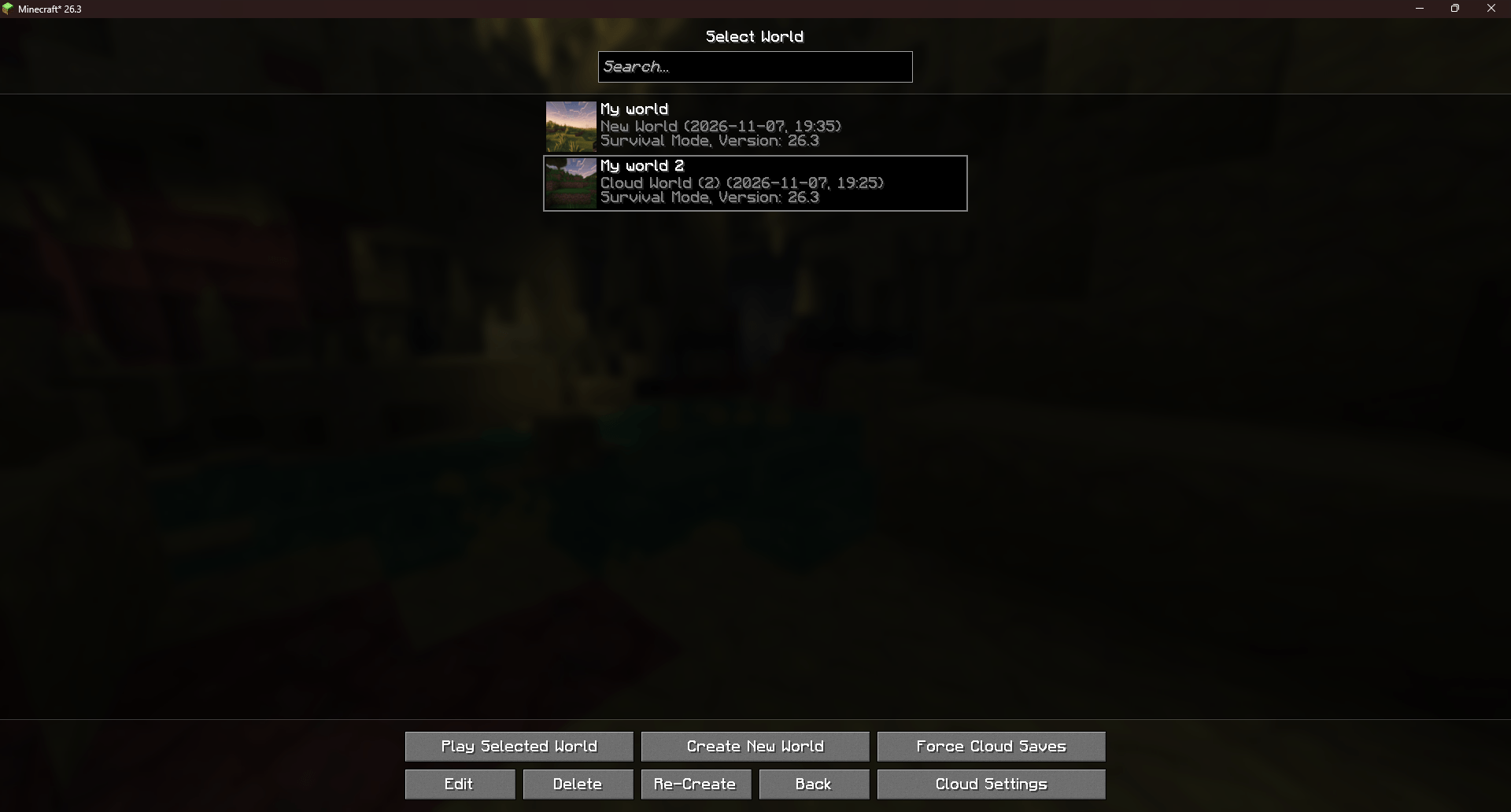
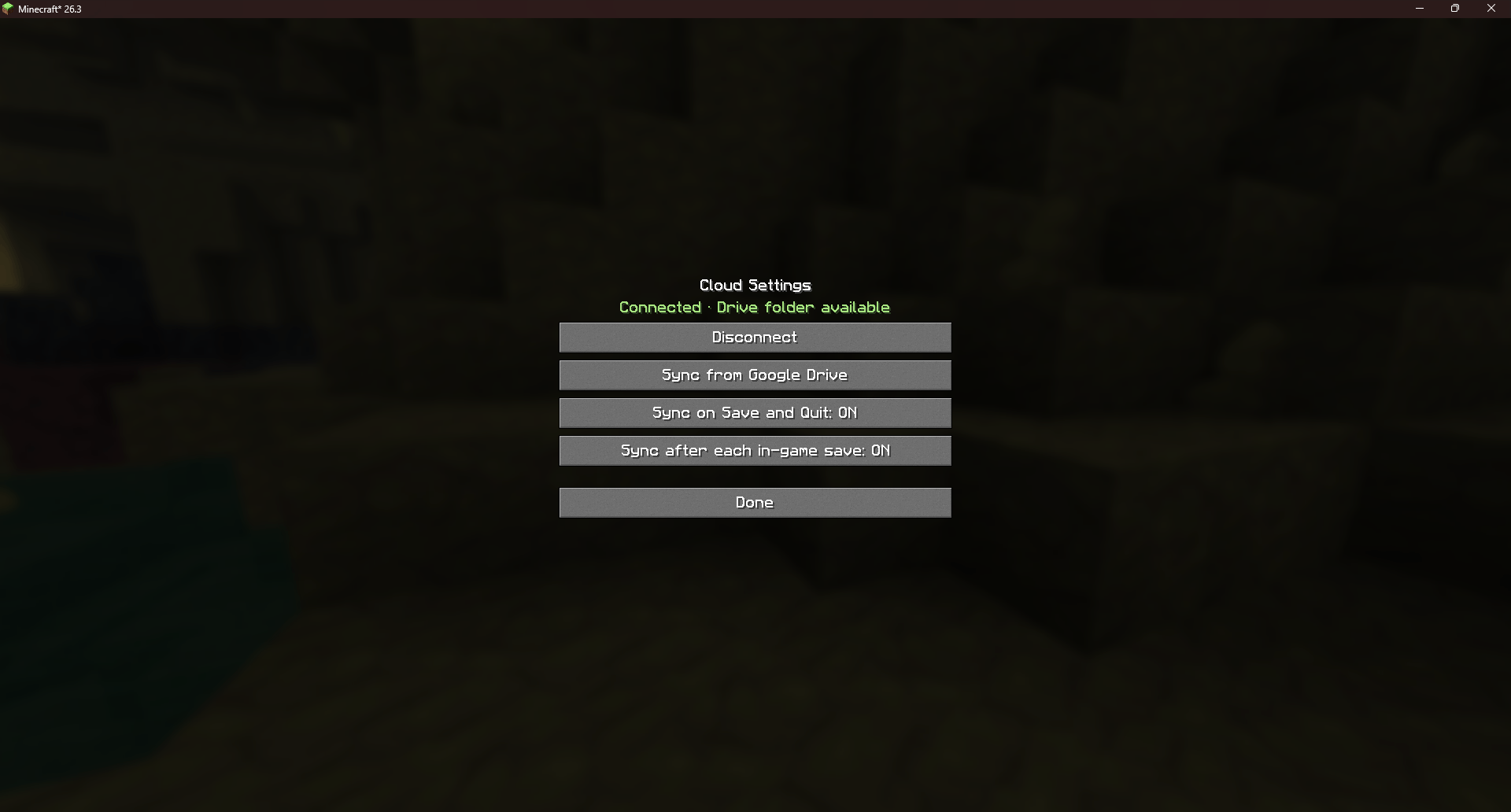
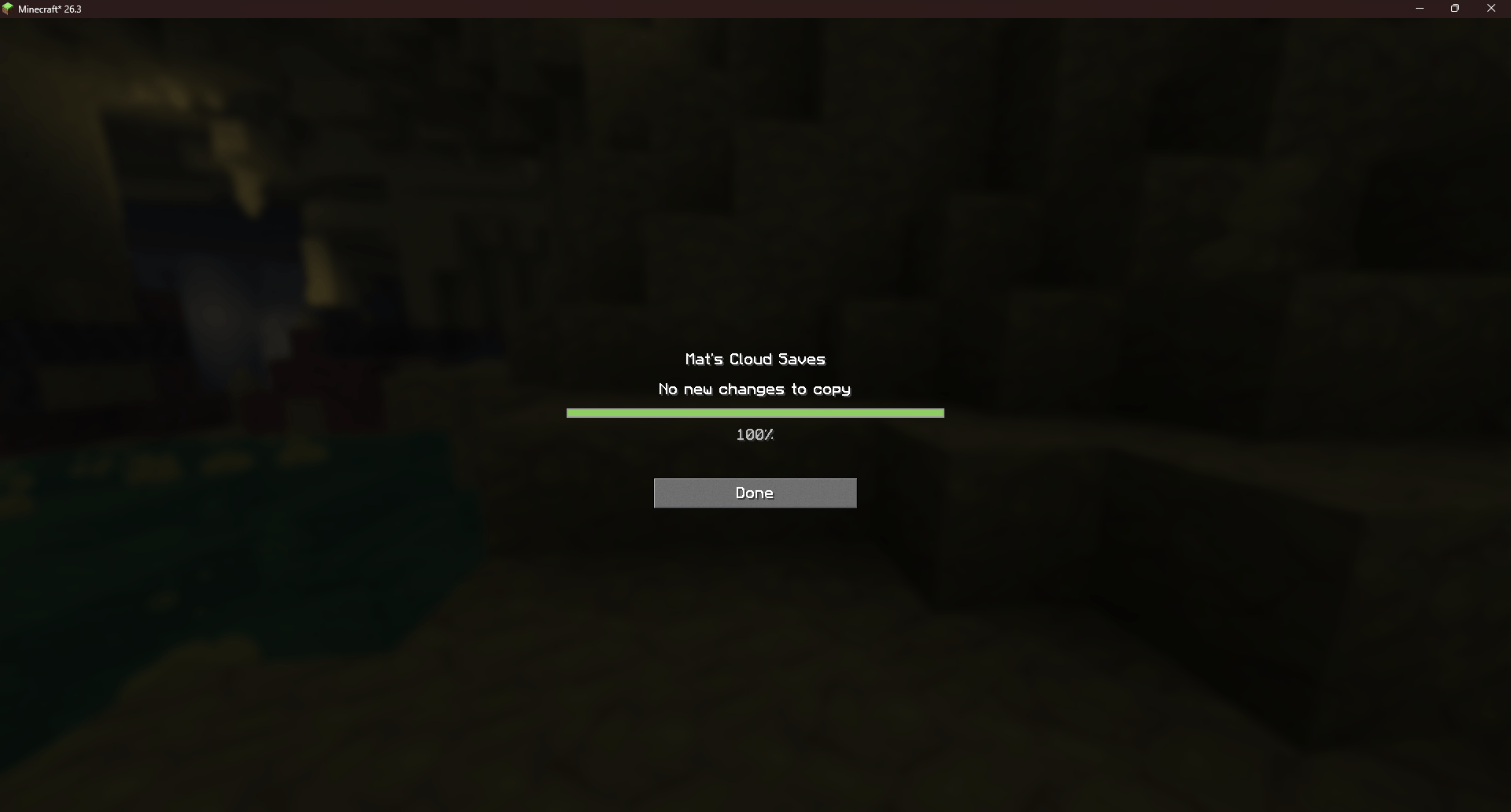
Use Force Cloud Saves to sync a selected world immediately, or configure automatic saves in Cloud Settings. The mod checks for new world versions when you open Singleplayer and shows progress when it copies or imports files. It skips identical saves and keeps both versions if the same world was changed on two computers.
Installation
Install Google Drive for desktop on every computer you want to sync. Sign in with the same Google account on each computer.
Install Fabric Loader 0.20.1 or newer for Minecraft Java Edition 26.3. Put the mod’s JAR file in your Minecraft profile’s mods folder.
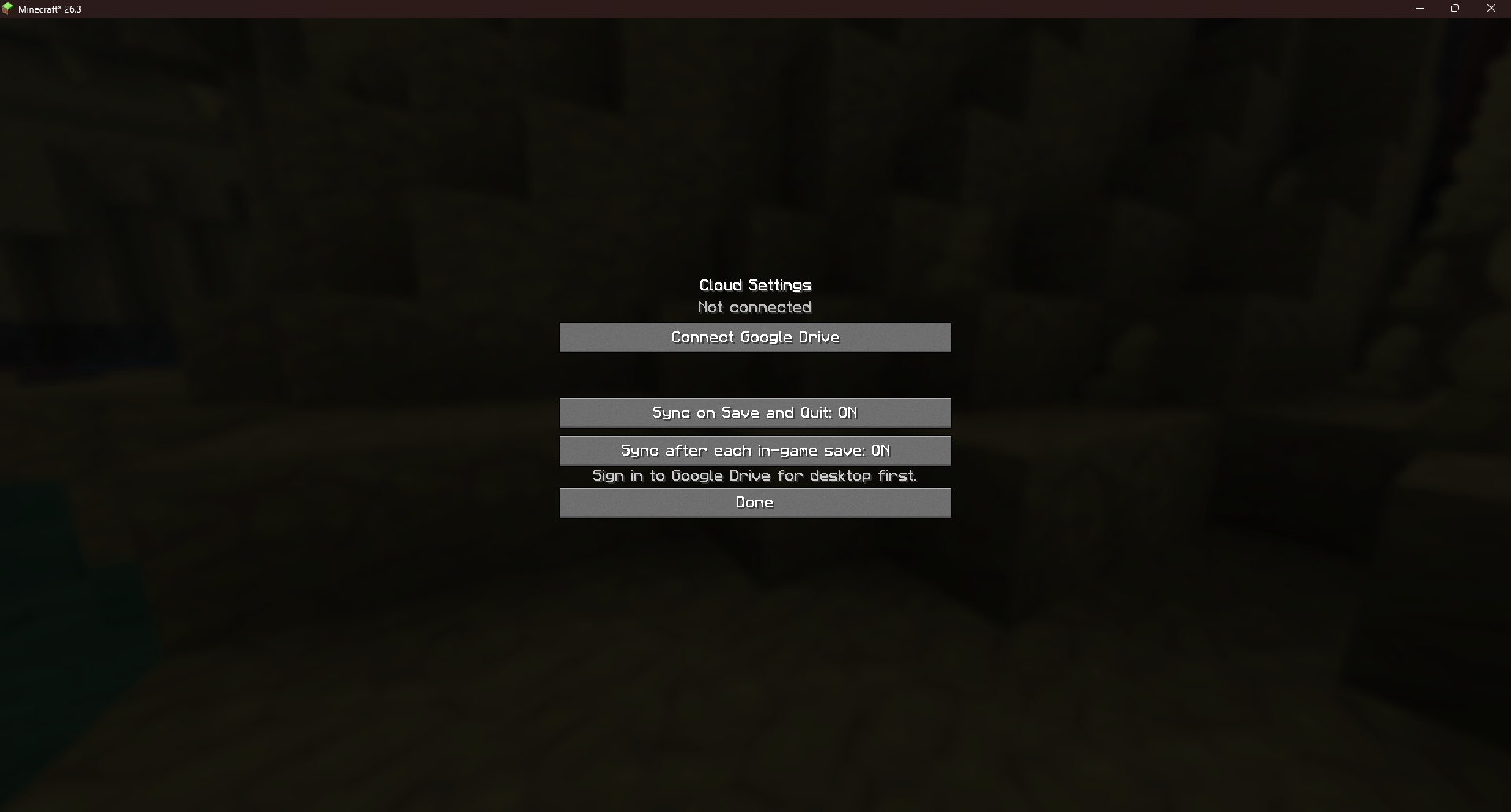
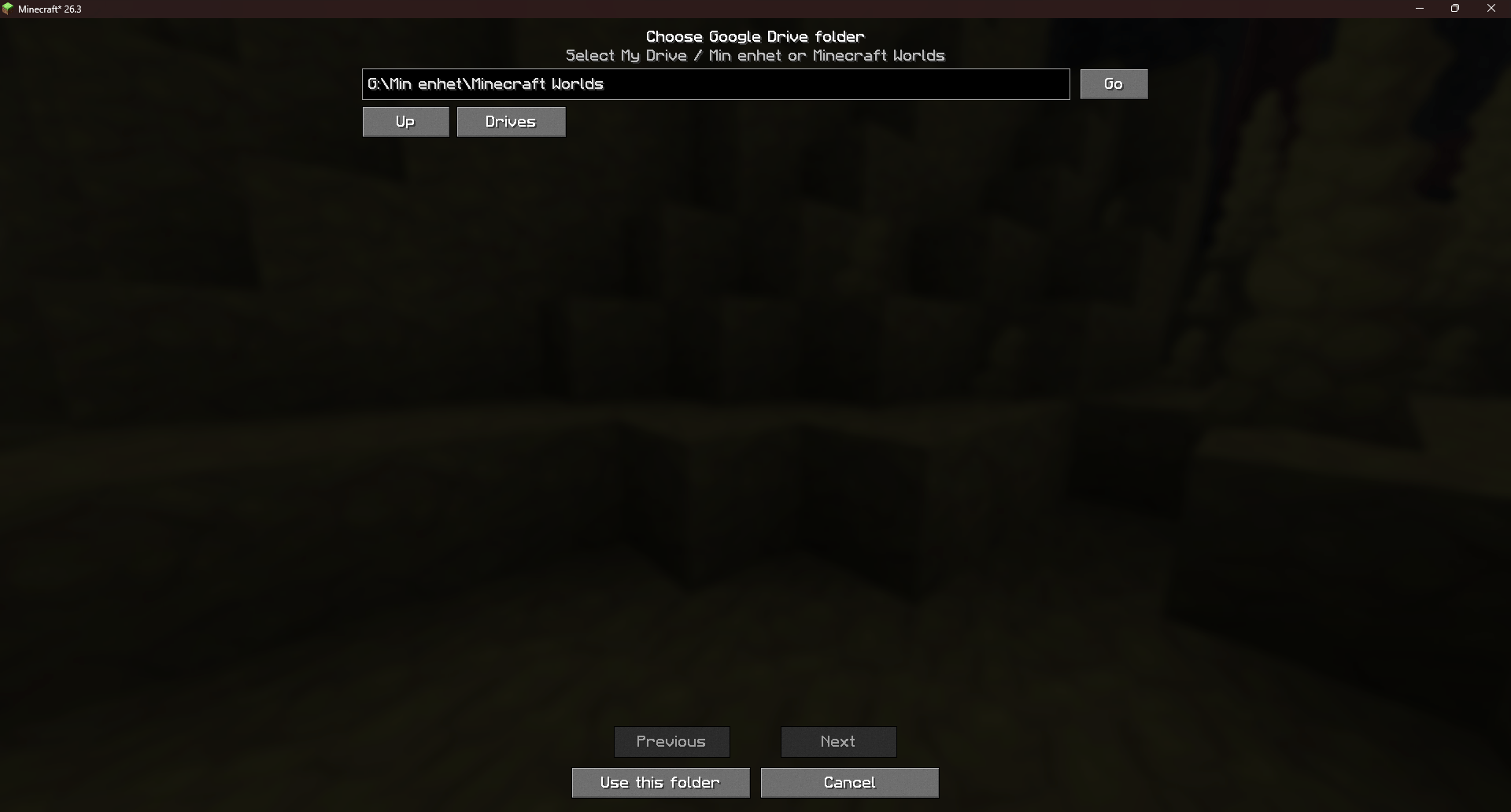
Connect your Drive folder. In Minecraft, open Singleplayer → Cloud Settings → Connect Google Drive.
Select My Drive or your existing Minecraft Worlds folder. The mod displays Connected when everything is setup.Back up your first world. Select a world and click Force Cloud Saves. Automatic syncing on Save and Quit is enabled by default and can be changed in Cloud Settings.
Import on another computer. Wait for the Drive app to finish syncing. On the other computer, install the same mod version, connect the same Drive folder, and open Singleplayer. The mod imports available worlds automatically.
Remove a world completely
Close the world on every computer where it is open.
In Google Drive, open Minecraft Worlds and delete every backup for that world. Include the .zip and .mats-save files for older versions and any conflict copies.
Wait for the Drive app to sync the deletions. Then delete the local copies of the world from Singleplayer on each computer.
Mat's Cloud Saves Team