Lore O' Libs
- By
The heart of the O' series. Powers every book's navigation, search and interactive previews, with a built-in mod directory and customizable adventure journal.
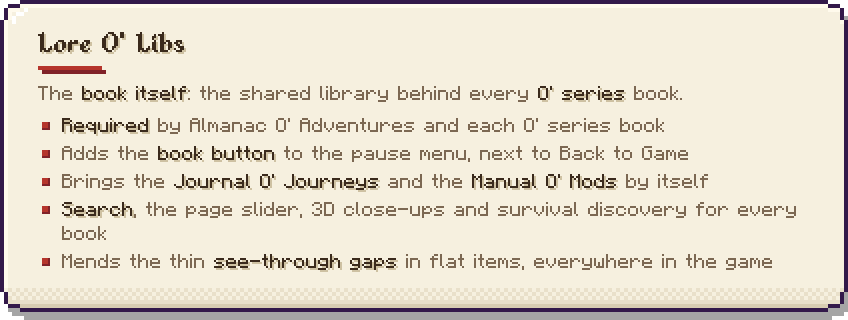
The book itself. The shared library behind every O’ series book.
Lore O’ Libs is the in-game book that the whole O’ series is built on. Each O’ series mod supplies its own pages (structures, biomes, creatures, items, guidebooks); this library supplies the book those pages appear in, and everything the books share. Install it once, next to whichever of them you use.
It adds no blocks, items or creatures and changes nothing about how your world generates. What it changes is what you can look up without leaving the game.
What it adds by itself
- A book button on the pause menu, next to Back to Game. It opens the book. You can also type
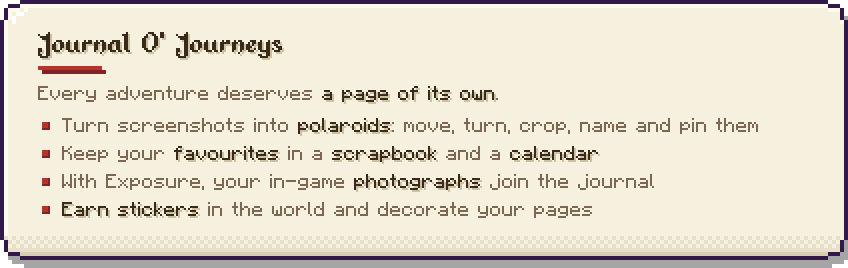
/catalogor bind a key under Controls. - Journal O’ Journeys: your screenshots become polaroids you can move, turn, crop, caption and pin on pages. There are favourites, a calendar, a scrapbook, and stickers you win by playing (felling trees, catching fish, slaying creatures, making advancements), with a notice each time you win one and a line of advancements for collecting them.
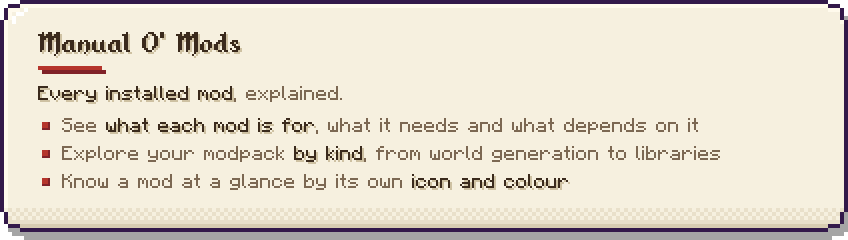
- Manual O’ Mods: a page for every mod you have installed: what it is for, which mods it needs and which mods depend on it, grouped by kind.
- A fix for flat items: the thin see-through gaps in flat items seen from the side (in the hand, on the ground, in item frames) are closed, for every item of every mod.
What it gives every O’ series book
- Search by what a thing is, not only its name: “water”, “tiny”, “weapon”, “pet”, with filters such as
mod:andbiome:. - A page slider that sweeps across hundreds of pages, with each mod’s chapter marked by its icon.
- 3D close-ups: left drag orbits, middle drag pans, the wheel zooms, F frames the thing again. Creatures stand, walk and run, and their heads follow your cursor.
- Sketch notes pinned beside each close-up, which link one book to another: a creature to its biome, a biome to its structures.
- Survival mode: a page stays hidden until you have found the thing in your own world.
- Enabled / Disabled stamps on pages, so a pack author can switch things off from the book (each book says which mod does the switching), and profiles to carry those choices to another pack as one code.
- Export any book as a web page, and a report button that saves what the book knows about a page, with a screenshot.
Good to know
- Currently for Minecraft 1.20.1 on Forge. 1.21.1 is planned next, with Fabric on the way.
Required by
Almanac O’ Adventures (all five books in one file), and each book on its own:
Found a problem? Report it from the book
Open the close-up of anything that looks wrong and press the ! button. Pick what the problem is, and the book takes a screenshot of the page and opens our GitHub page with the report already written for you. The screenshot is waiting on your clipboard: click the box, press Ctrl+V, then Submit. You need a free GitHub account, and nothing is sent until you press Submit yourself.
Reports turn into fixes for everyone. When you join a world the book reads one small public list of fixes, so a creature, structure or item that was reported gets put right without waiting for a new download. Nothing about you is sent, and it can be switched off in the config.
See what has been reported, or tell us about anything else: GitHub issues for the Almanac and every O’ series mod.
⭐ Add to favorites to remember the mod ⭐


The other books on their own:
with love and intention.
-Shrine.
Lore O' Libs Team