Light Level Overlay
- By
Renders light level overlays directly on block surfaces. Instantly identify mob-spawn areas.
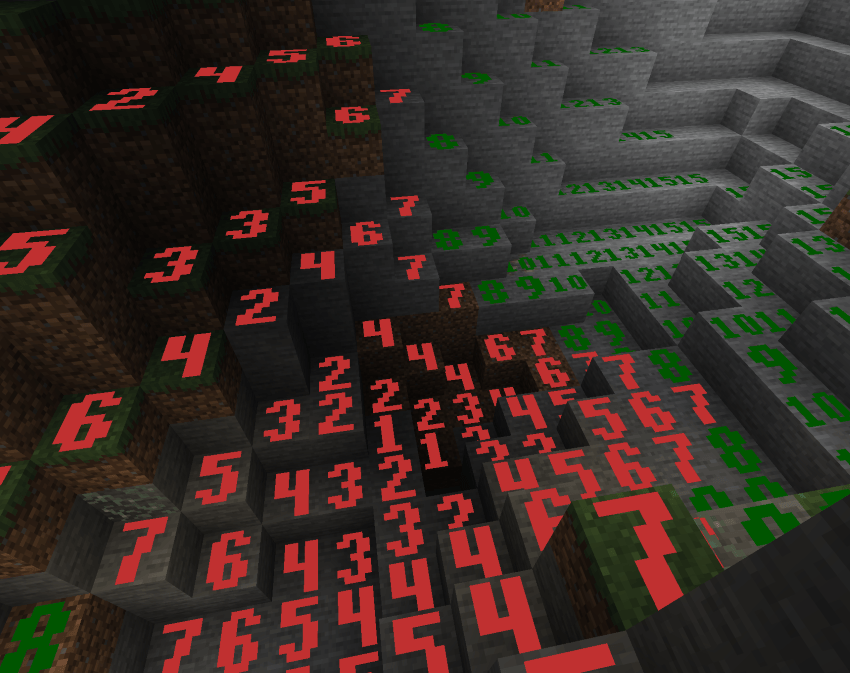
✨ Display Modes (cycle with Shift+F7) ✨
✖ Cross Mode
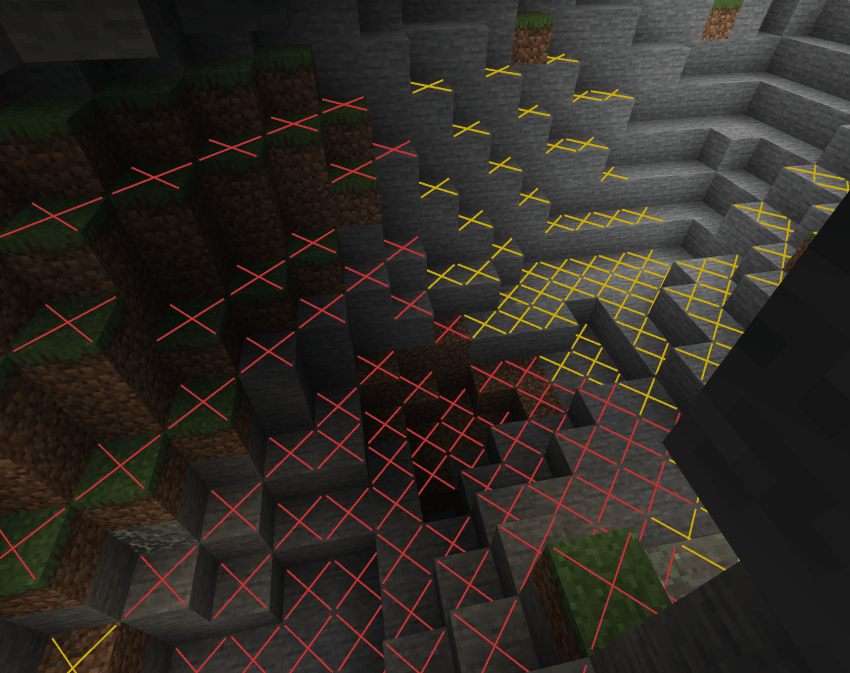
Red X on dangerous blocks, yellow X on blocks only safe during daytime, nothing on always-safe blocks. Clean and minimal.
🔴 Minimal Mode
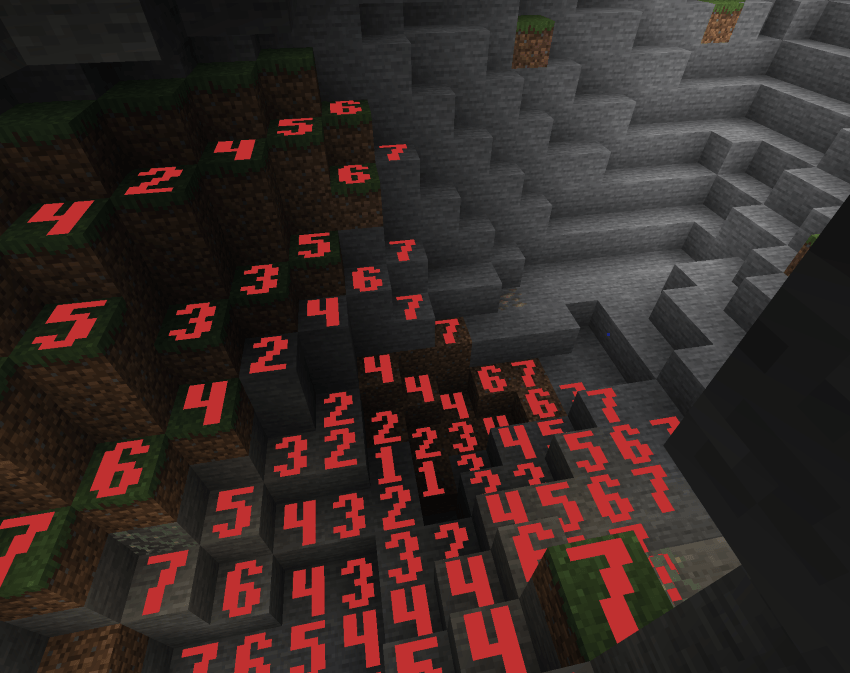
Red numbers 0–7 on every block in that range. Quick danger-zone check with no extra noise.
🟢 Standard Mode
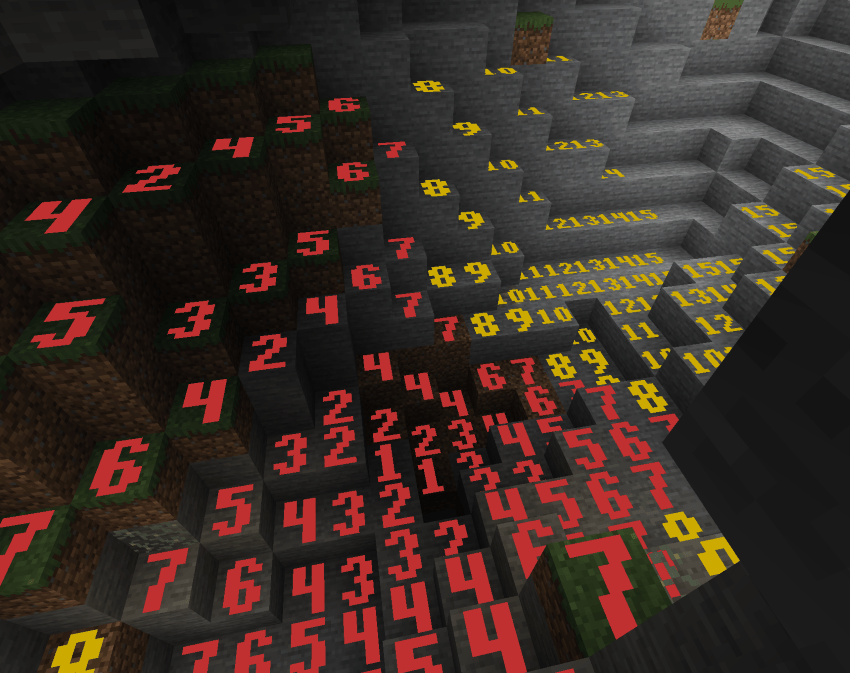
Numbers 0–15 on all blocks. Red for 0–7, green for 8–15. Full light level readout colored by value.
🟡 Advanced Mode
Numbers 0–15 on all blocks, but color is based on spawn danger: red for always-dangerous, yellow for daytime-only safe, green for always safe. Distinguishes block light vs sky light sources.
Custom Pixel-Art Numbers
Chunky, hand-crafted 5×7 bitmap digits rendered as colored quads directly on block faces. Bold, readable, and stylish — not blurry vanilla font text.
🎮 Controls 🎮
F7 — Toggle overlay on/off
Shift+F7 — Cycle through the 4 display modes
Settings screen — Accessible from NeoForge mod list for render distance and other options
❓ FAQ ❓
Does this need to be installed on the server?
No — purely client-side. Install on your client and join any server.
How is this different from other light overlay mods?
Custom pixel-art number rendering, 4 distinct modes including danger-aware coloring, time-of-day-accurate sky light, and a render distance slider up to 512 blocks.
Can I include this in my modpack?
Yes.
Where do I report bugs?
Open an issue on the GitHub repository. Please include your loader, MC version, and a latest.log.
Light Level Overlay Team

Owner