


Legacy Terrain
- By
Brings the nostalgic terrain generation of old Minecraft into the modern game with Legacy, Alpha, Beta, Console, and Amplified-inspired world presets.
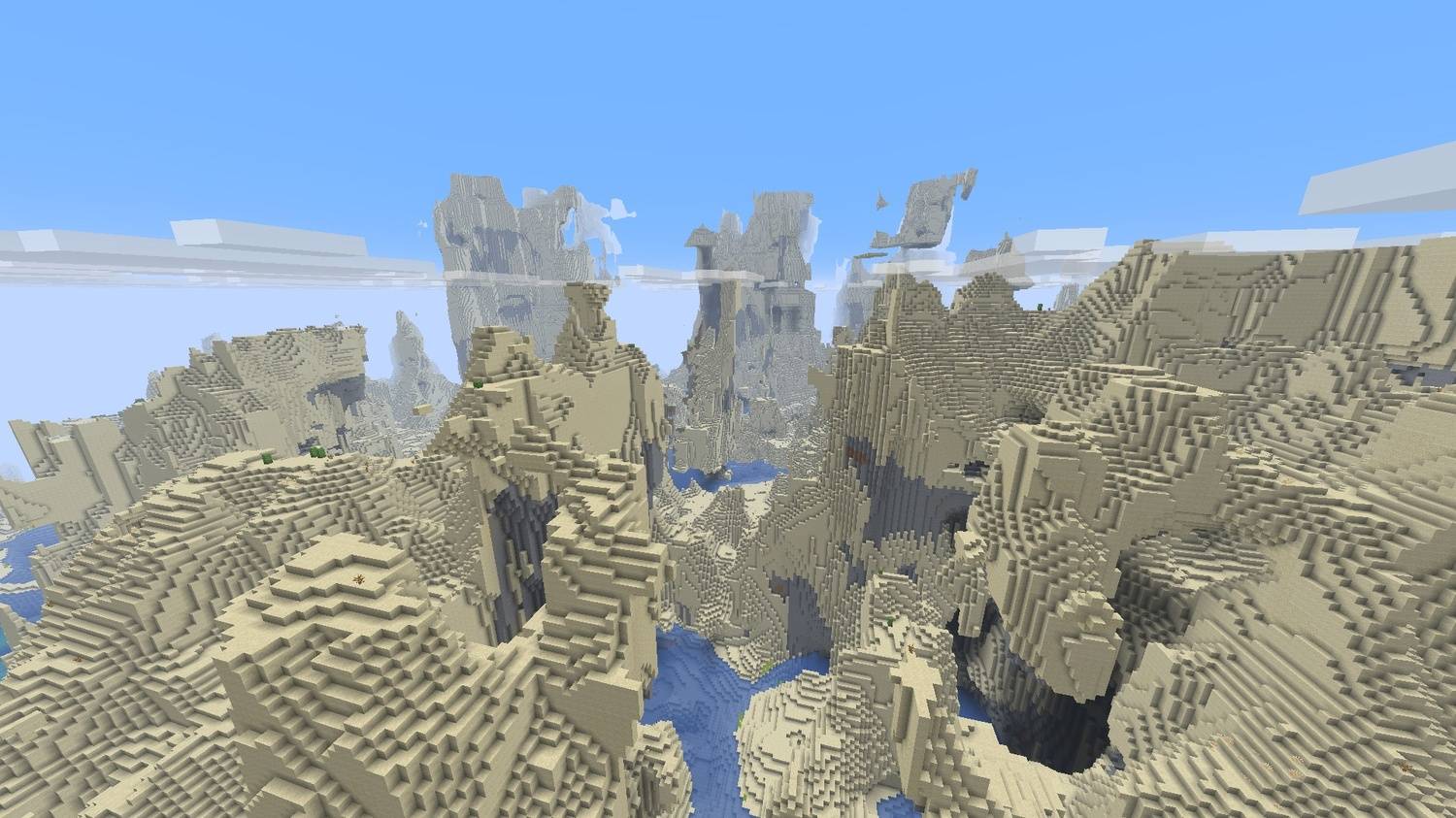
Massive amplified desert terrain with towering cliffs, deep valleys, and a nostalgic legacy feel.
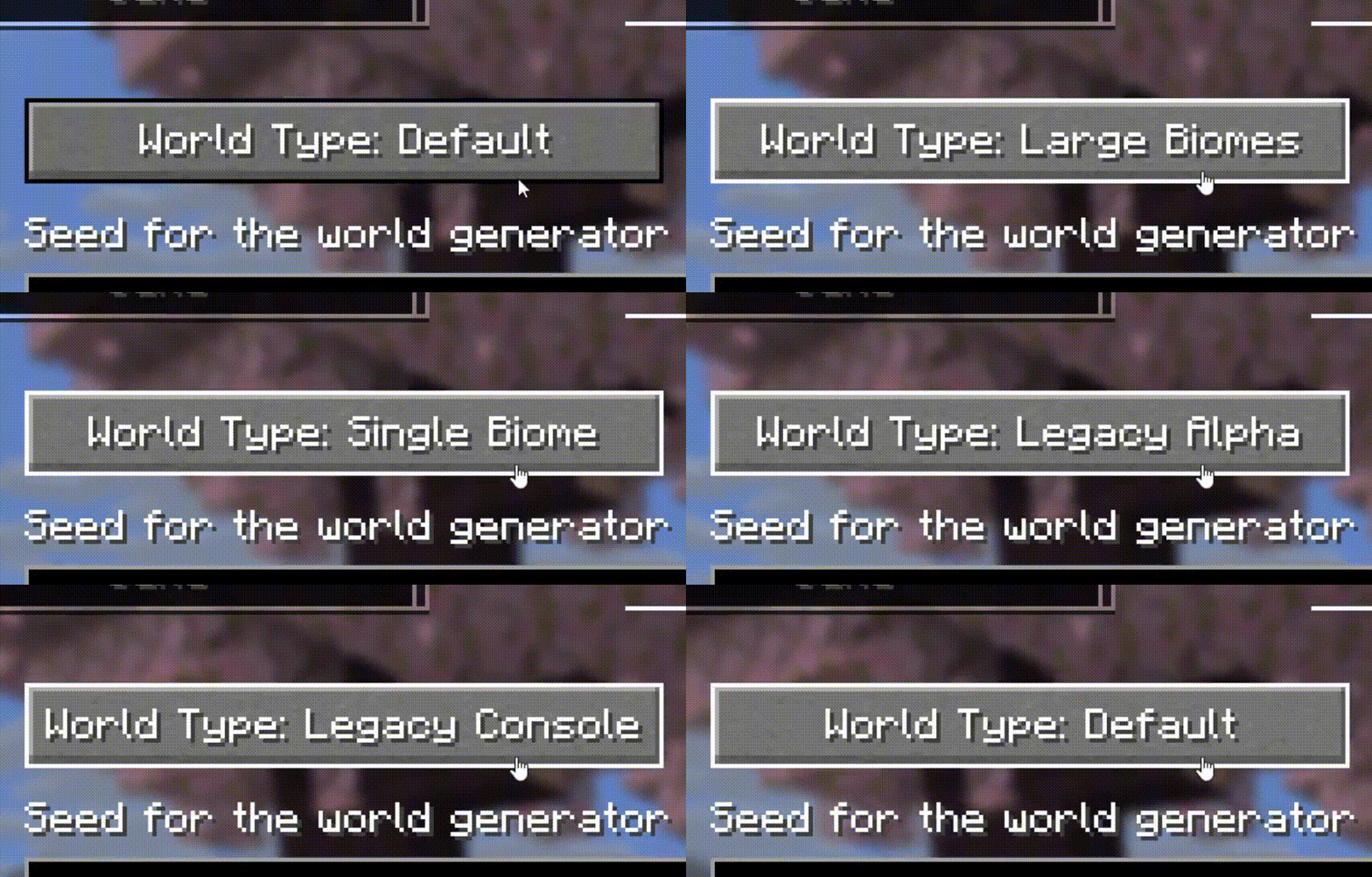
Tutorial How to use
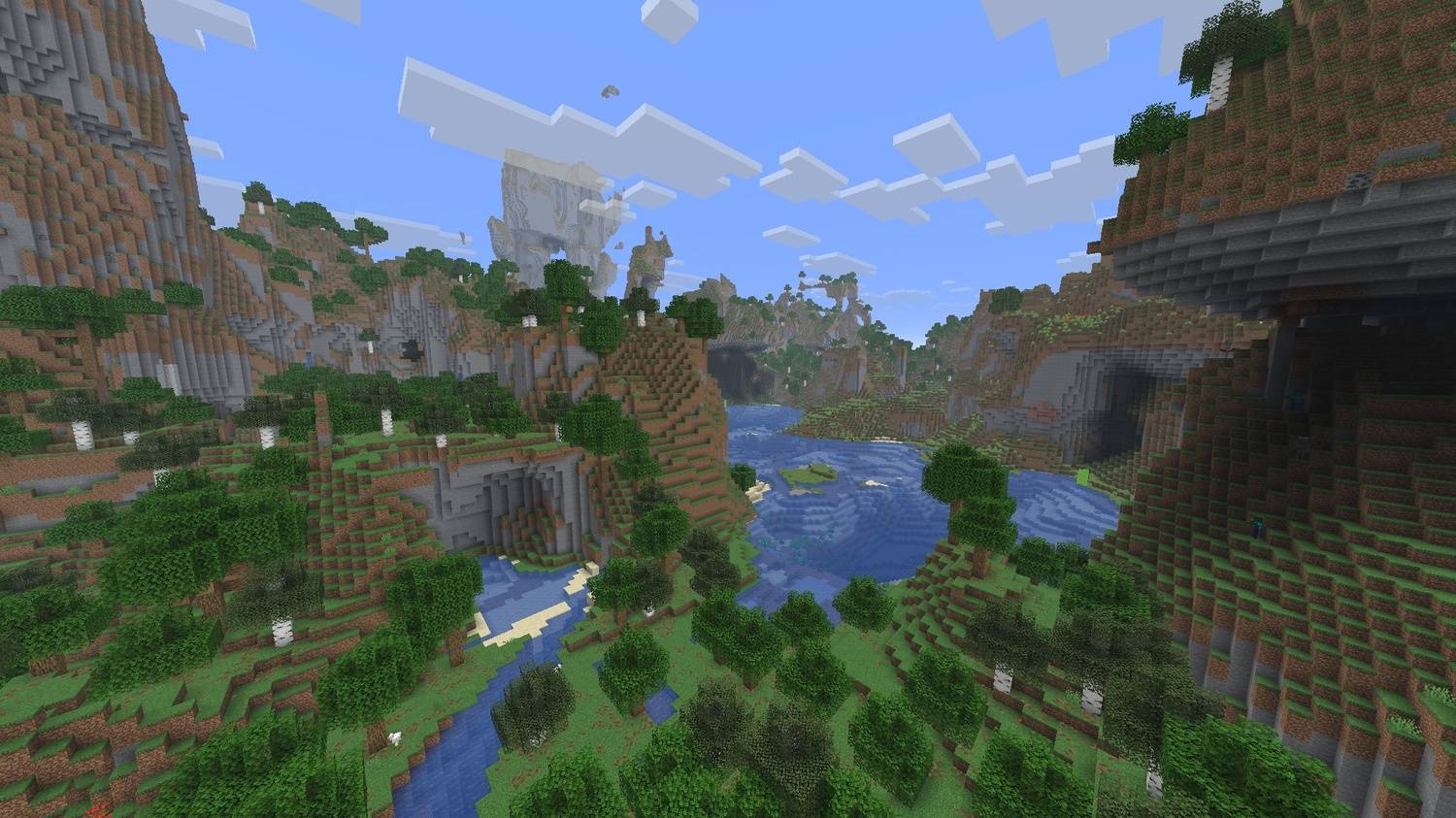
Huge amplified valleys, rivers, cliffs, and floating terrain with a nostalgic legacy feel.
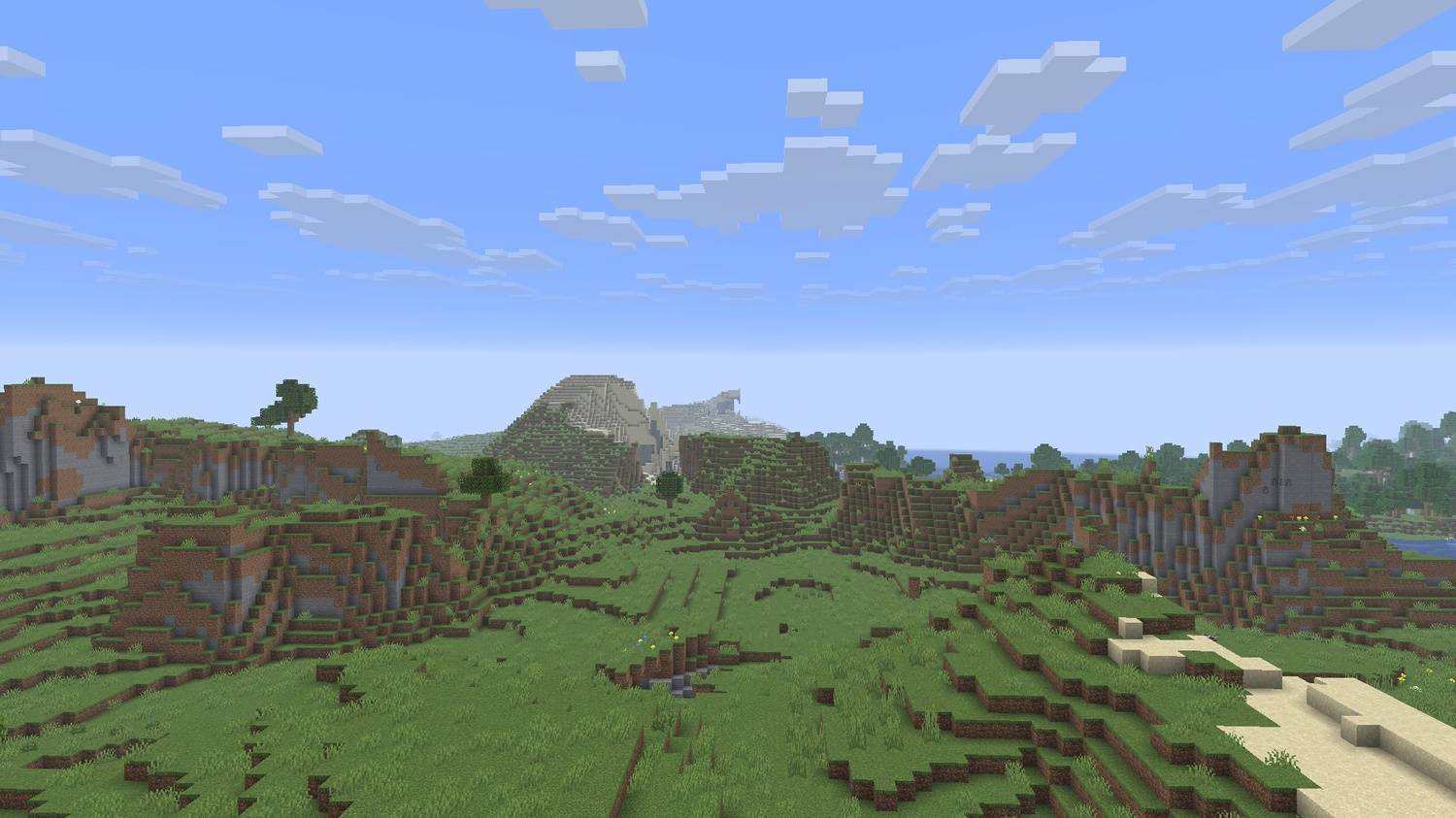
Bring back nostalgic old Minecraft terrain with classic hills, plains, valleys, and legacy-style world generation.
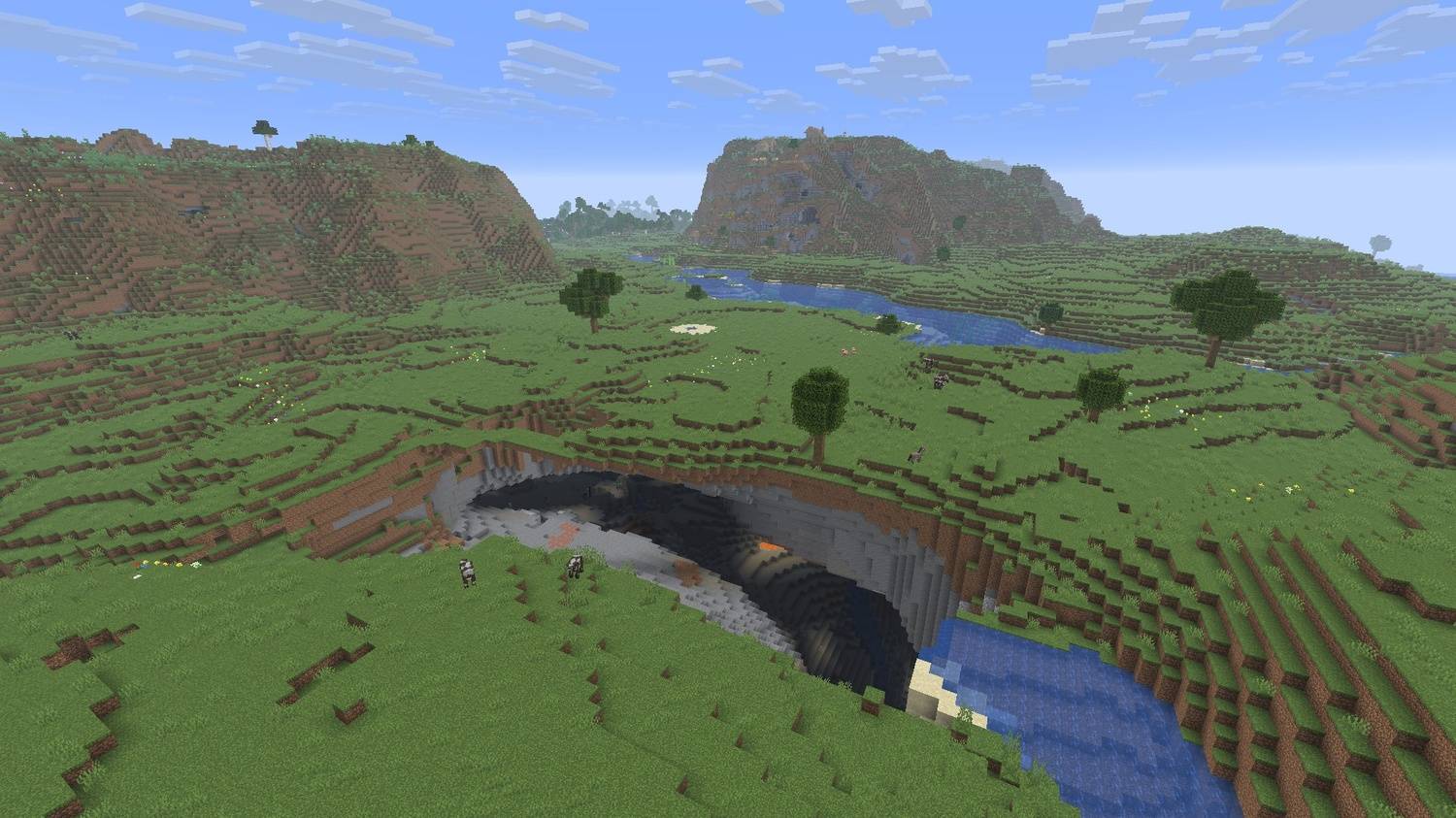
Classic console-style terrain with plains, rivers, caves, and nostalgic world generation.
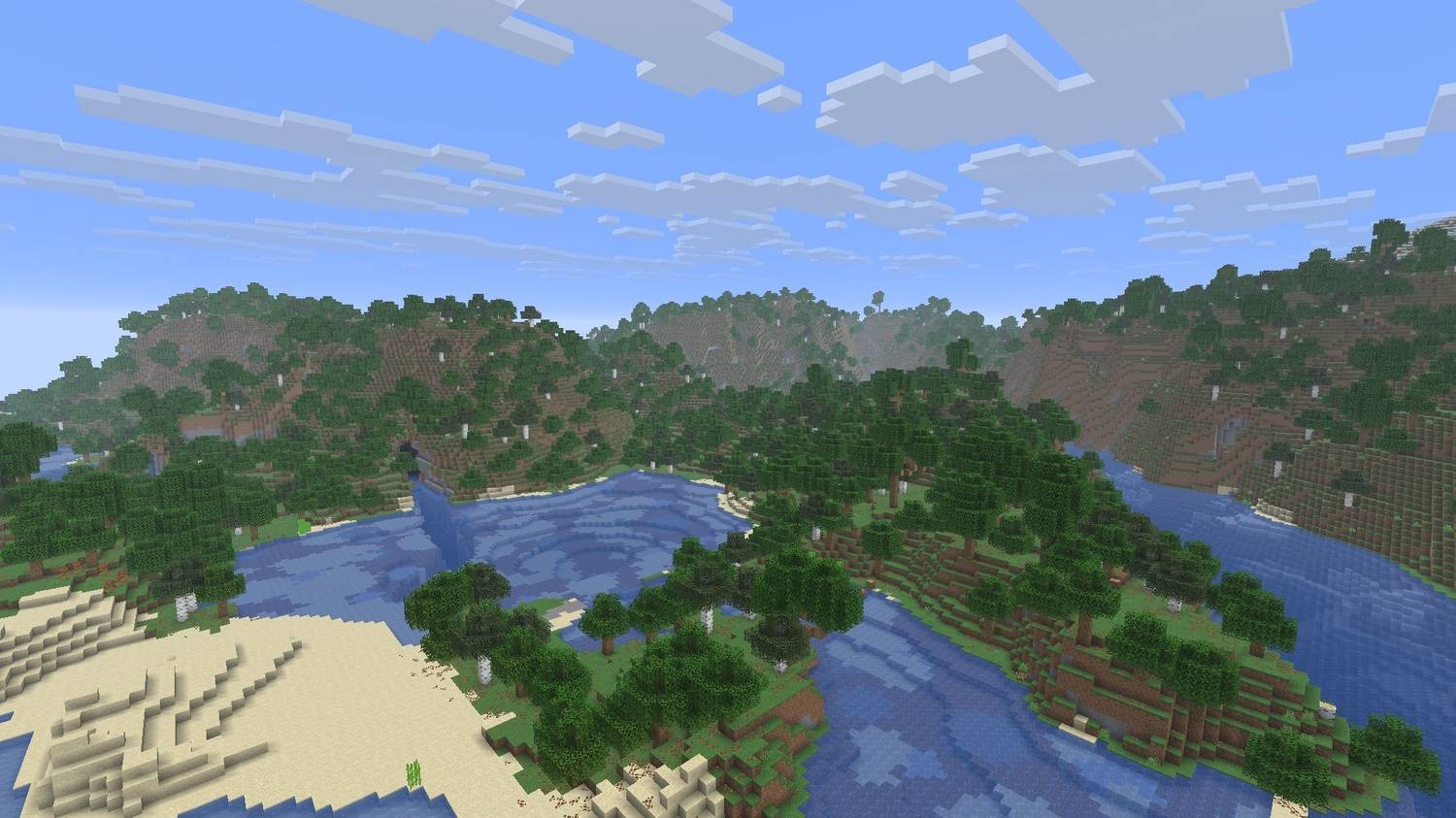
Classic alpha-style terrain with dense forests, rolling hills, rivers, and nostalgic world generation.
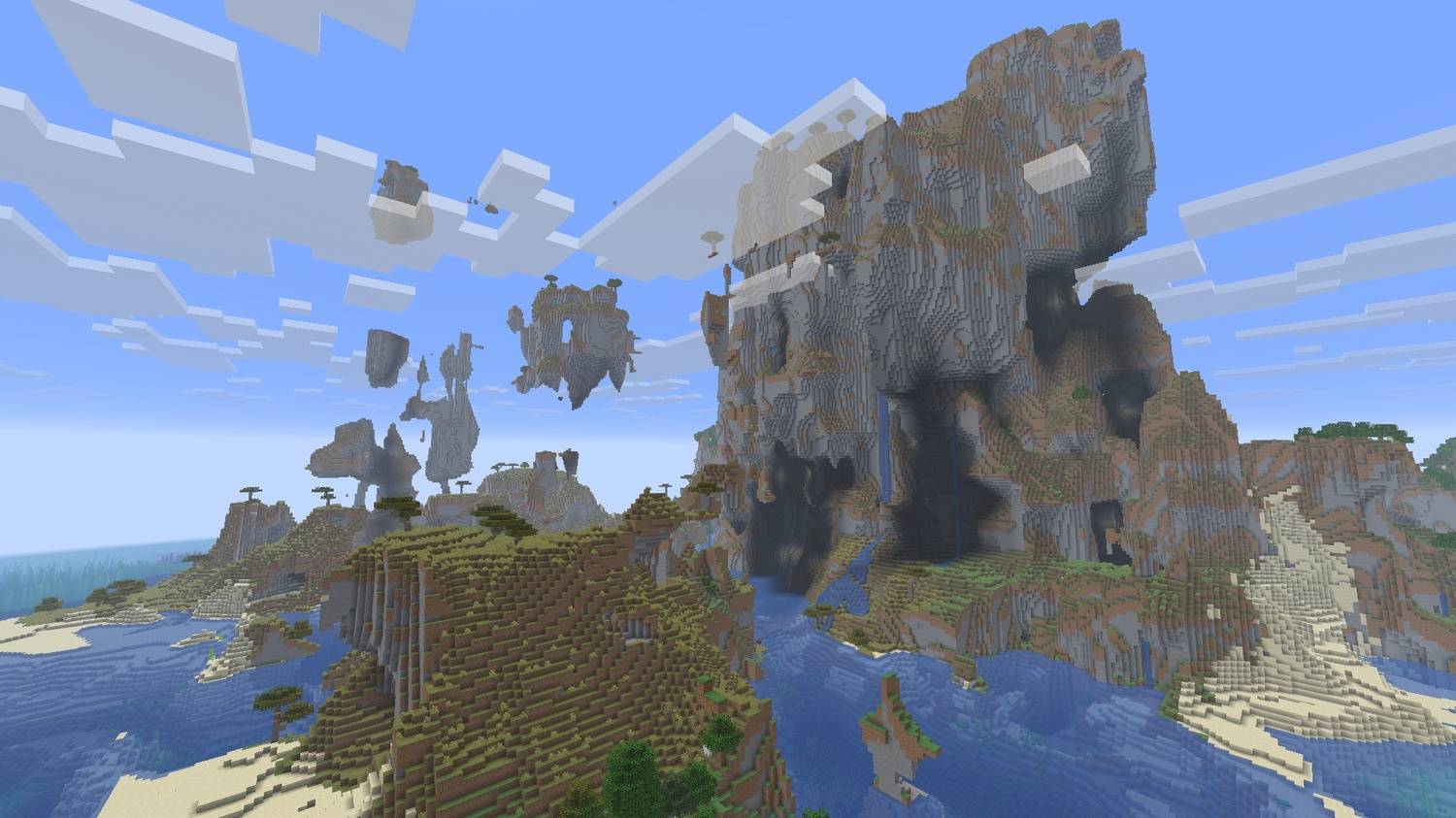
Massive amplified terrain with floating islands, towering cliffs, and a nostalgic legacy feel.
Description

Legacy Terrain - Modern gameplay, nostalgic worlds!
Legacy Terrain brings the atmosphere of old Minecraft terrain generation into the modern game. Explore classic-style landscapes while keeping modern blocks, mobs, and gameplay features.
✨ Features
- Five nostalgic world presets:
- Legacy Terrain - a balanced classic-style experience
- Legacy Alpha - rough and unpredictable Alpha-inspired landscapes
- Legacy Beta - smoother rolling hills, forests, beaches, and classic coastlines
- Legacy Console - inspired by the terrain style of classic console editions
- Legacy Amplified - dramatic elevated terrain with a nostalgic touch
- Classic-style beaches and coastlines
- Familiar biome layouts with forests, plains, hills, deserts, oceans, and snowy regions
- Modern Minecraft blocks and mobs
- Modern gameplay features remain available
- Singleplayer and multiplayer support
- No configuration required
🌍 World presets
- Legacy Terrain: recommended for a balanced nostalgic world
- Legacy Alpha: ideal for rougher old-school landscapes
- Legacy Beta: ideal for rolling hills and classic coastlines
- Legacy Console: inspired by the familiar feel of classic console worlds
- Legacy Amplified: ideal for larger and more dramatic landscapes
🔧 Requirements
- Loaders:
- Fabric Loader 0.19.2+ and Fabric API
- Quilt (planned)
- Forge (planned)
- NeoForge (planned)
- Java: 25+
- Environment: Client and server
📖 Usage
- Install Fabric Loader, Fabric API, and Legacy Terrain.
- Open the Create New World screen.
- Select one of the Legacy Terrain world presets.
- Create your world and start exploring.
💡 Create a new world after installing the mod. Existing chunks will not be regenerated automatically.
⬇️ Download






Quilt, Forge, and NeoForge versions are planned but are not available yet.
📜 License and permissions
- License: All Rights Reserved (ARR)
- Standalone redistribution and re-uploads are not allowed without permission
- Modpacks are allowed when the original mod is unmodified, credited as Legacy Terrain by Zynwro, and linked back to the official project page
🤝 Credits
- Author: Zynwro
- Contact: linktr.ee/zynwro
- Donate: linktr.ee/zynwrodonate
Legacy Terrain Team

Owner


![Hollow Steve [HORROR] project image](https://media.forgecdn.net/avatars/thumbnails/1872/206/256/256/639173642128331617.png)
![AFK Station [Cinematic & More] project image](https://media.forgecdn.net/avatars/thumbnails/1516/42/256/256/638984513052901107.png)