{52B6BAA0-AA94-4D96-A013-8DE0FBA81D6E}.png
{B911CE49-8F85-4FFE-A095-E44275B35956}.png
Description
How does this MOD work?
Open the mod with WinRAR
Any .txt file placed in the assets/largebooks/books folder becomes a book. The first few lines of the file define the title, author, and color, using @title:, @author:, and @color:.
@title: The Example Book
@author: Your Name Here
@color: red
The text is automatically divided into pages. It doesn't matter how many pages the text spans—just keep writing.
Paragraphs are separated by a blank line, like the one below.
If you want to force a new page to begin at a specific point, write @page on its own line.
@page
BOOK COLOR
The color is chosen in the @color: line at the beginning of the file. You can use the name in either Portuguese or English. There are 16 options:
1. white
2. orange
3. magenta
4. light_blue
5. yellow
6. lime
7. pink
8. gray
@page
9. light_gray
10. cyan
11. purple
12. blue
13. brown
14. green
15. red
16. black
Example:
@color: light_blue
You can also use any color in hexadecimal format, such as @color: #FF8800.
If the @color: line is omitted, the book will be brown.
@page
HOW TO OBTAIN
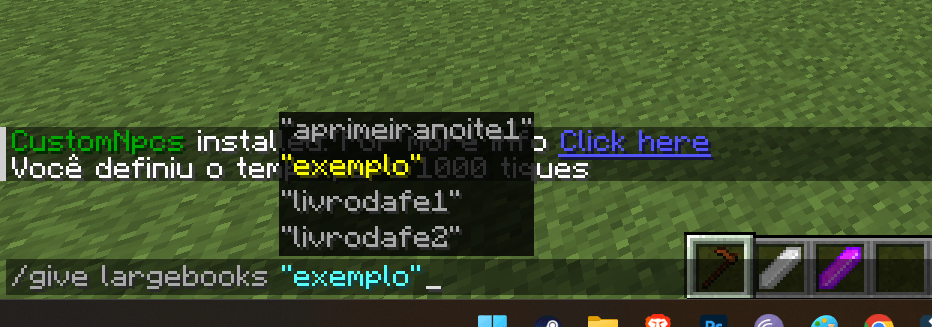
To receive this book in-game, use the following command:
/give largebooks exemplo
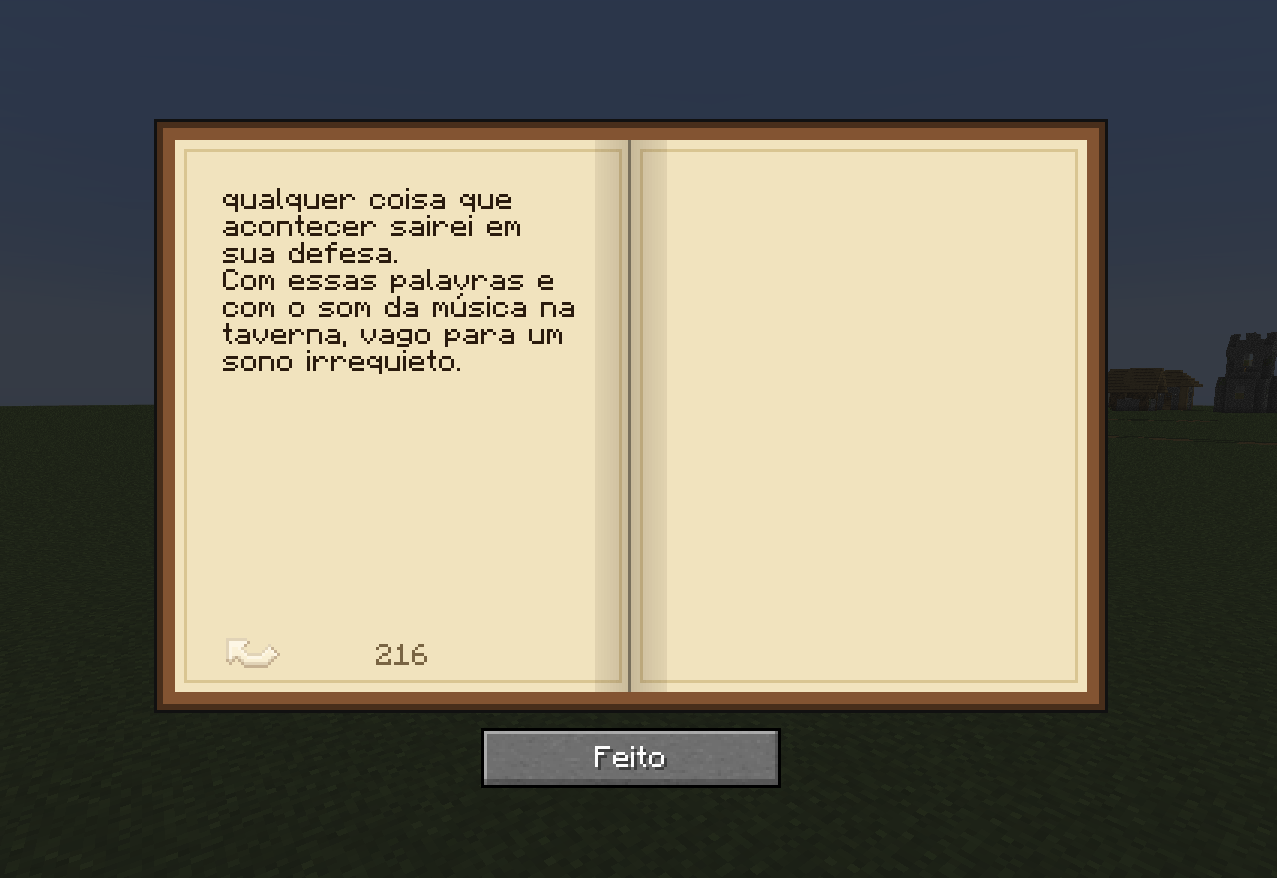
Then, simply right-click while holding the book. Use your keyboard's arrow keys, the mouse wheel, or the buttons at the bottom to turn the pages. Accents and special characters work normally, provided that the file is saved in UTF-8: ação, coração, ñ, ü.
Large Books Team