KoHs Inventory Tweaks
- By
Fast, precise, and fully customizable client-side inventory controls



Support update (September 2026): KoHs Inventory Tweaks now supports Minecraft 1.21.11 and later. The 1.21.10 builds stay downloadable as archived versions but no longer receive fixes or new features.
Your inventory, your rules
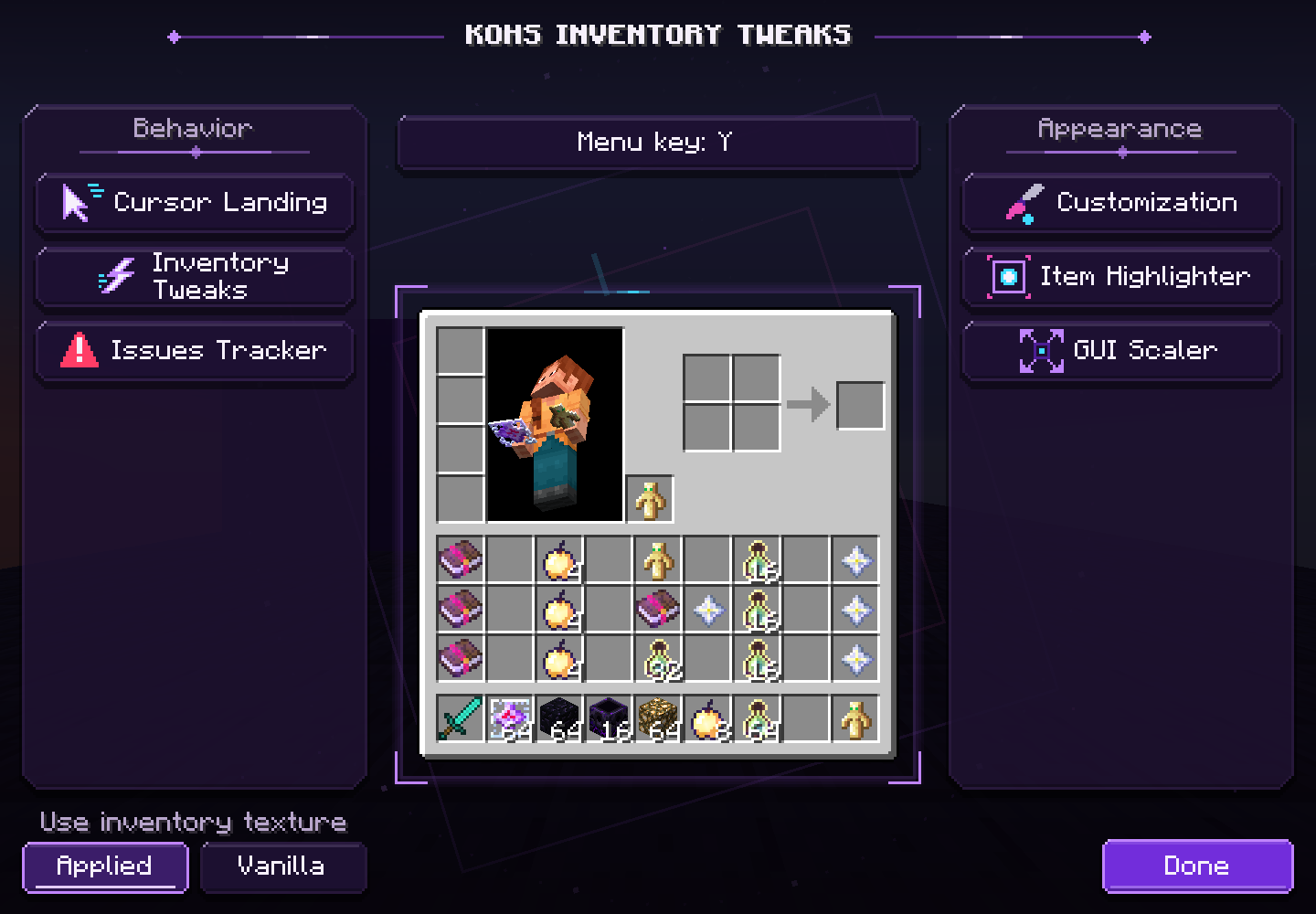
KoHs Inventory Tweaks is the client-side successor to KoHs Inv Cursor, maintained for Minecraft 1.21.11, 26.1, 26.1.1, 26.1.2, and 26.2. It gives you precise cursor placement, faster and more reliable inventory input, visual customization, item highlighting, and an inventory-only GUI scaler—all through a responsive purple configuration menu.
The mod keeps normal Minecraft inventory rules. It does not require installation on the server and does not add automated item transfers or custom inventory packets.
Features
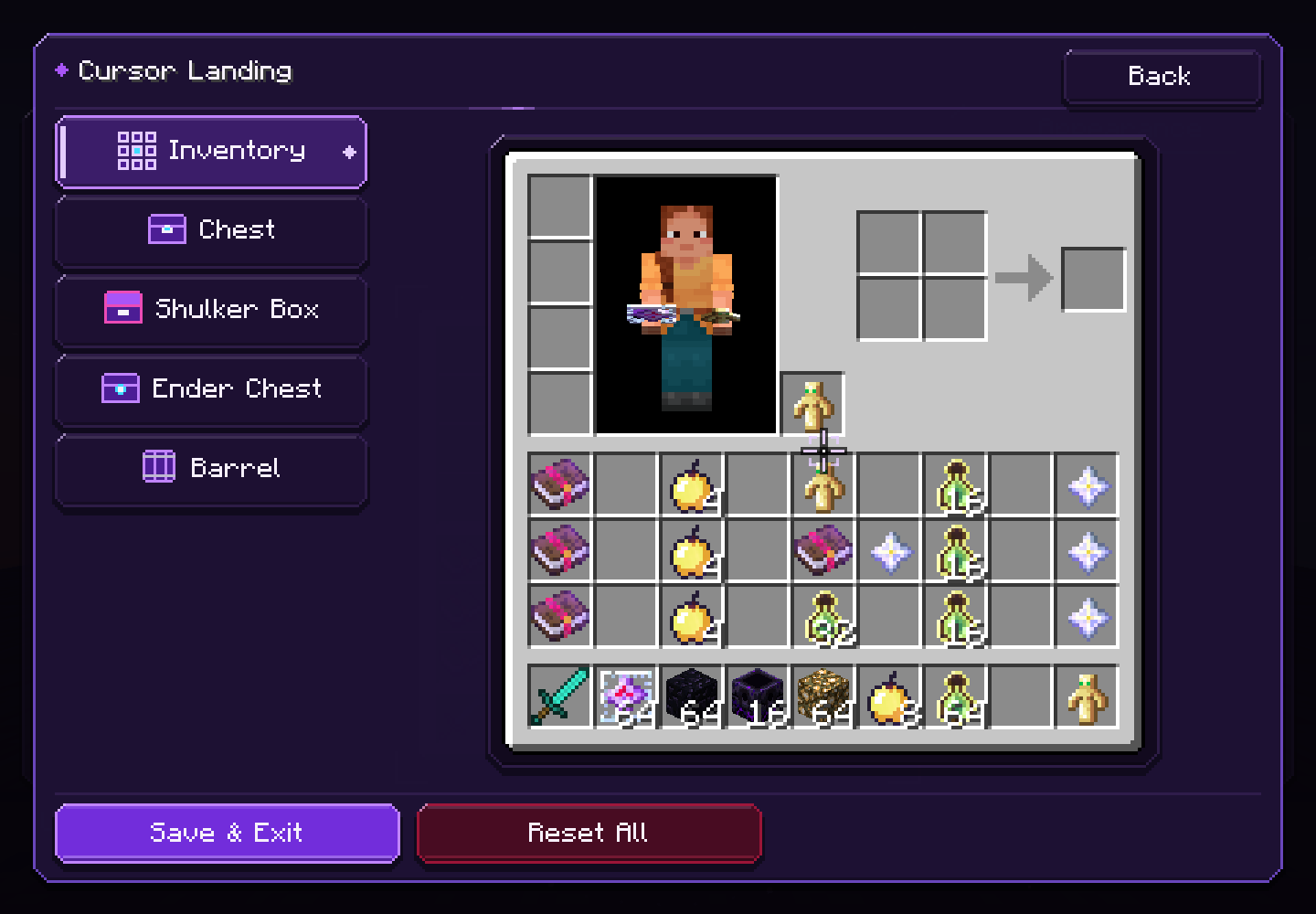
- Cursor Landing — choose where the cursor appears in your inventory, single or double chests, Ender Chests, and barrels. Every container can be individually disabled to keep its Vanilla behavior.
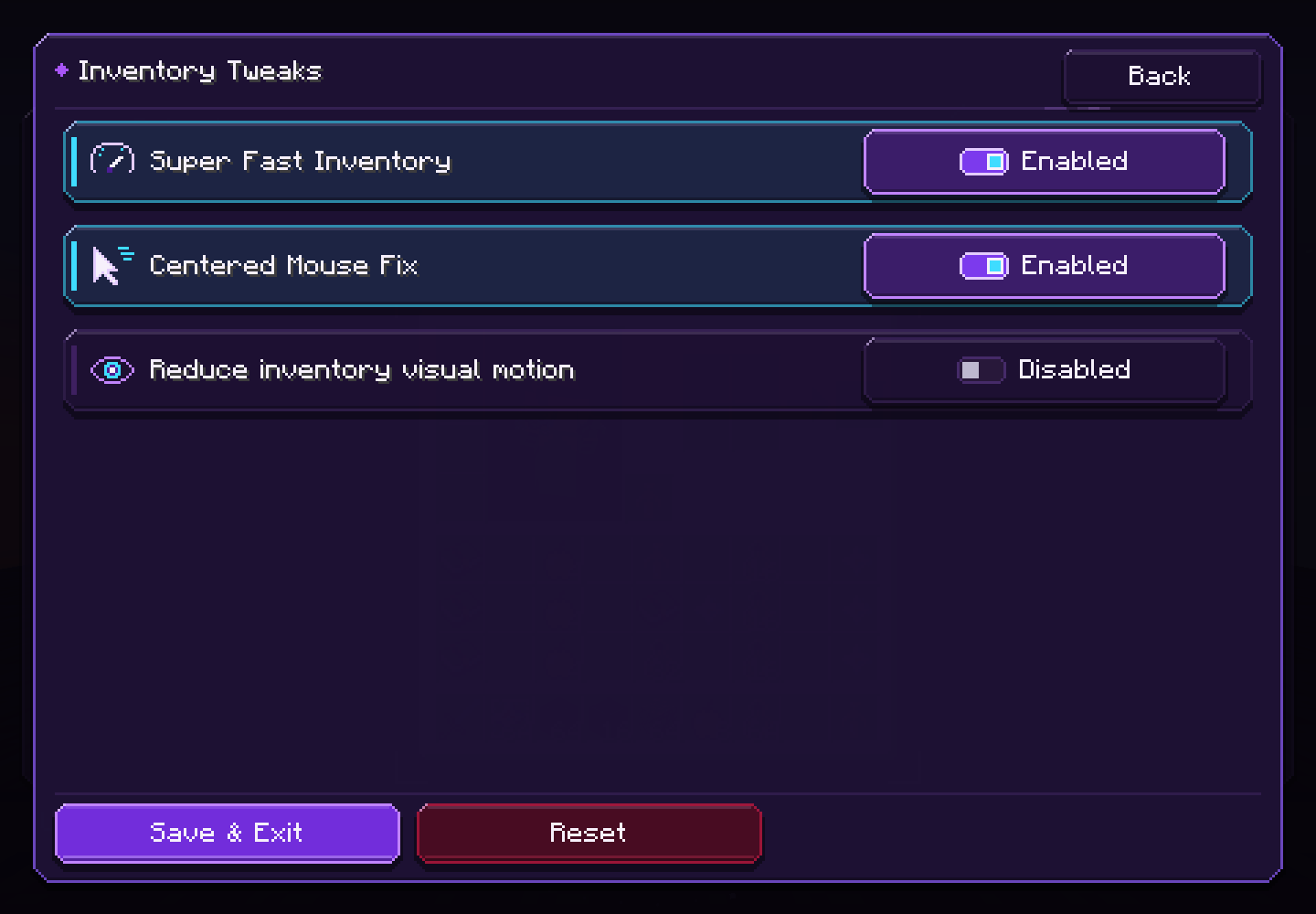
- Center Mouse Fix — checks the cursor once, right as Minecraft releases the mouse, and fixes it only if it landed somewhere stale. Moving toward a totem or any item is never pulled back.
- SuperFastInventory — opens the local inventory up to one tick (50 ms) sooner, and waits only when Vanilla would still run something first, such as a pending attack or an item in use.
- Instant slot shortcuts — F, 1-9, Q and Ctrl+Q act on the slot under your pointer the moment you press them, even right after a fast flick, in your inventory and every Vanilla container.
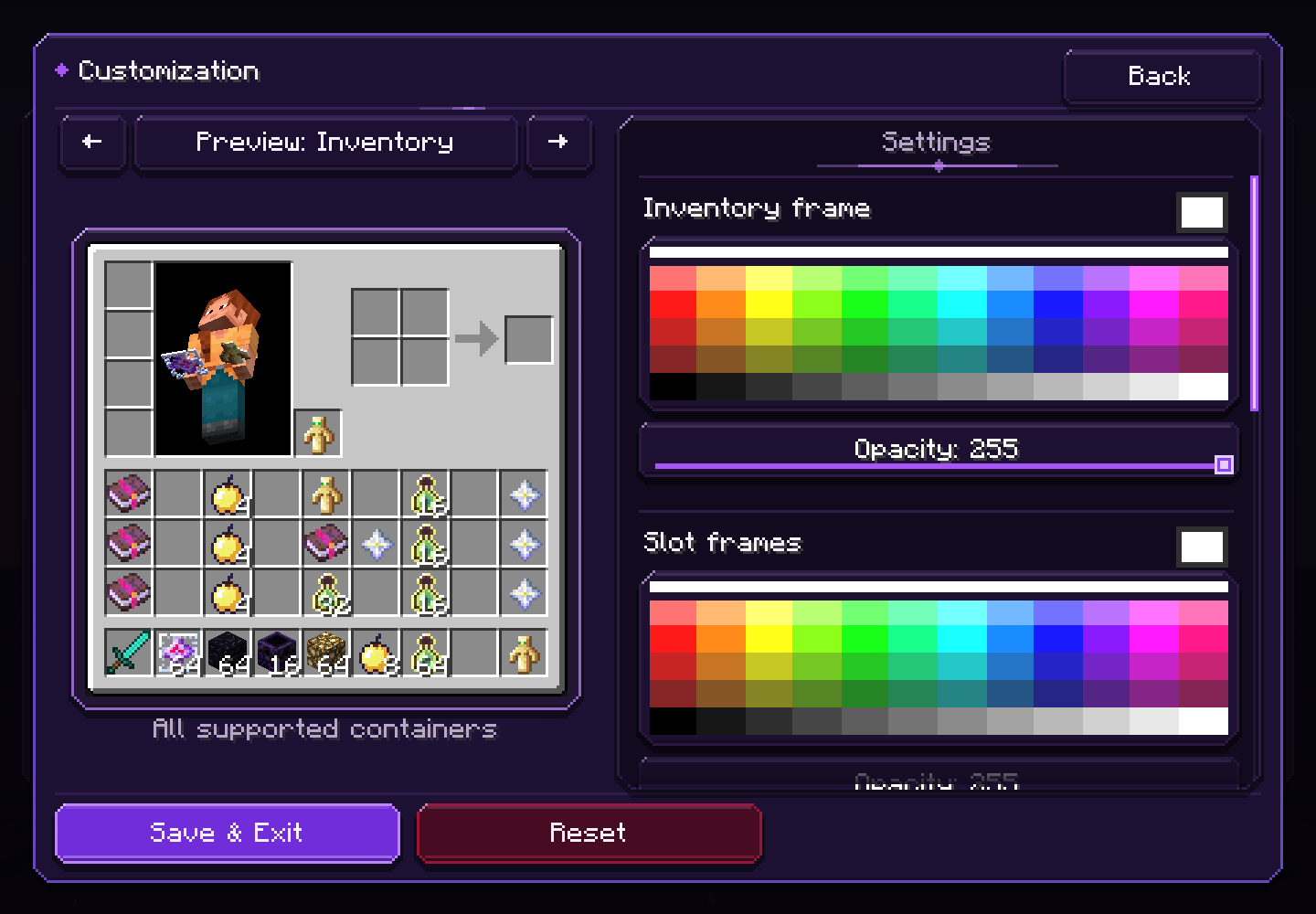
- Customization — recolor inventory and slot frames, control opacity and world backdrop darkness, or use a cropped image, GIF, or short video background.
- Resource-pack aware — choose the active resource-pack inventory texture or the Vanilla base, then apply KoHs customization above it.
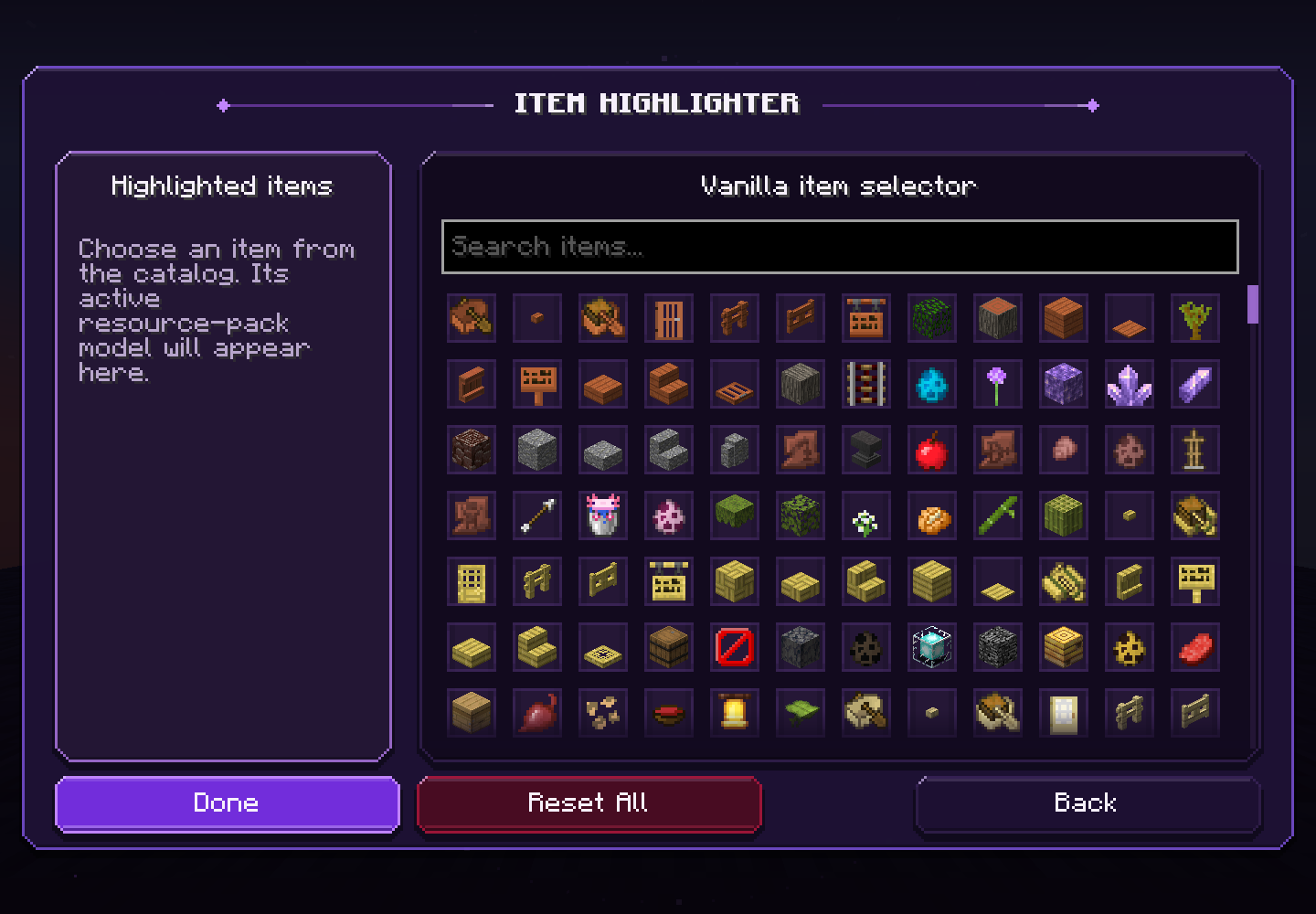
- Item Highlighter — search Vanilla items and configure slot colors, borders, hotbar highlighting, and dynamic hover highlighting.
- GUI Scaler — resize only the player inventory, including its slots, text, items, and character model.
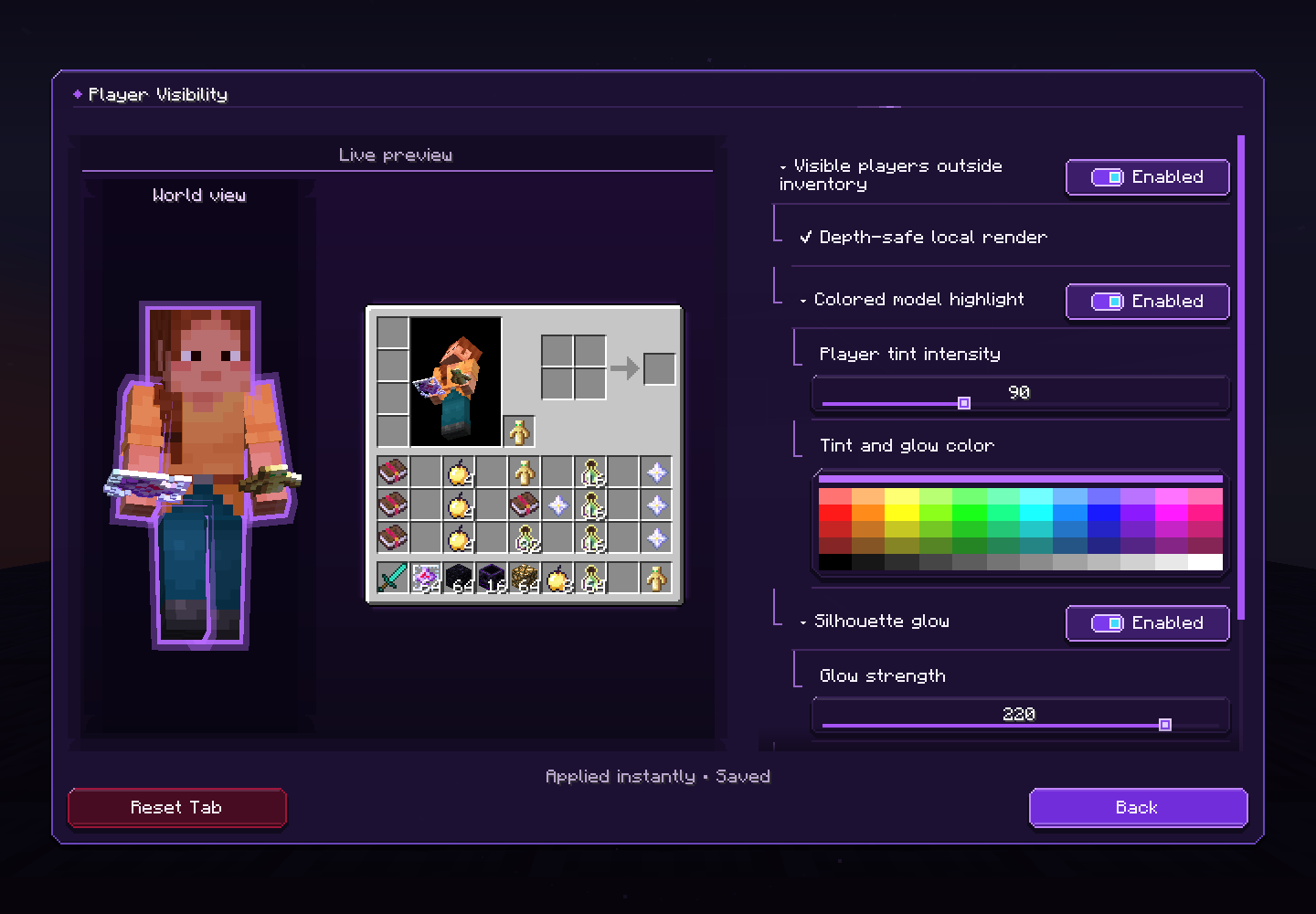
- Player Visibility — tint and a glowing silhouette for the players you can already see while your inventory is open. Blocks hide both: nothing shows through walls.
- A new interface — dark violet glass, a slow animated background that holds still when you reduce motion, controls that never shift under your pointer, hover explanations, and pages that fit at GUI scale 2, 3 and 4.
- English and Spanish — every supported Spanish locale uses the Spanish interface; other languages fall back to English.
A closer look
Cursor Landing
Inventory Tweaks
Inventory appearance
Item Highlighter
Inventory-only GUI Scaler
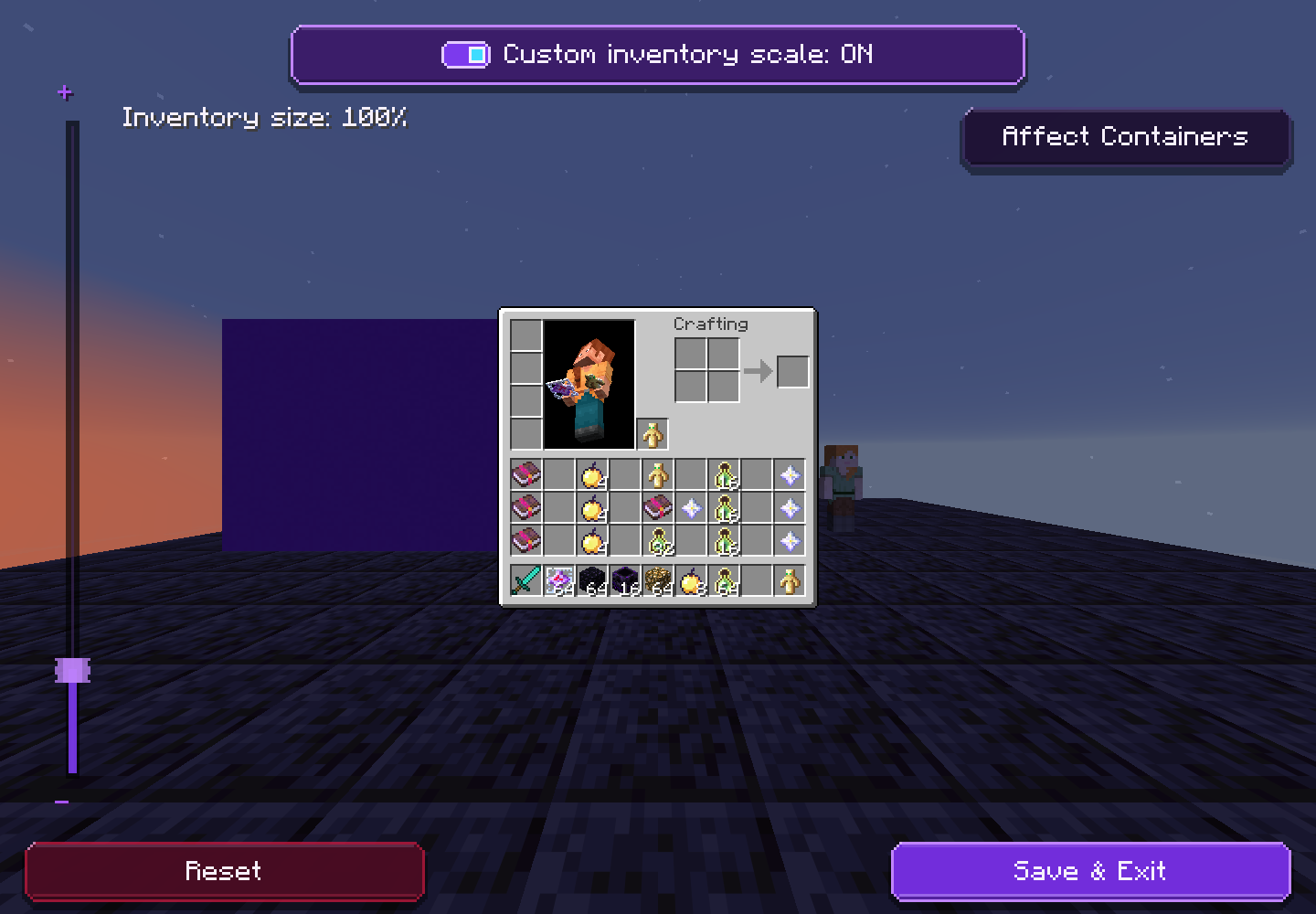
Player Visibility
For complete instructions, media limits, troubleshooting, and configuration backups, read the KoHs Inventory Tweaks Wiki.
KoHs Inventory Tweaks Team