Kick!
- By
KICK! Fully animated melee combat with jump kicks, dropkicks, slide kicks, shield bashes, knockback and door breaking.
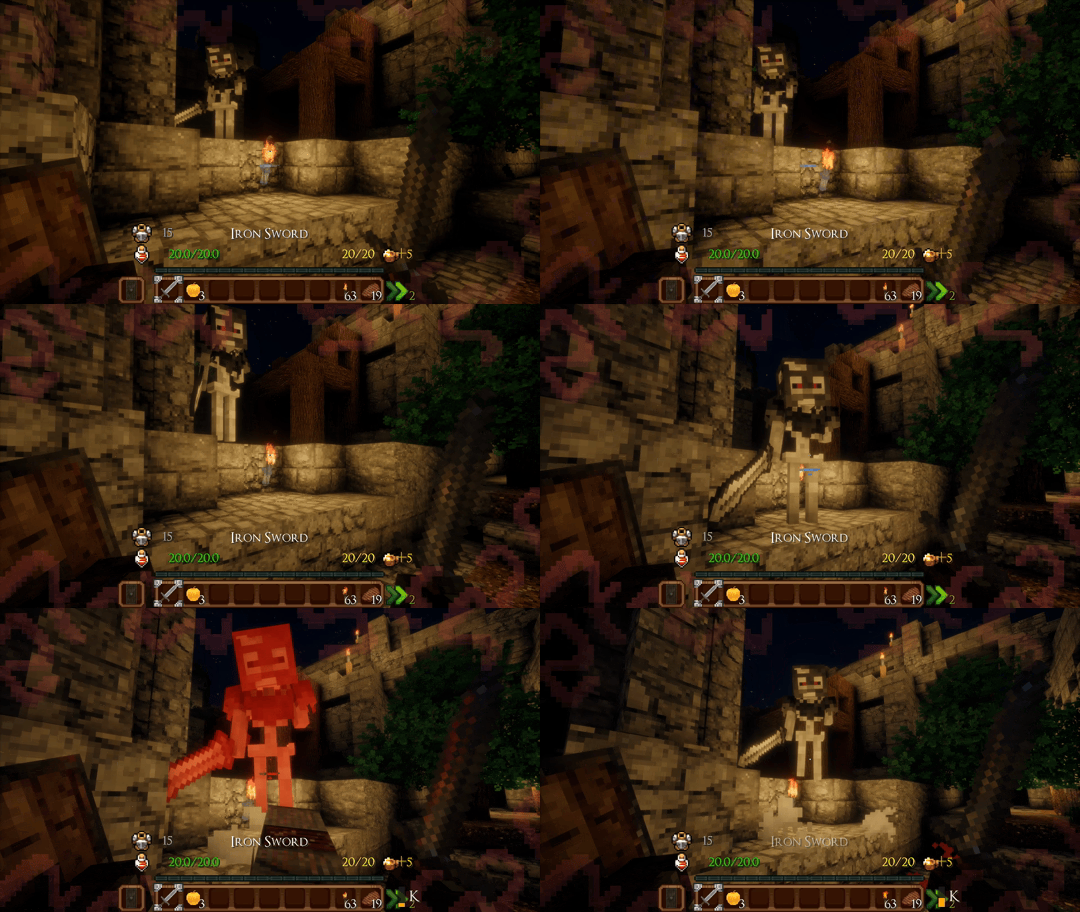
Standard Kick A quick melee kick with configurable damage and knockback.
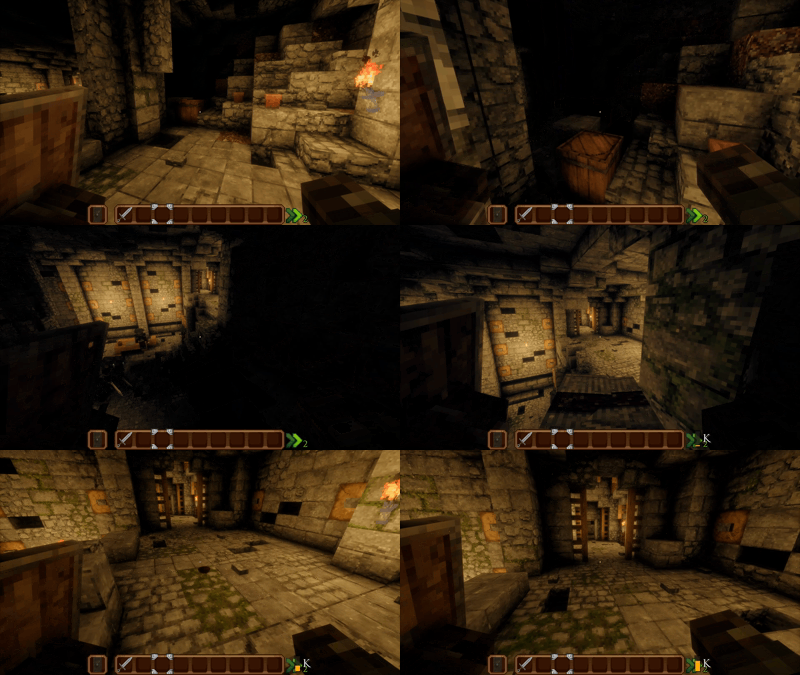
Jump Kick Can Be Used for Mobility
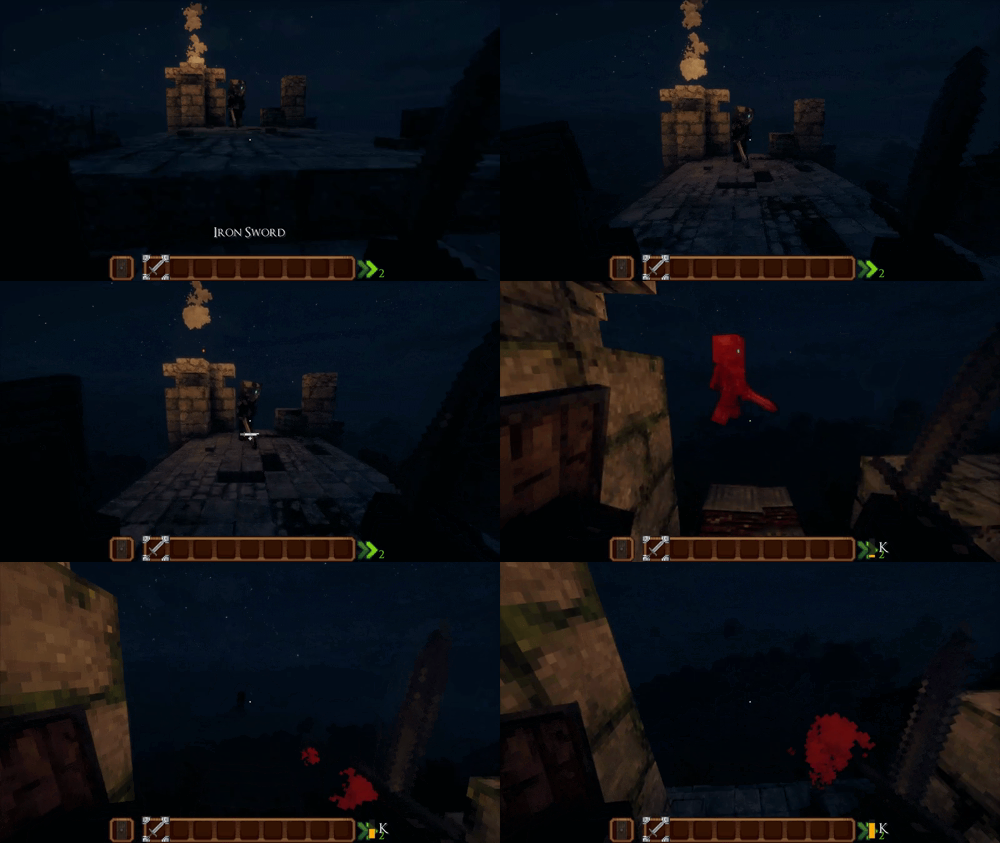
Dropkick A powerful two-legged flying kick.
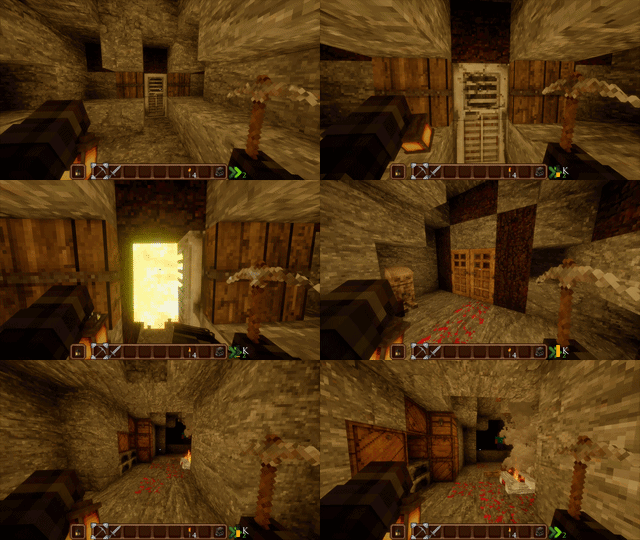
Kick doors open with a satisfying impact! Iron doors require two kicks to open, while double doors can be kicked open together. Camera shake adds extra feedback to every kick.
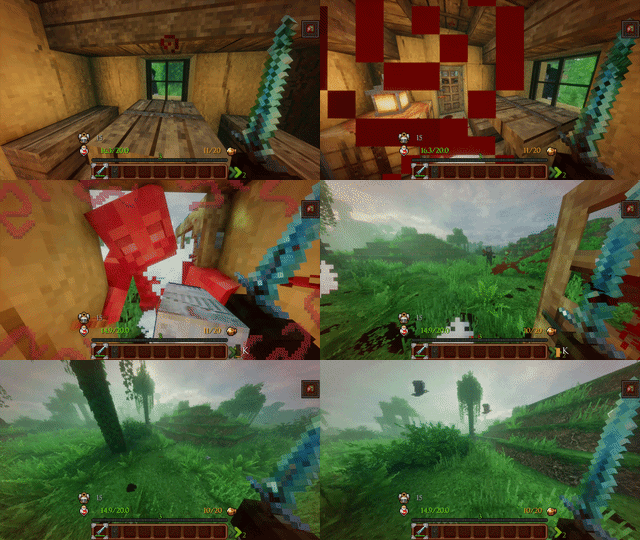
Kick through doors and hit enemies on the other side.
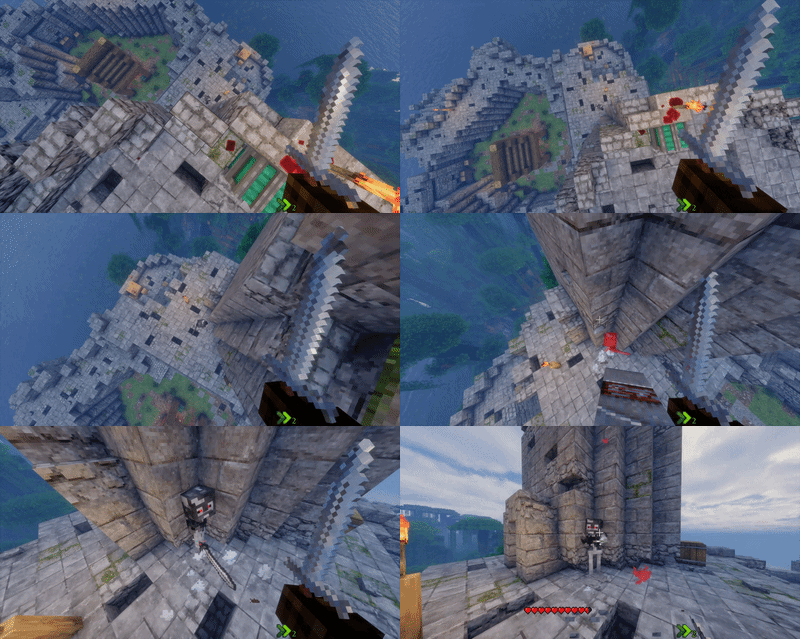
🦶 Drop Kick Perform a kick while falling onto an enemy, dealing damage on impact while preventing the player from taking fall damage.
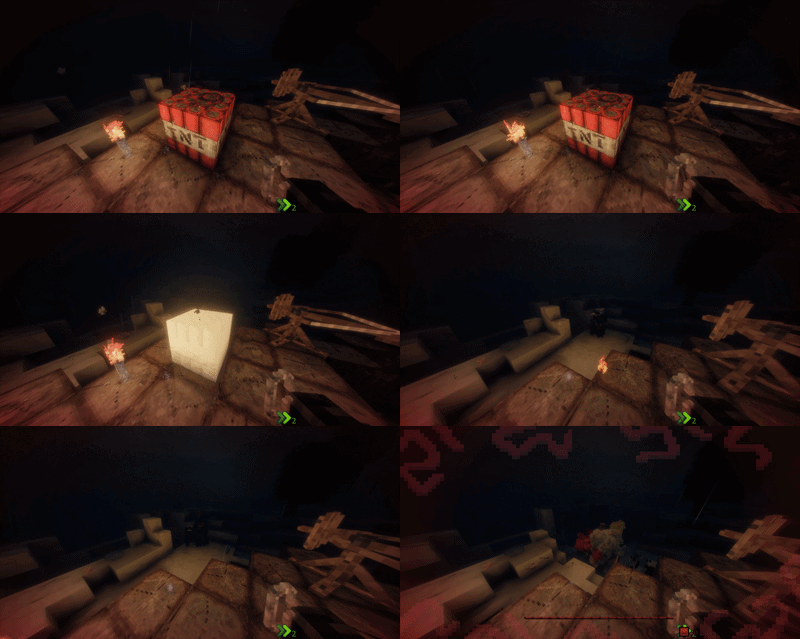
💥 TNT Deflection Use a Charge Kick to deflect and launch primed TNT away from you, allowing you to redirect the explosive before it detonates.
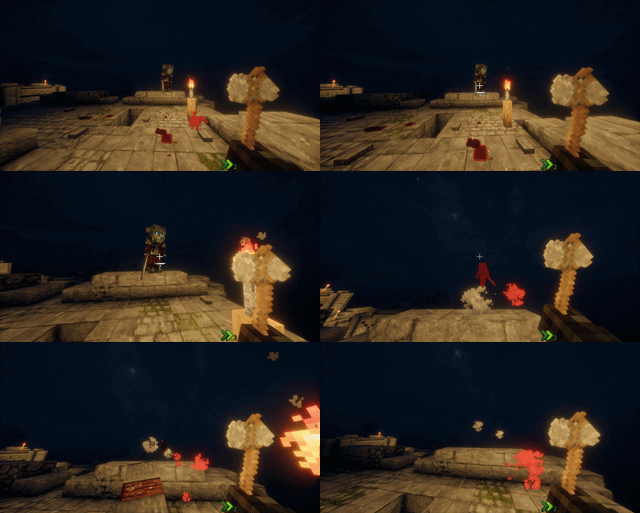
⚡ Charge Kick A powerful charged kick that deals increased damage, has a chance to disarm enemies, and can open iron doors faster than a normal kick.
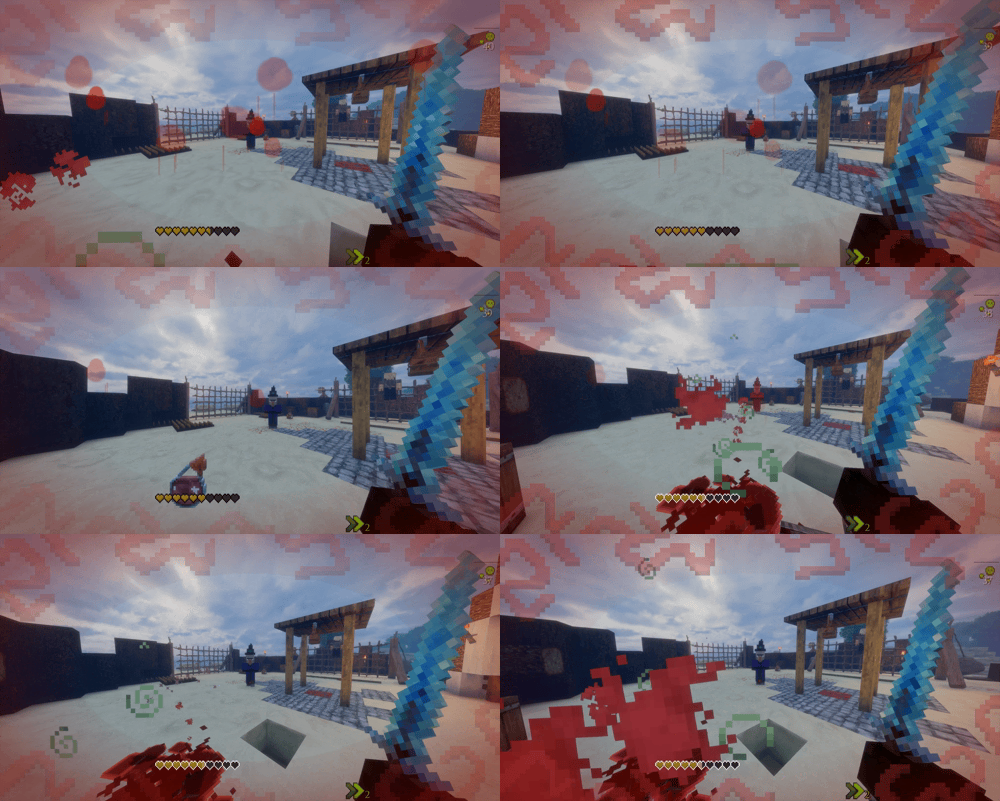
🧪 Potion Deflection Kick incoming potions to deflect them, allowing you to knock thrown potions away before they hit you.
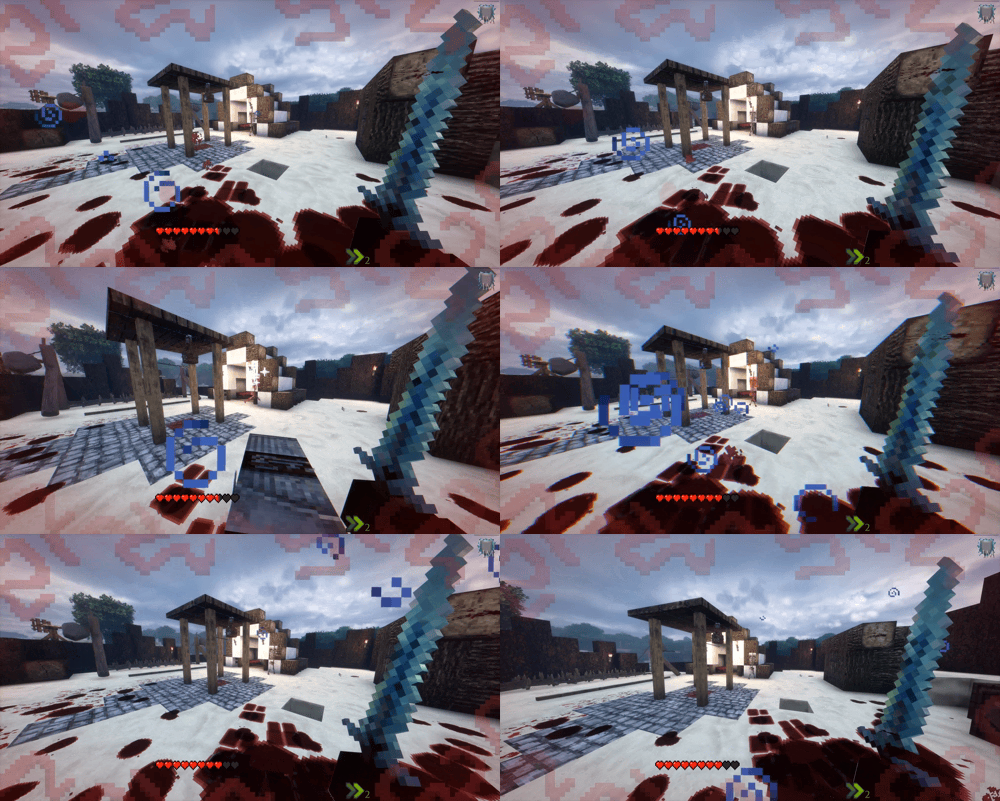
🏹 Arrow Deflection Kick incoming arrows to deflect them, protecting yourself from ranged attacks and sending the arrows away.
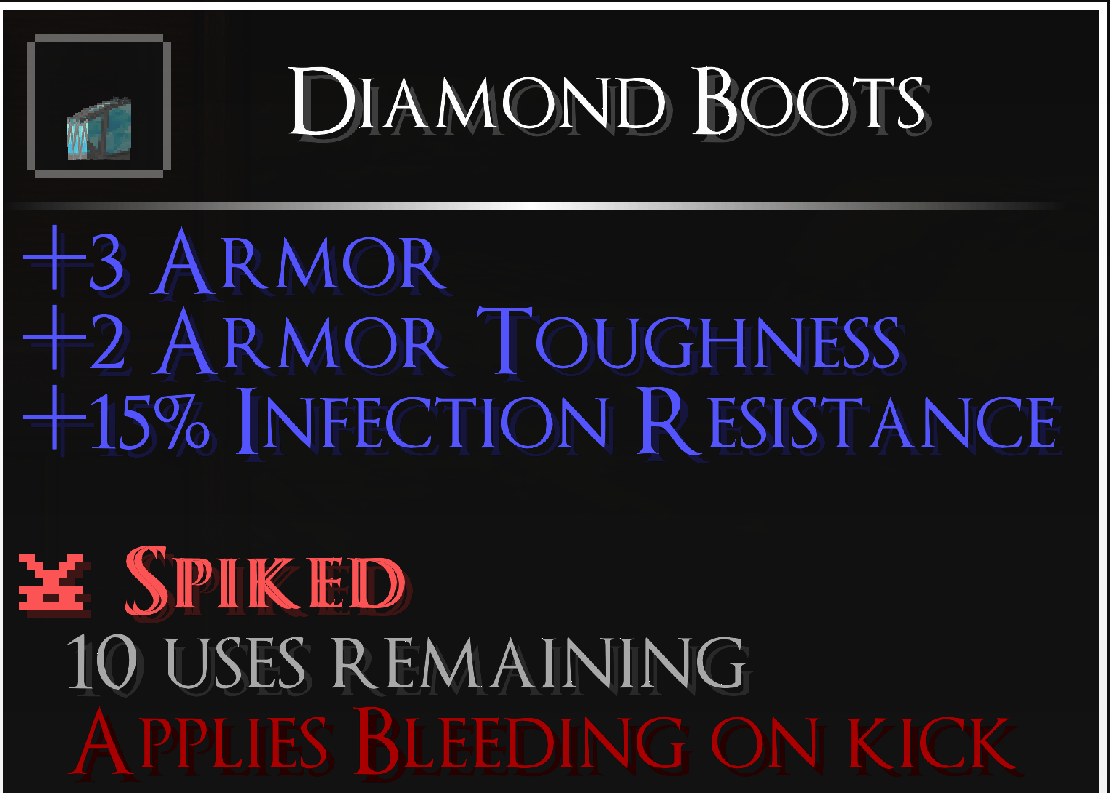
🛠️ Spike Boots
Description
🦵 Kick!
Kick! adds a simple but powerful melee kick system to Minecraft, giving you new ways to fight, control enemies, and interact with the world.
Instead of adding another complicated combat overhaul, Kick! focuses on making one mechanic feel satisfying, responsive, and useful.
🦵 Kick Types
Normal Kick
Perform a forward kick while standing or walking.
- Deals configurable damage
- Applies knockback
- Can be used against mobs and players
- Can interact with doors and other supported blocks
- Can break glass
- Can destroy cobwebs
- Can deflect incoming arrows
- Can deflect thrown potions
- Includes custom animation and sound effects
⚡ Charge Kick
Hold the kick key to charge a powerful kick.
- Deals increased configurable damage
- Has a chance to disarm an enemy
- Can break wooden doors
- Can open iron doors with a single kick
- Can kick enemies through wooden doors
- Can ignite Creepers
- Can destroy cobwebs in a 3×3 area
- Can deflect primed TNT
- Can be used while falling to transfer fall damage to the enemy hit by the kick
💥 Dropkick
Sprint, jump, and kick while airborne to perform a powerful two-legged dropkick.
- Uses a unique two-legged animation
- Deals increased configurable damage
- Applies increased knockback
- Launches the player forward
- Has an additional cooldown to prevent constant use
- Includes custom impact sounds
🦶 Slide Kick
Sprint, crouch, and kick to perform a low sweeping kick.
- Applies knockback
- Applies Slowness to the target
- Useful for controlling fast enemies and groups
🩸 Spike Boots
Spike Boots allow kicks to apply a bleeding effect to enemies.
- Crafted by combining 1 Iron Ingot with a pair of boots
- Works with different types of boots
- Each pair has 10 uses
- Kicking an enemy with Spike Boots applies Bleeding for several seconds
⚔️ Combat Features
Kick! includes several combat and impact features designed to make kicking feel more responsive and satisfying.
- Configurable kick damage
- Configurable knockback strength
- Configurable vertical knockback
- Shield stunning
- Enemy knockback and crowd control
- Custom kick animations
- Custom sound effects
- Configurable attack reach
- Separate cooldowns for different kick types
- Custom impact effects
- Charge Kick disarming
- Projectile and potion deflection
- Fall damage transfer
- Bleeding from Spike Boots
🚪 Door Interaction
Kicks aren't limited to combat. You can also use them to interact with the world.
Wooden Doors
- Kick wooden doors open
- Break wooden doors with kicks
- Charge Kick can break wooden doors
- Charge Kick can kick enemies through wooden doors
- Knock back enemies standing behind doors
Iron Doors
- Iron doors require two kicks to open normally
- Charge Kick can open an iron door with a single kick
- Each kick provides additional impact feedback
- Camera shake makes heavy door interactions feel more powerful
Double Doors
- Kick and open double doors
- Both doors can be opened together through a single kick interaction
Kick! can also interact with other supported blocks such as trapdoors and fence gates.
🧪 Projectile Deflection
Kicks can be used to defend against incoming projectiles and thrown potions.
- Kick incoming arrows to deflect them
- Deflect thrown potions
- Different types of boots can affect projectile deflection
- Stronger boots can provide stronger deflection
🕸️ Cobweb Interaction
Kicks can be used to quickly destroy cobwebs.
- Normal Kick destroys cobwebs
- Charge Kick destroys cobwebs in a 3×3 area
💥 TNT Deflection
Use Charge Kick to deflect primed TNT and send it away before it explodes.
🪟 Glass Breaking
Normal kicks can be used to break glass, giving kicks another useful interaction outside of combat.
🎥 Impact Feedback
Kicks are designed to feel physical rather than simply triggering an animation.
- Camera shake when kicking doors
- Different sound effects for kick interactions
- Stronger feedback for powerful kicks
- Visual impact effects
- Different interactions depending on the target
- Custom impact sounds
⚙️ Fully Configurable
Kick! provides an extensive configuration system, allowing you to customize the experience to fit your modpack.
You can adjust:
- Kick damage
- Knockback strength
- Vertical knockback
- Attack reach
- Cooldowns
- Dropkick damage and knockback
- Player launch strength
- Slide kick knockback
- Slowness duration and level
- Door interactions
- Shield interactions
- Projectile deflection
- Charge Kick settings
- Spike Boots settings
- Cooldown HUD
The configuration can be accessed through the mod's configuration screen or edited through the generated configuration file.
🎮 Controls
Default Kick Key: V
Kick at a nearby target by pressing the kick key.
Charge Kick: Hold the kick key to charge → Release to perform the kick
Dropkick: Sprint + Jump → Kick while airborne
Slide Kick: Sprint + Crouch → Kick
The keybind can be changed through Minecraft's normal controls menu.
🔄 Updating the Mod
If something doesn't work correctly after updating, please go to the Files section and make sure you have downloaded and installed the latest version of Kick!.
If you are still using an older version, some features or fixes may not be available.
🔧 Planned Improvements & Future Features
The following improvements and features are planned for future updates:
- Improved Kick Animations
Polish and improve the existing kick animations to make them feel more natural and responsive. - Improved Enemy Hitboxes & Collisions
Improve interactions between kicked enemies and other entities, as well as collisions between kicked enemies and blocks. - Improved Knockdown Animation
Improve the falling and knockdown animation so enemies react more naturally when knocked down and recover smoothly. - 🔔 Sonic Boom
Kicking a bell creates a powerful sound wave that travels outward and stuns nearby Zombies. - Improved Crouch Kick
Rework and improve the Crouch Kick and give it additional functionality. - 📷 Camera Shake Configuration
Add configuration options for camera shake, allowing players to adjust its intensity or disable it completely. - 🚪 Custom Door Compatibility
Add a configuration option that allows players to specify doors from other mods that should support Kick! interactions. - ⚙️ Future Expansion
Continue improving existing mechanics and add new interactions and features in future updates while keeping Kick!'s gameplay simple and intuitive.
Kick! Team