Check also my other mods:
Direction Build (helps to build in one way while holding right mouse key)
Fast Builder (also FastDestroy)
ClearVision (NightVision + FullBrightness + FluidVision)
FreeCam
This allows to bind a macros for a specific key.
For example you may bind the command "/rtp" to key "R" at your keyboard.
Important: It's also allows you to create a macros that will be opened in the new chat screen when you press a specific button. To force Command Binder to open a chat with a specific macros just add # symbol before your macros. For example: /cb add #! will open open chat with already typed ! every time when you press the specific binded key
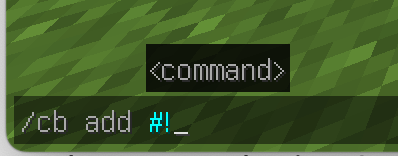
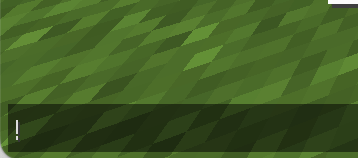
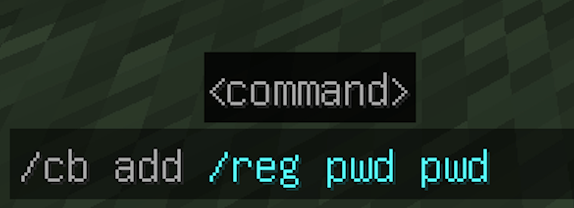
To ADD a new macros type "/cb add <your macros>" to the chat
To BIND a key for a macros just open Minecraft's "Options" -> "Controld" -> "Key Binds" 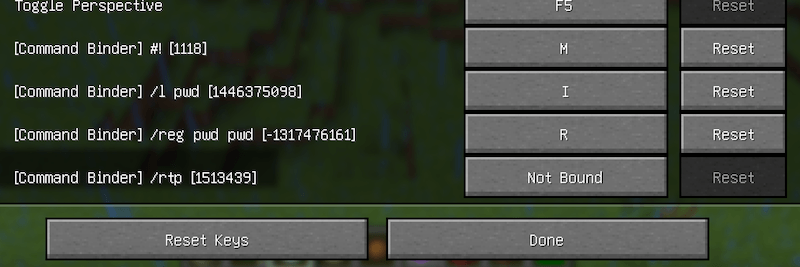
To SHOW ALL macroses type "/cb list" to the chat
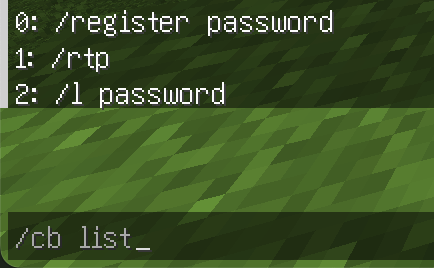
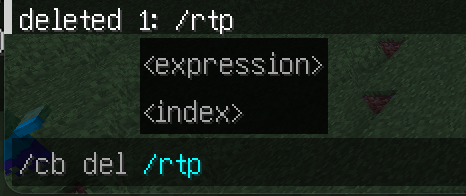
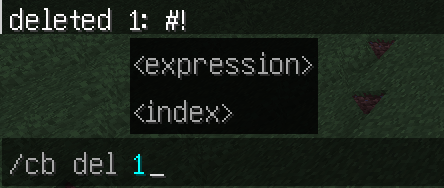
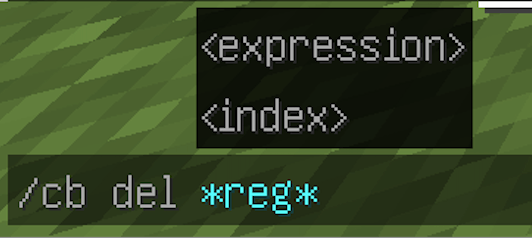
To DELETE a macros type "/cb del <macros>" or you may specify an <index> from "/cb list" output. Also you may use expressions and specify "*" instead of typing the whole command. For example: "/cb del *reg*" will delete all macroses that contain "reg" symbols
or <index>
or <expression>
CommandBinder (Macros Binder) Team


Owner