Keybind Finder
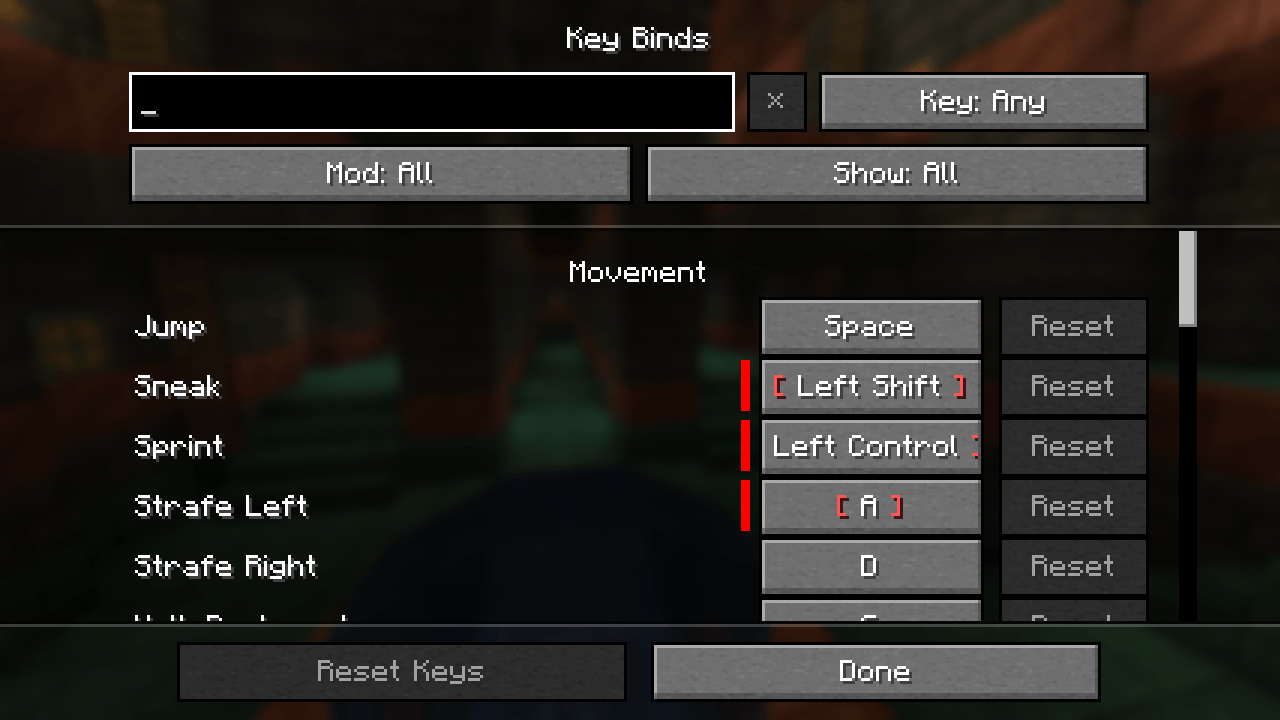
Search your keybinds by name, mod or key, and spot conflicts and unbound keys, in a clean vanilla-style screen.
01-overview.png
02-search.png
03-mod-filter.png
04-conflicts.png
05-key-waiting.png
Description
Description
Keybind Finder makes the Key Binds screen easy to use in big modpacks.
It keeps the vanilla screen you already know and adds a search bar and three filters on top. Everything can be combined:
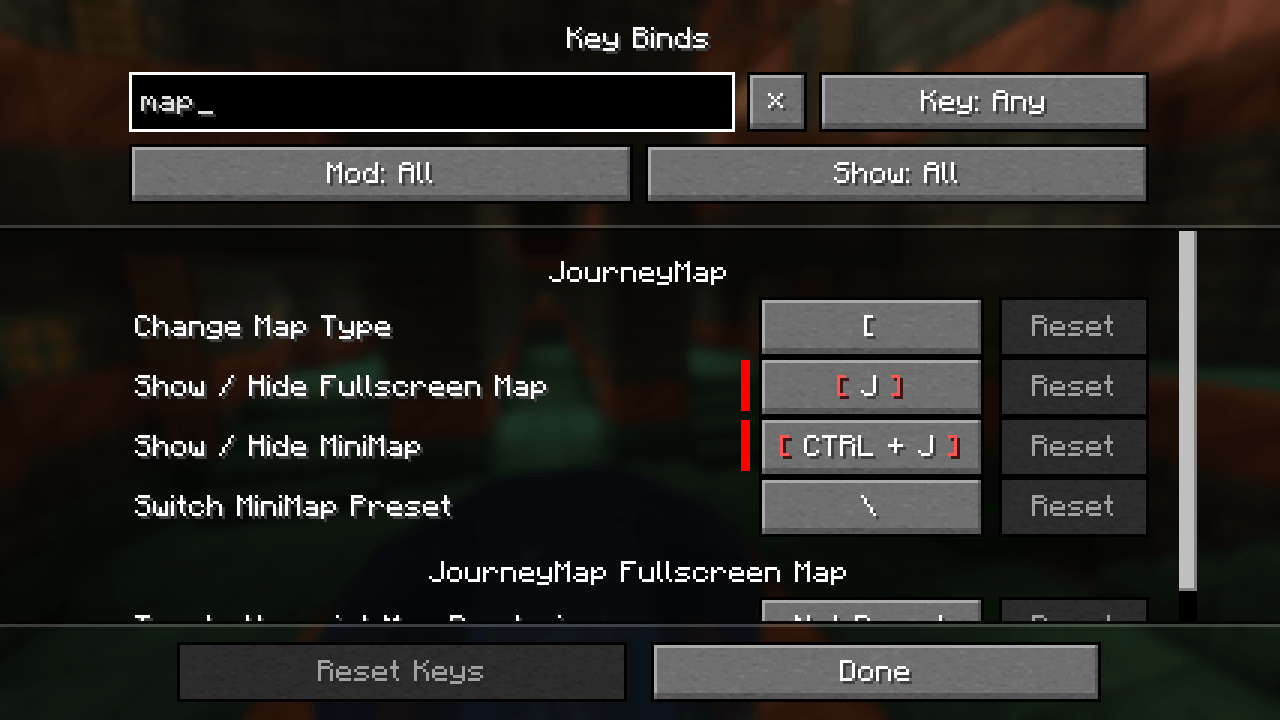
- Search by name: type a few letters of a keybind or of its section ("movement" lists the whole Movement section). Case and accents don't matter.
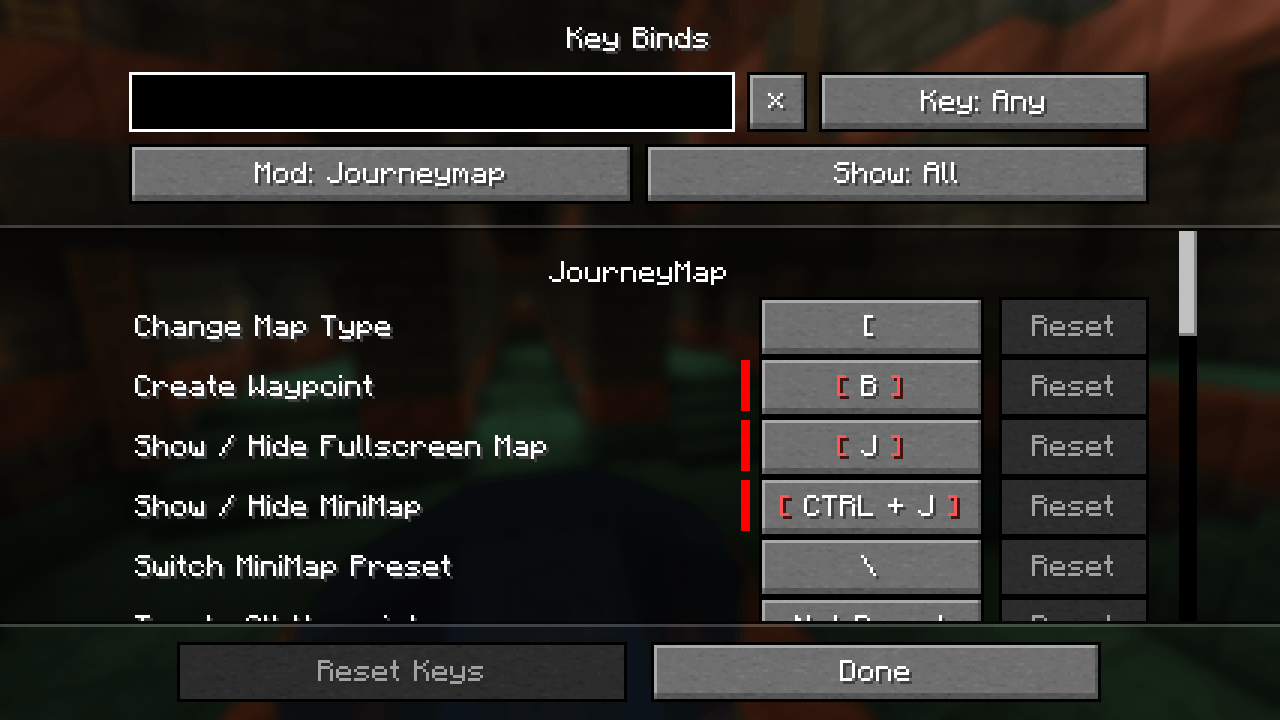
- Filter by mod: only show the keybinds added by one mod. Click for the next mod, Shift+click for the previous one, or use the mouse wheel.
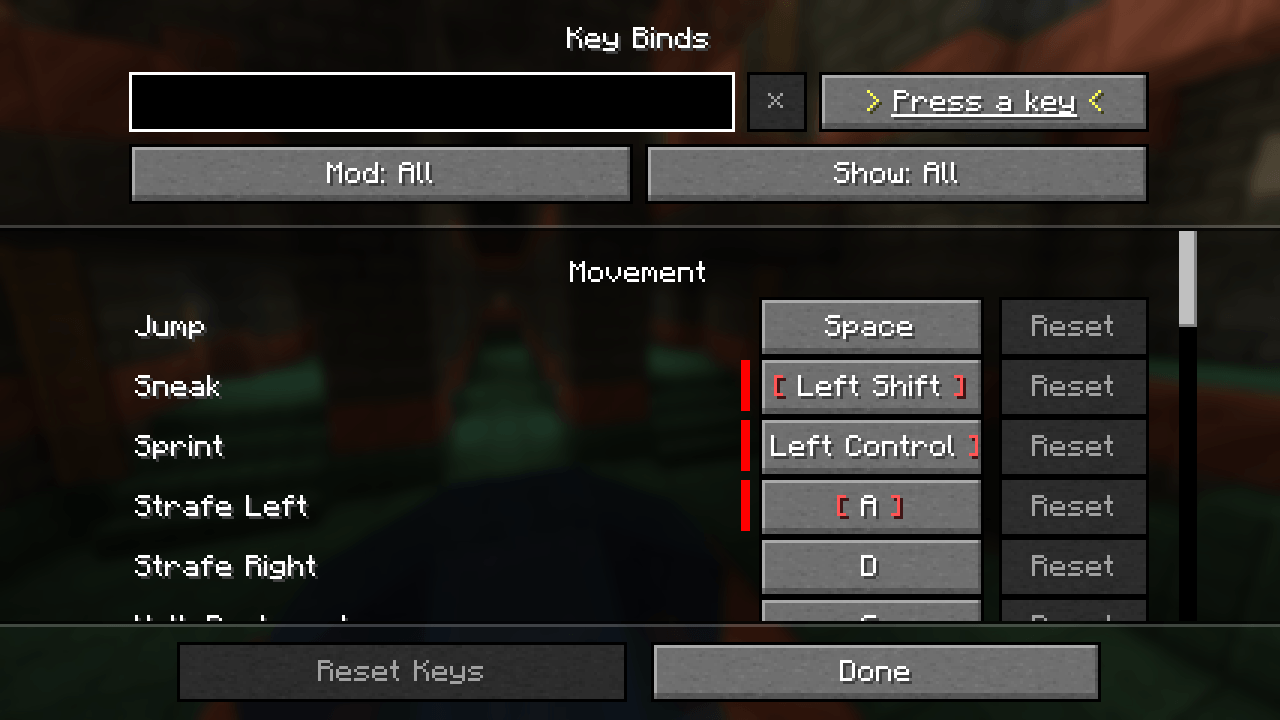
- Filter by key: click the Key button, then press any key or mouse button to see what it does. Nothing gets rebound. Shortcuts that use it as a modifier (like Ctrl+G for Left Control) are included. Escape clears the filter.
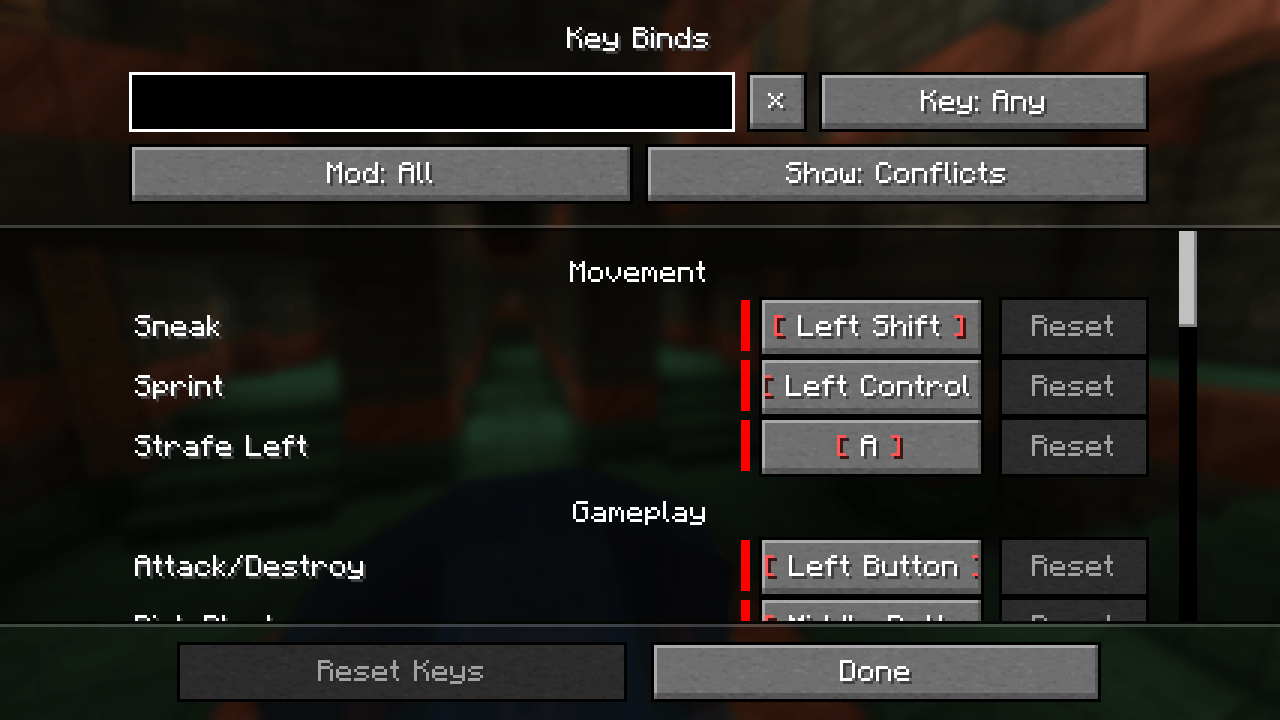
- Show conflicts or unbound keys: list only the keybinds in conflict (shown in red, with a tooltip saying with what), or only the ones with no key.
- Clear all filters in one click with the × button next to the search bar.
Rebinding works exactly like vanilla, modifiers included, because the screen is the vanilla screen.
Good to know
- Client-side only. Not needed on servers.
- Works with any NeoForge 1.21.1 version.
- Fast: tested with a 195-mod pack and 229 keybinds. Filters apply instantly.
- Each keybind is matched to its real mod, even when the mod names it its own way or registers it through a library (Quark through Zeta, for instance). The rare keybinds added outside NeoForge's normal registration are listed under Mod: Other.
- With Controlling installed, Keybind Finder's screen is the one that opens.
- Fits small windows and every GUI scale.
- English and French.
Keybind Finder Team