


Description
Just Enough Markers (JEM)
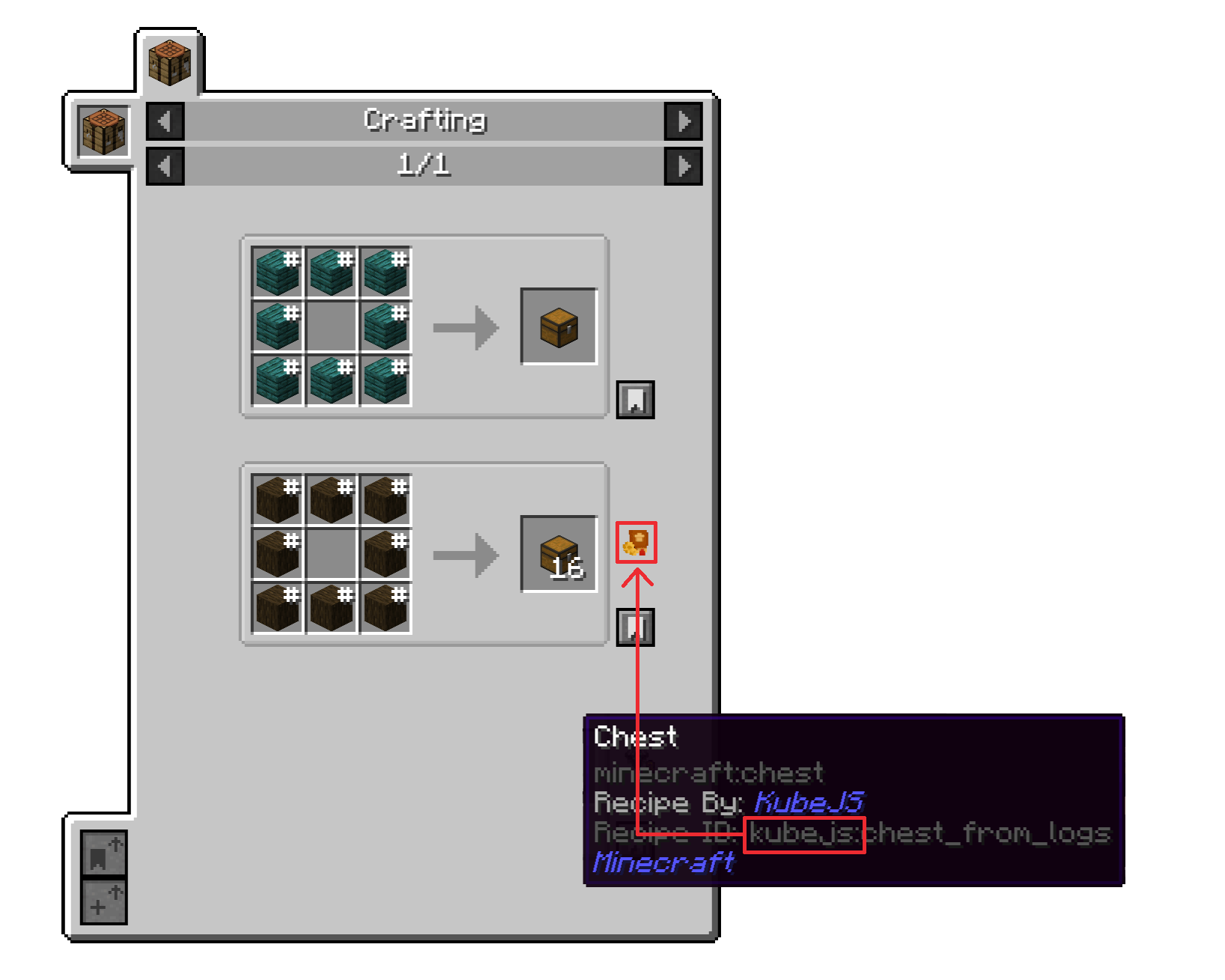
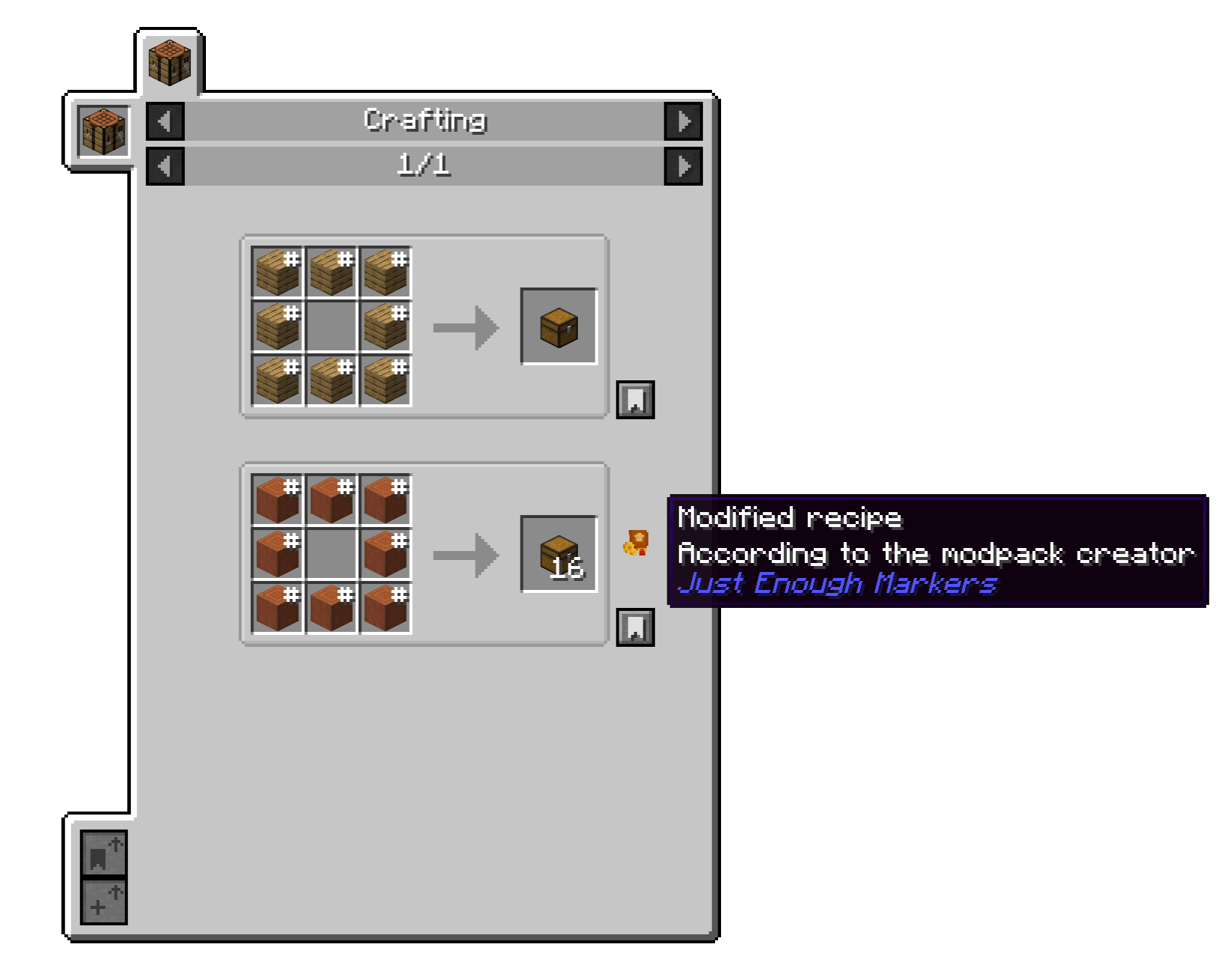
Visual markers for modified recipes in Just Enough Items (JEI) and EMI.
Just Enough Markers (JEM) is a lightweight, client-side Minecraft mod designed for modpack developers, creators, and technical players. It adds configurable visual markers to recipes displayed in Just Enough Items (JEI) and EMI, making customized recipes easier to identify.
JEM is particularly useful for modpacks that use KubeJS or other tools to modify recipes.
✨ Features
- Recipe ID filtering — Mark recipes whose IDs match the configured
recipeIdFilter. - Output filtering — Identify recipes by their outputs using the
outputFilterconfiguration. - Customizable markers — Configure marker positions, offsets, and tooltip messages.
- Category-specific positioning — Define custom marker positions for individual recipe categories.
- In-game move mode — Drag markers to a new position directly in JEI or EMI instead of editing the configuration by hand.
- Simplified tooltip option — Show just "JEM" instead of the full tooltip text.
- Debug mode — Display markers on all recipes for testing and development.
- Client-side and lightweight — JEM only modifies the recipe viewer's visual presentation and does not alter recipes.
🔌 Compatibility
Minecraft Versions
| Minecraft | Mod Loader | Support |
|---|---|---|
| 1.21.1 | NeoForge | ✅ Supported |
| 1.20.1 | Forge | ✅ Supported |
Recipe Viewer Compatibility
- ✅ JEM is built specifically for Just Enough Items (JEI) and is compatible with the majority of JEI plugins and integrations. JEI is required for JEM to load.
- ✅ JEM also supports EMI: when EMI is installed alongside JEI, markers are shown in EMI's recipe screen too, using the exact same configuration, and update live as the configuration changes — no
/reloadneeded. JEM enables EMI'sShow Recipe Decoratorssetting (dev.show-recipe-decorators) automatically on startup; if markers still don't show after a full restart, check that value manually in EMI's config. - 🚫 JEM is not compatible with Roughly Enough Items (REI).
⚙️ How It Works
JEM checks recipes displayed by JEI or EMI against your configured filters.
- The recipe ID is checked against
recipeIdFilter. - If no matching ID is found, the recipe output can be checked against
outputFilter. - Matching recipes receive a visual marker.
- Marker appearance and position are controlled through the configuration.
- Debug mode can be used to display markers regardless of the configured filters.
🖱️ In-Game Marker Move Mode
Instead of editing categories by hand, markers can be repositioned directly in JEI's or EMI's recipe screen:
- Bind a key to "Toggle Marker Move Mode" in Controls → Just Enough Markers (JEM) (unbound by default). The key works even while JEI's or EMI's recipe screen is open.
- Press it to enter move mode. A chat message confirms it, and briefly explains the controls.
- Hold left-click on a marker and drag it to reposition it; release to confirm. The new offset is saved to
categoriesimmediately. If several recipes on the page share the same category, each marker can still be dragged independently. - Right-click a marker to reset it back to the default position.
- Press the key again to exit move mode.
While move mode is active, markers are shown on every recipe and tooltips are simplified, so every marker is easy to find. Both changes are temporary: they are not written to the configuration file and stop applying the moment move mode is turned back off.
Markers also change color to show their state while move mode is active:
| State | Appearance |
|---|---|
| At the default position | Grayscale |
| Customized (moved from default) | Green |
| Currently being dragged | Red |
⚙️ Configuration
| Option | Description | Default |
|---|---|---|
recipeIdFilter |
List of texts to match recipe IDs for displaying the marker | ["kubejs", "kjs"] |
outputFilter |
Item IDs used for output-based filtering | [] |
tooltipLine1 |
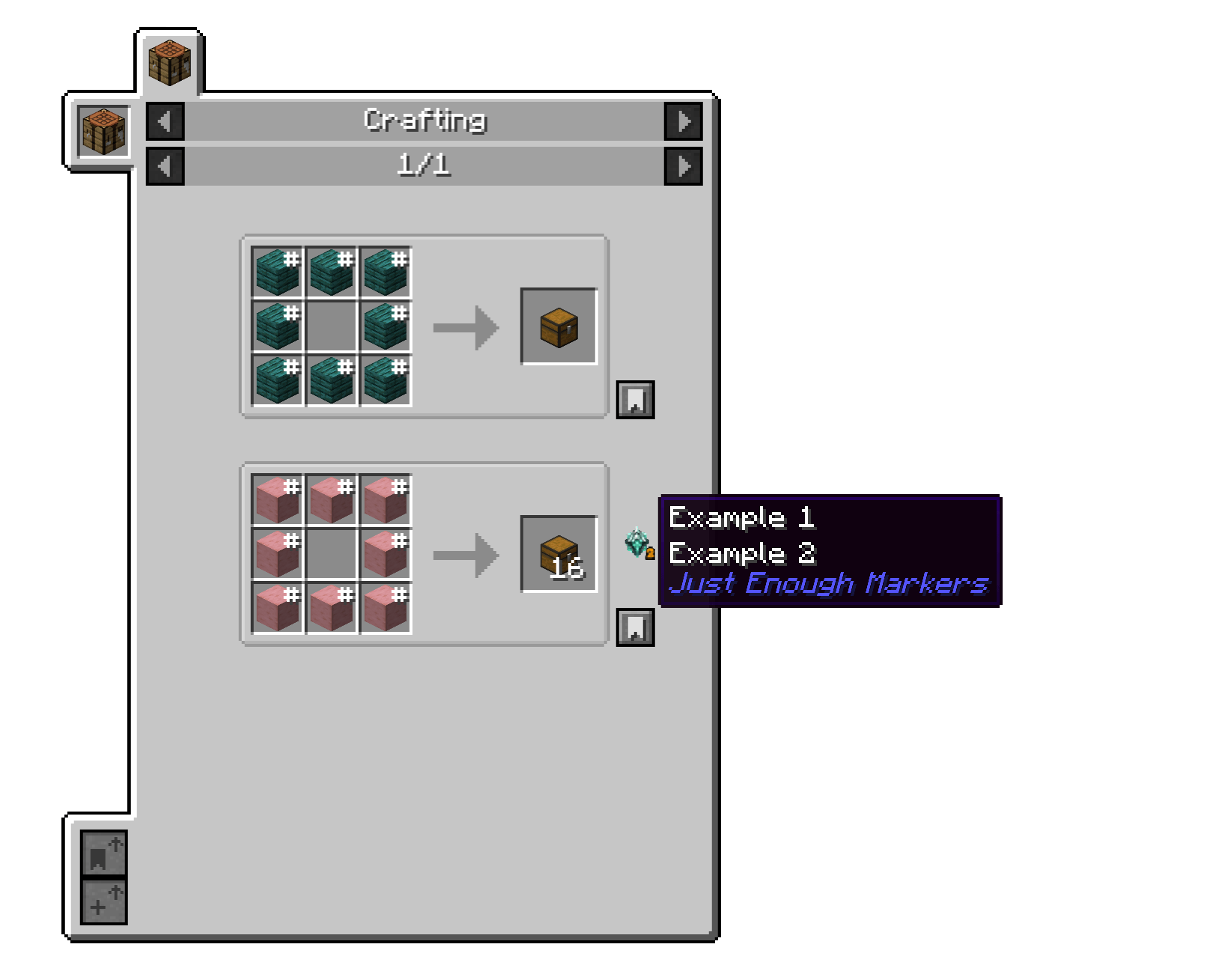
First line of the marker tooltip | Modified recipe |
tooltipLine2 |
Second line of the marker tooltip | According to the modpack creator |
hideTooltipDetails |
If true, the tooltip only shows "JEM" instead of the two lines above and the full credit line | false |
onlySpecificRecipeID |
Debug option for displaying markers on all recipes | false |
defaultOffsetX |
Default horizontal marker offset | 0 |
defaultOffsetY |
Default vertical marker offset | 0 |
categories |
Custom positions for individual recipe categories, format "categoryId;offsetX;offsetY" — written automatically by move mode, but can also be edited by hand |
[] |
🛠️ Support & Issues
For bug reports, compatibility issues, or feature requests, please use the GitHub issue tracker:
When reporting an issue, please provide:
- Minecraft version
- Mod loader and version
- JEM version
- JEI version (and EMI version, if installed)
- Relevant mods
- Description of the issue
- Logs or screenshots, if applicable
📜 License
All Rights Reserved
This project may not be redistributed, copied, modified, or republished without explicit permission from the author.
Just Enough Markers — Make your recipe changes visible.
Just Enough Markers (JEM) Team

