Features
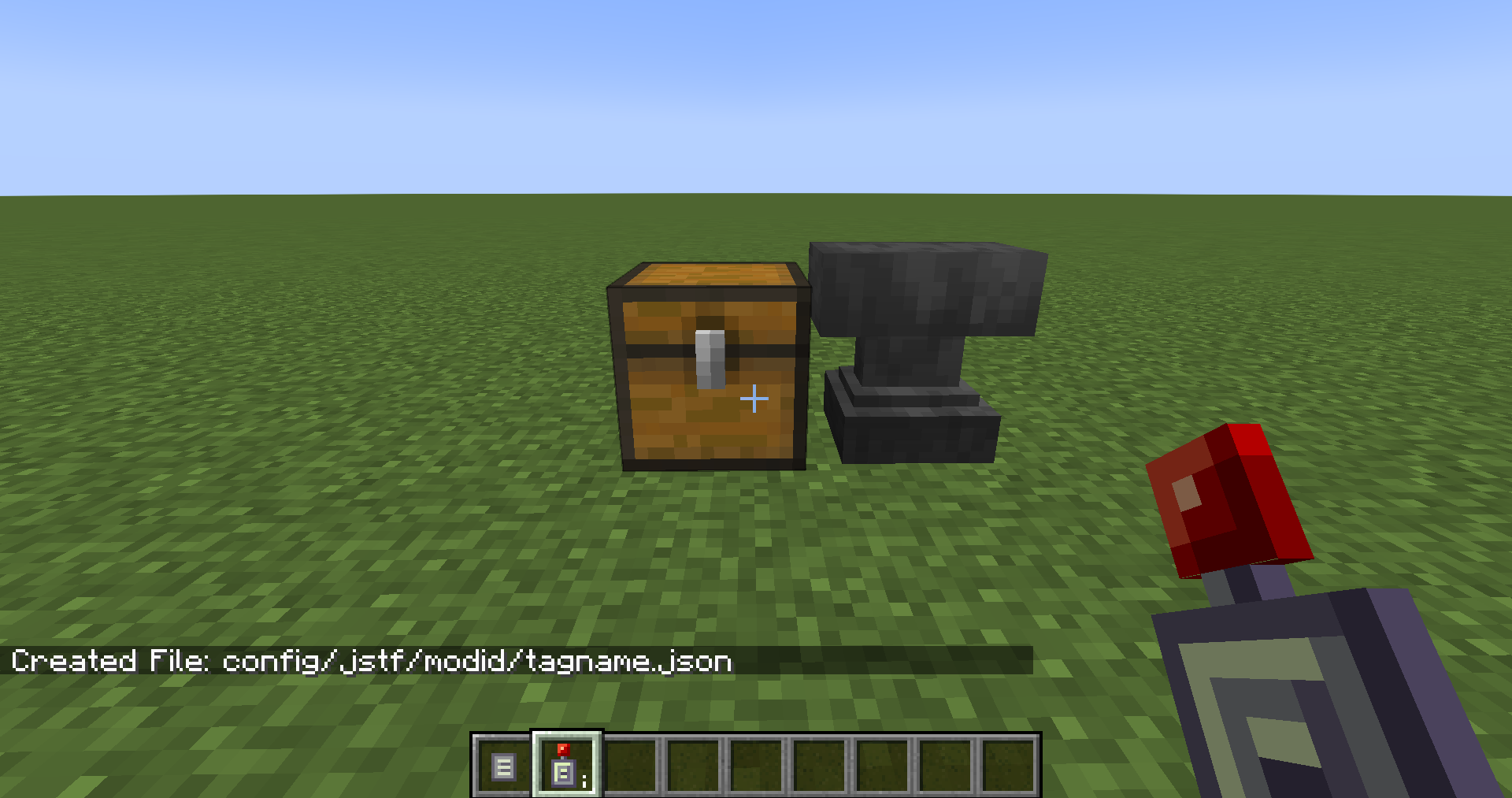
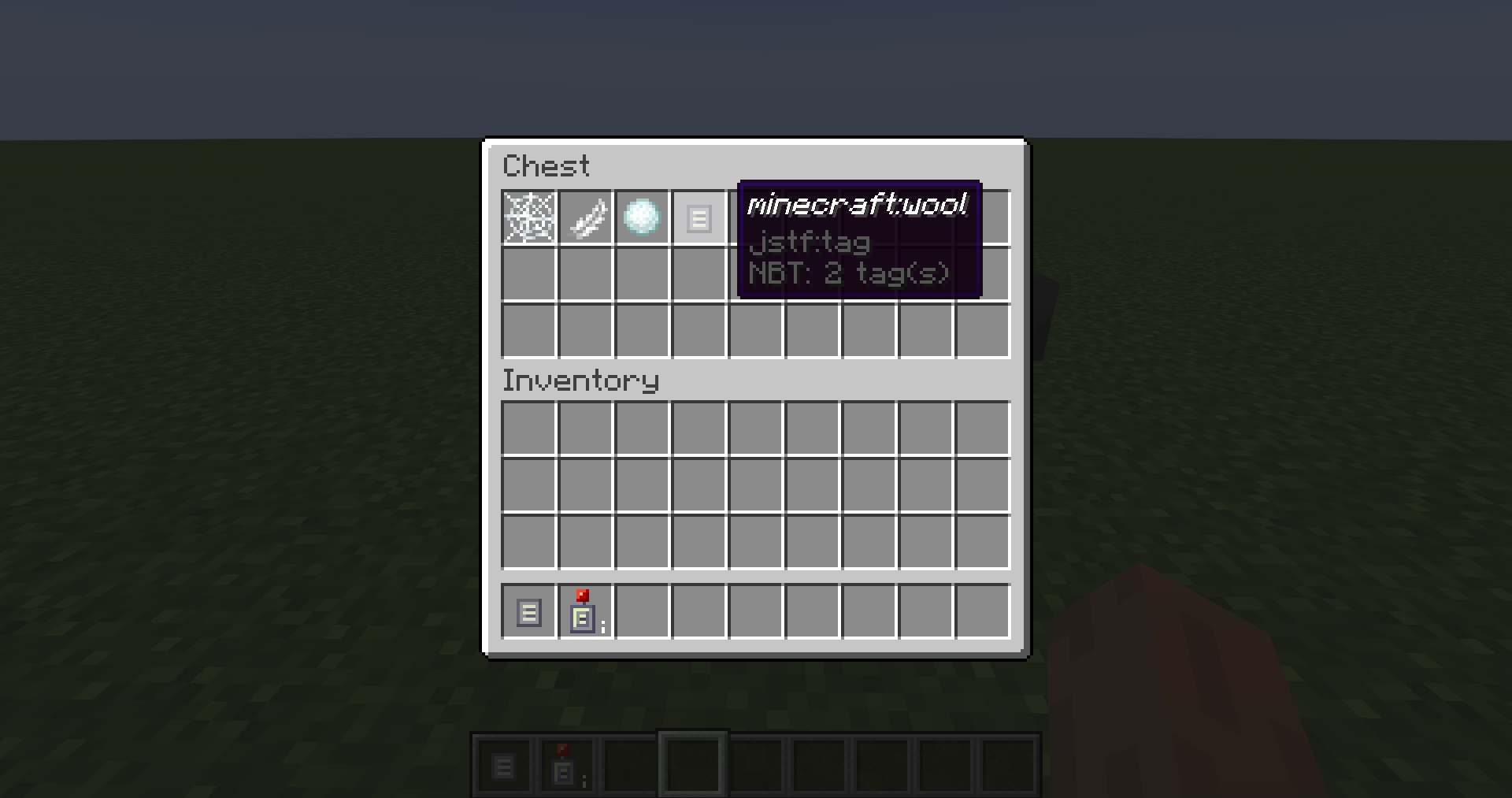
Create Block and Item Tag JSON files by placing the items in a chest and sneak-right-clicking the chest with a Chest Reader. Tags within tags can be created by using the special Tag Placeholder item and naming it after the tag, for example naming it "minecraft:wool" will add the #minecraft:wool tag to your tag.
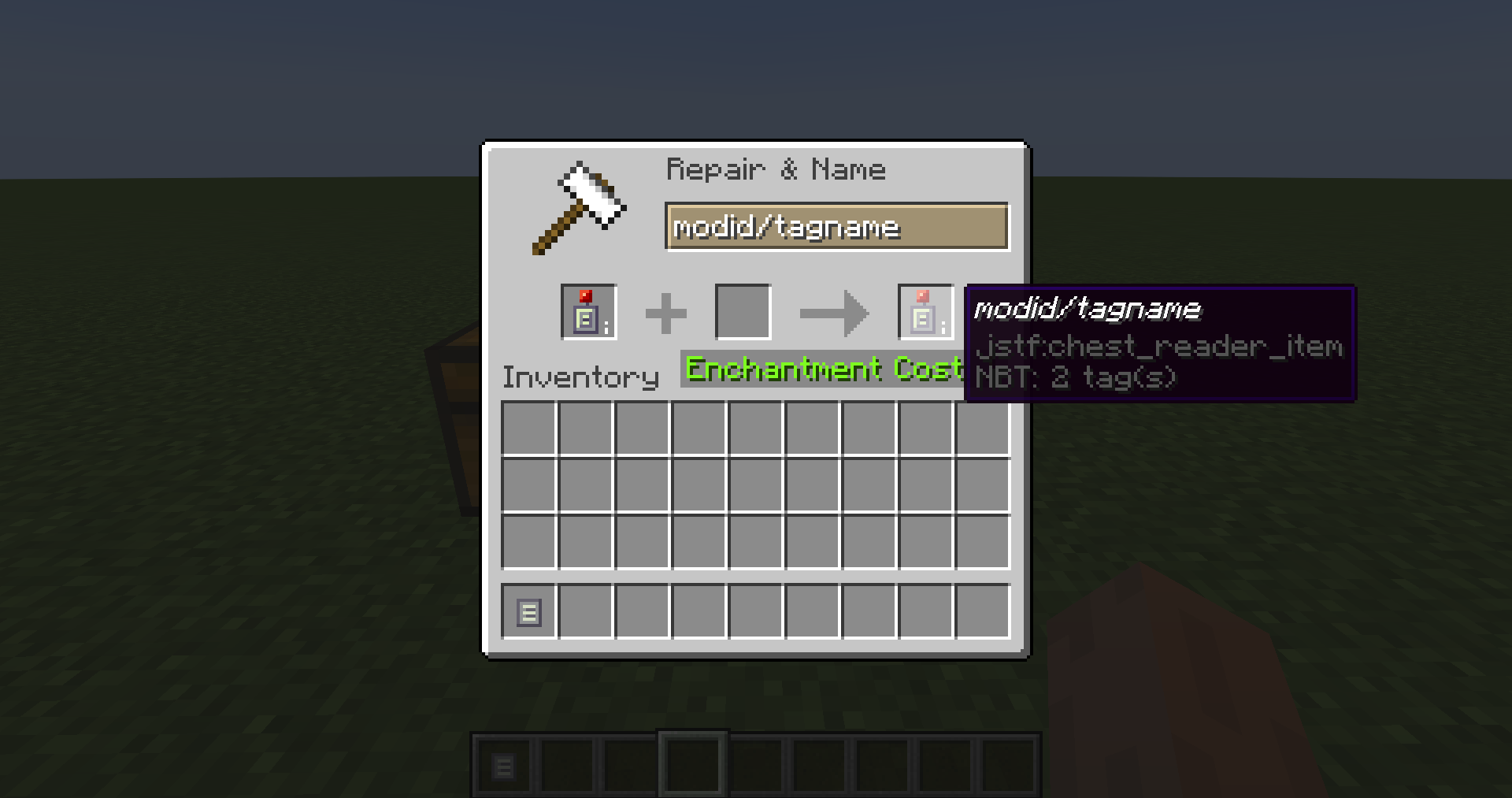
Naming the Chest Reader itself in an anvil will change the name of the file created by the right-click.
Files are placed in config/jstf/. You will need to move or copy them to a datapack of your choice.
More features planned:
- Right clicking blocks in world to add to tag
- Ability to copy a single internal item/block name into the clipboard
- Add additional items/blocks to an existing tag
- Infinite Chest for extra long tags
- Obtain tag placeholder items for all tags an item/block belongs to
- Obtain an inventory of all items/block that a tag contains