Jockey Radio
- By
Mint live radio, streams, and custom audio on Minecraft music discs, then play them through jukeboxes with your friends.
Description
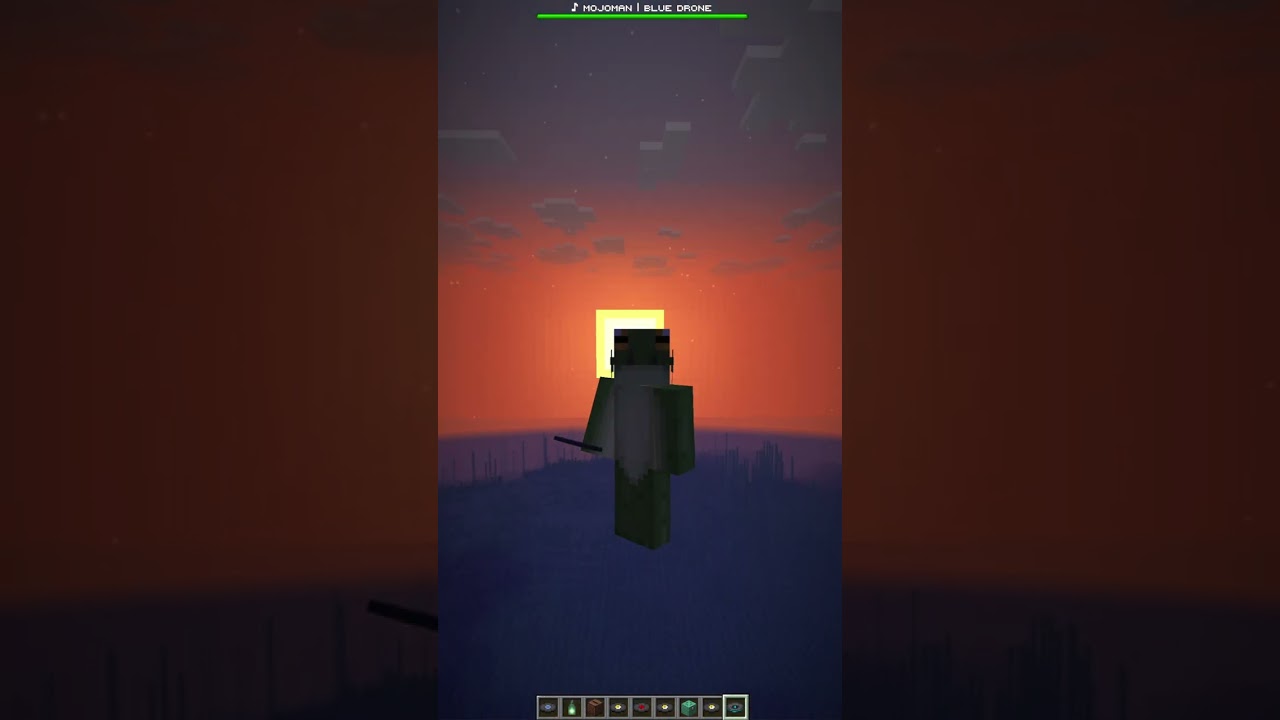
Create a disc, place it in a jukebox, and nearby players hear the audio through Simple Voice Chat (players listen through the standard Simple Voice Chat client).
Jukebox Discs Support Multiple Formats
Each managed radio disc can use one of several source types:
- HLS and internet radio: Play HLS playlists, SavePoint station streams, Icecast streams, HTTP audio, and compatible broadcast endpoints.
- RTMP receive: Turn the Minecraft server into an RTMP ingest endpoint. Broadcast directly from OBS, SavePoint, or alternative broadcasting software/relay.
- Direct URLs and local audio: Play direct audio URLs or loop files managed by the server.
- Native SavePoint integration: Connect a SavePoint station through HLS or push a live SavePoint broadcast into Minecraft over RTMP. The Now Playing API shows the tracks being played in the boss bar.
/jockey UI Launcher
Operators run /jockey to open the server-side disc manager. No client interface mod is required.
From the in-game interface, operators can:
- Create, edit, test, give, and delete radio discs
- Configure an audible radius for each disc
- Customize disc appearance, display name, color, and text style
- Copy RTMP server, stream-key, and full ingest information
- Configure now-playing metadata and marquee templates
- View live, idle, and buffering states
- Manage multiple stations and jukeboxes simultaneously
Radio discs remain ordinary Minecraft music-disc items. Inserting one starts its configured source; ejecting it stops playback.
Requirements
Server
- Minecraft 26.2
- Fabric Loader 0.19.3 or newer
- Fabric API
- Simple Voice Chat 2.6.21 or newer
- Java 25
Client
Players need the normal Simple Voice Chat client and its dependencies.
Scaling
Jockey Radio has not yet been load-tested at large-server scale. Testing currently demonstrates four to six simultaneous audio sources on the development host, but this does not establish a maximum player, disc, station, or jukebox capacity.
Jukeboxes playing the same disc share one upstream audio feed, but each active jukebox still requires its own audio encoder and Simple Voice Chat channel. Overlapping jukebox ranges also increase the audio and network traffic sent to nearby players.
We recommend increasing usage gradually while monitoring server tick time, CPU, memory, network traffic, reconnects, audio interruptions, and Simple Voice Chat quality. These are cautious starting recommendations, not enforced limits or capacity guarantees.
Bundled media tools
For zero-touch installation on Linux and Windows (AMD64) hosting, the release JAR bundles:
- ffmpeg for decoding and RTMP ingest
- yt-dlp for optional platform-link resolution
These executables self-extract into the server configuration directory on first use and require approximately 183 MB of disk space on Linux and 152 MB on Windows. Server operators can disable bundled binaries and provide their own executable paths instead.
The release includes third-party notices and license texts. Jockey Radio invokes these tools as separate processes and does not bundle or modify Simple Voice Chat.
Platform links and rebroadcasting
Platform-link resolution is an off-by-default configuration option.
It is disabled unless a server operator explicitly sets enablePlatformLinks. Before doing so, the operator must review the Terms of Service of every source platform they intend to use and confirm they hold the rights to rebroadcast the selected content. Enabling the setting is the operator's explicit acceptance of that responsibility. Jockey Radio distributes no audio, grants no rebroadcasting rights, offers no warranty for platform-link sources, and is not affiliated with or endorsed by any of those platforms. Jockey Radio cannot guarantee that a platform-based source disc will not break over time due to changes in a platform's CDN service behavior.
Setup and support
- Project page on gbti.network
- User setup guides
- SavePoint connection guide
- Source repository
- Issue tracker
AI disclosure
Jockey Radio is developed by the GBTI Network, a team with over 20 years of combined experience in product and application development.
We use modern AI coding tools (Claude Code, Codex, and OpenClaw) as assistants in our workflow.
License
Jockey Radio is a GBTI project distributed under an All Rights Reserved license.
Jockey Radio Team