Jarvis: AI Butler
- By
Jarvis is an AI butler for your world . Equal parts Alfred and Iron Man's JARVIS. Summon him with a bell and he runs your errands, hunts, fishes, and more! Powered by the AI provider of your choice .
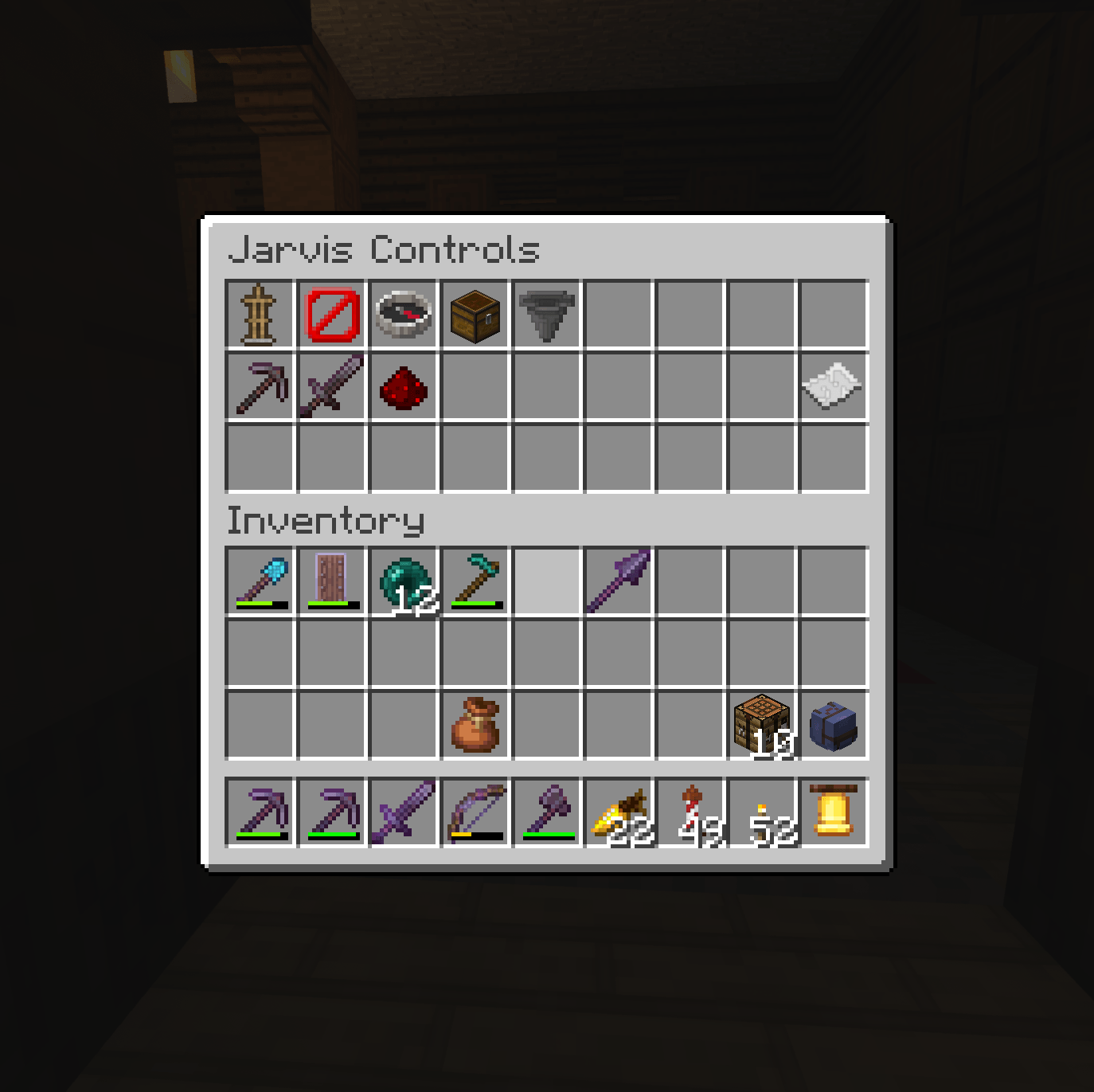
Jarvis menu.png
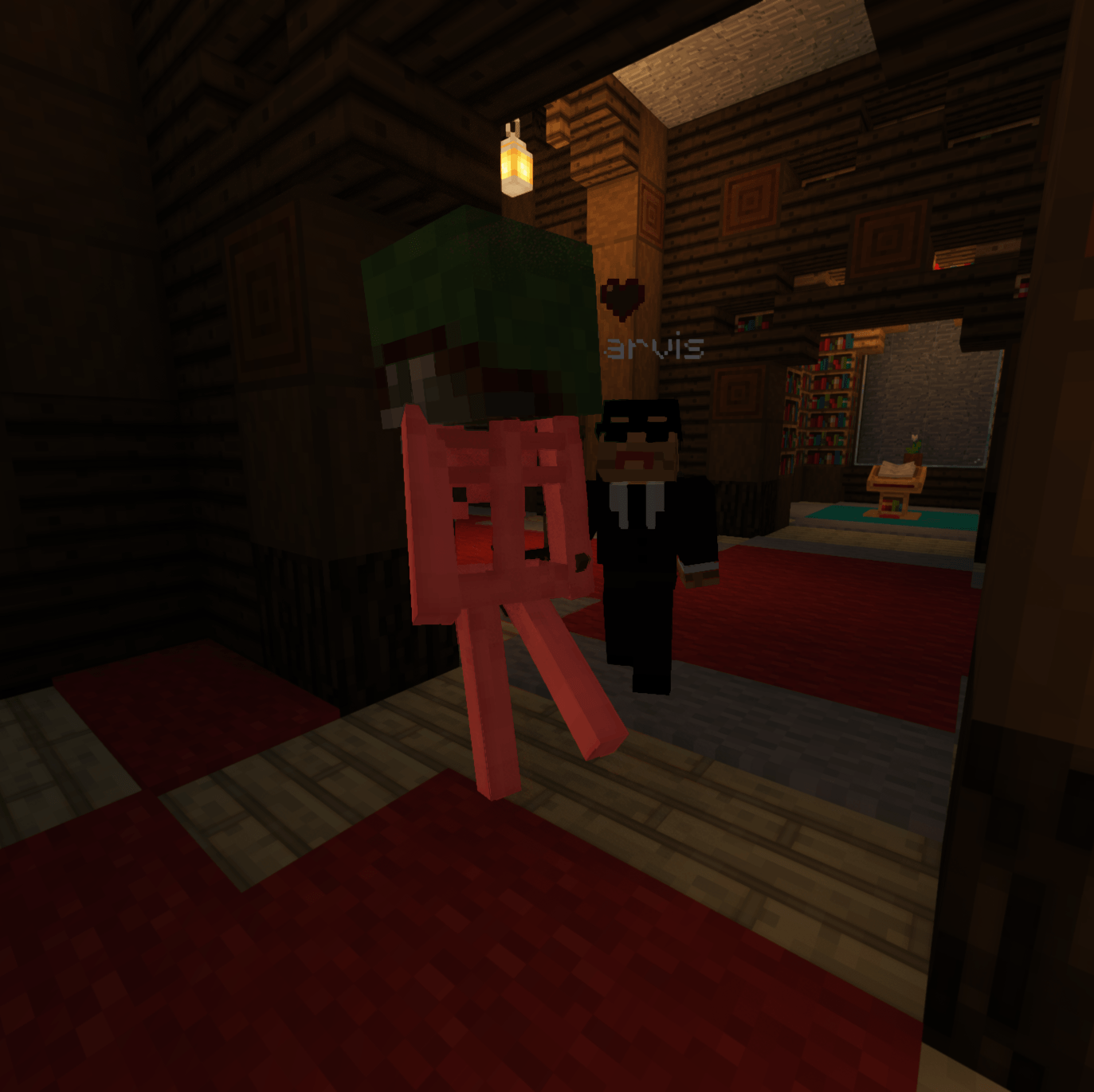
Jarvis attacks.png
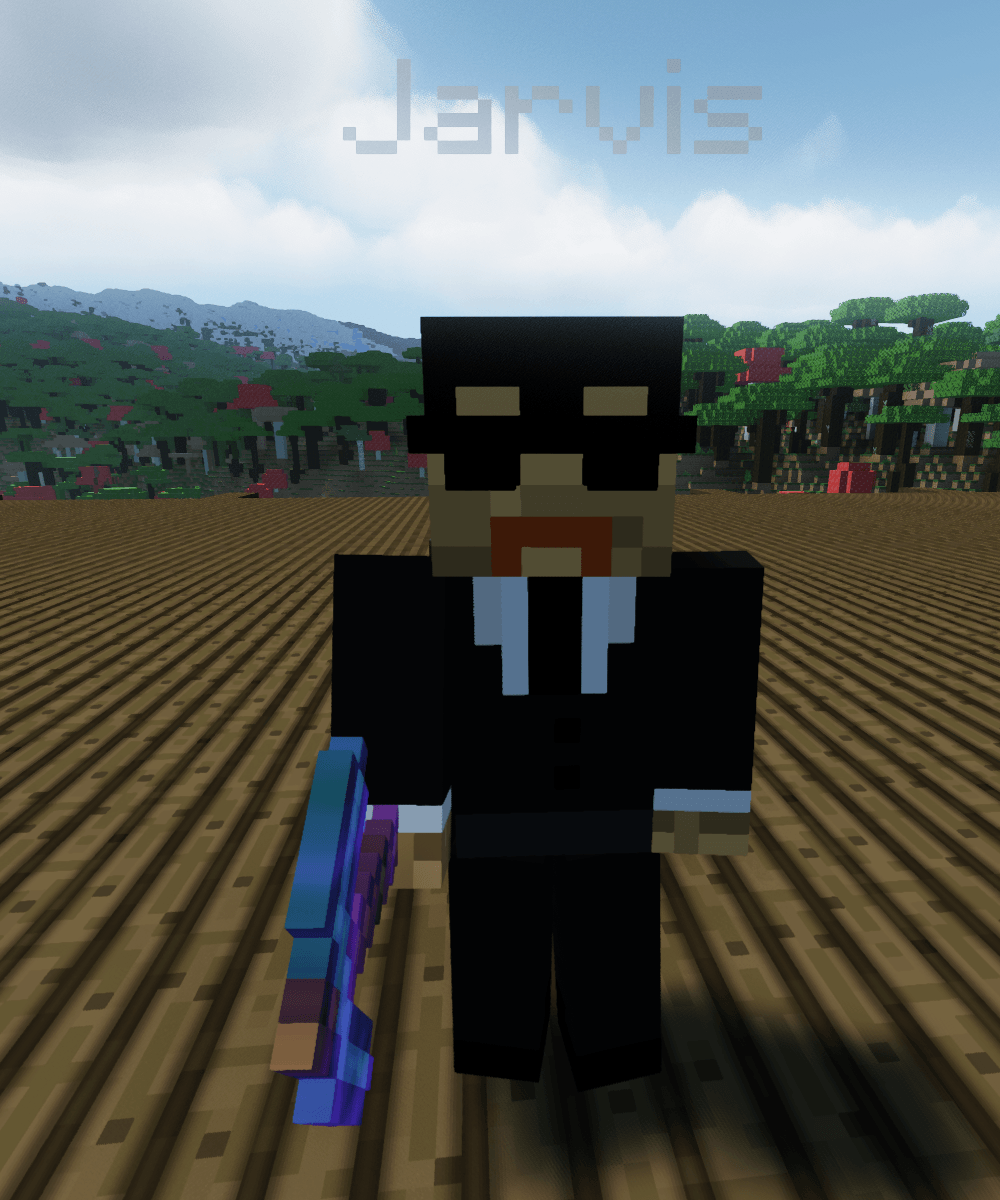
Jarvis2.png
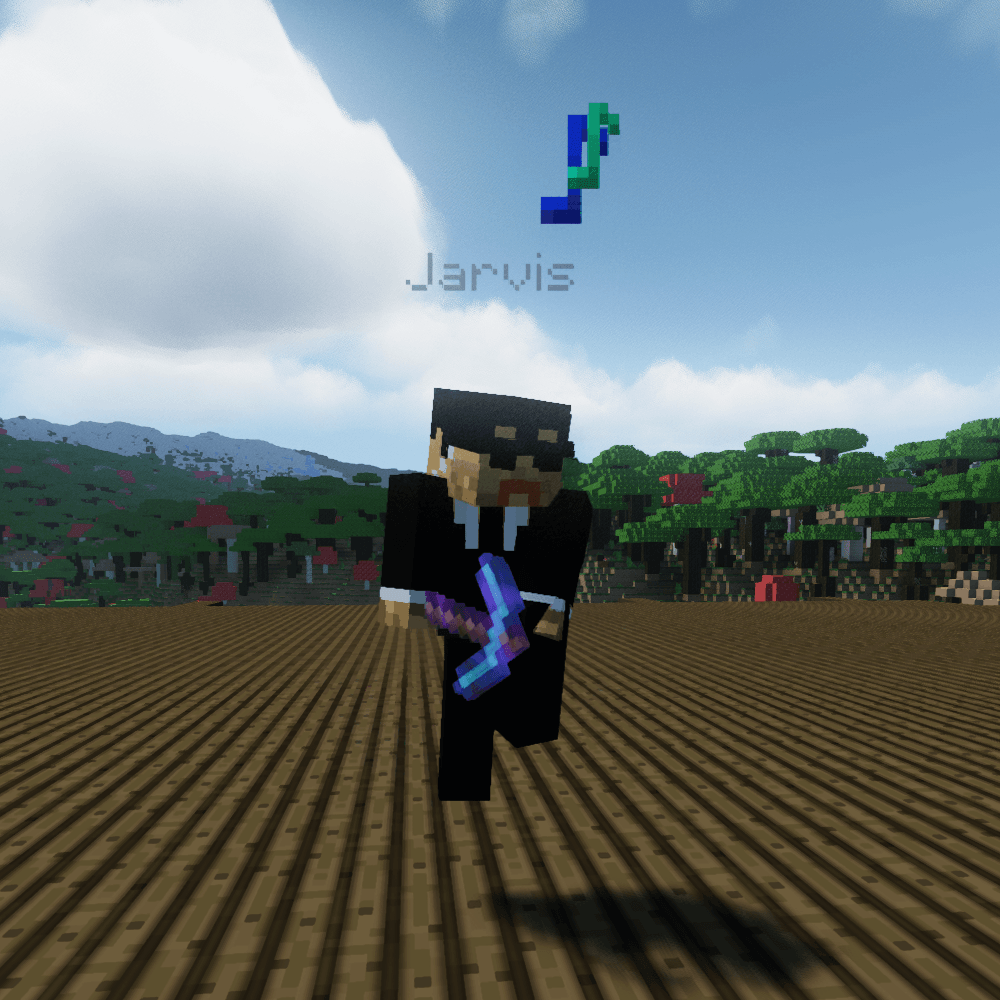
Jarvis Dances.png
Description
Jarvis — Your AI Butler for Minecraft
"Very good, sir. I shall see to the excavation."
Jarvis is an AI butler for your world — equal parts Alfred and Iron Man's JARVIS. Summon him with a bell, talk to him in plain English, and he mines, guards, farms, fishes, fells trees, builds, fetches your death drops and runs your errands. Powered by the AI provider of your choice — including fully local Ollama on your own hardware, no cloud required.
This is the Fabric and NeoForge mod. It is the same butler as the long-running Paper plugin, with the same commands and the same config file.
It runs on the server. Install it on a dedicated server, or in your own game for single-player.
🆕 New in 0.18.0
- AI with no keys: Jarvis Cloud.
/jarvis cloud activate, press Activate on the page it opens, done. Free credits every month and a two-week trial; one paid plan, from $15 a year, covers all your servers: jarvis-cloud.app. Entirely optional: your own key and Ollama work exactly as before. - He remembers what each player told him, even after a restart.
- Builds preview first with particles and wait for your yes.
/jarvis undotakes down any job, AI build or schematic paste. - No summoning first. Ask for a job and he comes.
- New players get a welcome and a short tutorial.
- Faster: simple orders skip the AI entirely, and replies stream in.
- Safer: an action the AI picks (console commands, items, time, weather) runs only for players with
jarvis.admin. - Voice models download only when an admin asks (
/jarvis voice download). Models you already have keep working.
✨ What he does
⛏️ He actually mines — properly
No teleport-cheating, no instant block deletion. Jarvis walks on his own A* pathfinder, opens doors, swims, climbs ladders, and breaks blocks at tool speed through the game's own code — so protection mods see an ordinary player breaking a block. He digs real 1×2 tunnels to reach buried ores, staircasing down and back up like a player would.
/jarvis mine [ore]— hunts nearby ores ("jarvis, mine diamonds")/jarvis mine here— digs a complete branch mine: staircase to diamond level, torch-lit main gallery, branch tunnels on a grid, lava pockets sealed with cobblestone
🛡️ He guards you
/jarvis guard [passive|defensive|aggressive]— bodyguard with stances; he never chases a skeleton into the night/jarvis watch— holds a post and clears spawns while you sleep/jarvis patrol— walks a waypoint circuit you set, armed- Threat callouts — "Creeper, behind you, sir!"
- He picks the weapon for the situation — sword in close, trident underwater, bow at range, and he will not loose an arrow through you
🧳 He carries, farms and fetches
- Follows you, picks up loot, and hands you food or a spare tool when you need one
/jarvis chest— registers a chest; he delivers his cargo when his bags fill/jarvis recover— travels to where you died, collects everything, and brings it back/jarvis farm//jarvis tend//jarvis chop//jarvis fish— harvests and replants, fells whole trees, fishes/jarvis home— escorts you back to your home point, lighting the road/jarvis portal— leads you to the nearest nether portal he has seen, and tells you where any portal comes out on the other side
💬 Just talk to him
"jarvis, dig a mine here" · "protect me" · "take me home" · "get my stuff back" · "how are things?"
He remembers what each player told him, even after a restart, so "do that again" and "where did I say my base was?" both work. He also knows your health, what you're holding and what's nearby, so "what should I do?" gets a real answer.
🤖 Bring your own AI — or keep it all local
Chat goes to Ollama first (your own machine) with a cloud fallback; build planning goes to the cloud first (Claude / OpenAI / Grok / Gemini) with Ollama as the fallback. Running only Ollama is fully supported. Set it up from Admin → AI setup in the bell menu, or /jarvis ai.
No keys at all? Jarvis Cloud. /jarvis cloud activate, press Activate on the page it opens, and he sets himself up. Every server gets free credits each month and a two-week trial (a chat uses about half a credit); one paid plan, from $15 a year, covers all your servers: jarvis-cloud.app. Entirely optional: Jarvis never contacts it unless you run that command, and your own key or Ollama works exactly the same.
🏗️ He designs and builds
Describe a structure — /jarvis build a small stone cottage with a wooden roof, or Building → Custom build in the bell menu — and the AI designs it as walls, floors, doors, beds and pitched roofs, which he then builds block by block. Walls come out whole, doors have both halves, roofs close their gables, and houses come furnished: bed, chest, crafting table, light. Or drop .schem / .litematic files into his library and ask for "a house" — he picks the best match and pastes it.
Every AI build shows a particle preview and waits for your yes; dangerous blocks are refused and size and distance are capped. /jarvis undo takes down the last job, AI build or schematic paste, even after a restart.
🎙️ He listens, and he answers
With Simple Voice Chat, talk to him out loud. Speech recognition (whisper.cpp) and his voice (Piper) run inside the server — nothing else to host. Turn it on from Admin → Voice setup or /jarvis voice enable.
🎖️ He earns his kit
He starts Hired, with an iron pickaxe, and works up to Without Equal, earning better tools, enchantments and abilities from what he has actually done for you. /jarvis rank shows his service record.
🔍 What Jarvis sends, downloads and costs
AI. Natural-language chat and freeform building use a generative AI model you choose: Ollama on your own machine, or Claude, OpenAI, Grok or Gemini with your own key, or Jarvis Cloud. Without one, every slash command still works.
What goes to the AI. Only when a player talks to Jarvis or asks for a build, and only to the provider you set up:
- what the player said, plus their last few turns with Jarvis (
ai.conversation.recent-turns, 8 by default) - a short snapshot of their situation (
ai.context.level, 2 by default): health, food, held item, game mode, biome, height, time, weather, and what Jarvis is doing and carrying. Level 3 adds nearby hostile mobs and the names of players within 32 blocks; level 0 sends none of it - the server facts and named places you write in
knowledge.yml
Nothing is sent on its own: no telemetry, no analytics, no update check. With Ollama, nothing leaves your network.
Jarvis Cloud (optional, paid after the free credits). It only runs after an admin runs /jarvis cloud activate. Requests then go to Anthropic's Claude through Jarvis Cloud on Cloudflare. Its database keeps request and token counts per license, for billing, not what was said. Every feature works the same with your own key or Ollama; the plan only pays for the AI requests.
Downloads after install.
- Paper only: on first start, Paper fetches GraalJS (about 60 MB) from Maven Central into
libraries/, through the plugin'slibraries:list. It runs the build scripts the AI writes, in a sandbox with no file, network or Java access. If it can't be fetched, Jarvis still loads and builds use the simpler planner. - Voice models (about 210 MB, from huggingface.co): never fetched on their own. An admin runs
/jarvis voice download, sees the files, the size and the folder, and confirms. Or download them yourself and drop them inplugins/Jarvis/models.
Files Jarvis writes: his config and data in plugins/Jarvis/ (config/jarvis/ on the mods), saved schematics, and the voice models above. Nothing outside the server folder.
AI-generated code. Jarvis was written with heavy help from an AI coding assistant, under human design, review and live testing. The source is on GitHub.
📋 Requirements
| Fabric | NeoForge | |
|---|---|---|
| Minecraft | 26.3 | 26.3 |
| Loader | Fabric Loader 0.19.5+ | NeoForge 26.3.0.x |
| Also needs | Fabric API | — |
| Java | 25 | 25 |
Optional: Simple Voice Chat for voice, and an AI provider — any one of Ollama, Claude, OpenAI, Grok, Gemini or Jarvis Cloud. Without one, every slash command still works; you only lose natural-language chat and freeform building.
How the mod differs from the plugin
- He is a server-side fake player rather than a Citizens NPC — a real entity that the game and other mods treat as a player, wearing the skin of the Mojang account named Jarvis.
- Admin means operator; there are no permission nodes.
- Schematics paste from
config/jarvis/schematics/(.schem,.schematic,.litematic), but saving and rotating them needs WorldEdit, so those are plugin-only. - Config lives in
config/jarvis/.
About the file size
The jar is about 100 MB because it carries the speech engine for Linux, Windows and macOS, so voice works with nothing else installed. It is only loaded if you turn voice on. The two voice models (about 210 MB) are never fetched on their own: /jarvis voice download lists them and fetches them when you confirm.
🚀 Quick start
- Put the jar in
mods/(with Fabric API on Fabric) and start the server /jarvis bell, ring it, Admin → AI setup, pick a provider/jarvis summon→ look at a chest →/jarvis chest→/jarvis mine here/jarvis helpfor everything else
Wiki: github.com/iamgadgetman/jarvis/wiki · Source & issues: github.com/iamgadgetman/jarvis · Changelog
Ring the bell. Someone impeccable appears. 🔔
Jarvis: AI Butler Team