


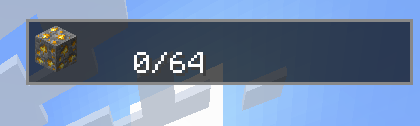
Tracker (top right)
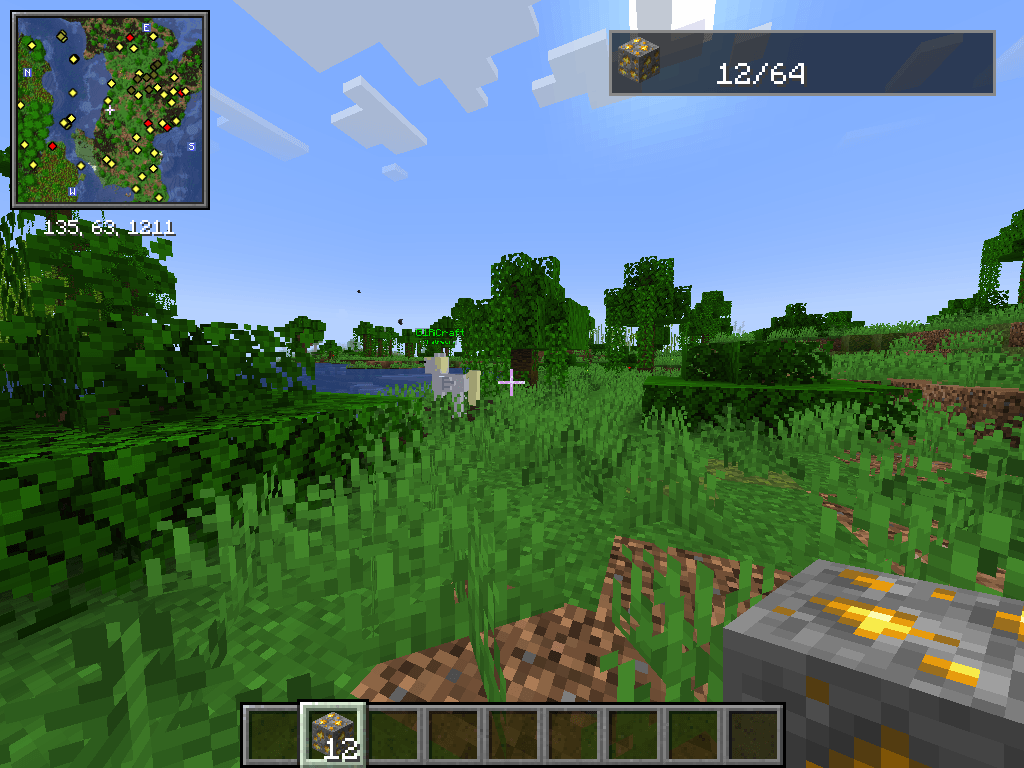
12/64
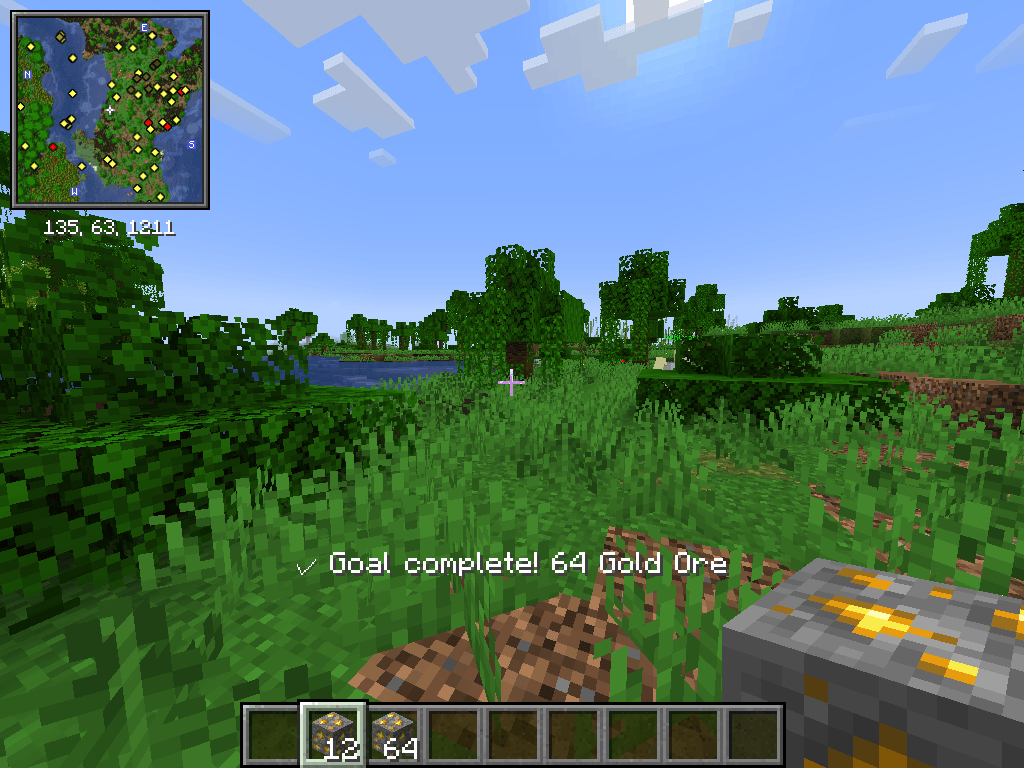
completed goal text
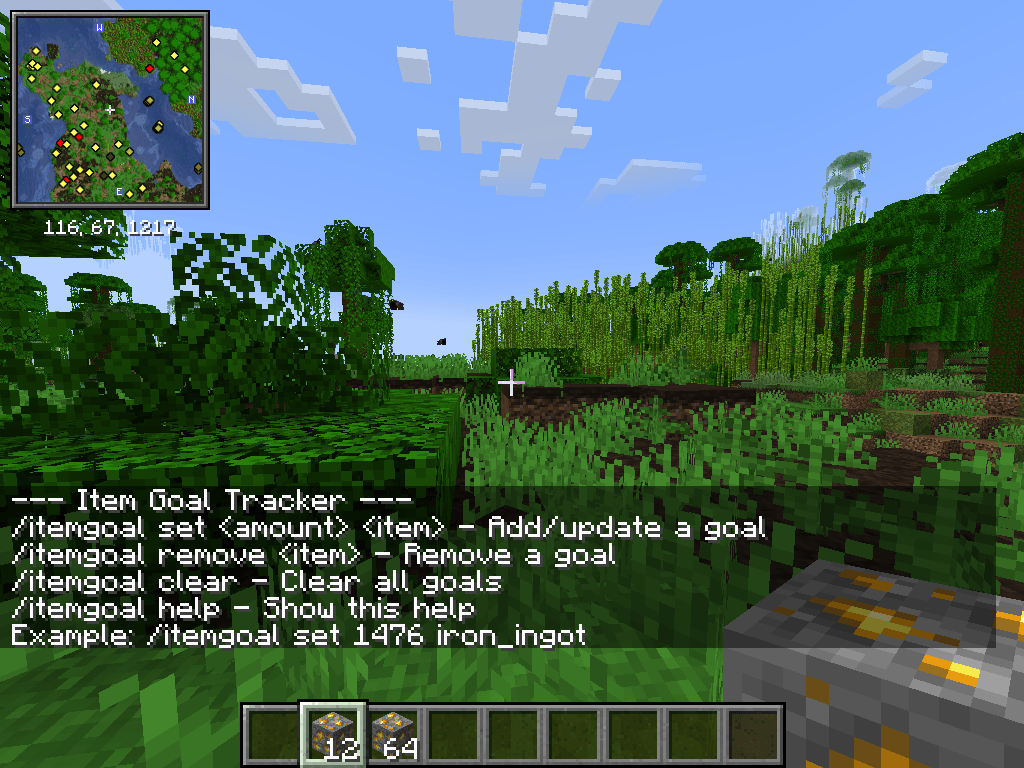
/itemgoal help
Description
Visual Item Goal Tracker!
A lightweight HUD that tracks item collection goals for Minecraft.
Features:
- Set goals for any item, including modded ones, with tab-completion and display-name tooltips
- Goal editor popup — hover any item and press a key to set its goal directly, no typing required
- JEI integration (optional) — works with items hovered in JEI's ingredient list, bookmarks, and recipe screens
- HUD overlay in the top-right corner showing each goal's icon and a live `current/goal` count
- Automatic tracking of your main inventory and offhand, updated in real time, including items counted server-side for supported storage mods
- Goal complete triggers an on-screen message and removes the goal automatically
- Persistent goals saved to a config file, restored on relaunch
- Works on any server — full functionality in singleplayer and on servers running this mod; falls back gracefully to inventory-only counting elsewhere
Setting a goal:
With the popup (recommended):
Hover any item — in your inventory, in a chest, in JEI's ingredient list or bookmarks, or in a JEI recipe screen — and press **G** (default, rebindable under Options → Controls → Key Binds → Item Goal Tracker) to open the goal editor:
- The amount box pre-fills with the item's current goal, or `1` if it has none.
- `[-]` / `[+]` step the amount by 1. Hold **Shift** to step by 10, or **Ctrl** (or **Cmd** on macOS) to step by 64.
- Confirm sets the goal to the entered amount. Entering **0** and confirming removes the goal.
- Enter confirms, Esc cancels.
[JEI] is entirely optional — the popup works without it, just from vanilla inventory and container slots. If JEI is installed, it also picks up items hovered in JEI's search list, bookmarks, and recipe views.
With commands:
| Command | Description |

| /itemgoal set <amount> <item>` | Add or update a goal (e.g. `/itemgoal set 64 iron_ingot`) |

| /itemgoal remove <item>` | Remove a goal |

| /itemgoal clear` | Remove all goals |

| /itemgoal help` | Show usage help |
Item names default to the `minecraft:` namespace if no namespace is given, and tab-completion works across all registered items, vanilla or modded.
If you set a goal for an item you already have enough of, it completes — and disappears — immediately.
Please do not contact the original mod author with any request, I am happy to answer any question on the github as an issue.
Please do not contact the original mod author with any request, I am happy to answer any question on the github as an issue.
The Item List Neoforge Port Team

![[JEI] Fuel Tab for Create Aeronautics project image](https://media.forgecdn.net/avatars/thumbnails/1950/279/256/256/639209114134475457.png)