
InvisSee Detector
- By
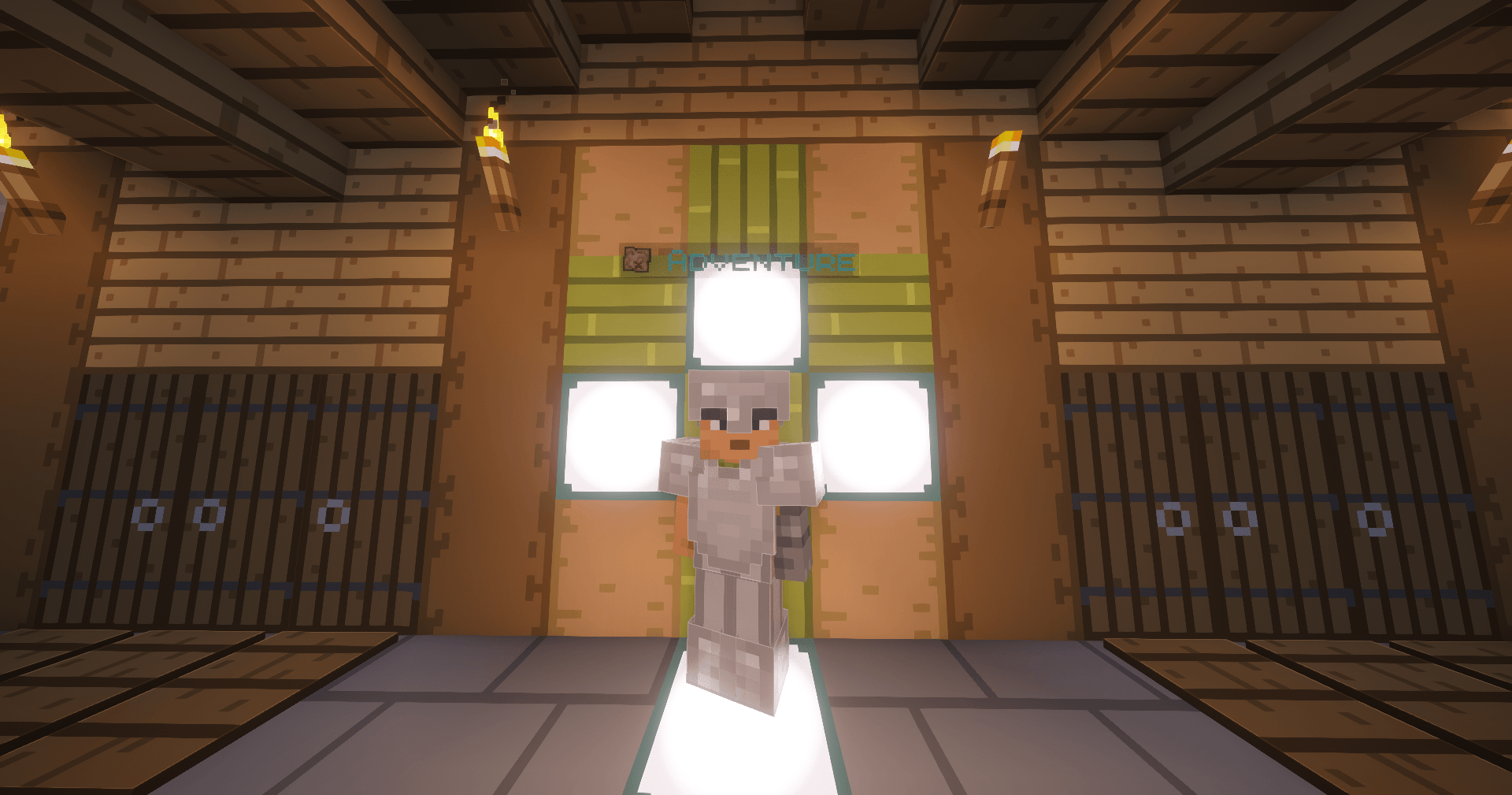
Adventure players get an aqua label with a map icon above them.
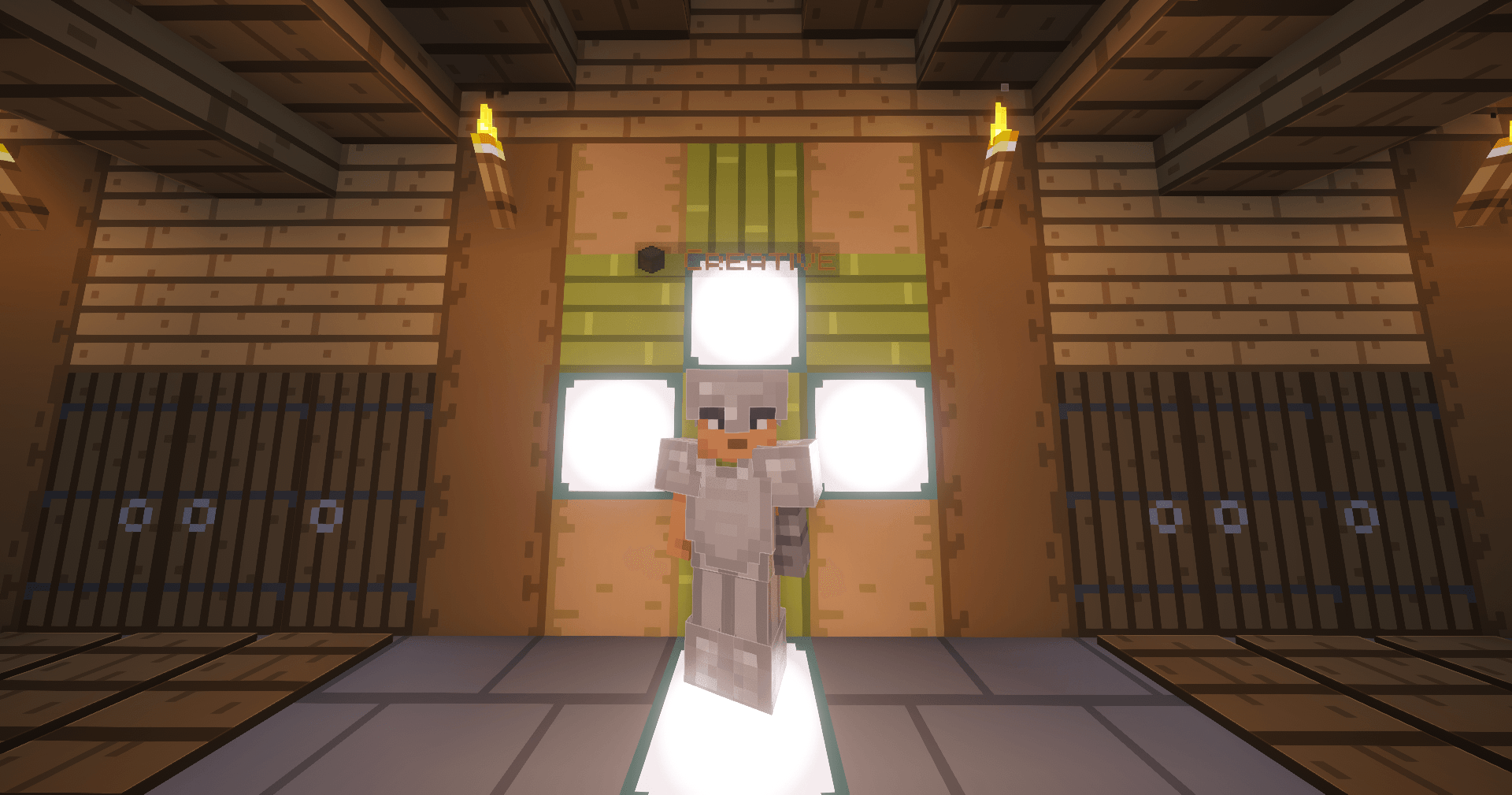
Description: Creative players get an orange label with a block icon above them, so builders are easy to spot.
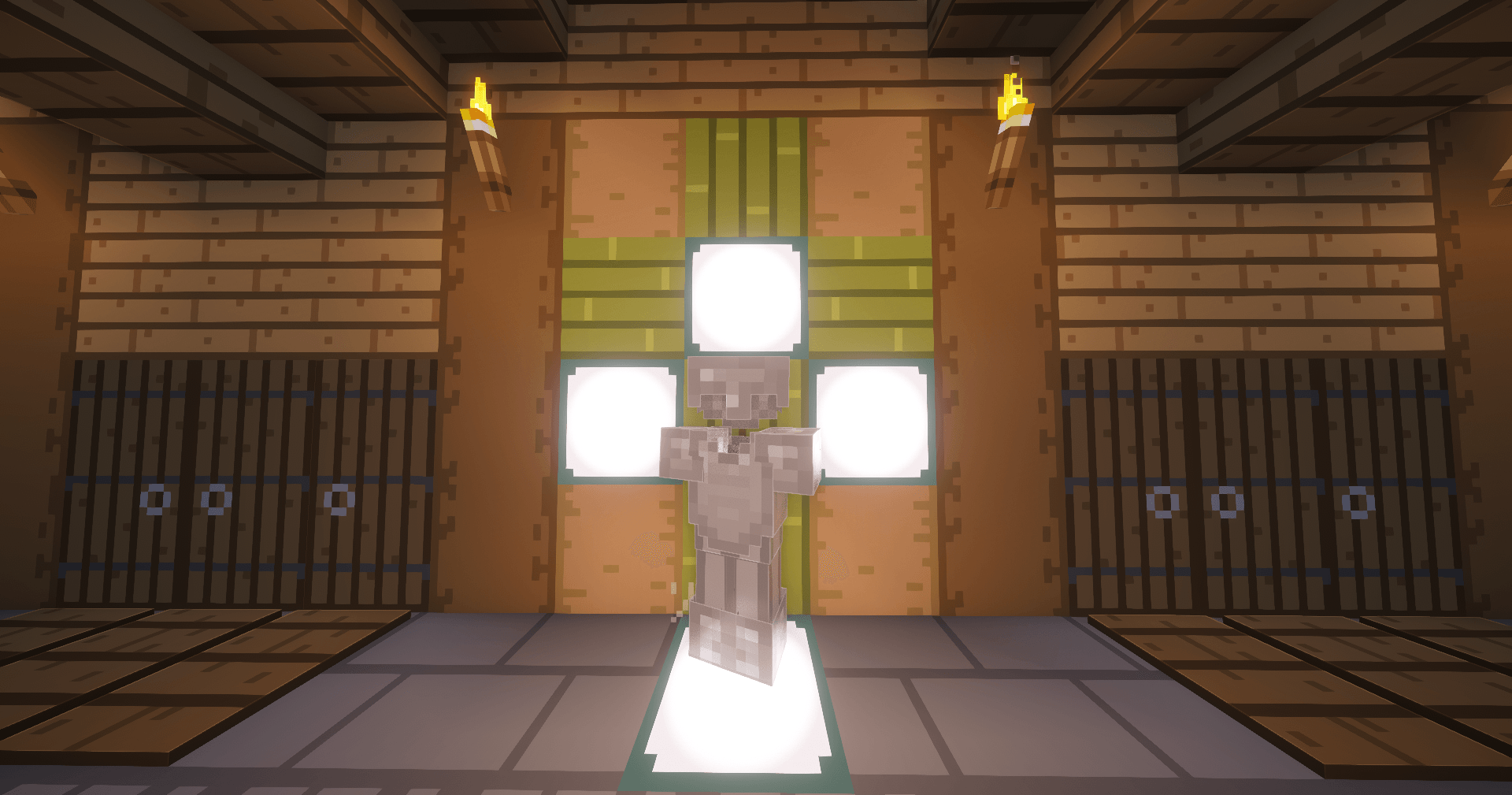
With invisibility off, the player looks normal, with their regular skin and armor. Only the game mode label appears above them.
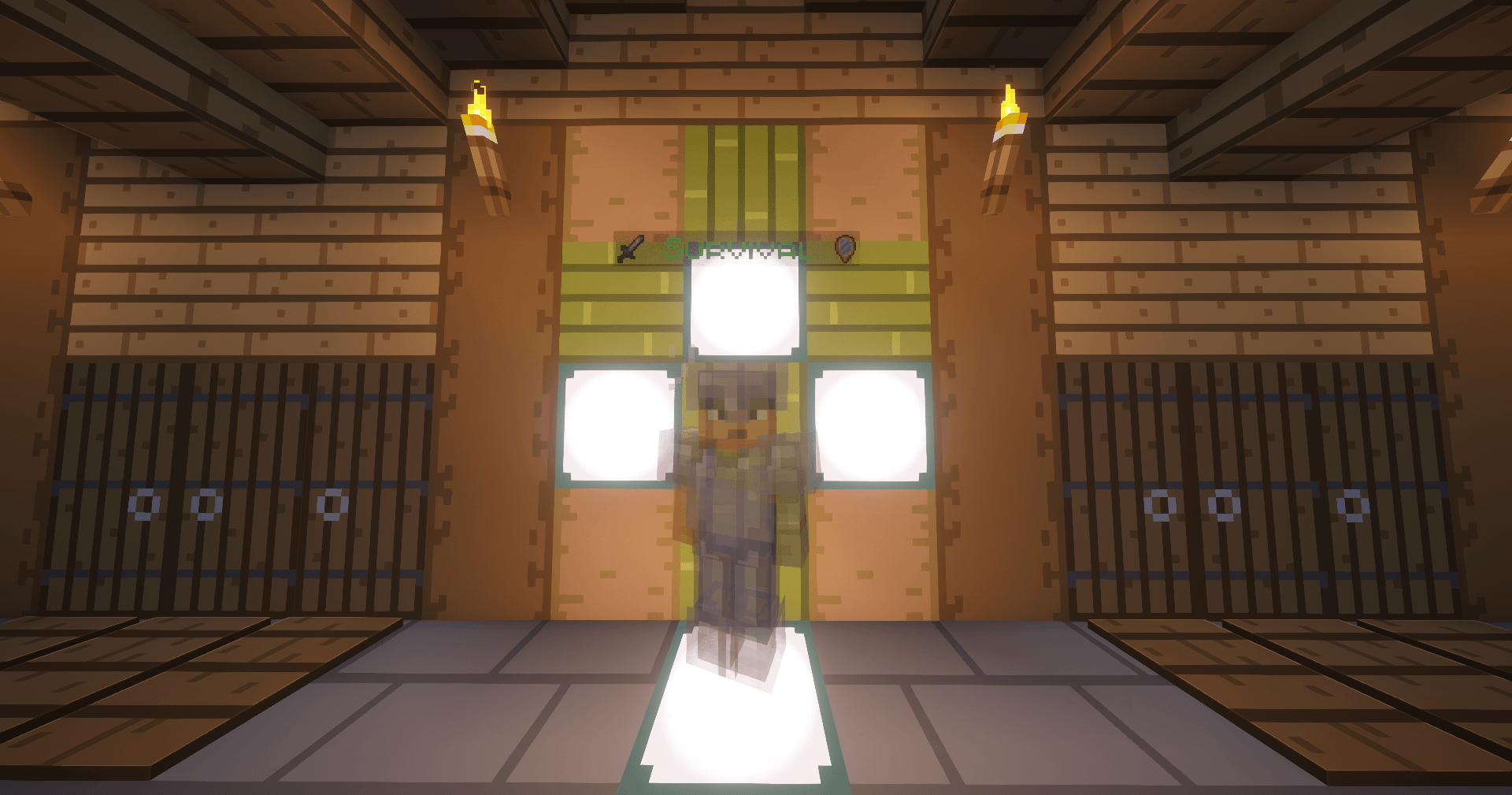
Invisible players also appear as translucent holograms, with armor and held items visible. An invisibility icon appears next to their mode label.
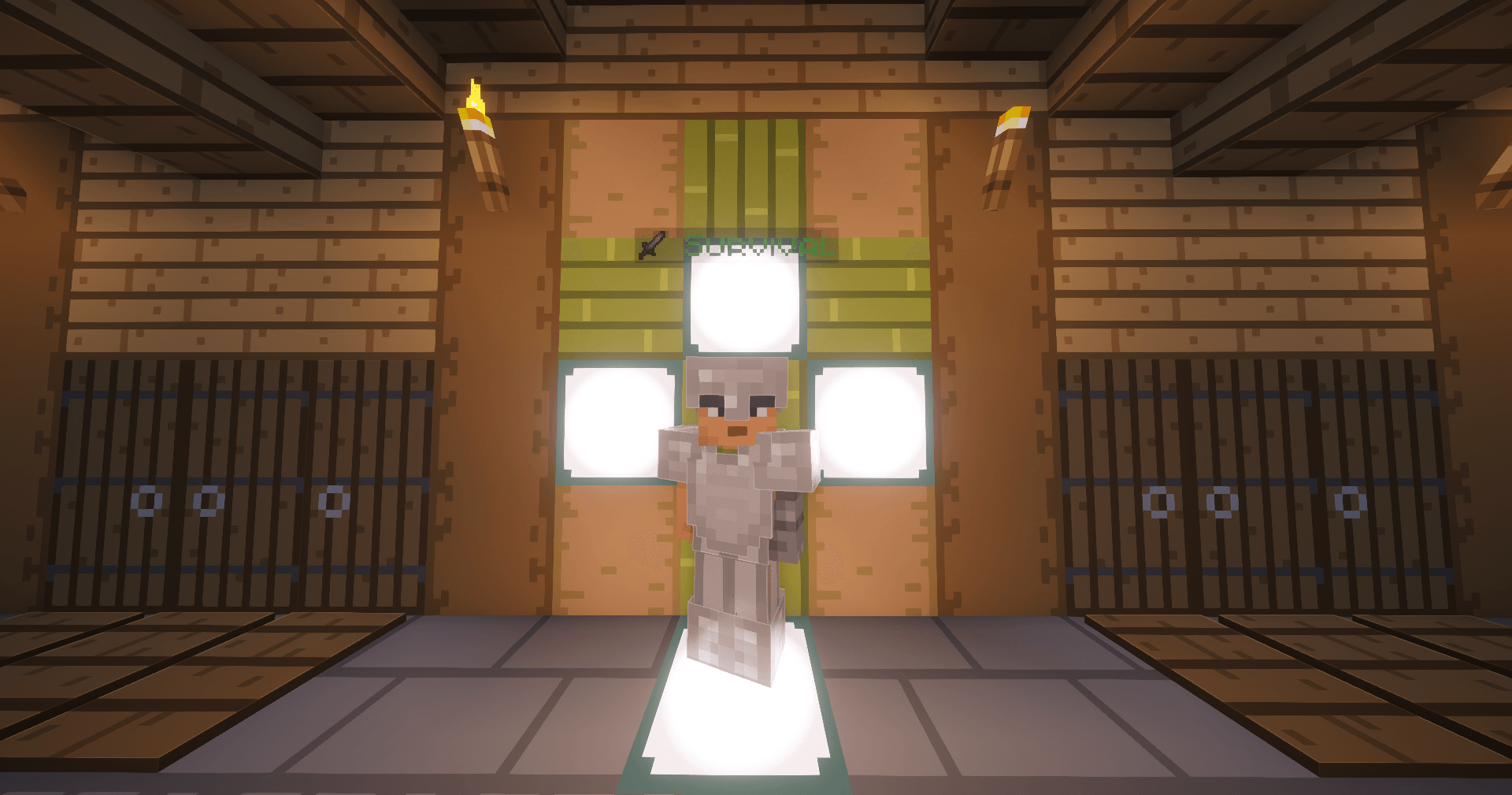
Survival players get a green label with a sword icon above them, so you can tell at a glance who’s in Survival.
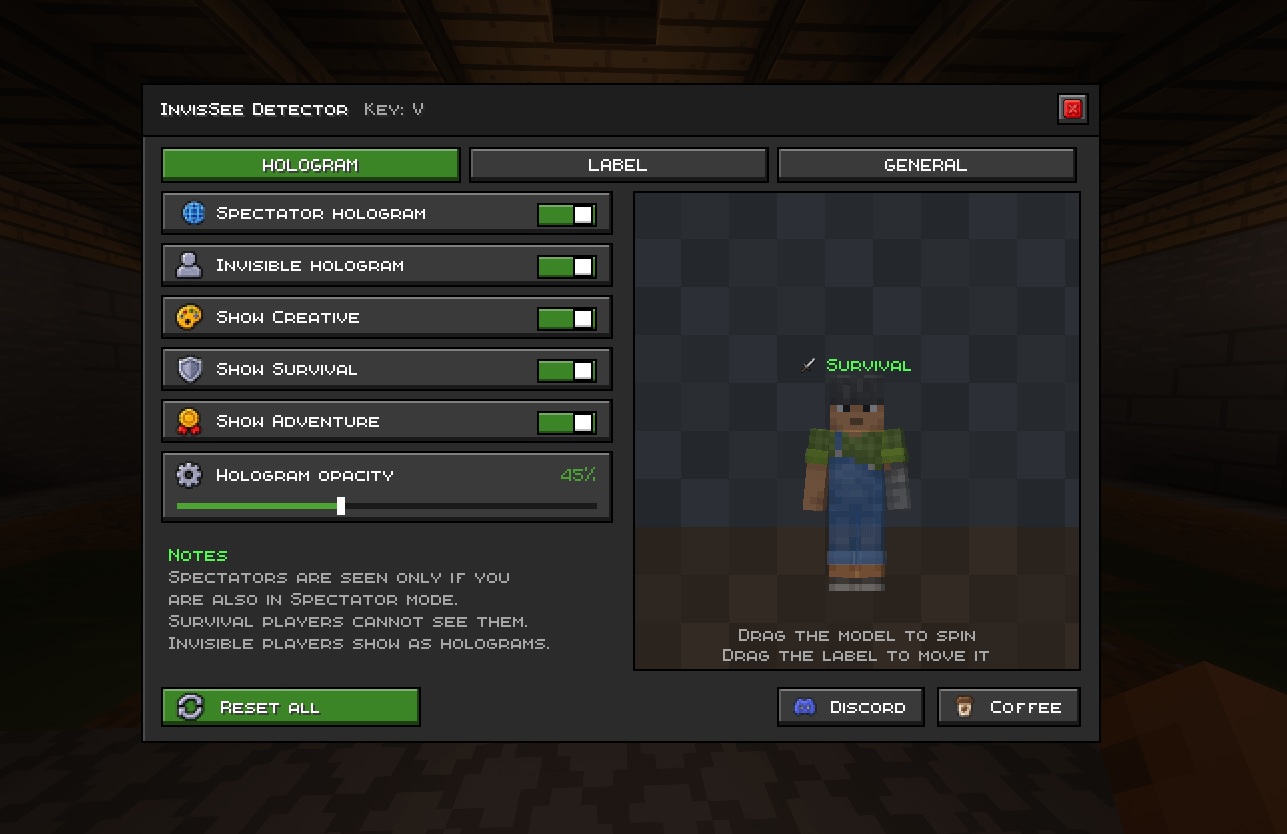
Choose when spectator and invisible players show as holograms, and which modes stay visible. Adjust hologram opacity (default 60%). A short note explains that spectators are only seen by other spectators, and survival players can’t see spectators at all.
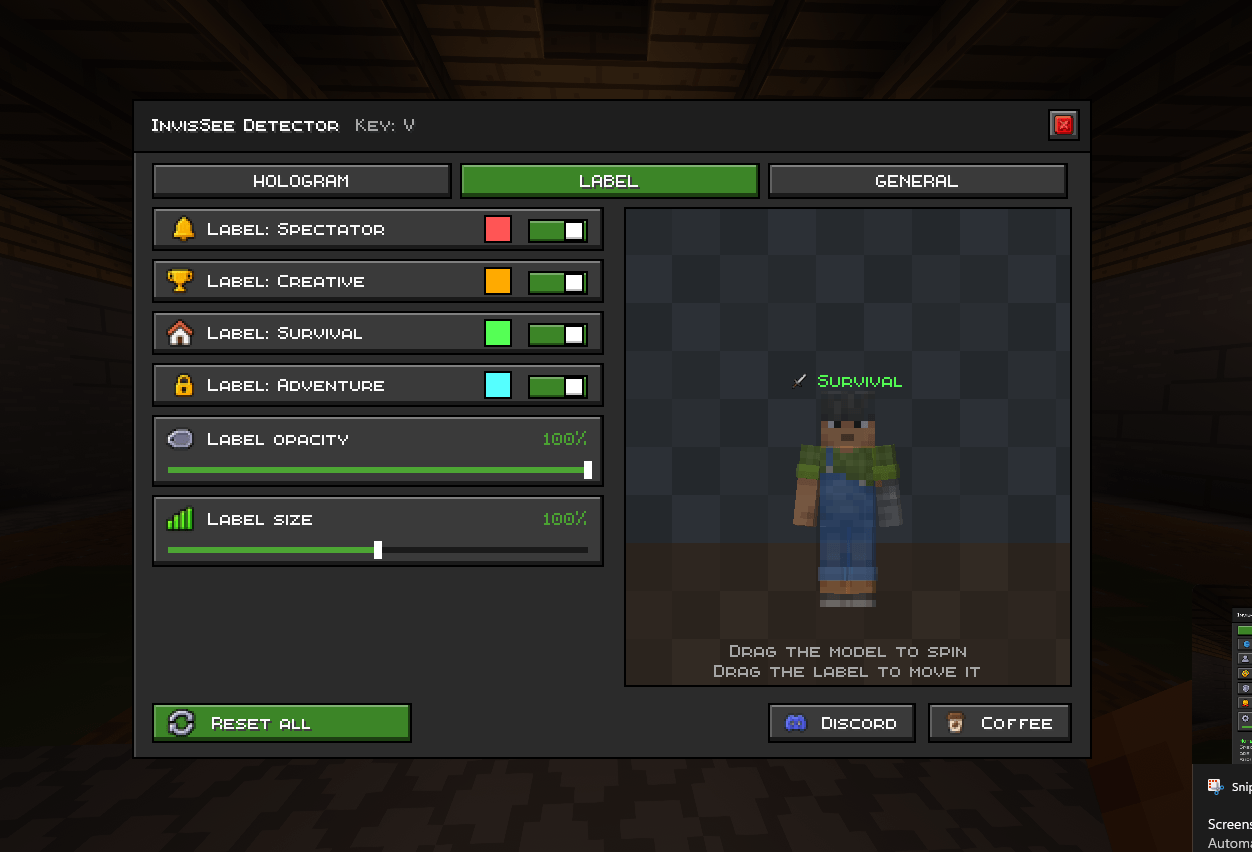
Turn the game mode label on or off for Spectator, Creative, Survival, and Adventure. Pick each label’s color, and adjust its opacity and size. Drag the label in the preview to move it.