Immersive Day Counter
- By
Adds an on-screen day counter with announcements, sounds and advancements for days 1, 100 and 1000.
Support 3C Team Mods & Get A Discount
Create a server, get 25% off your first month

Immersive Day Counter
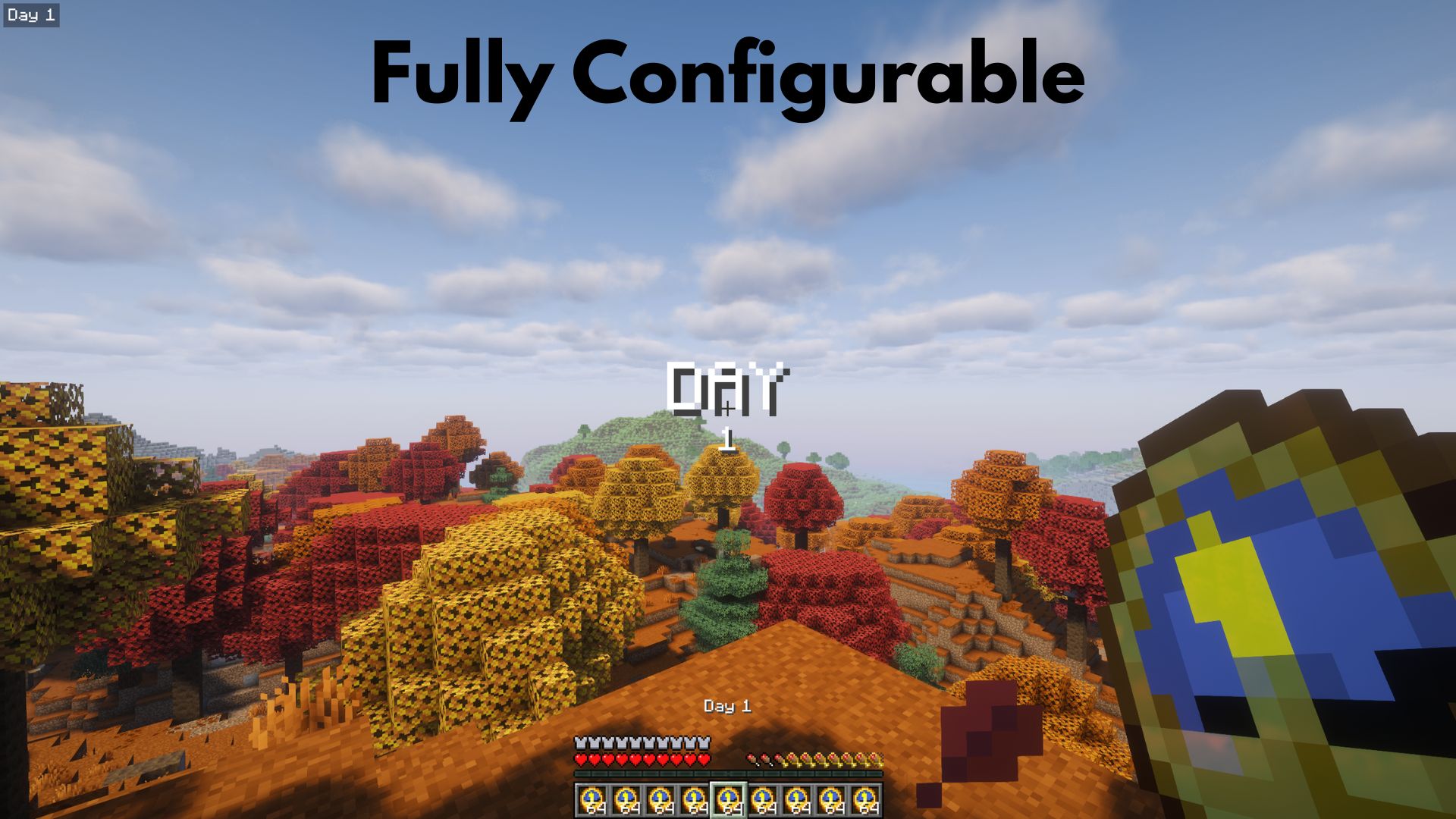
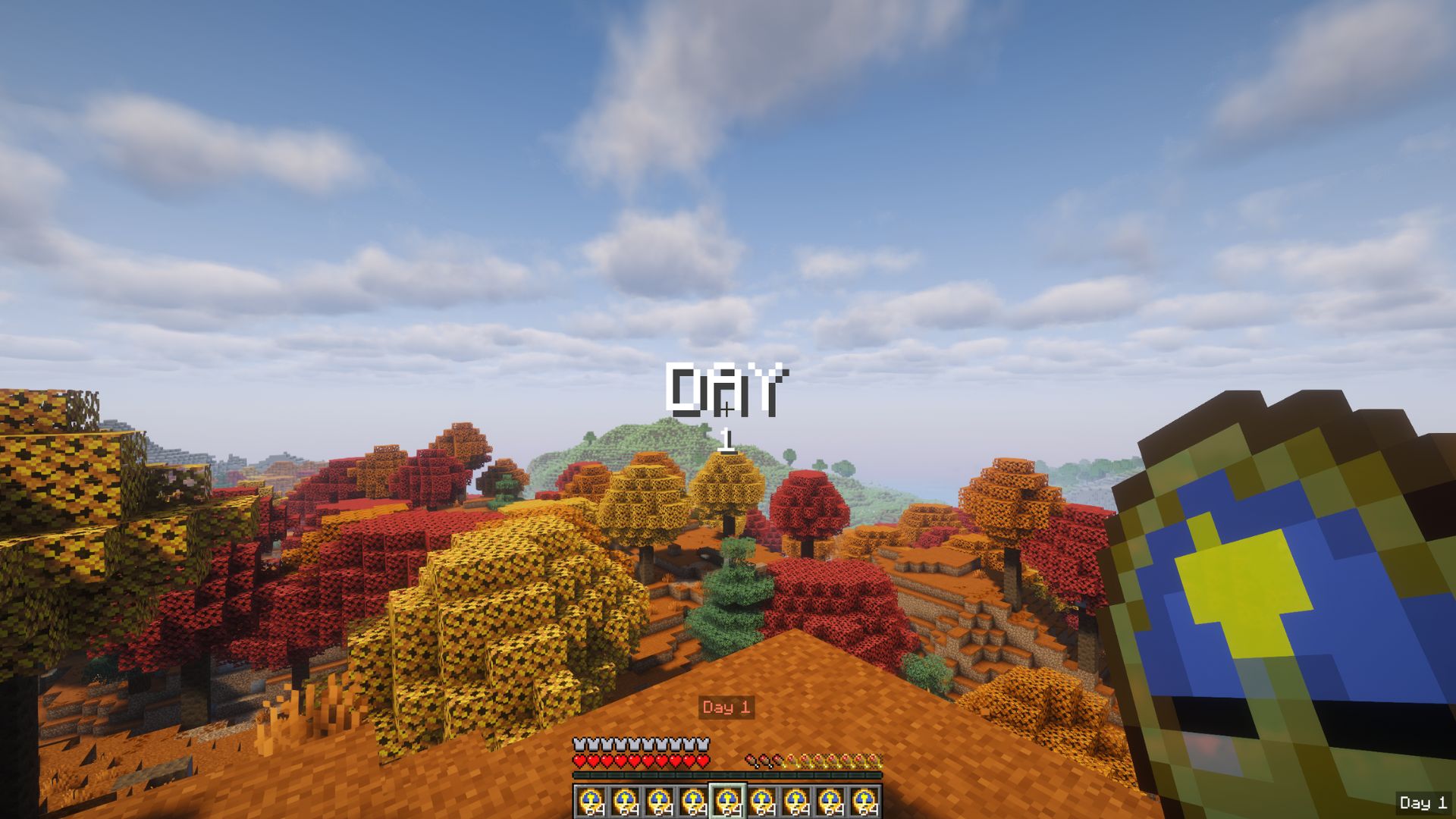
A lightweight mod that tracks the in-game day and announces every new day with a title, HUD display, sounds and advancements, fully configurable.
🌐 Multilingual
| Language | Main | Variants |
|---|---|---|
| English | en_us |
None |
| Español | es_es |
es_mx |
| Deutsch | de_de |
None |
| Français | fr_fr |
None |
| Português | pt_pt |
pt_br |
⚡ Features
📆 Day tracking
The day is resolved live from the world clock, so nothing is stored and it always matches the world.
Note: this counter is not the same as F3. F3 shows the day starting at 0, while this mod counts the first day as Day 1. That means the mod is always F3's Day plus 1.
Version 1.21.11: on these versions the day comes straight from the world time, so /time set (day, noon, night, midnight) resets the counter to Day 1. To set the day, use /idc set day n. (OP needed)
🖥️ Display styles
Three independent styles, each fully configurable:
| Style | Where | Behaviour |
|---|---|---|
| Center Display | Middle of the screen | Large "DAY" title shown for a few seconds, then it fades out |
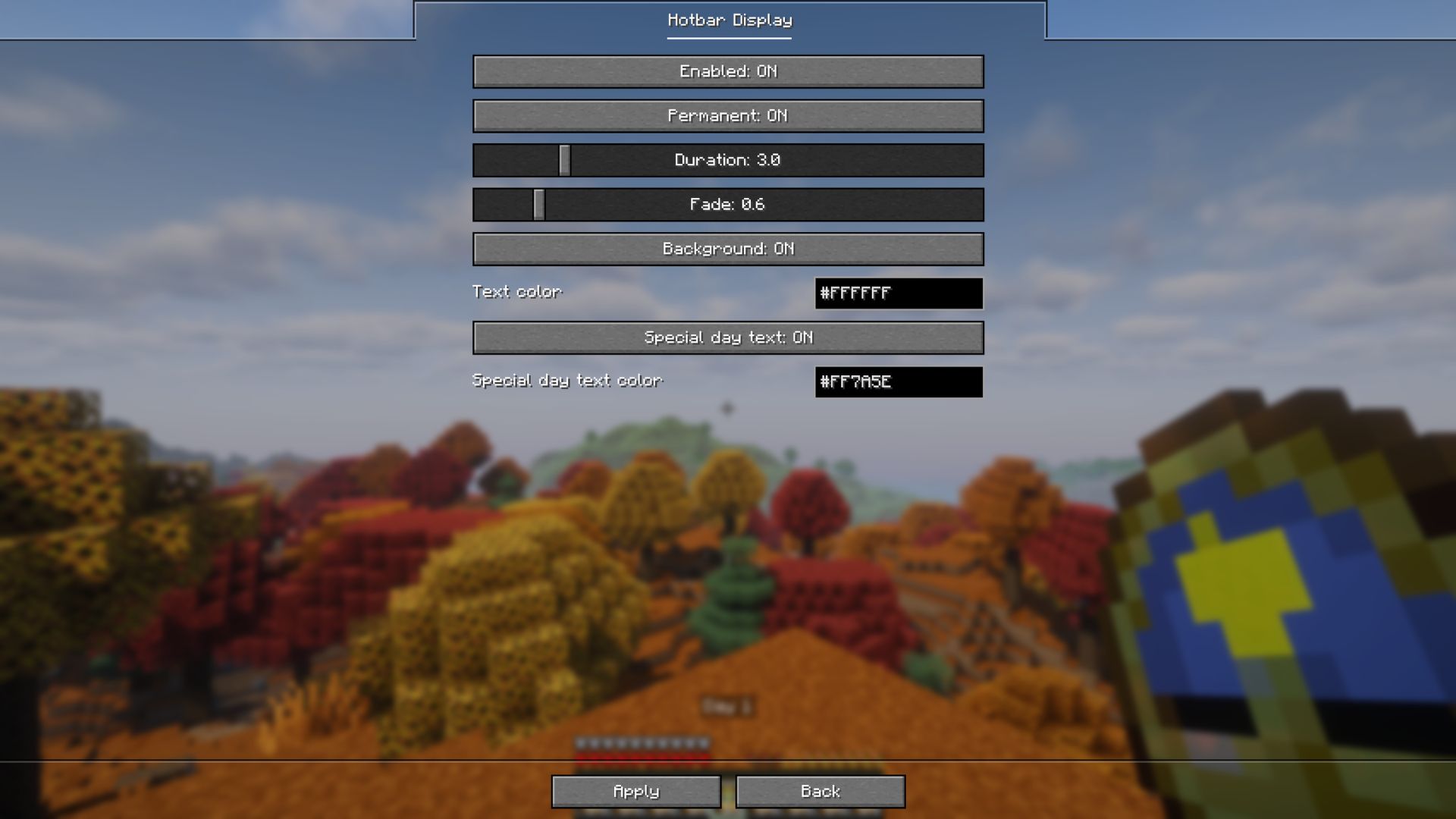
| Hotbar Display | Above the hotbar | Permanent or timed |
| Corner Display | A screen corner | Permanent or timed, with a configurable corner |
🎨 Colors and special days
A text color per style, plus a special color on every 100th day (100, 200, 300, …, 1000, …). Each style can also show a translucent black background behind the text.
🏆 Advancements
Days 1, 100 and 1000 are granted as challenge advancements.
🔊 Sounds
A soft click plays on each day change and can be toggled off.
⌨️ Command
| Command | Description |
|---|---|
/idc set day n |
OP only. Sets the world day to n (1 to 1,000,000). |
⚙️ Configuration
The easiest way is in game: open Mod Menu (Fabric) or the Config button in the mods list (NeoForge). The General screen has the sounds toggle and one button per display style. No game restart needed.
If you prefer editing the file manually:
config/immersive-day-counter.json{
"sounds": { "enabled": true },
"display": {
"center": { "enabled": true, "permanent": false, "durationSeconds": 3.0, "fadeSeconds": 0.6, "background": false, "textColor": "#FFFFFF", "specialDayText": true, "specialDayTextColor": "#FF7A5E" },
"hotbar": { "enabled": true, "permanent": true, "durationSeconds": 3.0, "fadeSeconds": 0.6, "background": false, "textColor": "#FFFFFF", "specialDayText": true, "specialDayTextColor": "#FF7A5E" },
"corner": { "enabled": false, "permanent": true, "durationSeconds": 3.0, "fadeSeconds": 0.6, "background": true, "position": "top_left", "textColor": "#FFFFFF", "specialDayText": true, "specialDayTextColor": "#FF7A5E" }
}
}| Option | Values | Default | Description |
|---|---|---|---|
sounds.enabled |
true / false |
true |
Daily sound on each day change. Milestones use the vanilla advancement sound regardless. |
enabled |
true / false |
center and hotbar true, corner false |
Show that style. |
permanent |
true / false |
hotbar and corner true |
Permanent instead of timed. |
durationSeconds |
0.5 to 15.0 | 3.0 |
How long a timed display stays. |
fadeSeconds |
0.0 to 5.0 | 0.6 |
Fade in and out duration. |
background |
true / false |
corner true |
Translucent black panel behind the text. |
textColor |
#RRGGBB |
#FFFFFF |
Text color. |
specialDayText |
true / false |
true |
Use the special color on every 100th day. |
specialDayTextColor |
#RRGGBB |
#FF7A5E |
Special day color. |
corner.position |
top_left / top_right / bottom_right / bottom_left |
top_left |
Corner used by the Corner Display. |
📦 Requirements
Fabric
- Fabric API
- Mod Menu (optional)
- (26.x) Java 25 or newer
NeoForge
- (26.x) Java 25 or newer
💬 Suggestions & Issues
If you have an idea, a suggestion, or found a bug, feel free to leave a comment on the CurseForge page or open an issue on the GitHub repository.
❓ FAQ
Can I use this mod in a public modpack?
Yes! You're free to include it in any public or private modpack, no permission needed.
📜 License
This project is licensed under the MIT License.
Immersive Day Counter Team