

Transparent images are no challenge for the smart algorithm behind the creation of the pixel-art
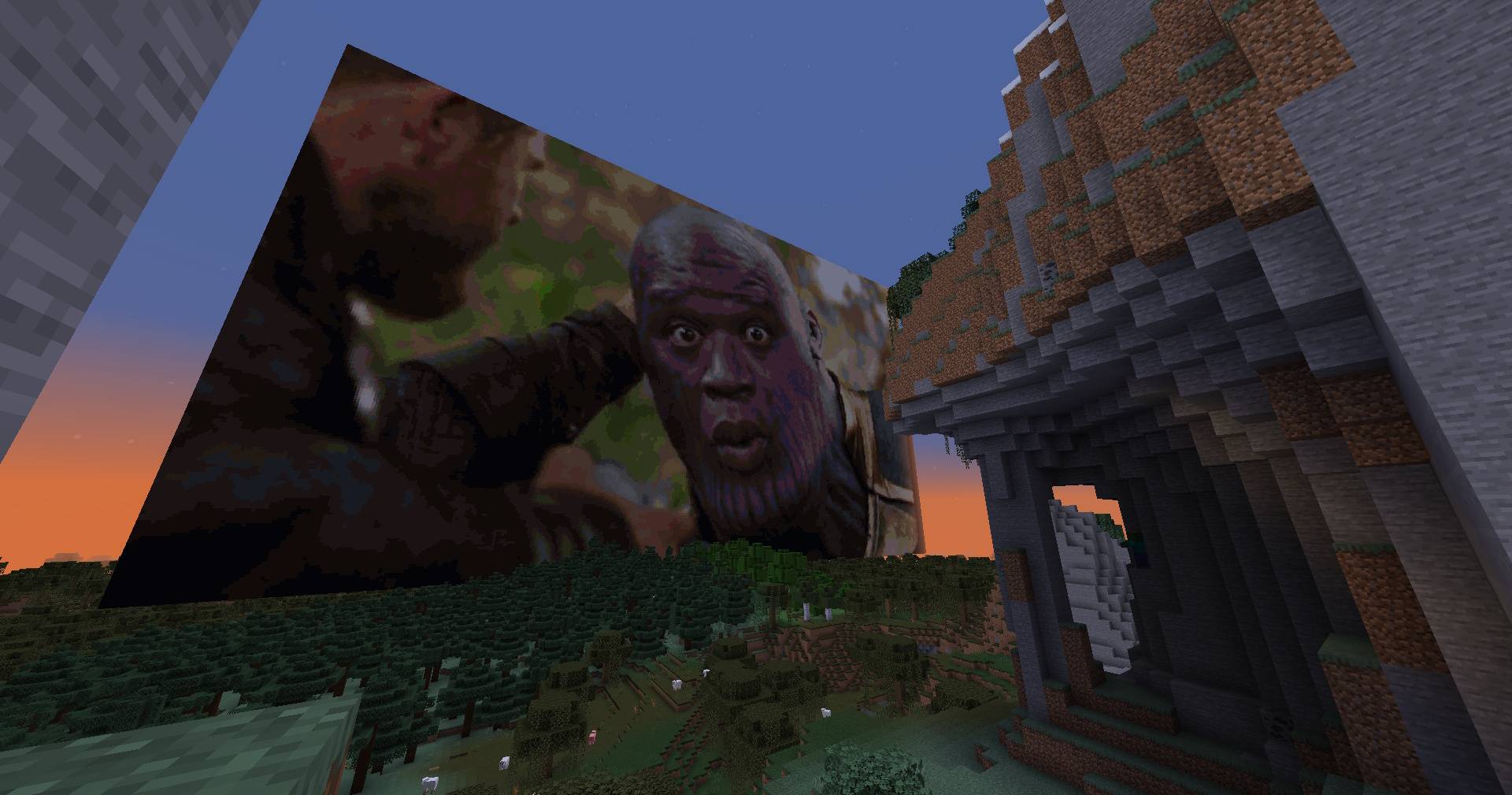
Fast generation of images thanks to extensive testing and algorithm tweaks reaching 6GpxCompare/s!
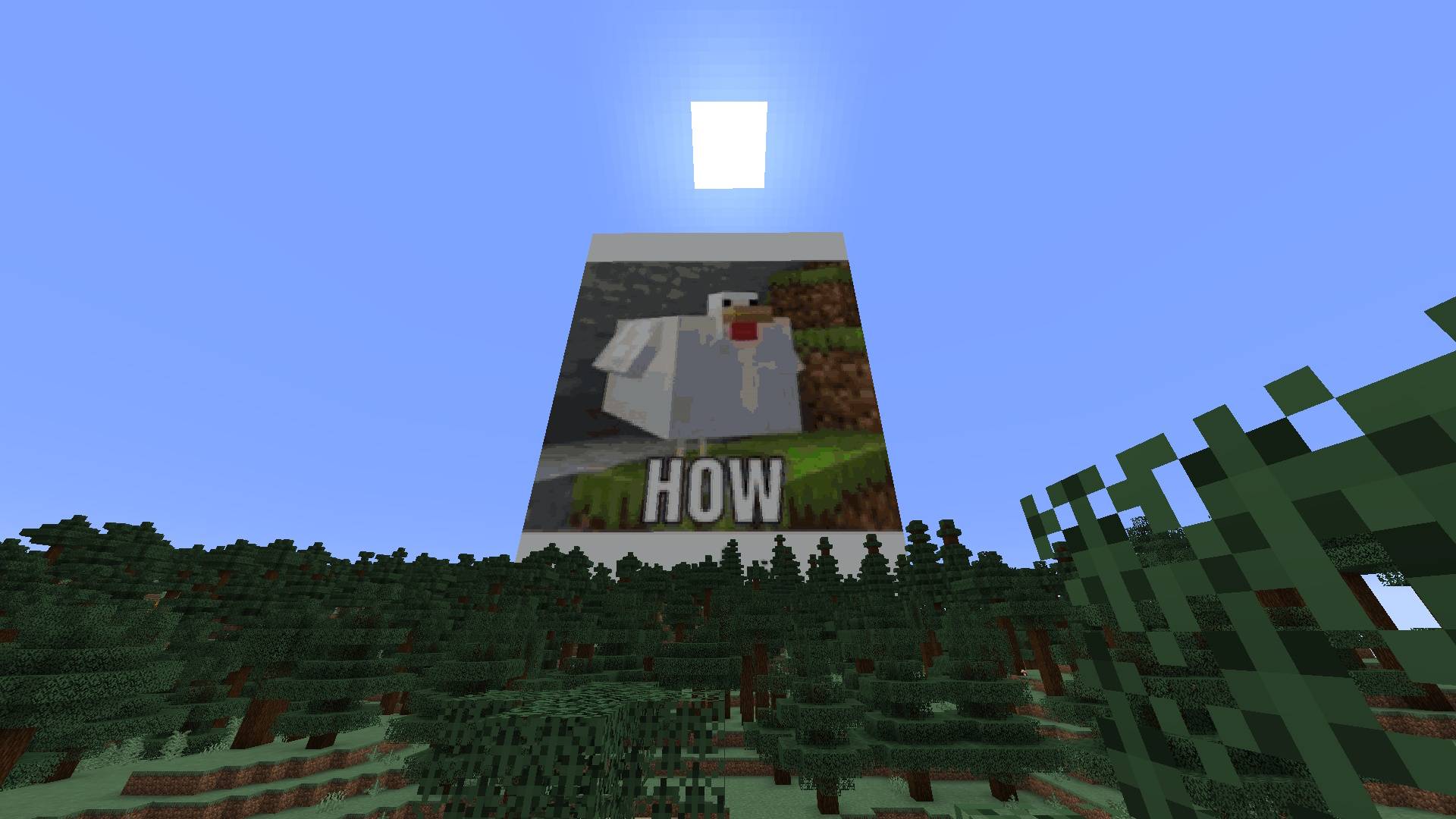
Put memes as big posters in your minecraft world super easily
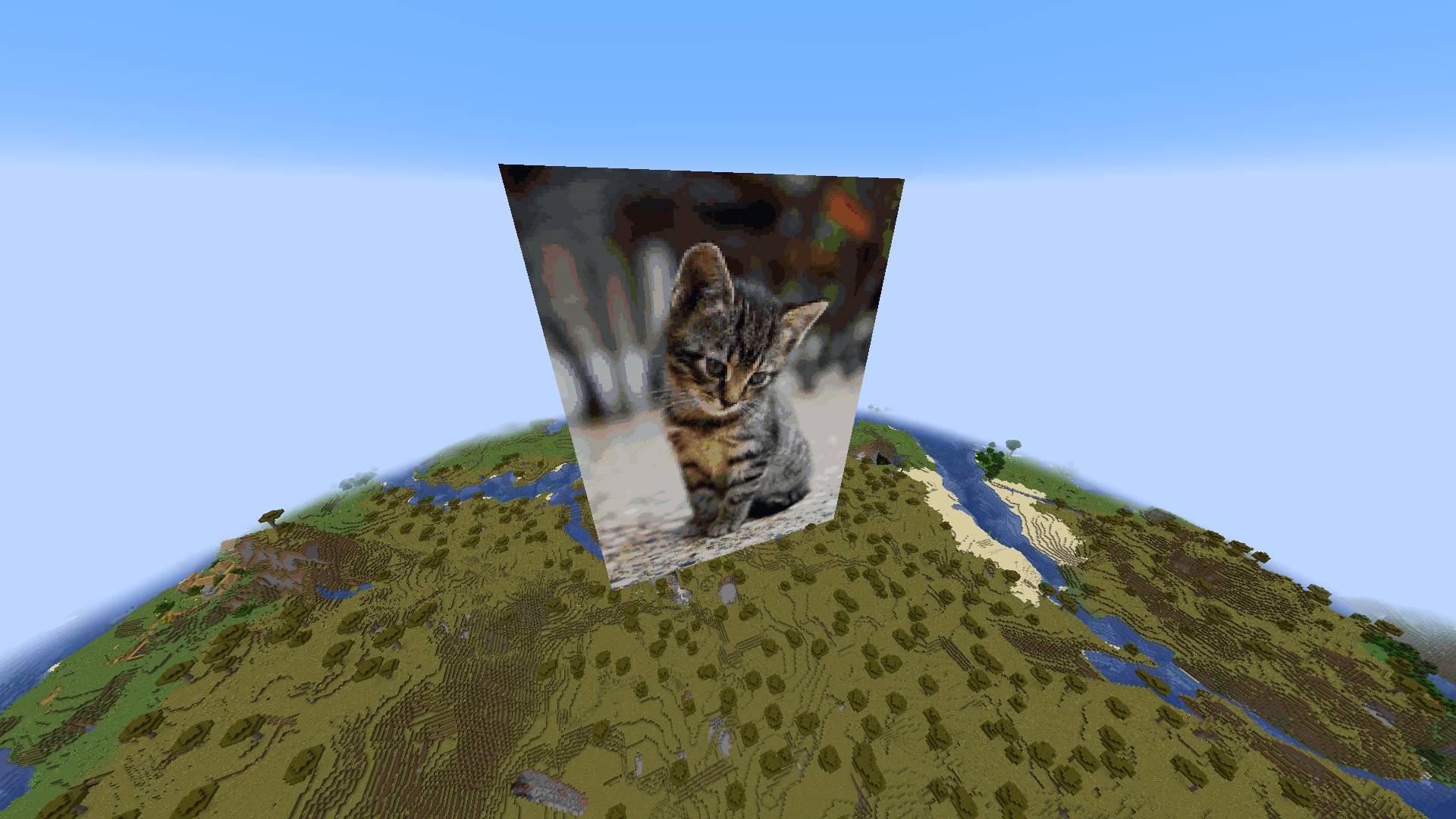
Feel security in being able to look at cute cats while creepers blow you up and make you sad
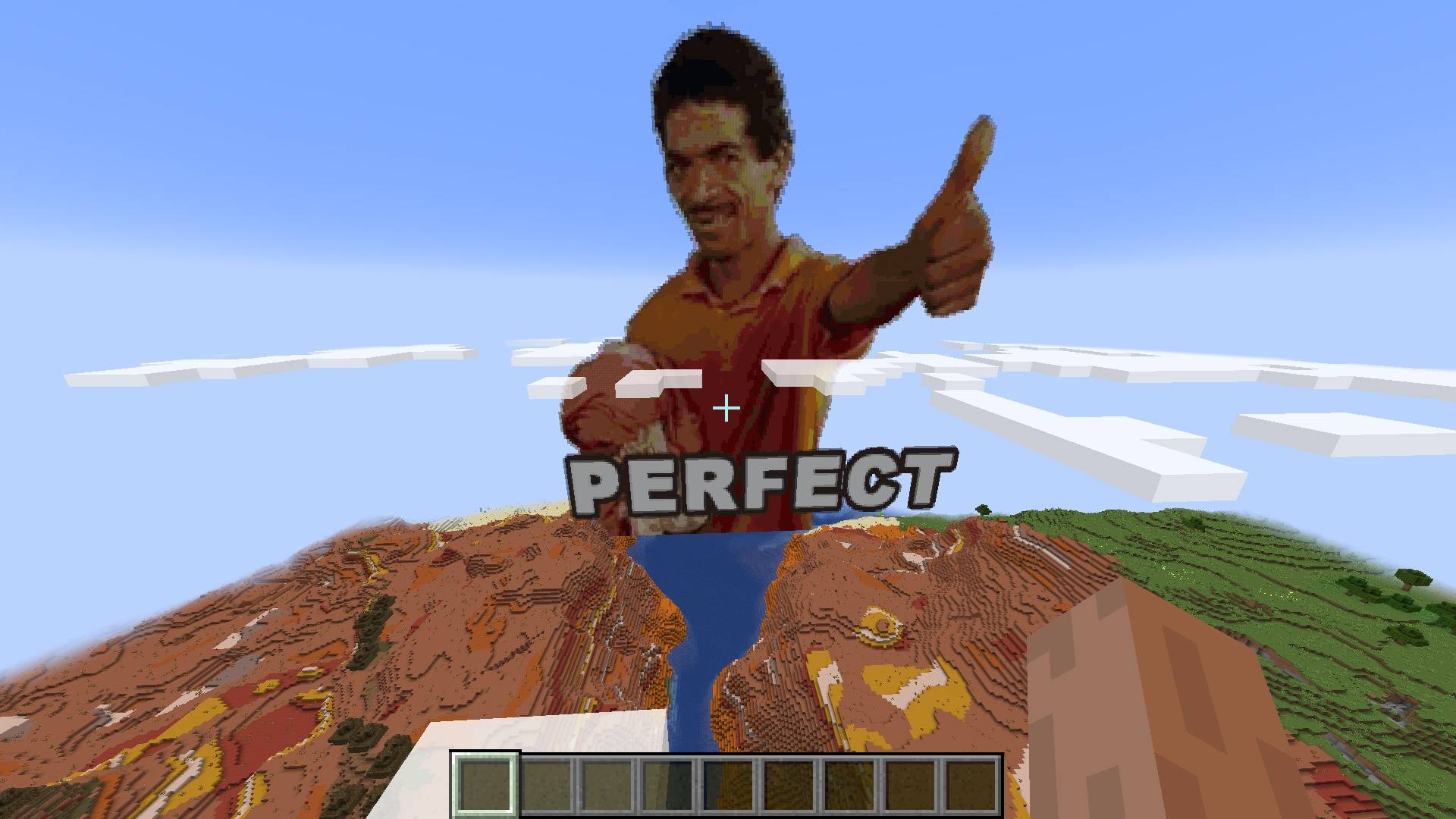
Perfect Results
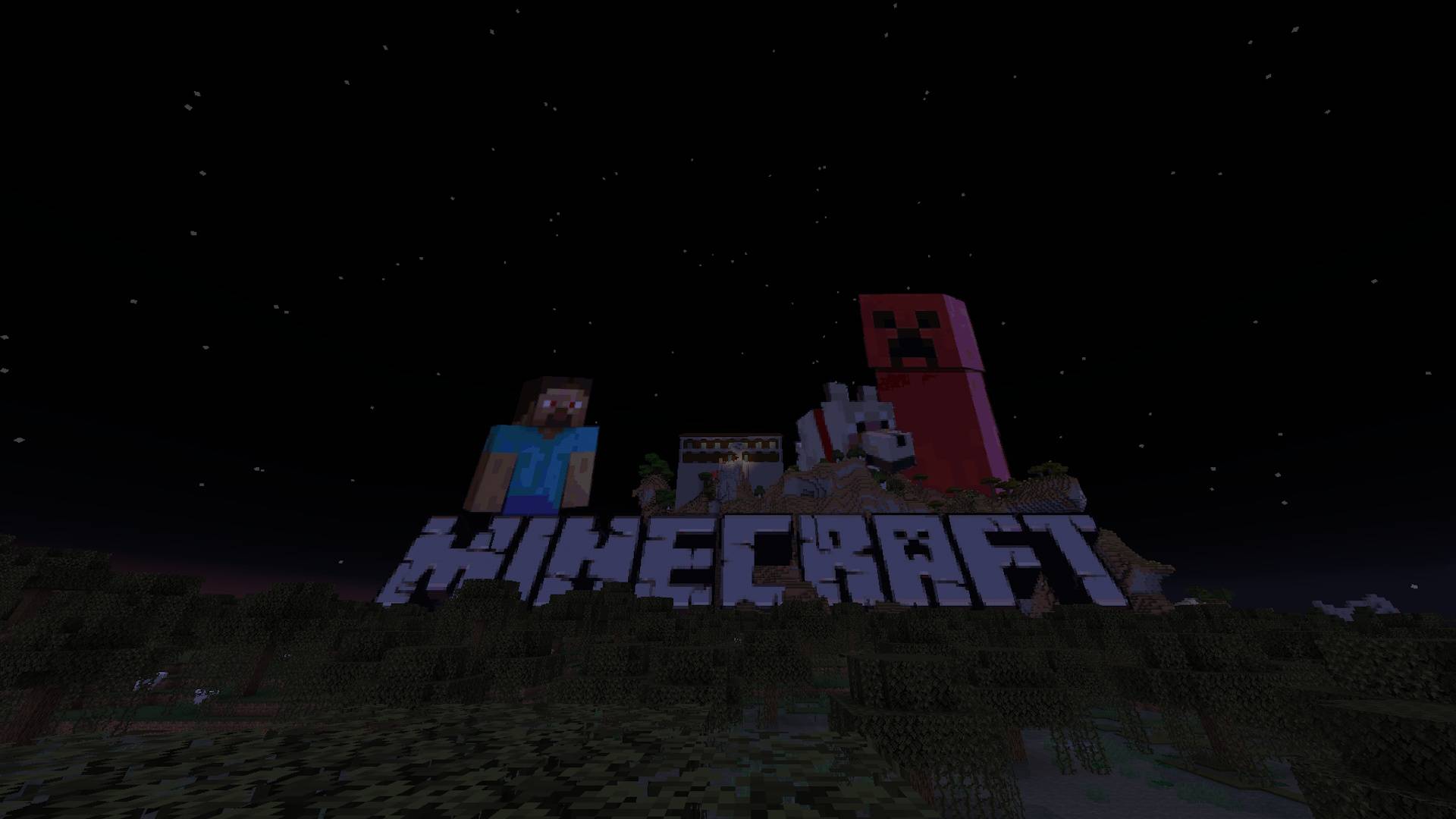
Transparent images are no challenge for the smart algorithm behind the creation of the pixel-art
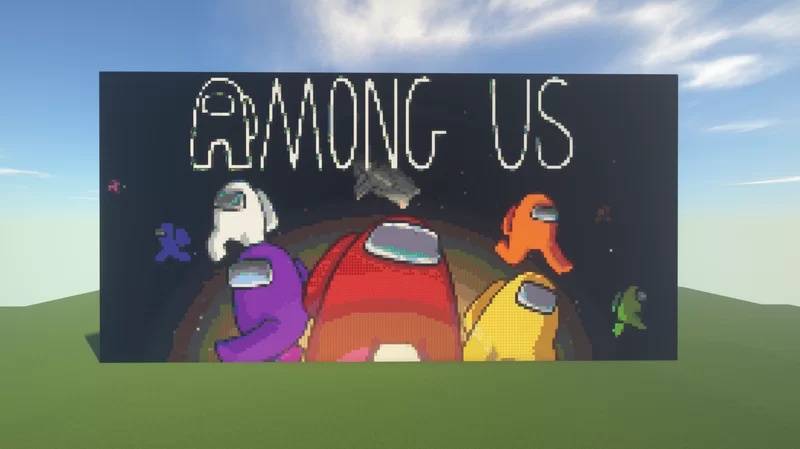
Thanks to the automatic filtering and registration of blocks the dynamic range of images is prestine
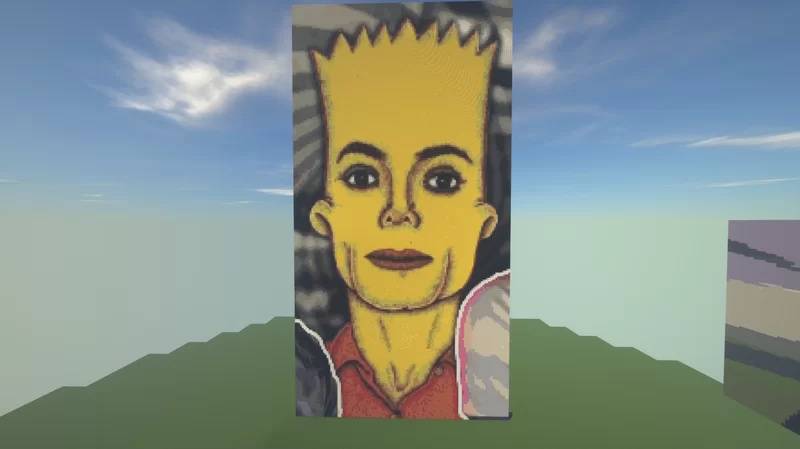
Automatic filtering of blocks from vanilla Minecraft and from blocks created in other mods
Transparent images are no challenge for the smart algorithm behind the creation of the pixel-art
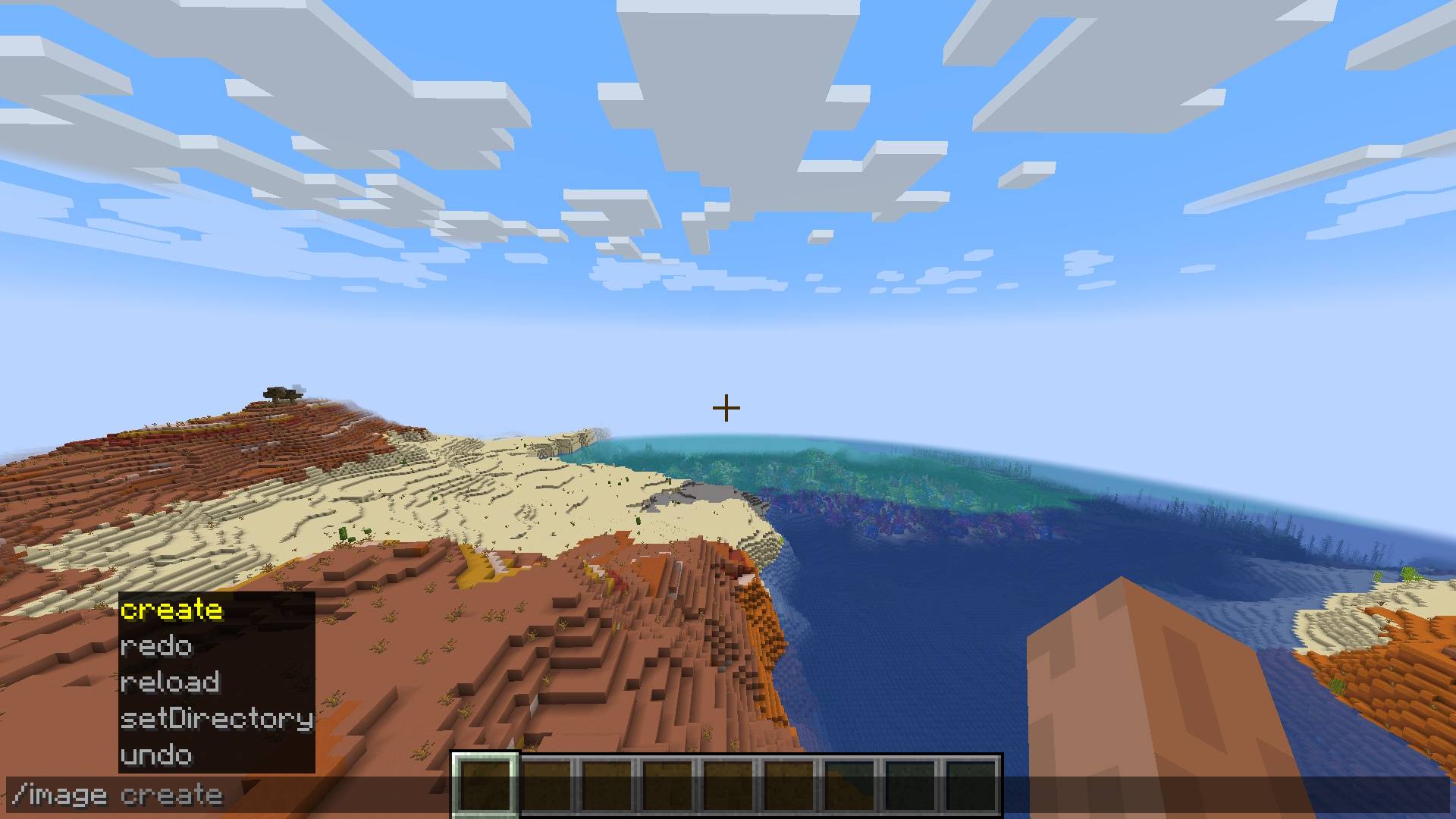
The /image command and it's options
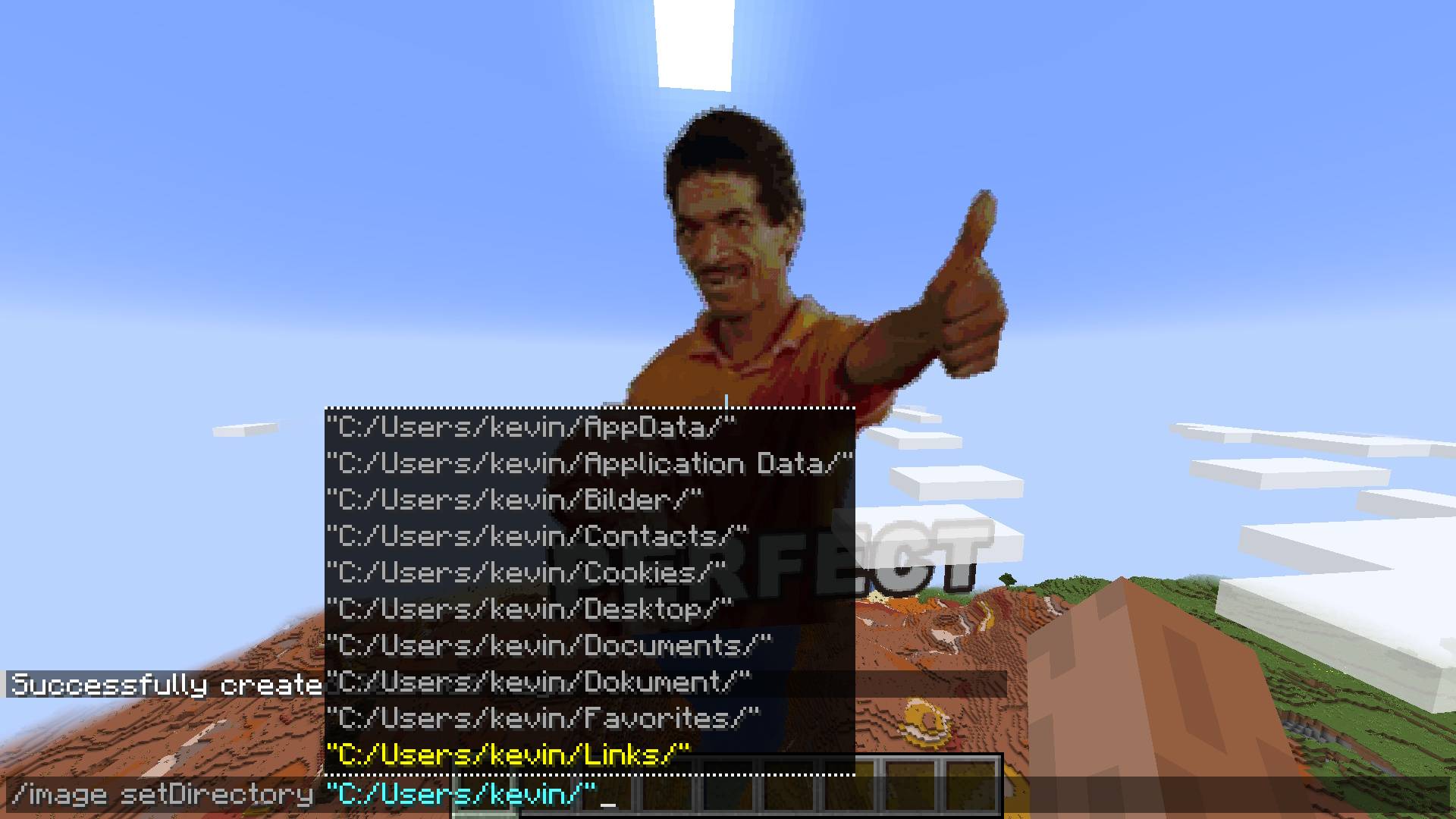
Configure from what location on your pc you'd like to get your images from
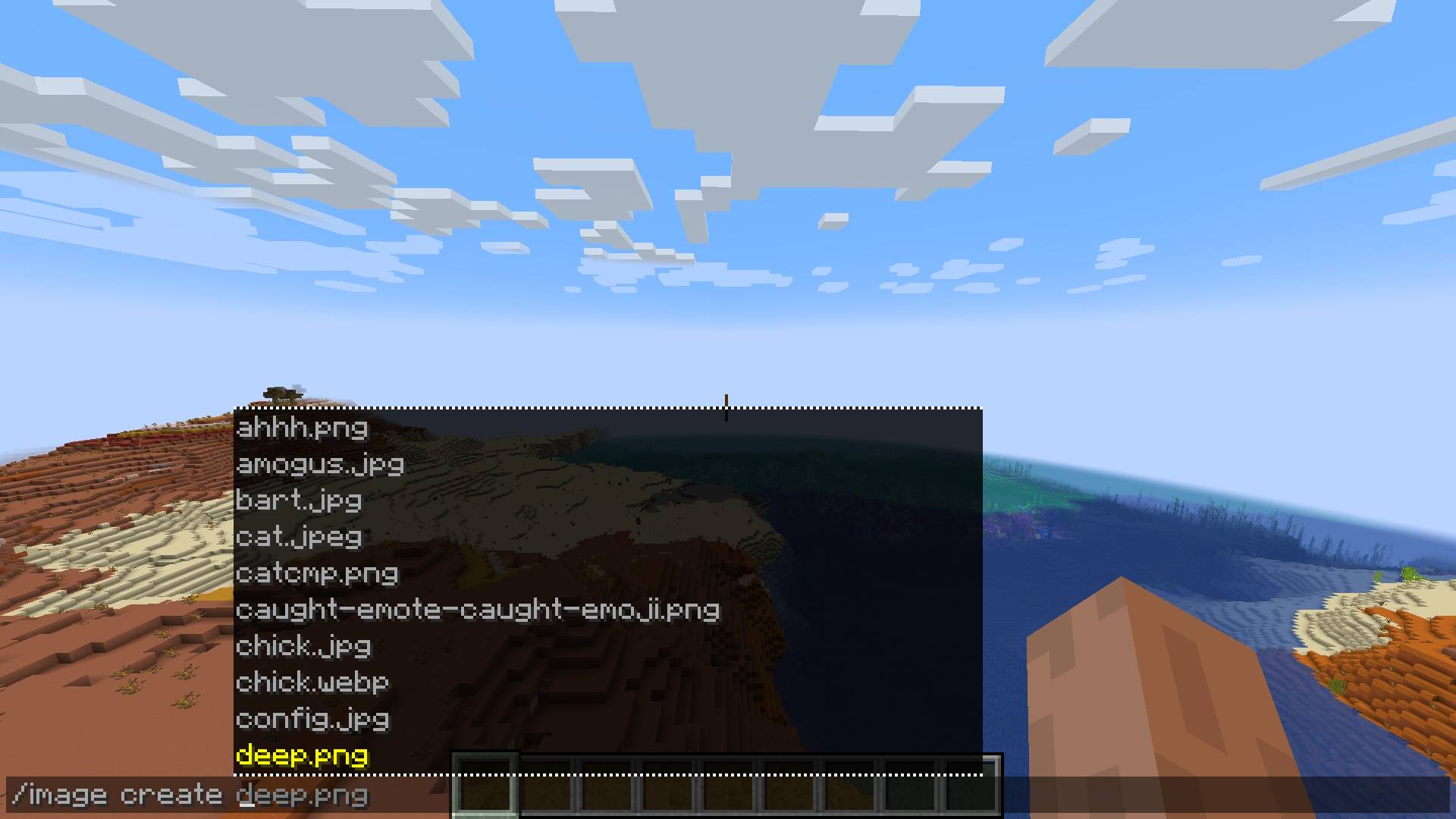
Selecting The Image File
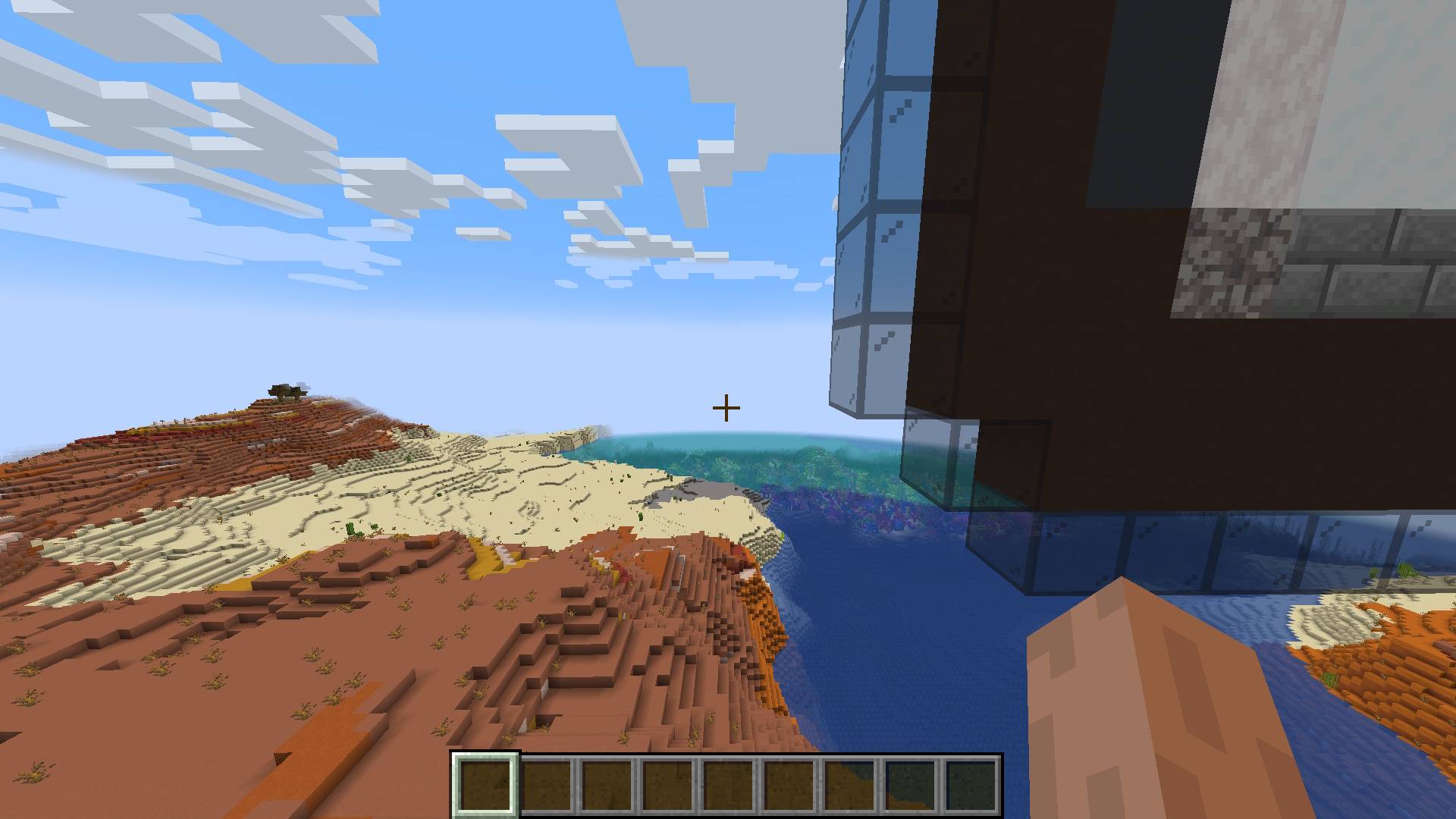
The blocks are placed in the world seemlessly
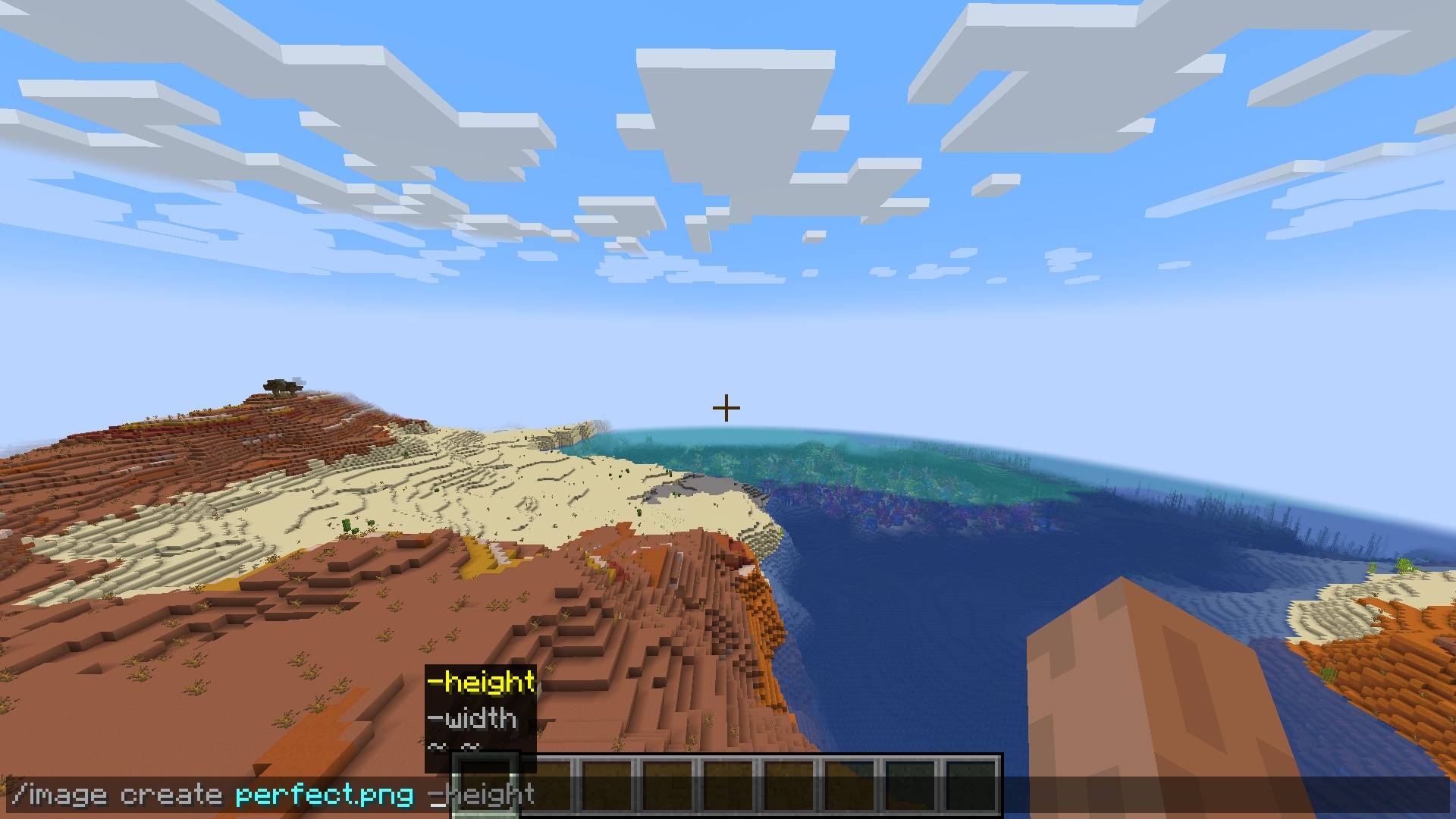
Full command syntax for creating pixel-art from image
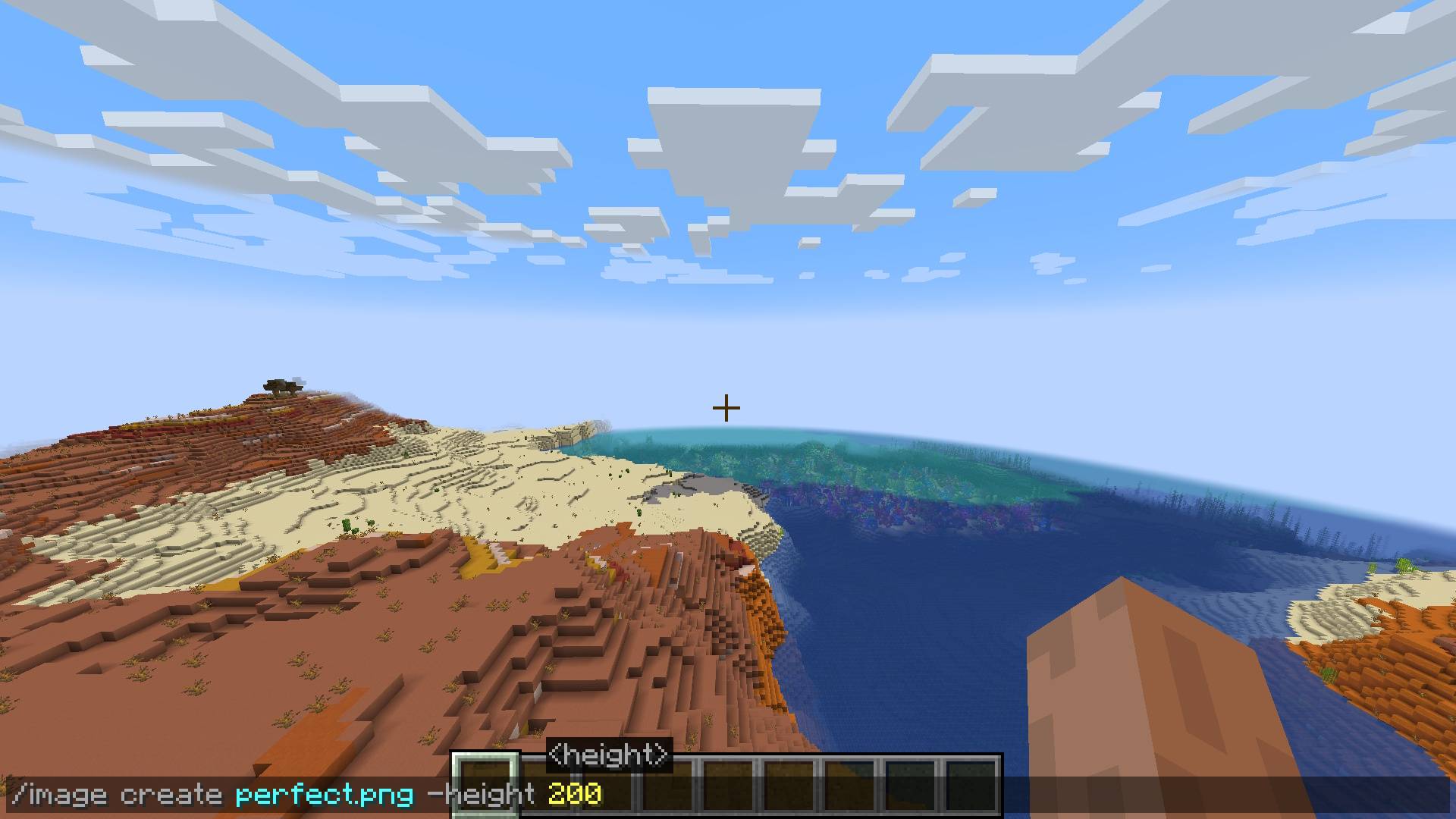
Selecting The Dimensions For The Pixel-Art
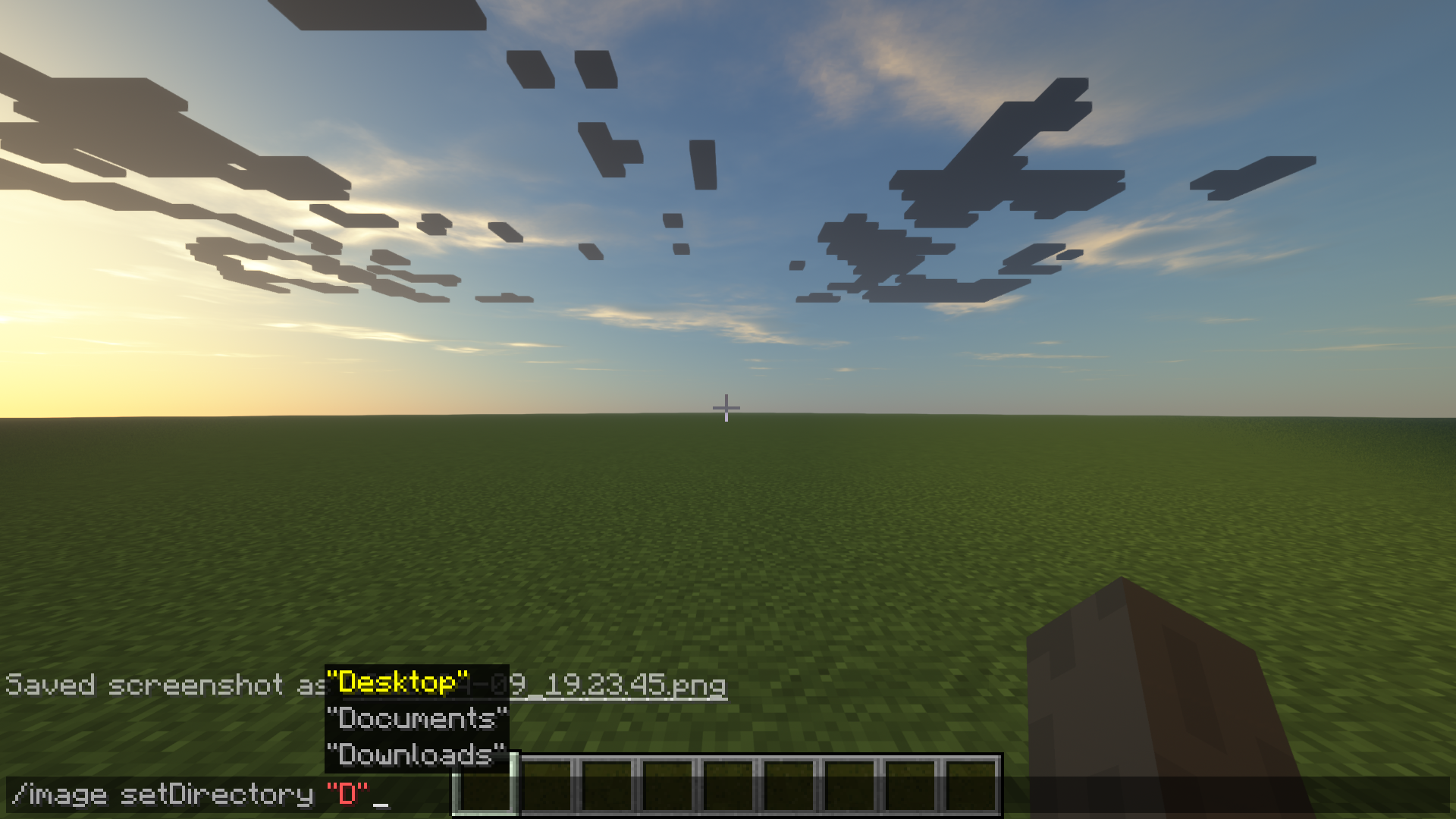
The setDirectory can be set relative to currently set directory. (Defaults to user directory)
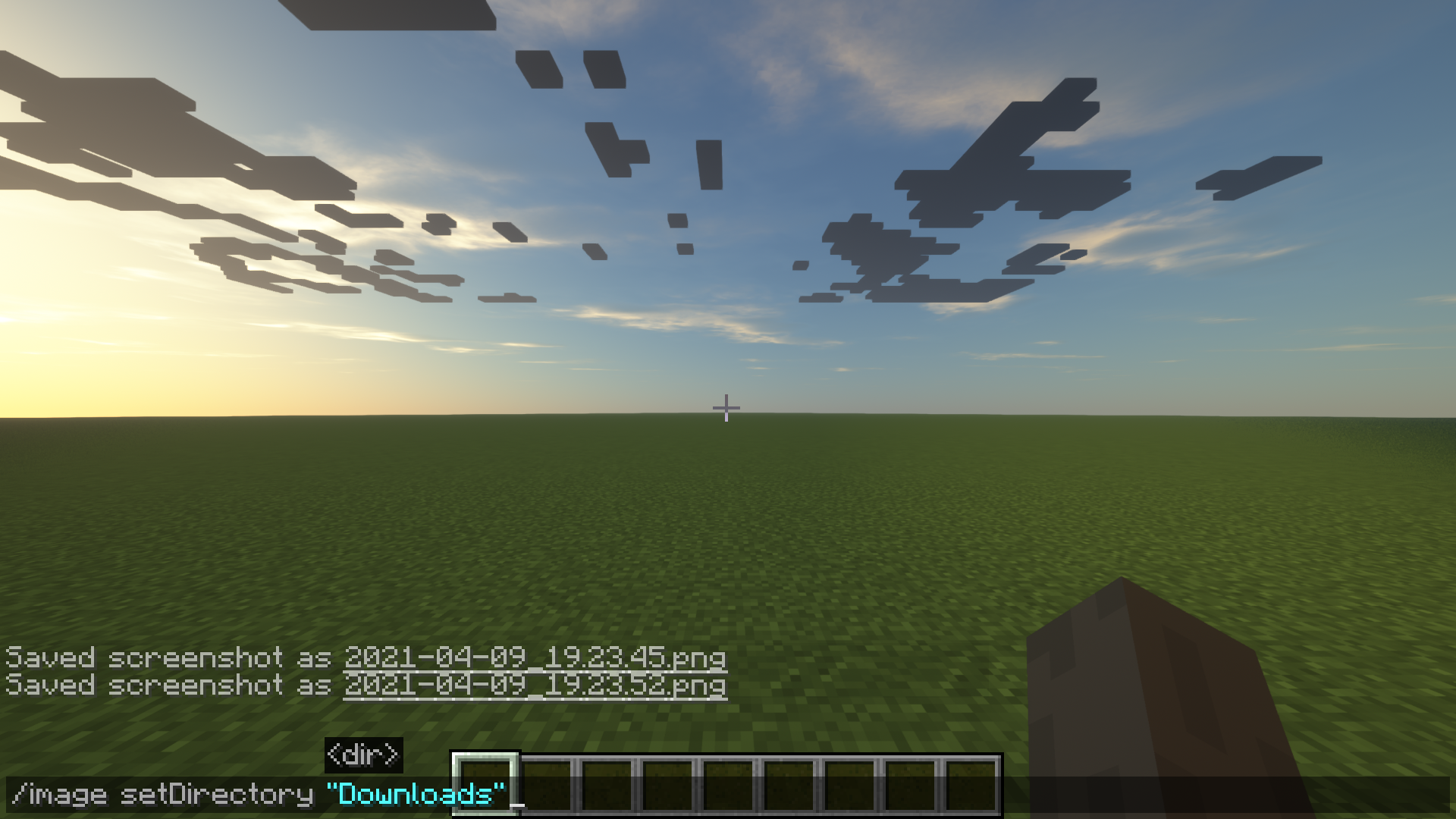
How to use the setDirectory command
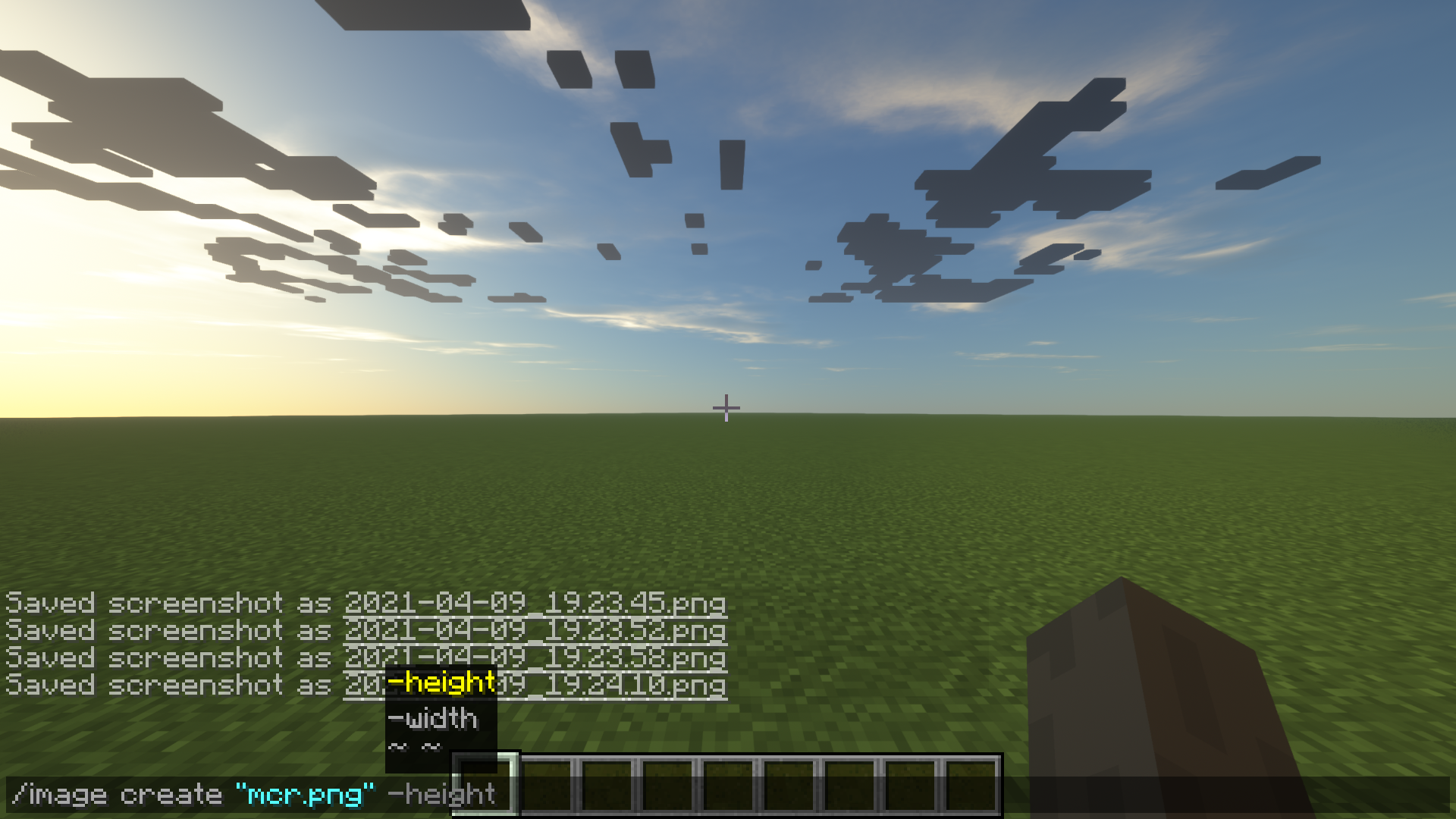
How to use the image create command to define dimension.
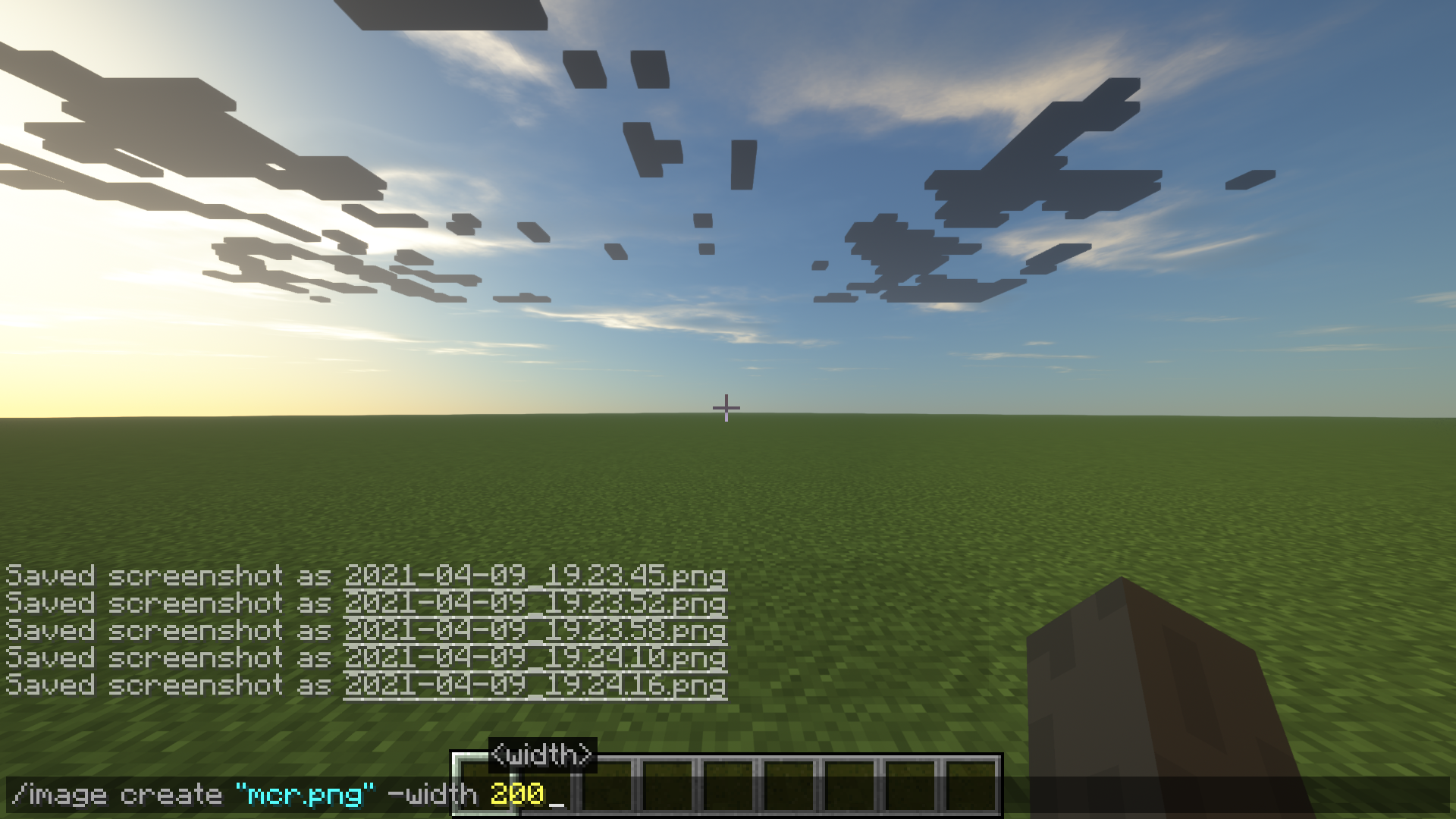
Example of how to create an image

The options for the image command
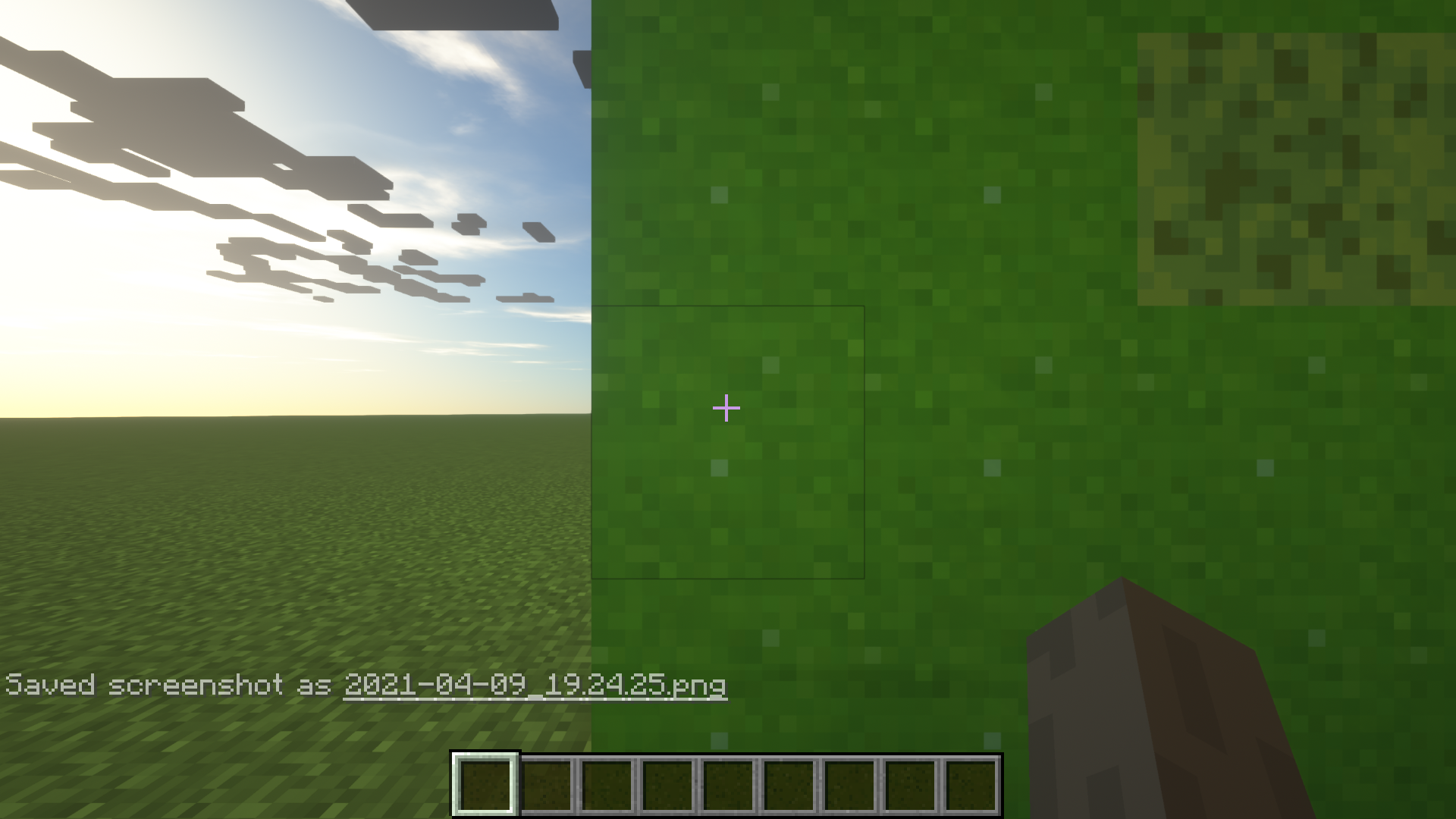
The result of a successful image creation
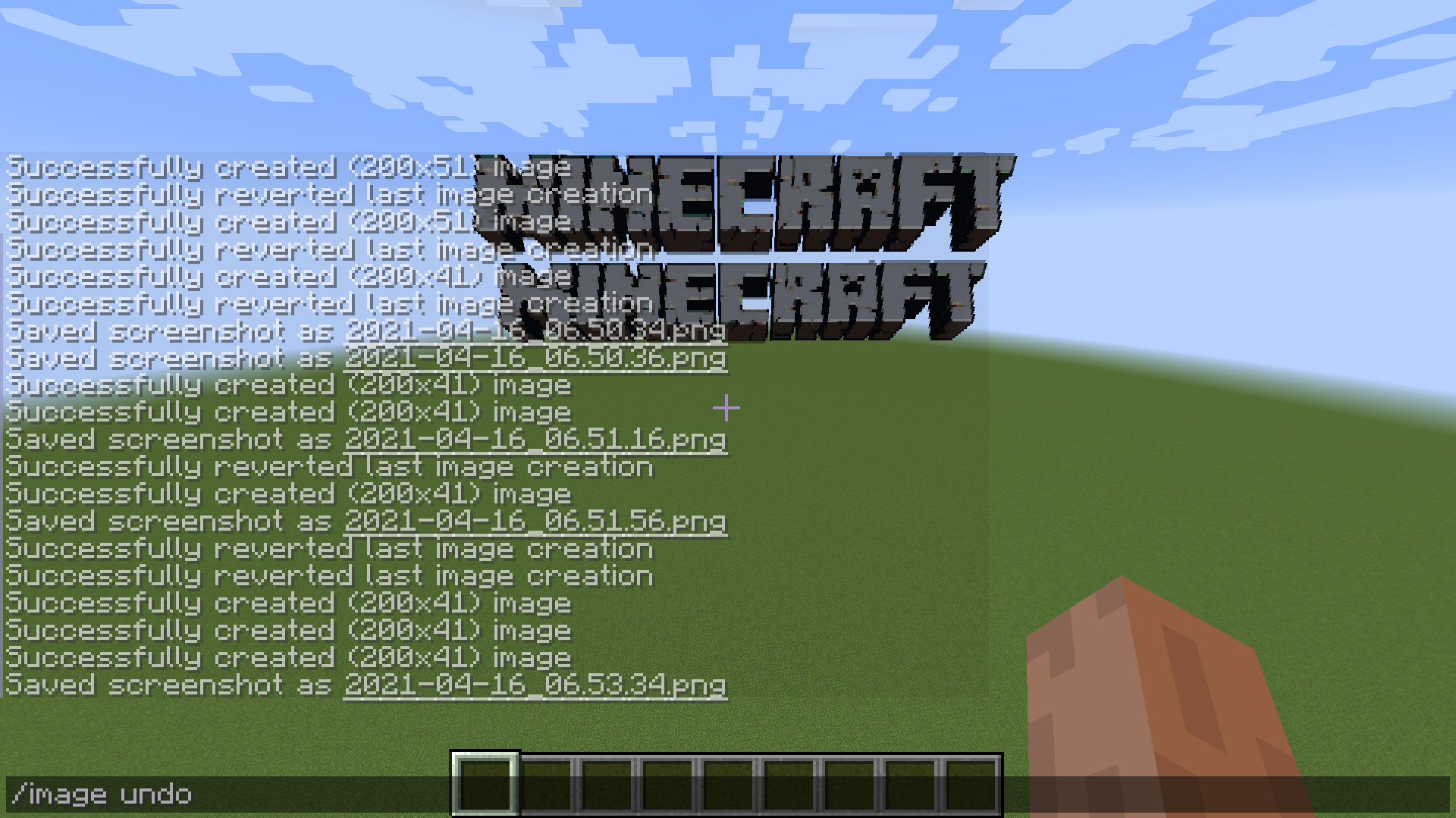
Command for undoing a created image
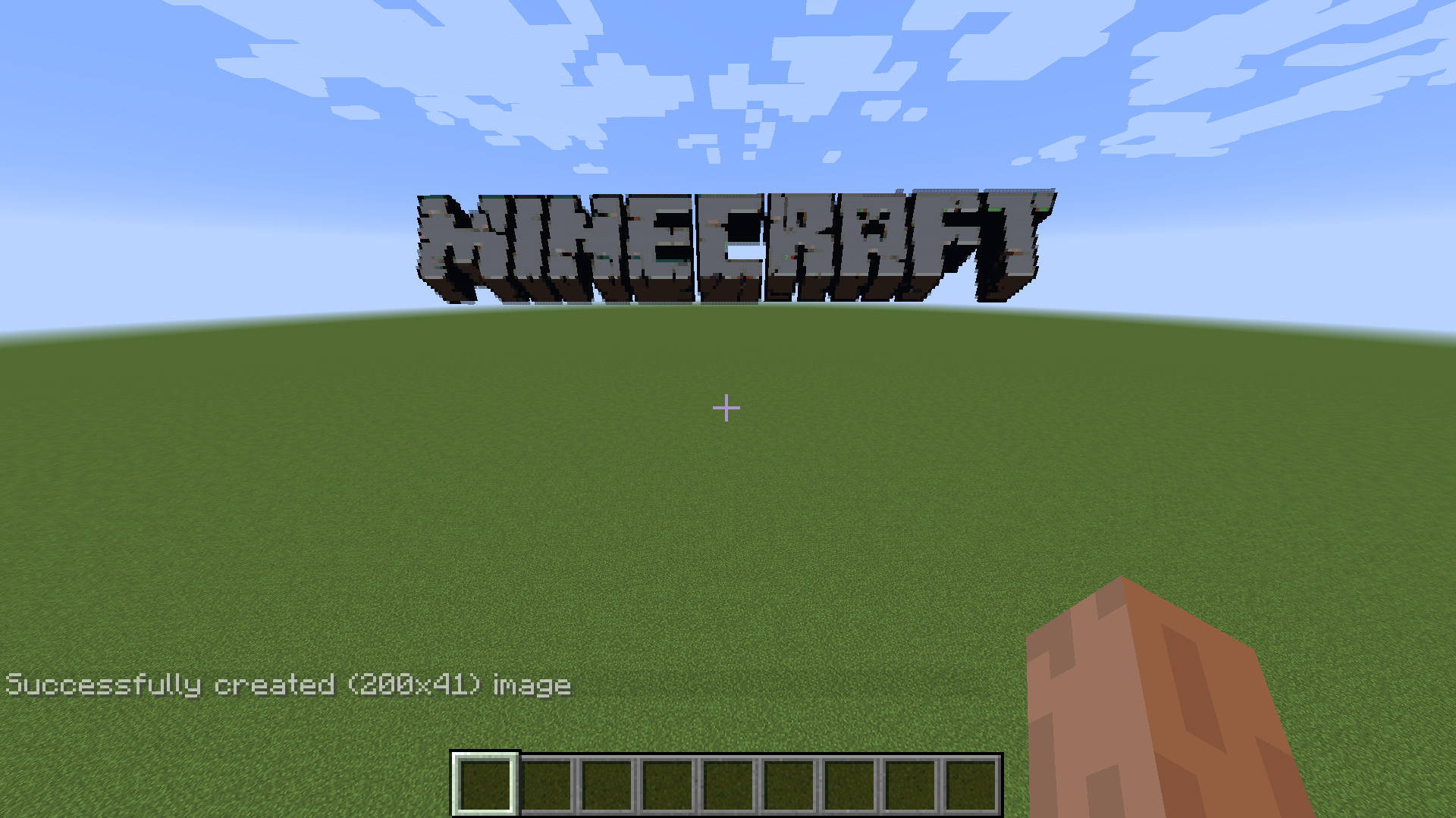
Prompt for created images
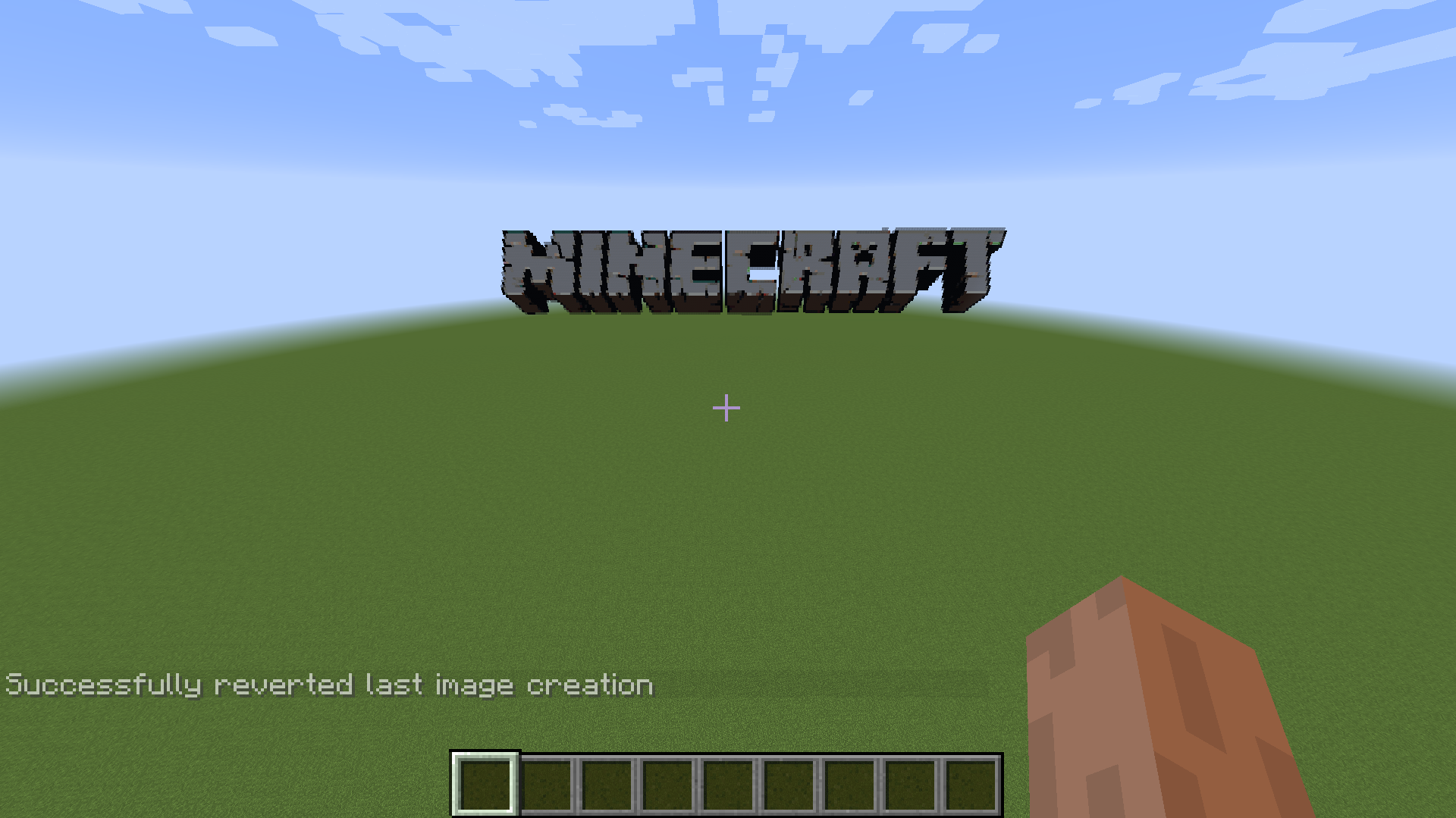
Result of undoing an image
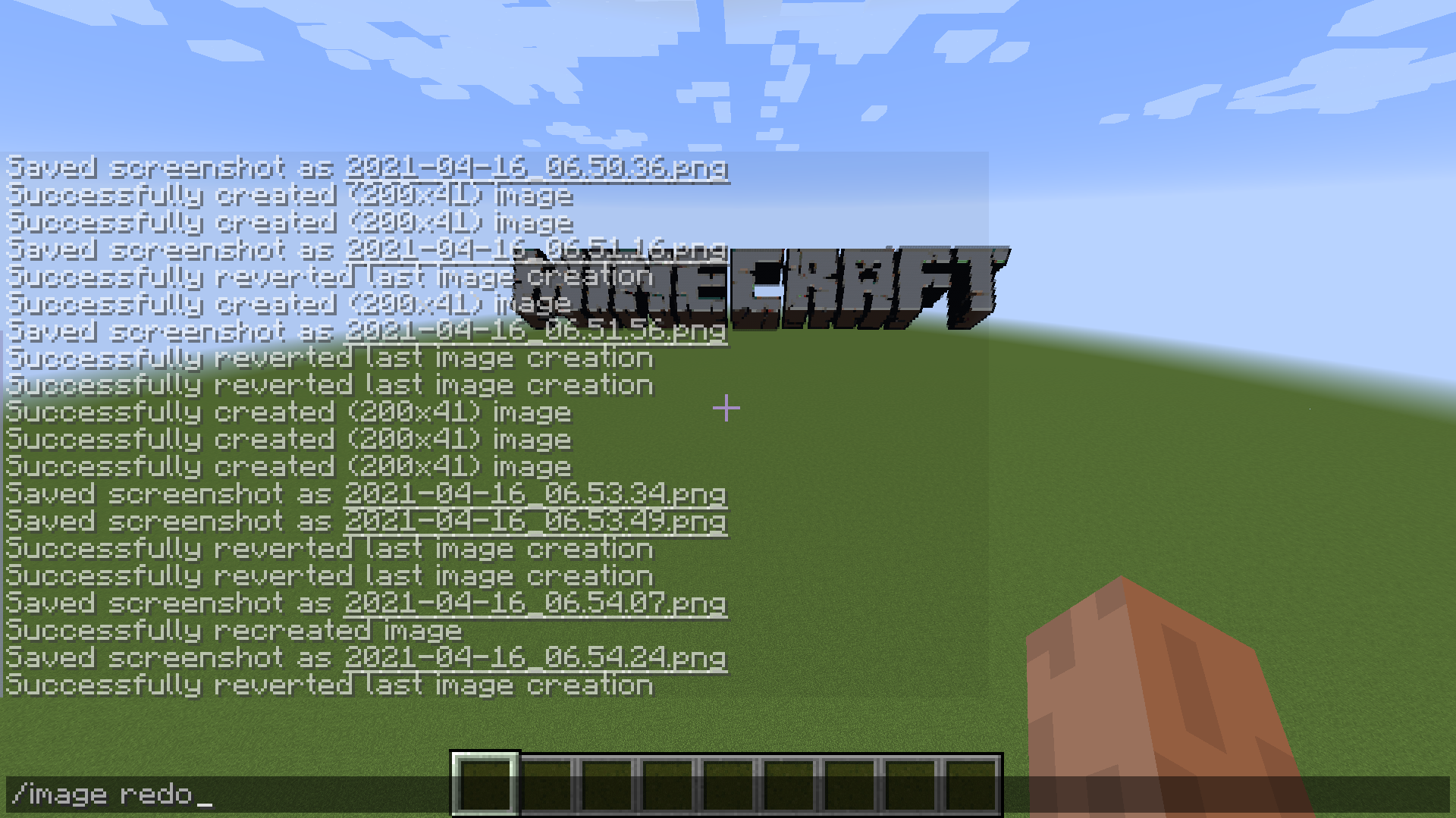
Command for redoing an undo
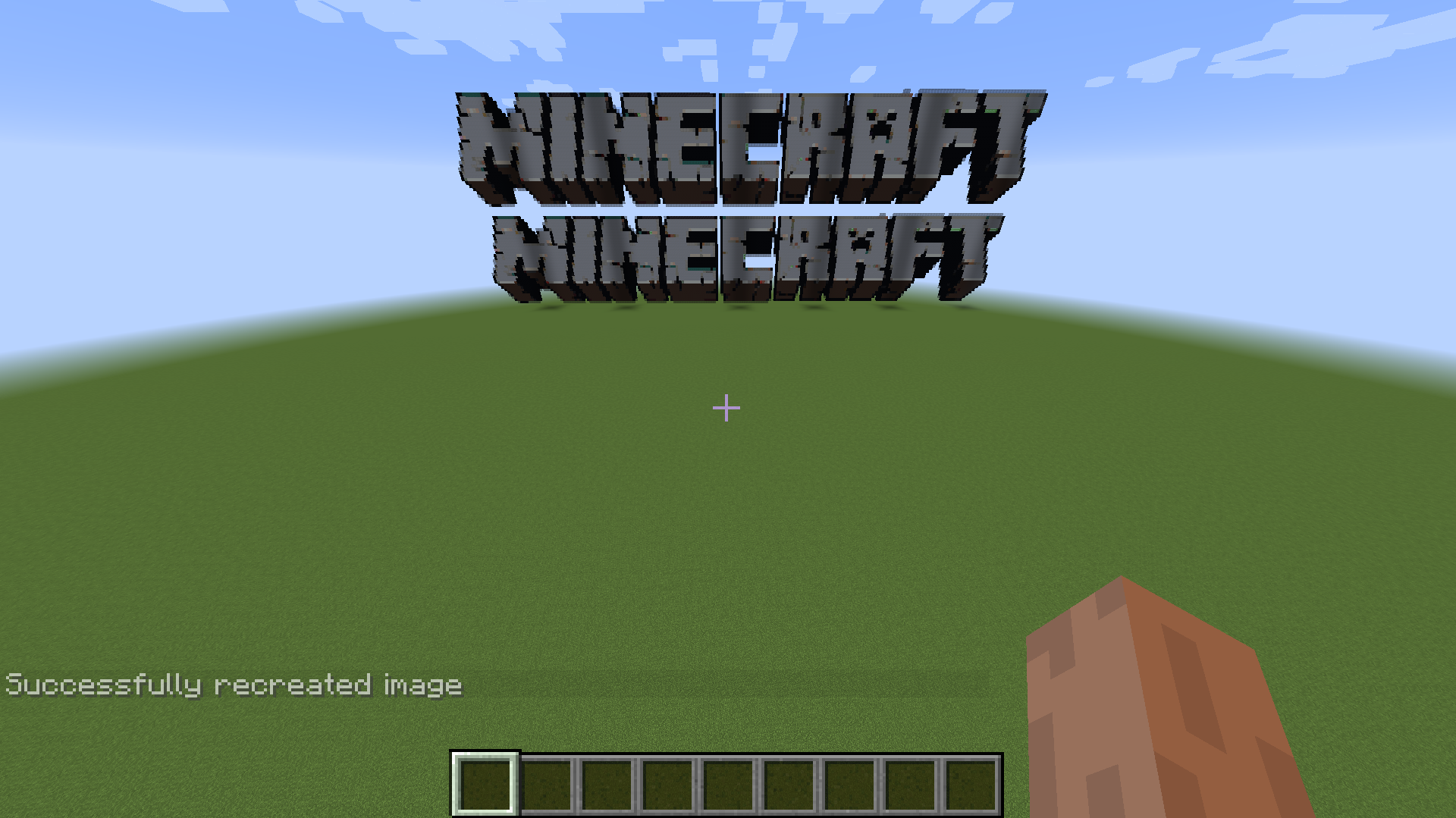
Result of redo command
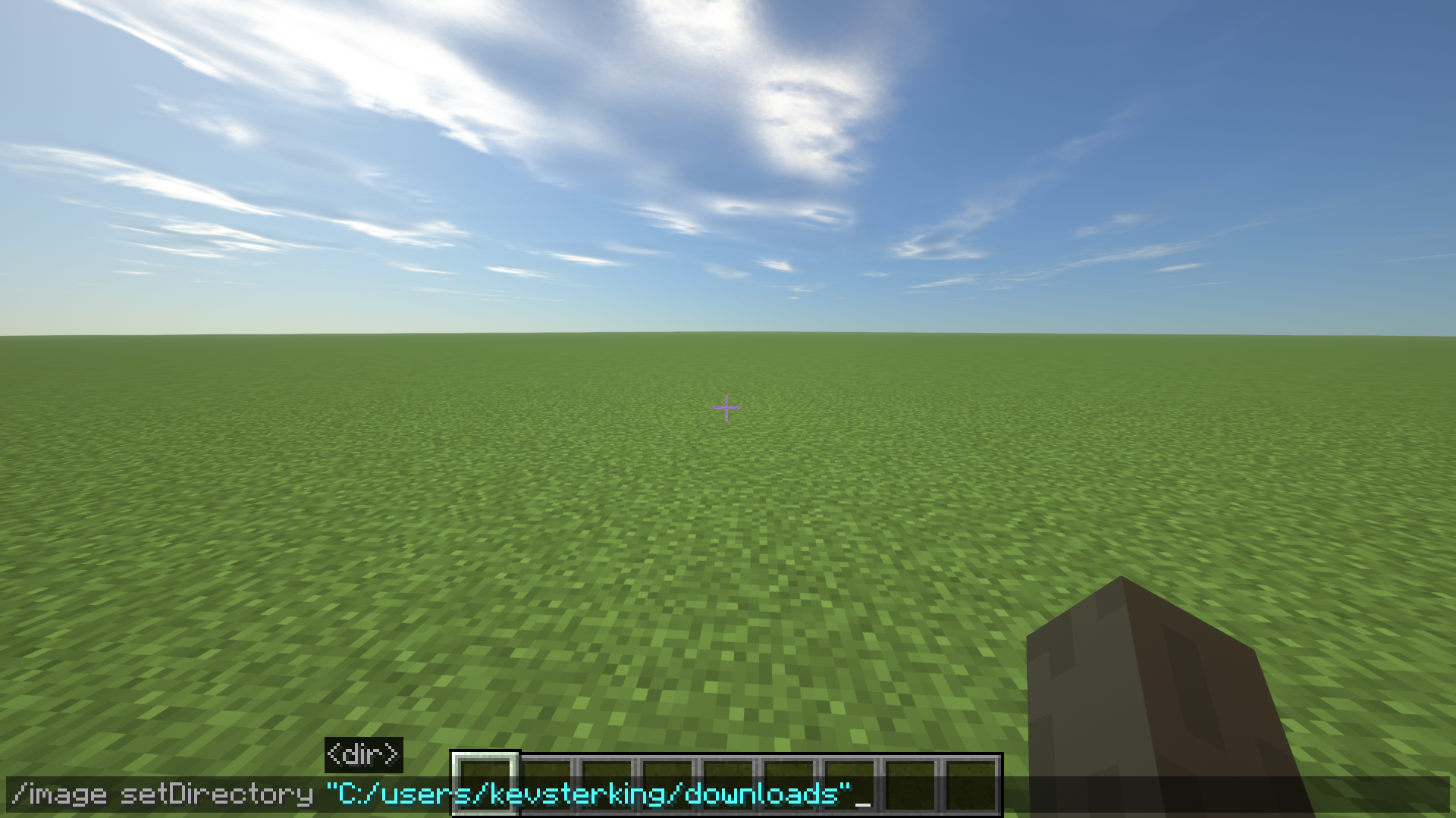
You can choose a directory where you keep all your images to simplify how you select them in game. But you can still always copy the full path to an image!
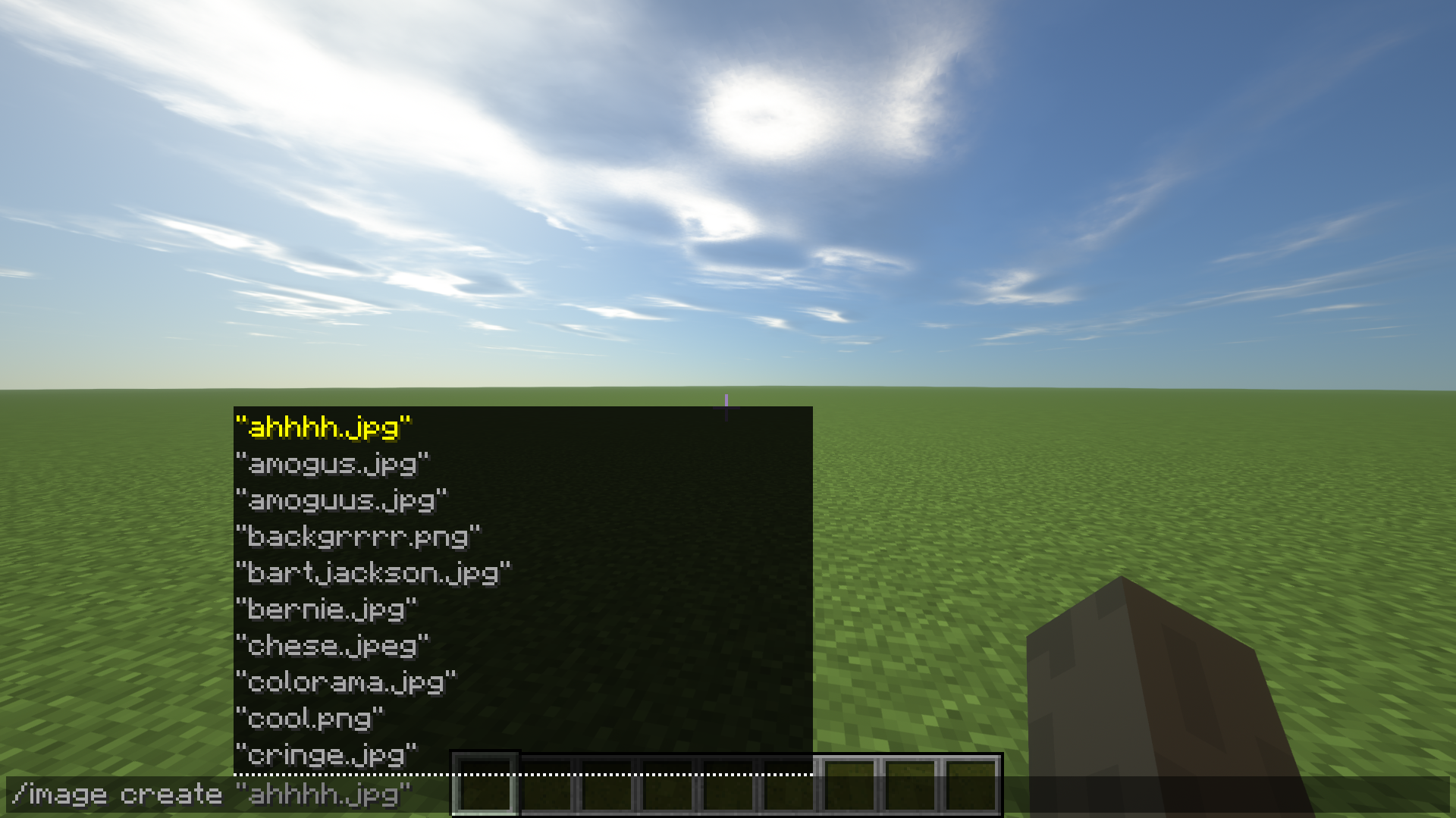
Select an image to create
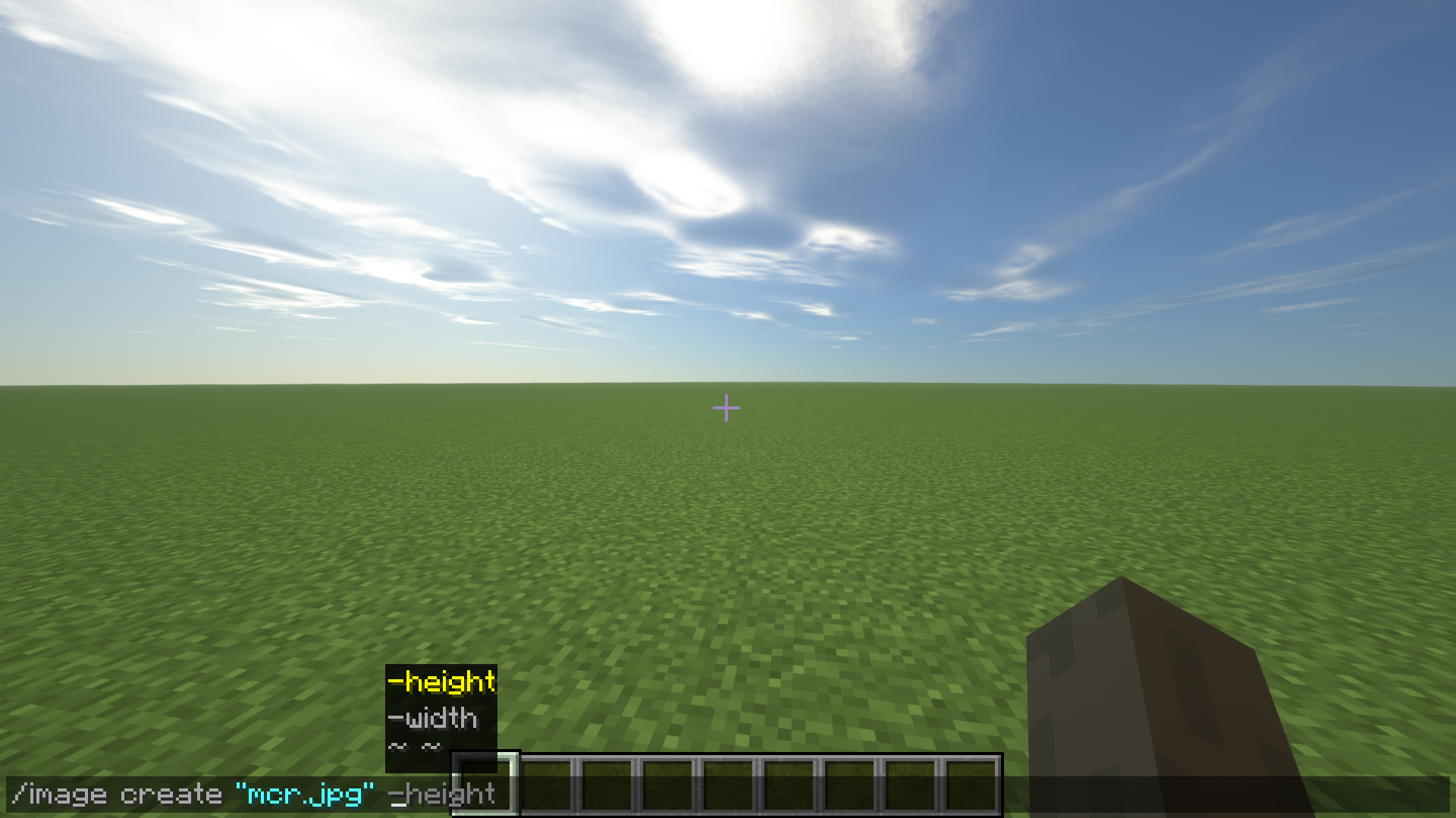
Choose the width & height of your pixel-art. Specifying only one will scale the image to the right aspect ratio!
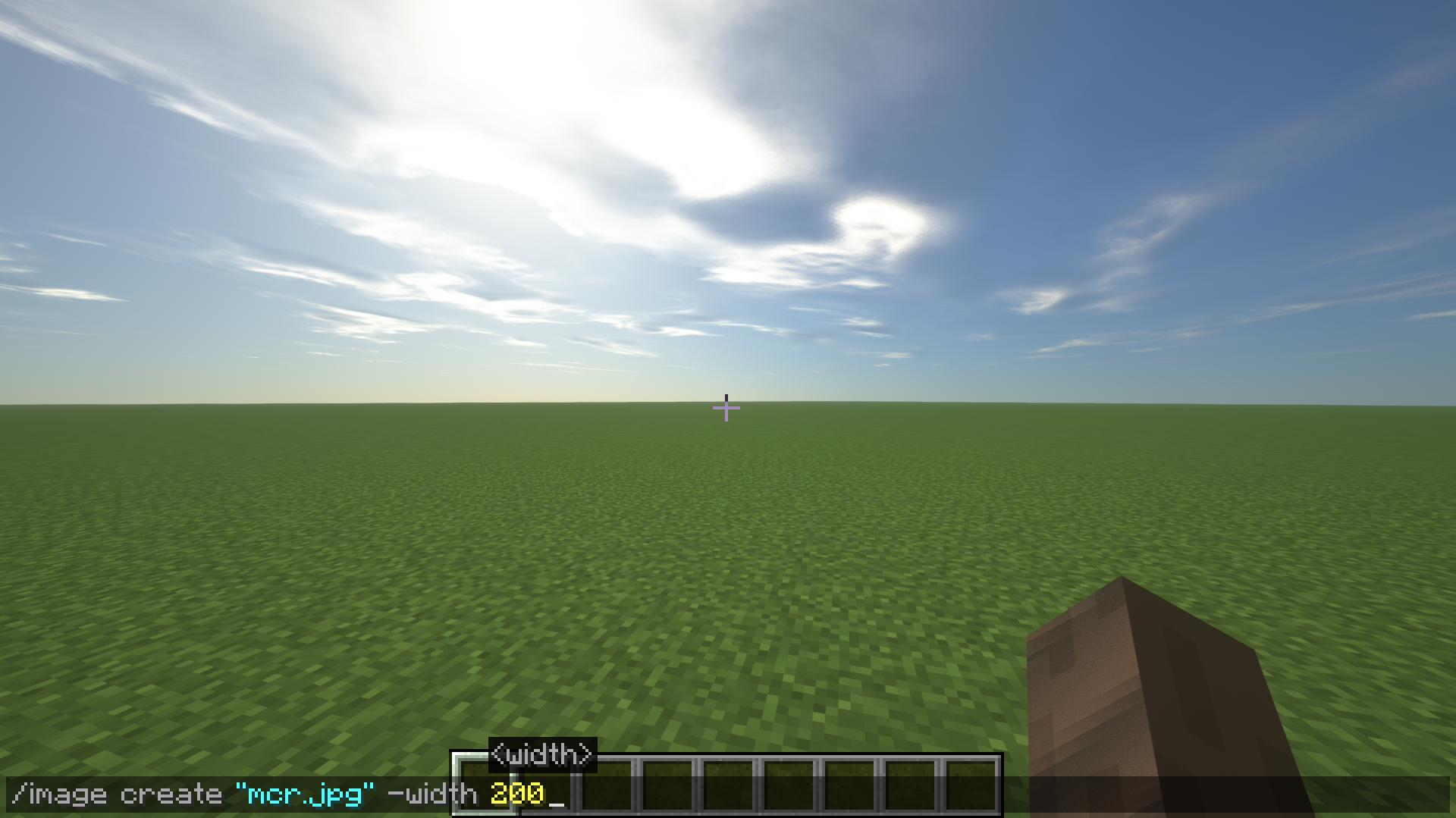
An example of a full command
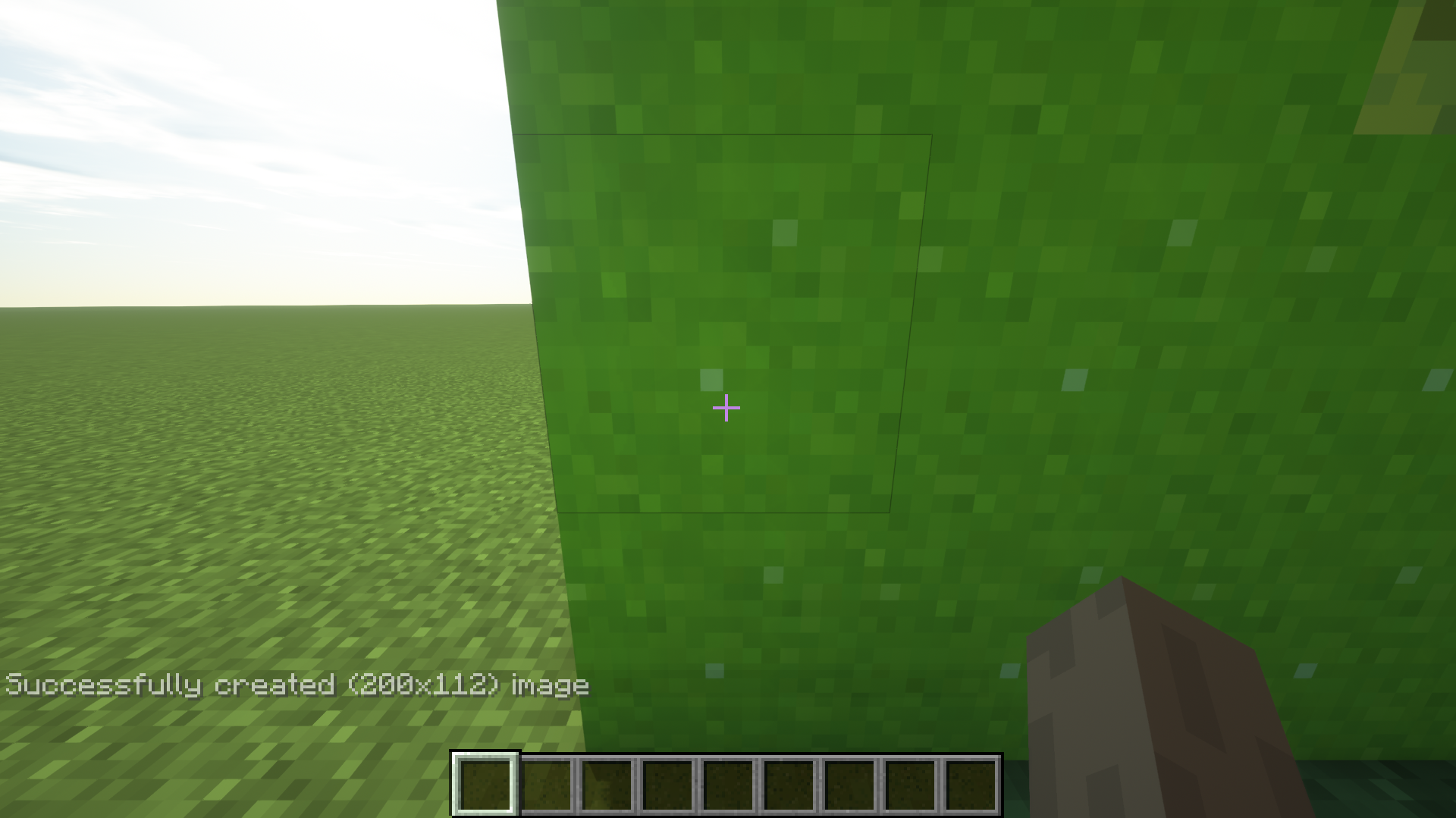
This is what happens when your command is accepted and your image is created!
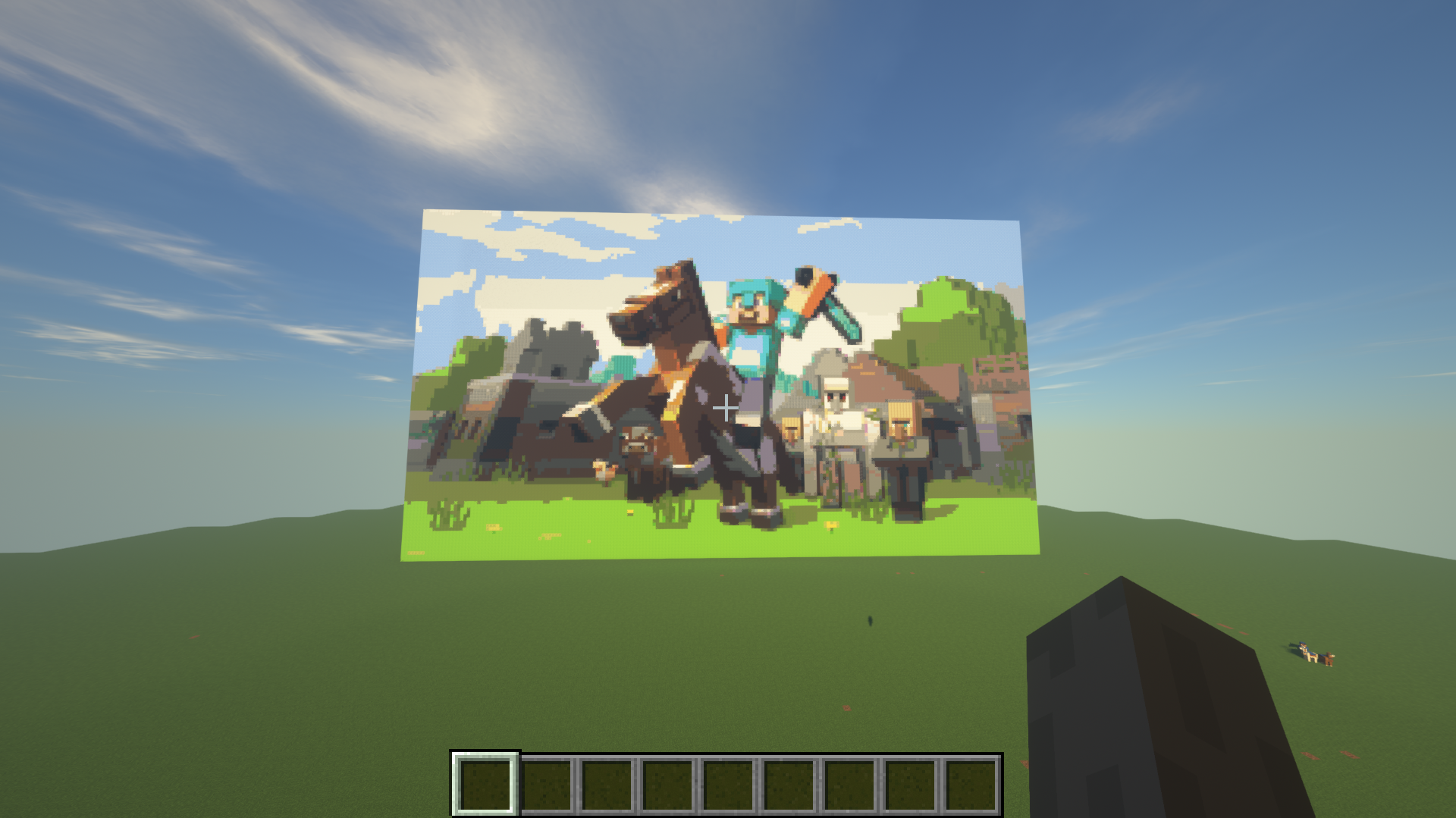
The final results of an image created!

