promotional bannermobile promotional banner

Image Mod

Automatically Generate Pixel-Art In Minecraft Using Every Loaded Block
Transparent images are no challenge for the smart algorithm behind the creation of the pixel-art
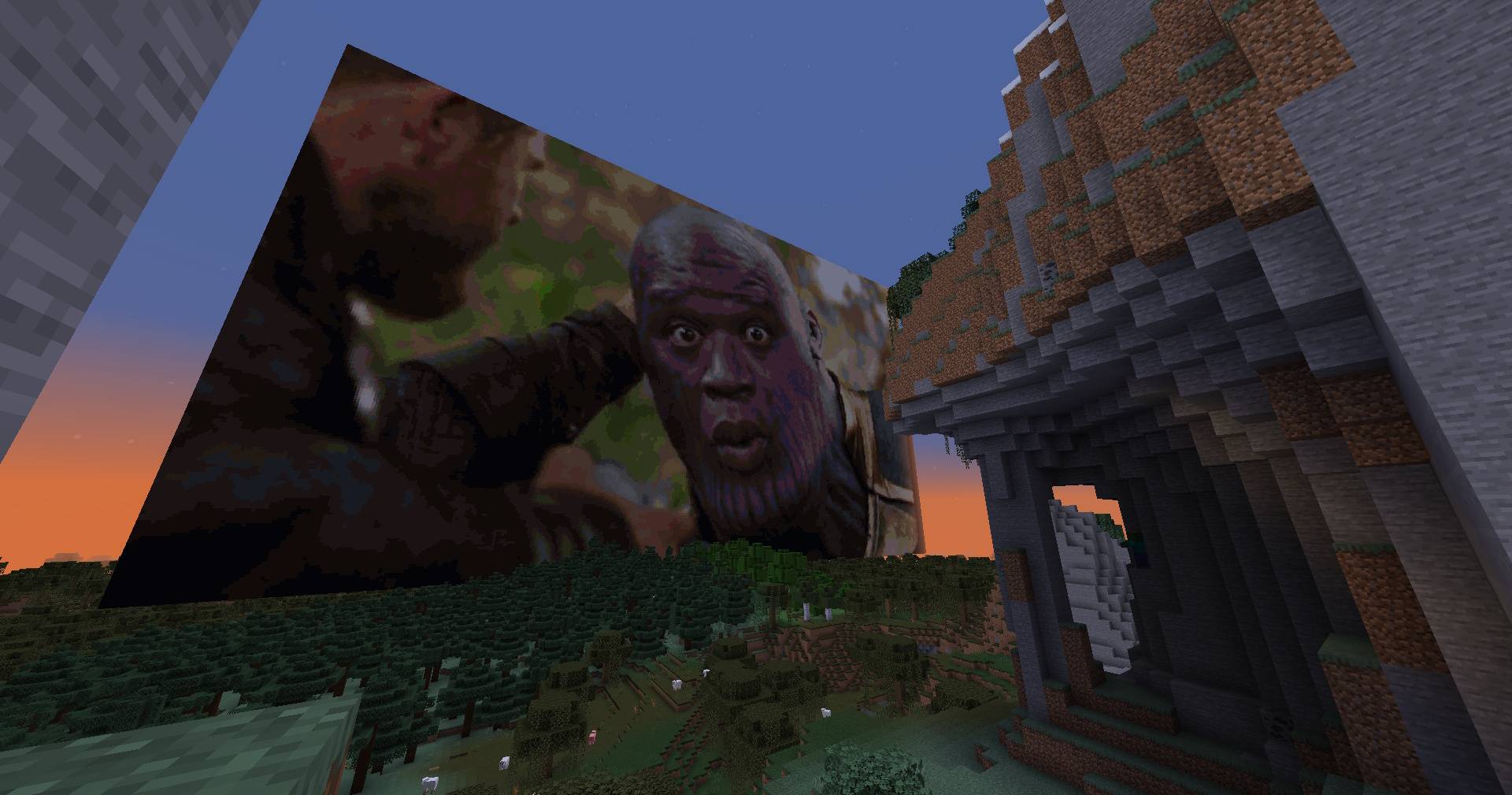
Transparent images are no challenge for the smart algorithm behind the creation of the pixel-art

Fast generation of images thanks to extensive testing and algorithm tweaks reaching 6GpxCompare/s!
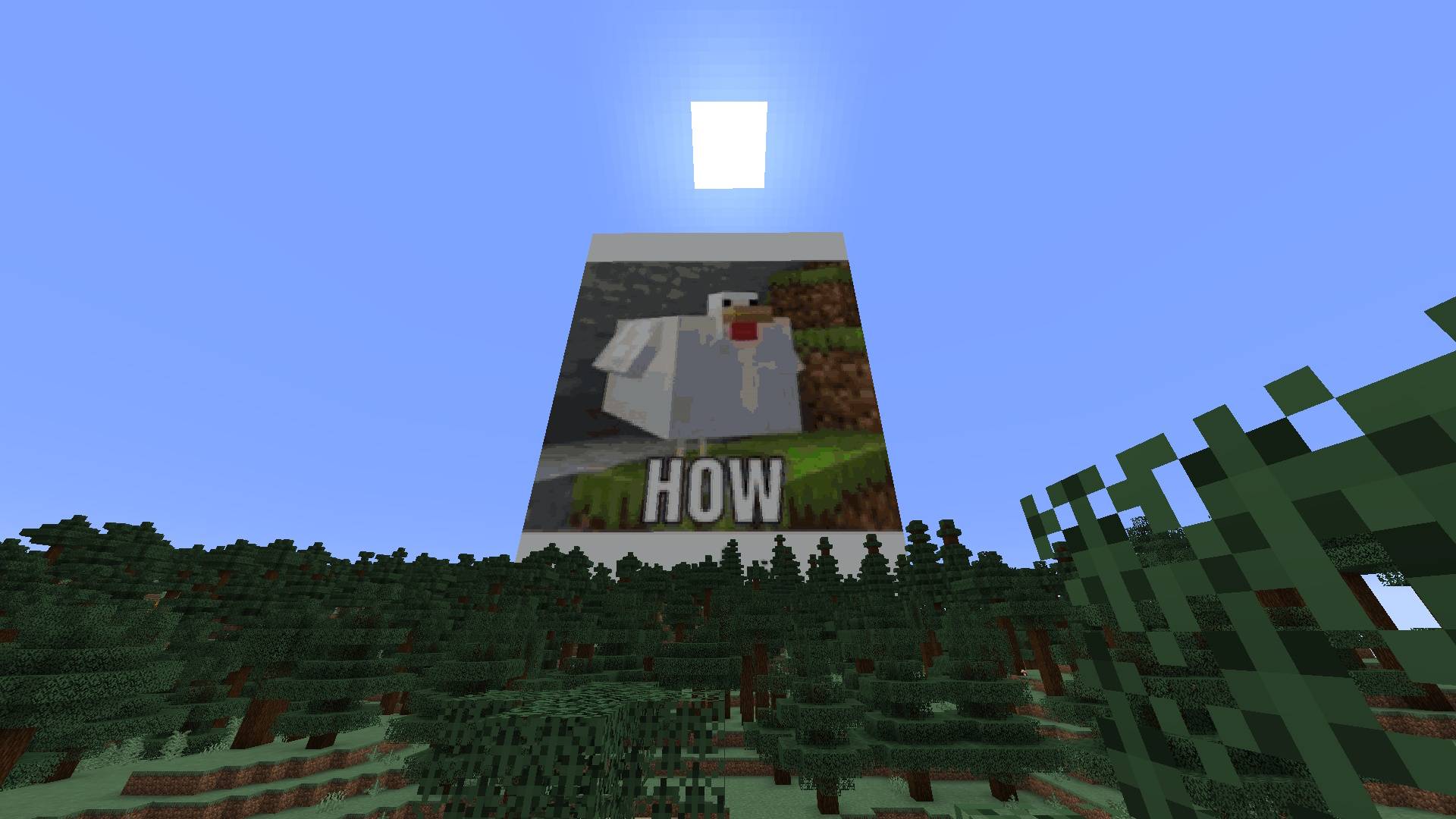
Fast generation of images thanks to extensive testing and algorithm tweaks reaching 6GpxCompare/s!

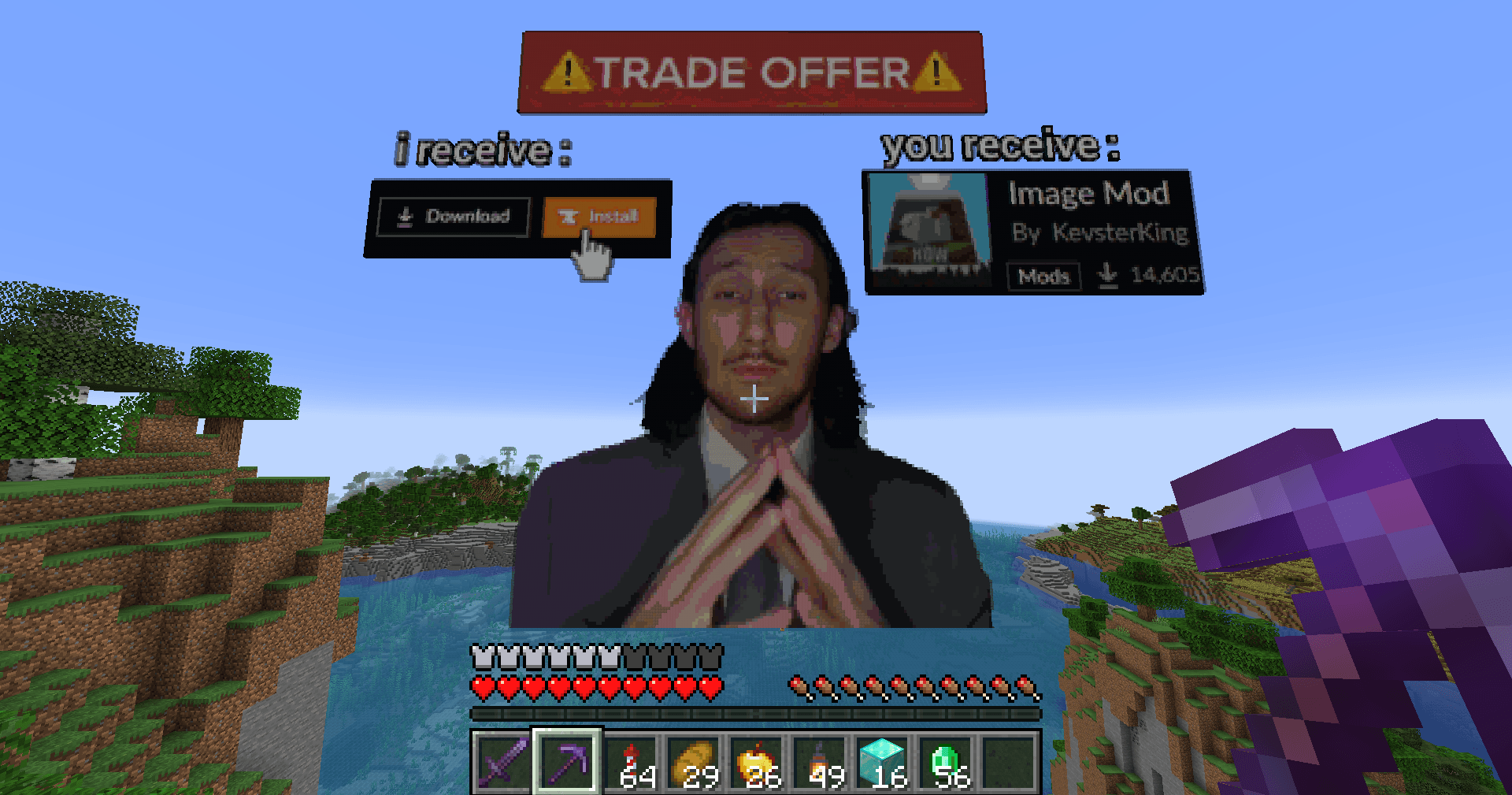
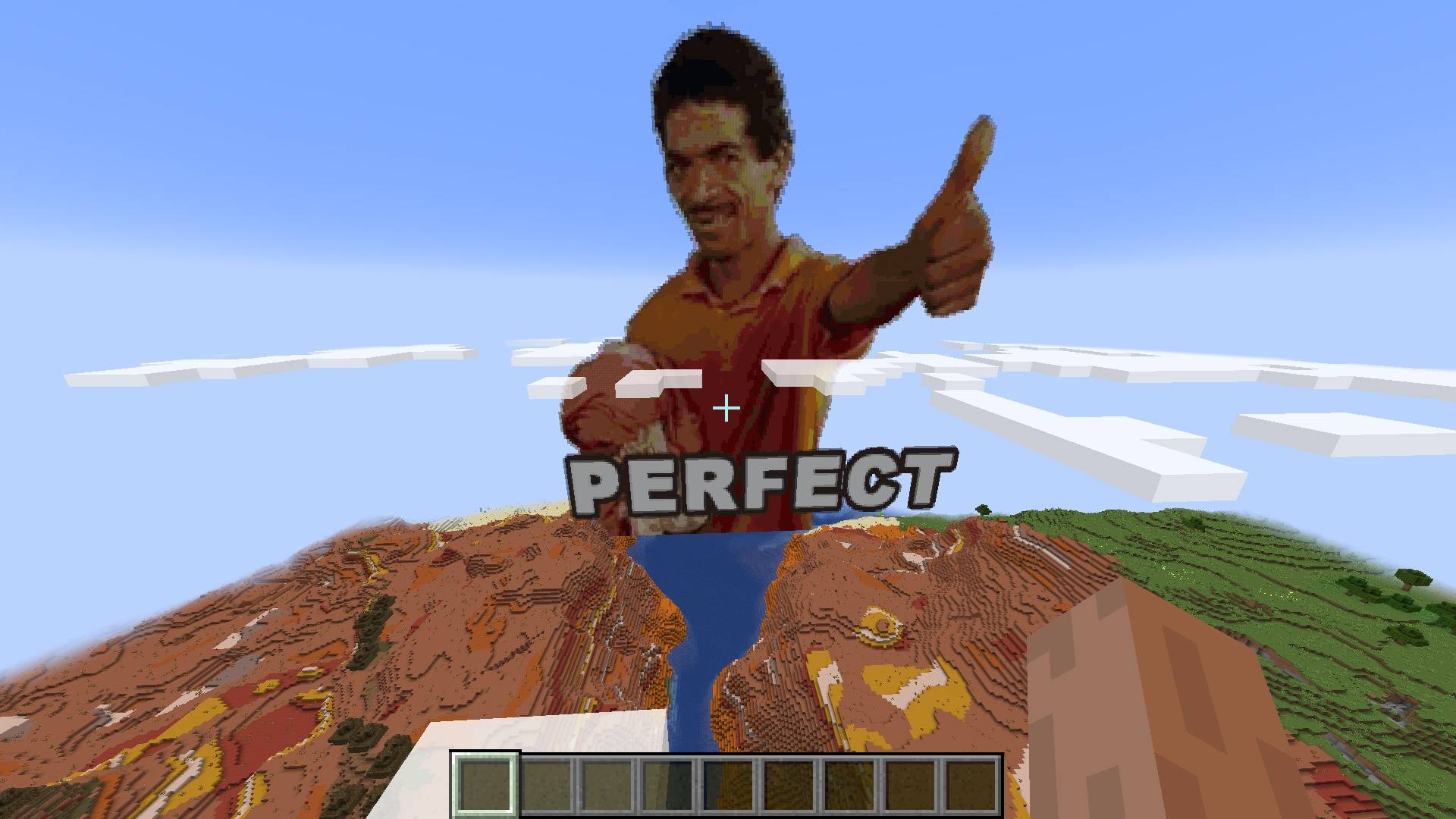
Put memes as big posters in your minecraft world super easily
Put memes as big posters in your minecraft world super easily

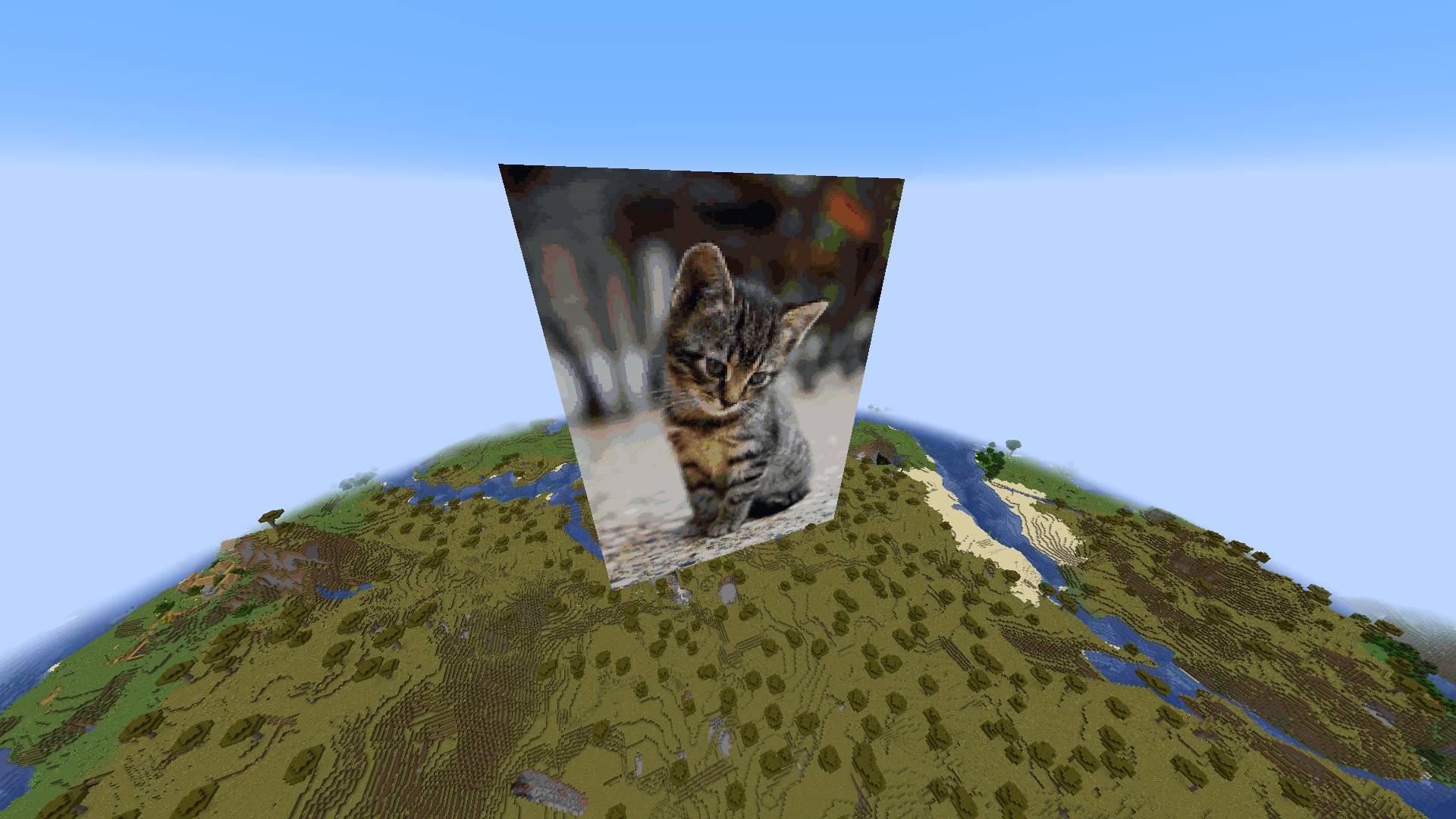
Feel security in being able to look at cute cats while creepers blow you up and make you sad
Feel security in being able to look at cute cats while creepers blow you up and make you sad

Perfect Results
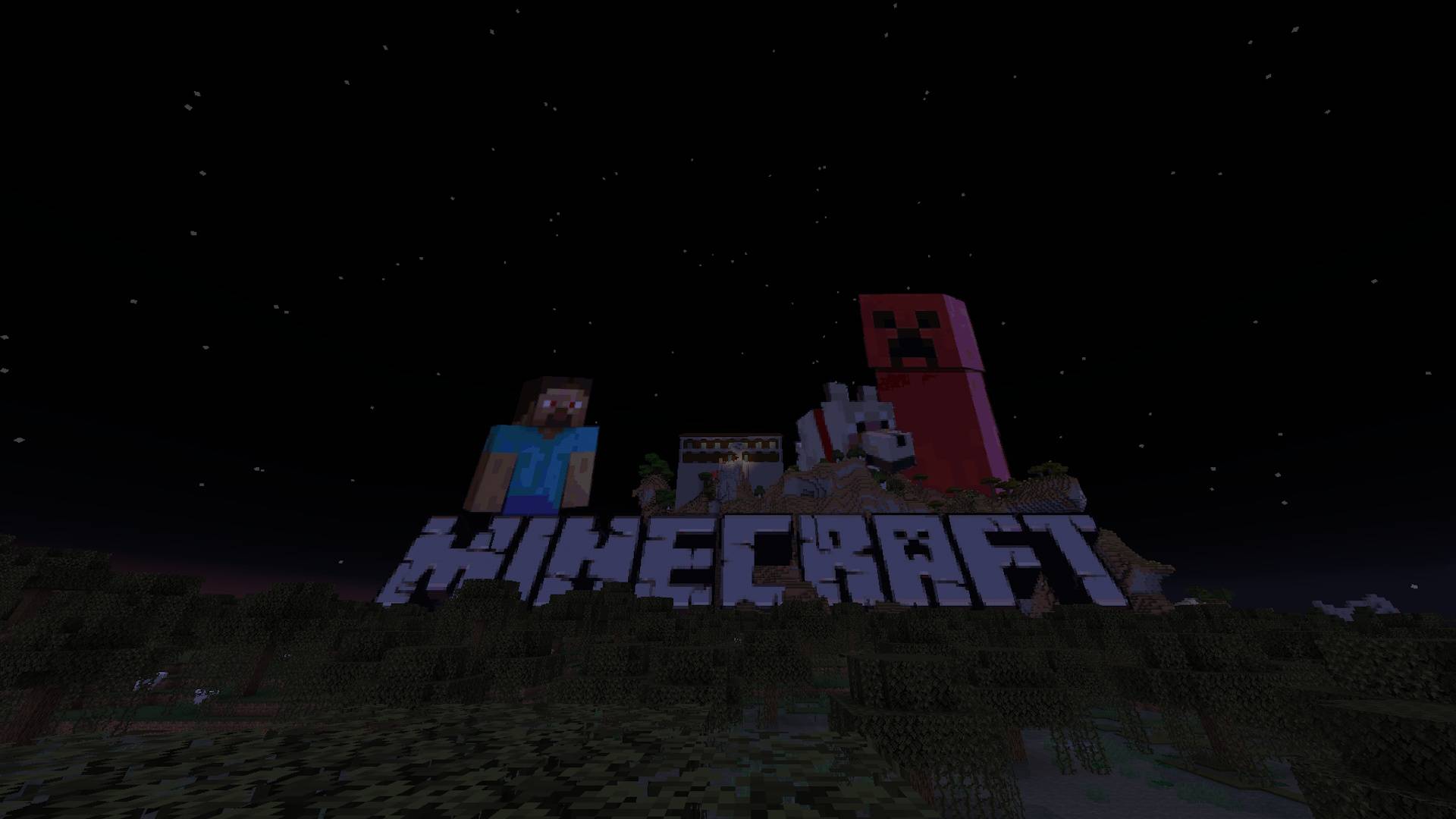
Perfect Results

Transparent images are no challenge for the smart algorithm behind the creation of the pixel-art
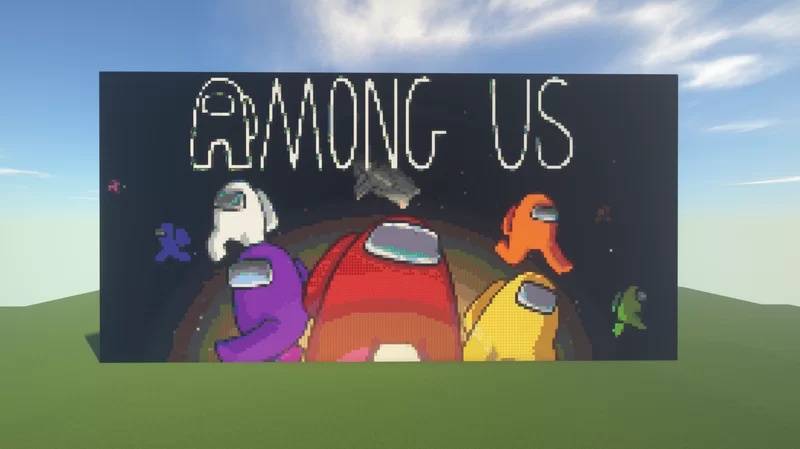
Transparent images are no challenge for the smart algorithm behind the creation of the pixel-art

Thanks to the automatic filtering and registration of blocks the dynamic range of images is prestine
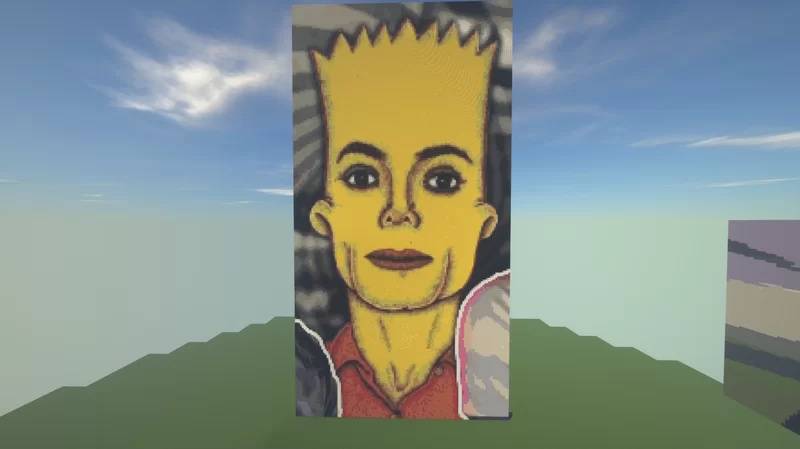
Thanks to the automatic filtering and registration of blocks the dynamic range of images is prestine

Automatic filtering of blocks from vanilla Minecraft and from blocks created in other mods
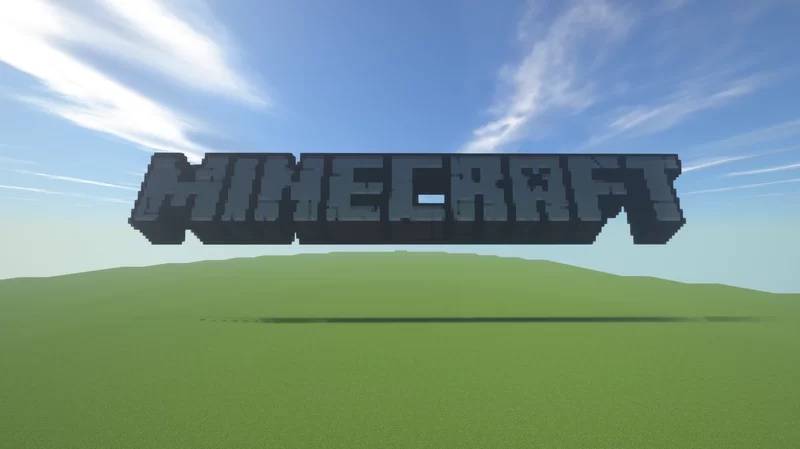
Automatic filtering of blocks from vanilla Minecraft and from blocks created in other mods

Transparent images are no challenge for the smart algorithm behind the creation of the pixel-art

Transparent images are no challenge for the smart algorithm behind the creation of the pixel-art

Image Mod | Your Own Minecraft Server
Create your game server with affiliate logo
Create Server
affiliate banner image

Description


Generate Minecraft Pixel-Art Automatically With A Single Command. Any Image File Is Turned Into Blocks In Less Than A Second! 

The command: /image
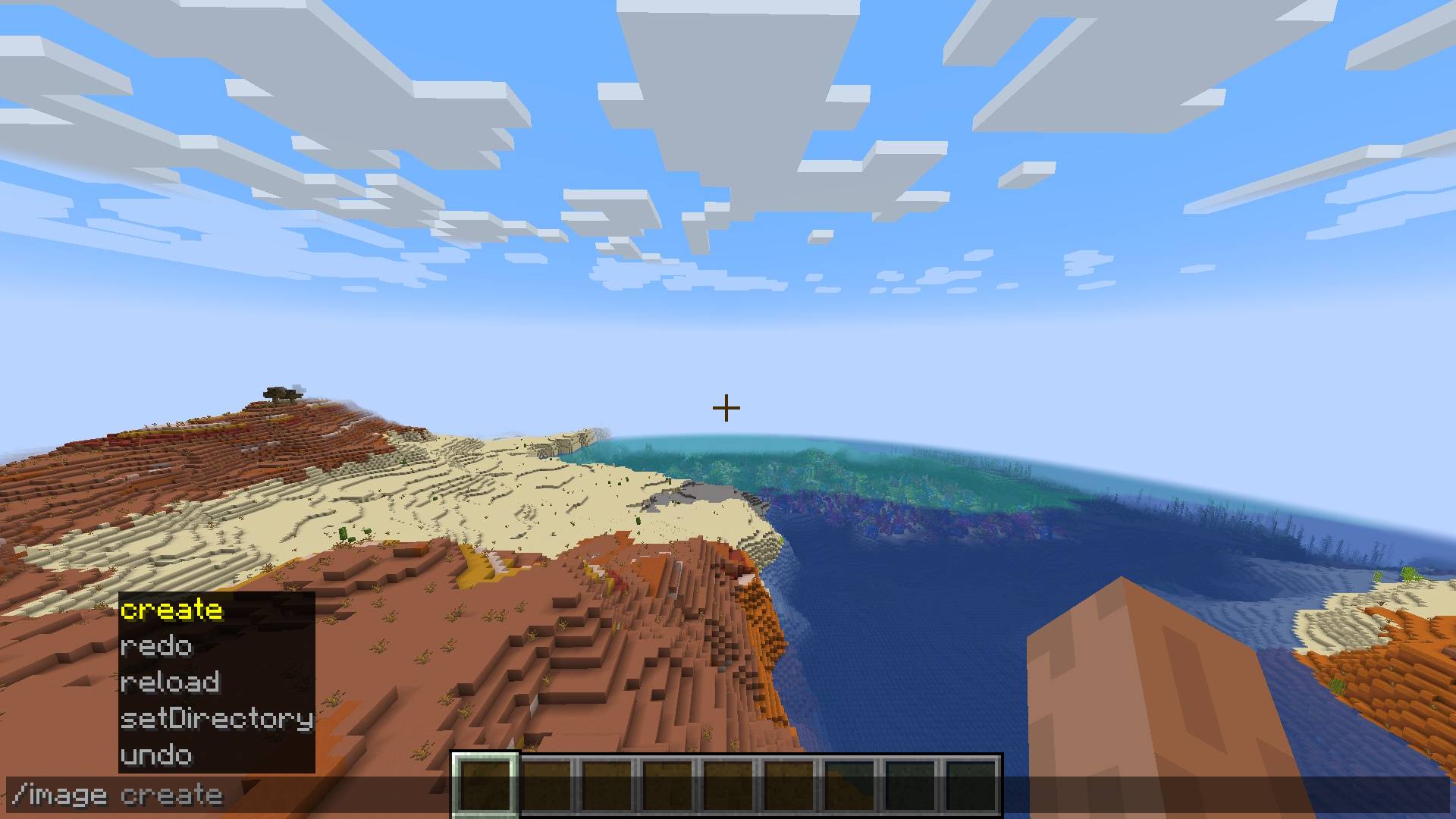
Image command actions


Usage

You are given a few dimension options for creating your pixel-art:

/image create <ImagePath> -width <width> 

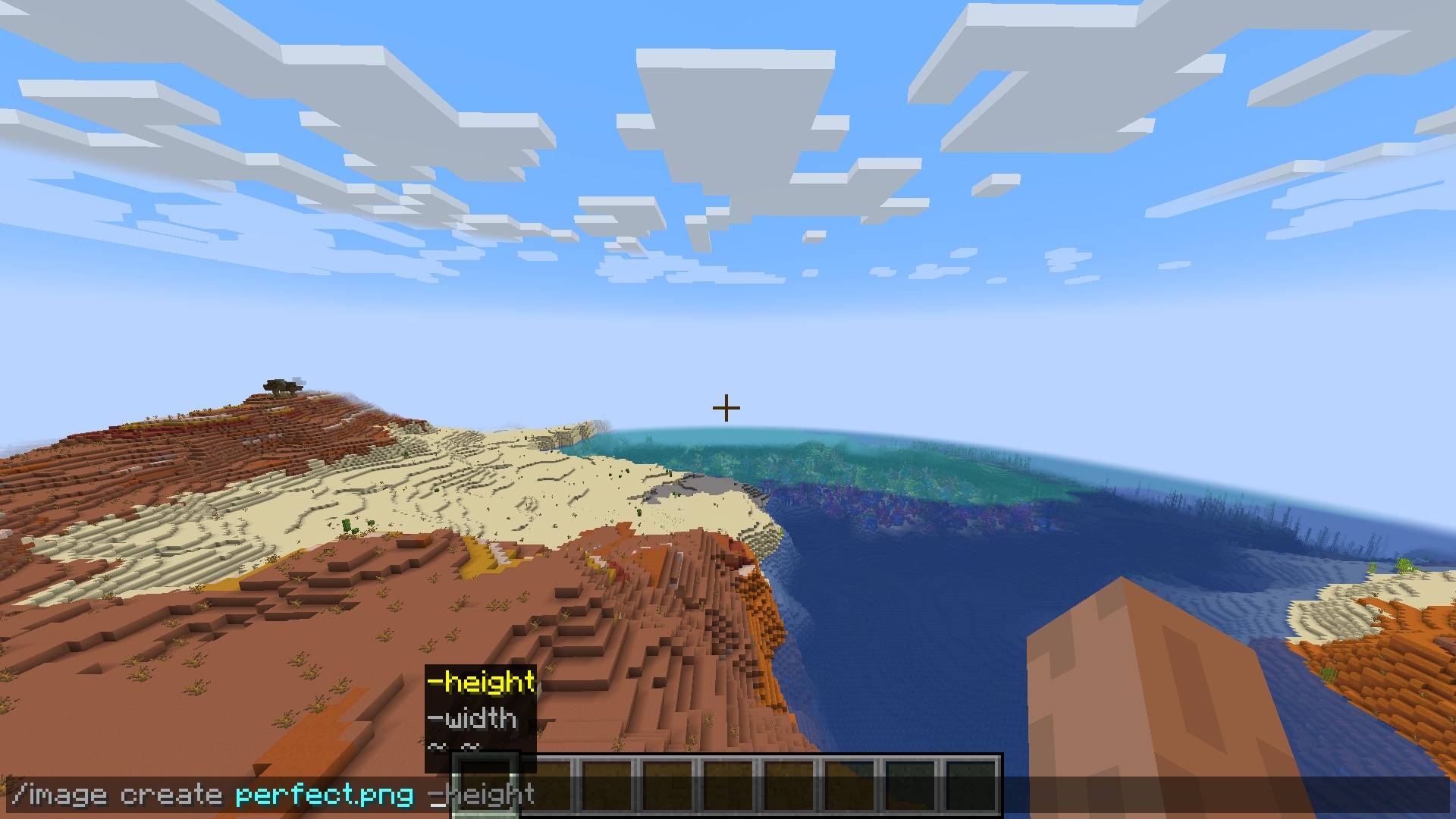
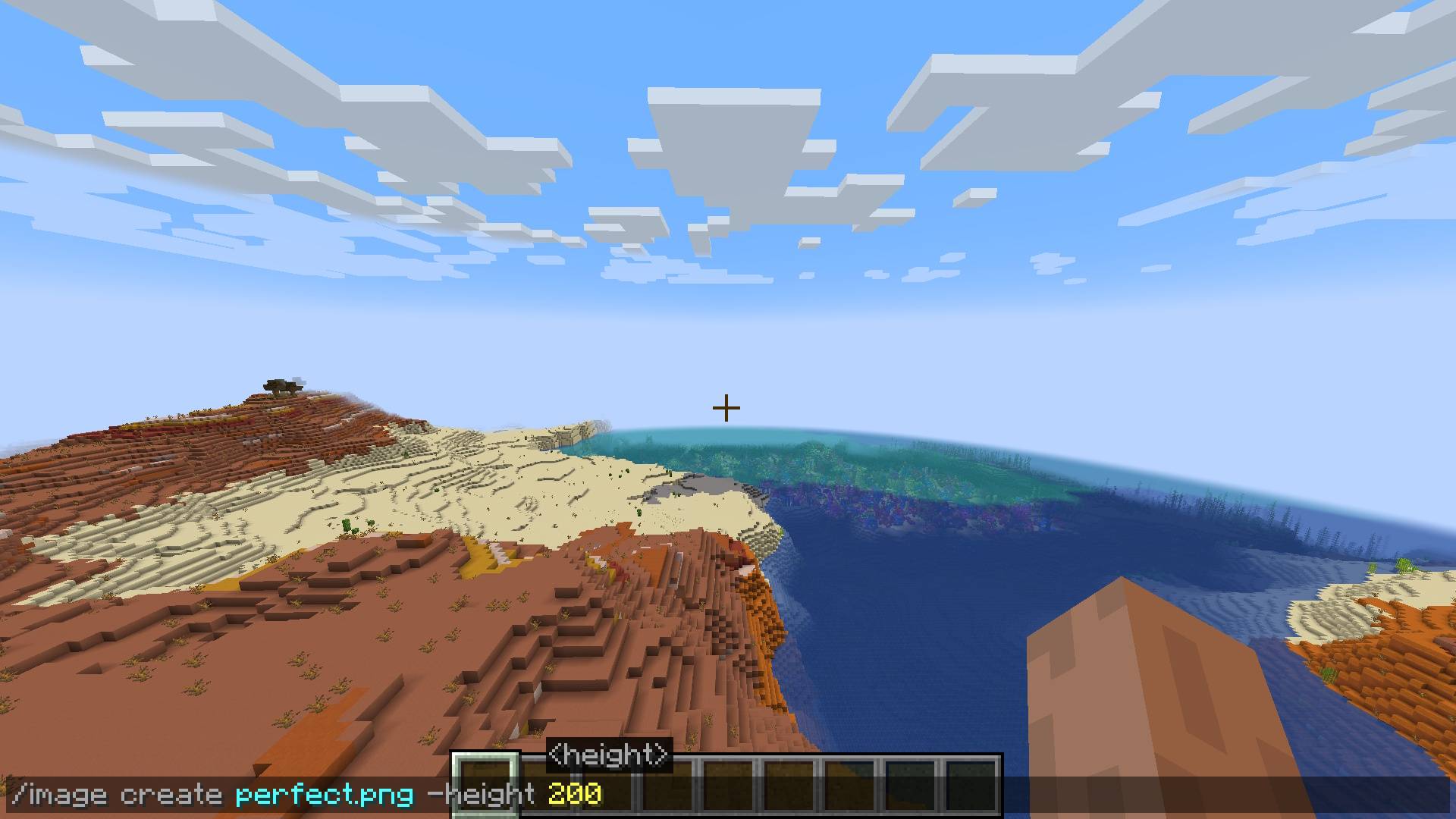
/image create <ImagePath> -height <height>

/image create <ImagePath> <width> <height>  
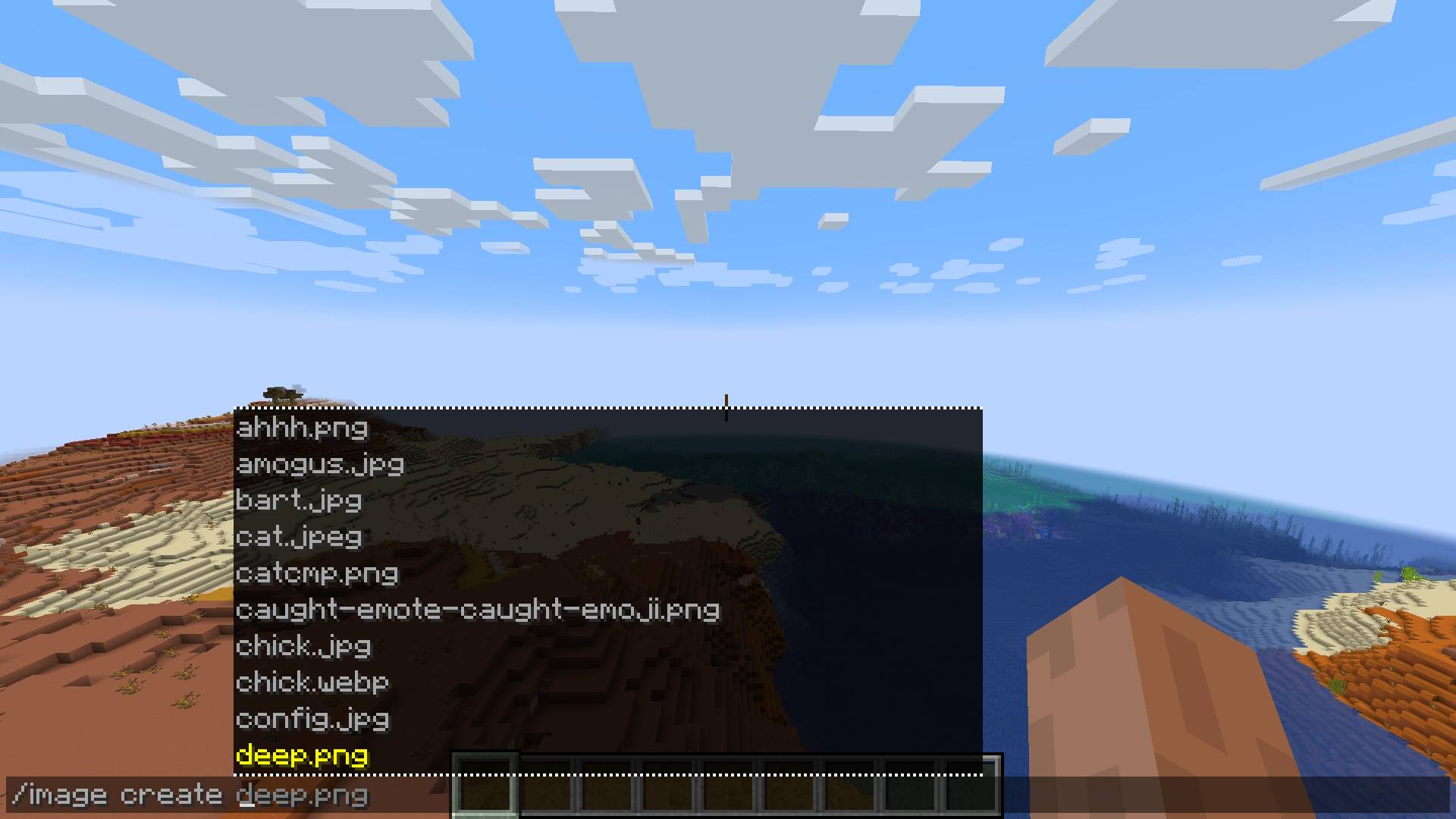
Select an image to create

Choose the width & height of your pixel-art. Specifying only one will scale the image to the right aspect ratio!

An example of a full command

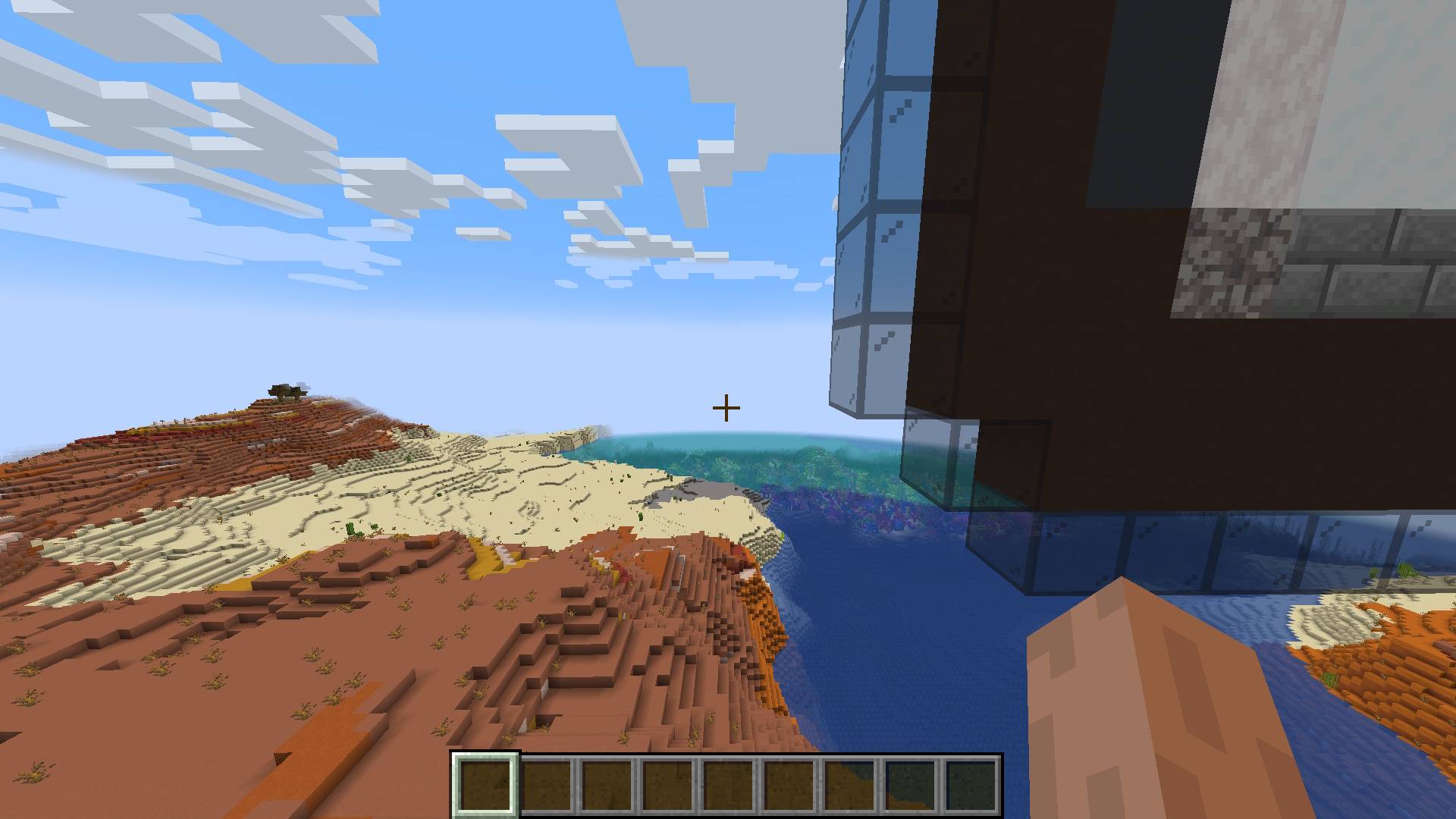
This is what happens when your command is accepted and your image is created!

The views of the image created from a distance 

Configuration

You can configure the directory where the image files you want to use are located:

/image setDirectory <DirectoryPath>
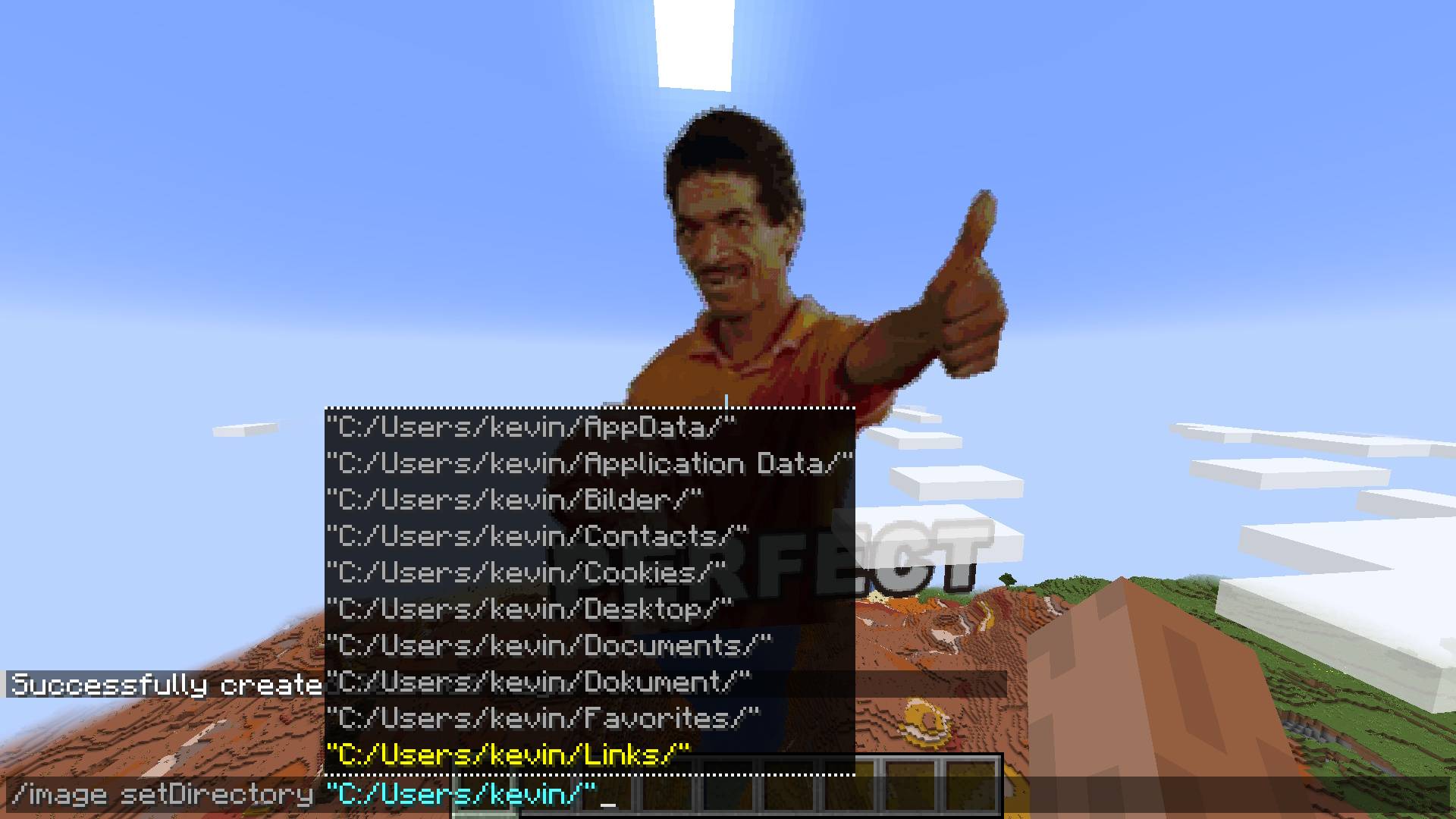
You can choose a directory where you keep all your images to simplify how you select them in game. But you can still always copy the full path to an image!


Future

Make setDirectory persistent

Fix falling blocks on surface

Multiplayer/Server/Plugin support

Fix update on resource pack reload

Improve block filter further

The Image Mod Team

profile avatar
  • 4
    Followers
  • 1
    Projects
  • 37.3K
    Downloads
Donate