


Ice Cream Factory
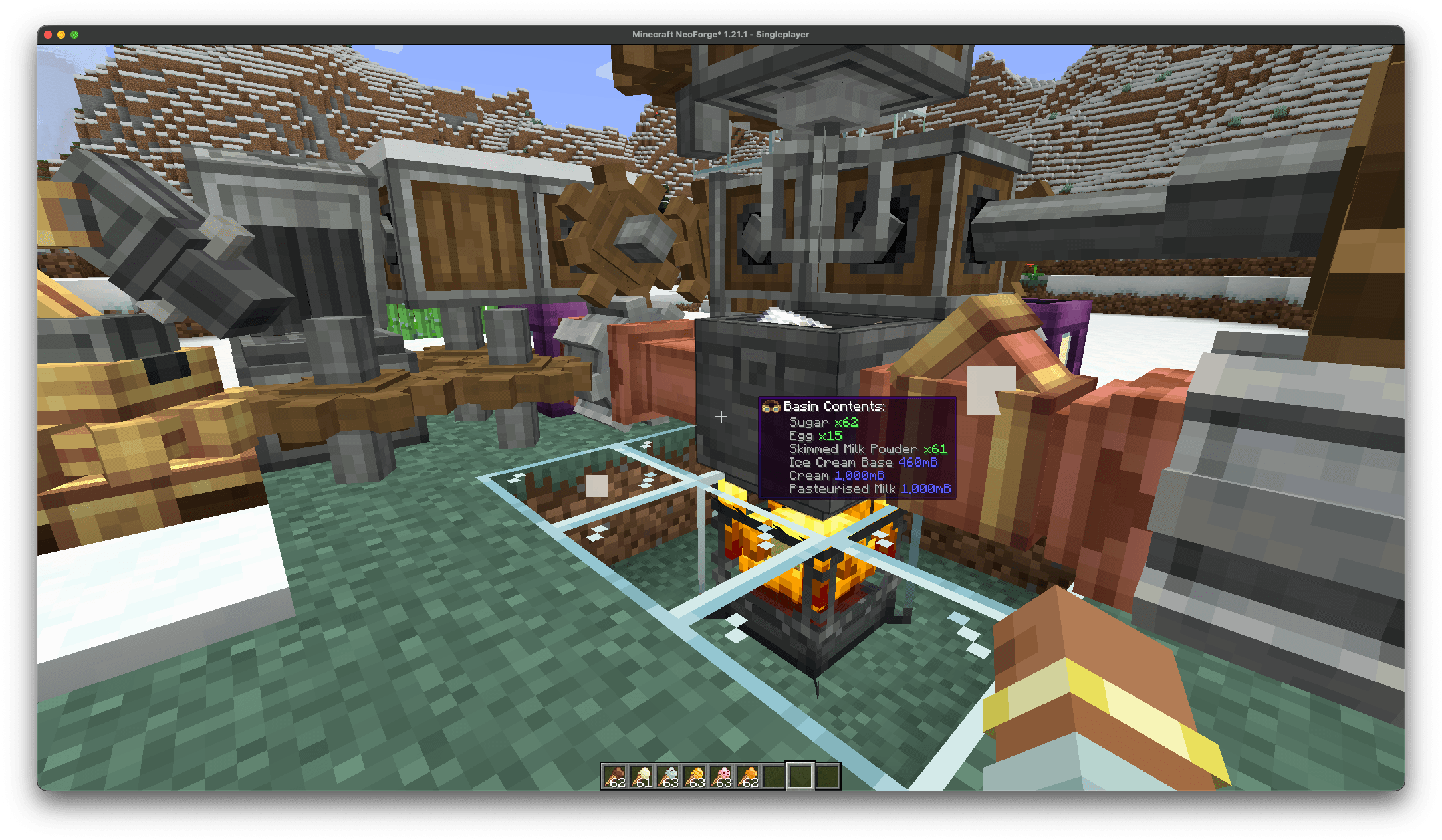
Mixing all of the ingredients to make Ice Cream Base
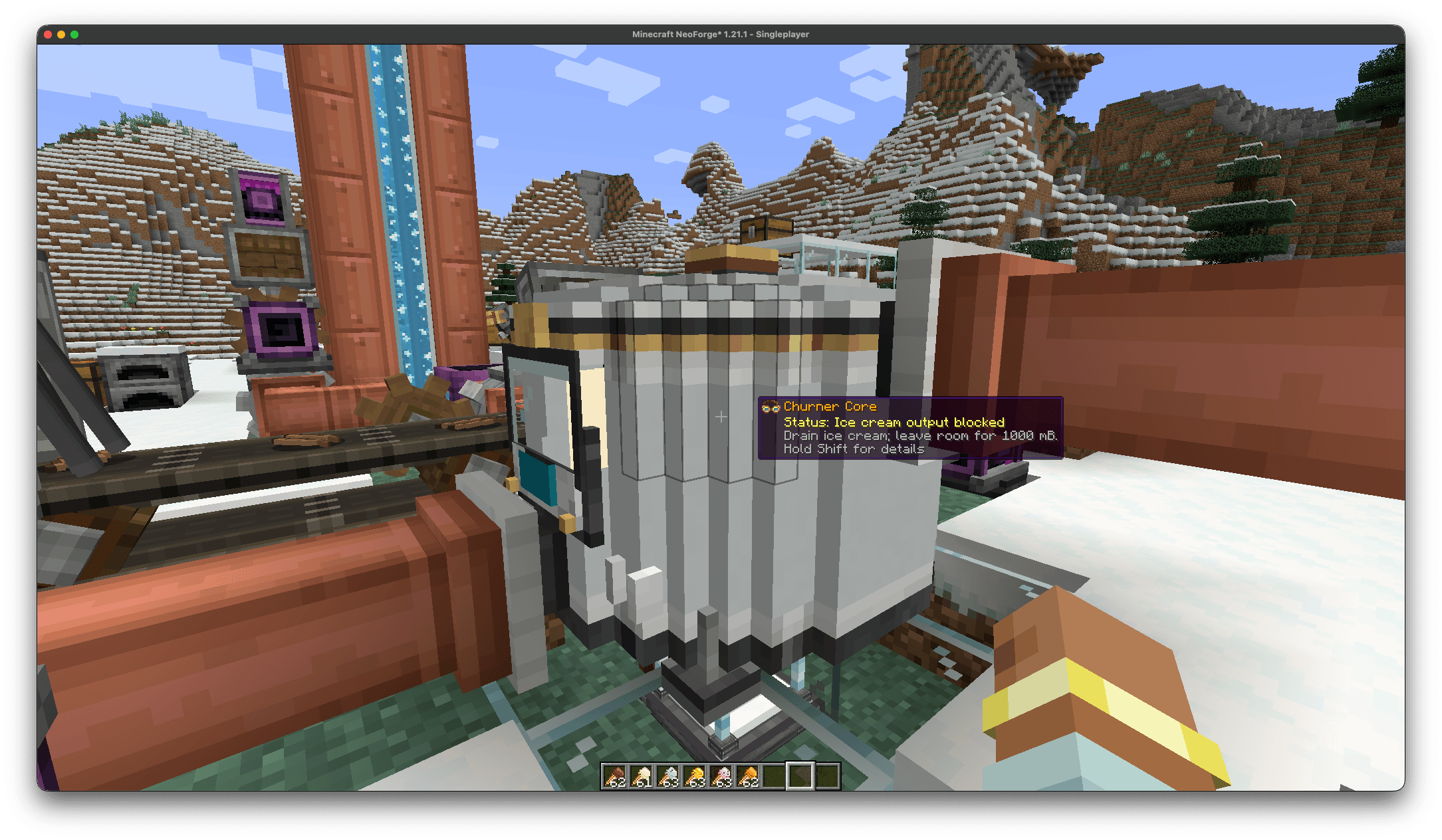
The churner - A multi block that churns the ingredients and ice cream base into soft serve ice cream
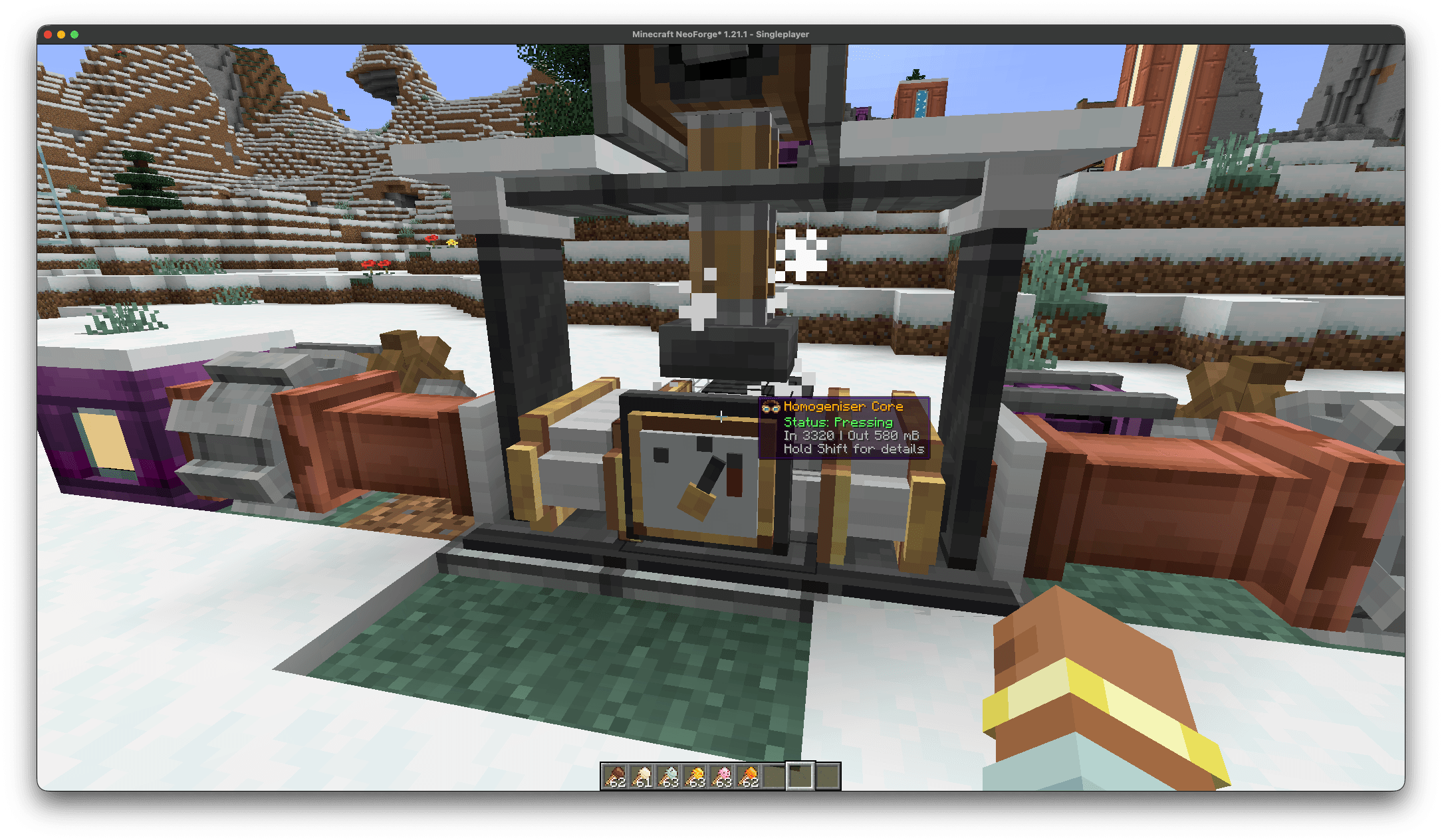
The homogeniser - A multi block that uses a press to homogenise the ice cream base
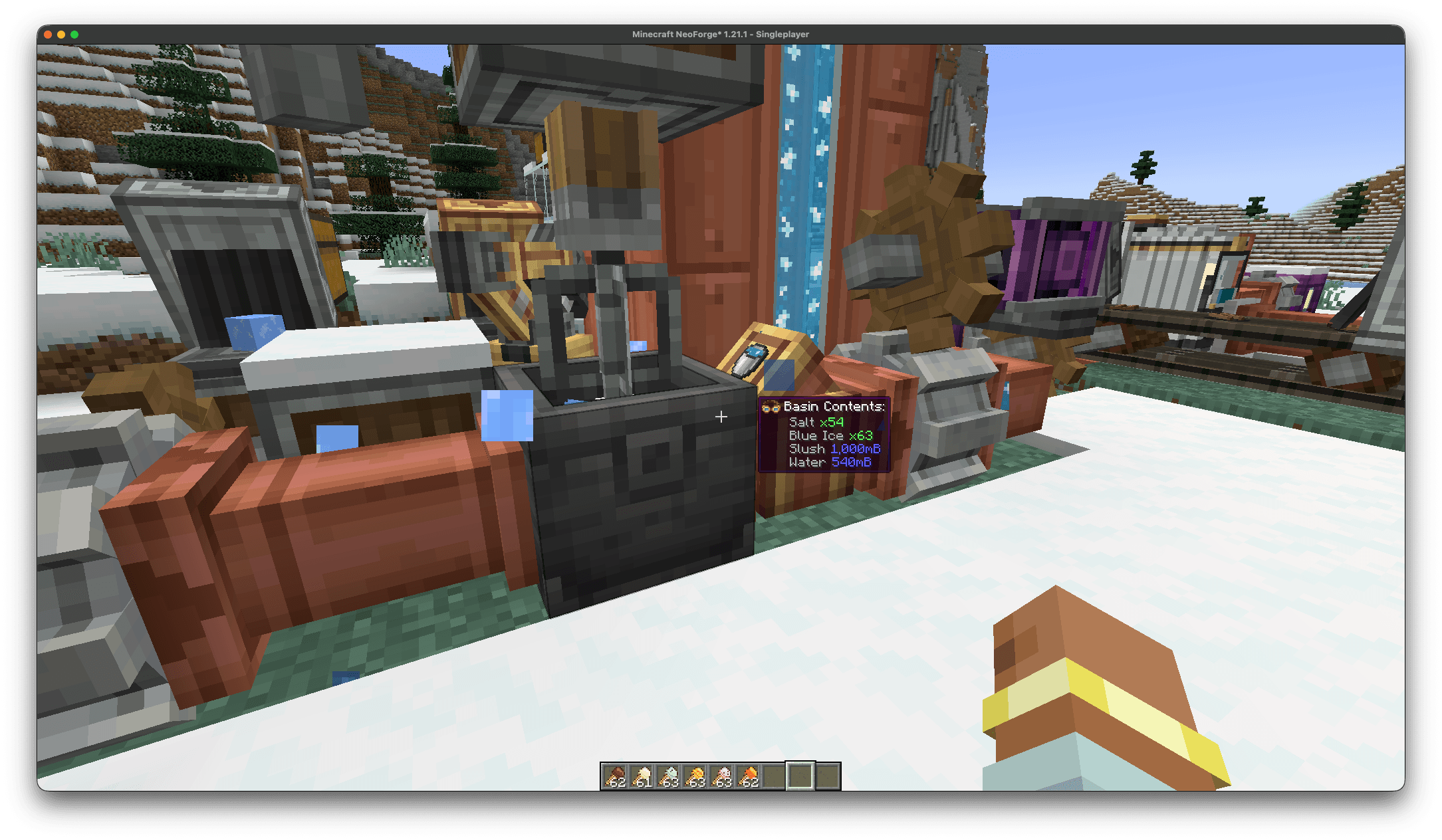
A basin making slush - A powerful cooling fuel used to cool the churner and the finished ice cream
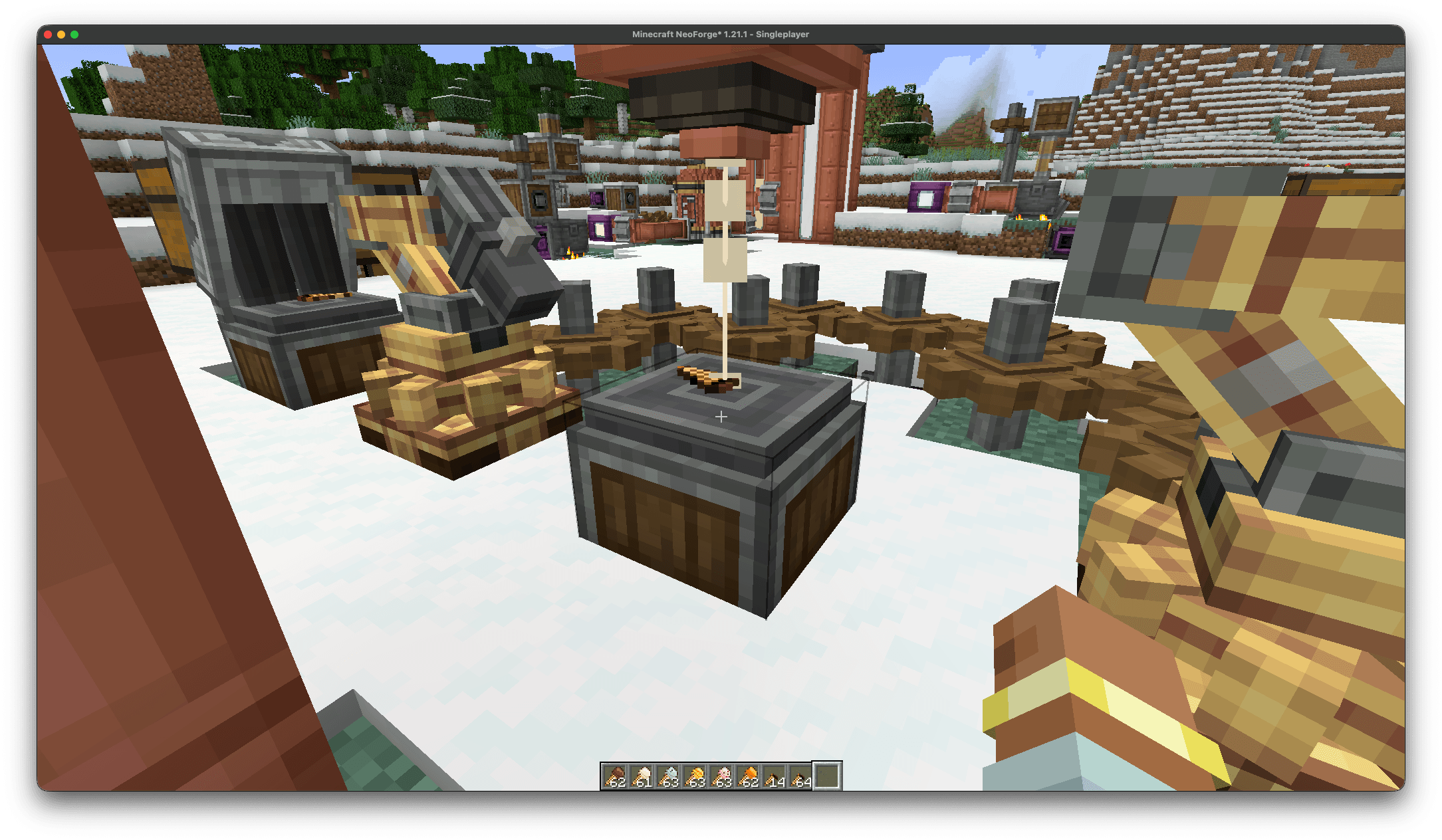
A spout depositing the finished soft ice cream on to a wafer cone
Description
Create: Ice Cream Factory brings automated ice cream manufacturing to Minecraft, turning milk and fresh ingredients into six flavours of ice cream and milkshakes. Designed around Create’s rotational power and fluid handling, it lets you build a working dairy factory with pipes, tanks, conveyor belts, mixers and spouts.
Follow a complete production chain: pasteurise milk in a heated basin, separate it into cream and skimmed milk using a separator, and produce the milk powder needed for your universal ice cream base. Process the base in a homogeniser, then supply it to a powered churner, where flavour ingredients and cooling turn it into finished ice cream! Large multiblock machines give each stage a place on your factory floor, with animated components and windows that let you watch production.
Keep your factory cold with the snow golem cooler, fuelled by packed ice, blue ice or slush. Refrigerated storage protects your finished ice cream from spoiling, making cooling an important part of your factory’s design. Once it is ready, use create spouts to fill wooden bowls or wafer cones, or mix ice cream with skimmed milk to make bottled milkshakes!
Each ice cream flavour offers its own special reward in the form of a unique jump boost mechanic.
There is more to discover beyond the machinery. Grow mint, collect pollen from bees to pollinate vanilla orchids, and dry vanilla pods and cocoa beans for your recipes. An illustrated in-game guide explains the production process with recipes, hints and machine-building instructions, while engineer’s goggles help you monitor your equipment.
Create: Ice Cream Factory is an addon for Minecraft 1.21.1 on NeoForge and requires Create. The initial public beta has been tested with NeoForge 21.1.259 and Create 6.0.11.
This mod has been tested on multiplayer and should work without any bugs.
Known issues/bugs:
1) Multiblocks stating there are 'missing blocks' - The core may be facing the wrong direction. Rotate it 90° using a wrench or breaking it and replacing it, rotated, then right-click it with the hammer to try forming the multiblock again. Repeat until the core faces the correct direction and the structure forms.
Ice Cream Factory Team
