Horizons Unbound
- By
Massive dimensional storms bring strange weather, creatures and pieces of the End, Nether and Deep Dark into your world.


Somewhere on the horizon, the sky darkens, the wind picks up, and a huge storm rises above the ground. Do you head over for a closer look, or wait it out at home? You now have a good reason to think twice.
Horizons Unbound adds four kinds of dimensional storms, bringing strange weather, creatures, patches of terrain, and pieces of structures into your world. One plays with gravity. Another turns the ground scorching hot. And one will hear you trying to run away.
Storms give you a warning before they arrive, drift slowly across the landscape, and eventually fade away. Sometimes two meet along the way, combining their effects into something much harder to predict.

Each storm has its own personality. Its color will tell you what’s coming. Figuring out what to do about it is another matter.
🌀 Void Rift — End
Distances stop behaving quite the way you expect around this storm. Rifts open in the air, arrows hang in place, and waves of gravity lift you off the ground. You might even run into an echo of yourself.
If you’d rather keep your feet on solid ground, a nearby Reality Anchor can help keep space stable.
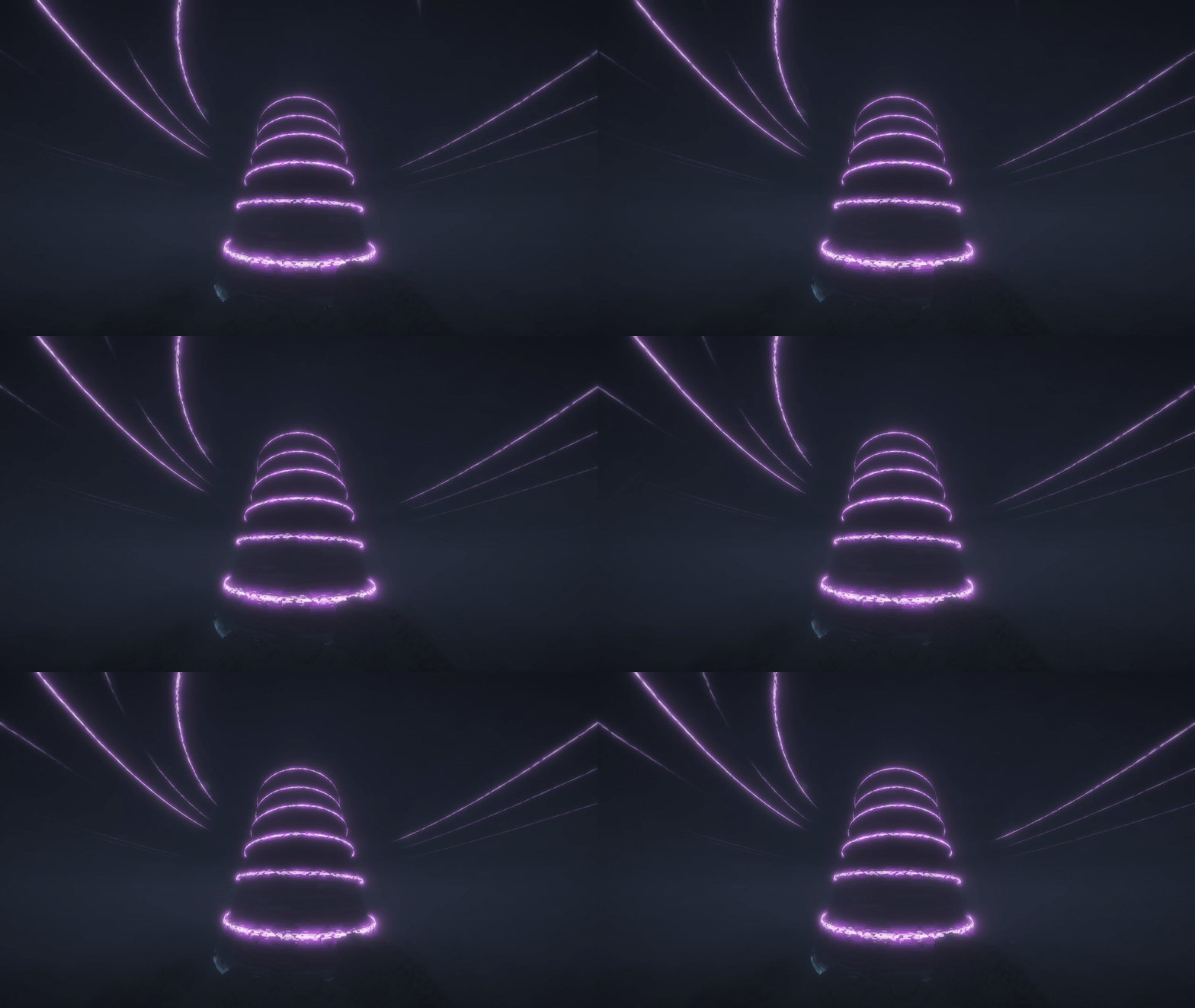
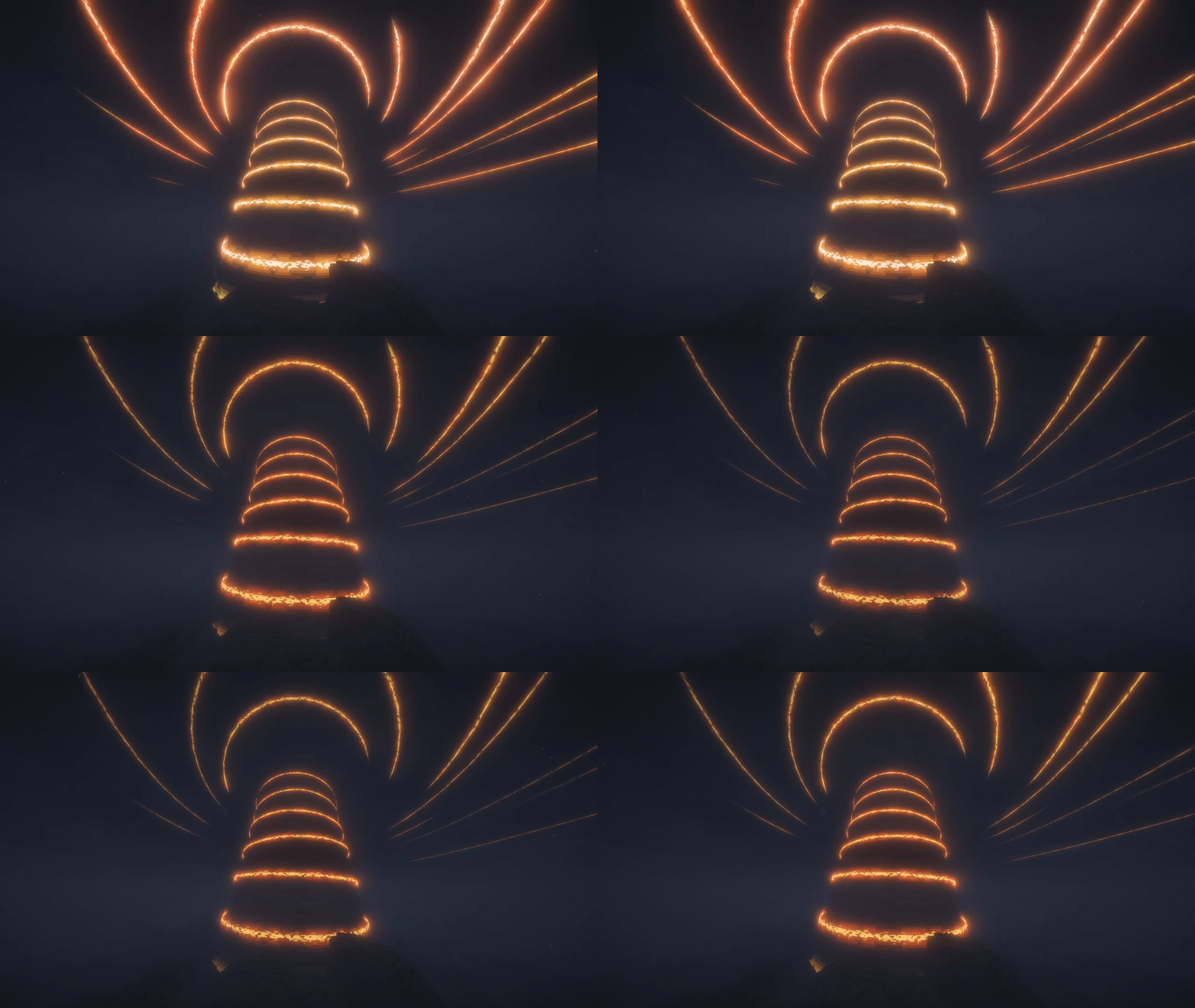
🔥 Fire Twister — Nether
Heat, ash, and scorching ground under your feet. This storm brings a little of the Nether with it, sending waves of heat through the surrounding area.
There’s a reason to brave its heart, though: equipment left there can be tempered, gaining extra durability and a bonus to attack damage or armor toughness.
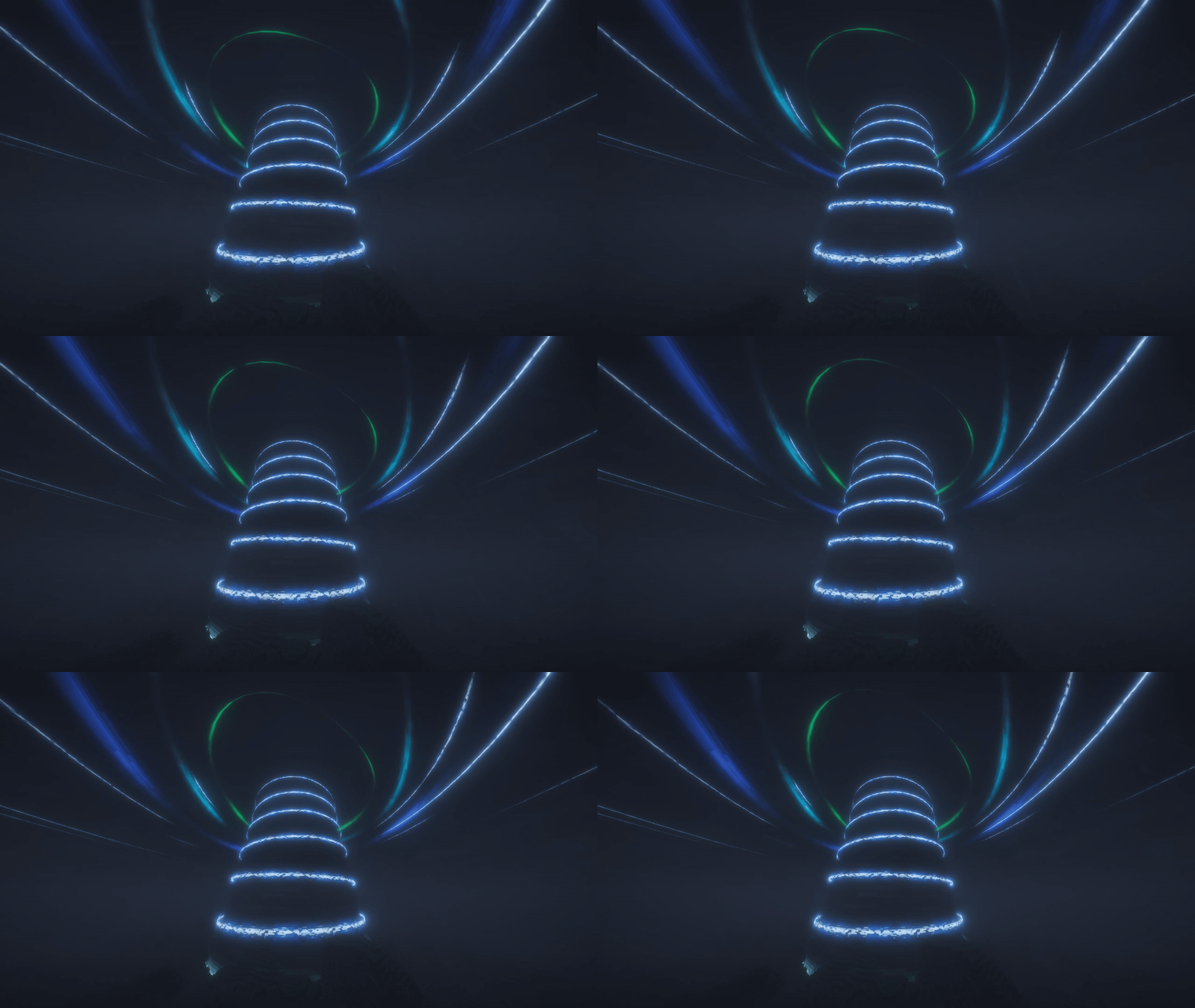
⚡ Thunder Funnel — Overworld
At first, it looks like a very large thunderstorm. Then ice starts forming nearby, snow melts a little farther out, and new streams run across the ground.
Watch your step: glowing ground warns you where lightning is about to strike. If you can reach the center, you’ll find the quiet eye of the storm.
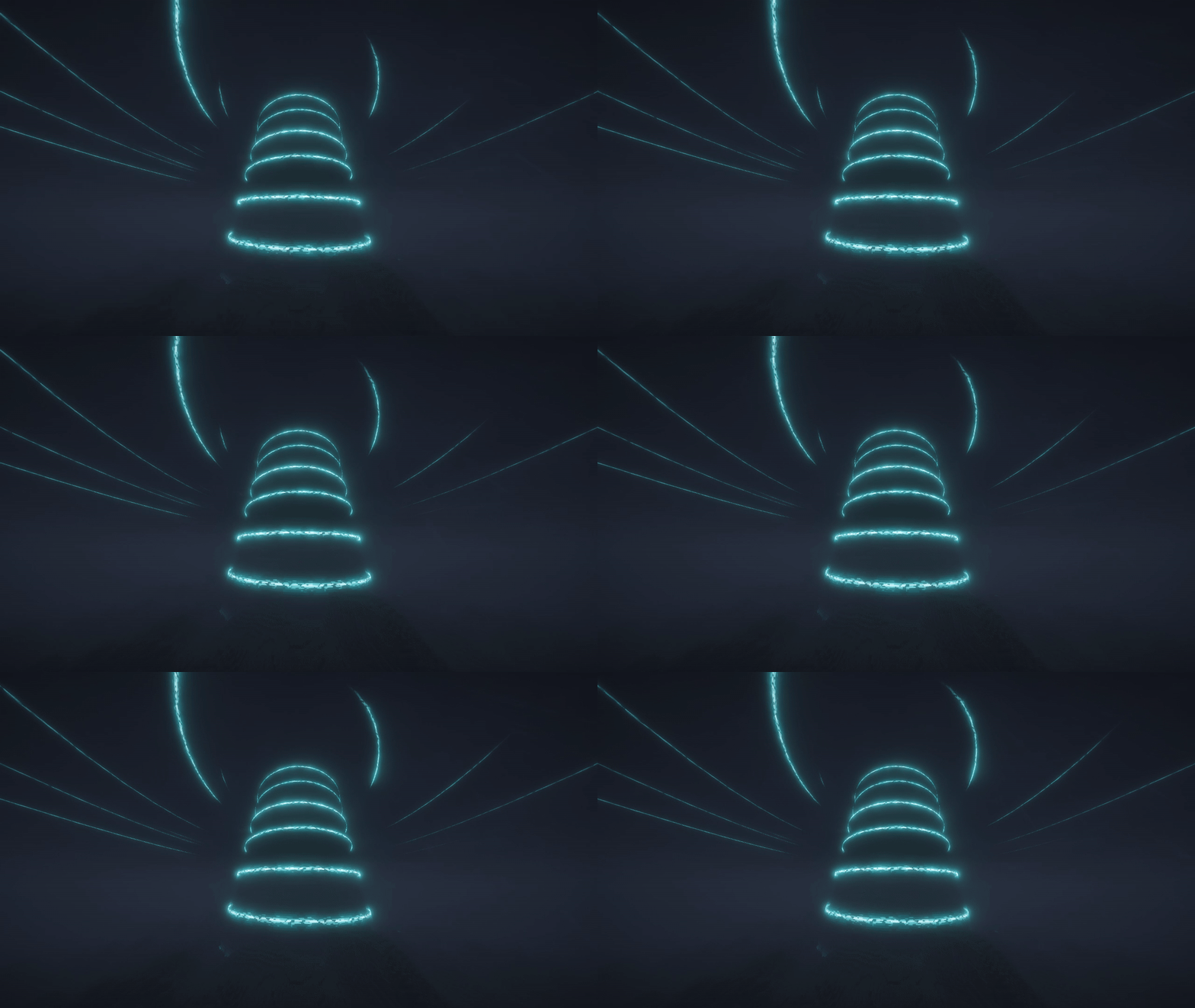
🔊 Deep Whisper — Deep Dark
Things get quieter here, but that doesn’t mean you’re safe. This storm hears your footsteps, your hits, and the vibrations you leave behind — and it responds.
With Simple Voice Chat installed, it can hear your voice too. Sneak, whisper, and try not to make more noise than you need to.

Storms leave you with more than a good view. You can find patches of unfamiliar terrain and fragments of familiar structures, meet creatures from another dimension, or work your way through the mod’s advancements.
🎬 Some moments deserve a closer look.
Storm births, first encounters, and endings come with cutscenes. Hold Shift to skip one, or turn them off in the settings if you’d rather keep playing.
🧩 Two storms can become one.
When storms merge, their effects work together. If one kind already feels like enough trouble, try standing near two at once.
👁️ There’s something beyond the four.
Meet every kind, and the Great Storm awaits. The rest is better discovered in your own world.

🛠️ Before you play
Install the mod on your server and every player’s client. For singleplayer, just install it on your own game.
Choose the file that matches your Minecraft version and loader:
| Minecraft | Loaders | Java |
|---|---|---|
| 1.21.1 | NeoForge or Fabric | 21 |
| 1.20.1 | Forge or Fabric | 17 |
On Fabric, you’ll also need Fabric API and Forge Config API Port for your Minecraft version. Mod Menu is optional and lets you open the settings from the mods menu.
🎛️ Make the storms fit your world
Adjust how often they appear, how long they last, their size, the creatures they bring, and whether they change the terrain.
Each player can choose their own storm volume and cutscene settings. The mod also follows Minecraft’s Hide Lightning Flashes and Distortion Effects settings.
🗺️ Playing with other mods?
There are integrations for JourneyMap, Xaero’s Minimap and World Map, Simple Voice Chat, and Figura, along with support for setups using Iris/Oculus and Distant Horizons.
Compatibility depends on the versions and combinations you use. If a shader pack makes a storm look wrong, try changing Shader pack mode in the client settings.
🏠 What about your builds?
The mod remembers blocks placed by players while it’s installed and protects areas around world spawn and beds.
Older builds may need extra protection. Land claim support depends on the claim mod handling the protection hooks used by your loader.
🧰 Want to make something of your own?
Change the sounds and visuals with a resource pack, adjust protected blocks and other data through a data pack, or build an addon using the Java API.
Horizons Unbound Team