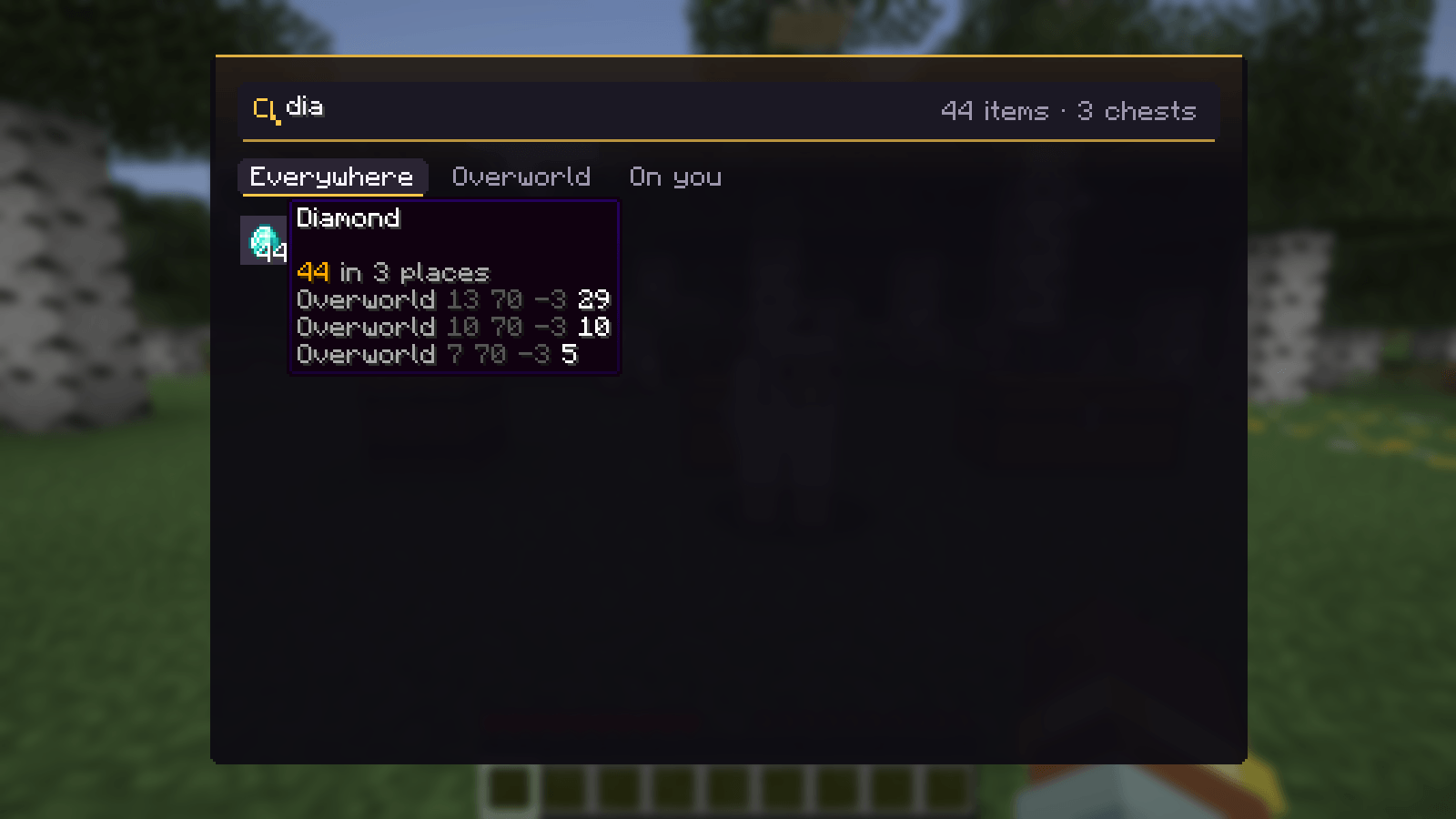
1-search.png
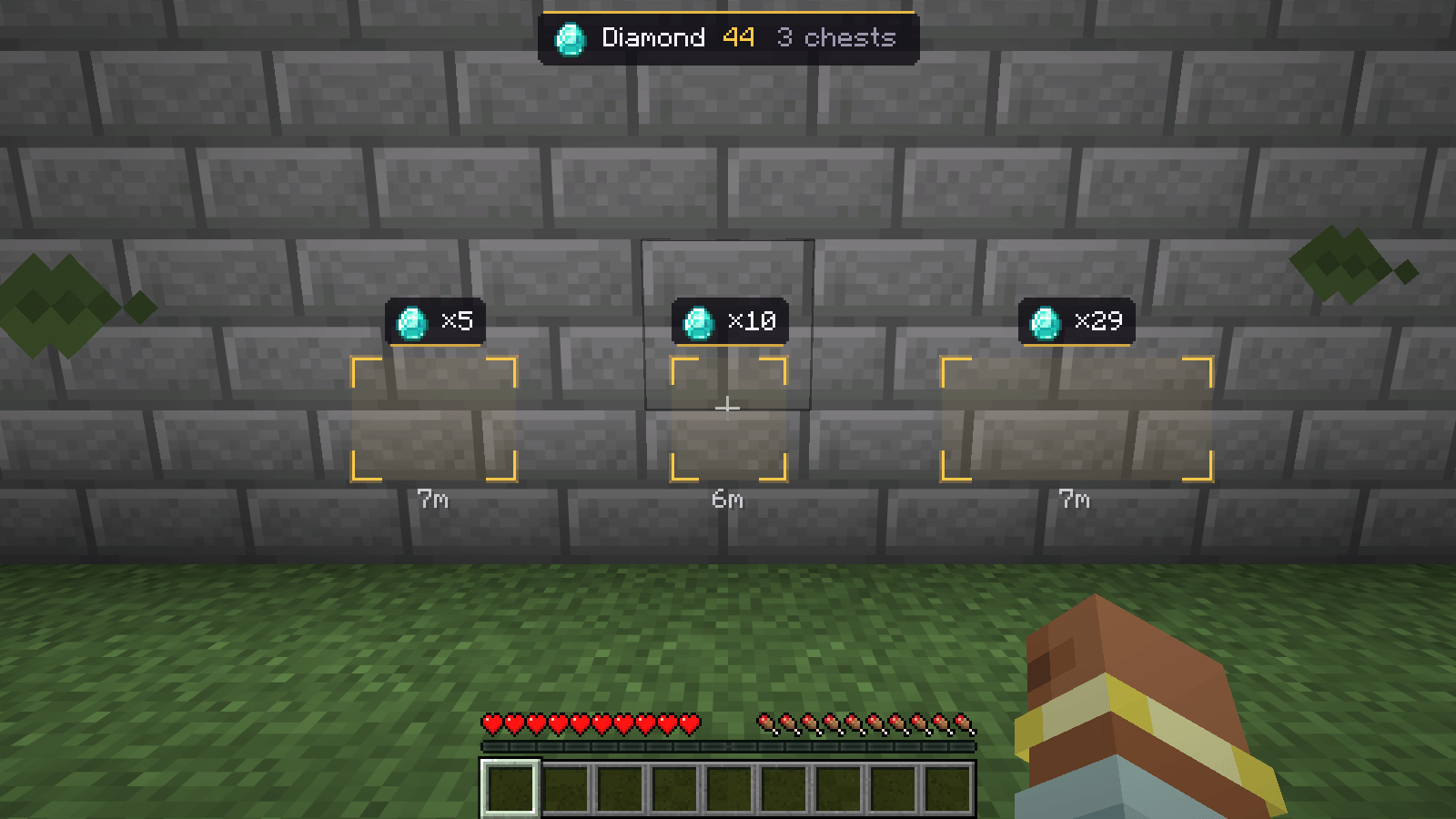
2-through-walls.png
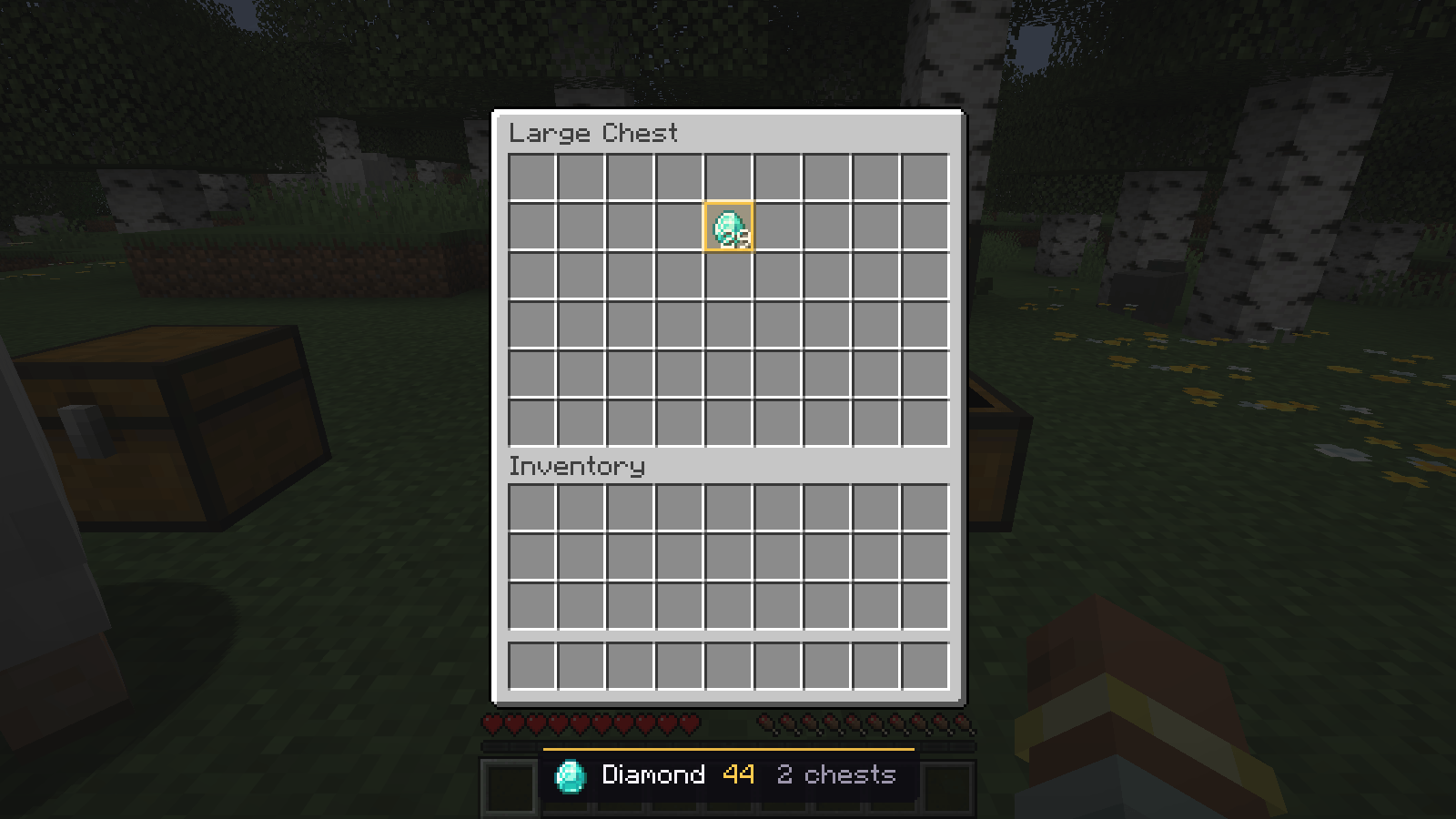
3-slot-glow.png
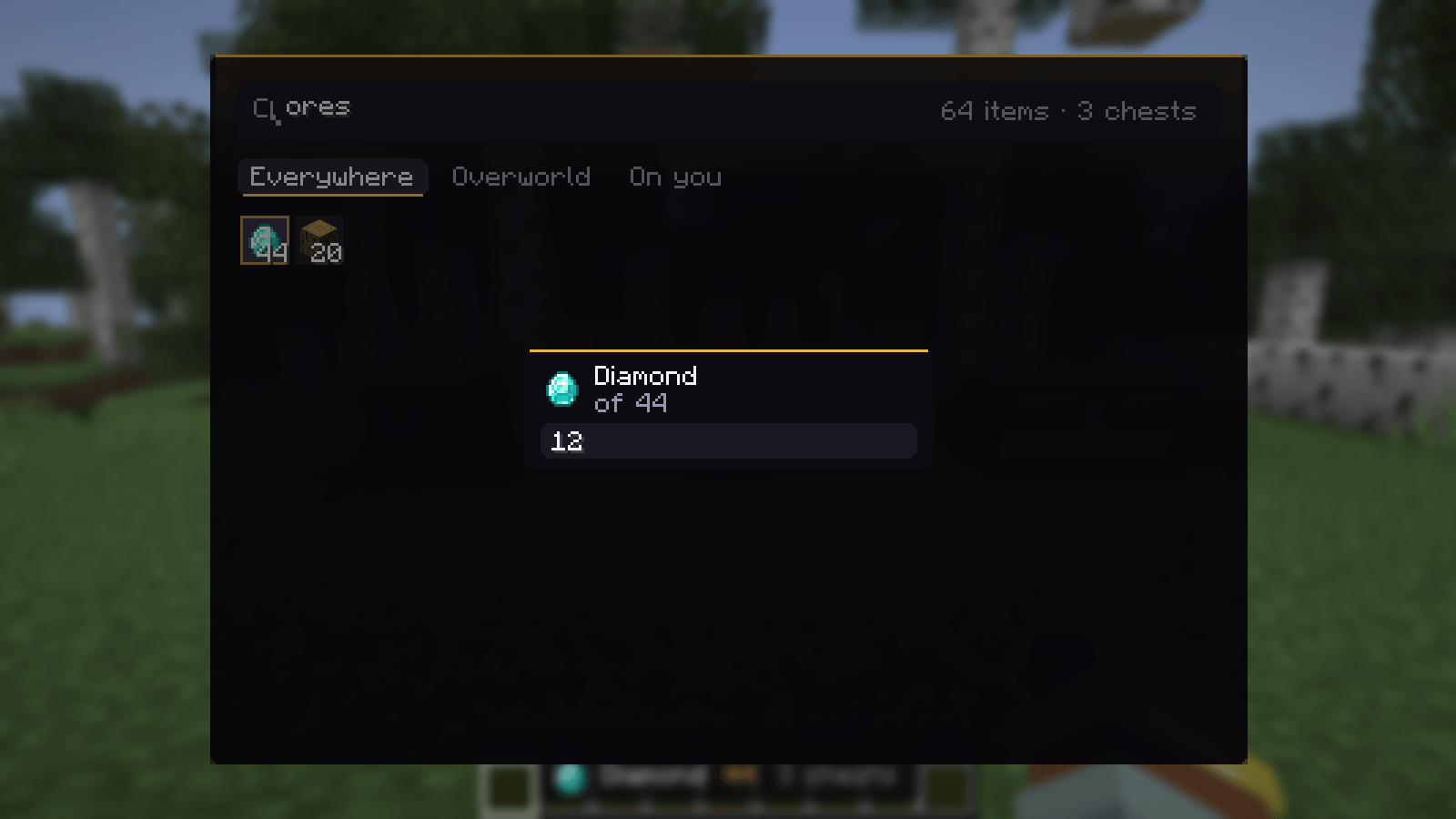
4-how-many.png
5-peek.png
Description
Hoard
Never lose an item in your chests again.
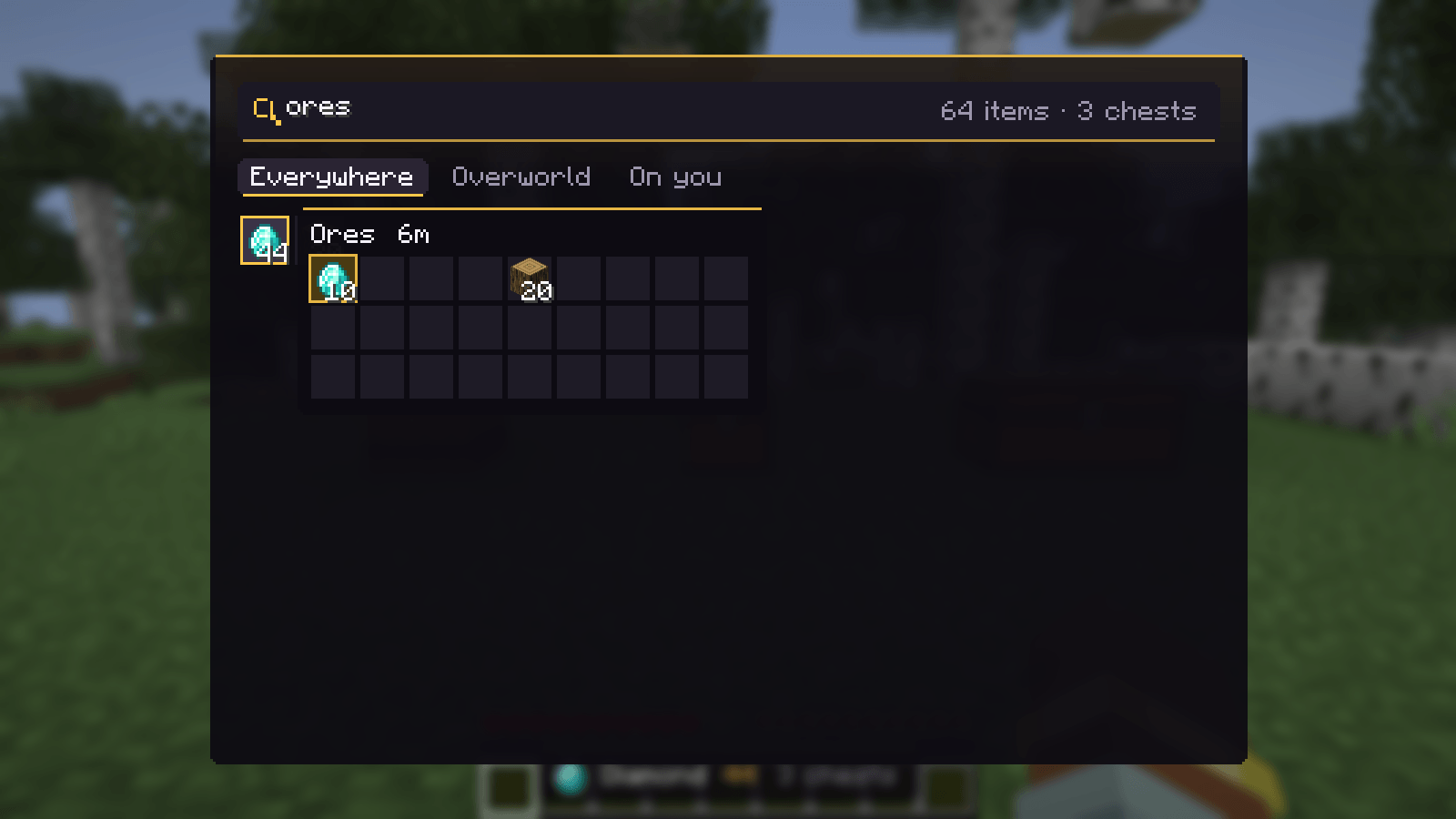
Hoard remembers what's in every container you open, separately for each world or server. Search all of it, click an item, and the containers holding it are marked on screen with how many are in each. Open one and the stacks you're after glow inside.
🔎 Finding
- Press `
``` (the key under Esc) to open Hoard and search everything you've stored - Click an item: gold brackets around each container that has it, with a tag (item × count) and the distance. Containers off screen get a tag on the edge of the screen, on the side to turn to.
- A banner says the total, how many containers are left, and how many are elsewhere
- Over an item in any inventory, press
Yto find more of it - How many: right-click an item and type an amount; only the nearest containers that add up to it are marked
- Look inside: hold Shift over an item to see the nearest container with it, its stacks lit
- Containers you renamed show their name; searching a name lists what's in them
- Places you haven't looked in for 3 days turn grey, so you know the count may be old
📦 What's remembered
- Chests (double chests as one), barrels, shulker boxes (and what's inside them), hoppers, furnaces and more
- Your ender chest
- Hypixel SkyBlock: your island's chests, ender chest pages, backpacks, the Accessory Bag, Wardrobe, Personal Vault and sacks. Each island is kept separate.
Details
- Client-side only. It only remembers what you've seen; nothing is sent anywhere.
- Saved in
config/hoard/, written safely with a backup. - Requires Fabric API. Minecraft 26.2 and 26.3. Works great with Hands On.
Made by RdotA.
Hoard Team