1-0006_handson-6-crafted.png
2-hypixel-anvil.png
3-brewing.png
4-smithing.png
5-loom.png
Description
Hands On
Use blocks with your hands instead of menus.
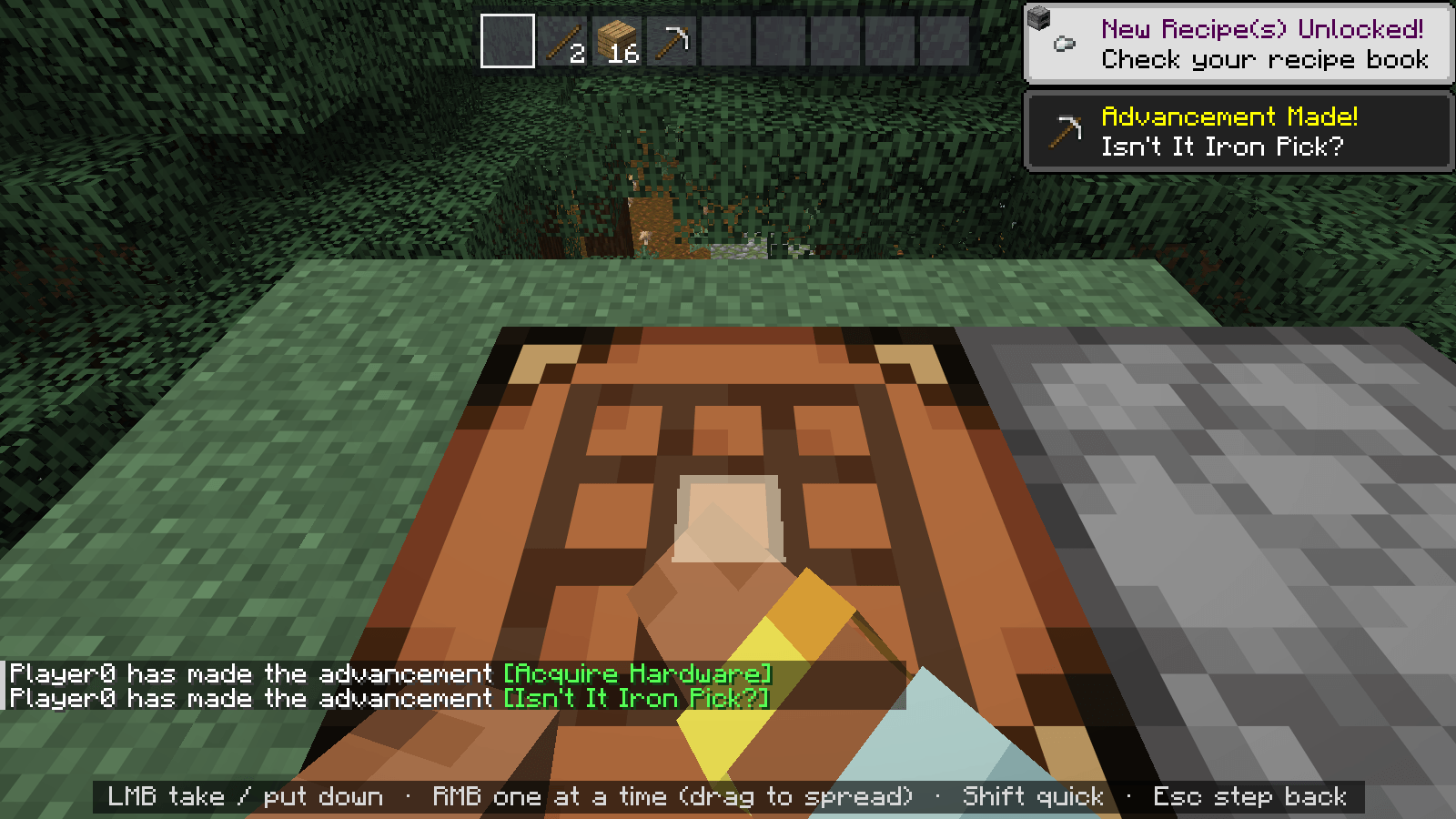
Right-click a crafting table and the camera leans over it: your items sit on the grid, the result floats above, and your arms reach for whatever you point at. Esc glides back out. The camera move is on your screen only; the server never sees you turn.
🔨 Blocks
- Crafting table: items on the 3×3 grid, the result floating over it
- Furnace, blast furnace, smoker: what you smelt sits in the opening, fuel in the fire box, a progress bar under it
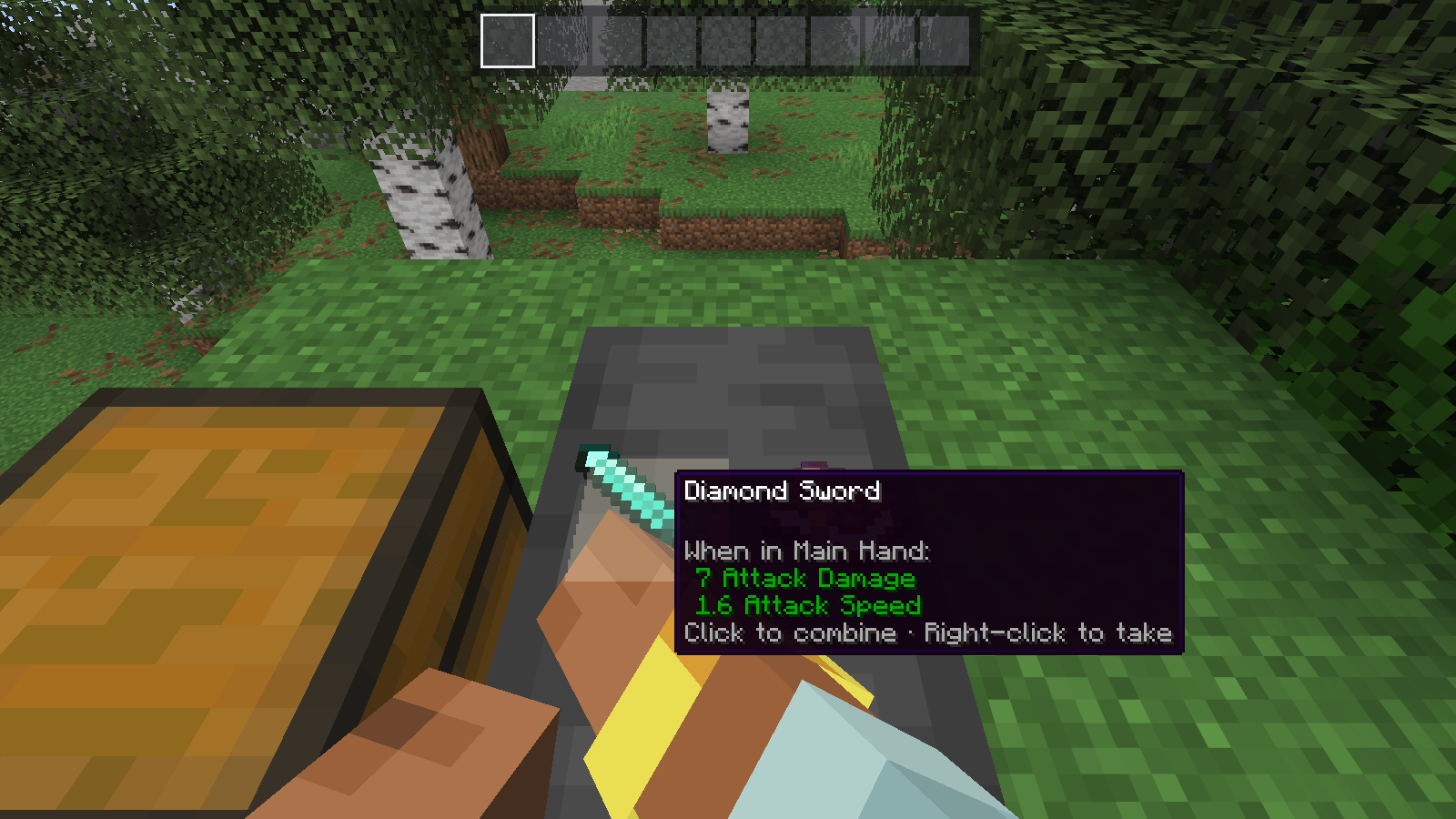
- Anvil: a smith's hammer comes down on the work; the new name floats above with its cost
- Enchanting table: three runes float over the book; the item rises and glows when enchanted
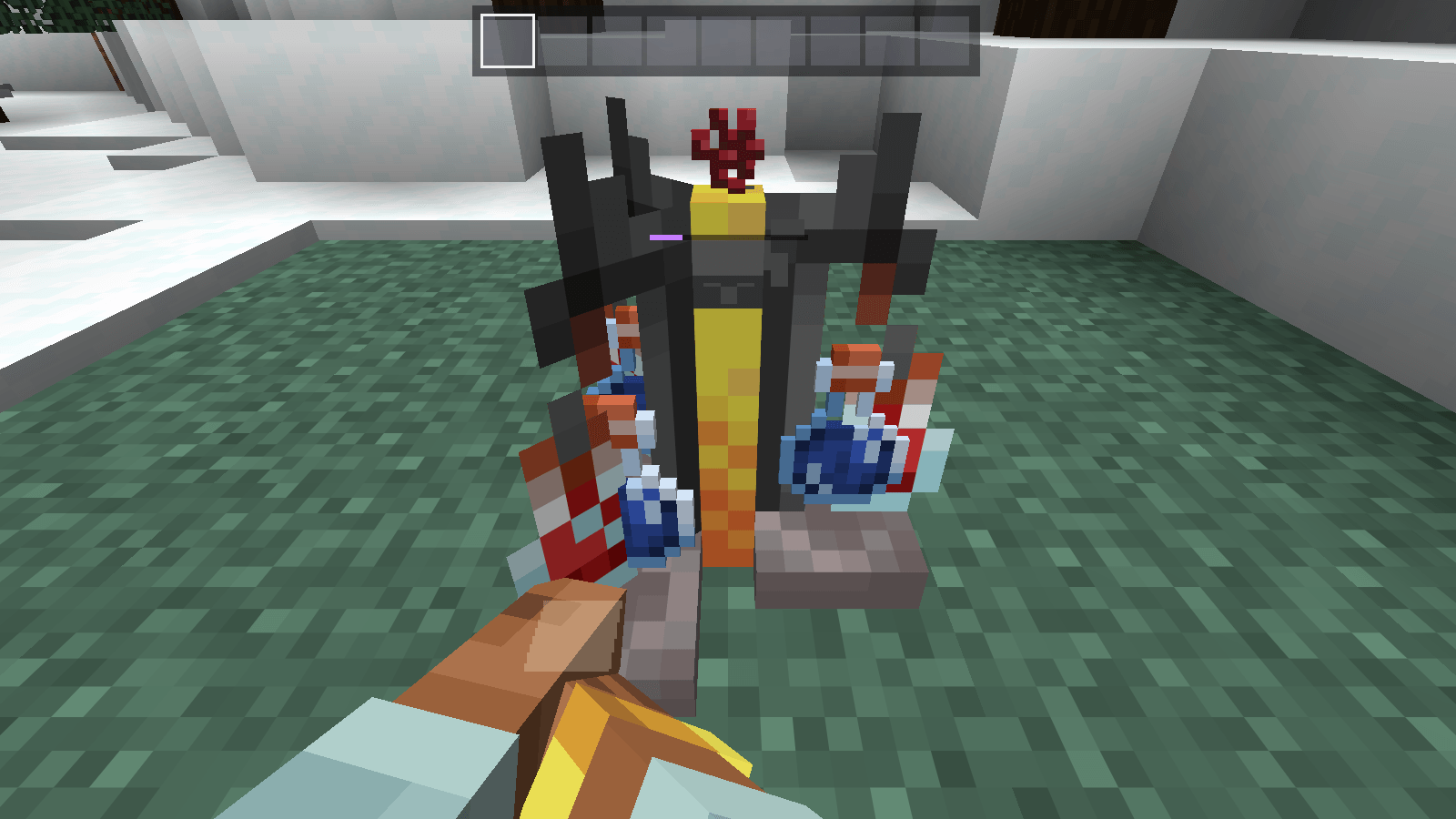
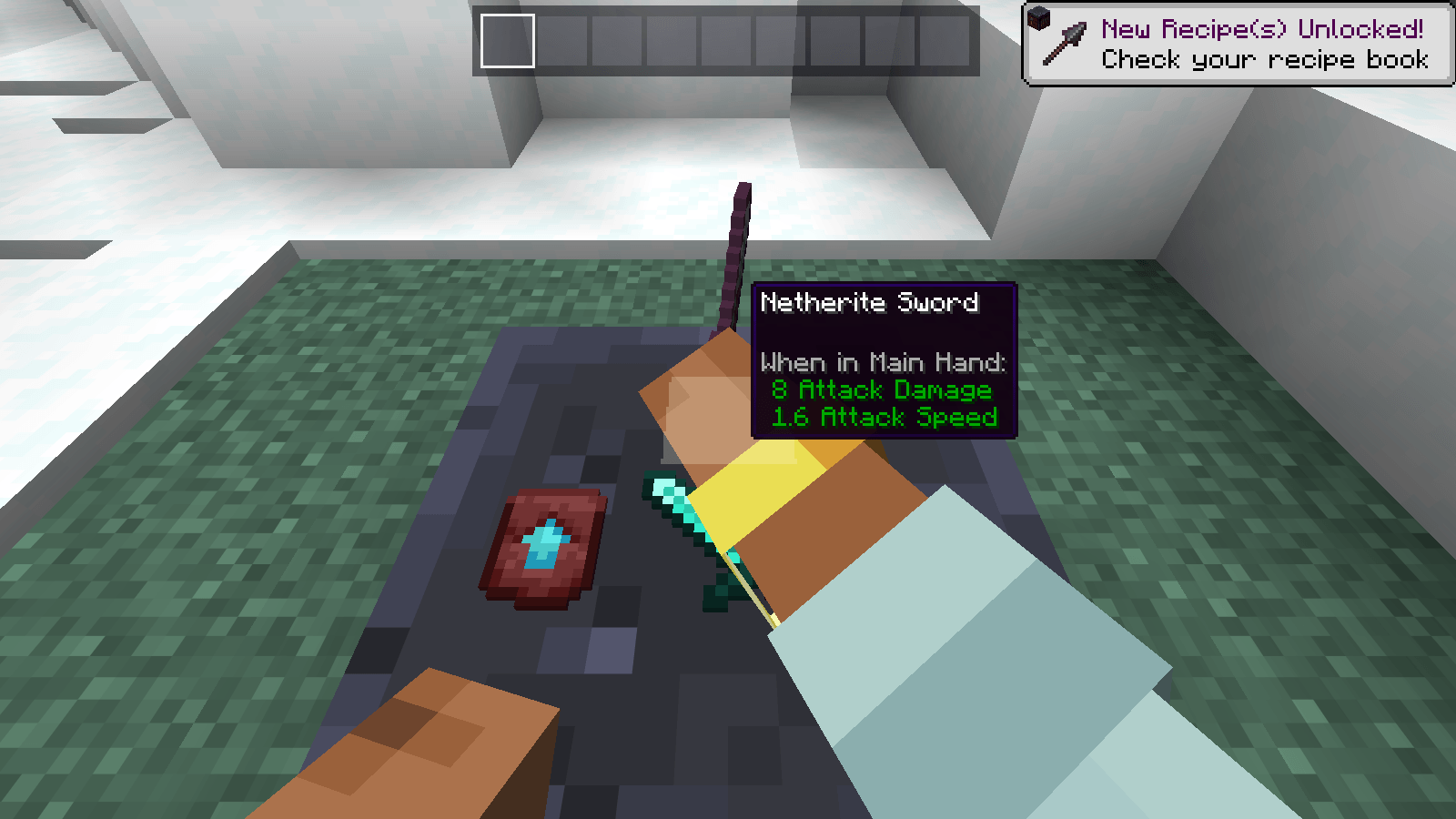
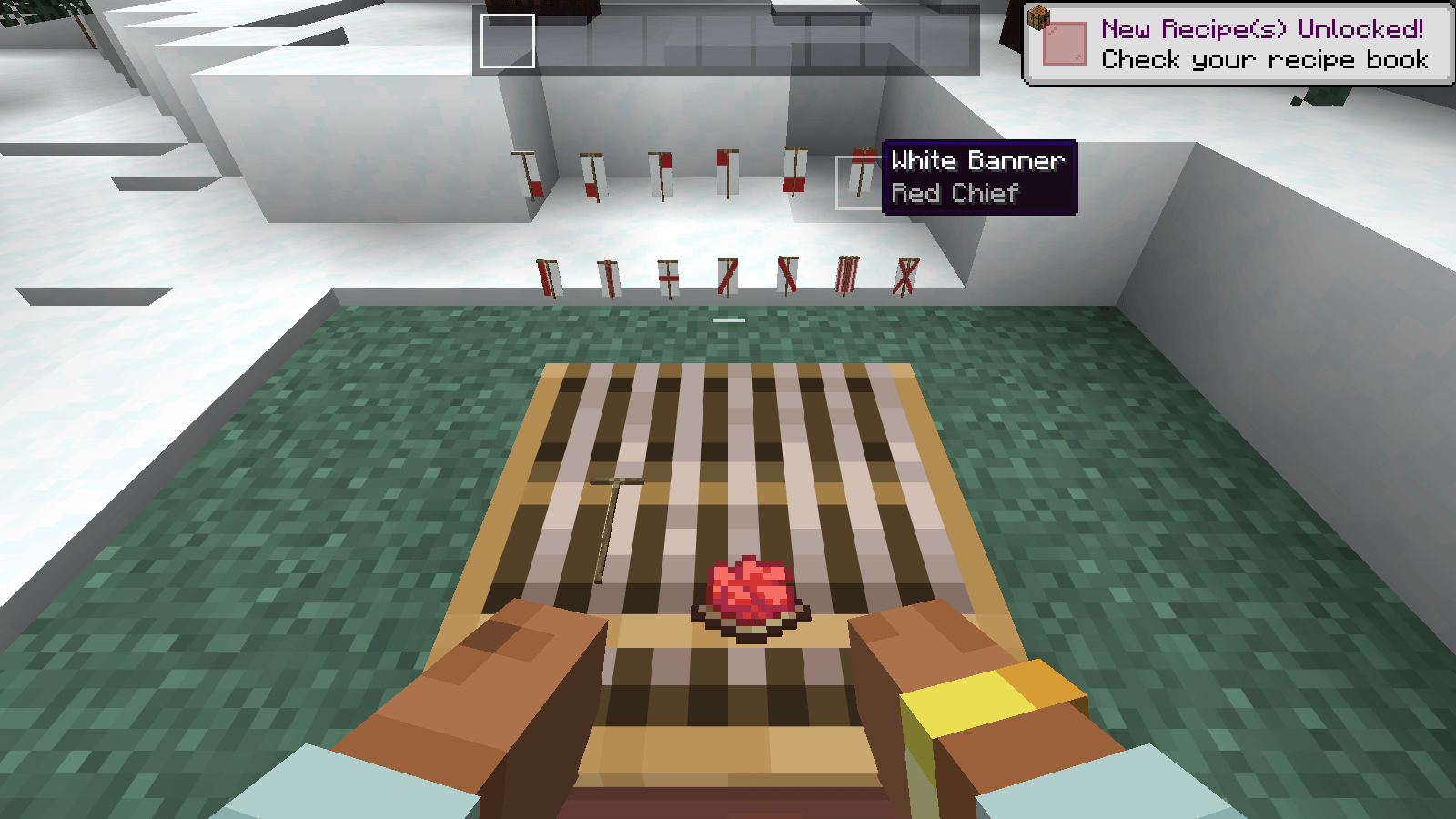
- Grindstone, smithing table, stonecutter, brewing stand, loom
- Chests, double chests, ender chests and barrels: look inside, with the items on the floor
✋ Everywhere
- Your hotbar along the top; hover it for the whole inventory
- Left-click, right-click, Shift-click, number keys and dragging all work as usual
- Hold Left Alt while right-clicking for the normal menu instead
- Sounds for putting things down, picking them up, crafting, hammering and grinding
Hypixel SkyBlock
Hypixel's crafting table, anvil and enchanting table get the same treatment: their slots go on the block and the filler panes are hidden.
Details
- Client-side only. The normal menu is underneath, so every click sends exactly what the normal screen would.
- Requires Fabric API. Minecraft 26.2 and 26.3. Settings in Mod Menu (optional).
Made by RdotA.
Hands On Team