Hal's Vehicle Framework
- By
A simple to use but incredibly powerful vehicle library for Minecraft Forge & NeoForge

logo.png
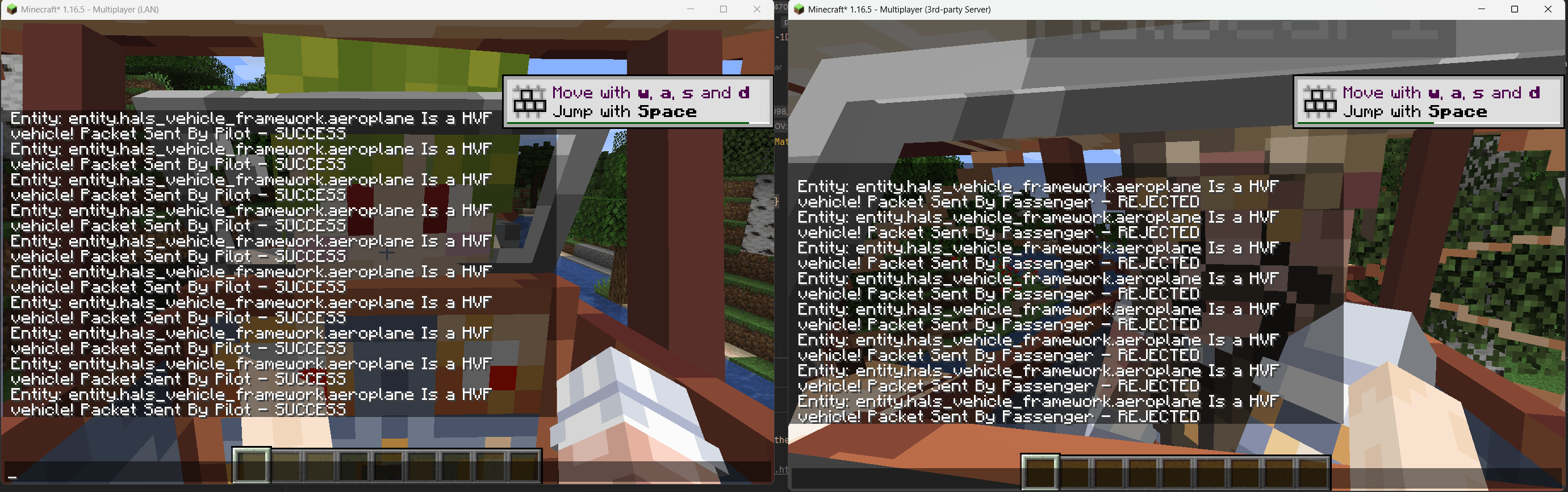
HVF_Input_Testing.png
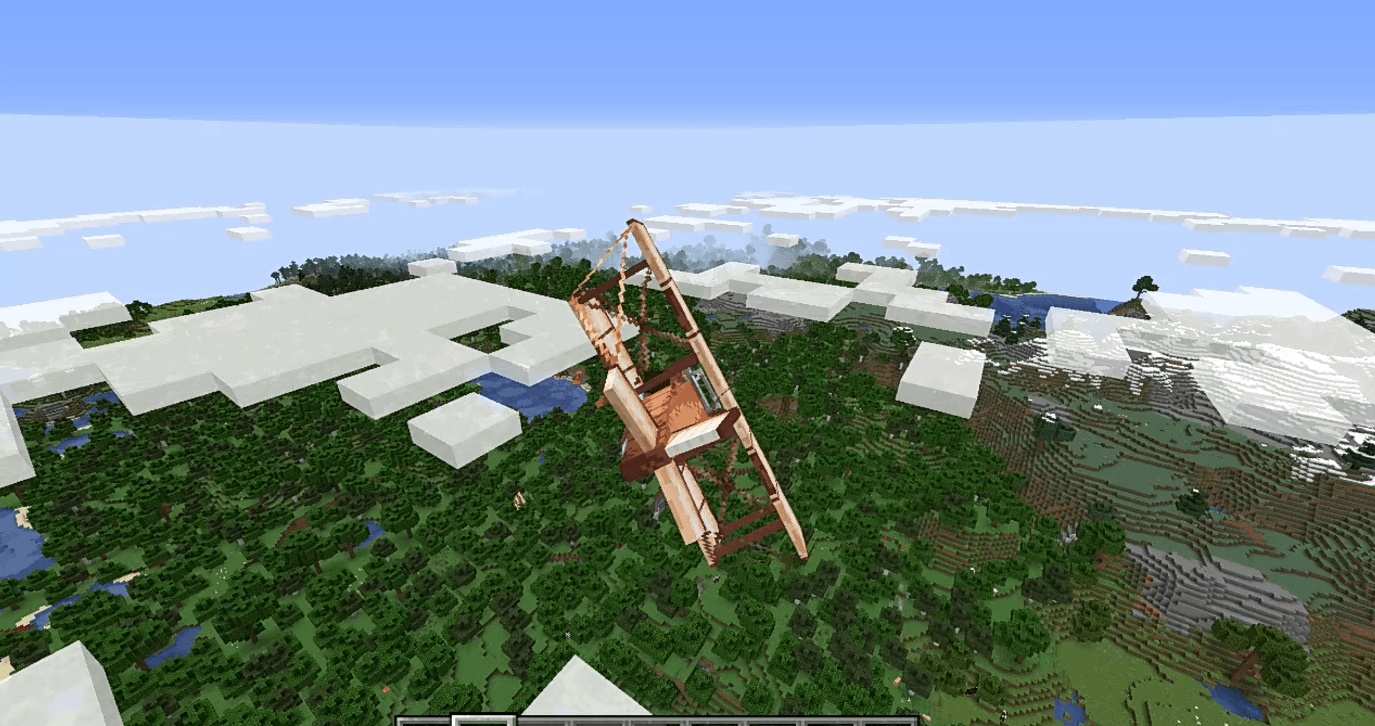
Plane Example.png
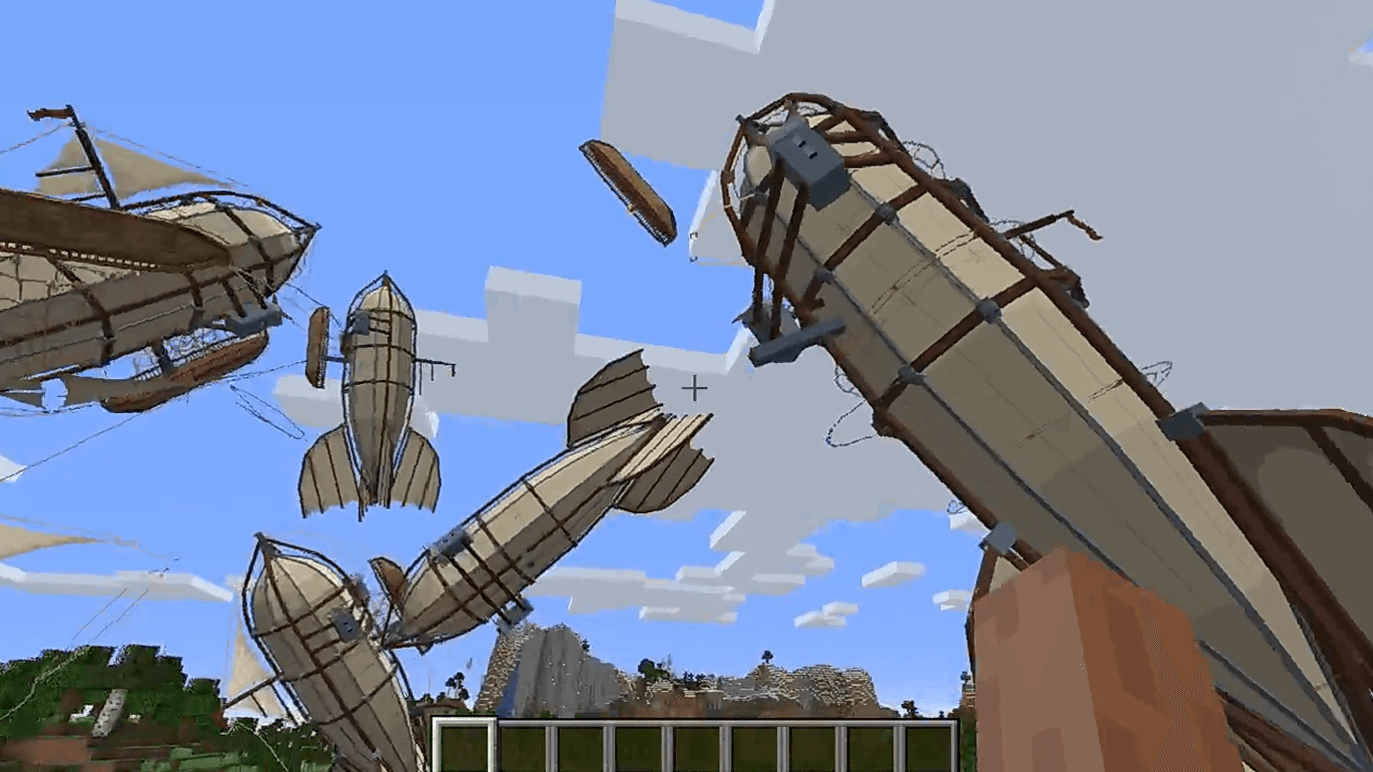
Modular Rendering and rotation example.png
Description

a library to make creating vehicles as easy as creating living entities, this mod covers:
- Completely custom Camera offsets, rotations, and FOVs
- Entity Seat positioning
- Animations
- Physics
- Server/Client synchronisation
- Key Input
- Engine Simulation
- Damage Simulation
- Modular/state based model rendering with Yaw/Pitch/Roll
- Visual Damage
- Fuel & Parameter management
- Server synced data
And it comes with a bunch of presets for the following Vehicles:
- Propeller Aeroplanes
- Jet Aeroplanes
- Blimps/Zepplins
- Wheeled Land Vehicles(Cars)
- Tracked Land Vehicles
- Sail Boats
- Ships
- DrillShips
- Trains
- Rockets
With support for engine types of:
- Aircraft propeller
- Aircraft Jet Engine
- Car Petrol Engine
- Car Diesel Engine
- Train Diesel Engine
- Train Steam Engine
- Ship Steam Engine
- Ship Diesel Engine
- Rocket Engine
Getting Started
after importing the library, to create an entity with the framework you structure it as so
The entity itself:
this will be an example of an Aeroplane
public class AeroplaneExample extends VehicleBaseEntity {

    private static final VehicleBuildInfo buildInfo = new VehicleBuildInfo(VehicleClassification.Aeroplane)
            .SetEngineCount(1)                                      //Sets the number of engines a vehicle has
            .SetEngineType(EngineCategories.Aircraft_Propeller)     //Sets the engine type of the vehicle, such as propeller, jet, piston engine etc...
            .SetMaxEngineRPM(3000)                                  //Exceeding this RPM damages the engine
            .SetWingSpan(2)                                         //Aeroplane exclusive property, determines where the collision points for the wings are
            .SetMaxSpeedMS(70)                                      //Sets the fastest the vehicle can go under its own power
            .SetCentreOfMass(new Vector3d(0,0,2))                   //Offsets the pivot point for physics based rotation added with advanced physics
            .SetPilotSeat(new Vector3d(0.0D, -1D, 0.0D))            //Sets the seat that controls the vehicle when a player sits in it, a vehicle with no pilot seat but passenger seats will use the first passenger seat as a pilot seat
            .AddPassengerSeat(new Vector3d(0.0D,-1D,-1D))           //Specifies seats players can sit in which can't control the vehicle, You can add an infinite number of passenger seats
            .SetFuelType(FuelType.AviationPetrol)                   //Fuel type, controlled by tags, this framework does not include the actual fluids/fuels so you can decide on what fuel it uses
            .AddFuelTank(1000F);                                    //Adds a fillable fuel tank, vehicles can have multiple separate fillable fuel tanks

    public AeroplaneExample(EntityType<?> Type, World WorldIn) {
        super(Type, WorldIn, buildInfo);                                //Super takes in the default entity parameters plus the build information of the vehicle
        VehicleCameraSettings.AddEntityCameraPreset(this.getType(),     //This sets the custom camera Offset, Rotation, External FOV and Internal FOV
                new VehicleCameraPreset(new Vector3f(0,0,4.5f),
                new Vector3f(0,0,0),70,60));
    }

    @Override
    public void TickUpdateEvent(){
        //Tick event that happens on both client and server
    }

    @Override
    public void ServerSideTickEvent(){
        //Tick event that happens on only the server
    }

    @Override
    public void ClientSideTickEvent(){
        //Tick event that happens on only the Client
    }
}
The entity renderer:
this you put an array of models in but for this example it's an array of 1 size, this is so you can put multiple models for a single vehicle in, or make it dynamically swappable in game
@OnlyIn(Dist.CLIENT)
public class AeroplaneRenderer extends VehicleBaseRenderer {

    public AeroplaneRenderer(EntityRendererManager renderManagerIn) {
        super(renderManagerIn, new EntityModel<?>[]{new AeroplaneModel()},"textures/entities/biplaneupdated.png");
    }
}
Registering the entity
you register the entity as if it were any other entity
public class ModEntities {
    public static DeferredRegister<EntityType<?>> ENTITY_TYPES = DeferredRegister.create(ForgeRegistries.ENTITIES, Halsvehicleframework.MOD_ID);

    public static final RegistryObject<EntityType<AeroplaneExample>> AEROPLANE =
            ENTITY_TYPES.register("aeroplane", ()-> EntityType.Builder.create(AeroplaneExample::new,
                    EntityClassification.MISC ).size(3f,2f).build(new ResourceLocation(Halsvehicleframework.MOD_ID, "aeroplane").toString()));
}
Registering the renderer
this is also the same as if it were any other entity, it is put in the client event handler
@Mod.EventBusSubscriber(modid = MOD_ID, bus = Mod.EventBusSubscriber.Bus.MOD, value = Dist.CLIENT)
public class ClientEventHandler {
    @SubscribeEvent
    public static void init(final FMLClientSetupEvent event) {
        RenderingRegistry.registerEntityRenderingHandler(ModEntities.AEROPLANE.get(), AeroplaneRenderer::new);
    }
}
Handling Animation
To animate the models you need to modify the "Model" class generated by Blockbench or similar software for creating Java models\ firstly you need to modify it to extend the "VehicleBaseEntity" class:\ Before:
public class AeroplaneModel extends EntityModel<Entity> {
    private final ModelRenderer Body;
    private final ModelRenderer cube_r1;
    private final ModelRenderer cube_r2;
    ...
After:
public class AeroplaneModel extends EntityModel<VehicleBaseEntity> {
    private final ModelRenderer Body;
    private final ModelRenderer cube_r1;
    private final ModelRenderer cube_r2;
    ...
then you add whatever animations you want in the setRotationAngles function using the Vehicle Entity Animation Manager which has a series of premade animations, you do this by passing through the ModelRenderer part for your animated part, as seen here:
    @Override
    public void setRotationAngles(VehicleBaseEntity entity, float f, float f1, float f2, float f3, float f4) {
        AeroplaneExample aeroplane = (AeroplaneExample)entity;
        aeroplane.GetAnimationManager().PropellerAnimation(propeller, aeroplane, AnimationAxis.Z_AXIS, false); //propeller is the name of the ModelRenderer which has the 3d models propeller in it
    }
Hal's Vehicle Framework Team

Owner